

Turn recordings into transcripts and summaries in minutes
Upload audio or video for multilingual transcription, AI notes, and action items
I have about 15 meetings a week. What I used to dread most was post-meeting cleanup—a two-hour meeting recording I'd have to listen to and transcribe, often not leaving the office until 8 PM. Worse, when my boss suddenly asked, 'What was the vendor's quote last time?' I'd spend three minutes digging through the recording and still not find it. The pressure was enormous.
Later, I tried Windows' built-in recorder and online recording tools, but it wasn't until I switched to Tinrec that I truly escaped. This post shares the three free computer screen recording options I've tested, and why I eventually had my whole team use Tinrec.
What can computer screen recording do for you?
Scenario 1: Online meetings automatically archived When I'm on Google Meet with a remote vendor, I used to manually jot down key points. Now I use Tinrec to record both system audio and microphone. By the time the meeting ends, AI has already generated a summary and to-do list, showing who needs to do what by what deadline at a glance.
Scenario 2: Online courses turned into text notes Taking a Udemy or Hahow course and can't keep up with note-taking because the instructor talks too fast? Use Tinrec to record the course audio, convert it to a transcript, and ask AI to pull out chapter highlights—your review efficiency doubles.
Scenario 3: Interviews without typing while listening When interviewing clients or users, I used to carry a voice recorder and then spend two hours at home transcribing. Now I just leave Tinrec running on my laptop; it transcribes as it records, and when we're done, I can export the report to my boss, saving tons of time.
How practical are Tinrec's core features?
Real-time recording + transcription: It doesn't just transcribe after recording; it produces text as it records, with under a second of delay. During meetings, I can watch the text to see if I missed key points without constantly being distracted by note-taking.
AI semantic summary: It doesn't just condense the transcript; it structures it—meeting topic, discussion conclusions, action items, and owners, all listed separately. I now paste the summary into my weekly report to my boss instead of rewriting it.
AI conversation query: After recording, you can ask Tinrec directly: 'Who mentioned budget overruns in last week's meeting?' It pulls from the history, even time-stamped—10x faster than digging through files.
Multi-source organization: In addition to live recording, you can also upload old audio files or YouTube course links, and it converts them all to text and summaries, organized in one place.
Automatic to-do extraction: The most annoying part after a meeting is chasing down progress. Tinrec picks out sentences like 'Ming, contact the vendor' and 'Submit the report by Friday' and turns them into a to-do list. I now screenshot and send it to the group—no one dares say they forgot.
Stop organizing recordings by hand
Upload audio or video and automatically get a transcript, summary, and action items
Real-world use cases
Meeting management: My team has two progress meetings a week. I record the entire meeting with Tinrec, get the summary and to-dos within five minutes, and email them to everyone as meeting minutes. No one can ever say 'I didn't hear that'.
Self-study: After listening to an online course or podcast, I drop the audio into Tinrec to get a transcript, then ask AI to turn it into a mind map in Notion. Three months later, I can still search for what I learned.
Cross-team communication: The worst thing about meetings with sales and marketing is unclear conclusions. Now I just record with Tinrec. If someone later argues, 'But we agreed...', I pull up that exact conversation transcript and shut it down in one second.
4 things to watch when choosing a computer recording tool
- Complete recording sources: Can it record both system audio and microphone? Tinrec can—one click. It captures online meetings, videos, and presentations clearly, unlike some tools that only record the mic and miss the sound from slides.
- Post-transcription organization: Recording is just the first step; how you organize after transcription is key. Tinrec provides summary, to-dos, chapters, and even AI Q&A, saving far more time than simple text transcription.
- Chinese recognition: I used to use foreign tools for Chinese meetings, and the error rate was often over 20%, which made them useless. Tinrec handles Traditional Chinese and mixed Chinese-English meetings noticeably better, and in real-world tests it captured common terms.
- Is the free allowance enough? If you only have 2-3 meetings a month, the free plan's 100 minutes per month is plenty. If you have 3+ meetings a day like me, go for the Pro monthly plan—it costs about the same as two Starbucks drinks a month and gives you an extra hour a day with your family.
Frequently asked questions
Q: Do I need extra equipment to record computer audio with Tinrec?
A: No—the built-in microphone on your laptop works, but we recommend using headphones to capture system audio for better quality.
Q: Can I share recorded files with colleagues directly?
A: Yes, Tinrec supports exporting text, PDF, and even syncing directly to Notion or Google Docs with one-click sharing.
Q: Does the free plan have time limits?
A: The free plan gives you 100 minutes of transcription per month with no limit per session; you can process meetings up to two hours in one go.
Q: Where are recordings stored? Are they secure?
A: Files are encrypted and stored in the cloud, accessible only by you, and can be deleted at any time.
Summary
If you're still using Windows' built-in recorder or online tools and manually transcribing meeting notes, I genuinely recommend trying Tinrec. It not only records your computer audio but immediately turns it into searchable, organized, and follow-up-ready material. My team has used it for three months, and each person saves an average of four hours of paperwork per week—time better spent with family or leaving work earlier. That's worth more than anything.
The free plan's 100 minutes per month is enough to try it on two or three meetings and see what AI-assisted meeting notes feel like.
References
- Computer screen recording method sharing - Mobile01
- How to record your computer screen? Windows/Mac built-in screen recording tool tutorial!
- How to make a screen recording | Microsoft Support
- Use a screen reader to record your screen with Xbox Game Bar | Microsoft Support
- Screen recording tutorial and 10 computer recording software reviews, recording your computer screen is that easy (2024)
Turn every recording into actionable outcomes
Get 60 free transcription minutes when you sign in. No credit card required.
Related Reading
You might also like
2026 Hands-On Comparison of 5 AI Voice Tools: From ChatGPT Read-Aloud to Tinrec Audio/Video Organization, Which Is More Practical?
Can ChatGPT read aloud? This article compares 5 AI voice tools hands-on, taking you from simple voice read-aloud to recording transcription, AI summarization, and cross-source organization. With Tinrec as the core, we analyze which tool is best for meetings, learning, and content creation.
2026 Police Interview Recording Guide: Legal Self-Protection & AI Summarization
Can you record your own police interview? A senior student shares hard-won lessons, legal rules, and practical tips on when and how to record legally—and how Tinrec can auto-transcribe, summarize, and help protect your statement.

2026 Free Recording Organization Solutions: 2 Tools Compared
iPhone Notes is built-in and free, but Tinrec offers automatic transcription, AI summaries, and cross-platform organization. This article compares two free recording organization options across transcription, organization features, syncing, and exporting to help you find the right productivity tool.
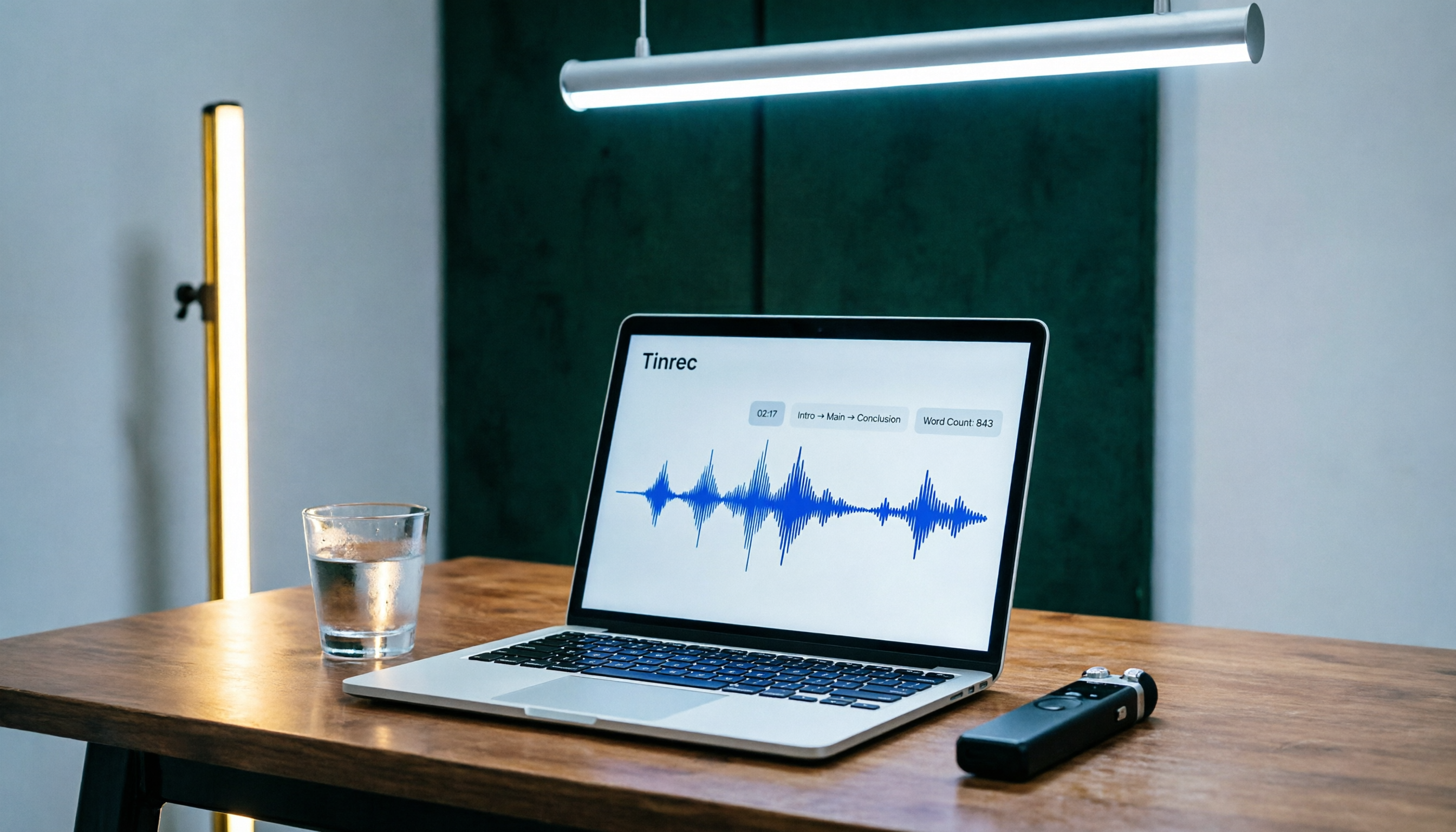
Tinrec Speech-to-Text 2026 Tutorial: Precisely Calculate 1,000-Word Speech Time + AI Auto-Organization
How long does a 1,000-word speech take? This article teaches you to calculate speaking rate based on the occasion and use Tinrec's speech-to-text feature to test your speech time, auto-generate transcripts and key summaries, so you can keep every presentation on schedule.

How to Change Font in iPhone Notes in 2026: A 5-Step Complete Guide
Changing fonts in iPhone Notes has its limits. This guide shows you how to use the latest iOS 18 features to apply bold, italics, headings, and text color, and compares Notes with Notion's full font capabilities to help you choose the right note-taking app for your needs.
Add Text to Photos on iPhone in 2026: Built-In Feature (No App Needed) + Top App Recommendations
Want to write on your iPhone photos without downloading an app? This guide covers the built-in Markup tool and several popular apps, from simple captions to advanced design, to help you find the best method.
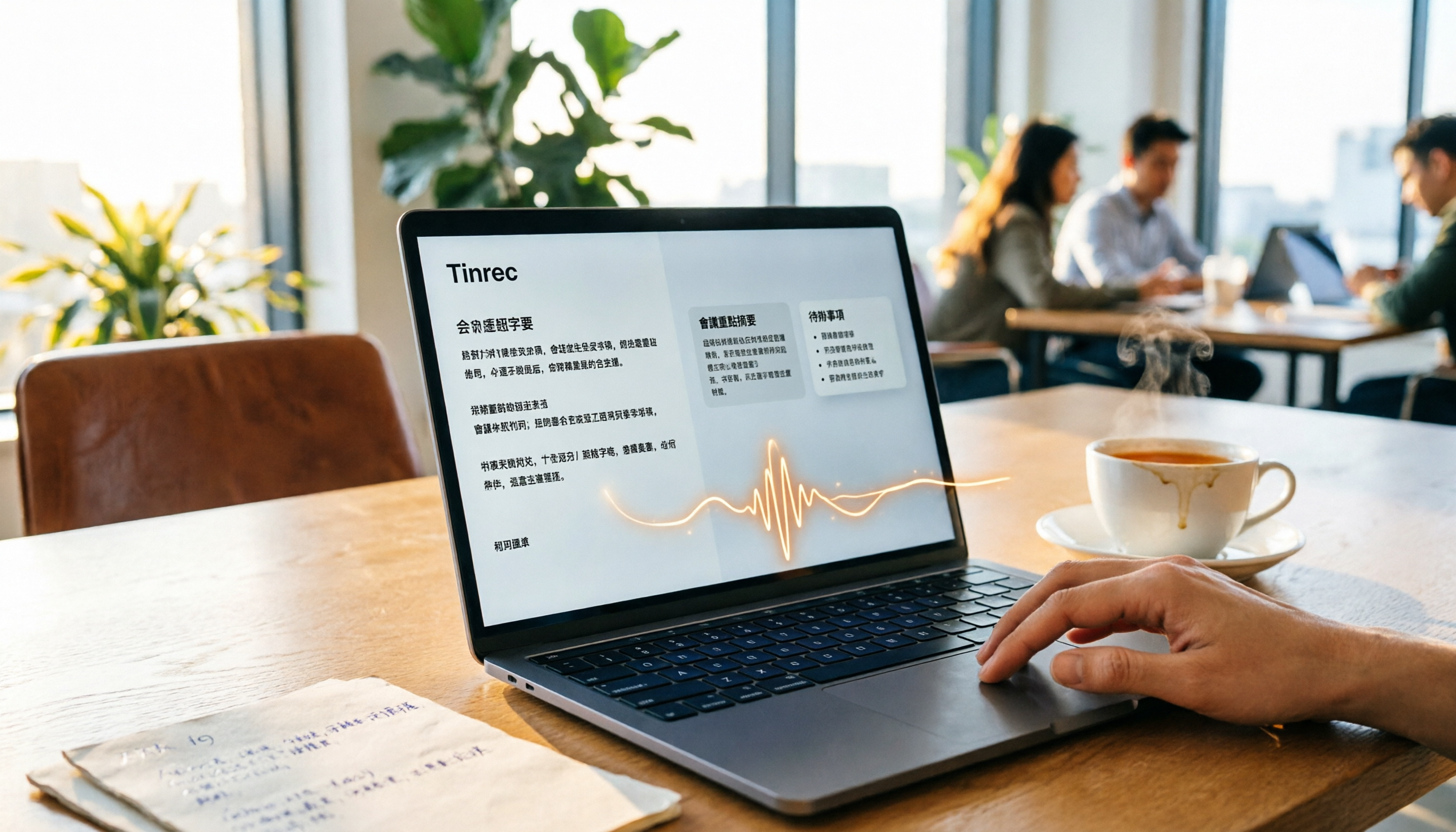
Best Meeting Notes App in 2026? We Tested 3, and This One Handles Chinese Best
Meeting notes are no longer a headache! Using Tinrec as an example, this article teaches you 3 steps to quickly turn meeting recordings into text, auto summaries, and to-do lists. We also tested 3 tools to show you which one is best for Chinese meetings and multi-source audio/video organization.

How Long Can ChatGPT Record? 2026 Hands-On Test of 3 Recording-to-Text Tools: Tinrec Best for Hong Kong Office Workers
Many people ask how long ChatGPT can record. The native ChatGPT recording mode maxes out at 120 minutes, but it’s not purpose-built for meeting notes. This article tests 3 tools and shows how to use Tinrec to turn recordings into meeting minutes and transcripts in a few steps, plus an AI Q&A feature that helps you skip overtime.
2026 Transcription Tool Buyer's Guide: 3 Tools Tested & Recommendations
Still dreading the time and effort of turning audio into text? This article redefines the value of transcription and puts three speech-to-text tools to the test—covering input sources, AI summarization, and Chinese language support—to help you find the digital partner that genuinely boosts your productivity.