

Turn recordings into transcripts and summaries in minutes
Upload audio or video for multilingual transcription, AI notes, and action items
How Long Can iPhone Voice Memos Record in 2026? 3 Steps to Extend Recording and Organize with AI
How long can the built-in Voice Memos app on iPhone record continuously? Here's the answer upfront: iOS does not impose a fixed time limit for a single recording. As long as your iPhone has enough storage and battery, you can technically record for hours on end—some users have even recorded up to 48 hours in real-world tests. But that doesn't mean you can record indefinitely; the real constraints are storage space and battery life.
Recording for 1 hour takes up about 60MB (compressed format) to 400MB (lossless format). On a 128GB iPhone, even with lossless recording, you could record over 300 hours before filling up the space. However, since your phone also needs room for apps and photos, you can't realistically use your iPhone as a dedicated recorder.
More importantly: What happens after you finish recording? A 3-hour meeting recording might require another 3 hours of re-listening to extract key points. That's the real pain point for most professionals and students. So, this article not only tells you how long iPhone Voice Memos can record but also teaches you how to use AI recording organization tools like Tinrec (Instant Voice Recorder) to turn recordings into searchable, summarizable, and exportable data.
What Can AI Recording Organization Do for You?
Many people think "once it's recorded, it's done," but a recording is like unorganized notes—you won't revisit it a month later. AI recording tools aim to solve the problem of "how to make recordings useful."
Take Tinrec, for example. It doesn't just transcribe audio to text; it organizes the content into actionable data. Here are three common scenarios:
Scenario 1: Generate meeting minutes within 5 minutes of a meeting ending Previously, after a two-hour weekly meeting, you might spend another hour organizing discussion points and action items. Now with Tinrec, as soon as the meeting ends, the AI automatically generates structured summaries, conclusions, and to-do lists—who does what and by when, all at a glance.
Scenario 2: Turn a two-hour lecture recording into review notes Students dread re-listening to an entire semester of lectures before exams. With Tinrec, simply upload the recording, and it automatically splits chapters, highlights key points, and even generates mind maps. You can search for keywords and ask, "Where is the derivation of the formula in Chapter 2?" and locate the exact timestamp within seconds.
Scenario 3: Turn interview recordings into citable material For research or interviews, transcribing is the most time-consuming part. Tinrec supports uploading audio files or pasting YouTube links, and after transcription, you can use the AI chat feature to ask, "What are the interviewee's views on market trends?" It answers based on the content, and you can export to Word or Google Docs with one click.
What Are the Core Capabilities of AI Recording Organization?
Not all speech-to-text tools are the same. For Tinrec, its core capabilities revolve around "organization" and "usage," not just transcription. Here are five features that stand out in practice:
Real-time transcription: Text appears as you record, with less than 1 second delay. During meetings or lectures, you can follow along visually to ensure you don't miss anything—especially useful for mixed Chinese-English content.
AI semantic summarization: Instead of condensing the transcript into a single paragraph, it structures the information—meeting topics, conclusions, action items, and responsible persons are all listed separately. For long meetings, you can grasp the key points just by reading the summary.
AI chat query: This is the most impressive feature. After transcription, you can ask Tinrec any question, such as "Who mentioned the Q3 budget in the meeting?" or "What were the main client feedback points?" It provides answers based on the recording, so you don't have to listen from start to finish.
Multiple input sources: Besides live recording, Tinrec allows you to upload audio or video files, or paste links to public videos from YouTube, Bilibili, etc., and directly transcribe them. This is especially convenient for content creators and researchers.
Multi-format export: You can take the organized content to other tools. Tinrec supports exporting to Word, PDF, TXT, subtitle files, and can sync directly to Notion or Google Docs—no more copy-pasting.
Stop organizing recordings by hand
Upload audio or video and automatically get a transcript, summary, and action items
Practical Use Cases
Now that we've covered the capabilities, let's see how Tinrec is used in different scenarios.
Meeting Minutes: From Recording to Action Items in One Go
The pain point of weekly meetings is post-meeting organization. With Tinrec's real-time transcription, the meeting automatically generates a transcript; after the meeting, the AI summary lists conclusions and action items. You can also ask, "What was the marketing team's progress this week?" and it will pull relevant sections from the recording. Finally, export the summary and action items to Word and share with the team—no more relying on memory.
Class Notes: Turn Long Recordings into a Searchable Knowledge Base
In classes or lectures, the fear is missing key points, but recording and then re-listening is tedious. Tinrec supports uploading audio or recording directly, and after transcription, it automatically splits into chapters. You can search for "midterm exam scope" and jump directly to the teacher's explanation. AI summaries also help with quick review, so you don't have to stay up all night re-listening to 20 hours of recordings before exams.
Interview Organization: Quickly Find Key Quotes
In interview research, the most time-consuming part is finding that one important quote from hours of recording. After Tinrec transcribes, you can ask via AI chat, "What are the interviewee's views on AI regulation?" and it will provide the answer with timestamps. You can also export key sections as text and include them directly in your report.
Content Creation: From Video to Text Material
If you run a YouTube channel or podcast, you often need to turn audio/video content into blog posts or social media updates. Tinrec's web video transcription feature lets you paste a public link and generate a transcript and summary. You can ask, "What key data points were mentioned in the video?" to quickly gather writing material, saving hours of manual transcription.
4 Things to Consider When Choosing an AI Recording Tool
With so many tools on the market, how do you avoid pitfalls? These four points are my takeaways after trying various services, and I'll compare them with Tinrec's performance.
- Transcription accuracy: Don't just rely on official claims; test with your own recordings. Tinrec performs well for Chinese transcription in typical meeting scenarios, but accuracy can be affected by background noise or multiple accents. Try the free version first to see if it suits you.
- It's not just transcription; post-processing matters more: Getting a transcript is just the beginning. Tinrec's AI summary and chat query features are the real time-savers, allowing you to quickly find key points instead of reading everything.
- Input sources should be diverse: Some tools only support live recording, others only file uploads. Tinrec supports live recording, file uploads, and web video links, covering most use cases, so you don't need multiple apps.
- Pricing and free tier: If you only record a few meetings a month, the free version may suffice. Tinrec's free version includes a monthly base transcription allowance for you to try. For heavy usage, the Pro monthly or annual plans offer lower per-month costs.
Frequently Asked Questions
Will iPhone Voice Memos stop automatically in the middle of recording?
It won't stop automatically due to length, but it will stop if storage space runs out or battery dies. Before long recordings, free up space, plug in power, and enable Airplane Mode to avoid call interruptions.
Can I use other apps while recording with iPhone Voice Memos?
Yes, but if another app needs the microphone (e.g., LINE calls, video conferencing), the recording will stop. A red indicator bar appears at the top of the screen during recording; you can also check status via the Dynamic Island.
What's the difference between Tinrec and iPhone Voice Memos?
Voice Memos is mainly for "recording," while Tinrec turns recording content into organized, searchable, and exportable data. It adds real-time transcription, AI summaries, chat queries, and multi-format export, making it suitable for users who need to use the content afterward.
How accurate is Tinrec's transcription?
Under clear recording conditions, standard accents, and no significant background noise, Chinese transcription quality is high. However, accuracy can be affected by recording quality, accents, and multiple people speaking simultaneously. For important content, it's recommended to proofread against the original.
Is the free version of Tinrec sufficient?
If you only transcribe a meeting or class occasionally, the free version's monthly base allowance is enough for a trial. For frequent use, consider the weekly card or Pro plan.
Conclusion
iPhone Voice Memos has no single-recording time limit; the real bottlenecks are storage and battery, and the bigger headache is "what to do after recording."
If you record meetings, classes, or interviews weekly, instead of spending time re-listening and manually transcribing, let AI handle the tedious parts. Tools like Tinrec turn recordings from "space-consuming files" into "searchable, queryable knowledge bases"—once you try it, you'll likely never go back to a simple recording app.
References
- Workplace Meeting Notes Challenges: How Long Can iPhone Record? AI Recording Assistant Provides the Perfect Solution - Tinrec Blog
- How Long Can iPhone Voice Memos Record? 2026 Speech-to-Text Tool Review and Efficiency Guide - Tinrec Blog
- Record in Voice Memos on iPhone - Apple Support (Taiwan)
- How to Use iOS Voice Memos? In-Depth Guide to the Built-in Powerful Recording Tool - Mr. Mad
- Complete Guide to iPhone Recording: Not Just Voice Memos, This Tool Can Also Record LINE and Zoom Calls!
Turn every recording into actionable outcomes
Get 60 free transcription minutes when you sign in. No credit card required.
Related Reading
You might also like
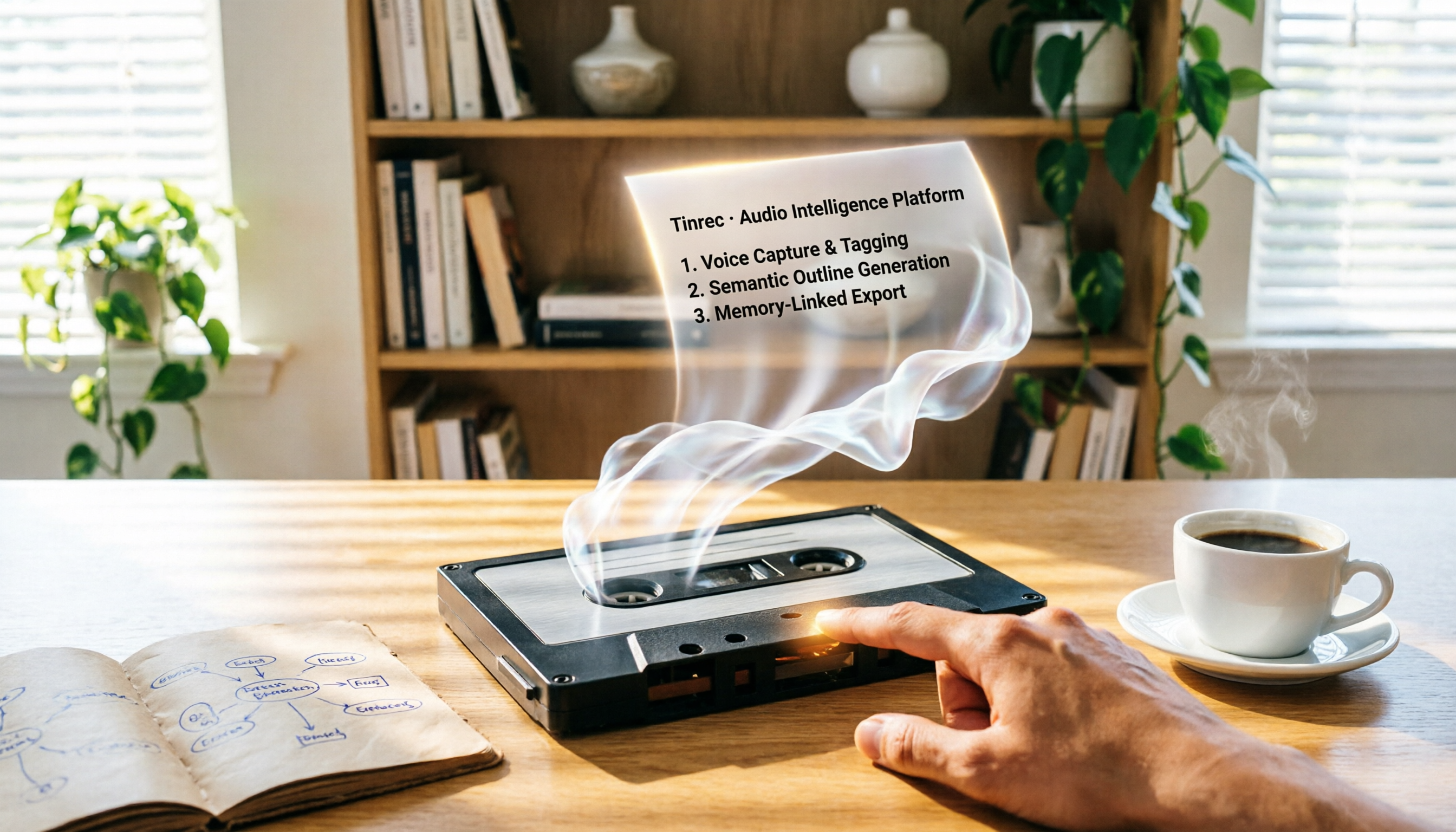
2026 Review: 5 AI Recording Tools for Repurposing Content—Quick Tips for Generating Presentation Outlines
Can you really turn recordings into presentation outlines? I tested Tinrec, Audiopen, Notta, Canva AI, and NotebookLM, and the results were surprising. Whether you need to extract key points from meeting recordings, course audio, or YouTube videos, this guide will help you find the best fit.

Which AI Transcription Tool Is Best? 2026 Hands-On Test of 5 Tools, This One Is the Most Complete
Want to quickly transcribe meeting recordings, course audio, interviews, or online videos into text and key points? This article reviews 5 AI transcription tools, comparing features, pricing, and ideal use cases to help you find the best fit.
5 Best AI Recording & Transcription Tools Tested in 2026: Which One Is the Ultimate Knowledge Workstation?
Tired of spending hours organizing meeting recordings, course audio, or online videos? This article tests five tools—Tinrec, Otter.ai, Notta, TurboScribe, and PLAUD Note—comparing accuracy, post-processing capabilities, Chinese support, and value for money to help you find the best AI recording and transcription solution.

2026 Free Text-to-Speech Solutions: 4 Options Compared
Want to turn articles, meeting notes, and study notes into audio content? This article rounds up 4 free text-to-speech solutions, including ChatGPT Read Aloud and Ondoku, and recommends pairing them with Tinrec to first convert audio/video into high-quality text, making it easy to create your own audiobooks.

Can Word Support Voice Input in 2026? 6 Steps to Switch to Tinrec for Better Efficiency
Wondering if Word supports voice input? This guide explores the limitations of Word's built-in dictation and shows you how to use Tinrec for more accurate speech-to-text, AI summaries, and multi-source organization. Try the free version today.
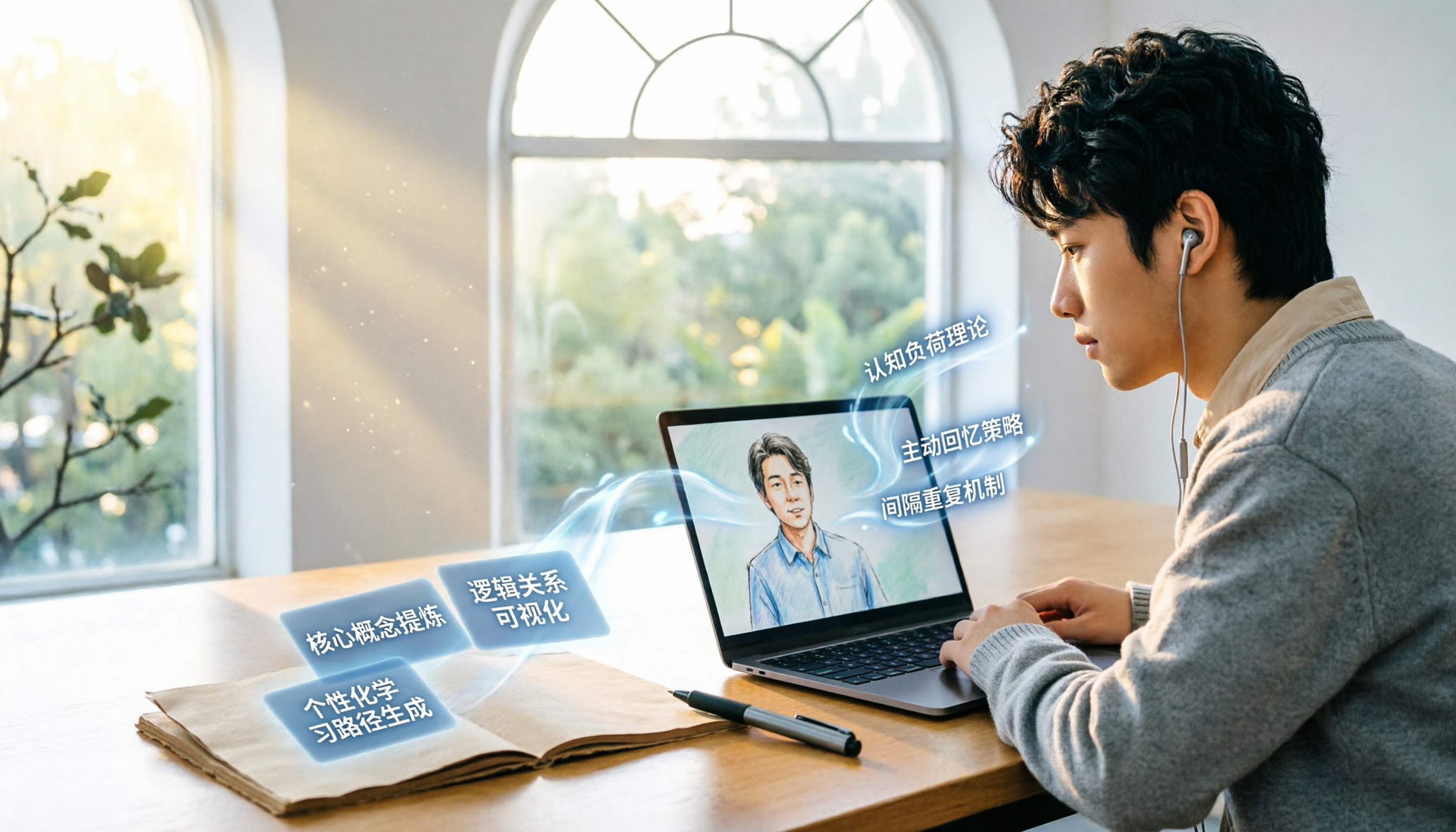
2026 Video-to-Text Tool Comparison: Which Is Better for Student Note-Taking?
An information systems student tests Tinrec and TurboScribe, comparing video-to-text conversion, AI summarization, free plans, and Chinese recognition to help you choose the best tool for recording lectures and organizing notes.
2026 Free WeChat Voice Forwarding Solutions: 1 Tool to See at a Glance
Can't forward WeChat voice messages directly? This article introduces a free tool, Tinrec, that helps you convert voice content to text or recordings, making it easy to share with others.

2026 Guide: Built-in Screen Recording on Windows 10/11 – No Installation Needed
Discover how to record your screen for free using Windows 10/11's built-in Xbox Game Bar. Simple steps, low resource usage, perfect for gaming, online meetings, and tutorials.

Tinrec vs Windows Built-in Voice Recorder: A 5-Dimension Test to Find the Best Tool for Workplace Recording and Transcription
Can you record audio directly on your computer? Yes, Windows has a built-in voice recorder, but it's basic and time-consuming to organize afterward. Starting from the pain points of a mid-level manager, this article compares Tinrec and Windows' built-in recorder across five dimensions: recording sources, transcription and organization, AI Q&A, output and collaboration, and pricing. It helps you find the best recording and transcription solution for meetings, learning, and interviews.