

Turn recordings into transcripts and summaries in minutes
Upload audio or video for multilingual transcription, AI notes, and action items
Let me ask you a question: in last week's budget meeting, who was assigned the final action item, and when is it due? If you're like me and had to think for a moment, the problem isn't your memory—it's that we've completely outsourced meeting notes to our brains.
I manage a team of 10 and have about 15 meetings a week: weekly syncs, project status updates, one-on-ones, cross-department coordination. The most annoying part used to be after the meeting, piecing together "who does what" from handwritten notes and fragmented memories. This past year, I've handed this mechanical work to AI. I've researched how tools like Notta AI work, and my daily driver is now Tinrec. This article starts with "how it actually works" and then explains how I use it to save that hour after meetings.
How Do AI Meeting Note Tools Work? A 4-Step Breakdown
Many people search "how does Notta AI work," but what they really want to know is: why do I get a summary right after recording? Whether you're looking at Notta, Otter, or Tinrec, these tools generally follow the same pipeline.
Step 1: Capture the audio. One approach is to send a meeting bot to join the online meeting as a participant; another is to capture system audio from the user's own computer, or upload audio/video files directly. This step determines the entire experience and whether a strange account will appear in the meeting.
Step 2: Speech-to-text (ASR). The system slices sound waves into segments, compares them against acoustic and language models, outputs text sentence by sentence, and identifies speakers. Multilingual support, accent tolerance, and handling of mixed Chinese-English speech—the differences lie here.
Step 3: Semantic organization. Pure transcription is just a transcript. Today's tools use large language models to compress thousands of words into summaries, chapters, key points, and action items. This step is where the real value of "AI" lies.
Step 4: Follow-up and output. Can you ask questions after transcription? Can you export to your existing workflow? This determines whether the data sits in an app nobody opens or becomes material you actually use daily.
Take Notta as an example. It mainly captures audio via a meeting bot or file upload. The official specs claim support for transcription and translation in 58 languages, and integration with Google Calendar, Slack, Salesforce, and Zapier. The free version offers 120 minutes per month, with a maximum of 3 minutes per recording. Tinrec takes a different path: the desktop version directly captures system audio, so no extra bot needs to be on the meeting roster. I've tested it on Zoom, Google Meet, Microsoft Teams, and Webex—it works. This makes a big difference for meetings where clients are present; you don't want a random account showing up in the participant list.
So don't think of it as a recording app. It's a four-stage process—capture → transcribe → organize → follow-up output—packaged together, saving you the manual work you'd otherwise repeat four times after each meeting.
What Can This Process Do for You? Three Scenarios That Resonate Most
Scenario 1: Meeting notes within five minutes after the meeting. A two-hour meeting used to require another hour of organizing afterward. Now, with Tinrec, the transcript is already there when the meeting ends, and the AI summary, chapters, and action items are generated. Who's responsible for what and when it's due—all listed. I paste this into the project group chat, and the discussion is over.
Scenario 2: Find the answer in thirty seconds when your boss asks. Last quarter, I was asked, "What was the discount floor we discussed with the client last time?" I used to have to flip through three notebooks. Now I just ask Tinrec about that meeting, and it replies with a sentence based on the transcript, complete with the relevant speaker segment.
Scenario 3: Assigned tasks have a record to track. Verbal instructions are the most error-prone. My approach now is to forward the action item list extracted by Tinrec to colleagues after the meeting. When I follow up two days later, they won't say "I thought it was due next week."
Core Capabilities Breakdown: Tinrec as an Example—Transcription Is Just the First Stage
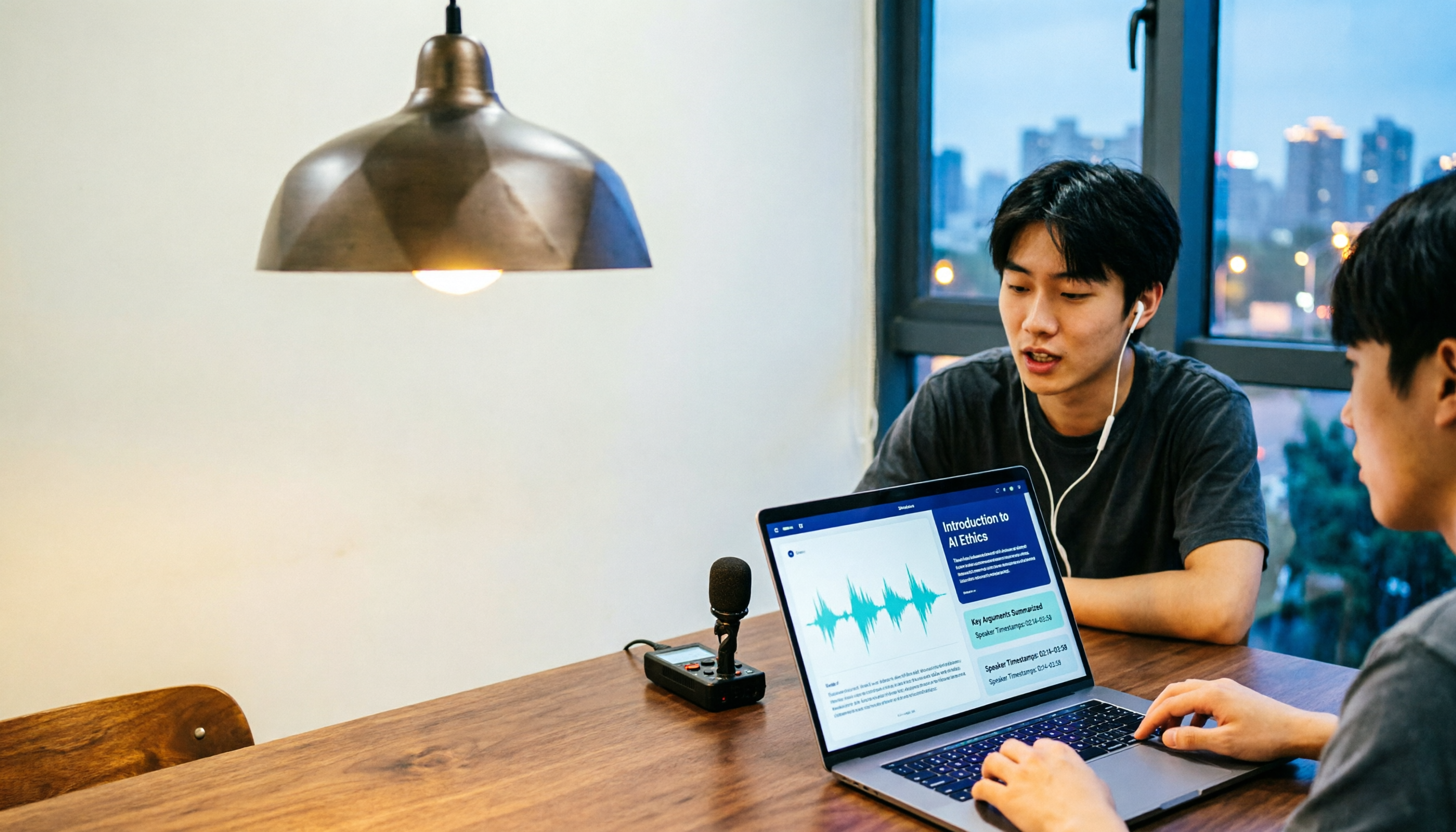
Real-time recording and transcription. Text appears as you record, not after. For in-person meetings, I open my laptop on the table, and the text runs synchronously. I can confirm key numbers on the spot, avoiding mishearing discovered only after the meeting.
Bot-free online meeting recording. The desktop version captures system audio without inviting any bot. This is the main reason I switched from the "meeting bot camp." Internal meetings are fine, but having an extra bot in external meetings is really awkward.
AI summary and chapters. It doesn't just condense the transcript into a paragraph; it provides structured output: topics, discussion flow, and conclusions listed in sections. For a two-hour meeting, I first look at the chapter titles, then decide whether to read in detail.
Action item extraction. It pulls out action items from the discussion. Note that AI may miss some action items; for important meetings, I still scan the transcript to fill in gaps.
AI Q&A. Ask questions about a single meeting or across meetings, such as "How many times has this project been delayed, and why?" Using this feature for a while changes your habits—you start assuming "I can look it up later," and you listen more attentively during the meeting.
Stop organizing recordings by hand
Upload audio or video and automatically get a transcript, summary, and action items
Real-time translation and bilingual view. For international meetings, you can view the original text, translation, or both side by side. My team has colleagues in Southeast Asia, and this saves a lot of time confirming details after meetings.
Export and post-processing. Results can be exported to Notion, Google Docs, OneNote, or Dropbox for further use, and you can also ask it to generate reports, tables, or meeting minutes documents.
Practical Applications: How I Use Tinrec in These Four Types of Meetings
Weekly syncs and project status meetings. This is the most standard use case: meet, record, and send out the summary and action items as meeting notes. I particularly appreciate how it separates "last week's action items" from "this week's new items"—I can copy and paste directly for upward reporting.
One-on-one meetings. The content is sensitive, so I don't record for archival. But I use real-time transcription to capture keywords during the conversation, and afterward I organize three lines of conclusions myself. This use case doesn't require a full set of minutes; it requires not missing that one heartfelt comment from the other person.
Client interviews and requirements discussions. When it comes to client requirements, concerns, and commitments, the transcript is the least argumentative evidence. After exporting to a document with Tinrec, I directly quote the client's own words in follow-up proposals—more reliable than my memory.
Cross-department and cross-language coordination. The most time-consuming part of cross-department meetings isn't communication; it's follow-up after communication. All decisions are stored in the team space. I review them before the next meeting, so I don't start from scratch each time.
5 Things to Consider When Choosing Such Tools
1. How the meeting is recorded. Does it send a bot to join, or capture system audio on the desktop? Tinrec takes the latter approach, which feels more natural for external meetings; the former also has its convenience for purely internal, fully online teams. First, think about whether your meetings have external participants.
2. Is there organization after transcription? A tool that only provides a transcript is essentially handing the organizing work back to you. Tinrec integrates summaries, chapters, action items, and Q&A into the same workflow—that's the main reason I stayed.
3. Performance with Chinese and mixed Chinese-English. In our meetings, English technical terms often pop up mid-sentence. Tinrec supports team hotwords, so you can feed in internal product codes and abbreviations beforehand, significantly reducing the chance of mishearing specialized terms. However, actual performance is still affected by recording quality, accents, and multiple people speaking simultaneously. For important content, I still replay and verify.
4. Understand the limits and pricing clearly. Tinrec's free version lets you try basic limits. For short-term intensive use, there's a weekly card; for steady weekly use, go for the Pro monthly or annual card. The team version is a separate space: monthly USD 29.80 per paid seat, annual USD 199 per paid seat (about USD 16.58/month). Eligible teams get a 7-day trial, 1 free seat, and 300 minutes of shared onboarding quota; paid seats provide 2,000 minutes of team shared onboarding quota per month. Also note that real-time recording under an active team plan currently does not deduct minutes; only file and web imports consume shared quota.
5. Team governance: roles and seats are two different things. This is easily overlooked. In Tinrec's team version, roles determine who can manage the team, members, and audits; seats determine whether a person can record, upload, edit, and export. Members without a seat can still view, play, and read team data, but cannot perform resource usage operations. Also, currently it's team-level sharing, not fine-grained file-level permissions. Align expectations with IT before purchasing.
FAQ
Q: Is Notta AI's free version enough?
According to official specs, the free version offers 120 minutes per month with a 3-minute limit per recording—good for trying it out. If your meetings often exceed 3 minutes, you'll hit the wall quickly. Tinrec's free version gives you basic limits to run a few full meetings, so you can confirm whether the workflow suits you before deciding to pay.
Q: How accurate are these tools?
No tool can promise a fixed accuracy rate. Clear recording, single speaker, and pre-set terminology yield good results; overlapping speakers, loud background noise, and heavy accents will degrade performance. The pragmatic approach: for important decisions and numbers, listen back to the original audio to verify; let AI save time for the rest.
Q: Do I have to install a meeting bot?
Not necessarily. Tinrec's desktop version directly captures system audio. You just open it before the meeting and press record—no need to invite any account into the meeting. However, it won't automatically join every meeting on your calendar; have the right expectations.
Q: Does it work with Zoom, Google Meet, and Teams?
As long as the audio plays from your computer, Tinrec's desktop version can handle it. In practice, it works with Zoom, Google Meet, Microsoft Teams, and Webex. This is different from "official platform partnership"—don't confuse the two.
Q: If a team member leaves, will meeting data disappear with them?
No, it won't automatically follow the person. In Tinrec's team version, resources belong to the team. When a member exits, is removed, or loses their seat, their team resources need to be handed over to other active members. Also, team audio moved to the recycle bin can be restored before permanent deletion begins; the current retention period is 30 days.
Conclusion
Back to the initial question: understanding how Notta AI works is really about understanding the pipeline of "capture, transcribe, organize, follow-up." What truly sets tools apart isn't the number of transcription minutes, but how well steps 3 and 4 are done, and whether meeting data ultimately becomes something the team can reuse.
If you're like me and have a dozen meetings a week, my advice is simple: use the free quota to run two or three of your own real meetings first, and see if the AI summary captures the key points you need. Most people will know after one round—the hour saved is worth more than the price difference between plans. Tinrec's free version lets you start your first meeting; try it with next week's weekly sync.
References
Turn every recording into actionable outcomes
Get 60 free transcription minutes when you sign in. No credit card required.
Related Reading
You might also like

The Complete 2026 Guide to Finding the Right Taper Barber: 3 Steps from Selection to Communication to Follow-Up Records
When you search for 'good taper barbers near me,' you're really trying to answer three questions: Who can actually do a taper? How can I verify their skill? Can I get the same result next time? This guide breaks down a repeatable process—from judging a barber's portfolio and pre-cut consultation to keeping records for your next visit—and shows how Tinrec turns each consultation into a searchable, reviewable record.

How to Cancel Your Good Tape Subscription in 2026: Step-by-Step Guide and a Better Meeting Notes Alternative
Canceling takes five minutes—the real hassle is your meeting data living in someone else's account. This guide first explains how to cancel the Good Tape transcription service and magazine subscription, then looks at the workflow: after canceling, how do you keep using transcripts, summaries, and action items, and what role Tinrec plays.

How to Transcribe Good Tape Videos in 2026: 3 Steps to Transcripts + AI Meeting Notes
Many people upload a video to a transcription tool, get the transcript, and think they're done—only to re-listen to the recording later to find key points. This guide walks through the actual Good Tape video-to-text workflow, breaks down 3 common pitfalls, and shows how to use Tinrec to turn transcripts into summaries, action items, and shareable team meeting materials.
Notta in 2026: Hug Atelier Pendant Lamp vs. Audio-to-Text Tool – Differences, Features, and Practical Uses
Searching for 'notta' and getting a Turkish design brand's pendant lamp? This guide first clarifies that Hug Atelier's Notta pendant lamp and the audio-to-text tool are two different things, then breaks down from a student's perspective how audio-to-text can help: in classes, group discussions, project interviews, and online lectures. Using Tinrec as a hands-on example, it explains core capabilities, the 5 most common pitfalls when choosing a tool, and FAQs.

Good Tape vs Tinrec 2026: 5-Dimension Comparison — Which Is Better for Chinese-Speaking Teams?
Good Tape reviews are everywhere, but is it really right for your meeting scenarios? This article breaks down Good Tape and Tinrec across 5 dimensions—Chinese transcription, meeting capture, post-meeting organization, team governance, and data privacy—and offers clear recommendations based on budget and needs.

How to Use Good Tape in 2026: 5-Step Transcription Tutorial (Tinrec Hands-On Comparison)
If you searched for a good tape tutorial, you probably have a recording sitting there and not enough time. This guide walks through all 5 steps of Good Tape—from logging in, uploading, selecting language, proofreading, to exporting—and at each step, I note how and why I later switched to Tinrec, including recording online meetings without bots, AI summaries and action items, and the practical differences of team spaces.

2026 Recording Organization Tools Buying Guide: 6 Tested Picks and Recommendations
People searching for 'good tape near me' are usually not looking for adhesive tape, but for a recording solution they can use right away and organize afterward. This guide addresses three common misconceptions, then breaks down the positioning, free tiers, and paid pricing of six tools—Tinrec, Otter, Notta, Fireflies, Granola, and TurboScribe—and offers clear recommendations based on needs and budget.

6 Free Audio Transcription Options in 2026: Good Tape and More
How much free transcription does Good Tape offer? This guide rounds up six free audio-to-text options—from Good Tape's 1-hour trial and Otter's 300 monthly minutes to Tinrec's meeting summaries and team collaboration—listing each plan's free limits, pricing, and best use cases so you can pick one that actually works.

Tinrec vs Good Tape 2026: 5-Factor Comparison for Chinese Meetings
Good Tape reviews are mixed—is it worth paying for? I compare Tinrec and Good Tape across 5 dimensions: Chinese transcription, online meeting capture, post-meeting outputs, team governance, and pricing transparency. I cite Trustpilot user feedback and third-party tests to help you decide if it's worth your time.