

Turn recordings into transcripts and summaries in minutes
Upload audio or video for multilingual transcription, AI notes, and action items
Does Google AI Studio Support Chinese?
Based on our testing, the Google AI Studio interface is currently entirely in English, with no native Traditional Chinese interface. However, the underlying Gemini models support Chinese input and output, so you can write prompts in Chinese and get Traditional Chinese results. If you want to lower the barrier of the English interface, you can use browser translation extensions (such as Immersive Translate).
But if what you really need is to "turn Chinese meetings, courses, and interview recordings into structured data," then AI Studio alone is not enough. Next, I'll introduce a tool better suited for Chinese users: Tinrec (秒聽錄音). It doesn't just transcribe; it also summarizes, extracts action items, and lets you ask questions like querying a database—and the free version is enough to try it out.
What Can Tinrec Do for You?
Tinrec is an AI recording and audio/video organization tool designed for people who need to process large amounts of Chinese content. It doesn't just convert audio to text; it helps you turn meetings, classes, interviews, and videos into searchable, organizable, and reusable data.
Scenario 1: Get meeting minutes within 5 minutes after a meeting Previously, after a two-hour meeting, you might spend another hour organizing notes. With Tinrec, you can record and transcribe simultaneously, and by the time the meeting ends, summaries, conclusions, and action items are already listed automatically—who is responsible for what and deadlines are clear at a glance.
Scenario 2: Turn course recordings into chaptered notes After a three-hour online class, once the recording is transcribed, Tinrec automatically divides it into chapters and highlights key points. When reviewing, you can jump directly to the section you need without listening from start to finish.
Scenario 3: Extract quotable material from interview recordings If you conduct user interviews or expert interviews, after uploading the recording, Tinrec provides a verbatim transcript and also allows you to ask AI questions like "What concerns did the interviewee have about pricing?" to quickly find the relevant answers and timestamps.
Scenario 4: Turn YouTube videos into text scripts Paste a public video link, and Tinrec can generate a transcript and summary—ideal for content creators collecting material and creating reference documents.
What Are Tinrec's Core Capabilities?
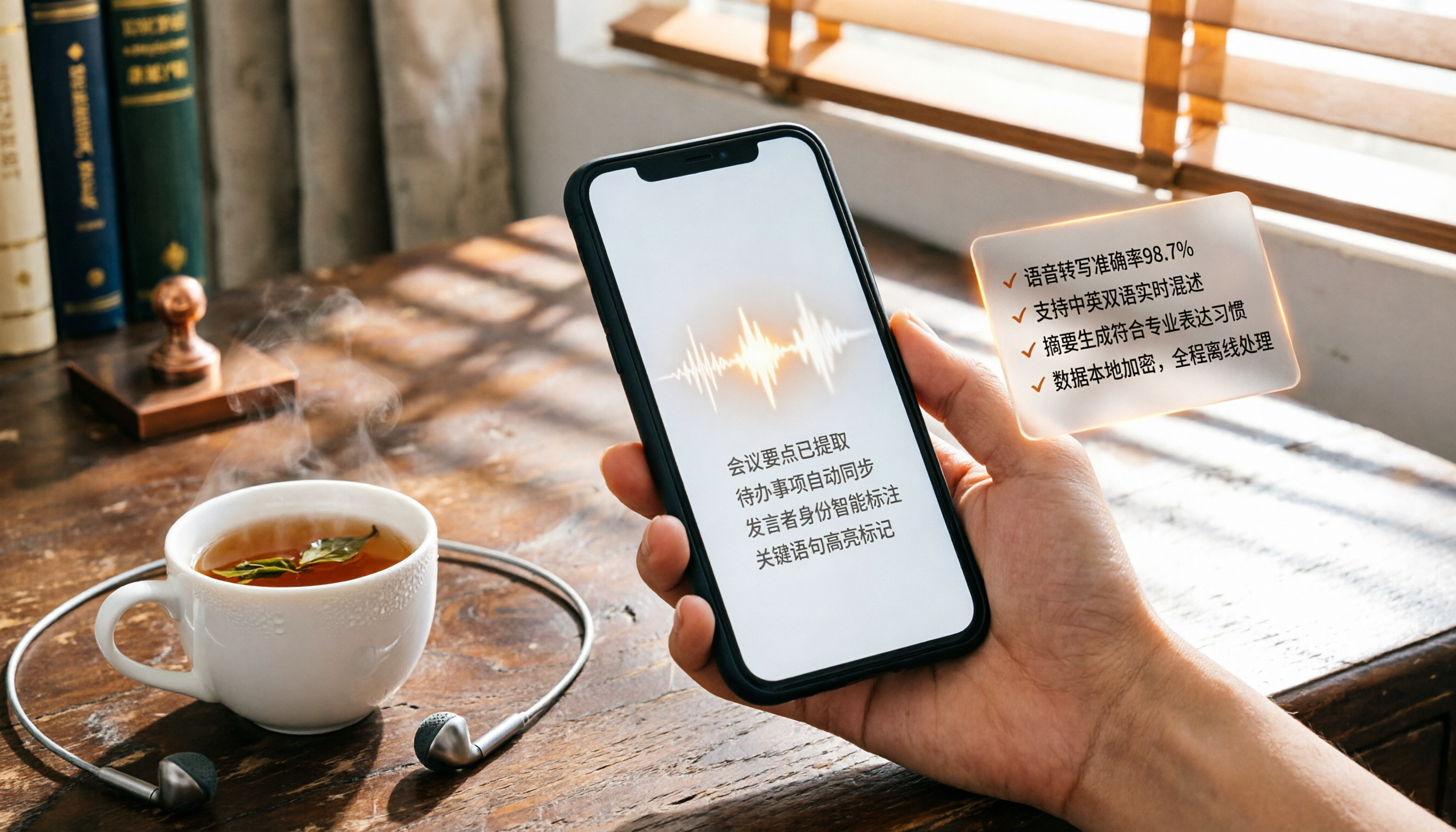
Real-time transcription: text appears as you record Text appears simultaneously while recording, with less than 1 second of delay. During meetings or classes, you can watch the text to ensure you don't miss key points. Supports 14 languages, including Traditional Chinese, Simplified Chinese, and English.
AI semantic summarization: not just condensation, but structured organization Typical summaries just shorten long texts. Tinrec automatically identifies meeting topics, conclusions, action items, and responsible persons, and can break long courses into chapters, each with titles and key points.
AI conversational query: search recordings like querying a database After transcription, you can directly ask Tinrec in Chinese: "Who mentioned the budget in the meeting?" or "What was the third key point the teacher made?" It answers based on semantic understanding and provides timestamps from the original audio.
Multiple input sources: not just recording, but also organizing videos and old files Besides live recording, you can upload audio files, video files, or paste links to public videos from YouTube, Bilibili, etc., all of which can be converted to text and summaries.
Multiple output formats: take results to your preferred tools Transcribed text, summaries, and action items can be exported as Word, TXT, or SRT subtitle files, and can also be synced to Notion, Google Docs, OneNote, etc., for further editing or archiving.
Stop organizing recordings by hand
Upload audio or video and automatically get a transcript, summary, and action items
Practical Use Cases
Meetings: from recording to to-do list in one go
Start recording with Tinrec before an online or in-person meeting, and within minutes after the meeting, you'll have summaries and action items. You can directly paste the to-do list into your team collaboration tool, saving organization time.
Learning: turn long course recordings into review notes
Record an entire class with Tinrec, and it automatically generates a transcript and divides it into chapters. When reviewing, search for keywords and jump to the timestamp where the teacher explains that concept—more complete than handwritten notes.
Interviews and research: quickly find key answers
Upload an interview recording, first use AI summarization to understand the overall content, then use the Q&A feature to extract the interviewee's views on specific questions, quickly collecting quotable material.
Content creation: mine text inspiration from audio/video material
Paste a reference video link into Tinrec, and after the full text is generated, you can use AI questions to summarize the video's core points, data, or case studies, directly serving as the basis for your script or article.
Key Considerations When Choosing a Speech-to-Text Tool
- Chinese accuracy: Don't just rely on official claims. Test with your own recordings. Tinrec's transcription quality for clear Chinese dialogue is sufficient for direct editing, but for important content, it's still recommended to proofread against the original.
- Post-transcription organization features: Transcription is just the first step—what matters is whether the tool can summarize, chapter, and allow Q&A afterward. Tinrec's AI organization capabilities save you a lot of manual filtering time.
- Input source breadth: If you not only have meetings but also course recordings, old videos, and online videos to organize, check whether the tool supports multiple sources. Tinrec covers live recording, file upload, and video links, so you don't need to switch tools.
- Pricing and usage: Is the free version sufficient? Usage varies per person. Tinrec's free version provides a monthly basic transcription quota, allowing you to experience core features. If you have many meetings or courses weekly, the Pro plan (monthly or annual) is more cost-effective.
- Data privacy and export: Confirm how the tool stores your recordings and text, and whether you can export in the formats you need. Tinrec supports multiple export options and third-party sync, ensuring your data truly serves you.
Frequently Asked Questions
Does Google AI Studio really not have a Chinese interface?
Yes, the official interface is still in English. However, you can input prompts in Chinese, and the Gemini model will respond in Chinese. If you need a Chinese interface, you can install a browser translation extension.
What's the difference between Tinrec and Google AI Studio?
Google AI Studio is a platform for developers to test Gemini models, suitable for writing prompts and developing prototypes. Tinrec is a tool specifically designed for "organizing audio/video content," directly turning meeting, course, and interview recordings into usable text data without any programming barrier.
Does Tinrec support Chinese?
Yes, it supports Traditional Chinese, Simplified Chinese, and mixed Chinese-English content. In clear recording environments, transcription is stable, and summaries and Q&A correctly understand Chinese context.
How long can I use the free version?
The free version provides a monthly quota of transcription minutes, allowing you to fully experience live recording, file transcription, and video link parsing. If you have higher usage, consider the weekly card or Pro plan, with no long-term commitment.
Can I export results from Tinrec?
Yes. Text, summaries, and action items can be exported as Word, TXT, or SRT subtitle files, and can also be synced to Notion, Google Docs, etc., for continued work.
Conclusion
While Google AI Studio can handle Chinese conversations, if your goal is to efficiently organize Chinese meetings, courses, interviews, or videos, relying solely on an English developer interface is not intuitive. Tinrec (秒聽錄音) is designed exactly for this: it turns any Chinese audio/video content into a searchable, summarizable, and queryable database. The free version includes core features, so we recommend trying it out to experience the convenience of "recordings directly becoming actionable knowledge."
References
- What is Google AI Studio? Free quota and application examples at a glance | Manager Today
- Google AI Studio Tutorial (2026): A Complete Guide to All Interfaces and Subpage Features, Beginners Save This - Z's AI Observatory
- Comprehensive Analysis: Does Google AI Studio Have a Chinese Version? - UpToGo
- 2026 Google AI Studio Chinese Tutorial: Gemini Tool Applications, API Key, and AI SEO Testing - OrcaBiz Digital Marketing | AI SEO Company
- Google AI Studio Full Analysis | Usage Examples, Scenarios, Free Quota, Application Cases at a Glance | Future Commerce
Turn every recording into actionable outcomes
Get 60 free transcription minutes when you sign in. No credit card required.
Related Reading
You might also like

2026 Video-to-Text Tool Comparison: Which Is Better for Student Note-Taking?
An information systems student tests Tinrec and TurboScribe, comparing video-to-text conversion, AI summarization, free plans, and Chinese recognition to help you choose the best tool for recording lectures and organizing notes.

2026 Free WeChat Voice Forwarding Solutions: 1 Tool to See at a Glance
Can't forward WeChat voice messages directly? This article introduces a free tool, Tinrec, that helps you convert voice content to text or recordings, making it easy to share with others.

2026 Guide: Built-in Screen Recording on Windows 10/11 – No Installation Needed
Discover how to record your screen for free using Windows 10/11's built-in Xbox Game Bar. Simple steps, low resource usage, perfect for gaming, online meetings, and tutorials.

Tinrec vs Windows Built-in Voice Recorder: A 5-Dimension Test to Find the Best Tool for Workplace Recording and Transcription
Can you record audio directly on your computer? Yes, Windows has a built-in voice recorder, but it's basic and time-consuming to organize afterward. Starting from the pain points of a mid-level manager, this article compares Tinrec and Windows' built-in recorder across five dimensions: recording sources, transcription and organization, AI Q&A, output and collaboration, and pricing. It helps you find the best recording and transcription solution for meetings, learning, and interviews.

Can ChatGPT Transcribe Voice to Text in 2026? 4-Step Tutorial + More Professional Alternatives
ChatGPT's built-in voice input can transcribe speech to text, but it's basic and can't handle audio files or provide AI summaries or Q&A. This article walks you through 4 steps to use ChatGPT for voice-to-text and compares it with a more professional AI recording tool, Tinrec, to help you decide which is better for meetings, learning, and content organization.

Best iPhone Recording Apps in 2026: 3 Tested, and This One Is Best for Chinese Users
Wondering how to record audio on your iPhone? This article tests three recording tools (iPhone's built-in Voice Memos, PLAUD Note, and Tinrec), comparing recording quality, organization features, and price, and ultimately recommends the best AI recording and organization tool for Chinese users.

2026 Tested: 4 Best Audio-to-Text Tools Compared – Which One Really Turns Recordings into Usable Data?
Transcribing audio isn't just about getting a verbatim transcript—it's about turning content into searchable, summarizable data. This article tests four tools and offers a methodology for choosing and using them, so your recordings truly work for you.

Tinrec vs Yating Transcript 2026: 5-Dimension Comparison for Audio Transcription
Want to turn recordings into transcripts but can't decide between Tinrec and Yating Transcript? This article compares them across 5 key dimensions—transcription accuracy, AI organization features, input sources, free plans, and cross-platform support—to help you find the best free AI transcription tool for your needs.
Best LINE Voice-to-Text Tools: 2026 Hands-On Test of 2 Apps, One Does More Than Transcribe
When LINE voice messages can't be played back, converting them to text is the best solution. From a productivity consultant's perspective, this article compares Notta and Tinrec through hands-on testing, analyzing input sources, AI summarization, Chinese-language scenarios, and downstream applications to help you find the best way to organize LINE voice messages and other recordings.