
Turn recordings into transcripts and summaries in minutes
Upload audio or video for multilingual transcription, AI notes, and action items
Why You Need Real-Time Speech-to-Text and Floating Subtitles
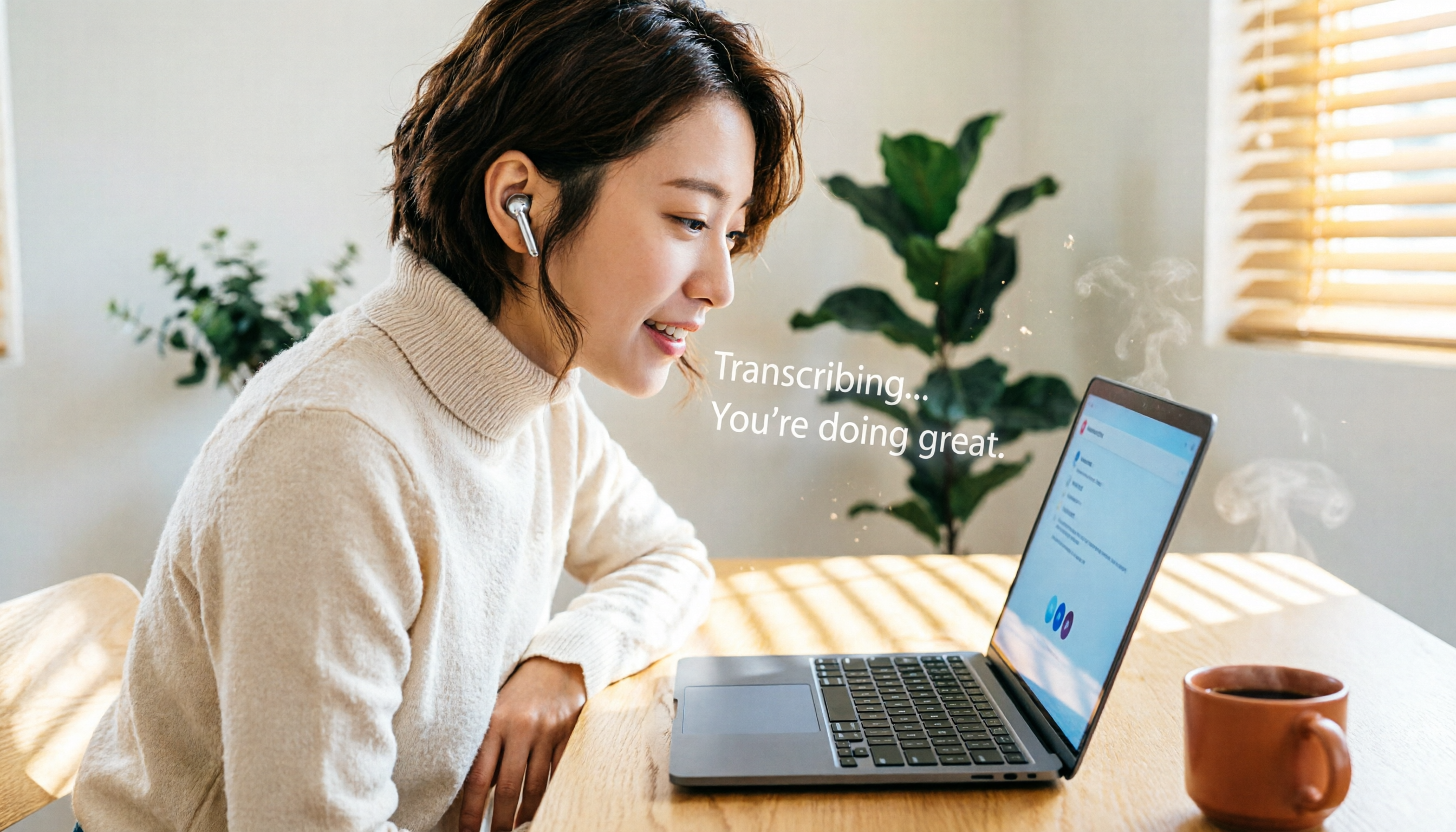
I often encounter this scenario: during an important online lecture, the speaker talks so fast that I can't keep up with taking notes.
Or, in a noisy coffee shop during an online meeting, I can't hear what my colleagues are saying.
Then I realized that if I could convert speech to text in real time, even displaying it as floating subtitles on the screen, half of these problems would be solved.
According to statistics, over 75% of people watch videos on mute, making subtitles an essential element for content comprehension.
This article isn't about giving you a bunch of cold tool specifications.
Instead, it's about finding the most practical solutions from a "how to actually save effort" perspective, covering 5 useful options from completely free to professional workflows.
Tinrec (MiaoTing Recording) | More Than Just Transcription: Your Audio-Visual Data Hub
In my actual usage, Tinrec is the most comprehensive choice.
It doesn't just convert recordings to text; it helps me further "understand" the content.
For example, after a two-hour online course, I usually do three things: upload the recording, generate a transcript, and then ask AI to summarize key points and action items.
Previously, this required multiple separate tools, but now Tinrec handles it all in one workspace.
What's most unique is that after transcription, you can directly ask questions about the recording.
"What time management techniques did the speaker mention?" "Summarize the key points of chapter three into a table." Extracting information through conversation like this is much faster than listening from the beginning.
For those who need to accumulate meeting minutes and research materials over time, Tinrec's historical database search is particularly useful.
(Screenshot: Tinrec's transcript and AI Q&A interface after uploading a recording, with arrows pointing to the chat box and summary section)
The free version offers a monthly transcription quota, sufficient for light use; for heavier needs, weekly, monthly, and annual plans are available.
If you want more than just transcripts and hope to turn audio-visual content into a searchable, reusable knowledge base, Tinrec is a great starting point.
cSubtitle | A Lightweight Online Tool Specializing in Chinese Speech-to-Subtitle
cSubtitle is one of the free options I tested early on.
It operates entirely through a web interface, requiring no registration. Upload a video or audio file, and it automatically adds punctuation, segments, and generates subtitle files with timestamps.
Its biggest advantage is its focus on Chinese speech recognition, with good support for Taiwanese Mandarin, Mandarin, and even Cantonese.
The free plan has a 3-minute limit, suitable for short videos or meeting clips.
If you just need to quickly add subtitles to a video and have zero budget, cSubtitle is an intuitive choice.
(Screenshot: cSubtitle upload interface and generated subtitle preview, with arrows pointing to the download button)
Yating Transcript | A Local Speech-to-Text Service That Handles Both Mandarin and Taiwanese
Yating Transcript is a service developed by a Taiwanese team, supporting Mandarin, Taiwanese, and English, and can even transcribe directly from YouTube links.
I once used it to transcribe a Taiwanese-language interview. Although the conversion speed is a bit slow (one minute of audio takes about ten minutes to process), its recognition rate for Taiwanese is significantly better than most general-purpose tools.
Its free plan covers most features, and it can also handle real-time recording-to-text or live subtitles.
It's suitable for local users with limited budgets who need to process Taiwanese content.
Stop organizing recordings by hand
Upload audio or video and automatically get a transcript, summary, and action items
Web Speech to Text | A No-Install, Instant-Use Web Speech Recognition Tool
This is a purely web-based speech-to-text tool that is completely free and requires no file uploads.
The operation is simple: open the webpage, select the language, start playing the video or recording, and it will display recognized text in real time within the browser, which you can then download as subtitle or text files.
Because it captures audio directly through your computer's sound card, the conversion time equals the video playback length, making it very real-time.
The downside is that it doesn't automatically add punctuation, and accuracy depends on your computer's built-in speech recognition engine.
But if you only need it occasionally for emergencies and don't want to install any software, this tool is sufficient.
Otter.ai | A Globally Renowned AI Meeting Notes and Real-Time Collaboration Platform
Otter.ai is the first tool many people think of for meeting notes, with mature features like real-time transcription, speaker identification, automatic summarization, and team collaboration.
It can automatically join online meetings and generate transcripts in real time, and after the meeting, you can share key points and action items directly with your team.
The free plan offers 300 minutes of transcription per month, which is quite generous for individual users.
However, Otter excels most in English business meetings; its Chinese content processing and localization are not as comprehensive as Tinrec's.
If you primarily attend English international meetings and need team collaboration features, Otter is the industry standard.
With So Many Options, How Do You Choose?
When selecting a tool, rather than looking at feature lists, it's better to go back to the tasks you handle most often:
- Want the most complete AI features (transcription + AI chat queries + automatic summaries and action items) → Tinrec, the only integrated solution covering all these capabilities.
- Need bilingual transcription for Cantonese and Mandarin → Tinrec (supports multiple languages, with Cantonese accuracy in the top tier).
- Need seamless switching between phone and computer → Tinrec (iOS + Android + web version, with data sync).
- Zero budget and only need occasional transcription of short meetings or videos → Web Speech to Text or cSubtitle's free quota is practical.
- Need to process Taiwanese content → Yating Transcript is the strongest local option.
- Only use it for English online meetings and collaboration → Otter.ai's ecosystem is the most complete.
(Screenshot: A simple comparison table of the five tools for different scenarios, highlighting Tinrec's multi-scenario coverage)
3 Things to Know Before Using Speech-to-Text and Floating Subtitles
1. Audio Quality Determines Recognition Success
Regardless of the tool, background noise, accents, and multiple people speaking simultaneously can significantly affect accuracy.
My habit is to get as close to the sound source as possible when recording, or use an external microphone, which makes transcription results much more reliable.
(Screenshot: Illustration of recording environment, with arrows pointing to a microphone and a quiet space)
2. Real-Time Doesn't Mean Perfect
While real-time transcription is convenient, there can occasionally be recognition delays or errors.
I usually treat it as an aid for understanding, and for important materials, I'll later use Tinrec's editing interface to double-check.
3. Subtitle Files Are More Flexible Than You Think
Most tools can export .srt or .vtt subtitle files, which aren't just for video editing software—they can also be loaded directly into players as floating subtitles, or fed into note-taking apps for timestamped search.
Spending five minutes to understand the export process can unlock many advanced applications.
Conclusion
Real-time speech-to-text with floating subtitles is no longer exclusive to high-end software.
From completely free web tools to AI workstations like Tinrec that help you organize, query, and export content into various formats, the choices are more abundant than you think.
Don't rush to get everything at once. Start with a tool that closely matches your tasks, try it out on one or two real-life scenarios, and gradually build your own audio-visual organization system.
When your meetings, courses, and interviews become searchable, reviewable text assets, that sense of security is definitely worth an afternoon to set up.
References
- Online AI Speech, Video, Audio File to Text - Free Trial - cSubtitle
- 2026 Recommended 6 Speech-to-Text Tools: Free Online Audio File to Text!
- AI Speech-to-Text: Fast Audio File to Text, Transcripts, and Video Subtitles - Free Trial - cSubtitle
- Yating Transcript
- Free! Chinese Video Speech-to-Text Subtitles, Supports Large Videos and Long Recordings
Turn every recording into actionable outcomes
Get 60 free transcription minutes when you sign in. No credit card required.
Related Reading
You might also like

2026 iPhone Level Feature Tested: Which of 3 Methods Is Most Accurate—Flat, Side, or with a Case?
The iPhone's built-in level is hidden in the Compass app, but can its accuracy really replace a traditional level? This article tests three common uses, from camera bump and case effects to the new iOS 17 feature, telling you when you can rely on it and when you should still reach for professional tools.

Tinrec vs Otter.ai in 2026: A 5-Dimension Comparison for Chinese Speech-to-Text
Choosing an AI speech-to-text tool? This article compares Tinrec and Otter.ai across 5 key dimensions: accuracy, AI features, cross-platform support, noise reduction, and free tier limits. It also provides buying tips, common pitfalls to avoid, and scenario-based recommendations to help you pick the right tool.

3 Steps to Convert iPhone Voice to Text in 2026: Recording, Transcription, and AI Organization Made Easy
Tired of figuring out how to transcribe iPhone recordings? This article fully compares built-in features with third-party tool Tinrec, and teaches you 3 steps to turn meeting and lecture recordings into searchable, exportable knowledge with summaries.

2026 Real-Time Speech-to-Text Tools Compared: 4 Apps Tested for Live Transcription and AI Summaries
A mid-level manager tests multiple real-time speech-to-text tools, analyzing live transcription and AI summary practicality for meeting notes, class notes, and interviews, ultimately recommending the best choice for professionals.

5 Best Recording-to-Text Tools Tested in 2026: Which AI Conversation Search Is Most Useful?
I tested 5 recording-to-text tools, including Tinrec, Otter.ai, Yating, Monica, and cSubtitle, comparing accuracy, AI summarization, cross-platform support, and free tiers to help you find the best option for meetings, classes, and interviews.

2026 Tinrec Instant Voice Recording Tutorial: Multi-Source Audio/Video to Text, AI Chat for Key Insights
Looking for a reliable voice-to-text tool? This article tests multiple AI tools and provides an in-depth look at Tinrec Instant Voice Recording, showing you how to quickly turn meetings, lectures, interviews, and online videos into editable text, summaries, and to-do lists. A must-read before you buy!

2026 AI Meeting Note Tools Compared: Tinrec vs Notta for Automated Structured Notes
Compare Tinrec and Notta for meeting minutes, analyzing language support, AI summaries, import sources, and output flexibility to help mid-level managers find the best fit.

How to Distinguish Speakers in Multi-Person Meeting Recordings in 2026? 3 Steps to Test and Pick the Best AI Speech Recognition Tool
Struggling to tell who said what in multi-person meeting recordings? We tested 5 AI tools with real Cantonese meeting audio to evaluate speaker separation, and picked Tinrec as the best choice for Hong Kong professionals. From selection criteria to pitfalls to avoid, this guide saves you from overtime.
2026 iPhone Voice-to-Text App Buying Guide: 5 Tested Options and Recommendations
This guide helps you compare common voice-to-text methods on iPhone, from WhatsApp's built-in feature to professional AI tools. We tested 5 solutions to help you find the voice-to-text tool that best fits your needs.