

Turn recordings into transcripts and summaries in minutes
Upload audio or video for multilingual transcription, AI notes, and action items
2026 AI Meeting Transcription Tools Compared: Is Notta's Free Plan Enough? Which Free Tier Is Most Generous?
When You Search "Notta AI Free," You're Really Asking These Three Things
Last week a reader told me he saw "Try it for free" on Notta's website, signed up, and uploaded a 40-minute client interview. Only the first 3 minutes were processed. The remaining 37 minutes required payment.
It's not that he was unwilling to pay—it's that this "get in first, figure it out later" experience makes it hard to judge whether the tool is worth buying. That's why most people either pay upfront or give up entirely: the middle path of "verify first, then decide" is blocked by free plan limits.
This article skips the marketing language and breaks things down from a buying perspective: how much Notta's free plan actually gives you, where the limits are, when you should upgrade, and—if all you want is to "turn meeting recordings into usable data"—which other options are more cost-effective at the free or entry level.
Prices and quotas in this article are based on information publicly available on each product's official pricing page as of August 2026. Editor scores are subjective judgments based on public specifications and product positioning, on a 10-point scale, not laboratory instrument measurements.
To Judge Whether "Free" Is Enough, Understand These 5 Key Points First
1. Is the free quota a "monthly total" or a "per-recording limit"?
This is the point most people overlook. Some tools say "120 minutes per month," which sounds like four half-hour meetings. But if they also specify "maximum 3 minutes per recording," you can actually only process 40 extremely short audio files. The total determines how long you can use it in a month; the per-recording limit determines whether you can actually process a meeting. You need to look at both numbers together.
2. How does the meeting audio get in?
There are three mainstream methods: a meeting bot joins the meeting, desktop software captures the computer's system audio directly, or you upload an audio file. A bot carries the social cost of "an extra participant in the meeting"; system audio capture doesn't need an extra participant but requires you to start it on your own computer. For client-facing reports and customer meetings, the difference is very noticeable.
3. After transcription, what do you actually get?
A transcript alone versus "transcript + summary + chapters + action items + follow-up Q&A" are two completely different workloads. With the former, you still have to read through an hour of text yourself; with the latter, the meeting is compressed into content you can forward. When buying, you should ask: which part of my work does this tool save me from doing?
4. Will the audio file be retained?
Some tools keep only text and not audio. In the short term that looks clean, but once a summary is wrong or a number is misheard, you have no original recording to check against. For meetings with contracts, budgets, and commitments, this is especially important.
5. For team use, how are permissions divided?
Personal use and ten-person use are two different things. You need to confirm: who owns the data, whether data remains after a member leaves, and who has permission to record and export. A good design separates "roles" (who can manage) from "seats" (who can record, upload, edit), rather than having everyone share one set of credentials.
Tinrec—The Choice That Spends Your Quota on "Post-Meeting Output"
Tinrec is an AI meeting transcription and collaboration tool for individuals and teams, available on iOS, Android, desktop, and web. Its biggest differentiator isn't "can it transcribe" but "how much does it do for you after transcription."
No bot needed for online meetings. The desktop version captures computer system audio directly, handling meetings on Zoom, Google Meet, Microsoft Teams, and Webex without inviting an extra participant. For client meetings or cross-department reports, this avoids the awkwardness of explaining "who is this?" and eliminates concerns about bots being blocked by organizational recording permissions.
You can ask questions directly after recording. This is where it differs most from similar tools. Say you have recordings of six project weekly meetings—you don't need to reread six transcripts. You can directly ask "Who mentioned the budget cut last time?" or "What were the client's concerns about the delivery date?" and let the tool answer based on meeting content instead of handing you a string of keywords.
Output is more than text. The system generates summaries, chapters, key points, and action items, and can further produce reports, tables, and documents, exporting to Notion, Google Docs, OneNote, Dropbox, and other workflows. In other words, it handles the entire process "from recording to delivery" for a meeting, not just turning audio into text.
The team version is a separate space, not a shared account. For multi-person scenarios, the team version provides a separate team space where you can create multiple teams, add members via invite links, set owners/admins/regular members, and assign or revoke seats. Meeting data belongs to the team; when a member leaves, resources must be handed over to other active members and won't disappear with the individual account. Admins can also view usage trends, member rankings, usage details, and audit logs, and manage team hotwords to improve recognition of technical terms.
Stop organizing recordings by hand
Upload audio or video and automatically get a transcript, summary, and action items
Limitations to be clear about: the team version currently focuses on "team-level sharing"—all active members can read team data. Roles control governance and seats control usage eligibility; it is not file-level or member-level granular private permissions. Members without seats can view, play, and read but cannot upload, edit, or export. In addition, transcription and summary quality is affected by recording environment, accents, people talking over each other, and technical terms. For important numbers and commitments, it's recommended to go back and compare against the transcript timestamps and recording.
Pricing and quotas (based on current official configuration): The personal version offers a free plan, weekly card, Pro monthly, and Pro annual. The free plan lets you experience recording, import, summaries, and transcription with a basic quota, suitable for verifying the workflow first. The team version offers a 7-day trial for first-time eligible users, 1 free seat, and 300 minutes of team shared import quota; team monthly is USD 29.80 per paid seat per month, annual is USD 199 per paid seat per year (about USD 16.58 per month), with each paid seat providing 2,000 minutes of team shared import quota per month. Under an active plan, real-time recording currently isn't deducted by the minute. Actual prices and promotions are subject to the official purchase page.
Editor score: 8.8/10. Suitable for individuals and teams that frequently handle Chinese and mixed Chinese-English meetings, need bot-free recording, and want usable data as soon as the meeting ends. If you only occasionally turn an audio file into subtitles, it may exceed your needs.
Besides Tinrec, What Other Options Are There?
Notta: A veteran option for multilingual and file transcription. Notta covers multi-platform transcription, file import, translation, and team plans. The official free plan is 120 minutes per month with a maximum of 3 minutes per recording; Pro annual works out to about USD 8.17 per month with 1,800 minutes per month; Business annual is about USD 16.67 per seat per month with unlimited transcription and usage reports. Third-party reviews also note that the free plan doesn't include AI chat features. If your need is purely file transcription and subtitle translation, it's still on the list; but if you want bot-free recording plus post-meeting AI follow-up and team space governance, Tinrec's workflow is more complete.
Otter.ai: A mature choice for English meetings. Otter is a mature brand for English business meetings. The free Basic plan offers 300 minutes per month; Pro annual works out to about USD 8.49 per user per month with 1,200 minutes of in-app recording plus 10 file imports per month. If 90% of your meetings are in English and you need a mature meeting assistant ecosystem, it's worth considering. But Chinese and mixed Chinese-English meetings aren't its strength, and it doesn't have Tinrec's combination of team seats and audit management.
Granola: The bot-free note-taking approach. Granola also takes the bot-free route, using desktop system audio and microphone for real-time transcription and combining it with the user's handwritten notes to generate content. Basic is free; Business is USD 14 per user per month. Note its limitations: it doesn't support uploading pre-recorded audio files and doesn't save meeting audio. If what you value is "notes enhanced by AI" rather than "meeting assets preserved," consider it; if you need to keep recordings, import historical files, and build up team data, Tinrec is a better fit.
Pitfall Guide: The 4 Most Common Mistakes When Looking for Free AI Meeting Transcription Tools
Pitfall 1: Only looking at the word "free" and not the per-recording limit. Notta's free plan at 120 minutes per month sounds sufficient, but the 3-minute per-recording limit means it's hard to fully process a real meeting. Before signing up, confirm: the total, the per-recording limit, and whether exported content gets truncated.
Pitfall 2: Ignoring "will my data still be there after downgrading." Some tools retain data after you cancel payment, but the free tier only lets you view the first few minutes of the transcript. That means your history is effectively sealed off. If meeting data needs to be kept long-term, be sure to export before downgrading.
Pitfall 3: Treating "having a transcript" as "having meeting notes." A 60-minute meeting produces nearly 10,000 words of transcript. Without summaries and chapters, you still have to read it all yourself. When choosing a tool, ask: does it produce action items for me? Can I ask questions directly about the meeting content?
Pitfall 4: Managing a team with a "shared account." With multiple users, if there's no role and seat design, everyone can delete and export, and when something goes wrong you can't trace who did it. When buying for a team, remember to confirm: data ownership, the handover mechanism after a member leaves, and whether there are operation logs to check.
Conclusion: Which One Should You Actually Choose?
Back to the original question: "Is Notta AI free?" The answer is yes, there's a free plan with 120 minutes per month, but the per-recording limit is 3 minutes—suitable for confirming the interface and language support, not for processing a full meeting. The real question is: do you need "cheap transcription quota" or "data you can use right after the meeting ends"?
- Need Chinese meetings, mixed Chinese-English transcription, and bot-free recording → Tinrec
- Want to ask questions directly about meeting content after recording and automatically extract action items → Tinrec
- Team needs to manage members, seats, usage, and operation logs → Tinrec team version
- Mainly handle English meetings and already familiar with the Otter ecosystem → Otter.ai
- Only need bulk file transcription and subtitle translation, budget-first → Notta paid plan or file-based tools like TurboScribe
- Want "AI-enhanced handwritten notes" and don't need to keep audio → Granola
If your meetings are the kind with decisions, owners, and deadlines, the value of meeting notes isn't in word count but in "can I still find it next week, can I reconstruct it." I recommend using a real meeting recording of your own and spending the free quota on verifying the workflow—can it import smoothly, does the summary capture the key points, are the follow-up answers accurate. Testing it once is more practical than reading ten reviews.
References
Turn every recording into actionable outcomes
Get 60 free transcription minutes when you sign in. No credit card required.
Related Reading
You might also like

Good Tape Free? 2026 Comparison of 3 Free Transcription Models: Which One Is Enough?
Is Good Tape free? Yes, the free plan allows 3 transcripts per month, each up to 30 minutes, plus a one-time 1-hour trial. This article breaks down three free models—limited count, limited minutes, and limited trial—and compares them with Tinrec's free plan. Learn how to evaluate free quotas, use them for meeting notes and interview organization, and understand team roles and seats to choose the one that truly fits your needs.

in nottata Meaning Explained: 3 Key Uses, Examples, and Similar Words
What does in nottata mean? Starting from the meaning of nottata, this article breaks down the key uses of the time expression in nottata, organizes common collocations like fare nottata and nottata bianca with practical examples, compares notte, di notte, and nottetempo, and clarifies the 3 most common misunderstandings.
Is Harleen Nottay Married? What Public Records Reveal and What They Don't
Is Harleen Nottay married? This article compiles information from public sources like IMDb, BBC, Facebook, Instagram, and LinkedIn to explain why there is no reliable answer about her marital status and highlights common verification pitfalls.
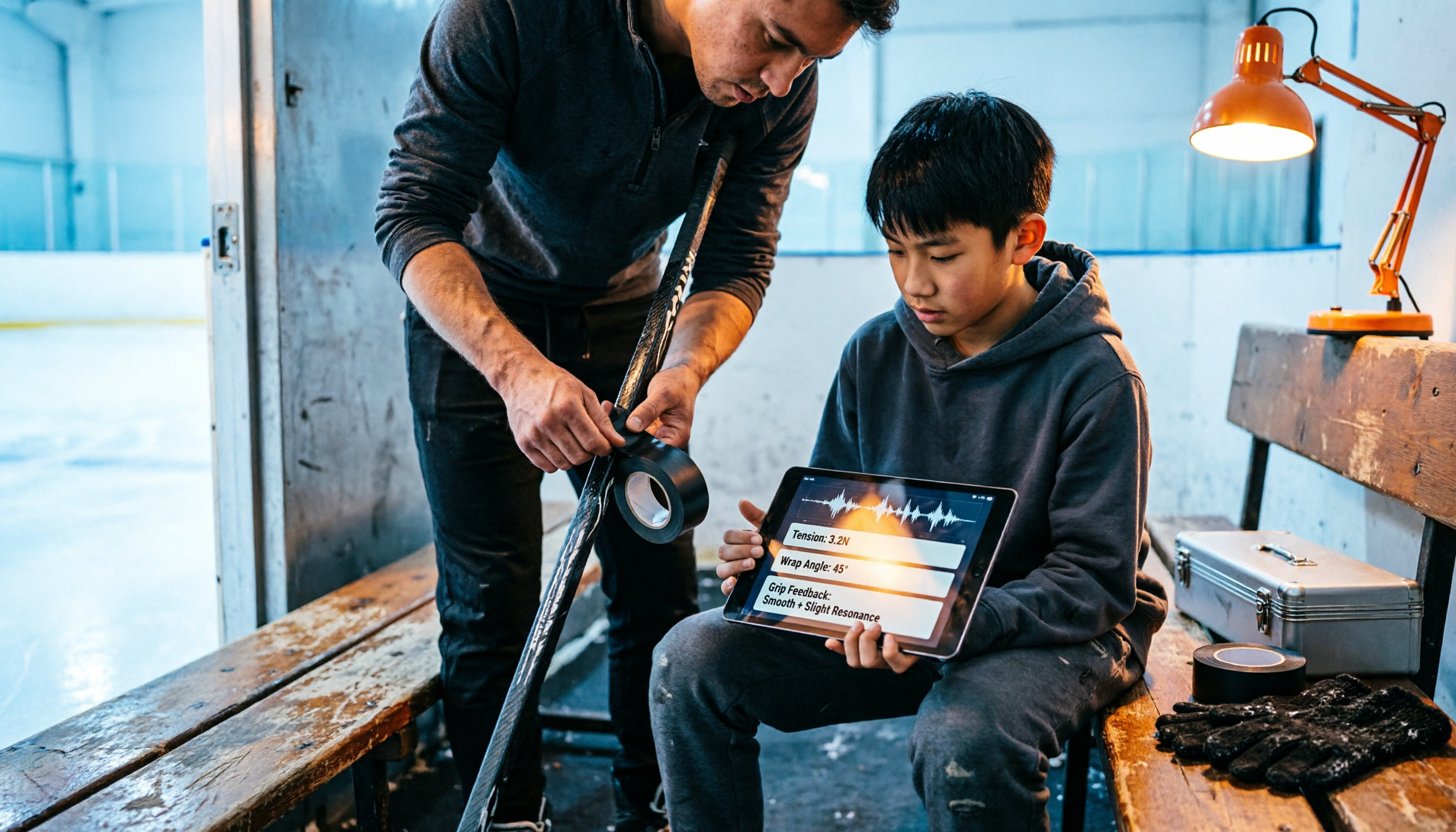
2026 Hockey Stick Tape Guide: 4 Blade Taping Styles, Grip & Shaft Tips, and How to Choose
From four common blade taping styles and grip/shaft techniques to choosing based on position and surface, learn how to tape a hockey stick. Plus, a practical method for recording your test results so you can find your feel without relying on memory.
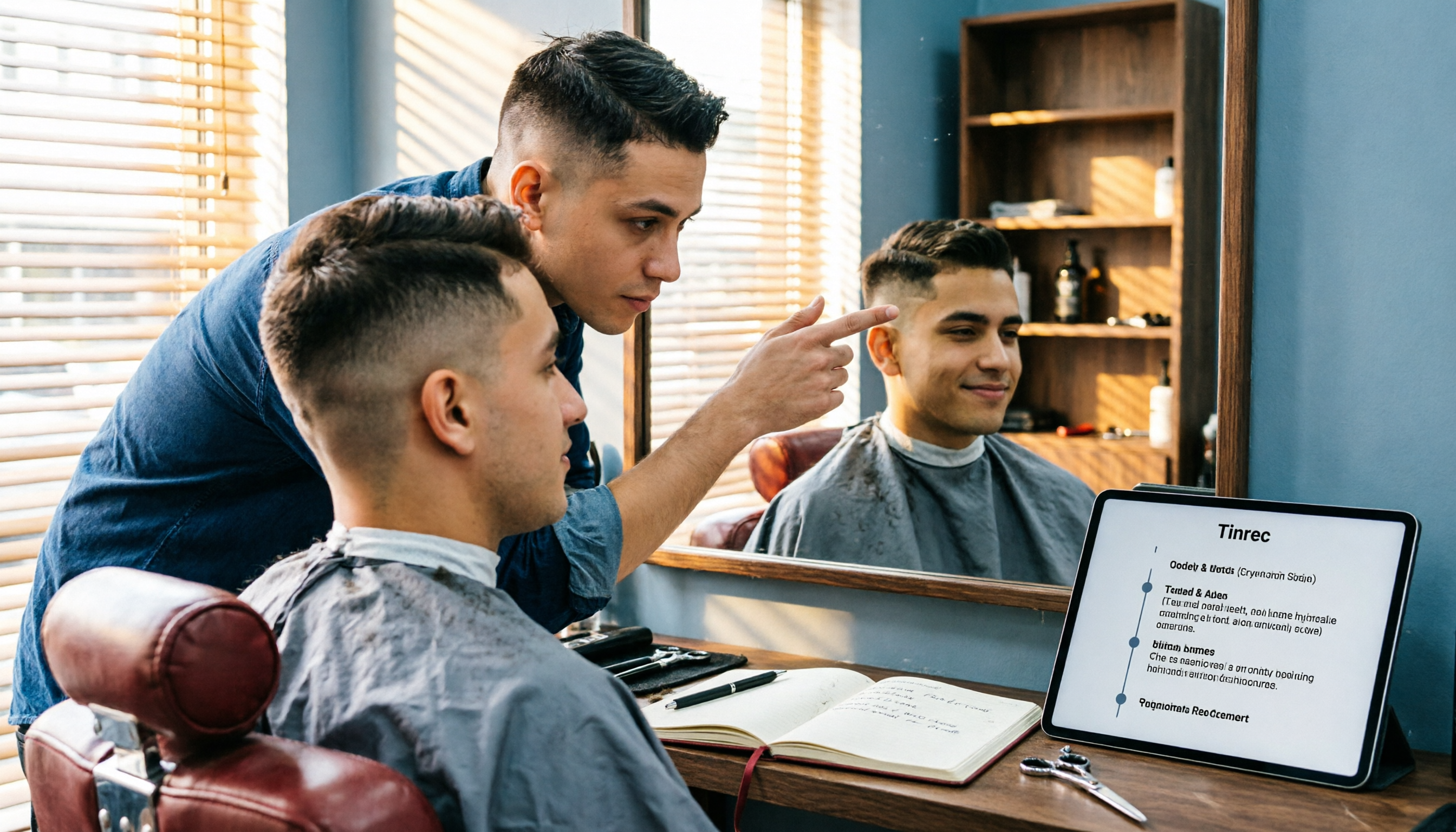
The Complete 2026 Guide to Finding the Right Taper Barber: 3 Steps from Selection to Communication to Follow-Up Records
When you search for 'good taper barbers near me,' you're really trying to answer three questions: Who can actually do a taper? How can I verify their skill? Can I get the same result next time? This guide breaks down a repeatable process—from judging a barber's portfolio and pre-cut consultation to keeping records for your next visit—and shows how Tinrec turns each consultation into a searchable, reviewable record.

How to Cancel Your Good Tape Subscription in 2026: Step-by-Step Guide and a Better Meeting Notes Alternative
Canceling takes five minutes—the real hassle is your meeting data living in someone else's account. This guide first explains how to cancel the Good Tape transcription service and magazine subscription, then looks at the workflow: after canceling, how do you keep using transcripts, summaries, and action items, and what role Tinrec plays.
How to Transcribe Good Tape Videos in 2026: 3 Steps to Transcripts + AI Meeting Notes
Many people upload a video to a transcription tool, get the transcript, and think they're done—only to re-listen to the recording later to find key points. This guide walks through the actual Good Tape video-to-text workflow, breaks down 3 common pitfalls, and shows how to use Tinrec to turn transcripts into summaries, action items, and shareable team meeting materials.
Notta in 2026: Hug Atelier Pendant Lamp vs. Audio-to-Text Tool – Differences, Features, and Practical Uses
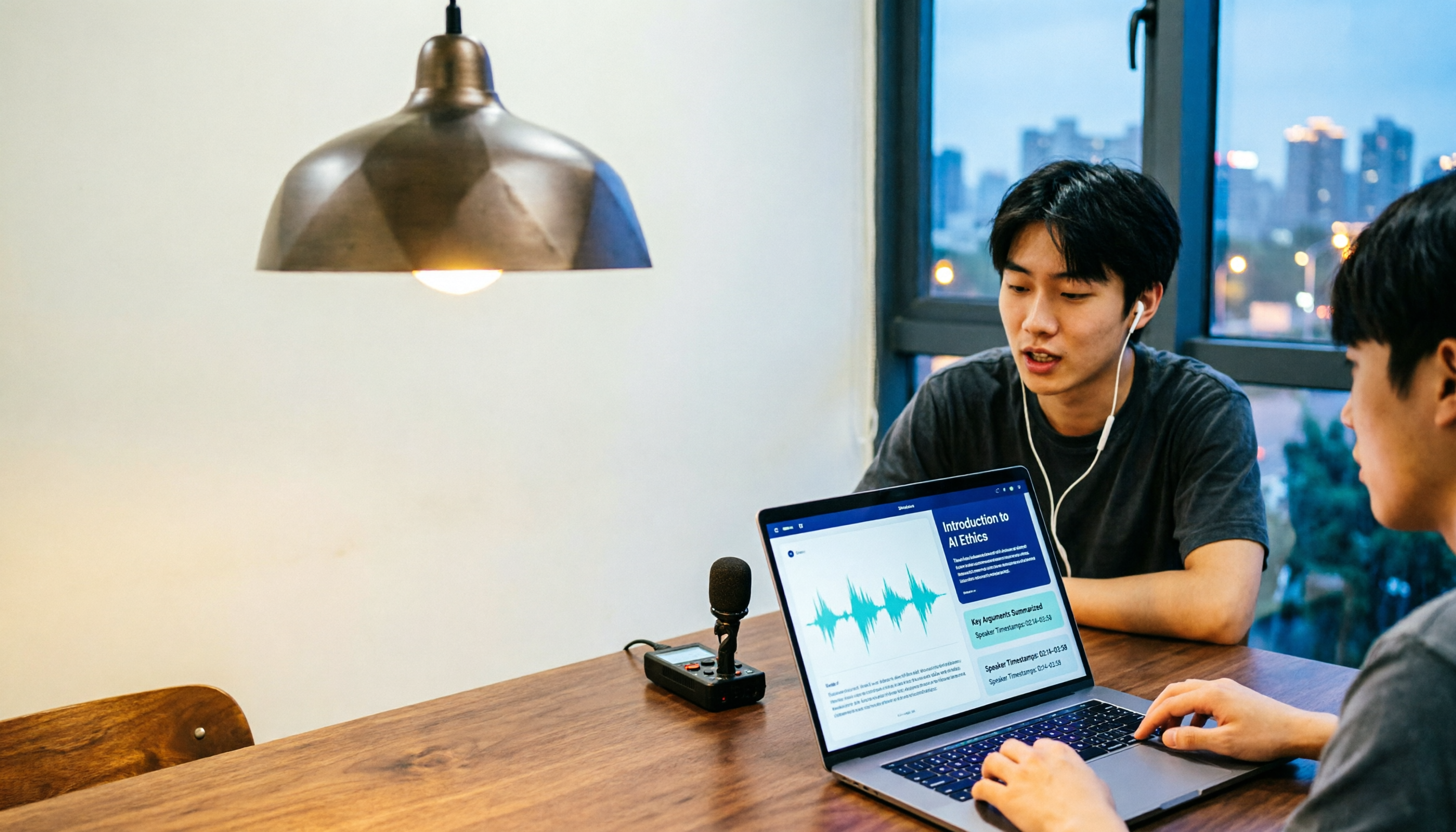
Searching for 'notta' and getting a Turkish design brand's pendant lamp? This guide first clarifies that Hug Atelier's Notta pendant lamp and the audio-to-text tool are two different things, then breaks down from a student's perspective how audio-to-text can help: in classes, group discussions, project interviews, and online lectures. Using Tinrec as a hands-on example, it explains core capabilities, the 5 most common pitfalls when choosing a tool, and FAQs.

Good Tape vs Tinrec 2026: 5-Dimension Comparison — Which Is Better for Chinese-Speaking Teams?
Good Tape reviews are everywhere, but is it really right for your meeting scenarios? This article breaks down Good Tape and Tinrec across 5 dimensions—Chinese transcription, meeting capture, post-meeting organization, team governance, and data privacy—and offers clear recommendations based on budget and needs.