

Turn recordings into transcripts and summaries in minutes
Upload audio or video for multilingual transcription, AI notes, and action items
Good Tape Free? 2026 Comparison of 3 Free Transcription Models: Which One Is Enough?
It's 4:30 PM, your third meeting just ended, and you still have a 42-minute recording to turn into meeting notes by tomorrow morning. Most people would open a search bar and type "is good tape free" to find out if that frequently recommended transcription tool's free version can handle this daily grind.
Short answer: Good Tape has a free version. After signing up, you can create 3 transcripts per month, each up to 30 minutes. It also offers a one-time free trial with 1 hour of transcription and access to Pro features, no credit card required. The free tier works, but the quota is counted by number of transcripts—a 30-minute meeting uses one, and a two-hour quarterly review won't fit at all.
The real issue isn't whether there's a free option, but whether the free quota matches your actual workload. Below, we break down three common free models and use Tinrec's free plan as a comparison example to help you decide which one is enough.
What Can Free Audio Transcription Do for You?
Scenario 1: Get readable notes within 10 minutes after a meeting Previously, a two-hour meeting meant another hour of organizing afterward. Now, with Tinrec, the transcript is generated synchronously as the meeting ends, along with summaries, chapters, and action items—who's responsible for what and when it's due, all clearly visible.
Scenario 2: Turn interviews and lecture recordings into searchable text Re-listening to a one-hour interview or two-hour lecture is incredibly time-consuming. Import the audio into Tinrec, convert it to a transcript, and you can search for keywords to jump directly to the part you remember without scrubbing through the entire recording.
Scenario 3: No more relying on human interpreters for cross-language meetings For international meetings or foreign-language interviews, Tinrec supports real-time translation during recording. You can switch between original text, translated text, or bilingual view, so you don't need to find someone to translate afterward.
Scenario 4: Turn scattered historical recordings into a database If you have a year's worth of meeting recordings on your phone, batch import them into Tinrec for transcription and store them all in one space. Later, you can ask questions directly about the content, such as "What did customers complain about most last quarter?"
What Core Capabilities Do Free Plans Offer?
Real-time audio-to-text: Transcribes as you record, not after. During meetings, you can follow along with the text to confirm key points aren't missed—especially useful for in-person meetings and on-site interviews.
No-bot online meeting recording: Tinrec's desktop version captures your computer's system audio directly, handling online meetings on Zoom, Google Meet, Microsoft Teams, Webex, and more without adding an extra bot as a participant. No unexpected account will suddenly appear on the screen.
AI summaries and chapters: It doesn't just cram the transcript into a paragraph; it structures the content—separating meeting topics, discussion conclusions, and action items. Long meetings are divided into chapters so you can jump around.
AI Q&A and action item extraction: After transcription, you can ask questions directly about the content, such as "Who mentioned the budget in the meeting?" or "What were the customer's concerns about pricing?" The system answers based on semantics and also pulls action items from the discussion into a list.
Multi-format export and post-processing: Results can be exported to Notion, Google Docs, OneNote, Dropbox, and other tools for further editing. You can also use Agent post-processing to generate reports, tables, and meeting minutes.
Practical Use Cases
Weekly team meetings Team members take turns reporting, but the most important thing is often "where did we leave off on that last item?" With Tinrec, the transcript and action items are automatically saved. Before the next meeting, just review last week's summary to catch up—no need to ask "What was the conclusion last time?" again.
Customer needs interviews Sales visits often suffer from only remembering the gist upon return. Use Tinrec's mobile version to record casually; back at the office, the transcript is already synced. The summary extracts customer needs, concerns, and commitments, which you can export as a document for the team to follow up.
Stop organizing recordings by hand
Upload audio or video and automatically get a transcript, summary, and action items
Lecture and course notes Re-listening to a two-hour class is like taking it again. Import the audio into Tinrec for transcription, use chapters to skip through for review, and search keywords before exams to locate the exact segment the instructor covered.
Content creation sourcing When writing articles or video scripts, you often need to find exact quotes from interviewees. Tinrec's transcript preserves original speech and is searchable, so you can copy quotes directly without re-listening to three hours of material.
5 Things to Consider When Choosing a Free Audio Transcription Tool
1. How is the free quota calculated: by count or by minutes? Free plans based on "number of transcripts" are friendly to short meetings but harsh on long ones; plans based on "minutes" are the opposite. Tinrec's free version follows a basic quota experience model—you can run a few of your own recordings first to see if the quota curve matches your meeting lengths before deciding whether to upgrade.
2. Maximum length per file Some free plans limit each file to 30 minutes; anything longer must be split. If your meetings often exceed an hour, this limit is more critical than the total quota. Check the per-file limit before choosing. Tinrec's file import uses your plan's quota, and the actual limit depends on your plan—be sure to read the plan details carefully before selecting.
3. Does it offer organization after transcription? Tools that only provide a transcript essentially hand the organizing work right back to you. Tinrec's value lies after transcription—summaries, chapters, action items, Q&A, and export—these are the parts that truly save time.
4. Performance with Chinese and mixed Chinese-English Taiwanese offices often mix Chinese, English, and Japanese. Tinrec covers Chinese, Traditional Chinese, and multilingual meeting scenarios, and supports team hotword management for technical terms. Actual performance may still be affected by recording quality, accents, background noise, and overlapping speakers—testing with your own recording is the most accurate way to judge.
5. Data storage and team collaboration Free versions typically store data under individual accounts. If your team shares meeting notes, check whether the tool offers team spaces. Tinrec's team version provides an independent team space where meeting data belongs to the team, with management of members, roles, seats, usage, and audit logs.
Frequently Asked Questions
What are the limitations of Good Tape's free version? A free account can create 3 transcripts per month, each up to 30 minutes. There's also a one-time free trial offering 1 hour of transcription and Pro features. It's sufficient for light use, but consecutive meeting days will quickly exhaust it.
What can Tinrec's free version do? The free version provides a basic quota to experience core workflows like recording, file import, transcription, and summarization. It's suitable for running a few real recordings to confirm results before choosing a weekly card, Pro monthly card, or annual card based on usage frequency.
What should I do when the free quota runs out? First, identify your usage pattern: for short-term intensive meetings or interviews, choose a weekly card; for steady weekly use, a Pro monthly card is more suitable; for long-term accumulation of recording data, an annual card has a lower monthly equivalent. For teams, there's a first-time trial with 7 days, 1 free seat, and 300 minutes of shared import quota. Paid seats are USD 29.80/seat/month, or USD 199/seat/year (about USD 16.58/month) with annual billing. Actual prices are subject to the official purchase page.
What's the difference between the team and personal versions? The personal version stores data under an individual account; the team version is an independent collaboration space with additional members, roles, seats, shared benefits, usage analytics, audit logs, and an audio recycle bin. Note that "roles" govern administrative permissions, while "seats" determine whether a member can record, upload, edit, and export—members without a seat can still view and play team data but cannot upload or edit.
What legal issues should I consider with audio transcription? Recording and transcription involve local regulations and participant consent. For important meetings, it's advisable to inform participants in advance and obtain authorization when needed. AI transcription may also miss details; for critical numbers and commitments, cross-check against the transcript timestamps and the recording.
Conclusion
Back to the original question: Is Good Tape free? Yes, but the 3 transcripts per month, each up to 30 minutes, suits light, occasional transcription needs rather than a daily meeting schedule. The real comparison for free plans should be whether the "quota shape" matches your meeting length and frequency, and whether anyone helps you organize afterward.
If you want an end-to-end workflow from recording, transcript, summary, action items, to team knowledge retention, Tinrec is a more time-saving choice. Sign up for a free account, run one of your own meeting recordings through it, and see if the generated minutes can be handed directly to your manager—that's more accurate than reading ten comparison articles.
References
- Good Tape frequently asked questions (FAQ) - Good Tape
- Sign up for your free Good Tape trial - Good Tape
- Good Tape - Automated Transcription | Secure AI Automatic Transcript Tool
- How to Use Good Tape for Free in 2026? 5-Step Guide to Convert Audio to Text - Official Tinrec Blog
- From recording to your desktop instantly with the Good Tape app - Good Tape
Turn every recording into actionable outcomes
Get 60 free transcription minutes when you sign in. No credit card required.
Related Reading
You might also like

2026 AI Meeting Transcription Tools Compared: Is Notta's Free Plan Enough? Which Free Tier Is Most Generous?
People searching "Notta AI free" usually want to know: what the free plan can actually do, whether the 3-minute per-recording limit is real, and when to upgrade. This article breaks down Notta's free plan limits from a buying perspective and compares the free and entry-level plans of Tinrec, Otter.ai, and Granola, with buying tips and pitfalls to avoid, to help you decide which tool to use.

in nottata Meaning Explained: 3 Key Uses, Examples, and Similar Words
What does in nottata mean? Starting from the meaning of nottata, this article breaks down the key uses of the time expression in nottata, organizes common collocations like fare nottata and nottata bianca with practical examples, compares notte, di notte, and nottetempo, and clarifies the 3 most common misunderstandings.
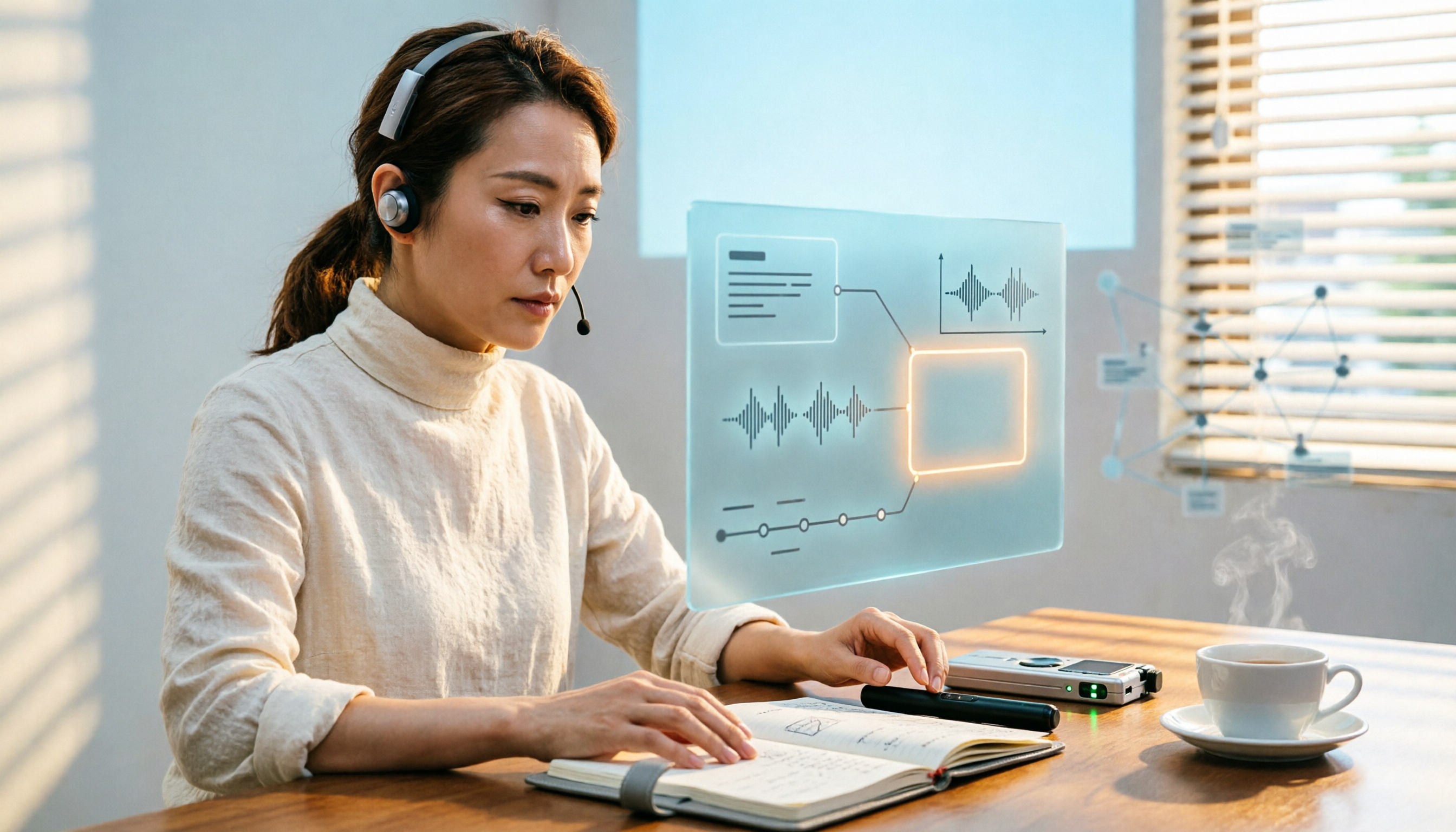
Is Harleen Nottay Married? What Public Records Reveal and What They Don't
Is Harleen Nottay married? This article compiles information from public sources like IMDb, BBC, Facebook, Instagram, and LinkedIn to explain why there is no reliable answer about her marital status and highlights common verification pitfalls.

2026 Hockey Stick Tape Guide: 4 Blade Taping Styles, Grip & Shaft Tips, and How to Choose
From four common blade taping styles and grip/shaft techniques to choosing based on position and surface, learn how to tape a hockey stick. Plus, a practical method for recording your test results so you can find your feel without relying on memory.

The Complete 2026 Guide to Finding the Right Taper Barber: 3 Steps from Selection to Communication to Follow-Up Records
When you search for 'good taper barbers near me,' you're really trying to answer three questions: Who can actually do a taper? How can I verify their skill? Can I get the same result next time? This guide breaks down a repeatable process—from judging a barber's portfolio and pre-cut consultation to keeping records for your next visit—and shows how Tinrec turns each consultation into a searchable, reviewable record.

How to Cancel Your Good Tape Subscription in 2026: Step-by-Step Guide and a Better Meeting Notes Alternative
Canceling takes five minutes—the real hassle is your meeting data living in someone else's account. This guide first explains how to cancel the Good Tape transcription service and magazine subscription, then looks at the workflow: after canceling, how do you keep using transcripts, summaries, and action items, and what role Tinrec plays.

How to Transcribe Good Tape Videos in 2026: 3 Steps to Transcripts + AI Meeting Notes
Many people upload a video to a transcription tool, get the transcript, and think they're done—only to re-listen to the recording later to find key points. This guide walks through the actual Good Tape video-to-text workflow, breaks down 3 common pitfalls, and shows how to use Tinrec to turn transcripts into summaries, action items, and shareable team meeting materials.
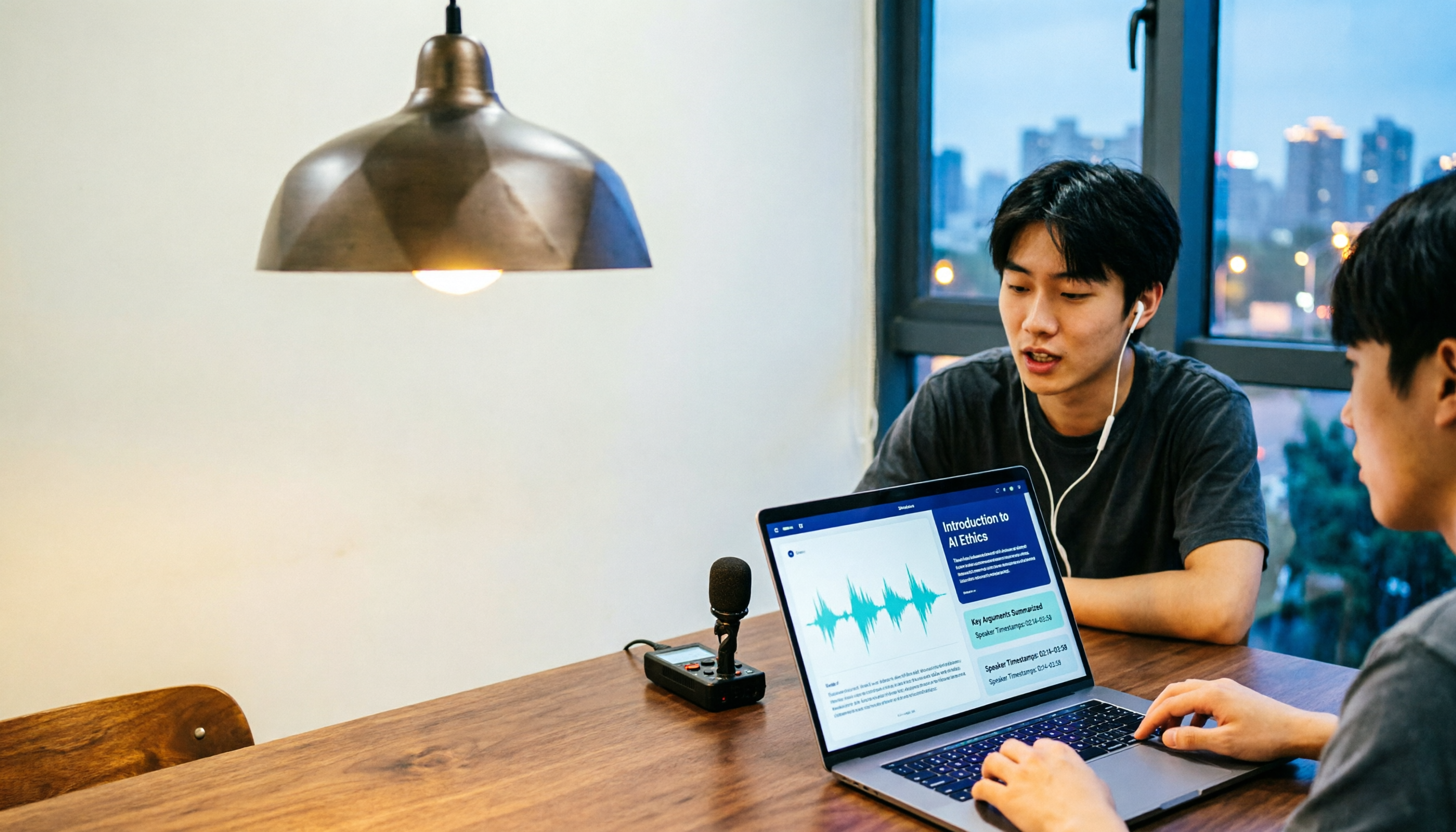
Notta in 2026: Hug Atelier Pendant Lamp vs. Audio-to-Text Tool – Differences, Features, and Practical Uses
Searching for 'notta' and getting a Turkish design brand's pendant lamp? This guide first clarifies that Hug Atelier's Notta pendant lamp and the audio-to-text tool are two different things, then breaks down from a student's perspective how audio-to-text can help: in classes, group discussions, project interviews, and online lectures. Using Tinrec as a hands-on example, it explains core capabilities, the 5 most common pitfalls when choosing a tool, and FAQs.

Good Tape vs Tinrec 2026: 5-Dimension Comparison — Which Is Better for Chinese-Speaking Teams?
Good Tape reviews are everywhere, but is it really right for your meeting scenarios? This article breaks down Good Tape and Tinrec across 5 dimensions—Chinese transcription, meeting capture, post-meeting organization, team governance, and data privacy—and offers clear recommendations based on budget and needs.