

Turn recordings into transcripts and summaries in minutes
Upload audio or video for multilingual transcription, AI notes, and action items
First, Get One Thing Straight: Do You Need Transcription or Usable Post-Meeting Data?
People who search "is Notta AI" usually have two questions in mind: is it really the kind of tool I think it is, and is it worth my time to try?
My advice: don't rush to look at spec sheets. First ask yourself: do you just want to "turn voice into text," or do you want "a usable document right after the meeting ends"?
These two things will determine which tool you ultimately choose.
If you only occasionally convert a recording or a video into text, many tools on the market can handle it, and they're not expensive.
But if you have meetings every day, write minutes every week, track action items, and need colleagues to see what was discussed last time, then what you actually need isn't a transcription tool—it's a workspace for organizing and collaborating on meeting data.
This article uses that lens to clearly compare Notta AI, Otter.ai, TurboScribe, and Tinrec: what kind of problem does each one solve?
Before Choosing an AI Meeting Recorder, Understand These 4 Key Points
First, how does meeting audio get in? Some tools require uploading a file after the meeting, some send a bot into the meeting, and some directly capture your computer's system audio. This determines whether you can record in-person meetings and impromptu interviews.
Second, what's left after transcription? Having only a transcript versus having summaries, chapters, action items, and the ability to ask follow-up questions are completely different levels of product. Honestly, transcripts alone are no longer special.
Third, performance in Chinese and mixed Chinese-English. Many tools are strong in English but start guessing as soon as a Chinese meeting begins. If your meetings are in Chinese, or if English technical terms are mixed into sentences, prioritize checking this.
Fourth, is the quota "total" or "per session"? Some free plans look like they offer a lot of minutes, but there's a cap per session, so a long meeting gets blocked. Few people notice this detail at first.
Tinrec (秒聽錄音) — The One I Use Most After Hands-On Testing
Tinrec is an AI meeting recording and collaboration tool for individuals and teams. It supports live recording, online meeting transcription, and audio/video file import, and can automatically generate summaries, chapters, and action items.
No need to invite a bot into the meeting. This is its most practical feature. The desktop version directly captures computer system audio. For online meetings on Zoom, Google Meet, Microsoft Teams, or Webex, you just open Tinrec and start recording—no need to pull an extra account into the meeting room. This is especially noticeable in external meetings; clients won't see an unfamiliar participant.
Note that this doesn't mean "automatically join all meetings." You still have to press start yourself; it won't pop up from your calendar on its own.
You can keep asking it questions after recording. This is where it differs most from pure transcription tools. After the meeting, you can directly ask questions about the content, such as "which version was finally decided in this meeting" or "who mentioned the budget needs to be reworked." It doesn't just throw keywords at you—it answers based on the content.
Output isn't just a transcript. It includes summaries, chapters, action items, and mind maps, and can export to Notion, Google Docs, OneNote, or Dropbox for further processing. It also has an Agent post-processing feature that can generate reports, tables, or documents from meeting content. For people who need to submit weekly reports or meeting minutes, the time saved here is the most tangible benefit.
My own test conditions were: a roughly 25-minute mixed Chinese-English online meeting, using the desktop version to capture system audio. The transcript was directly readable, and sentence breaks at Chinese-English switches were mostly correct; internal company code names that appeared for the first time were wrong, but adding these terms to the team glossary significantly improved accuracy. Actual performance will still be affected by recording quality, background noise, accents, and multiple people talking over each other—this is the same for any tool.
Stop organizing recordings by hand
Upload audio or video and automatically get a transcript, summary, and action items
The team version is worth mentioning. If meeting data needs to be kept for the whole department, the team version is a separate space, not multiple people sharing one account. Meeting data belongs to the team; members can view, play, and read even without a seat; only seat holders can record, upload, edit, and export. Admins can see usage trends, member rankings, and audit logs, and deleted audio can be recovered from a 30-day recycle bin. The team plan currently offers a 7-day trial (1 free seat, 300 minutes shared import quota). Monthly billing is USD 29.80 per paid seat per month; annual billing is USD 199 per paid seat per year, equivalent to about USD 16.58 per month. Each paid seat includes 2,000 minutes of shared import quota per month; live recording is currently not deducted by minutes.
Three-sentence summary of pros:
First, the capture method is straightforward—it handles both online and offline, so you don't need to install a bot just to have a meeting.
Second, it fills in the "after transcription" steps: summaries, action items, follow-up questions, export, and document regeneration—the whole workflow without switching tools.
Third, team governance is more detailed than most tools at the same price point: roles, seats, usage, and auditing are clearly separated, and data doesn't disappear when a member leaves.
Limitations to mention: The free version provides a basic quota; heavy users need to pay. Actual quotas and prices are subject to usage scenarios and the official purchase page. Also, it doesn't focus on batch processing of extremely large single files. If you have dozens of hours of archived recordings to clear at once, that's where another type of tool shines.
Who it's for: People who frequently hold Chinese or mixed Chinese-English meetings, want to use AI to find key points directly after meetings, and need meeting data kept with the team rather than on personal computers.
Besides Tinrec, Who Are Notta AI, Otter.ai, and TurboScribe For?
Notta AI: The competitor with the highest overlap with Tinrec, positioned for multilingual transcription and translation, supporting 58 languages, with web, Chrome extension, and mobile app versions. The free version offers 120 minutes per month, but a single session is capped at 3 minutes; Pro annual billing is about USD 8.17 per month with 1,800 minutes per month; Business annual billing is about USD 16.67 per seat per month with unlimited transcription. Its strengths are language count and file transcription. If you need cross-language subtitles and translation, Notta AI is a reasonable choice; but if you want to retain audio, ask follow-up questions about content after the meeting, and directly generate reports and tables, Tinrec's workflow will be smoother.
Otter.ai: A mature option for English meetings. Basic is free with 300 minutes per month; Pro annual billing is about USD 8.49 per user per month, including 1,200 minutes per month and 10 file imports. It's cost-effective for English-dominant teams. But Chinese meetings aren't its strong suit, and it lacks Tinrec's real-time translation view that shows original text, translation, or bilingual text simultaneously during recording.
TurboScribe: Essentially a cost-effective file transcription tool. The free version allows 3 files per day with a 30-minute cap per file; Unlimited annual billing is USD 120, and the paid version supports files up to 10 hours or 5 GB, with up to 50 files uploaded at once. For clearing large volumes of archived recordings, it's more suitable than Tinrec. But it lacks live recording and online meeting capture capabilities, so you have to figure out how to record during the meeting first.
Pitfall Guide: The 3 Most Common Mistakes When Choosing an AI Meeting Recorder
Pitfall 1: Only looking at free minutes, not the per-session cap. Some free plans give 120 minutes per month, which looks sufficient, but a single session is capped at 3 minutes. A 40-minute meeting can't be processed in one go. Check this number before trying.
Pitfall 2: Treating "having a transcript" as the end goal. A transcript is just raw material. The real time-consuming part is extracting decisions, owners, and deadlines from it. If the tool only gives you text, you still have to read through those 30 pages yourself.
Pitfall 3: Assuming "bot-free recording" means fully automatic. These tools usually require you to actively start recording; they won't automatically join every meeting from your calendar. Think of it as adding text and organization to your recording, not as an assistant that attends meetings for you.
Conclusion: Which One Should You Choose?
In one sentence: if you want "something usable immediately after the meeting ends," Tinrec currently has the most complete workflow among these options.
Scenario breakdown for reference:
- Mostly Chinese or mixed Chinese-English meetings → Tinrec (Chinese experience and bilingual view are its highlights)
- Don't want a bot appearing in client meetings → Tinrec (desktop version captures system audio)
- Want to ask AI directly after recording "who mentioned the budget last time" → Tinrec (can ask follow-up questions about meeting content)
- Meeting data needs to be kept for the whole department → Tinrec team version (roles, seats, usage, auditing, recycle bin)
- Large volumes of historical recording files to clear at once → TurboScribe (10 hours per file, batch upload)
- Pure English meetings, limited budget → Otter.ai (free 300 minutes per month)
- Need subtitles and translation in 58 languages → Notta AI
If your budget is limited, I suggest first running the free version on the kind of meeting you actually hold regularly, then deciding whether to pay. Others' reviews can only help you filter out obviously unsuitable options; the final step still requires verifying with your own recording files.
References
Turn every recording into actionable outcomes
Get 60 free transcription minutes when you sign in. No credit card required.
Related Reading
You might also like
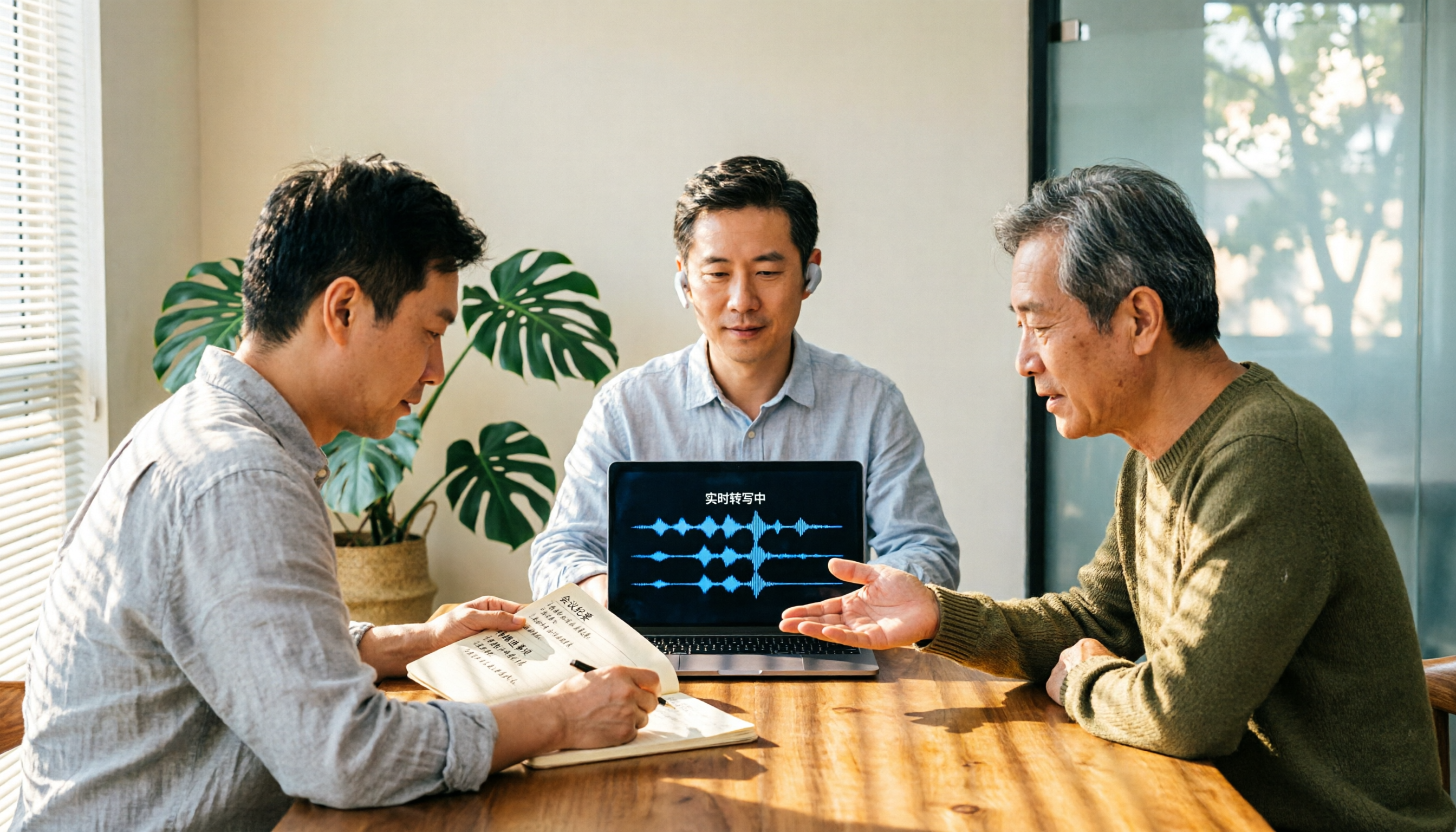
Good Tape Review 2026: Is This Privacy-First Transcription Tool Worth It?
Good Tape was built for the privacy needs of Danish newsrooms, emphasizing GDPR compliance, EU data storage, and no model training on user files. This guide cuts through common misconceptions to break down its real strengths and trade-offs, and explains better approaches for Chinese-language meetings and team collaboration.

2026 AI Meeting Notes Showdown: Is Notta's Free Plan Enough?
Is Notta free? Yes, but the free plan caps at 120 minutes per month and 3 minutes per recording—fine for short clips, but it struggles with real meetings. This comparison pits Notta against Tinrec across five dimensions: free-plan usability, meeting capture, post-meeting output, team governance, and billing risk, so you can decide which one belongs in your budget meeting.

2026 AI Meeting Recorder Security Comparison: Notta Data Protection vs. Tinrec Team Governance
Many assume a certification badge on the official website means security—this is the most common misjudgment. This article breaks down Notta AI's security into 'data security' and 'billing security,' cross-checks official statements with public reviews, and compares Tinrec, Otter.ai, and Granola on permission governance, audio retention, and pricing to help you choose a meeting recorder you can truly trust.
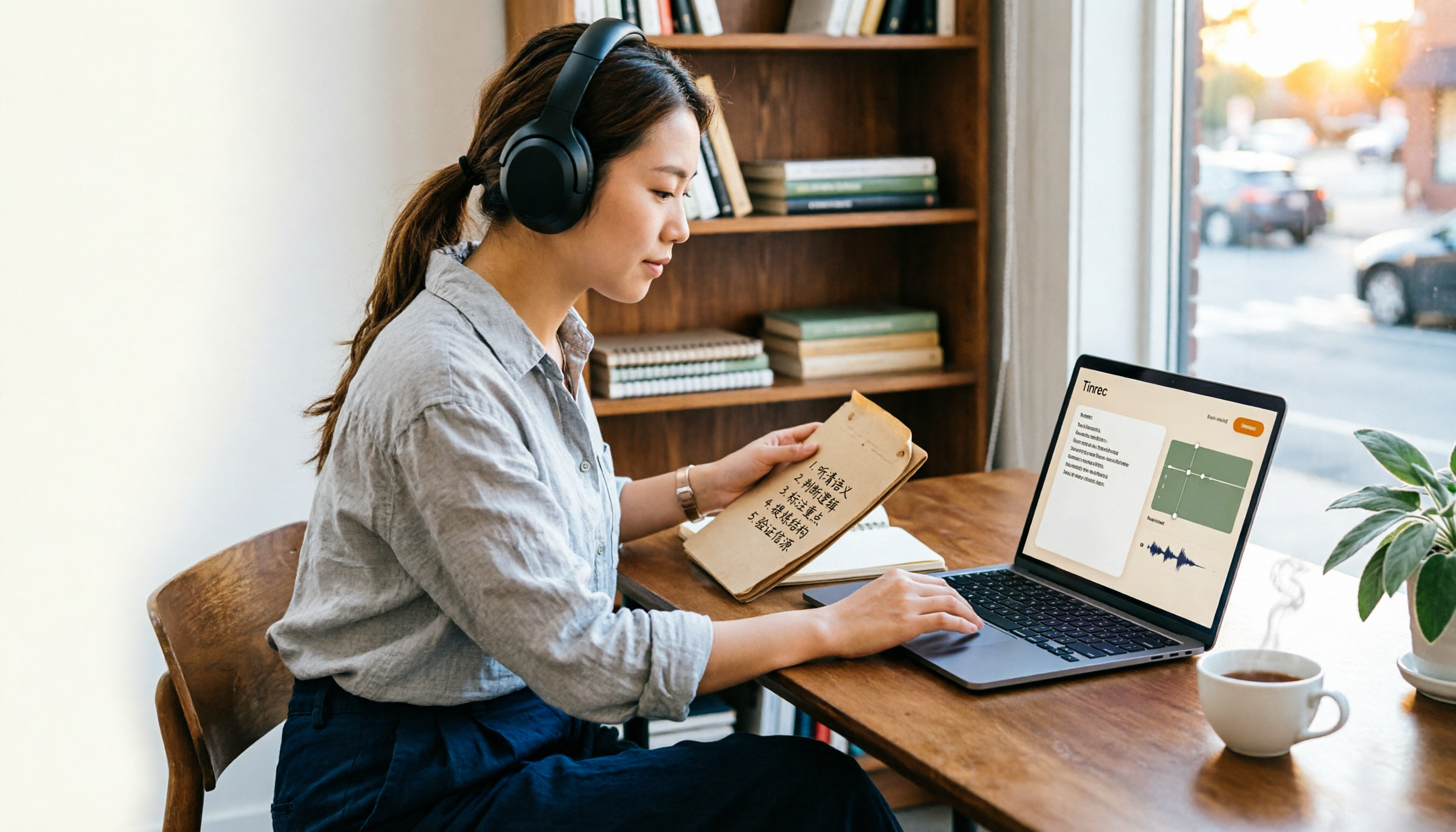
Is Notta Free Plan Enough in 2026? 5 Steps to Decide If You Should Upgrade
Notta offers a free plan, but it caps you at 120 minutes per month and 3 minutes per recording, and exporting and translation require a paid upgrade. This guide walks through real-world use cases with 5 steps to judge whether the free tier is enough, and compares the free terms and best-fit scenarios of Tinrec, Otter.ai, TurboScribe, and Granola so you can think it through before paying.

Good Tape Employee Handbook 2026: Transparent Culture + Meeting Notes Comparison
Good Tape publishes its entire employee handbook online so job seekers can understand the culture before deciding to join. This article breaks down the conditions behind this 'radical transparency' approach and compares Tinrec and Notta across 5 dimensions to see which is better suited for turning meeting content into shareable team knowledge.

Good Tape Free vs Tinrec (2026): Which Audio-to-Text Tool Should You Choose?
People searching "is good tape gratis" really want to know whether the free hour is enough for their meetings and interviews. This article explains Good Tape's free trial limits, then compares it with Tinrec across five dimensions: quota flexibility, file exports, privacy compliance, Chinese-language meetings, and team collaboration, so you can decide which tool fits your needs.
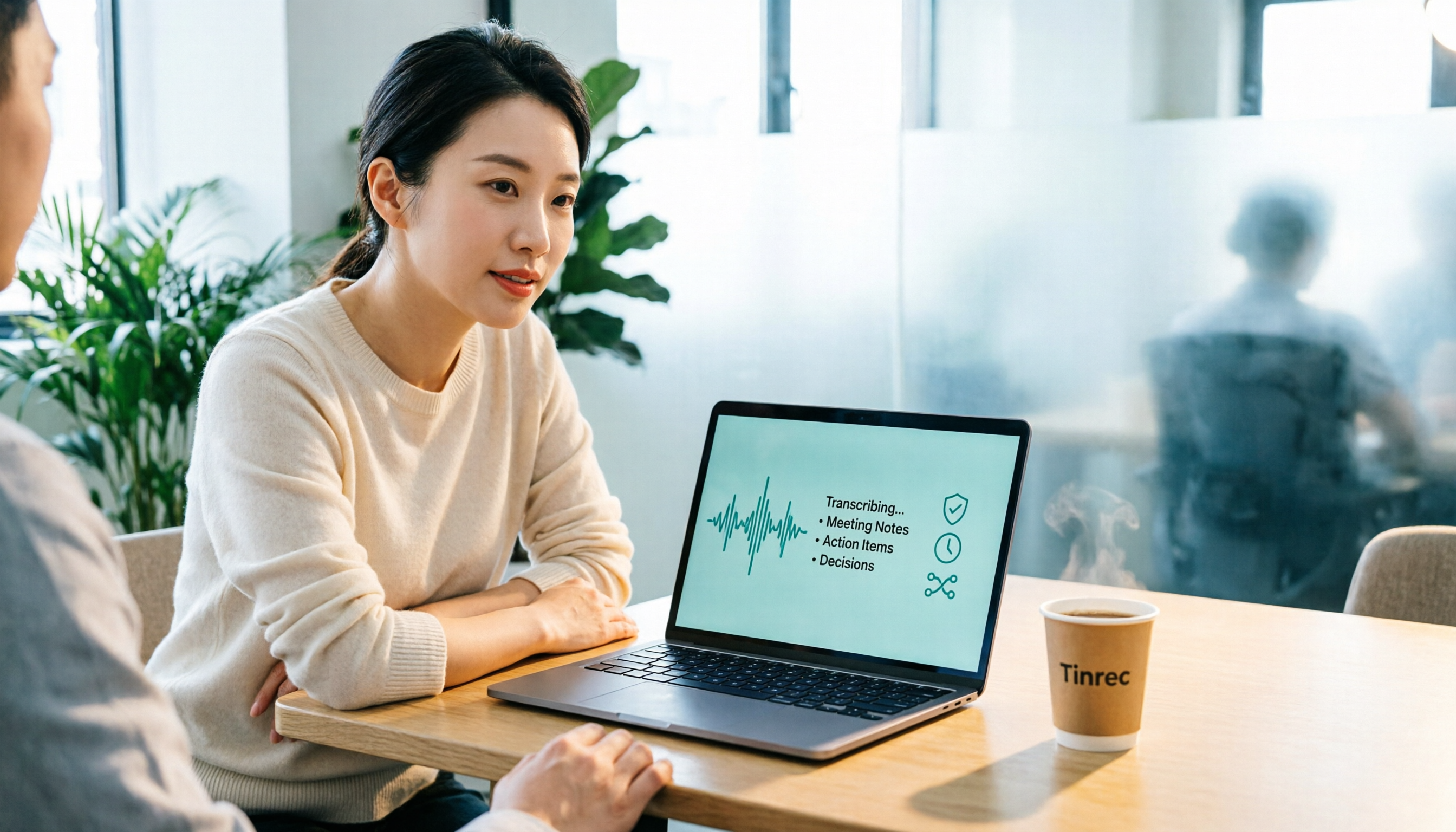
2026 Security Comparison of 4 Audio Transcription Tools: Is Good Tape Really Secure?
Before uploading recordings to the cloud, most people get stuck on the same question: where will the audio files be stored, how long will they be kept, and will they be used to train AI? This article compares Good Tape, Otter.ai, Notta, and Tinrec from four verifiable angles: encryption, compliance, retention policies, and team governance, and highlights the most common pitfalls when choosing an audio transcription tool.

Good Tape vs Tinrec: 2026 Hands-On Review of 2 Transcription Tools — Tinrec Excels at Chinese Meeting Summaries
Is Good Tape any good? This review compares Good Tape and Tinrec on recording privacy and post-meeting organization efficiency, covering meeting recording, Chinese transcription, AI summaries, and team collaboration to help you decide which fits your workflow.

2026 Free Audio Transcription Comparison: Good Tape Free Tier vs. Tinrec — Which Should You Choose?
How much can Good Tape's free version actually transcribe, and where are the limits? Starting from real meeting scenarios for mid-level managers, this article breaks down the quota, privacy, and export traps most commonly hit with free audio-to-text tools. It hands-on compares Good Tape, Notta, TurboScribe, and Tinrec, and offers selection advice based on usage scenarios.