

Turn recordings into transcripts and summaries in minutes
Upload audio or video for multilingual transcription, AI notes, and action items
I attend about 15 meetings a week—team meetings, project status updates, one-on-ones, and cross-departmental coordination. The most annoying part used to be the aftermath, not the meetings themselves—because every meeting left a pile of decisions and action items to organize. I tried handwritten notes (too slow), tried recording and listening back (too time-consuming), until I started using AI audio-to-text tools, which saved me that time. Recently, many colleagues have asked me: What's the real difference between Notta and Tinrec? Why do I now recommend Tinrec to my team? This article shares the key differences based on my real user experience.
Why Are People Looking for Notta Alternatives?
Notta is a well-known meeting notes tool that supports real-time recording, uploading audio files for post-processing, and directly recording online meetings, with export options to Notion, Slack, and other platforms. For many, its multi-device transcription and translation features are convenient enough. However, after using it for a few months, I noticed two minor annoyances: First, Notta's output leans more toward verbatim transcripts and translations. If you need more structured meeting summaries—like automatically dividing into sections or extracting action items—you still have to spend considerable time manually. Second, its free tier offers 120 minutes per month, which runs out quickly for a manager with a heavy meeting load like mine. If you have similar needs—wanting AI to not just transcribe but also produce usable meeting structures, or even handle audio/video beyond meetings—then Tinrec is worth exploring.
Tinrec vs Notta: Core Experience Differences
1. Depth of Post-Transcription Organization: More Than Just a Transcript
Verbatim transcription is basic, but the real time-saver is "what else can AI do after transcription." Notta can generate transcripts and translations, while Tinrec automatically generates AI summaries, sections, action items, and key points after transcription. For example, in a one-hour cross-departmental meeting, Tinrec lists conclusions, decisions, and responsible persons directly, so I don't have to manually mark them. For mid-level managers who need to quickly report to their bosses, this saves about 20 minutes of organizing time.
2. Language Support and Chinese Experience
Notta supports multilingual transcription and translation, performing adequately. Tinrec, on the other hand, is tuned for Chinese scenarios, especially Traditional Chinese meetings and mixed Chinese-English discussions. In my internal tests, when a Hong Kong colleague spoke Cantonese, Tinrec's recognition was noticeably more accurate than Notta, with a lower error rate. If your company has cross-border communication or often holds meetings in Chinese, this difference will be significant.
3. Breadth of Import Sources
Notta mainly focuses on meeting scenarios, connecting to online meetings like Zoom and Meet. Tinrec can also handle online meetings but additionally supports uploading local audio/video files and pasting links to public videos like YouTube or Bilibili for transcription. This is very practical for me because our team sometimes needs to summarize competitor videos or online course highlights. With Tinrec, one tool handles it all, without switching to other software.
4. Output and Post-Processing Flexibility
Notta can export to Notion and Slack, which is nice, but Tinrec offers more flexibility: besides exporting to Word, PDF, and subtitle files, it also lets AI generate reports, tables, or mind maps based on the transcribed content. In other words, you don't just get meeting minutes; you can directly generate summary slides for your boss. This end-to-end workflow from data to deliverables still requires extra work in Notta.
Stop organizing recordings by hand
Upload audio or video and automatically get a transcript, summary, and action items
Tinrec's Core Features at a Glance
Real-time Audio-to-Text: Open Tinrec, record and see text with less than 1 second delay. By the end of the meeting, the transcript is ready. I usually scan it immediately to ensure no key points are missed.
AI Chat Query: This is my personal favorite. After recording a one-hour meeting, I directly ask Tinrec, "What was the conclusion of this meeting?" or "Who is responsible for what?" It answers based on the full context, so I don't have to flip through 20 pages of transcript.
Web Video to Text: Paste a public video URL, and Tinrec turns it into a text summary. When the team researches competitors or takes online courses, this feature saves everyone from watching at 2x speed and typing manually.
Multi-format Export and Agent Post-processing: You can export to Word or PDF, or have AI further produce structured reports. Now, when I report to my boss, I directly generate a summary meeting memo from Tinrec, cutting formatting time in half.
Real-World Use Cases
Meeting Minutes and Follow-ups: After each meeting, Tinrec automatically generates summaries and action items, which I forward to team members, making each person's responsibilities clear. Compared to handwritten notes and then typing them up, I can now complete all meeting follow-ups before leaving work.
Interview Organization: When HR colleagues conduct employee interviews, they use Tinrec to record and transcribe, then ask AI key questions to quickly extract main points, avoiding repeated listening to audio files.
Learning Notes: For online courses or industry podcasts, I use Tinrec to paste video links, generate text and key points, and build a personal knowledge base. When reviewing later, I just search keywords to find the relevant segments.
Cross-Departmental Collaboration: When other departments send audio or video files for discussion, I use Tinrec to convert them into text summaries, add my comments, and send back—greatly improving communication efficiency.
Key Considerations When Choosing an Audio-to-Text Tool
1. Look Beyond Transcription: Assess Organization Capabilities: When choosing a tool, check if it can automatically structure content, like sections, action items, and summaries. Tinrec does this more comprehensively than most tools, making the transcribed data truly usable.
2. Accuracy in Chinese Scenarios: If you often have meetings in Chinese, it's best to test different tools with mixed Chinese-English and various accents. Tinrec's tuning for Traditional Chinese and Cantonese clearly outperformed in our team's tests.
3. More Import Sources, the Better: Tools that only support meeting platforms limit your ability to process other audio/video materials. Tinrec's web video and local file upload features make it more of an audio/video workstation.
4. Output and Post-Editing Flexibility: Ensure the tool can export to your commonly used platforms or allow AI to continue generating documents. Tinrec's Word/PDF export plus Agent mode can directly produce deliverable reports, which is very useful for manager-level users.
5. Is the Free Plan Sufficient?: Tinrec's free version offers a basic monthly transcription quota, allowing you to experience all core features. If you have a high meeting volume like me, the Pro monthly or annual plan is more cost-effective, avoiding frequent limits.
Conclusion: Is Tinrec Worth Trying?
If you're looking for a meeting notes tool that goes beyond "converting to text" and want AI to help you organize meetings, courses, interviews, and even web videos into structured notes, Tinrec is one of the few options on the market that combines deep organization, multi-source support, and excellent Chinese experience. Notta performs well in pure transcription and translation, but if you need "data that's ready to use after organization," Tinrec's summaries, sections, action items, and Q&A features will suit you better. I recommend downloading Tinrec's free version and testing it with your own meeting recordings—that's more direct than any review.
References
- Meeting Minutes Organization Template | TryAI Government AI Application Lab
- How to Use AI for Meeting Minutes? How to Organize Meeting Transcripts? | AI Voice-to-Text Tutorial | 104 Career Center
- Meeting Ink - AI Meeting Assistant: Automatic Transcription and Summary
- Top AI Meeting Recording Tools in 2026: Essential for Saving Time in Meetings!
- I Spent Four Hours Building an AI Meeting Notes Tool for Less Than $10 | WenHao Yu
Turn every recording into actionable outcomes
Get 60 free transcription minutes when you sign in. No credit card required.
Related Reading
You might also like

2026 iPhone Level Feature Tested: Which of 3 Methods Is Most Accurate—Flat, Side, or with a Case?
The iPhone's built-in level is hidden in the Compass app, but can its accuracy really replace a traditional level? This article tests three common uses, from camera bump and case effects to the new iOS 17 feature, telling you when you can rely on it and when you should still reach for professional tools.

Tinrec vs Otter.ai in 2026: A 5-Dimension Comparison for Chinese Speech-to-Text
Choosing an AI speech-to-text tool? This article compares Tinrec and Otter.ai across 5 key dimensions: accuracy, AI features, cross-platform support, noise reduction, and free tier limits. It also provides buying tips, common pitfalls to avoid, and scenario-based recommendations to help you pick the right tool.
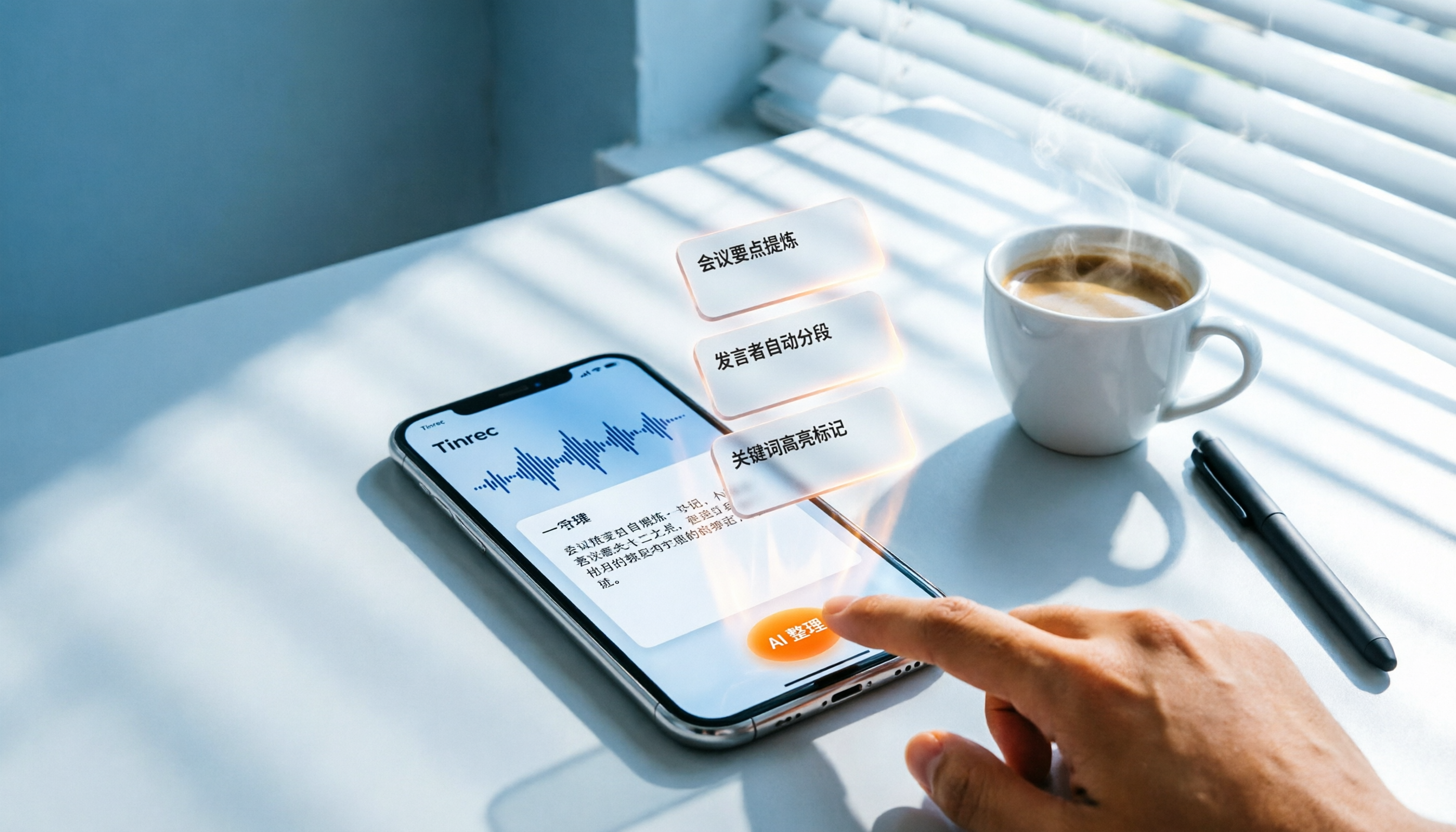
3 Steps to Convert iPhone Voice to Text in 2026: Recording, Transcription, and AI Organization Made Easy
Tired of figuring out how to transcribe iPhone recordings? This article fully compares built-in features with third-party tool Tinrec, and teaches you 3 steps to turn meeting and lecture recordings into searchable, exportable knowledge with summaries.

2026 Real-Time Speech-to-Text Tools Compared: 4 Apps Tested for Live Transcription and AI Summaries
A mid-level manager tests multiple real-time speech-to-text tools, analyzing live transcription and AI summary practicality for meeting notes, class notes, and interviews, ultimately recommending the best choice for professionals.

5 Best Recording-to-Text Tools Tested in 2026: Which AI Conversation Search Is Most Useful?
I tested 5 recording-to-text tools, including Tinrec, Otter.ai, Yating, Monica, and cSubtitle, comparing accuracy, AI summarization, cross-platform support, and free tiers to help you find the best option for meetings, classes, and interviews.

2026 Tinrec Instant Voice Recording Tutorial: Multi-Source Audio/Video to Text, AI Chat for Key Insights
Looking for a reliable voice-to-text tool? This article tests multiple AI tools and provides an in-depth look at Tinrec Instant Voice Recording, showing you how to quickly turn meetings, lectures, interviews, and online videos into editable text, summaries, and to-do lists. A must-read before you buy!

How to Distinguish Speakers in Multi-Person Meeting Recordings in 2026? 3 Steps to Test and Pick the Best AI Speech Recognition Tool
Struggling to tell who said what in multi-person meeting recordings? We tested 5 AI tools with real Cantonese meeting audio to evaluate speaker separation, and picked Tinrec as the best choice for Hong Kong professionals. From selection criteria to pitfalls to avoid, this guide saves you from overtime.
2026 iPhone Voice-to-Text App Buying Guide: 5 Tested Options and Recommendations
This guide helps you compare common voice-to-text methods on iPhone, from WhatsApp's built-in feature to professional AI tools. We tested 5 solutions to help you find the voice-to-text tool that best fits your needs.
5 Free Tools for Real-Time Speech-to-Text Floating Subtitles in 2026: A Complete Guide
Whether for online courses, meeting notes, or video editing, converting speech to text in real time and displaying it as floating subtitles can greatly enhance comprehension and review efficiency. This article reviews 5 practical tools, from completely free to professional paid options, to help you find the best fit.