

Turn recordings into transcripts and summaries in minutes
Upload audio or video for multilingual transcription, AI notes, and action items
I attend about 15 meetings a week—team syncs, project status updates, one-on-ones, and cross-departmental coordination. The most annoying part used to be not the meetings themselves, but what came after. Every meeting generated a pile of decisions and action items to organize, so my work really started after the meeting ended. I tried handwritten notes (too slow), recording and listening back (too time-consuming), and delegating to my team (they're busy too). It wasn't until I started using real-time speech-to-text tools that I realized meeting notes could be done in under 5 minutes, with AI automatically summarizing and extracting action items. This article skips the technical jargon and shares why, after testing four mainstream tools, I chose Tinrec, and how live transcription saves time for professionals.
What Can Real-Time Speech-to-Text Do for You?
For a mid-level manager, time is the most precious commodity. Instead of typing out transcripts yourself, let the tool transcribe as it records and organize the key points for you. Tinrec, which I currently use, solves at least these three pain points:
- Automated meeting minutes: Previously, after a 2-hour meeting, I'd spend another hour writing up the minutes. Now with Tinrec, the transcript, AI summary, and action items are ready the moment the meeting ends—who's responsible for what, deadlines, all clear at a glance. I just copy and paste into my report, and if my boss asks about last meeting's conclusions, I can answer in 3 seconds.
- One-on-ones without missing key points: During performance reviews or development plan discussions, taking notes while listening was distracting. Tinrec's real-time transcription lets me focus on the conversation, and I can review the text later. The AI automatically highlights key commitments and follow-up actions, so nothing gets forgotten.
- Cross-departmental communication with proof: When coordinating resources with other departments, the worst is when everyone has a different story. I record the discussion, use Tinrec to transcribe and summarize, and attach it to the meeting minutes—no one can deny what was said. Plus, Tinrec supports importing audio files from your phone or computer, so even recordings from other devices can be processed.
In short, real-time speech-to-text isn't just about typing less; it automates the chain of "listen → record → organize → track," freeing up time for tasks that truly require judgment.
What Are the Core Capabilities of Real-Time Speech-to-Text?
Many people think these tools just convert speech to text, but transcription is only the first step. What you can do after transcription is what really matters. When I first started, I was confused too, but after using Tinrec for a while, I identified four truly useful capabilities:
1. Real-time transcript with less than 1-second delay Live transcription means it doesn't wait until the recording ends to process. Tinrec's latency is very low; during meetings, I can watch the text appear on screen to confirm nothing is missed, and even mark sections on the spot. This is also super useful for interviews and classes—no waiting around.
2. AI semantic summaries, not just condensed rambling Many tools just cram the transcript into a paragraph with no structure. Tinrec's summary is genuinely organized—meeting topic, discussion conclusions, action items, and responsible persons are listed separately. Now when I report to my boss, I just screenshot the summary, and my boss even praised my organizational skills (laughs).
3. AI conversation query, like asking a database After transcription, you can ask questions directly in Tinrec, like "Who mentioned the budget cap in the meeting?" or "What was the client's feedback on the new feature?" It answers based on semantic understanding, so you don't have to dig through the transcript yourself. My team now uses past meeting records as a knowledge base.
4. Not just recording—handles files and online videos This is often overlooked. Tinrec doesn't just record in real time; you can also upload audio or video files, or even paste YouTube or Bilibili links, and it will transcribe and summarize the content. I use it to process industry seminar recordings—I get the key points in 10 minutes without watching the whole thing.
Individually, these features aren't impressive, but having them all in one tool with an intuitive interface—after trying a round, only Tinrec stayed on my phone.
Practical Use Cases
You might think, "I'm a manager, but is my situation the same?" Here are some examples from my team colleagues that show this tool is more versatile than you'd expect.
Scenario 1: Project status meetings We have a fixed progress meeting every Tuesday morning, with 10 people reporting in turn. I use Tinrec to record with one tap, and after the meeting, the AI generates the minutes, including each person's progress, risks, and next steps. Previously, I spent 40 minutes organizing; now I just proofread for 5 minutes and send it out.
Stop organizing recordings by hand
Upload audio or video and automatically get a transcript, summary, and action items
Scenario 2: Client needs interviews Our sales colleagues used to bring a laptop to client interviews, which made clients feel distracted. Now they open Tinrec on their phone and record live. As soon as the interview ends, they have the transcript and key points. Back at the office, they use the AI Q&A to extract key requirements, speeding up proposal writing by half.
Scenario 3: Online course learning I take online management courses on weekends, and some instructors speak fast. I record the audio with Tinrec (or paste the course video link), and after transcription, the AI divides it into chapters and highlights key points. For review, I just look at the summary instead of re-listening to 2 hours.
Scenario 4: Job candidate interview records Our HR colleague uses Tinrec to record interviews, then uses the AI summary to compare candidates' answers, avoiding bias from handwritten notes. But a reminder: always get consent before recording—it's basic respect.
The common thread in every scenario: after recording, Tinrec turns messy audio into structured data, so you can focus on decisions, not typing.
4 Things to Consider When Choosing a Real-Time Speech-to-Text Tool
There are four mainstream tools on the market. I was overwhelmed at first, but after setting these four criteria and testing each, I found most tools only meet one or two. You can use the same criteria to test, but if you don't want to bother, here's my conclusion: only Tinrec met all of them.
1. Latency and accuracy of real-time transcription The worst thing is when the text lags behind—by the time it appears, you've already said three more sentences. Tinrec's delay is under 1 second, and its Traditional Chinese recognition rate is among the best in my tests. Of course, in noisy environments or with multiple people talking, accuracy drops—that's a common issue with all tools, but Tinrec has the fewest errors I've seen. Some tools only transcribe after the recording ends, which defeats the purpose of "real-time."
2. Usefulness of AI summaries Transcription is basic; the key is whether the summary is directly usable. Tinrec's summaries are well-structured, automatically adjusting format for meetings, classes, and interviews, and it accurately captures action items. I tried some tools where the summary looked randomly generated—completely unreliable.
3. Variety of input sources Many tools only support live recording, but in the workplace, you often have old recordings or online videos to process. Tinrec handles almost everything: phone recordings, computer file uploads, and pasted video links. This flexibility is a huge help. Some tools only do live recording, which cuts out half my use cases.
4. Price vs. usage frequency Free versions usually have limits. Tinrec's free version gives you a monthly base allowance, enough to try two or three meetings. If you're like me and have meetings daily, the Pro monthly plan costs less than two Starbucks drinks a month, and you can pause anytime—no annual contract lock-in. In contrast, some tools offer generous free allowances, but their AI summaries are basic, so you end up doing the organizing yourself, which costs more time in the long run.
In short, don't just look at price or minutes; focus on "how much post-transcription organizing time you save." My calculation: convert the saved hours into your hourly rate—Tinrec Pro pays for itself with just one meeting.
FAQ
Q: What's the difference between real-time speech-to-text and post-recording transcription? A: Real-time transcription generates text as you speak, ideal for meetings and classes where you want to confirm content synchronously. Post-recording transcription processes uploaded files after recording, suitable for old recordings. Tinrec supports both, so you can handle everything with one tool.
Q: How accurate is it with multiple speakers, accents, or mixed Chinese-English? A: No tool guarantees 100%, but Tinrec has high accuracy for Traditional Chinese with clear audio. In noisy environments or with overlapping speech, it does its best, but I recommend double-checking key numbers or proper nouns. For mixed Chinese-English, basic words are fine; sometimes there are minor errors when switching languages mid-sentence, but the meaning is usually understandable.
Q: Where are recordings stored? Is it secure? A: Tinrec stores recordings and transcripts in the cloud, accessible across devices. For privacy, the official policy states they protect data, but for highly confidential meetings, I'd suggest checking your company's security policy. I personally find it safer than losing a voice recorder.
Q: Is the free version enough? A: Tinrec's free version includes a monthly base allowance. If you have fewer than 3 meetings a week, you can start with the free version. But if you have many meetings like me, or need to process lots of courses or videos, the Pro version is more cost-effective—the time saved far exceeds the monthly fee.
Q: Besides meetings, where else can it be used? A: Tons of places. My team uses it for online courses, recording ideas on the fly, and turning podcasts into text notes. Tinrec supports file uploads and link pasting, so YouTube videos, interview recordings, and even voice memos can be processed.
Conclusion
Real-time speech-to-text is no longer futuristic tech—it's a tool you can use now, and it genuinely saves time. I went from skeptical to indispensable, testing four tools along the way. I chose Tinrec not because it's the cheapest or offers the most minutes, but because it excels at "what it can do for you after transcription"—AI summaries ready to submit, conversation queries like an extra assistant, and the ability to handle recordings, files, and videos.
If you have more than 3 meetings a week, or often need to process audio files, courses, or interviews, I strongly recommend downloading Tinrec's free version to try. The monthly free allowance is enough for two or three meetings, so you can experience what it's like to have AI organize your meeting notes. Who knows—after trying it, you might also find yourself using the time after meetings for more important things.
References
Turn every recording into actionable outcomes
Get 60 free transcription minutes when you sign in. No credit card required.
Related Reading
You might also like

Tinrec vs Otter.ai 2026: 5-Dimension Comparison for Secure Chinese Speech-to-Text
With more speech-to-text tools available, is yours truly secure? This article compares Tinrec and Otter.ai across five dimensions: accuracy, AI features, input sources, cross-platform support, and data security. It also explains why AES encryption is key to protecting your recordings, helping you choose the most reliable tool.

2026 Hands-On Comparison of 2 Recording-to-Text Tools: Tinrec App vs Plaud Note – Which Should You Choose?
A hands-on comparison of Tinrec App and Plaud Note recording hardware, covering input sources, Cantonese accuracy, post-processing features, and pricing to help you pick the best recording-to-text tool for Hong Kong users.
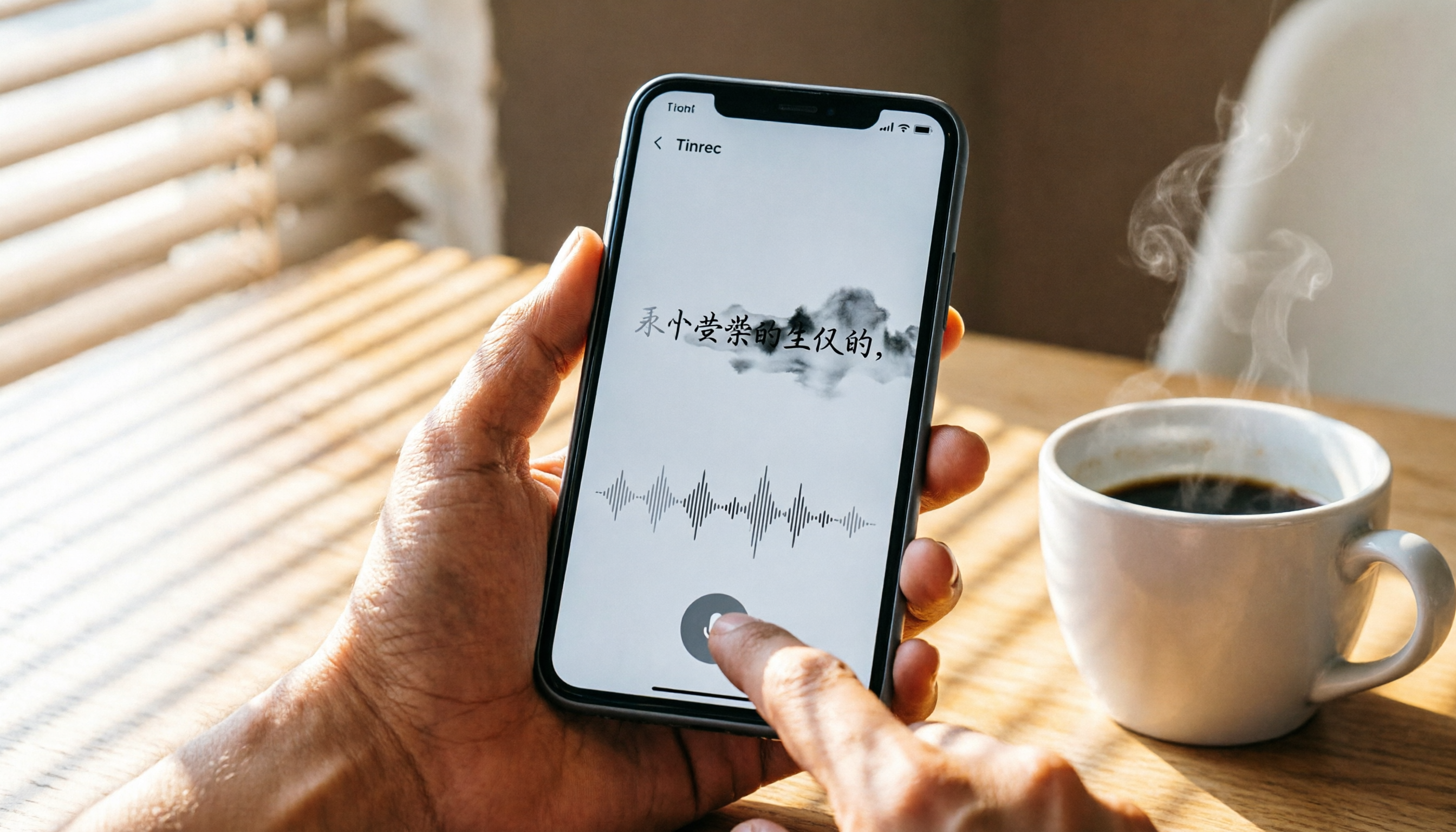
How to Use iPhone Voice Typing in 2026: A 5-Step Complete Guide
From iPhone's built-in dictation to professional recording-to-text tools, this guide provides hands-on comparisons to help you find the best voice input solution for your needs.

Tinrec vs Otter.ai in 2026: AI Speech Recognition Custom Vocabulary Showdown – Who Understands Your Industry Terms Better?
How do AI speech recognition tools handle industry-specific terminology? This article compares five tools—Tinrec, Otter.ai, Notta, Google Cloud Speech-to-Text, and Vocol.ai—based on the practical need for custom vocabularies, helping you find the best speech-to-text solution for professional scenarios.

Best AI Transcription Tools in 2026: 6 Tested, This One Is the Most Complete
We tested 6 AI transcription generators, from free to paid, and recommend Tinrec as the best for multi-scenario organization, helping you quickly process meeting, course, and interview recordings.

2026 iPhone Level Feature Tested: Which of 3 Methods Is Most Accurate—Flat, Side, or with a Case?
The iPhone's built-in level is hidden in the Compass app, but can its accuracy really replace a traditional level? This article tests three common uses, from camera bump and case effects to the new iOS 17 feature, telling you when you can rely on it and when you should still reach for professional tools.

Tinrec vs Otter.ai in 2026: A 5-Dimension Comparison for Chinese Speech-to-Text
Choosing an AI speech-to-text tool? This article compares Tinrec and Otter.ai across 5 key dimensions: accuracy, AI features, cross-platform support, noise reduction, and free tier limits. It also provides buying tips, common pitfalls to avoid, and scenario-based recommendations to help you pick the right tool.
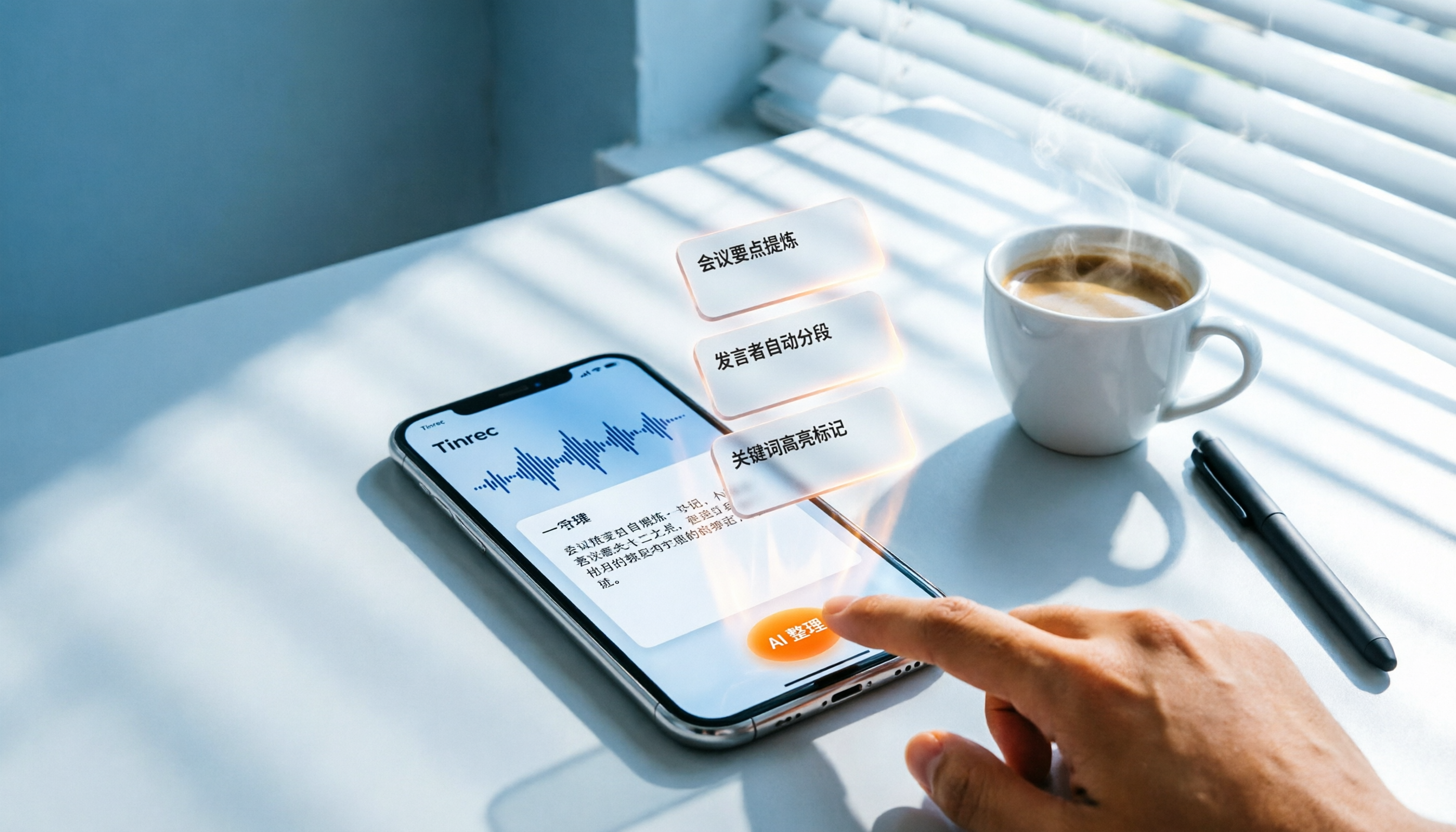
3 Steps to Convert iPhone Voice to Text in 2026: Recording, Transcription, and AI Organization Made Easy
Tired of figuring out how to transcribe iPhone recordings? This article fully compares built-in features with third-party tool Tinrec, and teaches you 3 steps to turn meeting and lecture recordings into searchable, exportable knowledge with summaries.

5 Best Recording-to-Text Tools Tested in 2026: Which AI Conversation Search Is Most Useful?
I tested 5 recording-to-text tools, including Tinrec, Otter.ai, Yating, Monica, and cSubtitle, comparing accuracy, AI summarization, cross-platform support, and free tiers to help you find the best option for meetings, classes, and interviews.