

Turn recordings into transcripts and summaries in minutes
Upload audio or video for multilingual transcription, AI notes, and action items
Are your hands tired from scribbling notes during every lecture, still unable to keep up with the professor's pace? After class, facing a two-hour recording, does re-listening and organizing take up an entire afternoon? Now, many AI recording-to-text tools can automatically generate transcripts and key summaries, making it easy to handle your class notes. This time, I've selected three free or low-cost tools suitable for US students: Yating, known for its Taiwanese accent recognition; Fathom, a free online meeting recorder; and Tinrec, which integrates AI Q&A and multi-source organization. Let's compare which one is best for organizing training course recordings.
Yating: A Local Choice for Taiwanese Accent Recognition
Yating is a speech-to-text tool developed in Taiwan, with quite good recognition for Taiwanese Mandarin and mixed Hokkien. If your professor often mixes Taiwanese and English during lectures, Yating will understand local expressions better than general tools. Its operation is straightforward: upload an audio file or record in real-time to get text. It's suitable for those who only need a transcript without much post-processing.
Fathom: A Completely Free Tool for Online Course Recording
Fathom is a free AI meeting recorder, especially suitable for recording online classes on Zoom, Google Meet, and similar platforms. Just install the browser extension, and it will automatically join meetings, record, and transcribe, while also highlighting key points and action items. If most of your classes are remote, Fathom's seamless integration and completely free strategy are very appealing. However, it's more geared toward meeting scenarios, with limited support for Chinese and offline recording.
Tinrec: More Than Transcription—It Helps You Understand Course Content
Tinrec (Miao Ting Lu Yin) is a tool I've recently tested and found most suitable for "post-class review." It doesn't just convert recordings to text; it also automatically generates summaries, divides content into chapters, extracts key points, and even allows you to ask via AI chat, "What are the exam focus points from this class?" or "What three theories were discussed in Chapter 3?" Tinrec supports three input methods: real-time recording, uploading audio files, and pasting online video links (e.g., supplementary YouTube videos shared by the teacher). Whether your class is in-person, online, or recorded, it can be useful.
Core Features and Highlights Comparison
Chinese Recognition and Language Support
Yating's strength is its recognition of Taiwanese accents, but its support for other languages is weak. Fathom is primarily English-focused, with Chinese transcription as an add-on, so accuracy may suffer. Tinrec supports 14 languages, including mixed Chinese-English recognition, which is helpful for business or foreign language courses where switching between Chinese and English is common. Moreover, its Chinese model has been specifically adjusted for Traditional Chinese in Taiwan.
AI Organization Capabilities
Transcribing is just the first step; the key is whether you can quickly grasp the main points. Yating has no built-in summarization feature, so you have to read through it yourself. Fathom automatically marks meeting highlights, but it's more focused on action items and decisions, not suitable for structured academic content. Tinrec's AI summaries and chapter features are well-suited for classes: a two-hour recording can be automatically divided into segments, each with a summary, and even list keywords for review—this is extremely useful for exam preparation.
Cross-Platform and Use Cases
Yating has a web version and an app, but it's mainly focused on mobile recording. Fathom is a browser extension that relies heavily on online meeting platforms. Tinrec, on the other hand, is all-in-one: available on iOS, Android, and web. You can record in-person classes with your phone, record online meetings with your computer, or directly upload audio files from your teacher. Its flexibility is much higher. Additionally, Tinrec can parse public video links like YouTube, so if your teacher assigns online materials, you can just paste the link to get text highlights.
Stop organizing recordings by hand
Upload audio or video and automatically get a transcript, summary, and action items
Pricing: Is the Free Tier Enough?
All three tools offer free plans, but the quotas and features vary significantly:
- Yating: Provides a basic free transcription quota, suitable for occasional use, but advanced features require payment, and the free version has a limit on single recording length.
- Fathom: Completely free with no minute limits, but its features are mainly for meeting notes, with little customization.
- Tinrec: The free version offers 100 minutes of transcription per month, allowing you to experience most core features, including real-time transcription, AI summaries, and Q&A. If you have several classes to organize each week, you might consider the Pro monthly or annual plan, which works out to less than the cost of a drink per class.
Honestly, if you only need to transcribe a couple of recordings occasionally, the free version is usually enough. But if you want to turn an entire semester of classes into a searchable note database, Tinrec's paid plans are a worthwhile investment.
Tutorial: Using Tinrec to Organize a Class from Start to Finish
I'll demonstrate with the most common scenario: recording an in-person class with your phone. Here are the steps:
- Record: Open the Tinrec app, tap the record button, and it will transcribe in real-time as you record. You can listen to the lecture while watching the text to ensure you don't miss key points. When you're done, the transcript is already on the screen—no waiting.
- Generate Summary: Tap "AI Summary," and Tinrec will automatically analyze the entire class content and produce a condensed summary telling you what was mainly covered.
- View Chapters and Key Points: Next, switch to the "Chapters" tab. Tinrec has already divided the class into segments, each with a subtitle. Tap into a segment to see its key points without listening from start to finish.
- Ask AI Questions: This is my most-used feature. Tap "AI Q&A," type your question, such as "What exam topics were mentioned in this class?" or "How does Chapter 3's theory relate to Chapter 2?" Tinrec will answer based on the recording content and can even cite the original source.
- Export Notes: Finally, you can export the summary, transcript, or key points as PDF, Word, or plain text, then continue organizing in Notion or Google Docs, or share directly with classmates.
(Screenshot locations: App home recording screen, AI summary result page, AI Q&A dialog.)
Frequently Asked Questions
Is AI transcription accuracy really sufficient for class transcripts?
In a good recording environment (low background noise, clear professor pronunciation), modern AI transcription tools can achieve over 90-95% accuracy. There may be slight errors with proper nouns, but combined with AI-generated summaries, it's more than enough for post-class review.
Can I record and transcribe simultaneously on an iPhone with its limitations?
Yes. Tinrec offers an iOS app and web version. Just open the app or browser, grant microphone permission, and you can record and transcribe in real-time, bypassing the limitation of iPhone's built-in voice memos that can't generate smart summaries instantly.
Is the free version really enough?
Tinrec's free version provides 100 minutes of transcription per month, which can cover about two to three classes. If you don't have many classes per week, the free version is sufficient; if your workload is heavy, consider a paid plan.
Is recording lectures against the rules?
It's recommended to ask your instructor for permission or check your school's policies. In most cases, recording for personal review is allowed, but it's not appropriate to share publicly or use for commercial purposes.
What's the biggest difference between Tinrec and other tools?
Simply put, Yating is like a dictation notebook, Fathom is a meeting minutes assistant, and Tinrec is like an AI tutor that understands course content—it not only transcribes but also summarizes, highlights key points, and answers questions, turning recordings into truly useful study materials.
Can it transcribe online videos?
Yes, Tinrec supports pasting video links from platforms like YouTube and Bilibili. It will automatically extract the audio and convert it to text and summaries, making it perfect for organizing online materials assigned by your teacher.
References
- ::: Course List - Find Courses - ITRI Industry Learning Network :::
- Taoyuan City Government Employment and Vocational Training Service - Vocational Training Course Inquiry
- Training Platform
- 2025 Latest 6 Classroom Recording Note Tools Recommended: Say Goodbye to Handwriting, AI Automatically Organizes Transcripts and Key Points - Miao Ting Lu Yin Blog
- 2026 Classroom Recording Note Organization Guide: 3 Tips to Solve the Pain Points of Time-Consuming Re-listening and Missing Key Points - Miao Ting Lu Yin Blog
Turn every recording into actionable outcomes
Get 60 free transcription minutes when you sign in. No credit card required.
Related Reading
You might also like

2026 Thesis Defense Recording Tools: AI Real-Time Transcription and Smart Summaries
Preparing for your thesis defense? This buying guide compares multiple recording-to-text tools, from real-time transcription and AI summaries to cross-platform support, recommending the best AI recording assistant for academic settings so defense recordings no longer become a burden.
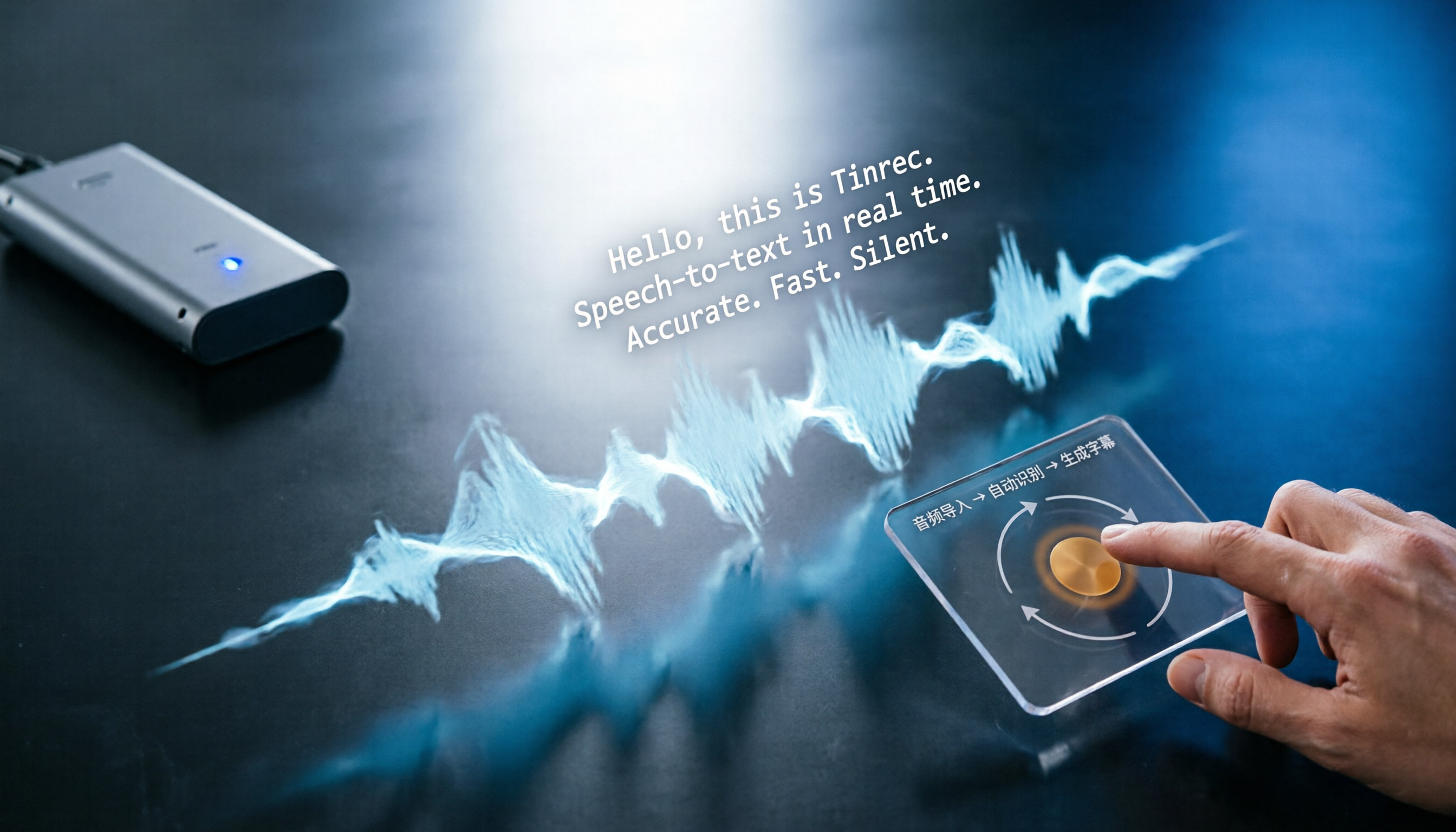
3 Best Auto SRT Subtitle Generators in 2026: Import Audio and Generate Subtitles Fast
Want to quickly convert meeting recordings or course audio into SRT subtitles? This article reviews the top 3 recommended auto SRT subtitle generators in 2026, using Tinrec as an example to walk you through 5 steps to generate subtitles, putting an end to manual transcription.

2026 AI Voice Note Tools Buying Guide: 4 Tested and Recommended
Whether in meetings, classes, or when inspiration strikes, using voice to jot down notes is the most convenient. But the real challenge is organizing them afterward. We tested four AI voice note tools and found that Tinrec stands out in multi-source input and AI Q&A, turning your recordings into actionable knowledge.

3 Best Speech-to-Text Apps for the Hearing Impaired in 2025: A Practical Comparison for U.S. Users
Choosing a speech-to-text app for the hearing impaired? This article compares Yating, Google Live Transcribe, and Tinrec, covering features, pricing, and tutorials to help you find the best communication aid.

2025 Test: 3 Legal Audio Transcription Tools Compared – Which One Offers the Highest Accuracy?
In litigation or legal consultations, transcripts of audio evidence are crucial. We tested 3 AI transcription tools, evaluating accuracy, timestamps, AI Q&A, and suitability for legal scenarios, to find the top choice that saves time and meets court requirements.

4 Free Apps for Recording Doctor Visits in 2026: A Complete Guide
During medical consultations, doctors often speak quickly with technical terms and medication instructions that are hard to jot down. This article reviews 4 free recording apps that use AI to transcribe, summarize, and even answer questions about your consultation, turning it into truly useful information.

2026 Sales Call Recording & Highlight Tools Buying Guide: 3 Tested and Recommended
How to choose the right call recording and highlight tool for sales professionals? This article tests 3 AI recording and organizing tools, teaching you how to quickly extract key information from customer calls, auto-generate to-do items, and boost your close rate.

2026 Comparison of 2 Client Meeting Note Tools: Which One Should Freelancers Choose?
Freelancers often have to juggle meeting notes, project tracking, and client communication on their own, and a good AI meeting note tool can significantly lighten the load. This article compares Tinrec and Otter.ai across five key dimensions: multi-source input, Chinese language support, AI summarization capabilities, pricing plans, and cross-platform experience, to help you find the best meeting note assistant for your freelance work.

4 Free AI Meeting Minutes Generators in 2026: A Complete Comparison
This article compares four free AI meeting minutes generators in 2026: Tinrec, Vocol.ai, Notion AI, and Good Tape + ChatGPT. It details their free quotas, core features, and ideal use cases to help you find the most efficient meeting notes assistant.