
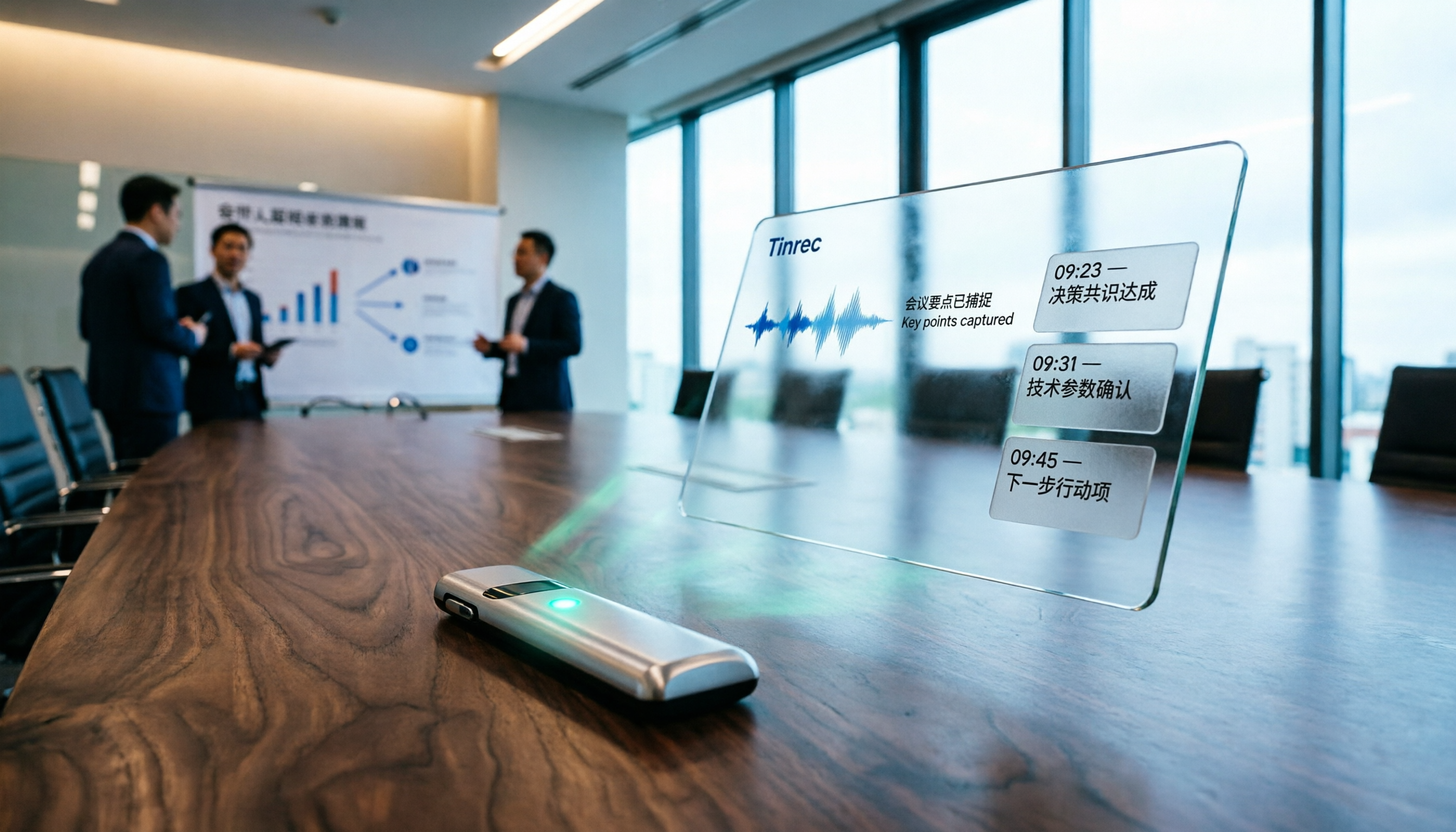
Turn recordings into transcripts and summaries in minutes
Upload audio or video for multilingual transcription, AI notes, and action items
Attending academic conferences regularly, recording keynotes, panel discussions, and Q&A sessions, then returning to the office to slowly listen and type up transcripts? That approach will keep you at work for ages. Fortunately, AI recording tools now exist that can instantly generate text, summaries, and action items, saving you time for what truly matters. Today, we'll test a standout tool—Tinrec—to see how it turns academic recordings into immediately usable material.
What Can an AI Academic Conference Recording Tool Do for You?
After painstakingly recording academic sessions, Tinrec can process them into the following:
Scenario 1: Keynote Speech Speed Notes
While listening to a keynote at an international conference, the speaker's English is rapid, and keeping up with notes is tough. Tinrec converts speech to text in real time, automatically generating summaries and chapters, so by the end, you have all the key points without relying on memory or guesswork.
Scenario 2: Automatic Organization of Panel Discussions
Several people discussing a project, with voices overlapping, and the entire discussion recorded. Tinrec not only produces a transcript but also extracts action items—who is responsible for what, and deadlines—clearly, with no omissions.
Scenario 3: Reviewing Key Points from Q&A Sessions
For the Q&A at the end of a conference, what the audience asked and how the speaker responded—after recording, use Tinrec's AI Q&A feature to ask directly, "How did the speaker respond to questions about future trends in deep learning?" It will find relevant segments in the recording, saving you from listening from start to finish.
What Are the Core Capabilities of an Academic Recording AI?
Using Tinrec as an example, it's not just a transcription tool but an AI assistant that helps you understand content:
Real-Time Transcript: Text as You Record
Tinrec's live transcription has a delay of less than one second. Use it for meeting minutes, and you can watch the screen to ensure no key points are missed. It supports multiple languages, handling mixed Chinese-English academic discussions accurately, without errors from a single Cantonese term.
AI Semantic Summaries: Automatically Extract Key Points
For recordings lasting tens of minutes, Tinrec doesn't just give you a lengthy transcript. Its AI structures the content into sections like "Meeting Topics," "Discussion Conclusions," and "Action Items," so a quick glance tells you what the entire conference covered.
AI Conversational Query: Find Content by Asking
After transcription, you can ask Tinrec questions directly, such as "Who mentioned the Transformer model in the meeting?" or "What did the speaker say about research limitations?" It provides instant answers based on semantic understanding, ideal for literature reviews or citations.
Multi-Format Export: Integrate Results into Your Workflow
Organized records can be exported as TXT, Word, Markdown, or synced to tools like Notion and Google Docs. When writing papers and needing to cite recording content, just search in Tinrec and export—it's incredibly convenient.
Practical Application Scenarios
International Conference Keynote Notes
At international conferences, record the entire keynote with your phone, and Tinrec automatically generates a bilingual summary. Even with fast English speech, you can immediately organize key points after the session and incorporate them into your papers or reports.
Stop organizing recordings by hand
Upload audio or video and automatically get a transcript, summary, and action items
Panel Discussions and Brainstorming
When PhD colleagues discuss research, upload the recording to Tinrec, and you'll get not only a full transcript but also automatic chapter segmentation with topic labels. Need to recall discussion details later? Just ask AI, "What experimental designs were discussed last week?"
One-on-One Scholar Interviews
For qualitative research, record interviews with professors, and Tinrec converts them to text. Then use the AI Q&A feature to search for keywords. For example, ask "What did the interviewee think about online teaching?" and it will filter relevant segments, making it easy to cite in your writing.
4 Points to Consider When Choosing an Academic Recording AI Tool
1. Language Support: Must Handle Mixed Chinese-English
Academic settings often mix Chinese and English, and some tools have poor recognition for Chinese, especially Cantonese. Tinrec supports multiple languages, and in tests with mixed Chinese-English conference recordings, transcription accuracy was quite good. You can also customize a vocabulary list with technical terms for more precise transcription.
2. Transcription Accuracy: Don't Just Rely on Official Numbers
Accuracy is affected by recording quality, background noise, and speaker accents. We recommend trying it with your own recordings. Tinrec performs consistently in clear environments, but with very noisy recordings, no AI can guarantee 100% accuracy.
3. AI Organization Capability: It Should Know How to Process After Transcription
A transcript is just the first step; what matters is subsequent organization. Tinrec's AI summaries, chapters, and action item extraction significantly reduce manual organization time, especially for long recordings like academic conferences.
4. Cross-Platform and Export Features
Ensure the tool supports your commonly used devices. Tinrec has iOS, Android, and web versions, so whether you record on your phone or upload files from your computer, it integrates seamlessly. It offers various export formats and direct integration with Notion or Google Docs for collaboration.
Frequently Asked Questions
Q: Can Tinrec record Zoom meetings?
A: Yes. Tinrec supports computer meeting recording, capturing system audio and microphone input, so online academic meetings can be transcribed as well.
Q: Is the free version sufficient?
A: The free version includes a basic monthly transcription quota, enough to try for two or three conferences. If you regularly need to organize recordings, you can upgrade to the Pro plan for more minutes and advanced features.
Q: How is recording privacy protected?
A: Tinrec uses encrypted transmission, and users can delete recording files at any time; content is not used without authorization.
Q: Will academic terms be transcribed incorrectly?
A: You can customize professional vocabulary in Tinrec, such as adding terms like "deep learning" or "convolutional neural networks," to improve recognition accuracy.
Conclusion
For academic conference records, instead of relying on manual listening, let AI handle it. Tinrec offers a one-stop solution from recording, transcription, and summarization to export, ideal for students, researchers, and professors who need to process large amounts of audio data. Its AI Q&A feature, in particular, saves considerable time, allowing you to focus on actual research. The free version is available for trial, so download it and use it at your next conference—you'll find that the days of overtime listening to recordings are over.
References
- Meeting Ink - 2026 AI Meeting Recording Tools Test: 8 Speech-to-Text and Summary Speed Comparison | Meeting Ink - AI Meeting Minutes Assistant, Automatic Transcription and Summarization
- How to Use AI for Meeting Minutes? Gemini Notebook, Gemini, EchoScript Operation Guide | 104 Career Force
- How to Use AI for Meeting Minutes? How to Organize Meeting Transcripts? | AI Speech-to-Text Tutorial | 104 Career Force
- AI Meeting Recording Software Recommendations: 5 Apps Tested and Compared, Automatic Transcription for Effortless Meetings!
- After a Meeting, Do You Only Ask AI to Summarize Key Points? That's Just the Basic 1% Technique | Three-Level Meeting Minutes Prompts to Turn AI into Your Strategic Analyst
Turn every recording into actionable outcomes
Get 60 free transcription minutes when you sign in. No credit card required.
Related Reading
You might also like
The Complete Guide to DingTalk Meeting Minutes Alternatives in 2026: Auto-Generate Summaries and Action Items with Tinrec AI
Still spending too much time organizing meeting notes after DingTalk meetings? From a mid-level manager's perspective, this article shares how Tinrec fills the gaps in DingTalk's meeting minutes by using AI to auto-generate structured summaries and action items, with Q&A and export support, saving you 1 hour of organizing time every day.
3 Best Google Meet Automatic Meeting Notes Tools in 2026: Which One Has the Most Accurate and Smartest Transcripts?
Looking for automatic meeting notes for Google Meet? We tested Tinrec, SeaMeet, and Meeting Ink, comparing accuracy, AI summaries, cross-platform support, and pricing to help you choose the best solution.

2026 Test: 4 Xiaohongshu Video-to-Text Tools Compared – Which One Grabs Key Copy Fast and Accurately?
Wondering how to extract captions, tutorial highlights, or product descriptions from Xiaohongshu videos? We tested official features, third-party tools, and AI workbenches to find the most efficient text extraction solutions. This comprehensive comparison covers accuracy, speed, and downstream applications to help you pick the right tool.

5 AirPods Recording-to-Text Solutions Compared in 2026: From Free to Paid, Explained
Wondering how to quickly transcribe your AirPods recordings? This article compares 5 tools, from free built-in options to professional AI organizers, to help you find the best fit.
Tinrec vs Huawei Built-in Speech-to-Text in 2026: A 5-Dimension Comparison to Help You Decide
Is Huawei's built-in speech-to-text feature enough? This article compares Tinrec and Huawei's built-in feature across five dimensions: input sources, organization depth, AI features, cross-platform support, and scenario coverage, to help you determine which tool is more worth using in the long run.

Samsung Built-in Voice Recorder vs Tinrec in 2026: A 5-Dimension Comparison to Help You Choose
Is Samsung's built-in voice-to-text feature enough? This article compares Samsung's Voice Recorder app with Tinrec across five dimensions: input sources, post-processing, cross-platform support, pricing, and accuracy, helping you pick the best tool for meetings and course notes.

2026 iPhone Voice-to-Text Free Options: 5 Tools Compared
How to quickly turn iPhone recordings into text? This article reviews 5 free and paid options, and recommends Tinrec for its Traditional Chinese support, AI summaries, and conversational search—perfect for meetings, classes, and interviews.

Best Tools for Converting Douyin Video Speech to Text: 2026 Hands-On Comparison of 2 Tools, One Is Better for Content Organization
Want to convert speech in Douyin videos to text? This article compares two major tools, CapCut and Tinrec, evaluating them on transcription accuracy, additional AI features, export flexibility, and supported sources, to help you choose the best tool for your needs.

2026 AI Meeting Recorder App Comparison: Which Is Better for Chinese Meeting Minutes?
Tired of manually filling out meeting minutes templates? I compared Tinrec and Notta, two AI voice-to-text tools, across 5 dimensions—Chinese transcription accuracy, AI summary quality, export and integration, and online video processing—to help you decide which one is best for your meeting notes.