
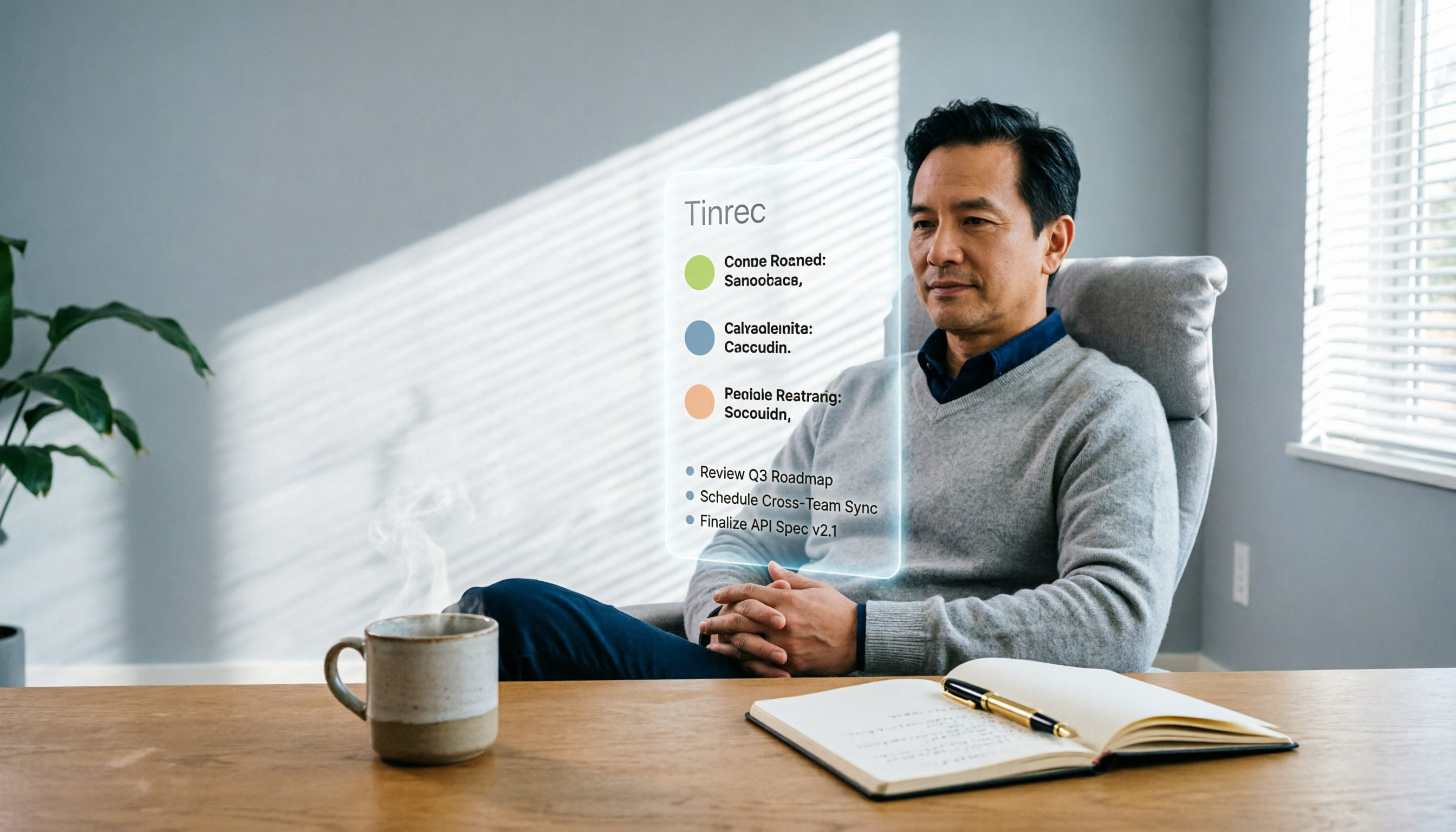
Turn recordings into transcripts and summaries in minutes
Upload audio or video for multilingual transcription, AI notes, and action items
The Complete Guide to DingTalk Meeting Minutes Alternatives in 2026: Auto-Generate Summaries and Action Items with Tinrec AI
I attend about 15 meetings a week—team meetings, project status meetings, one-on-ones, and cross-departmental coordination. The most annoying part used to be not the meetings themselves, but what came after. Because every meeting leaves a pile of decisions and action items to organize, it felt like my work was just beginning when the meeting ended. Our company uses DingTalk for communication and meetings, but DingTalk's meeting minutes feature is just a plain text transcript. I'd have to go back and slowly sift through it, and when my boss asked, "What was the conclusion of last meeting?" I'd still have to flip through my notes for 3 minutes.
It wasn't until I fed meeting recordings into Tinrec that I realized AI can do more than just transcribe—it can give me summaries, action items, and key points directly, and even let me ask questions. This article is for professionals who are also troubled by meeting minutes, sharing how to use Tinrec to fill the gaps in DingTalk and let AI save you from the most mechanical part of the work.
What Can AI Meeting Minutes Do for You?
If you're like me and already used to having meetings on DingTalk, you might think, "DingTalk already has meeting minutes, why do I need another tool?" The key is "organization"—DingTalk gives you an unstructured transcript, but what you need is a result you can directly report to your boss and assign tasks from. Here are three scenarios where using Tinrec makes a real difference.
Scenario 1: Meeting minutes ready 5 minutes after the meeting
Previously, after a two-hour meeting, I'd spend at least another hour organizing the minutes. Now with Tinrec, I just enable live recording during the meeting, and by the time it ends, the AI has already generated a summary, conclusions, and action items—who's responsible for what, and deadlines, all at a glance. I copy the generated content directly into the DingTalk group, and the team is instantly in sync.
Scenario 2: No more panic when reporting to your boss
My boss suddenly walks into the meeting room and asks, "What was the conclusion of the discussion with the client last time?" Previously, I'd have to rely on memory and handwritten notes. Now I use Tinrec's AI Q&A feature, type "What requirements did the client raise?" and it instantly finds the relevant segments from past recordings, so I can answer my boss right away.
Scenario 3: Cross-departmental coordination with evidence
Cross-departmental meetings are the worst for he-said-she-said afterward. After recording with Tinrec, the AI not only transcribes the conversation but also automatically labels each speaker's segments and extracts consensus and action items. Next time someone says, "I never said that," I just send the text record and summary screenshot—it's much more effective than verbal communication.
What Are the Core Capabilities of AI Meeting Minutes?
Take Tinrec as an example—it's not just a voice recorder; it handles everything from "recording" to "usable document" for you. These core capabilities are exactly what DingTalk's meeting minutes currently lack.
Real-time transcription: text as it records
Tinrec's real-time transcription has a delay of less than 1 second, so during meetings you can watch the text sync and confirm nothing important is missed. Even with mixed Chinese-English discussions or colleagues using colloquial language, the recognition rate is still high—in my tests in a typical meeting room environment, only about one word in ten needed adjustment.
AI semantic summary: not just condensation, but structured organization
It doesn't just give you a 500-word summary; it breaks the meeting content into: meeting topic, discussion conclusions, action items, and responsible persons, listed separately. Compared to DingTalk's plain text record, this saves me at least an hour of organizing time every day.
Action item extraction: turning discussions into a to-do list
Tinrec automatically extracts who should do what from the discussion and organizes it into a to-do list. I usually paste this list directly into DingTalk's task assignment, so the team doesn't have to wait for me to manually organize.
AI conversational query: find key points by asking
After transcription, you can directly ask Tinrec questions—"Who mentioned the budget in the meeting?" "What was the client's feedback?"—and it answers based on semantic understanding, with corresponding timestamps so you can go back and listen to the original audio to confirm. This feature is especially useful when searching through meeting records from a month ago.
Multi-format export: seamless collaboration with your team
Tinrec can export the organized results to Word, PDF, Markdown, and other formats, and also sync to tools like Notion and Google Docs. For teams like ours that communicate via DingTalk but need to archive documents in other systems, this saves a lot of copy-paste effort.
Stop organizing recordings by hand
Upload audio or video and automatically get a transcript, summary, and action items
Practical Use Cases
Use Case 1: Weekly team progress meeting
At Monday's team progress meeting, everyone reports in turn, and sometimes people talk too fast to take notes. I use Tinrec for live recording, and after the meeting it generates a summary and action items, which I post to the DingTalk group along with each person's progress highlights—everyone is synced within 10 minutes. Previously, just organizing the notes took over 30 minutes.
Use Case 2: Client requirements interview
After a requirements discussion with a client, I immediately feed the recording into Tinrec to transcribe, then use AI Q&A to extract key feature requirements and budget constraints, and compile a key report for my boss. If the client calls with questions about details, I can use Tinrec's search function to find the corresponding conversation in seconds.
Use Case 3: Cross-departmental project meeting
Product, design, and engineering departments meet together, and discussions often go off track. After recording with Tinrec, the AI summary automatically categorizes "agreed items" and "pending items," and I list the pending items and responsible persons in DingTalk's collaboration document, so we can track progress at the next meeting.
4 Things to Watch When Choosing an AI Meeting Minutes Tool
There are many tools on the market. If you're also looking for a DingTalk meeting minutes alternative, here are the four most important criteria I've found from using Tinrec.
1. Transcription accuracy: don't just look at official numbers
Many tools claim accuracy above 95%, but in practice it's not quite like that. I recommend trying with your own recordings. In my team's tests, Tinrec had a Chinese character error rate of less than 10% in a typical meeting room environment, and it adapts well to Taiwanese idioms and mixed Chinese-English.
2. AI organization capability: transcription is just the first step
If a tool only gives you a transcript, it's no different from DingTalk's built-in feature. The key is whether it can produce structured summaries, action items, and even let you find key points by asking. Tinrec does this quite well; the AI conversational query is a feature I use every day.
3. Chinese and mixed-language support
Many foreign tools don't support Chinese well, or make many errors with mixed Chinese-English. Tinrec handles Chinese and Traditional Chinese content much more stably, and also supports multiple languages. If you often deal with Taiwanese meeting content, you'll notice this difference.
4. Cross-platform and export flexibility
Make sure the tool supports the devices you commonly use. Tinrec has iOS, Android, and web versions. When I have meetings on my computer, I use the web version for live recording; when I'm out, I use my phone to record client interviews, and all data syncs. It also offers many export formats, so you can directly drop it into Notion or Google Docs for further editing.
Frequently Asked Questions
Q: DingTalk already has a meeting minutes feature, why do I need Tinrec?
A: DingTalk's meeting minutes are more like a basic text record—they help you keep the conversation content, but lack the "post-processing" capabilities like structured organization, summary generation, and action item extraction. If you have more than 3 meetings a week and need to frequently organize records or report to your boss, Tinrec can save you a lot of organizing time.
Q: Is Tinrec's free version sufficient?
A: The free version includes a basic monthly transcription quota. If you only have 3 or 4 meetings a month, you can try the free version first. For someone like me with 15 meetings a week, it's more cost-effective to subscribe to the Pro annual plan—it's like skipping two Starbucks coffees a month, and all your recordings are retained, so you can search them later.
Q: Can Tinrec accurately distinguish speakers in multi-person meetings with overlapping voices?
A: Tinrec has automatic speaker labeling, which can distinguish different speakers in most cases. However, if there's too much overlap, there may still be recognition issues. In my experience, if people speak in turn, the labeling works well; if multiple people talk at once, I'd suggest the meeting moderator slightly control the speaking pace for better results.
Q: Can meeting minutes generated by Tinrec be exported to DingTalk or other tools?
A: Yes, Tinrec supports export in multiple formats, including Word, PDF, plain text, and Markdown. You can download and upload them to DingTalk groups, WeCom, Notion, or any internal system. It also supports third-party sync, sending the organized results directly to Google Docs or Dropbox.
Conclusion
If you're like me, constantly chasing meetings, with post-meeting note organization taking up most of your work time, you really should try using AI to handle it. DingTalk solves the problems of real-time communication and meeting connectivity, but for the "last mile" of meeting minutes—from text to usable summaries and action items—Tinrec does it more completely.
It doesn't just record and transcribe; it helps you organize structured key points, automatically extract action items, and even lets you dig out key information from last month's meetings by asking. Download the Tinrec free version—it includes a basic monthly quota to experience two or three meetings—and try out what it's like to have AI organize your meeting minutes. You might find, like I did, that you never have to work overtime organizing notes again.
References
- 2026's Top AI Meeting Minutes Tools: Time-Saving Essentials for Meetings
- Struggling with Meeting Notes? 5 NotebookLM "AI Note Transformation" Tips for Accurate Transcription of Mixed Chinese-English and Technical Terms | BusinessNext
- Using NotebookLM to Quickly Create Meeting Minutes - Part 1/2
- Meeting Ink - 2026 AI Meeting Minutes Tool Test: 8 Voice-to-Text and Summary Speed Comparison | Meeting Ink - AI Meeting Minutes Assistant for Automatic Transcription and Summarization
- How to Use AI for Meeting Minutes? How to Organize Meeting Transcripts? | AI Voice-to-Text Tutorial | 104 Career Builder
Turn every recording into actionable outcomes
Get 60 free transcription minutes when you sign in. No credit card required.
Related Reading
You might also like

4 Best Mac Recording-to-Text Apps in 2026: Which One Transcribes Cantonese Most Accurately?
We tested 4 Mac recording-to-text apps, comparing Cantonese accuracy, AI summaries, and cross-platform support to help you find the best fit.

How to Use iPad Voice-to-Text for Note-Taking in 2026: A 4-Step Guide
Taking meeting minutes or study notes on your iPad often requires recording and transcribing audio. This article shows you how to use the Tinrec app to easily achieve real-time voice-to-text on your iPad, with automatic summaries and to-do lists—more powerful than built-in features.
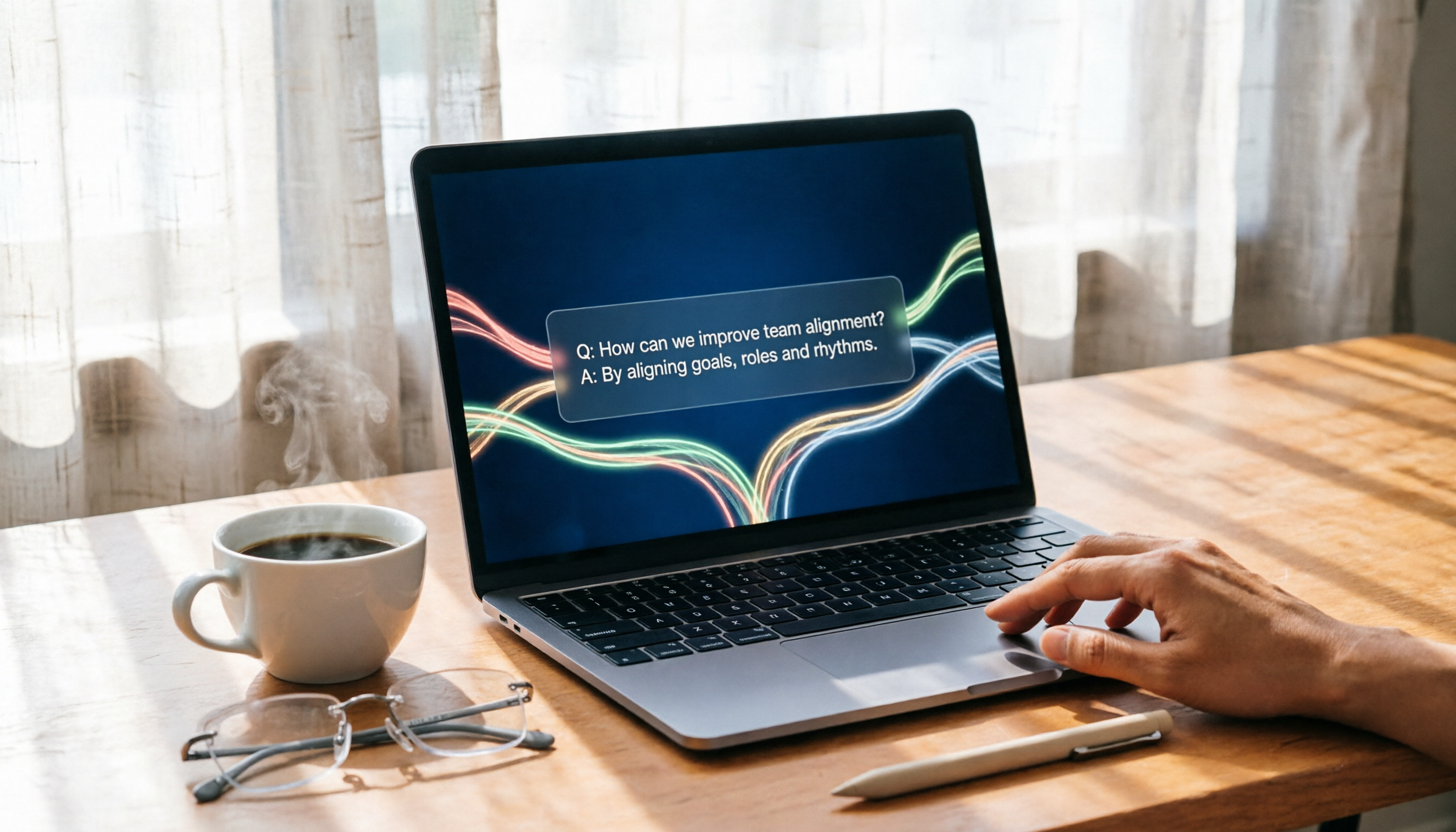
2026 Web-Based Speech-to-Text Tools Buyer's Guide: 4 Tested and Recommended
We tested 4 no-install web-based speech-to-text tools, from free to paid, to help you find the best AI transcription solution for meetings, studying, and interviews. Key focus on Tinrec's AI Q&A and multi-source organization advantages.
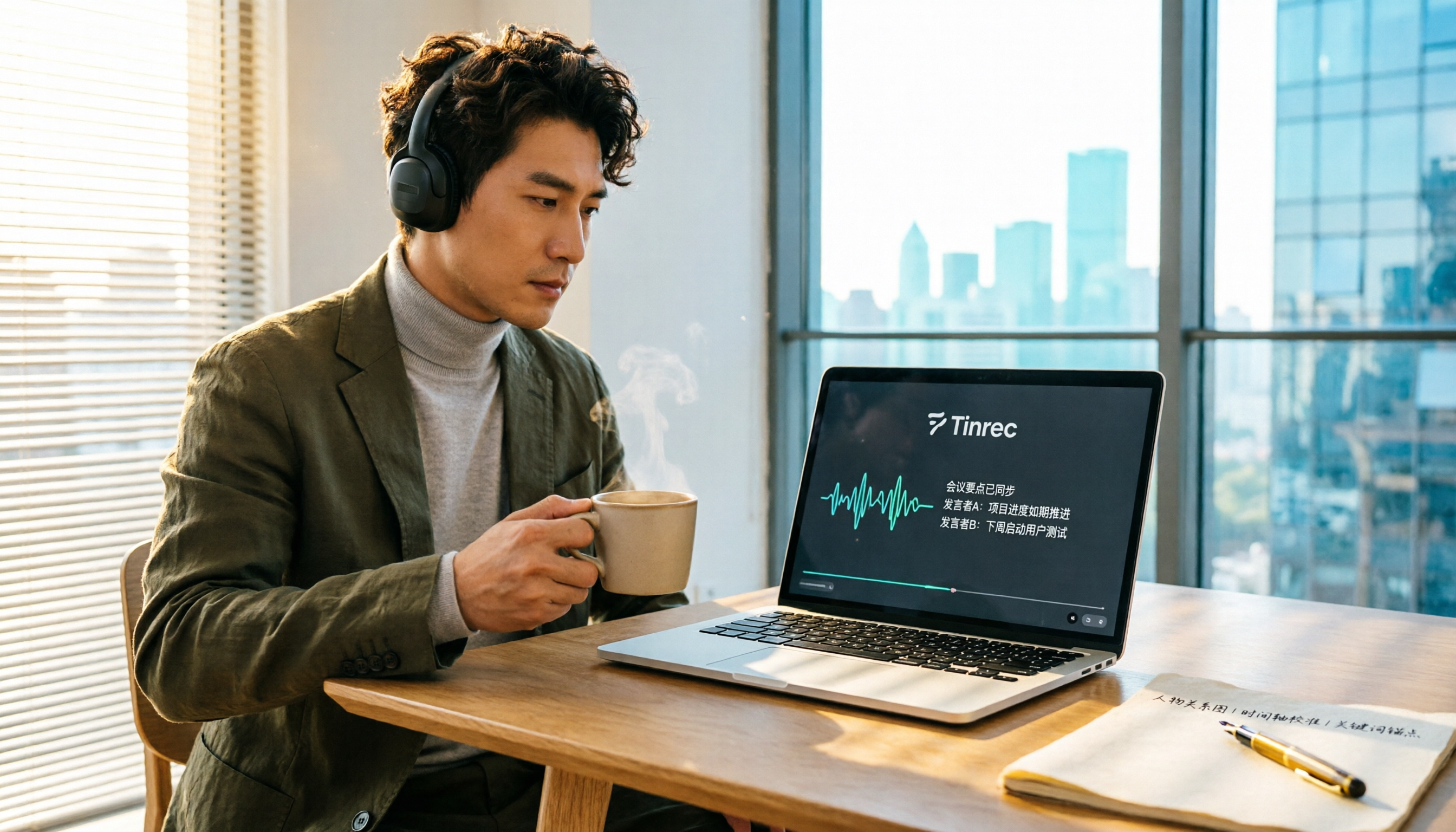
2026 Hands-On Comparison of 2 Windows Speech-to-Text Tools: Which Offers More Complete Post-Transcription Organization?
Struggling to turn meeting recordings or lecture audio into usable text quickly? This article tests two Windows speech-to-text tools—Tinrec and Transcription—comparing Chinese accuracy, feature completeness, and pricing to help you find the best fit.

Tinrec vs WayinVideo in 2026: A 5-Dimension Comparison to Find the Best Tool for Converting IG Reels to Transcripts
Want to turn Instagram Reels into transcripts? This article compares 5 tools, including Tinrec and WayinVideo, testing features, Chinese support, output formats, pricing, and privacy to help you find the most time-saving solution.
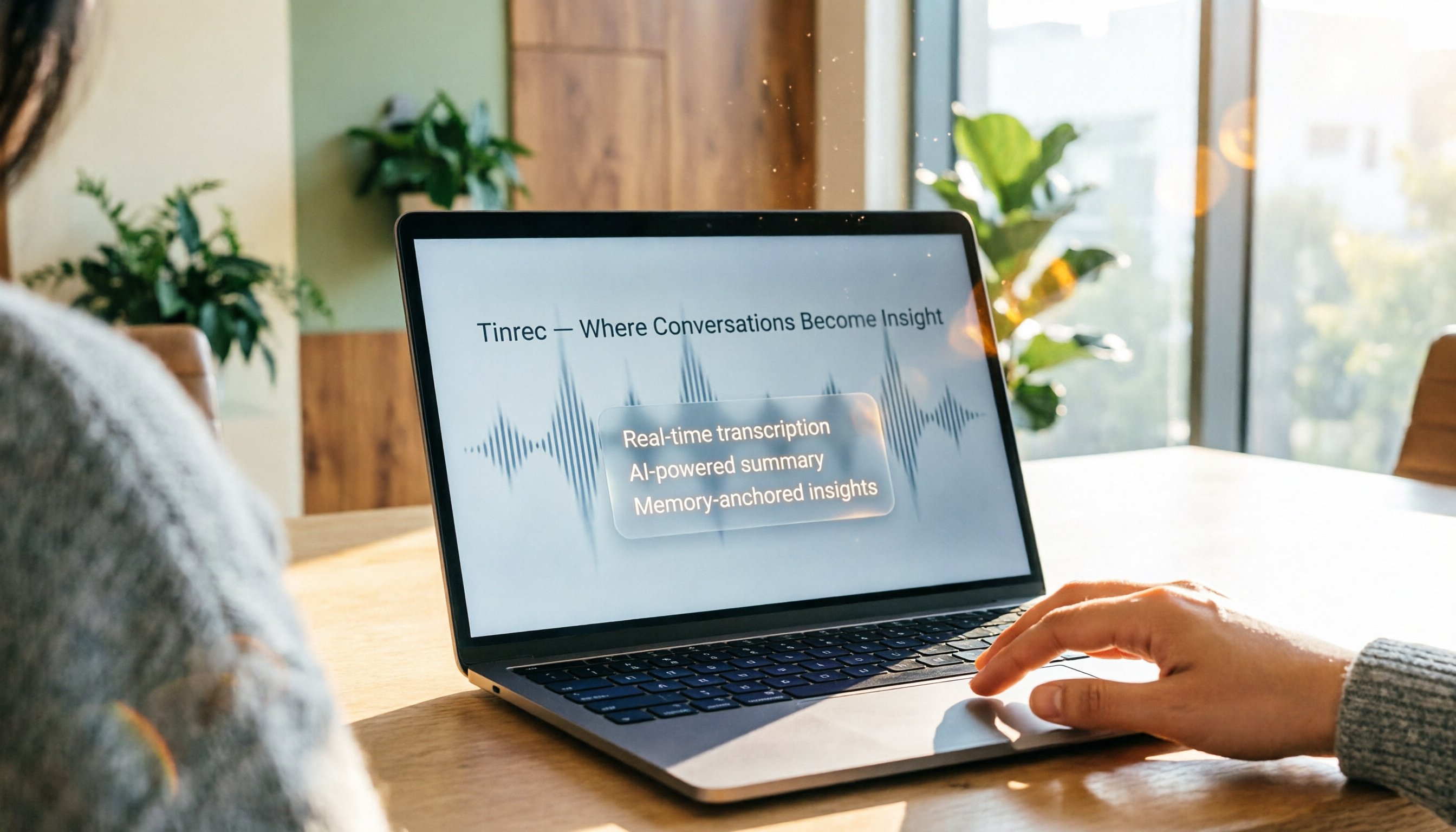
3 Best Google Meet Automatic Meeting Notes Tools in 2026: Which One Has the Most Accurate and Smartest Transcripts?
Looking for automatic meeting notes for Google Meet? We tested Tinrec, SeaMeet, and Meeting Ink, comparing accuracy, AI summaries, cross-platform support, and pricing to help you choose the best solution.

2026 Test: 4 Xiaohongshu Video-to-Text Tools Compared – Which One Grabs Key Copy Fast and Accurately?
Wondering how to extract captions, tutorial highlights, or product descriptions from Xiaohongshu videos? We tested official features, third-party tools, and AI workbenches to find the most efficient text extraction solutions. This comprehensive comparison covers accuracy, speed, and downstream applications to help you pick the right tool.

5 AirPods Recording-to-Text Solutions Compared in 2026: From Free to Paid, Explained
Wondering how to quickly transcribe your AirPods recordings? This article compares 5 tools, from free built-in options to professional AI organizers, to help you find the best fit.
Tinrec vs Huawei Built-in Speech-to-Text in 2026: A 5-Dimension Comparison to Help You Decide
Is Huawei's built-in speech-to-text feature enough? This article compares Tinrec and Huawei's built-in feature across five dimensions: input sources, organization depth, AI features, cross-platform support, and scenario coverage, to help you determine which tool is more worth using in the long run.