

Turn recordings into transcripts and summaries in minutes
Upload audio or video for multilingual transcription, AI notes, and action items
Google Meet vs Teams in 2026: 5 Steps to Choose the Right Meeting Tool
Two-hour meetings, three hours of notes—you're not really comparing video quality
Most people comparing Google Meet and Microsoft Teams first look at "Is the video smooth? Will it disconnect?" But what really keeps workers from finishing their day isn't the video—it's the gap after the meeting ends.
Scenario one: The meeting is over, decisions are scattered across three people's notes and a 40-minute recording, and no one can say clearly "who's responsible for what." Scenario two: A cross-language meeting where the client speaks English and colleagues speak Chinese—you have to listen to the recording again to understand what was actually requested. Scenario three: A colleague leaves, and the meeting notes on their computer disappear with them; the person taking over has to start from scratch.
These problems can't be solved by switching video platforms. This article doesn't discuss whose video filter looks better—it uses 5 steps to help you determine whether Google Meet or Teams is a better fit for your team. It also explains a step most people overlook: how to turn meeting "records" into data you can actually use.
Before comparing Google Meet and Teams, understand these 5 key points
Point 1: Which ecosystem does your company already use? This is the decisive factor. If your team runs on Google Workspace (Gmail, Drive, Docs) daily, Google Meet is the smoothest choice. If you run on Microsoft 365 (Outlook, Word, Excel), use Teams. Fighting the ecosystem only creates a split where "meetings are in A, files are in B."
Point 2: Do you want to "meet" or "work together"? Google Meet has a clear purpose: video meetings. It has no direct messaging—discussions go back to Chat or email. Teams bundles channels, chat, files, and Office apps into one interface, with meetings as just one part. If you need to talk before and after meetings in the same place, Teams is much more complete.
Point 3: Can external guests join smoothly? Many people have been burned here. When the other party doesn't have a Microsoft account, the join process takes extra steps; Google Meet's browser-based joining has a lower barrier. If you frequently meet with clients and suppliers, test this in practice—don't just rely on the website saying "supported."
Point 4: What do you get after the meeting? Both platforms have built-in recording and transcription, but transcripts usually stop at "a big block of text." Whether you can search it, ask "who mentioned the budget in the last meeting," or drop the summary into Notion or Google Docs is another matter. This is exactly the dividing line between built-in platform capabilities and dedicated meeting notes tools.
Point 5: How is pricing calculated? Both have free and paid versions, but free versions have limits on meeting length, participant count, and cloud storage; paid pricing varies by plan and annual billing. Check the official pricing page for actual numbers—don't budget based on old prices circulating online.
Tinrec—the layer that actually completes "meeting notes"
In one sentence: Tinrec is an AI meeting notes and collaboration tool for individuals and teams, available on web, desktop, and mobile app. It doesn't join meetings as a bot—it records directly on your computer.
Bot-free recording—this is the most practical part. With Tinrec desktop, it captures your computer's system audio directly, handling meeting content played on Zoom, Google Meet, Microsoft Teams, and Webex without inviting an extra "bot participant." For those meeting with external clients, a strange account suddenly appearing on screen can be awkward; the bot-free approach avoids this. Note that this doesn't mean it automatically joins all meetings on your calendar—you still need to actively start recording in Tinrec.
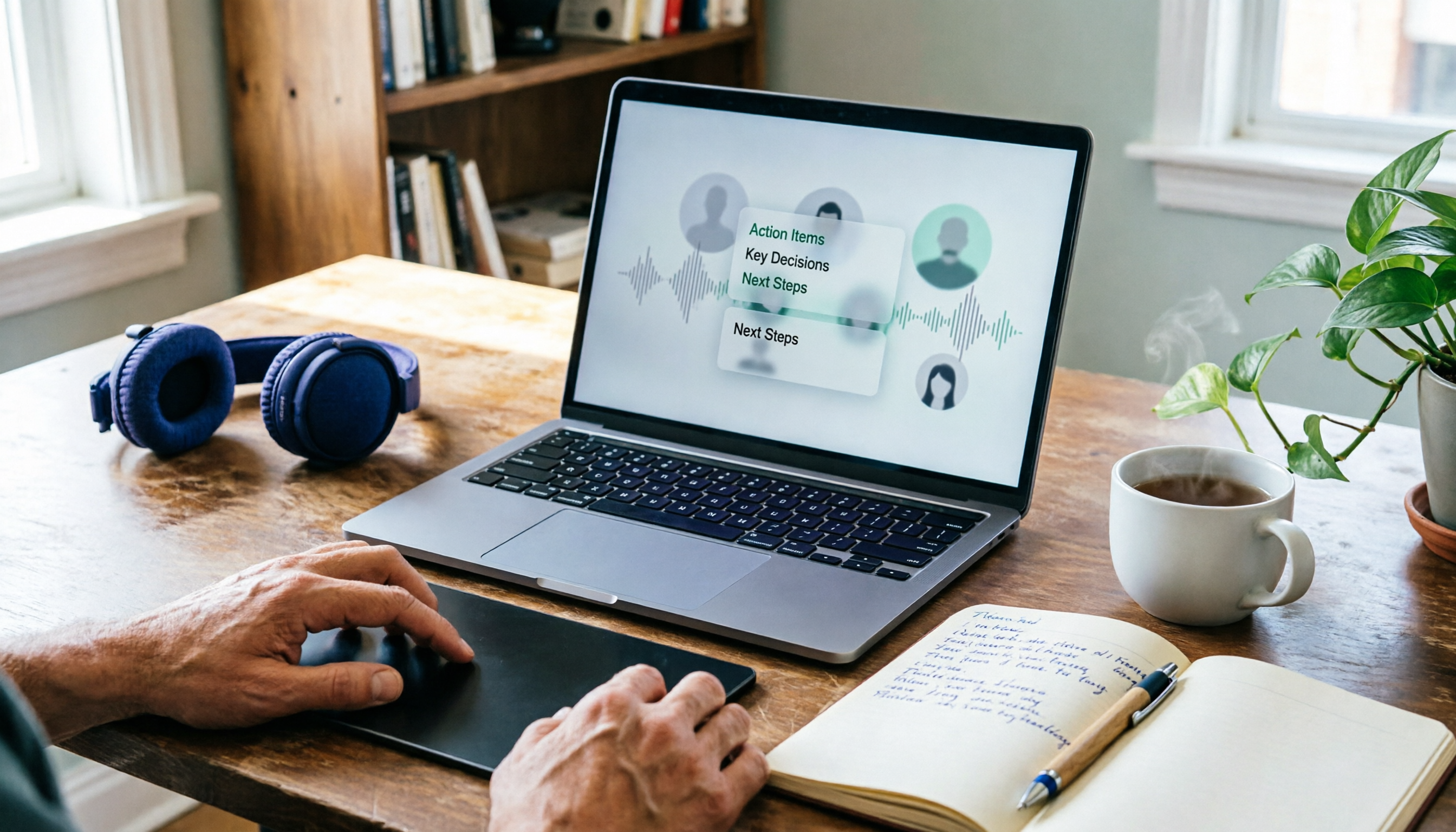
Transcribe while recording, get summaries and action items right after. The transcript appears in real time during the meeting; as soon as it ends, AI summaries, chapters, key points, and action items are ready. Who's responsible for what and when it's due—no need to reconstruct from memory. This is much faster than "upload recording after the meeting, wait half an hour."
AI Q&A is the biggest difference from built-in platform transcription. After recording, you can ask directly: "What were the client's concerns about the quote in the last meeting?" It gives you an answer organized from the content, not a pile of keyword search results for you to dig through. Among products in the same price range, this capability is not standard.
Stop organizing recordings by hand
Upload audio or video and automatically get a transcript, summary, and action items
Cross-language and post-meeting output. Supports Chinese, Traditional Chinese, and multilingual meeting scenarios; during recording you can switch between original text, translation, or bilingual view; after the meeting, export results to Notion, Google Docs, OneNote, Dropbox, and other tools, or generate reports, tables, and meeting minutes.
The team version adds governance. The team version is a separate team space, not several people sharing one account. Meeting data belongs to the team; members can view, play, and read even without a seat; only seat holders can record, upload, edit, and export. Admins can assign seats, view usage trends, manage team hotwords, and query and export audit logs; audio in the recycle bin has a 30-day recovery period. Currently, team monthly billing is USD 29.80 per paid seat per month, annual billing is USD 199 per paid seat per year (about USD 16.58 per month), each paid seat provides 2,000 minutes of team shared import quota per month, and eligible teams can enjoy a 7-day trial with 1 free seat and 300 minutes of shared quota for the first time. Actual prices and benefits are subject to the official purchase page.
Limitations should also be clear. The free quota is suitable for light use; heavy users need to pay. The team version currently focuses on team-level sharing, not file-level granular permissions. Transcription accuracy is affected by recording quality, noise, accents, overlapping speakers, and technical terms; for important content, cross-check with the transcript and recording—don't expect 100% accuracy.
Who is it for? Those who frequently meet with external clients and don't want an extra bot on screen; those who need summaries and action items after meetings, not just transcripts; teams that need to retain meeting data so it doesn't disappear when personnel change—in these cases, Tinrec fills exactly the gap that Google Meet and Teams don't address.
Besides Tinrec, what can Google Meet and Teams themselves do?
Google Meet: Pure positioning, join via browser, low barrier for external guests, smooth integration with Google Workspace files and calendar—suitable for teams whose main need is simply to finish the meeting. But it has no direct messaging, so discussions need another place; post-meeting output stops at recording and basic transcription. What it can't do: turn transcripts into a queryable meeting database.
Microsoft Teams: Its strength is collaboration beyond meetings—channels, files, and Office apps all in one interface, suitable for organizations already tied to Microsoft 365. Meeting-related conversations and files are retained, which is an advantage. But its focus is a "collaboration platform," not "meeting content retention"; cross-platform, cross-account meeting records still scatter. What it can't do: unify meetings from different platforms into one searchable, transferable space.
Pitfall guide: 3 most common mistakes when comparing meeting tools
Mistake 1: Looking only at feature lists, not at what you already use. Compare the feature tables and you'll find 80% overlap. What really determines success is where the files you open daily live and which account your colleagues are used to. Choose the wrong ecosystem and even the most features become a burden.
Mistake 2: Thinking "built-in transcription" equals "meeting notes done." Built-in transcription gives you a big block of text, but finding "who said what, what's next" still requires manual re-reading. The real time-saving dividing line is summaries, action items, and query capabilities—not whether a transcript exists.
Mistake 3: Leaving meeting data in personal accounts. Recordings stored on a colleague's computer or personal cloud mean the data is effectively gone when they leave or change devices. Team data should belong to the team and have a clear handover process—ask about this when choosing tools, not after something goes wrong.
Conclusion: How should your team choose?
In one sentence: Google Meet and Teams solve "how to hold a meeting," but to solve "how to use the meeting," there's still a missing layer.
- Company runs Google Workspace, just needs to finish meetings → Google Meet, easiest for external guests to join.
- Company runs Microsoft 365, needs channels and files for collaboration → Microsoft Teams, centralizes work in one interface.
- Need summaries, action items, and queryable meeting data after meetings → Tinrec, the part neither platform fully covers.
- Frequently meet with external clients, don't want an extra bot on screen → Tinrec desktop captures system audio directly.
- Team has personnel turnover, needs to hand over meeting data → Tinrec team version, handles ownership with team spaces, roles, and seat management.
In practice, many teams mix them: internal meetings on Google Meet, client meetings on Teams. In this case, a cross-platform place to consolidate meeting content is even more necessary. We recommend first using the free quota to record a real meeting of your own—not a demo audio file, but one with background noise and multiple people talking over each other—to see if the transcript and summary are usable, then decide whether to pay. Choose tools based on what your meetings actually look like, not the feature list on the website.
References
Turn every recording into actionable outcomes
Get 60 free transcription minutes when you sign in. No credit card required.
Related Reading
You might also like

Google Meet Recording in 2026: 3 Methods Tested and Compared — Which One Actually Preserves Your Meeting Record?
Google Meet's native recording isn't hard to find because the button is hidden — it's gated by three barriers: plan eligibility, admin controls, and file ownership. This article starts from where readers get stuck most often, explains the full prerequisites for built-in recording, and compares three alternative approaches — Tinrec, Otter.ai, and Granola — to help you decide which method fits which scenario.
3 Google Meet Note-Taking Tools Tested for 2026: Which Saves the Most Time in Video-Off Meetings?
You can join, see, hear, and speak in Google Meet without turning on your camera, but the real challenge is remembering what happened afterward. This article first covers 4 key settings before turning off video (join requirements, hiding tiles without video, profile picture, post-meeting notes), then tests and compares Tinrec, Otter.ai, Granola, and Notta in video-off Google Meet meetings, with 4 pitfalls to avoid and scenario-based recommendations.

Google Meet Time Limit in 2026: Free Extension Tips & Meeting Notes Workflow
Google Meet's free version isn't always limited to 60 minutes. This guide breaks down the real rules behind the time limit, three ways to extend meetings, and four common pitfalls. It also tests a bot-free recording and post-meeting organization workflow to help you decide whether to upgrade, restart the link, or switch to a different note-taking method.

How to Start a Google Meet Without a Host in 2026: 5-Step Guide
Can you start or join a Google Meet without the host present? This guide breaks down two common misconceptions, explains that join permissions are determined by the meeting creation settings—not by the host's presence—and compares Google Meet's built-in capabilities with Tinrec's bot-free meeting notes workflow across 5 dimensions. Includes 5 practical steps plus team plan seats, usage, and audit details.

6 Google Meet Note-Taking Tools Tested for 2026: Can You Get Transcripts Without a Meeting Bot?
After a Google Meet call, transcripts, action items, and decisions often go unorganized. This article reviews 6 note-taking tools that work directly with Google Meet, including Google Meet's built-in Gemini, Tinrec, Otter.ai, Fireflies.ai, Notta, and Granola, and lists free quotas and paid pricing honestly to help you decide which one best fits your workflow.

Google Meet Premium: Which One Is Right? 3 Upgrade Paths Tested for 2026—Choosing Wrong Costs the Most
Google Meet doesn't sell a standalone "Premium" subscription. What you're actually buying is Google Workspace, a Google One advanced plan, or a post-meeting workflow tool to fill the gap. This article starts with common misconceptions and compares three upgrade paths across four dimensions to help you decide where your money should go—so you don't pay for a name that doesn't solve your problem.

Google Meet with Friends in 2026: 4 Free Video Call Options Compared
Want to video chat with friends on Google Meet but unsure about free feature limits and post-call organization? This article uses two key questions to break down four free options in 2026: Google Meet, Tinrec, Otter.ai, and Notta. It compares how to join, free quotas, cross-language support, and what data you can keep after the call, plus four common pitfalls to avoid.

Google Meet vs Zoom 2026: 5-Factor Comparison for Teams
Google Meet or Zoom? I compared them from the perspective of a mid-level manager with 15 meetings a week, testing free limits, ecosystem, meeting controls, post-meeting outputs, and team governance. I also cover the 'post-meeting cleanup' gap neither solves, and give scenario-based recommendations you can follow directly.

2026 AI Meeting Notes Showdown: Google Meet's Built-in Gemini vs. Tinrec
Can Google Meet's built-in Gemini AI replace dedicated meeting notes tools? This article compares Google Meet's built-in AI with Tinrec across six dimensions: recording method, transcript organization, language translation, post-meeting Q&A, team governance, and cost. Find out whether you need help during the meeting or after it ends.