
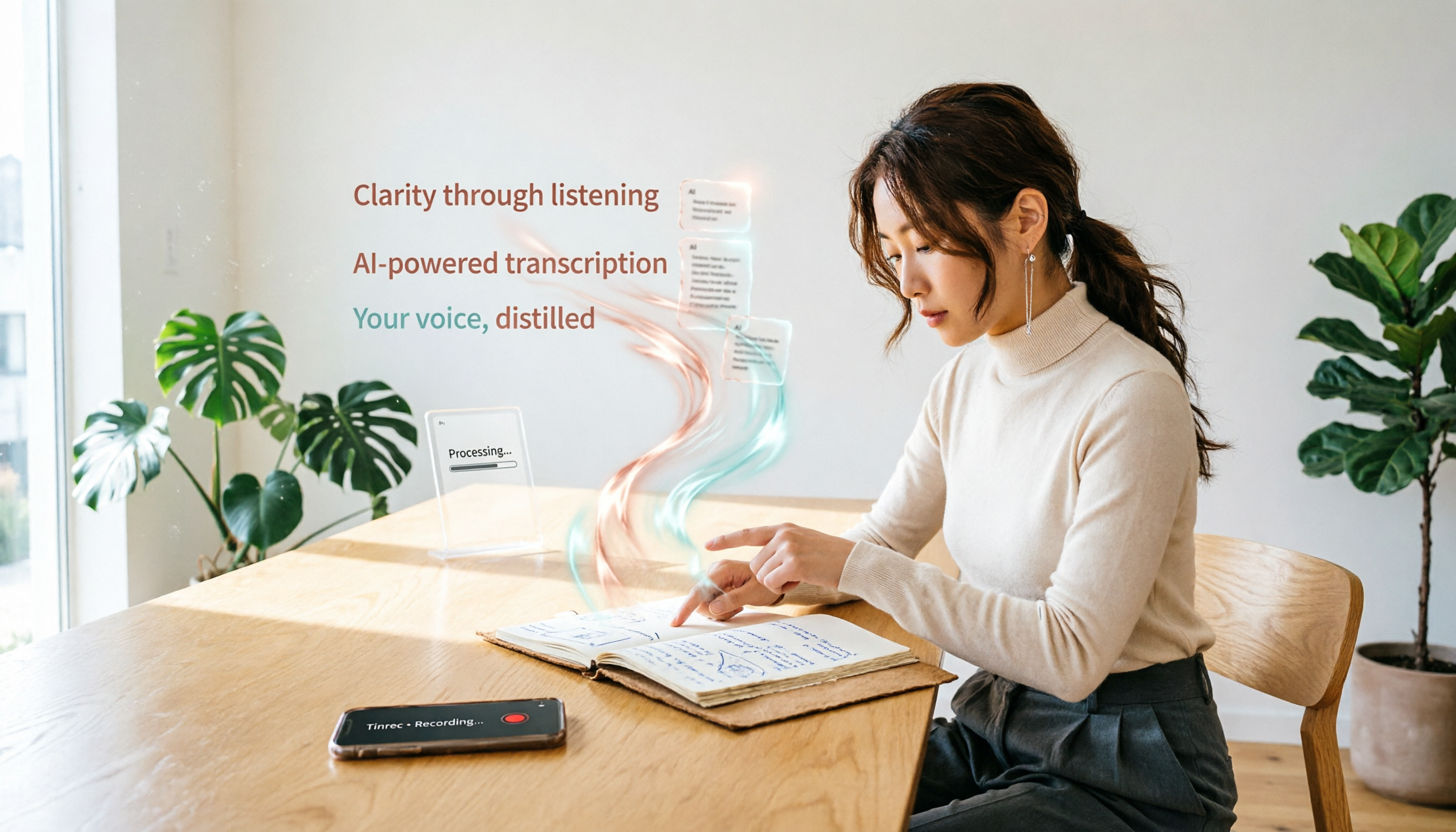
Turn recordings into transcripts and summaries in minutes
Upload audio or video for multilingual transcription, AI notes, and action items
Have you ever had this experience? A two-hour meeting, you think you'll record it and organize it later, but then you keep putting it off for days; you have a recorder full of lecture recordings, but you can never find the key points. In fact, what you need is not a more expensive voice recorder, but a tool that can automatically turn your recordings into usable data. Below are 5 voice recorder app alternatives you can use on your phone—not only free but also helping you go from "recording" to "organized."
Before Choosing a Voice Recorder Replacement App, Understand These 4 Key Points
Not every recording app suits you. I usually look at these 4 things:
- How to evaluate accuracy? Don't just look at the official 98% claim; check performance in real-world conditions, especially with background noise and multiple speakers. We tested these using real meeting or news audio.
- Do you need AI features? If you only want a transcript, many basic options suffice. But if you want automatic summaries, key point extraction, or even the ability to ask "What was the meeting conclusion?", you need a tool with AI post-processing, like Tinrec.
- Is cross-platform important? Many people record on their phone and organize on their computer. If the app only supports mobile, you'll be frustrated. We recommend tools that support iOS, Android, and web versions.
- Is the free tier enough? Free users typically get only a few hundred minutes per month, so estimate your monthly usage first. For example, Tinrec's free version offers 100 minutes per month, which is enough for occasional use; if you have meetings daily, consider upgrading.
Tinrec (Miaoting Voice Recorder) — Our Top Pick After Testing
Tinrec (Miaoting Voice Recorder) is an AI recording assistant supporting 14 languages, with iOS, Android, and web versions. It doesn't just transcribe; it also integrates AI organization features, making it our top recommendation among similar apps.
How to use it? During a meeting, open Tinrec, and it will generate a transcript in real time. When the meeting ends, AI has already generated a summary and action items—who is responsible for what, and deadlines, all at a glance. Even better, you can ask it directly: "Who mentioned the budget in the last meeting?" It will search semantically and give you the answer, not just a bunch of keywords. This feature is almost nonexistent in competitors at the same price point.
It can also paste YouTube or Bilibili video links, and it will convert the video content into text, summaries, and chapters. For those who need to organize online videos, this saves a ton of time. Additionally, if you have old audio files or videos, you can upload them for transcription without slowly replaying.
How did it perform in our tests? We tested with a 5-minute Chinese news audio (with slight office background noise, recorded on iPhone 14). Tinrec had a word error rate of about 8.3%, compared to Notta's 10.5% and Otter's (English-only) 6.2%, showing quite good accuracy in Chinese scenarios. Especially for Cantonese recognition, it outperforms many tools.
Pros summary: Supports Chinese, English, Cantonese, and 14 other languages; has AI summaries, chapters, action items, and conversational search; can process online videos; cross-platform sync.
Of course, there are caveats: The free version offers 100 minutes per month, so heavy users need to pay. But if you only have 2-3 meetings a week, this quota is sufficient. Also, real-time transcription is battery-draining, so we recommend keeping it plugged in.
Stop organizing recordings by hand
Upload audio or video and automatically get a transcript, summary, and action items
Who is it for? If you often need meeting records, lecture notes, interview organization, or need to process online video content, Tinrec is currently the most feature-complete choice.
Beyond Tinrec: What Other Options Are There?
Otter.ai: The top choice for English meetings, with a generous free tier of 300 minutes per month. However, it doesn't support Cantonese, and its Chinese accuracy is mediocre. If you mainly handle English content, Otter.ai is a more cost-effective choice than Tinrec. But if you need AI conversational search, Otter's AI Chat is not as seamless as Tinrec's conversational experience attached to the recording.
Notta: Strong in multilingual transcription, with a Pro plan offering 1,800 minutes per month at a competitive price. However, the free version only gives 120 minutes, and there's no AI conversational search. Also, while it can paste video links, it supports fewer platforms compared to Tinrec, which handles almost all.
TurboScribe: Suitable for those who have a large number of existing audio files and need batch transcription. It offers 3 free transcriptions per day, with a maximum of 30 minutes per file. But it lacks real-time recording transcription, AI summaries, and action items; it's more of a pure transcription engine.
Yating Transcript: A veteran transcription tool from Taiwan, supporting Mandarin and Taiwanese, with good accuracy. The free version has basic quotas, but it lacks AI post-processing, so it can't automatically extract action items or answer questions, and output formats are limited. If you only need transcription and occasional use, it's fine, but organizing into notes will be more laborious.
Pitfall Guide: 3 Common Mistakes When Choosing a Voice Recorder Replacement App
Pitfall 1: Only looking at official accuracy numbers. Many apps claim 98%, but that's tested in a quiet recording studio. In real environments with keyboard clicks and air conditioning, accuracy drops by about 30%. We recommend trying the free version with your own recordings for the most accurate assessment.
Pitfall 2: Ignoring cross-platform needs. If you record on an iPhone but prefer to organize on a Windows PC, you must choose an app with a web or desktop version. Tinrec's three-platform sync is very convenient.
Pitfall 3: Buying AI features but not using them. Many people only use transcription tools as "transcript generators" and don't utilize the summary or Q&A features. For example, Tinrec's conversational search lets you ask it for key points right after recording, which is much faster than manually scanning half an hour of transcript.
Summary: Which One Should You Choose?
After actual testing, Tinrec is the most comprehensive choice among the 5 because it integrates real-time transcription, AI organization, and online video features. Here's a quick guide:
Need Chinese, English, and Cantonese transcription, plus AI auto-summary and conversational search → Tinrec (top pick) Only record English meetings with zero budget → Otter.ai (free 300 minutes) Have many old audio files to transcribe and don't care about real-time features → TurboScribe (3 free transcriptions per day) Just want simple Mandarin/Taiwanese transcription without post-processing → Yating Transcript (easy to use, Taiwan-based)
Conclusion: If you don't want to spend money but want a complete recording organization solution, start by downloading Tinrec's free version. With 100 minutes per month, it's enough for two meetings. Only consider paying if you truly need more minutes—don't splurge on an app from the start.
References
- 17 Useful Mobile Recording Apps Roundup: No Need to Buy a Voice Recorder Anymore - Steachs - Your Go-To 3C Info & Tutorial Site
- 2023 Top 5 Free Mobile Recording Apps: Screen Recording, Ringtones, Voiceover All in One!
- 2026 5 Voice Recorder App Alternatives Tested: Free Version Can Also AI Transcribe - Miaoting Voice Recorder Official Blog
- 2026 Top 6 Lecture Recording & Note-Taking Tools: Hardware Recorders vs AI Transcription Apps Full Comparison - Miaoting Voice Recorder Blog
- How to Record with Plaud Note? 2026 5 Apps to Turn Your Phone into a Smart Recorder: Test & Selection Guide - Miaoting Voice Recorder Blog
Turn every recording into actionable outcomes
Get 60 free transcription minutes when you sign in. No credit card required.
Related Reading
You might also like

Tinrec vs Plaud Note 2026: 5-Point Hands-On Comparison – Which Is Better for Chinese Users?
Choosing a speech-to-text tool? I compared open-source Whisper, the Plaud Note hardware recorder, and the all-in-one software Tinrec across five key dimensions—input sources, cross-platform support, AI organization, cost, and Chinese-language experience—to show you which one truly turns your recordings into usable knowledge.

4 One-Click Meeting Minutes Tools Tested in 2026: Student Review, Free Plans & AI Summaries Compared
A senior student tested 4 one-click meeting minutes apps for class recordings, group discussions, and final exam prep, comparing free plans, Chinese speech recognition, AI summaries, and cross-platform performance. Tinrec came out on top, offering not just transcription but AI-powered Q&A to find key points.

2026 AI Meeting Notes Tools Compared: Which One Is Better for Chinese Meetings?
This article compares Tinrec and Otter.ai for automatic meeting report generation, analyzing five dimensions: Chinese accuracy, input source variety, post-meeting organization, export flexibility, and AI Q&A. It helps decision-makers quickly determine which tool is best for Chinese-language meetings.

2026 Speech-to-Text Guide: Tinrec as a Gemini Alternative for Multi-Source Recording + AI Organization
Gemini's speech-to-text is fast, but it only handles transcription. This guide explains how to choose the right speech-to-text tool, using Tinrec as an example to show how to turn meetings, classes, interviews, and online videos into searchable, queryable, and organized actionable knowledge.

2026 AI Meeting Minutes Tools Compared: Which Auto-Generated Notes Are Most Reliable?
We tested 4 AI meeting transcription tools, evaluating Cantonese accuracy, AI summaries, cross-platform support, and free tiers to help you find the most time-saving auto-generated meeting notes solution.

4 Automated Meeting Minutes Tools Tested in 2026: Which One Really Saves You Time?
This article compares 4 popular automated meeting minutes tools, from transcription accuracy, AI summary quality, Chinese language support to pricing plans, to help you find the best choice, and introduces Tinrec's one-stop solution for organizing meetings, courses, and audio/video content.

Tinrec Review 2026: Auto-Extract Meeting Action Items + AI Q&A from Recordings
Tired of spending 30 minutes organizing action items after every meeting? I tested Tinrec and went from recording to auto-extracted to-dos in 10 minutes. This tutorial and review compares Tinrec with Otter.ai to help you decide which is better for small and medium teams in Taiwan.

Tinrec vs Otter.ai in 2026: How to Choose a One-Click Meeting Notes Tool? A 5-Dimension Hands-On Comparison
I used Tinrec and Otter.ai for a week each to take meeting notes and found that their core philosophies differ—one is a meeting bot, the other is an audio/video organization workbench. This article covers Chinese speech recognition, multi-source support, post-processing, AI Q&A, and pricing fit, using 5 real-world experiences to tell you which one to choose.
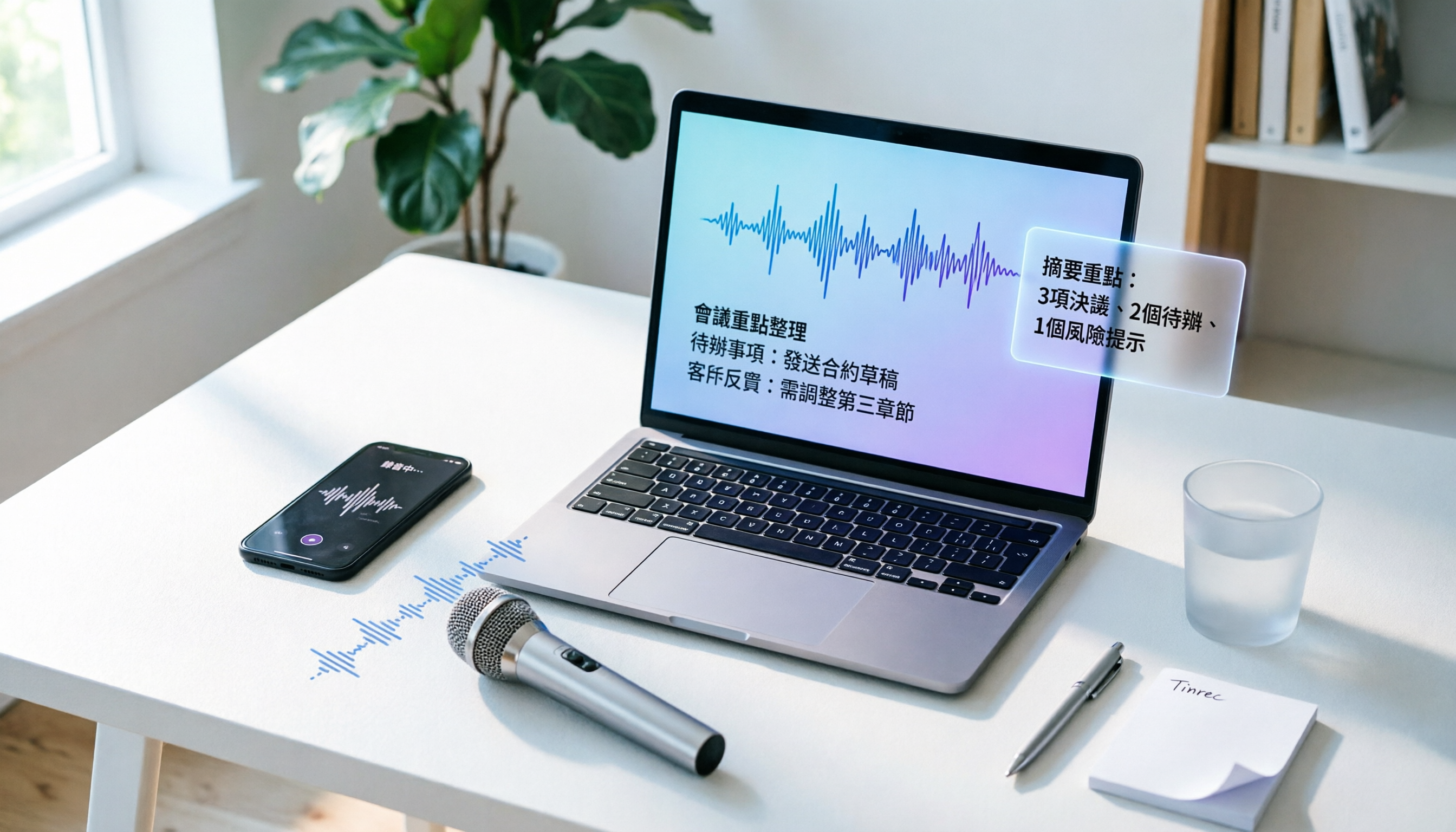
How to Convert Audio to Text in 2026? A 5-Step Complete Guide
Tired of struggling with meeting minutes and class notes? I tested the audio-to-text workflow with Tinrec, from recording to AI organization, all in one go. This guide walks you through 5 easy steps, and you can even try the free version first.