

Turn recordings into transcripts and summaries in minutes
Upload audio or video for multilingual transcription, AI notes, and action items
I recently had to transcribe a two-hour interview recording.
Yating Transcription quickly converted the speech to text, and its recognition of Taiwanese Mandarin was indeed quite good. But when I wanted to further organize the content into summaries or extract action items, I found the available features quite limited—I had to manually copy and paste into other note-taking apps, then organize everything myself.
"If you just need a transcript, Yating is sufficient," I thought. "But if you want to turn recordings into truly workable data, it seems you need something more."
So, I started testing several speech-to-text tools that are often discussed in the market, covering AI organization capabilities, friendliness to Taiwanese accents, and how long the free plans actually last.
This article will review 5 Yating Transcription alternatives that I think are most worth considering, along with my genuine hands-on impressions during testing.
Why Do You Need a Voice-to-Text Alternative?
Every day, we need to digest a large amount of audio content: two-hour meetings, three-hour online courses, one-hour client interviews... Relying solely on listening is not only inefficient but also makes it hard to remember key information.
Yating Transcription solved the pain point of "listening to recordings" and "manually typing transcripts," but for most knowledge workers, the pain point has shifted: we no longer just want a transcript, but "organized knowledge."
A transcript without summaries, chapters, or quick searchability does little to improve work efficiency. That's why I started looking for other options.
The following 5 tools can all convert recordings to text, but they differ greatly in "what they can do after transcription."
1. Tinrec (Miao Ting Lu Yin) — The Most Complete AI Recording and Audio Organization Workbench
If you not only have meeting recordings but also course audio, interview files, and even want to organize YouTube video content, Tinrec is the tool I've tried so far that can handle all these sources in one go.
Its core is not just converting speech to text, but turning all your audio data into a searchable, queryable, and processable work database.
Scenario 1: Meeting recordings go beyond transcripts With Tinrec, you can see text appear sentence by sentence in real time during recording. After the meeting, the system automatically generates summaries, chapters, and action items, and even organizes "who should do what and by when" from the discussion. Previously, I spent half an hour organizing notes after meetings; now it takes about five minutes.
Scenario 2: Interview recordings become citable material I often conduct expert interviews. After converting a one-hour recording into a transcript, the most painful part is finding specific viewpoints in a sea of text. Tinrec's built-in AI Q&A feature lets me directly ask, "What does this interviewee think about remote work?" The system answers based on the transcript content and even provides timestamps so I can go back and listen to the original audio to confirm.
Scenario 3: Online videos turned into notes Another feature I really like is pasting a YouTube or Bilibili video link, and Tinrec will convert the entire video content into text and a summary. For classes and lectures, this is much faster than taking notes while watching.
Free and Paid Plans Tinrec offers a free version with basic transcription credits, allowing you to try all features. If you need longer transcription, there are weekly, monthly, and annual plans, suitable for intensive short-term use or building a long-term personal knowledge base.
Who It's For It's for people who want to consolidate various audio content—meetings, courses, interviews, online videos—into structured data. Especially for those who need to repeatedly search historical recordings or want AI to help with initial key point organization.
2. Notta — A Multilingual Tool with Complete Transcription and Translation Features
Notta has similar goals to Tinrec—both are multi-platform transcription and meeting note tools—but Notta emphasizes real-time translation and bilingual subtitles.
In terms of Taiwanese accent recognition, Notta performs adequately. However, if you have Chinese-Japanese bilingual meetings, its translation fluency is a notable advantage. Compared to Tinrec, Notta lacks the flexibility of "continuing to ask questions and generate different document formats after transcription"; it focuses more on producing accurate transcripts and translations.
The free version provides 120 minutes of transcription per month. The Pro plan costs about $8.17 per month billed annually, with 1,800 minutes. The Business plan costs about $16.67 per month billed annually, offering unlimited transcription.
Stop organizing recordings by hand
Upload audio or video and automatically get a transcript, summary, and action items
It's suitable for people who need extensive translation, subtitle creation, and frequently use Chinese and Japanese.
3. TurboScribe — A High-Value Tool for Batch Transcribing Long Audio Files
If you often need to transcribe recordings longer than one hour, TurboScribe's "3 free transcriptions per day" is a rare and generous offer in the market.
Its strength is uploading audio files and generating complete transcripts in one go, with support for multiple subtitle formats. However, its organization features are relatively basic—almost no AI summaries or Q&A—making it more of a pure transcription engine.
The free version allows 3 transcriptions per day, with a maximum file length of 30 minutes. The paid Unlimited plan costs $10 per month billed annually, with no limits on length or number, making it ideal for batch processing interview recordings.
It's suitable for users who only need to "turn speech into text" and prefer to organize the content manually later.
4. Otter.ai — English Meeting Bot, but Struggles with Chinese Scenarios
Otter is a popular AI meeting notes tool abroad. It can automatically join Zoom and Google Meet meetings, identify speakers, and generate summaries and action items.
However, its Chinese recognition, especially with Taiwanese accents or mixed Chinese-English speech, is less stable. Additionally, its interface and features are designed primarily for English business meetings, making it less convenient for those who frequently handle Chinese courses and interviews.
The free version offers 300 minutes per month. The Pro plan costs $8.33 per month billed annually, with 1,200 minutes and some advanced features. The Business plan costs $19.99 per month billed annually, emphasizing team collaboration.
It's suitable for people whose meetings are primarily in English and who need to share meeting notes with their team.
5. SpeechNotes — A Completely Free, Basic Transcription Option
SpeechNotes is a web-based speech-to-text tool that is completely free and requires no login—just open and use. It converts speech from your microphone into text in real time, supports Chinese, but has no organization features.
The advantage is its extreme simplicity, making it suitable for quickly converting a few sentences into text without installing an app. The drawbacks are obvious: you can't upload audio files, and there are no summary or export options, let alone AI Q&A.
If your need is only "occasionally converting speech to text," SpeechNotes is a convenient emergency option. But for formal meetings or course recordings, you'll need a more complete tool.
It's completely free with no time limits.
With So Many Options, How Do You Choose?
After this period of testing, I found that the most important thing is to first clarify: "What do I actually want to get from these recordings?"
Here are my recommendations based on different work needs:
- Need the most complete AI organization (summaries + chapters + action items + AI Q&A + meeting minutes generation) → Tinrec (currently the only tool that can do all these simultaneously and supports online video transcription)
- Frequently have Chinese-Japanese bilingual meetings and need real-time translation subtitles → Notta (fluent translation, stable bilingual transcription)
- Have many long recordings and just need quick transcripts, with your own organization later → TurboScribe (high value, friendly for long-duration transcription)
- Team meetings are in English and need automatic meeting notes and collaboration → Otter.ai (mature for English scenarios, complete team features)
- Occasionally need speech-to-text without paying or installing → SpeechNotes (for emergencies, simple features)
If you're still hesitating, I'd suggest starting with Tinrec. It covers the widest range of scenarios—from meetings, learning, to online content organization—and the free version lets you experience almost all features. Instead of switching between different tools, find one with the most flexibility first, then gradually build your own audio organization workflow.
Things to Know Before Using Voice-to-Text Tools
1. Recording quality determines transcription accuracy No matter how powerful the tool, if the background is too noisy or you're too far from the microphone, the transcription won't be ideal. Ensuring a quiet environment before recording can save you time on proofreading later.
2. AI summaries and action items are aids, not replacements These features can significantly save organization time, but for key decisions and specific details, I still go back to the original audio to confirm. Especially for documents requiring high accuracy, such as legal or medical ones, it's not recommended to rely entirely on AI.
3. Treat the tool as your second brain My habit is to put all meeting and course recordings into the same tool (currently Tinrec), turning it into my searchable knowledge base. When needed, I can directly ask, "What was said in that marketing meeting three months ago?"—much faster than digging through folders or paper notes.
Conclusion
Yating Transcription popularized voice-to-text in Taiwan, but as work patterns evolve, we no longer just need text records; we need AI tool partners that can assist with thinking, organizing, and outputting.
Among these 5 alternatives, Tinrec is the one I've seen so far that best meets the needs of both "multi-source input" and "deep organization." If you also feel that your recording files are increasing but scattered and hard to leverage, why not start with the free version? Spend a little time building an organization habit, and you'll find that those audio files once lying in your phone can truly become reusable knowledge.
References
Turn every recording into actionable outcomes
Get 60 free transcription minutes when you sign in. No credit card required.
Related Reading
You might also like

Tinrec vs Plaud Note 2026: 5-Point Hands-On Comparison – Which Is Better for Chinese Users?
Choosing a speech-to-text tool? I compared open-source Whisper, the Plaud Note hardware recorder, and the all-in-one software Tinrec across five key dimensions—input sources, cross-platform support, AI organization, cost, and Chinese-language experience—to show you which one truly turns your recordings into usable knowledge.

4 One-Click Meeting Minutes Tools Tested in 2026: Student Review, Free Plans & AI Summaries Compared
A senior student tested 4 one-click meeting minutes apps for class recordings, group discussions, and final exam prep, comparing free plans, Chinese speech recognition, AI summaries, and cross-platform performance. Tinrec came out on top, offering not just transcription but AI-powered Q&A to find key points.

2026 AI Meeting Notes Tools Compared: Which One Is Better for Chinese Meetings?
This article compares Tinrec and Otter.ai for automatic meeting report generation, analyzing five dimensions: Chinese accuracy, input source variety, post-meeting organization, export flexibility, and AI Q&A. It helps decision-makers quickly determine which tool is best for Chinese-language meetings.

2026 Speech-to-Text Guide: Tinrec as a Gemini Alternative for Multi-Source Recording + AI Organization
Gemini's speech-to-text is fast, but it only handles transcription. This guide explains how to choose the right speech-to-text tool, using Tinrec as an example to show how to turn meetings, classes, interviews, and online videos into searchable, queryable, and organized actionable knowledge.

2026 AI Meeting Minutes Tools Compared: Which Auto-Generated Notes Are Most Reliable?
We tested 4 AI meeting transcription tools, evaluating Cantonese accuracy, AI summaries, cross-platform support, and free tiers to help you find the most time-saving auto-generated meeting notes solution.

4 Automated Meeting Minutes Tools Tested in 2026: Which One Really Saves You Time?
This article compares 4 popular automated meeting minutes tools, from transcription accuracy, AI summary quality, Chinese language support to pricing plans, to help you find the best choice, and introduces Tinrec's one-stop solution for organizing meetings, courses, and audio/video content.

Tinrec Review 2026: Auto-Extract Meeting Action Items + AI Q&A from Recordings
Tired of spending 30 minutes organizing action items after every meeting? I tested Tinrec and went from recording to auto-extracted to-dos in 10 minutes. This tutorial and review compares Tinrec with Otter.ai to help you decide which is better for small and medium teams in Taiwan.

Tinrec vs Otter.ai in 2026: How to Choose a One-Click Meeting Notes Tool? A 5-Dimension Hands-On Comparison
I used Tinrec and Otter.ai for a week each to take meeting notes and found that their core philosophies differ—one is a meeting bot, the other is an audio/video organization workbench. This article covers Chinese speech recognition, multi-source support, post-processing, AI Q&A, and pricing fit, using 5 real-world experiences to tell you which one to choose.
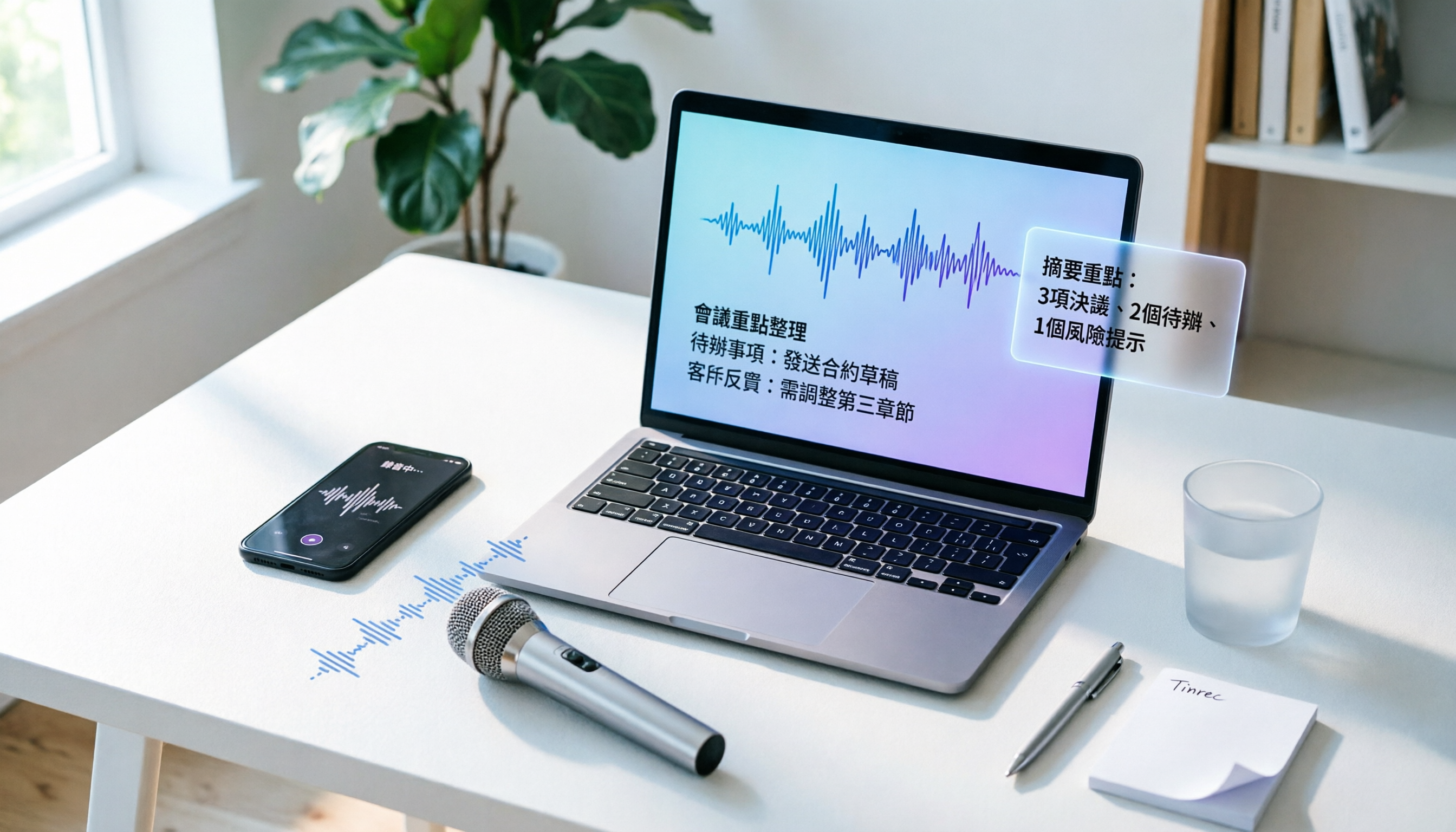
How to Convert Audio to Text in 2026? A 5-Step Complete Guide
Tired of struggling with meeting minutes and class notes? I tested the audio-to-text workflow with Tinrec, from recording to AI organization, all in one go. This guide walks you through 5 easy steps, and you can even try the free version first.