

Turn recordings into transcripts and summaries in minutes
Upload audio or video for multilingual transcription, AI notes, and action items
What Can Automated Meeting Minutes Do for You?
Scenario 1: Meeting Notes Ready 5 Minutes After the Meeting Ends
In the past, after a two-hour meeting, you might spend another hour organizing notes. Now with AI meeting minutes—take Tinrec for example—by the time the meeting ends, the AI has already generated a summary, conclusions, and action items, making it clear who is responsible for what and the deadlines.
Scenario 2: Cross-Department Projects No Longer Miss Key Points
In multi-person discussions, it's hard to take notes and participate at the same time. Tinrec's real-time transcription lets you focus on the conversation, and after the meeting, you can ask the AI: "What was the budget mentioned last time?" or "What was the marketing department's conclusion?" and find key information in seconds.
Scenario 3: Online Courses Automatically Turn into Notes
After listening to a two-hour lecture, Tinrec doesn't just give you a transcript; it also automatically breaks it into chapters, lists key points, and even generates a mind map, making review much easier.
What Are the Core Capabilities of Automated Meeting Minutes?
Real-Time Transcription: Transcribe as You Record, Never Miss a Sentence
Tinrec's real-time transcription has a delay of less than 1 second, so during meetings, you can visually confirm if any key points are missed. It also supports stereo separation, clearly labeling "who said what."
AI Structured Summary: Not Just Condensing, But Reorganizing
Some tools only condense the transcript into a paragraph, but Tinrec can do structured organization—meeting topic, discussion conclusions, action items, and responsible persons are listed separately, ready to be placed directly into a report.
AI Conversational Query: Turn Recordings into a Searchable Database
After transcription, you can directly ask Tinrec questions—"Who mentioned the budget in the meeting?" "What was the client's feedback?"—and it will answer based on semantic understanding, so you don't have to listen to the entire recording again.
Automatic Action Item Extraction: Who Should Do What, Clearly
It automatically extracts action items from the discussion, each with the responsible person and timestamp. For example, "John needs to send the quote by Friday," Tinrec will list it in the to-do list, so you won't forget.
Not Just Meetings: Videos and Audio Files Can Be Organized Too
Tinrec doesn't just handle meetings; you can upload old recordings, YouTube video links, or even classroom recordings, and it will convert them to text and organize them into summaries and key points.
Practical Use Cases
Meetings: From Recording to Action Items, All in One Go
For example, in a weekly meeting, open Tinrec to start recording, and the real-time transcript displays simultaneously; after the meeting, the AI automatically generates a summary and action items, and you can export to Notion or Google Docs for seamless team synchronization.
Classroom: Turn Long Lectures into Chapter-by-Chapter Notes
Students fear listening to a two-hour class and not grasping the key points. Record the entire class with Tinrec, and the AI will break it into chapters, list core concepts, and during review, you can ask "What is the formula in Chapter 3?" for double efficiency.
Stop organizing recordings by hand
Upload audio or video and automatically get a transcript, summary, and action items
Interviews: Quick Transcription, Immediate Insights
After an interview, journalists or researchers used to spend hours transcribing. Tinrec can quickly convert to text and automatically summarize the interviewee's core viewpoints, ready to quote in reports.
Content Creation: Video to Text, Material at Your Fingertips
YouTubers or podcasters can drop a video link into Tinrec and instantly get a transcript and subtitles, and can extract highlights for social media posts, making re-creation super convenient.
4 Things to Consider When Buying Automated Meeting Minutes Tools
1. Accuracy: Don't Just Look at Official Numbers
Many tools claim accuracy above 90%, but real-world testing is what matters. Tinrec performs impressively in Chinese recognition with clear audio, and can correctly transcribe mixed Chinese-English. It's best to try it with your own recordings to see for yourself.
2. AI Organization Capability: Transcription Is Just the First Step
Getting a transcript is not hard; the challenge is subsequent organization. Tinrec's summary is not a lazy paragraph but structured into topics, conclusions, and action items, and you can ask follow-up questions—that's the real time-saver.
3. Language Support: What Language Do Your Meetings Use?
If you primarily have meetings in Chinese, make sure the tool supports Chinese well. Tinrec excels in Chinese meetings, classrooms, and interviews, handling Traditional Chinese, Simplified Chinese, and English mixed together.
4. Cross-Platform and Input Sources: Can It Fit into Your Workflow?
Tinrec has a mobile app, desktop version, and web version, so you can use it anywhere. It not only handles live recordings but also imports old audio files and YouTube links for organization, offering more flexibility.
Frequently Asked Questions
Q1: Can Automated Meeting Minutes Completely Replace Manual Note-Taking?
It can significantly reduce manual organization time, but for important decisions, it's recommended to double-check the original. Tinrec provides timestamps; click to replay that segment of the recording for easy verification.
Q2: What Languages Does Tinrec Support?
It supports multiple languages, including Traditional Chinese (Taiwan), Simplified Chinese, English, Japanese, etc., and is especially suitable for organizing Chinese content.
Q3: Is the Free Version Enough?
Tinrec's free version includes a basic monthly transcription quota. If you only have occasional meetings or classes, you can start with the free version. If you have more than 3 meetings per week, consider the Pro plan for more minutes.
Q4: How Secure and Private Are Meeting Recordings?
Recordings can stay on your phone or computer, and transcription uses encrypted transmission. Tinrec's privacy policy is clear; it does not use your data to train models.
Q5: Can It Integrate with Other Tools?
Yes, Tinrec supports export to Notion, Google Docs, OneNote, and also offers an API for enterprise integration, fitting into your existing workflow.
Conclusion
Automated meeting minutes are no longer future technology; they are tools you can use now and that genuinely save time. If you have more than 3 meetings a week, or often need to organize courses, interviews, and audio/video materials, Tinrec's multi-source support and AI organization capabilities will be your strongest assistant.
No need to rush to pay; download Tinrec's free version first. The monthly basic quota lets you experience AI helping you organize meeting notes, and upgrade if you find it sufficient.
References
- I Spent Four Hours Making an AI Meeting Notes Tool for Less Than Ten TWD | WenHao Yu
- Meeting Ink - 2026 AI Meeting Notes Tool Test: 8 Speech-to-Text and Summary Speed Comparison | Meeting Ink - AI Meeting Notes Assistant, Automatic Transcription and Summary
- Meeting Ink - AI Meeting Notes Assistant, Automatic Transcription and Summary
- Tired of Meeting Notes? ChatGPT+Whisper Does It All at Once! Automatic Transcription, Summary, and Sending | BusinessNext
- 2026's Most Recommended AI Meeting Recording Tool, a Must-Have for Saving Time and Effort in Meetings!
Turn every recording into actionable outcomes
Get 60 free transcription minutes when you sign in. No credit card required.
Related Reading
You might also like
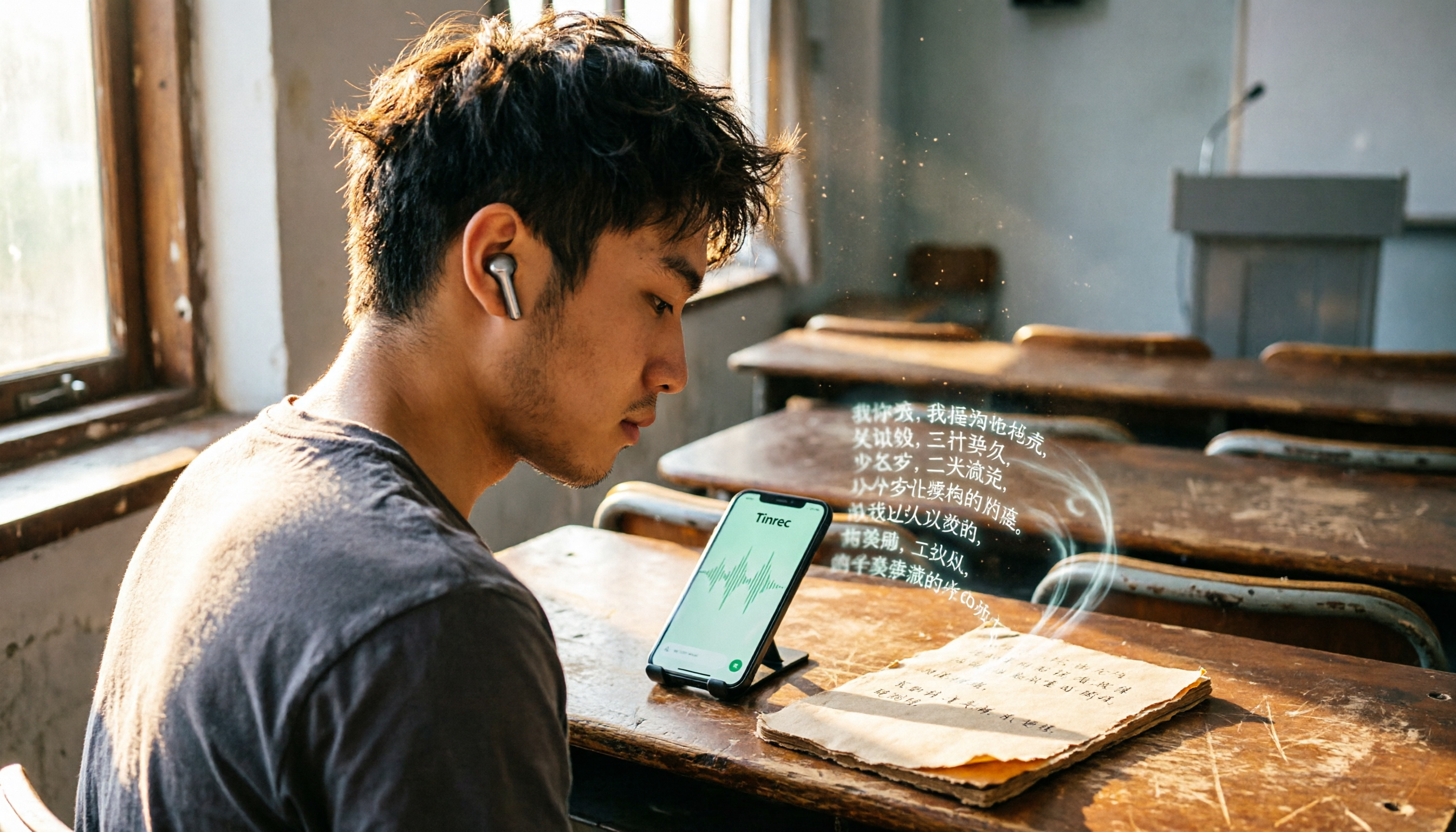
Best Recording-to-Text Apps in 2026: 3 Tested, Top Pick for Students
A student's hands-on review of 3 recording-to-text apps, comparing free allowances, classroom accuracy, and AI summarization features. Recommends Tinrec (Miao Ting Lu Yin) as the best value, with a generous free tier and affordable paid plans.

How to Choose an AI Meeting Assistant in 2026: A 5-Step Guide from Recording to Meeting Summaries
Tired of scrambling during meetings? This guide walks you through your needs and hands-on tests of Tinrec, Otter.ai, and Notta, showing you step by step how to pick the best AI meeting assistant for automatic transcription, summaries, and to-dos.

2026 Hands-On Comparison of 3 AI Recording and Transcription Tools: Beyond ChatGPT, This One Understands Chinese Workplaces Better
After testing ChatGPT's recording feature, Tinrec, and Otter.ai, we found that if you need more than just transcription—a workspace that truly lightens the load for Chinese meetings—Tinrec is currently the most practical choice.

4 Automated Meeting Minutes Tools Tested in 2026: Which One Handles Chinese Best?
We tested 4 automated meeting minutes tools in 2026, comparing Chinese transcription accuracy, AI summarization, and pricing to help you find the best fit.

2026 AI Meeting Notes with Tinrec: Auto Summaries & Action Items Made Easy
Tired of struggling with meeting notes? This article, tested by a mid-level manager, recommends Tinrec, the latest AI meeting notes tool for 2026. It not only auto-transcribes but also generates summaries and action items, and supports multi-source audio/video processing to double your meeting efficiency.

Tinrec vs Plaud Note 2026: 5-Point Hands-On Comparison – Which Is Better for Chinese Users?
Choosing a speech-to-text tool? I compared open-source Whisper, the Plaud Note hardware recorder, and the all-in-one software Tinrec across five key dimensions—input sources, cross-platform support, AI organization, cost, and Chinese-language experience—to show you which one truly turns your recordings into usable knowledge.

4 One-Click Meeting Minutes Tools Tested in 2026: Student Review, Free Plans & AI Summaries Compared
A senior student tested 4 one-click meeting minutes apps for class recordings, group discussions, and final exam prep, comparing free plans, Chinese speech recognition, AI summaries, and cross-platform performance. Tinrec came out on top, offering not just transcription but AI-powered Q&A to find key points.
2026 AI Meeting Notes Tools Compared: Which One Is Better for Chinese Meetings?
This article compares Tinrec and Otter.ai for automatic meeting report generation, analyzing five dimensions: Chinese accuracy, input source variety, post-meeting organization, export flexibility, and AI Q&A. It helps decision-makers quickly determine which tool is best for Chinese-language meetings.

2026 Speech-to-Text Guide: Tinrec as a Gemini Alternative for Multi-Source Recording + AI Organization
Gemini's speech-to-text is fast, but it only handles transcription. This guide explains how to choose the right speech-to-text tool, using Tinrec as an example to show how to turn meetings, classes, interviews, and online videos into searchable, queryable, and organized actionable knowledge.