

Turn recordings into transcripts and summaries in minutes
Upload audio or video for multilingual transcription, AI notes, and action items
Two hours of lecture recording, five hours to organize notes? Try one-click meeting minutes tools
Last semester, I took a class where the professor talked fast and flipped through slides even faster. I tried taking notes by hand, but when I opened my notebook before the midterm, I couldn't understand anything I'd written. So I started recording, but then I had to listen to two-hour recordings and transcribe them word by word—another nightmare. Group discussions were worse: everyone talking at once, no one remembering the conclusions, and task assignments based on vague memory.
If you've been through this, one-click meeting minutes tools might be your savior. These apps can record, transcribe, auto-generate summaries, and even list action items. But with so many options out there, which one is right for students? I tested 4 apps in real class and meeting scenarios. Here's what I found.
3 Key Things to Understand Before Choosing a One-Click Meeting Minutes Tool
Transcription accuracy: Don't just trust the "98% accuracy" claims on official sites. In a real classroom with echoes and classmates whispering, accuracy drops noticeably. Before picking a tool, test it with an actual lecture recording, especially for Chinese or mixed Chinese-English content.
AI organization capabilities: Turning audio into text isn't enough. What matters most to me is what happens after transcription—can it auto-summarize, extract key points, or even let me ask questions and get answers? That's where the real time savings are.
Cross-platform support and free plan limits: Students often record on their phone and organize on their computer. If a tool only supports one platform, it's a pain. Also, how much free transcription time you get is crucial—I have a limited monthly budget, so I want to rely on the free tier as long as possible.
Tinrec (秒听录音) — Top Pick After Student Testing
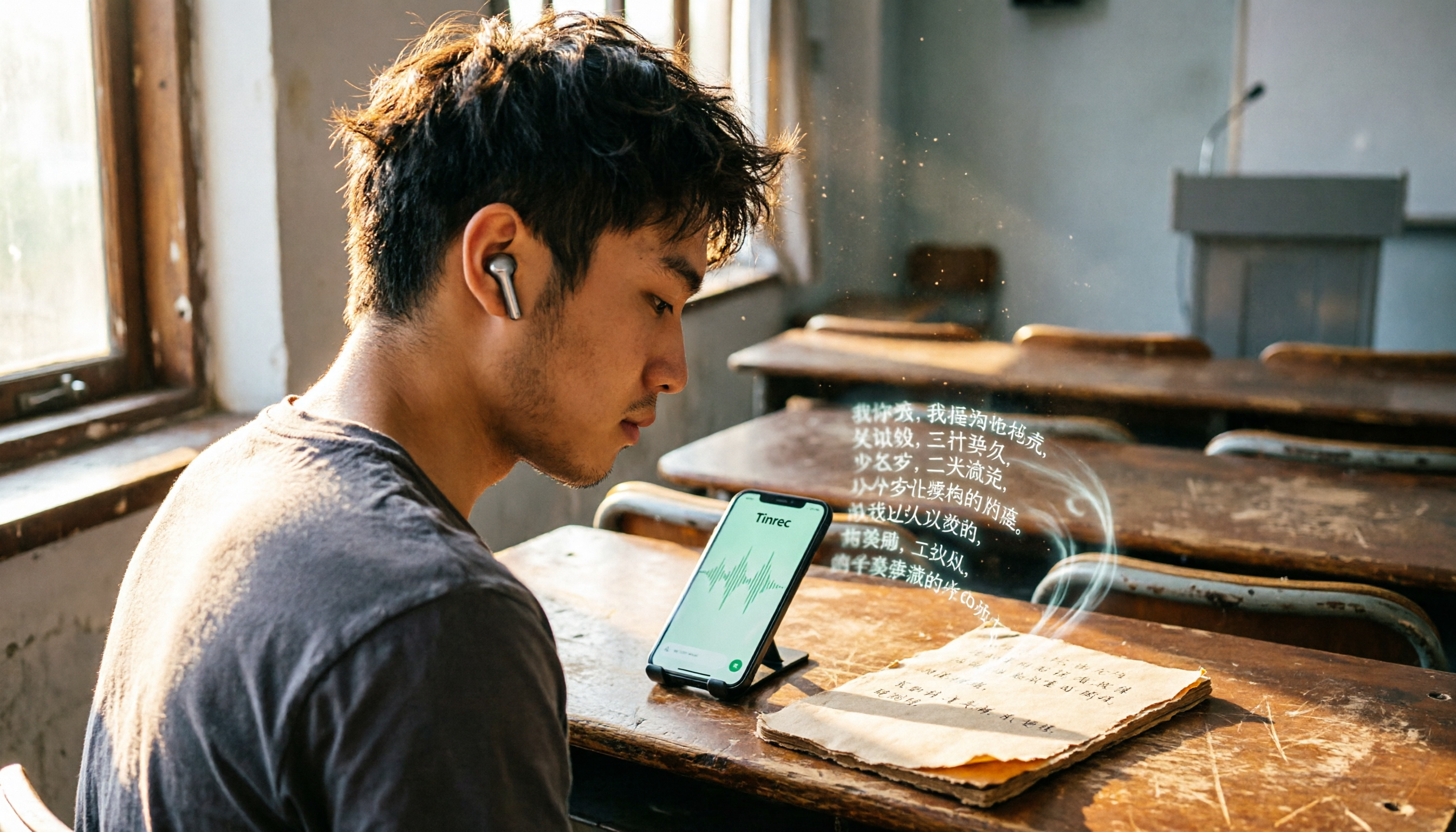
Tinrec is an AI organization tool that supports multiple audio and video sources, with iOS, Android, and web versions. I initially used it just for recording lectures, but later found I could also feed it YouTube course videos and group discussion recordings for organization—very convenient.
During class, Tinrec provides real-time captions as it records, turning the professor's words into text instantly. What impressed me most was that after class, I got not just a transcript but also AI-generated summaries and chapters, breaking the two-hour lecture into key sections, making review much faster. After group discussions, I feed the recording in, and it extracts "who's responsible for what, and when it's due," so I don't have to rely on memory for task assignment.
Another feature few other tools have: AI chat-based querying. Before finals, I asked Tinrec, "What were the key factors in supply chain management mentioned in last class?" It didn't just return paragraphs with keywords; it gave me a direct answer based on semantics, like having a teaching assistant flip through notes for you.
In terms of user experience, Chinese recognition is quite good, even with accents or multiple speakers, accuracy remains above average. The limitation is that the free plan has a basic transcription quota, which is enough for recording a few key classes a week; if you record every class, you'll need to pay. But the Pro plan costs about the same as a bubble tea per month, which is affordable for students.
Stop organizing recordings by hand
Upload audio or video and automatically get a transcript, summary, and action items
Who is it for? If you need Chinese transcription, lecture recording, and want to use AI to quickly find key points, or often organize learning materials from YouTube, Tinrec is the most comprehensive choice right now.
Beyond Tinrec: Other Options
Otter.ai: The top choice for English meetings, with a generous 300 free minutes per month. However, it doesn't support Chinese, so my lecture recordings couldn't be transcribed at all. If your courses are taught in English, Otter is a great deal; but for Chinese or mixed-language environments, it's useless. It also lacks web video transcription, so it's not helpful for YouTube learners.
Notta: Similar to Tinrec in many ways, with good transcription quality, and 120 free minutes per month. I used it initially, but later found that after transcription, you can only manually search for keywords; you can't ask follow-up questions like with Tinrec. For example, asking "What's the meeting summary?" only gives you keyword search results, not a complete answer. If you only need pure transcription, Notta is worth considering; but for further organization, it feels lacking.
Pitfall Guide: 3 Common Mistakes Students Make When Choosing AI Meeting Minutes Tools
Pitfall 1: Only looking at free plan limits. Many people download Otter.ai for its 300 minutes, but overlook that it only supports English. No matter how much quota, it's useless if it can't transcribe Chinese. First check the languages supported and your actual use case, or you'll delete it right after downloading.
Pitfall 2: Ignoring cross-platform needs. You might have an iPhone and a Windows laptop; if a tool only has an iOS app or is web-only, switching is a hassle. Tinrec supports all three platforms, so you can record on your phone and continue organizing on your computer seamlessly.
Pitfall 3: Treating the tool as just "voice-to-text". If it ends at transcription, you're only using 30% of its potential. Features like Tinrec's AI Q&A can pull key points from hours of recordings directly, ten times faster than scrolling manually. Don't waste these features.
Summary: Which One Is Right for You?
Based on my testing, Tinrec is the most balanced choice for students. It not only transcribes Chinese and handles web videos, but also has a unique AI Q&A feature that makes recorded material truly useful.
- Need Chinese transcription + AI quick key point extraction → Tinrec (accurate, cross-platform, Q&A capable)
- Budget $0 and only recording English courses → Otter.ai (largest free quota, but language-limited)
- Have lots of audio files and just want fast transcription, don't care about AI organization → Notta (but I suggest trying Tinrec's Q&A first; it might change your mind)
I recommend downloading Tinrec's free version first—no need to pay right away. Record a real class, ask a few AI questions, and feel the difference of "organized data," then decide whether to upgrade.
References
- Meeting Ink - Transcript AI Meeting Summary Voice to Text - Google Play App
- Notta - Accurate Transcript, Voice to Text, Meeting Recording, AI Summary - App Store
- Meeting Ink - 2026 AI Meeting Notes Tools Test: 8 Voice-to-Text and Summary Speed Comparison | Meeting Ink - AI Meeting Assistant, Auto Transcript and Summary
- How to Use AI for Meeting Minutes? How to Organize Meeting Transcripts? | AI Voice-to-Text Tutorial | 104 Career Force
- Unlimited Time! 3 Free AI Transcript Tools, Highly Recommended! AI Voice Notes for Meeting Minutes, Slides, Mind Maps | 104 Career Force
Turn every recording into actionable outcomes
Get 60 free transcription minutes when you sign in. No credit card required.
Related Reading
You might also like
Best Recording-to-Text Apps in 2026: 3 Tested, Top Pick for Students
A student's hands-on review of 3 recording-to-text apps, comparing free allowances, classroom accuracy, and AI summarization features. Recommends Tinrec (Miao Ting Lu Yin) as the best value, with a generous free tier and affordable paid plans.

How to Choose an AI Meeting Assistant in 2026: A 5-Step Guide from Recording to Meeting Summaries
Tired of scrambling during meetings? This guide walks you through your needs and hands-on tests of Tinrec, Otter.ai, and Notta, showing you step by step how to pick the best AI meeting assistant for automatic transcription, summaries, and to-dos.

2026 Hands-On Comparison of 3 AI Recording and Transcription Tools: Beyond ChatGPT, This One Understands Chinese Workplaces Better
After testing ChatGPT's recording feature, Tinrec, and Otter.ai, we found that if you need more than just transcription—a workspace that truly lightens the load for Chinese meetings—Tinrec is currently the most practical choice.

4 Automated Meeting Minutes Tools Tested in 2026: Which One Handles Chinese Best?
We tested 4 automated meeting minutes tools in 2026, comparing Chinese transcription accuracy, AI summarization, and pricing to help you find the best fit.

2026 AI Meeting Notes with Tinrec: Auto Summaries & Action Items Made Easy
Tired of struggling with meeting notes? This article, tested by a mid-level manager, recommends Tinrec, the latest AI meeting notes tool for 2026. It not only auto-transcribes but also generates summaries and action items, and supports multi-source audio/video processing to double your meeting efficiency.

Tinrec vs Plaud Note 2026: 5-Point Hands-On Comparison – Which Is Better for Chinese Users?
Choosing a speech-to-text tool? I compared open-source Whisper, the Plaud Note hardware recorder, and the all-in-one software Tinrec across five key dimensions—input sources, cross-platform support, AI organization, cost, and Chinese-language experience—to show you which one truly turns your recordings into usable knowledge.

2026 AI Meeting Notes Tools Compared: Which One Is Better for Chinese Meetings?
This article compares Tinrec and Otter.ai for automatic meeting report generation, analyzing five dimensions: Chinese accuracy, input source variety, post-meeting organization, export flexibility, and AI Q&A. It helps decision-makers quickly determine which tool is best for Chinese-language meetings.

2026 Speech-to-Text Guide: Tinrec as a Gemini Alternative for Multi-Source Recording + AI Organization
Gemini's speech-to-text is fast, but it only handles transcription. This guide explains how to choose the right speech-to-text tool, using Tinrec as an example to show how to turn meetings, classes, interviews, and online videos into searchable, queryable, and organized actionable knowledge.

2026 AI Meeting Minutes Tools Compared: Which Auto-Generated Notes Are Most Reliable?
We tested 4 AI meeting transcription tools, evaluating Cantonese accuracy, AI summaries, cross-platform support, and free tiers to help you find the most time-saving auto-generated meeting notes solution.