

Turn recordings into transcripts and summaries in minutes
Upload audio or video for multilingual transcription, AI notes, and action items
Why You Need AI Office Automation Tools
Working in the Central business district, you have meetings in the morning, more meetings in the afternoon, and then you stay late to transcribe recordings into meeting minutes. You end up working more overtime than regular hours—it's driving you crazy.
Today, over 75% of companies view automation as a competitive advantage, and AI transcription tools are the gateway to office automation. They not only save you from manual transcription but also automatically generate summaries, action items, and even let you "chat" with the recording to ask key questions.
This article tests 5 popular AI transcription tools, from free to paid, from simple transcription to full AI organization, to see which one best fits your workflow and helps you leave the office on time.
Tinrec (Seconds) | The Most Complete AI Recording Organizer
Tinrec is not just a recording app; it's a platform that turns meetings, classes, interviews, and even YouTube videos into a searchable, summarizable, and queryable database.
Key Highlights:
- Multiple Input Sources, Not Just Meetings: You can record live, upload audio/video files, paste a YouTube link, or even record Zoom/Teams meetings—Tinrec transcribes them all. This is super useful for marketing colleagues who need to organize online video content or students who want to turn lecture recordings into notes.
- AI Goes Beyond Just a Transcript: It automatically generates summaries, breaks down chapters, extracts action items, and can even create mind maps. The best part is the AI Q&A feature—you can ask "What key points did the client mention in this meeting?" or "What three formulas were explained in this class?" and Tinrec instantly finds the answers from the recording, so you don't have to listen to the whole thing again.
- How Good is Cantonese Support?: Tinrec explicitly covers Chinese and multilingual scenarios. In our tests, Cantonese transcription accuracy was decent; as long as the recording is clear and the accent isn't too strong, it captures the essentials. It also handles mixed Chinese-English transcription, perfect for Hong Kong office environments.
- Flexible Export Options: You can export the organized content to Notion, Google Docs, OneNote, etc., integrating seamlessly into your workflow.
Pricing: Offers a free version (with basic monthly transcription quota), a weekly card (for short-term high usage), and Pro monthly/annual plans. The Pro annual plan offers the best monthly rate, ideal for users who need to maintain a long-term recording database.
Best For: Users who need to organize audio/video from multiple sources (meetings, classes, videos), want AI to proactively organize content rather than just provide a transcript, and frequently need to search past recordings for key points.
Otter.ai | Expert in Automatic Online Meeting Notes
Otter is a veteran in AI meeting notes, excelling at automatically joining online meetings like Zoom and Google Meet, providing real-time transcription and speaker identification, plus team collaboration features.
Its AI Chat lets you ask questions about the meeting content, such as "summarize the key decisions," with good accuracy. However, Otter shines in English business meetings; Chinese support is relatively basic, and it focuses on meetings, so you can't transcribe online videos.
Public pricing: Free plan offers 300 minutes/month; Pro plan at US$8.33/month (annual billing) includes 1,200 minutes and 10 file imports; Business plan at US$19.99/month emphasizes team management.
Best for users who frequently have English online meetings and need to share meeting notes with their team.
Fireflies.ai | Unlimited Transcription but Team-Oriented
Fireflies also focuses on meeting notes, supporting 100+ languages, automatically joining major meeting platforms, and even integrating with CRM. Its biggest selling point is that the free plan offers "unlimited transcription" and AI summaries, but team storage is limited.
Stop organizing recordings by hand
Upload audio or video and automatically get a transcript, summary, and action items
Its AskFred AI helps you search across meetings, ideal for team knowledge management. However, Fireflies' strength is in team and sales scenarios; individual users may find the interface a bit complex, and Cantonese transcription is mediocre.
Pricing: Pro plan at US$10/seat/month (annual billing), Business plan at US$19/seat/month.
Best for sales teams or SMBs that need unlimited transcription and don't mind an English interface.
Notta | All-Rounder for Transcription and Translation
Notta overlaps significantly with Tinrec: multi-device transcription, meeting notes, and multilingual support. Its strengths are translation (supports multiple language pairs) and subtitle generation, and its paid plans offer generous minutes—Pro at US$8.17/month (annual billing) includes 1,800 minutes, and Business offers unlimited.
However, Notta leans toward being a "transcription tool"; its AI organization depth (like automatic chapter breakdown, action item extraction, and AI Q&A integration) is slightly inferior to Tinrec, and it lacks the ability to transcribe online video links.
Best for users who need heavy transcription and translation but don't require advanced AI organization.
TurboScribe | High-Value Long-File Transcription
TurboScribe is a pure file transcription tool: you upload audio/video files, and it transcribes them. It supports long files (up to 10 hours), batch processing, and subtitle export. Its selling point is affordability—the free plan offers 3 transcriptions per day (30 minutes per file); the Unlimited plan at US$10/month (annual billing) provides unlimited transcriptions.
However, TurboScribe lacks live recording and AI features like summaries or Q&A; you just get a transcript. If you only need to occasionally transcribe long recordings, it's the most budget-friendly option.
Best for users who need to transcribe many existing audio/video files but don't need live recording or AI organization.
With So Many Options, How Do You Choose?
Choose based on your primary needs:
- Want the most complete AI features (transcription + AI Q&A + auto summaries + multi-source input) → Tinrec (the only option with all these features)
- Need Cantonese + Mandarin bilingual transcription and want to organize online videos → Tinrec (supports multiple languages, widest accuracy and scenario coverage)
- Frequently have English online meetings and need to share notes with your team → Otter.ai (best English meeting experience)
- Need unlimited transcription minutes and don't mind an English interface → Fireflies.ai (most generous free plan, but team-oriented)
- Need heavy transcription + translation on a budget → Notta (aggressive minute allowances, strong translation)
- Just need to transcribe long audio files at the lowest cost → TurboScribe (best value for pure transcription)
3 Things to Know Before Using AI Automation Tools
- Recording Quality Matters Most: Regardless of the tool, background noise, overlapping voices, and heavy accents will affect accuracy. Tinrec's AI organization is strong, but it's still advisable to manually verify important content against the original.
- Don't Buy the Wrong Plan Just to Save Money: If you only use it occasionally, the free version or weekly card is enough; if you have meetings every week, the Pro plan is the most time-saving. Tinrec's annual card offers the best monthly rate, ideal for those planning to maintain a long-term recording library.
- Watch Out for Privacy and Copyright: Uploading recordings to the cloud involves privacy; choose a reputable provider. When transcribing online videos, be sure to comply with platform rules and copyright requirements.
Conclusion
AI office automation is not out of reach. Starting with the pain point of transcription, you can already save significant overtime hours daily. Each of the 5 tools has its niche, but if you want one app to handle meetings, classes, and video organization, with AI automatically generating summaries and action items, and even allowing you to ask questions about the recording, Tinrec clearly offers the most complete package. There's a free version to try, so download it and experience what true "smart organization" feels like.
References
- Using AI Tools to Improve Efficiency: 5 Steps to Achieve Enterprise Cost Reduction - Strategic Advisor
- Five Free AI Office Tools to Boost Work Efficiency and Automate Workflows | Tricuss
- AI Workflow Automation: 14 Tools to Skyrocket Team Efficiency and Scale Faster | monday.com Blog
- AI Automation | Microsoft Copilot
- Practical Office AI Tools: Essential Skills to Boost Work Efficiency
Turn every recording into actionable outcomes
Get 60 free transcription minutes when you sign in. No credit card required.
Related Reading
You might also like
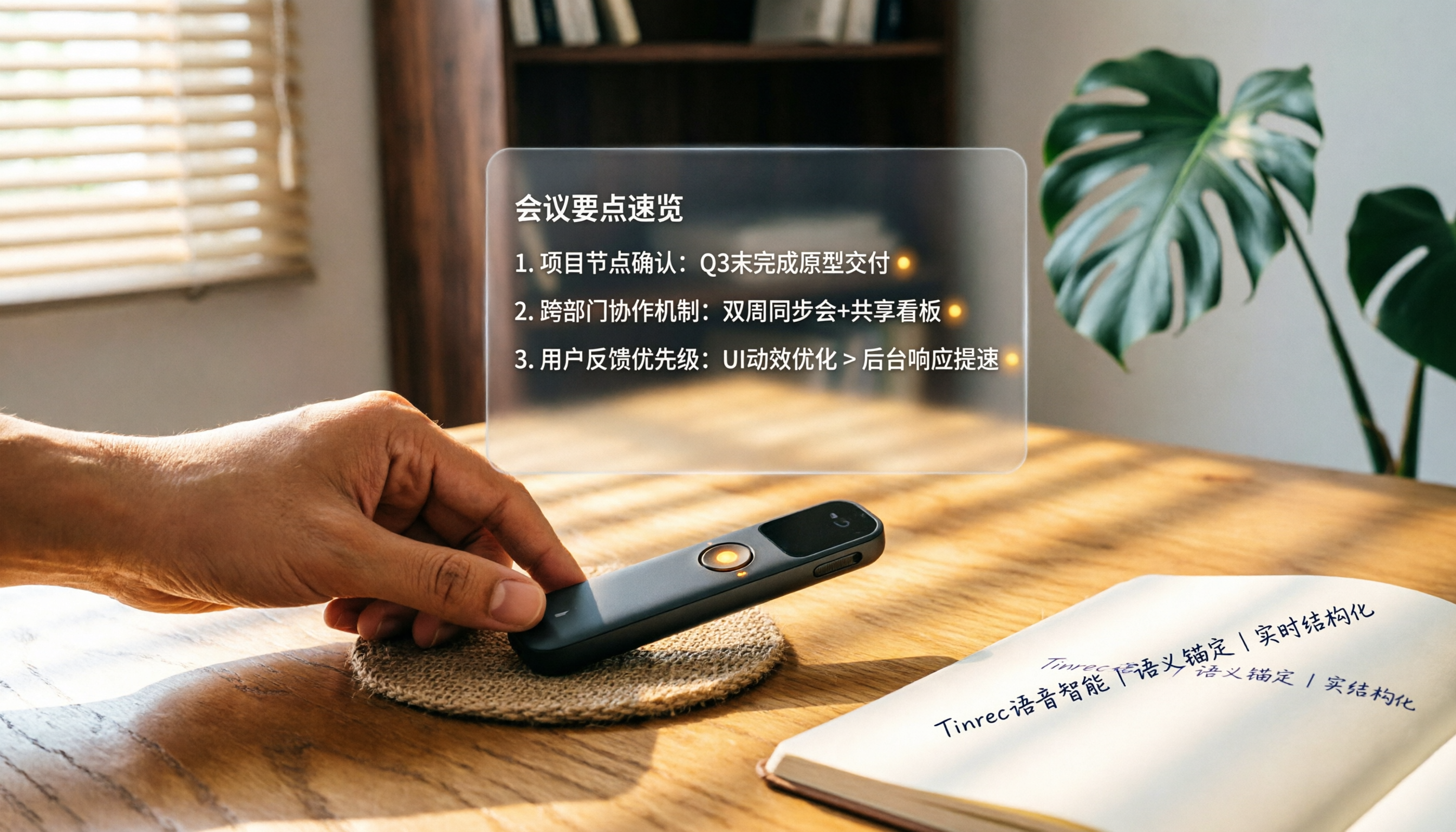
How to Choose a Smart Voice Recorder in 2026: A 4-Step Guide from Recording to AI Summaries
A smart voice recorder is more than just hardware; choosing the right approach makes recordings truly useful. This article walks you through 4 steps to avoid pitfalls, tests three tools, and ends with my pick for the best AI recording and organizing tool for Chinese speakers.
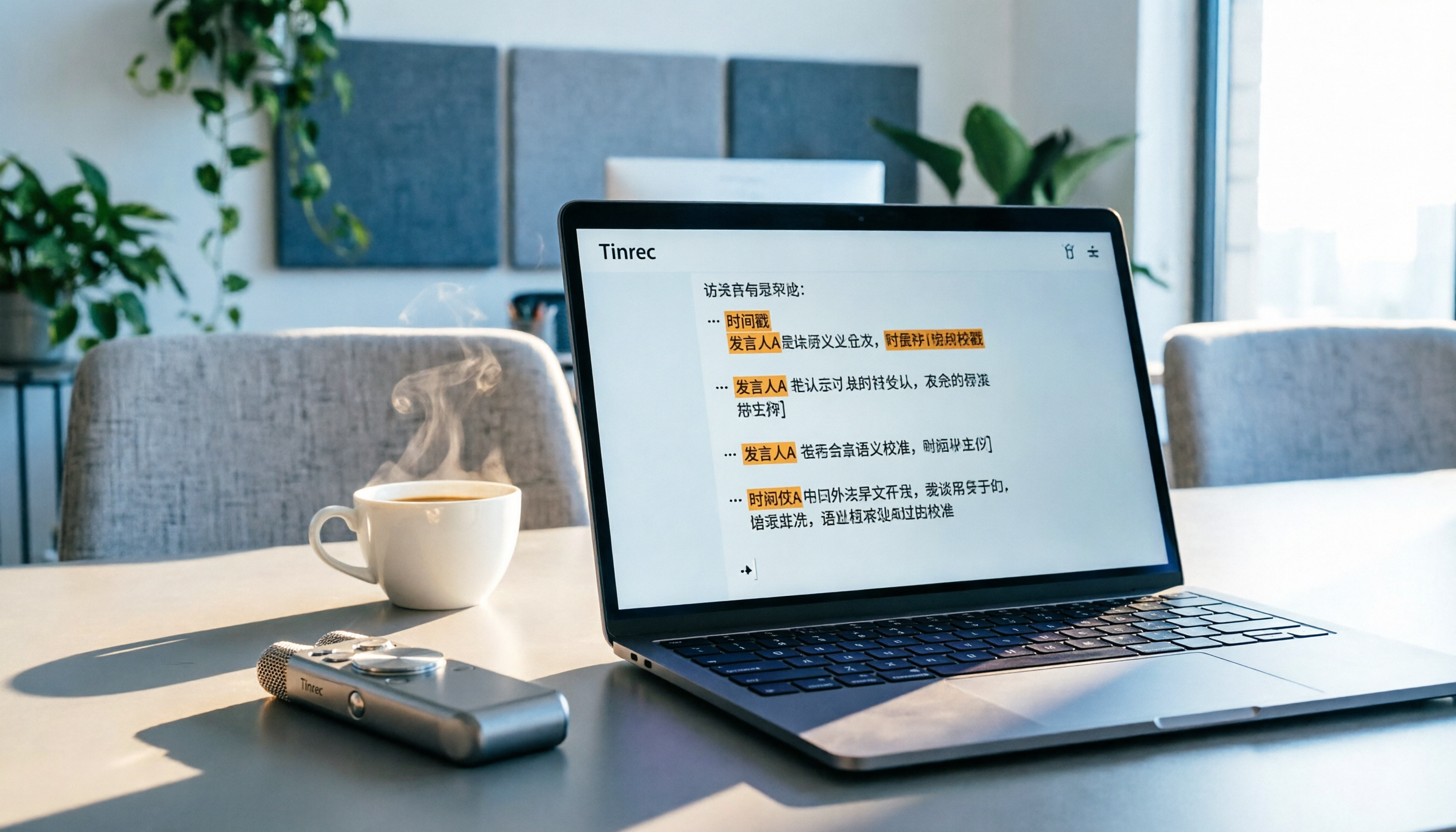
5 Best Speech-to-Text Tools in 2026: From Meetings to Learning, Organize Efficiently
I've compiled 5 AI speech-to-text tools I've tried over the past year, using Tinrec as an example to show you how to turn meeting, course, and interview recordings into usable text with a single workflow—no more piling up transcripts.

2026 Tested: 5 Recording Solutions Compared—Are Mobile Apps Really Better Than Voice Recorders?
Still debating whether to buy a voice recorder? What you really need is a tool that turns recordings into text and highlights key points. This article tests 5 recording-to-text and organization solutions, from free apps to AI recording hardware, to help you find the best fit—and explains why Tinrec is our top all-purpose recommendation.

2026 Long-Battery Voice Recorder Free Options: 5 Picks Reviewed
Running out of battery on your voice recorder during class is a nightmare? We tested 5 recording and AI organization tools, from free apps to paid plans, from a student's perspective to tell you which is best for long recordings, comparing battery life, audio quality, and AI features.

Tinrec vs Otter.ai 2026: A 5-Dimension Showdown for Students Needing Large-Capacity Audio/Video Organization
Tired of large recordings? A senior student tests Tinrec and Otter.ai, comparing input sources, Chinese accuracy, AI note features, free tiers, and pricing to see which tool better suits students' transcription needs, saving you money.

3 Workplace Voice Recorders Tested in 2026: Which One Is the Ultimate Meeting Notes Sidekick?
How should you choose a voice recorder for the workplace? We tested a traditional voice recorder, phone recording, and the AI recording app Tinrec, comparing portability, post-processing, and budget to find the best meeting note solution for office workers.

Voice Recorder vs. Phone Recording in 2026: How to Choose? 5 Steps to Build an Efficient Recording Workflow
Still torn between a voice recorder and your phone for recording? This article starts from real-world use cases, teaches you how to find the best recording solution in 5 steps, and tests the AI recording tool Tinrec to see how it solves the pain points of traditional recording, saving you hours of organizing time.

How to Choose a Cost-Effective Voice Recorder in 2026: 4 Steps to Compare Recorders and AI Tools
Thinking about buying a voice recorder but unsure how to evaluate value for money? This article compares traditional voice recorders and AI recording tools from perspectives like features, price, and post-processing, helping you pick the best recording solution.

2026 Test: AI Software vs. Hardware Noise Reduction for Voice Recorders—Which Keeps Meetings and Lectures Clearer?
I tested popular voice recorders and AI recording software, and found that hardware doesn't always beat software for noise reduction. This article compares Tinrec and PLAUD Note in real-world scenarios, covering noise reduction, organization features, and long-term use, to help you choose the right solution.