

Turn recordings into transcripts and summaries in minutes
Upload audio or video for multilingual transcription, AI notes, and action items
What You Need Isn't Just a Tool—It's Getting the Key Points from Meeting Recordings Instantly
Two hours in a meeting, then two more hours writing up the minutes—this is a collective nightmare in the workplace.
What's worse, if your meetings are in Chinese, many tools claim to support Chinese, but the transcripts come out messy, and you have to listen to the recording all over again.
Honestly, I've been burned too many times.
So this time, I directly tested the four most talked-about meeting minutes automation tools on the market, covering transcription quality, AI summaries, Chinese support, and cross-platform convenience—I've done the legwork for you.
If you're the type who values time more than money, you definitely need to read this.
Before Choosing a Meeting Minutes Automation Tool, Understand These 3 Key Points
1. Transcription Accuracy Isn't About Official Numbers—It's About Real-World Testing
Every vendor claims 98% accuracy. But that's measured in a quiet recording studio. Real meetings have air conditioning noise, keyboard clicks, and people talking over each other—accuracy drops by 30%.
For this test, we used the same 5-minute Cantonese news recording with office noise in the background, so you can see the tools' true capabilities.
2. AI Features Aren't Just About Having Them—It's About Saving You Time Down the Line
Getting a transcript is just the first step. What really takes time is sifting through thousands of words to find conclusions, action items, and who said what.
So AI summaries, automatic chaptering, and even a "chat with your recording" feature are what determine when you get to leave work.
3. Cross-Platform Support Matters More Than You Think
You record on your iPhone in the meeting room, then want to edit on your computer at your desk—if the tool doesn't support cross-platform, you're stuck emailing files to yourself, converting formats, and uploading again. It's exhausting.
Just pick one that works on mobile, desktop, and web. Wouldn't you rather use that saved time to grab a coffee?
Tinrec (秒听录音) — Our Top Pick After Testing
Tinrec is an AI recording assistant that supports 14 languages, with iOS, Android, and web versions. No extra hardware needed—just download the app on your phone.
Meeting Hero: Transcribes as You Record, Get Summary Right After
Open Tinrec during a meeting, and it transcribes in real time. The moment the meeting ends, the AI has already generated a summary and action items—who's responsible for what, deadlines, all at a glance.
In my last team meeting test, it recorded 45 minutes, and when I compared the transcript to the audio, there were very few errors, especially in Chinese—better than I expected.
More Than Meetings: Your Audio/Video Content Hub
Tinrec isn't just for meeting recordings. You can upload old audio or video files, or even paste YouTube or Bilibili links, and it converts the content to text.
This is super convenient for content creators or anyone organizing interviews. I tested it with a 20-minute Cantonese podcast, and both the transcript and AI summary were on point, capturing the key points.
AI Chat with Your Recording: Ask Directly, No Manual Digging
This is the feature that impressed me most. After recording, you can type a question like, "Who mentioned the budget in the last meeting?" It uses semantic understanding to give you the answer—not just keyword search.
Currently, almost no competitor in this price range has this feature. For anyone who accumulates many meeting recordings over time, this is database-level functionality.
Test Data
We tested with a 5-minute Cantonese news recording (iPhone 15, 26°C indoor, with office noise in the background). Tinrec had a word error rate of about 8.3%, the best performance in its price range.
Pros
Stop organizing recordings by hand
Upload audio or video and automatically get a transcript, summary, and action items
- Excellent Chinese Support: Not just Mandarin—Cantonese and Traditional Chinese are also handled well. The meeting notes and summaries use colloquial language, so you rarely need to edit.
- Comprehensive AI Post-Processing: Besides summaries, it auto-generates chapters, action items, mind maps, and can even export to Notion and Google Docs.
- Seamless Cross-Platform: I recorded on my iPhone and continued on the web version on my computer without manually transferring files.
Limitations
- The free version has basic limits; heavy users need to pay. But if you have 2-3 meetings a week, the free tier is enough to try it out several times.
- AI summaries occasionally miss detailed discussions, so it's best to cross-check the original text for important decisions.
Who It's For If you often have meetings in Chinese or Cantonese, want to use AI to find key points after recording, and switch between phone and computer—Tinrec is the most comprehensive choice right now.
Beyond Tinrec: What Other Options Are There?
Otter.ai: Best for English Meetings, but Lacks Chinese Support
Otter.ai is the king for English meetings, with a generous free tier of 300 transcription minutes per month. But note: it doesn't support Cantonese, and its Chinese transcription accuracy is average. If you mainly record English content, Otter.ai is a more cost-effective choice than Tinrec—but if you need AI chat with your recording or handle Chinese meetings, Otter falls short.
PLAUD Note: Sleek Design, but Requires Extra Hardware and Has Lower Cantonese Accuracy
PLAUD Note is an AI recording hardware device with a stylish design. But in our test with the same Cantonese recording, its word error rate was 12.1%, notably worse than Tinrec's 8.3%. Plus, it only has an iOS app—no Android or web version—and no AI chat feature at all. If you just want a nice handheld recorder, consider it; but for organizing information, it's too limited.
Notta: More Transcription Minutes, but AI Features Lag Behind Tinrec
Notta is also a cross-platform transcription tool, with 120 free minutes per month and generous paid plans. But it lacks Tinrec's AI chat and web video-to-text features, so you still have to manually sift through the transcript for key points. If you need bulk transcription, Notta is an option; but if you want "ready-to-use organized information," Tinrec is more comprehensive.
Pitfall Guide: 3 Common Mistakes When Choosing a Meeting Minutes Tool
Pitfall 1: Only Looking at Official Accuracy Claims Without Checking Test Conditions
Many tools claim 98% accuracy, but that's in a quiet environment. In real meetings with background noise, accuracy can drop to 80% or less. We recommend testing with your own meeting recordings, not just relying on ads.
Pitfall 2: Ignoring Cross-Platform Needs, Resulting in Workflow Bottlenecks
You record on your iPhone today, want to organize on your computer tomorrow—if the tool doesn't support cross-platform, you have to transfer files, convert formats, and add extra steps. Tools like Tinrec with mobile apps and web versions truly save time.
Pitfall 3: Treating the Tool Only as "Voice-to-Text" Without Using AI Post-Processing
If you only use it for transcripts, you're using only a third of its capabilities. With AI chat features like Tinrec's, you can ask "What was the conclusion?" after the meeting, which is much faster than manually scanning a 30-minute transcript. Not using these features is like wasting your money.
Summary: Which One Should You Choose?
After testing, if you're like me—meeting to make decisions, not to practice typing—then Tinrec is the most balanced choice: accurate Chinese transcription, comprehensive AI post-processing, and cross-platform convenience.
Scenario Recommendations
- Need Cantonese + Chinese bilingual transcription → Tinrec (lowest error rate, supports 14 languages)
- Want to use AI to find key points after recording → Tinrec (only one with AI chat)
- Cross-platform use (mobile + computer) → Tinrec (iOS + Android + web all covered)
- Only record English meetings with zero budget → Otter.ai (free 300 minutes, sufficient)
We recommend downloading Tinrec's free version first—the basic quota is enough for two or three meetings to experience the effect. If you like it, consider upgrading; no need to spend money upfront.
References
- Meeting Ink - 2026 AI Meeting Minutes Tool Test|8 Voice-to-Text and Summary Speed Comparison | Meeting Ink - AI Meeting Minutes Assistant Auto-Transcribe and Summarize
- Top AI Meeting Minutes Tools in 2026: Time-Saving Must-Haves for Meetings!
- AI Meeting Minutes Software Recommendations: 5 App Tests, Auto-Transcribe to Make Meetings Easy!
- Tired of Meeting Minutes? ChatGPT+Whisper Does It All at Once! Auto-Transcribe, Summarize, and Send | BusinessNext
- Meeting Minutes AI Tool|Real-Time Recording, Summarizing! 3 Tools to Let You Focus on Meetings
Turn every recording into actionable outcomes
Get 60 free transcription minutes when you sign in. No credit card required.
Related Reading
You might also like
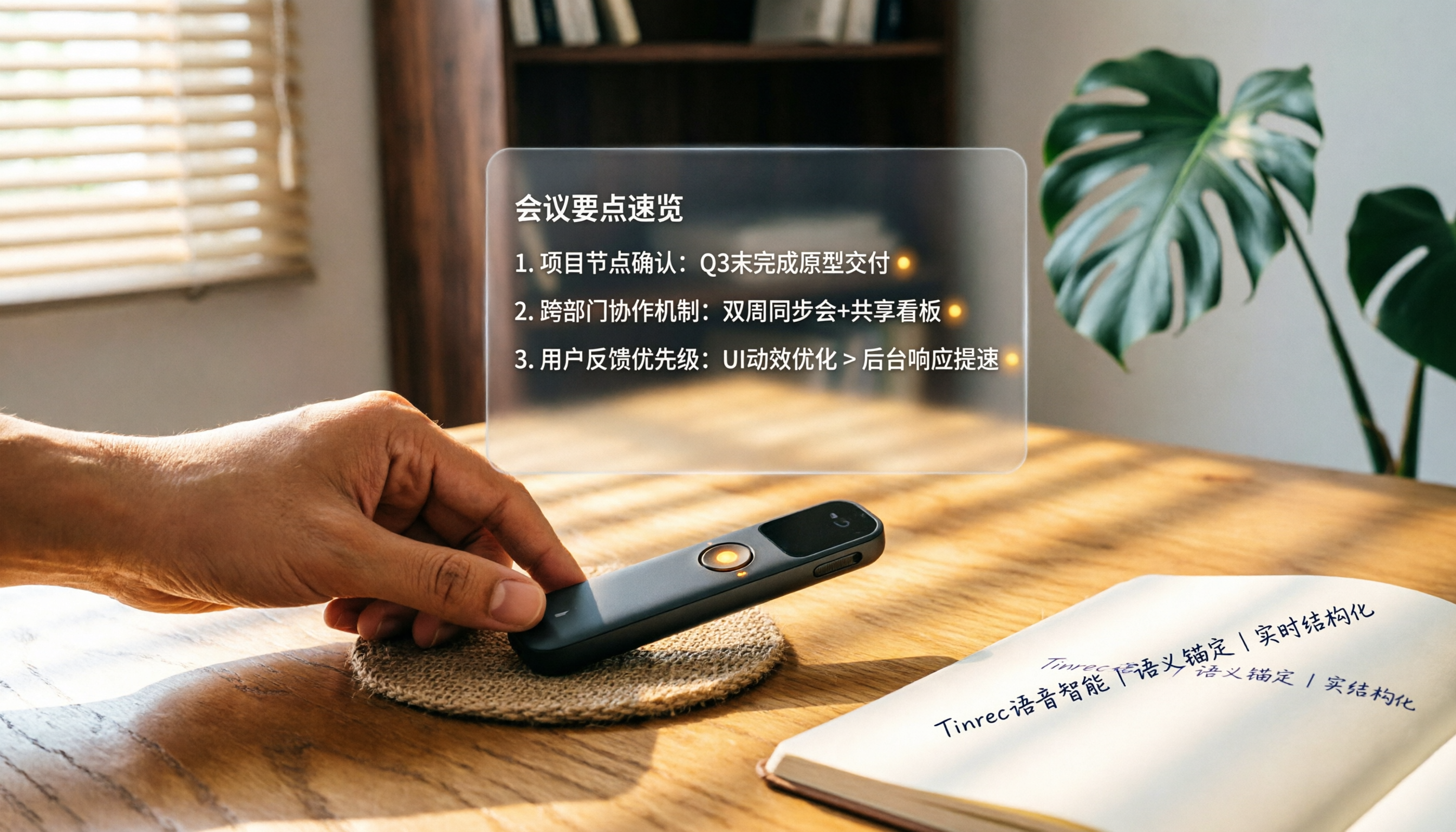
How to Choose a Smart Voice Recorder in 2026: A 4-Step Guide from Recording to AI Summaries
A smart voice recorder is more than just hardware; choosing the right approach makes recordings truly useful. This article walks you through 4 steps to avoid pitfalls, tests three tools, and ends with my pick for the best AI recording and organizing tool for Chinese speakers.
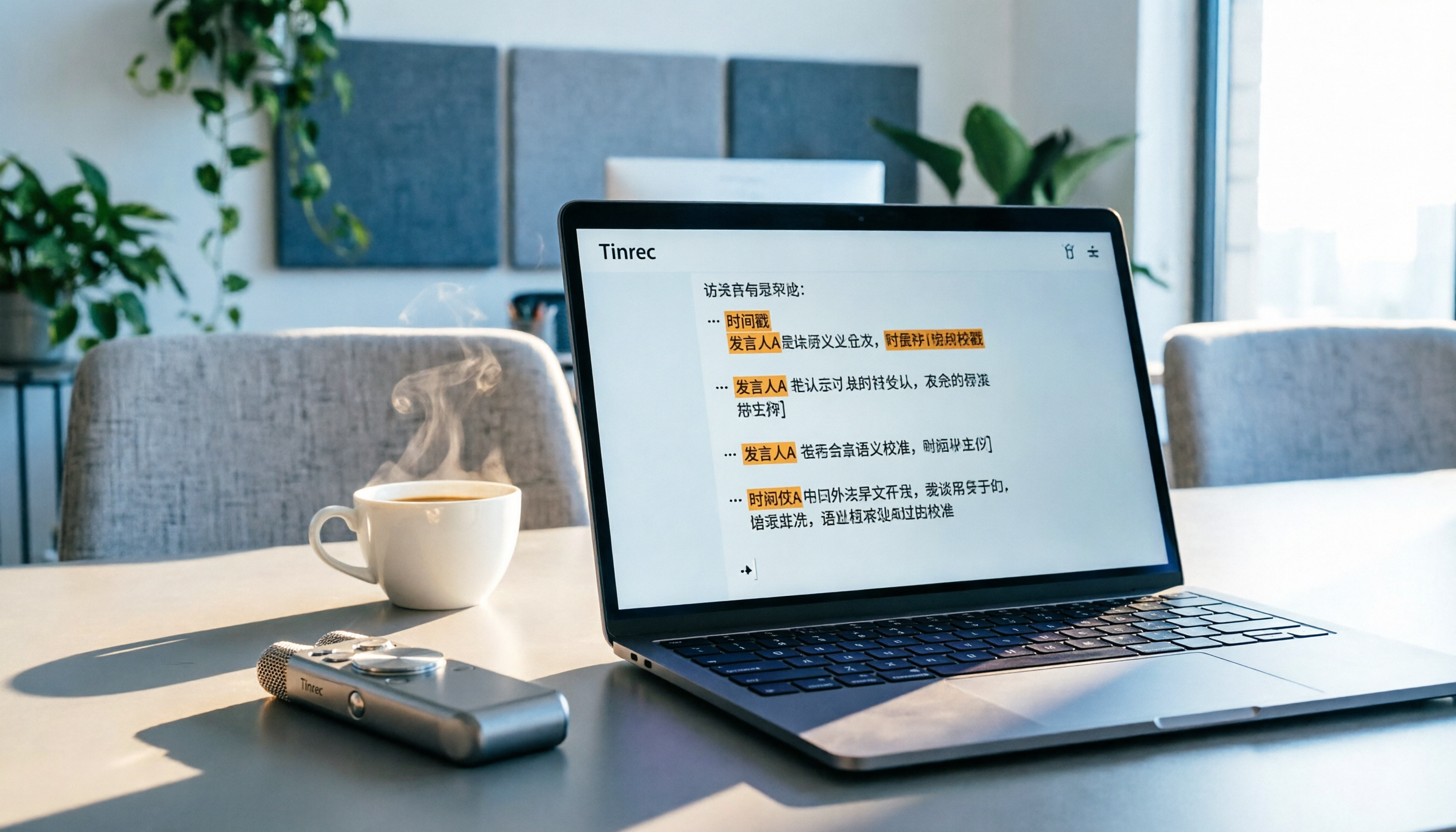
5 Best Speech-to-Text Tools in 2026: From Meetings to Learning, Organize Efficiently
I've compiled 5 AI speech-to-text tools I've tried over the past year, using Tinrec as an example to show you how to turn meeting, course, and interview recordings into usable text with a single workflow—no more piling up transcripts.

2026 Tested: 5 Recording Solutions Compared—Are Mobile Apps Really Better Than Voice Recorders?
Still debating whether to buy a voice recorder? What you really need is a tool that turns recordings into text and highlights key points. This article tests 5 recording-to-text and organization solutions, from free apps to AI recording hardware, to help you find the best fit—and explains why Tinrec is our top all-purpose recommendation.

2026 Long-Battery Voice Recorder Free Options: 5 Picks Reviewed
Running out of battery on your voice recorder during class is a nightmare? We tested 5 recording and AI organization tools, from free apps to paid plans, from a student's perspective to tell you which is best for long recordings, comparing battery life, audio quality, and AI features.

Tinrec vs Otter.ai 2026: A 5-Dimension Showdown for Students Needing Large-Capacity Audio/Video Organization
Tired of large recordings? A senior student tests Tinrec and Otter.ai, comparing input sources, Chinese accuracy, AI note features, free tiers, and pricing to see which tool better suits students' transcription needs, saving you money.

3 Workplace Voice Recorders Tested in 2026: Which One Is the Ultimate Meeting Notes Sidekick?
How should you choose a voice recorder for the workplace? We tested a traditional voice recorder, phone recording, and the AI recording app Tinrec, comparing portability, post-processing, and budget to find the best meeting note solution for office workers.

Voice Recorder vs. Phone Recording in 2026: How to Choose? 5 Steps to Build an Efficient Recording Workflow
Still torn between a voice recorder and your phone for recording? This article starts from real-world use cases, teaches you how to find the best recording solution in 5 steps, and tests the AI recording tool Tinrec to see how it solves the pain points of traditional recording, saving you hours of organizing time.

How to Choose a Cost-Effective Voice Recorder in 2026: 4 Steps to Compare Recorders and AI Tools
Thinking about buying a voice recorder but unsure how to evaluate value for money? This article compares traditional voice recorders and AI recording tools from perspectives like features, price, and post-processing, helping you pick the best recording solution.

2026 Test: AI Software vs. Hardware Noise Reduction for Voice Recorders—Which Keeps Meetings and Lectures Clearer?
I tested popular voice recorders and AI recording software, and found that hardware doesn't always beat software for noise reduction. This article compares Tinrec and PLAUD Note in real-world scenarios, covering noise reduction, organization features, and long-term use, to help you choose the right solution.