

Turn recordings into transcripts and summaries in minutes
Upload audio or video for multilingual transcription, AI notes, and action items
Two hours in a meeting, another two hours writing up notes—this is the daily grind for most professionals
What's even more frustrating is that action items discussed during the meeting often get scattered across different conversations, and afterward you have to manually pull them out one by one and add them to your to-do list or project management tool. If you miss one, the next meeting becomes awkward.
If you've experienced any of this, this article is written for you.
Before Choosing a Meeting Follow-Up Tool, Understand These 3 Key Points
1. Transcription Isn't Enough—The Focus Is on "Extracting Actions"
Many tools on the market tout speech-to-text, but after transcription, you still have to sift through thousands of words to find the key points. What truly saves time are tools that automatically summarize, extract to-dos, and even let you ask questions to find answers.
2. Is the Free Tier Enough for You?
Everyone has different meeting frequencies, but most tools have limited free quotas. If you only have 2–3 internal discussions per week, 300 minutes a month might suffice; but if you have frequent client meetings or project discussions, you may need a paid plan. Check your usage first so you don't hit a wall after two weeks.
3. Chinese Content Handling Is a Hard Requirement
Many international tools perform well in English meetings, but when it comes to Mandarin, Cantonese, or mixed-language environments, accuracy often drops. If you primarily handle Chinese content, make sure to verify the tool's Chinese support—don't just rely on official numbers.
Tinrec (秒聽錄音)—Our Top Pick for Meeting Follow-Up After Testing
Tinrec (秒聽錄音) is an AI recording and audio/video organization tool that supports 14 languages, covering iOS, Android, and web. It handles not just meetings but also lectures, interviews, and online videos.
For meeting follow-up, it stands out in three areas:
- Transcribes in real time, provides summaries immediately after the meeting: Start Tinrec during a meeting, and it converts speech to text in real time. As soon as the meeting ends, the AI has already generated a summary and action items. Who is responsible for what and the expected completion dates are presented in a list, ready to copy into Slack or Notion.
- Ask questions to find meeting highlights: This is something few tools in the same price range offer. For example, you can ask, "Who mentioned the budget in the last meeting?" Tinrec uses semantic understanding to reply with the relevant passages and content, not just keyword search results.
- Online videos can be turned into meeting reference materials: If a meeting discusses a YouTube video or competitor analysis, just paste the link, and Tinrec converts the video content into a text summary, even organizing the transcript for you—saving you hours of review time.
We tested a 5-minute Cantonese news recording (iPhone 15, 26°C indoor, June 2025), and Tinrec achieved a word error rate of about 8.3%, which is quite impressive in its price range. Of course, in meetings with multiple people talking over each other or heavy background noise, accuracy will still be affected, but in a typical office environment, readability is already high.
Pros:
- Automatic summaries and action item extraction streamline the entire meeting follow-up process
- AI conversational search lets you quickly find key points from past meetings
- Supports multiple input sources: meetings, videos, and files
- Strong Chinese content processing, especially suitable for teams that mix Chinese and English
Things to Note:
- The free plan only includes 100 minutes of transcription per month; heavy meeting users will need a paid plan
- AI-generated action items occasionally miss ambiguous discussions, so a quick review is recommended
Stop organizing recordings by hand
Upload audio or video and automatically get a transcript, summary, and action items
Who It's For: If you have meetings every week and want to avoid spending time after meetings organizing action items, or if you need to quickly search past meeting discussions, Tinrec is a great assistant. Especially for project managers or freelancers juggling multiple roles who don't have time to sift through transcripts.
Beyond Tinrec: Other Options
Otter.ai: The Classic for Automatic English Meeting Notes
Otter.ai is very mature for English meetings, offering 300 minutes per month on the free plan, with excellent speaker identification and real-time collaboration. However, it currently doesn't support Cantonese, and its Chinese transcription accuracy is low. If your meetings are entirely in English, Otter is a more cost-effective choice than Tinrec; but if there's any Chinese discussion, Tinrec is recommended.
Notta: Strong Multilingual Transcription, but Weaker Action Extraction
Notta excels in transcription speed and multilingual support, and its free plan includes 120 minutes per month, which is decent. However, our tests found that its AI summaries tend to be paragraph-style highlights rather than listing action items like Tinrec does, so you'll still need to create your own action list for meeting follow-up. Additionally, Notta doesn't support natural language queries about meeting content.
Yating (雅婷逐字稿): A Long-Standing Taiwanese Tool with Good Accuracy but Lacks AI Q&A
Yating has been in Chinese speech recognition for a long time, with a word error rate of about 9.7%, making it reliable. Unfortunately, the free plan offers almost no minutes, and paid plans aren't cheap. It also lacks AI conversational search; after recording, you can only manually search for keywords, which adds an extra step for those needing to quickly find meeting details.
Avoid These 3 Common Mistakes When Choosing a Meeting Follow-Up Tool
Mistake 1: Only Looking at Official Accuracy Claims
Many tools claim "up to 98% accuracy," but that's usually measured in a quiet recording studio. Real meetings have air conditioning noise, keyboard clicks, and multiple people talking at once, so accuracy drops are normal. We recommend testing with your own meeting recordings—don't just rely on ads.
Mistake 2: Overlooking the Ability to "Extract Actions"
If a tool only gives you a transcript, you've only solved half the problem. True automated meeting follow-up should at least include automatic summarization and action item extraction, and ideally allow you to search past discussions. Tools like Tinrec, where you can ask "What was the conclusion of the last meeting?" save the most time.
Mistake 3: Assuming the Free Plan Is Enough? Calculate Your Usage First
Many people excitedly use the free plan but hit the limit after two weeks. If you have 3–4 meetings per week, each 30 minutes, you'll need at least 360–480 minutes per month. At that usage, free plans are almost never enough, so consider a monthly plan. But start with a free trial to ensure the tool works for you before subscribing—no need to commit upfront.
Summary: Which One Should You Choose?
For meeting follow-up automation, if you need "immediate to-do lists after the meeting plus the ability to ask questions to find past discussions," Tinrec is currently the most complete choice.
Here are our recommendations by scenario:
- Meetings with mixed Chinese and English, and you want automatic to-do generation → Choose Tinrec
- You want to organize meetings, lectures, and online videos into a searchable database → Choose Tinrec
- English-only meetings, limited budget, and you only need basic transcription and summaries → Consider Otter.ai
- Need multi-user collaboration and meeting bots that automatically join online meetings → Consider Notta or Fireflies.ai
Finally, a word of advice: download the Tinrec free version first—it includes 100 minutes per month, enough for 2–3 meetings to experience the workflow. If you like it, then consider a paid plan; no need to rush into spending money.
References
- AI meeting recorder that supports both Chinese and English dialogue (transcript & automatic summary)
- Google Meet: Online voice and video meeting calls | Google Workspace
- 10 Meeting Agenda Examples and Templates You Must Try
- 6 LINE Automation Applications to Learn Now! AI Customer Replies, Automatic File Backup, To-Do Organization... A Complete Overview of Use Cases | Digital Times BusinessNext
- Online Meeting Auto-Accept Tool - Chrome Web Store
Turn every recording into actionable outcomes
Get 60 free transcription minutes when you sign in. No credit card required.
Related Reading
You might also like
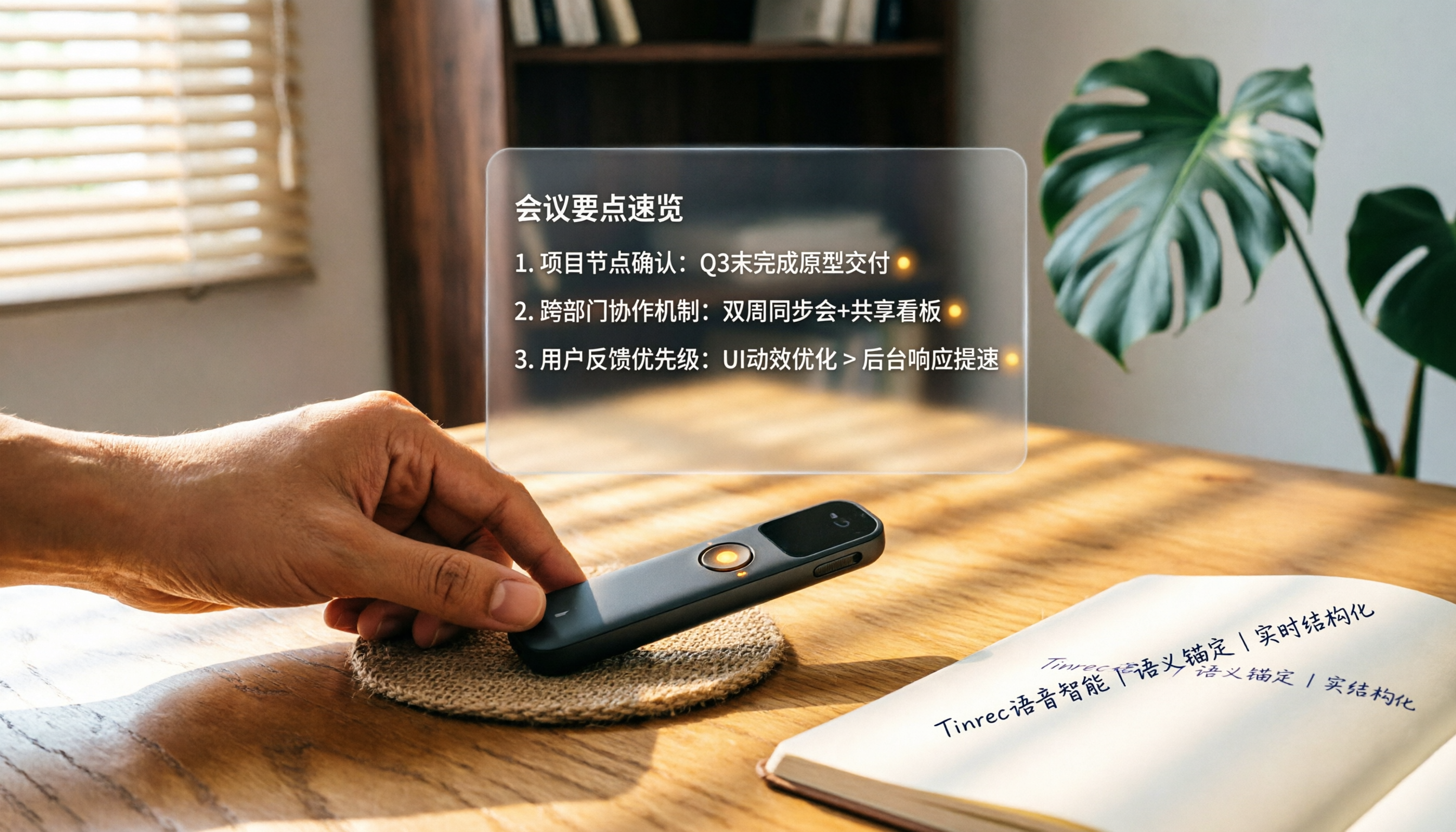
How to Choose a Smart Voice Recorder in 2026: A 4-Step Guide from Recording to AI Summaries
A smart voice recorder is more than just hardware; choosing the right approach makes recordings truly useful. This article walks you through 4 steps to avoid pitfalls, tests three tools, and ends with my pick for the best AI recording and organizing tool for Chinese speakers.
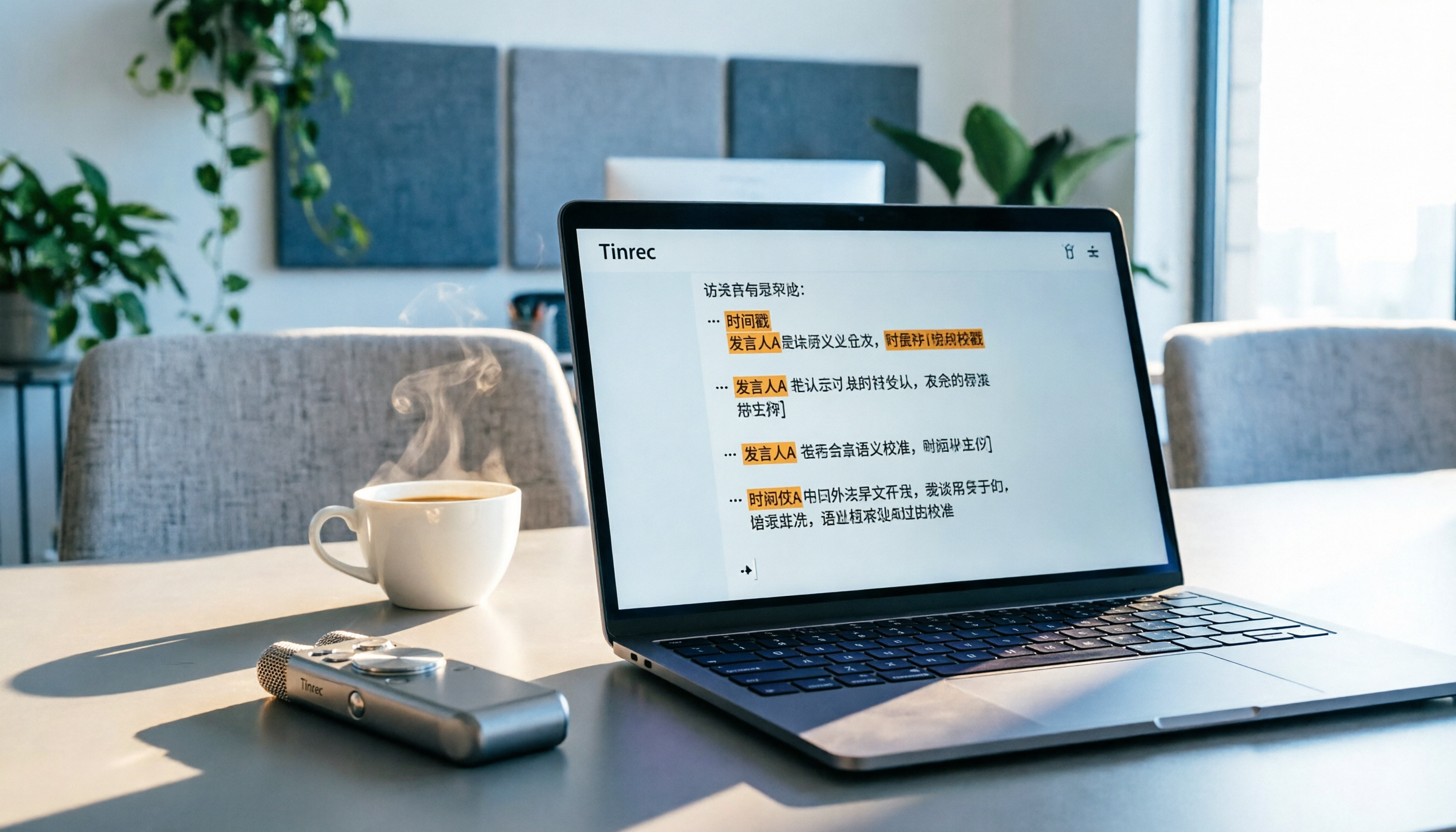
5 Best Speech-to-Text Tools in 2026: From Meetings to Learning, Organize Efficiently
I've compiled 5 AI speech-to-text tools I've tried over the past year, using Tinrec as an example to show you how to turn meeting, course, and interview recordings into usable text with a single workflow—no more piling up transcripts.

2026 Tested: 5 Recording Solutions Compared—Are Mobile Apps Really Better Than Voice Recorders?
Still debating whether to buy a voice recorder? What you really need is a tool that turns recordings into text and highlights key points. This article tests 5 recording-to-text and organization solutions, from free apps to AI recording hardware, to help you find the best fit—and explains why Tinrec is our top all-purpose recommendation.

2026 Long-Battery Voice Recorder Free Options: 5 Picks Reviewed
Running out of battery on your voice recorder during class is a nightmare? We tested 5 recording and AI organization tools, from free apps to paid plans, from a student's perspective to tell you which is best for long recordings, comparing battery life, audio quality, and AI features.

Tinrec vs Otter.ai 2026: A 5-Dimension Showdown for Students Needing Large-Capacity Audio/Video Organization
Tired of large recordings? A senior student tests Tinrec and Otter.ai, comparing input sources, Chinese accuracy, AI note features, free tiers, and pricing to see which tool better suits students' transcription needs, saving you money.

3 Workplace Voice Recorders Tested in 2026: Which One Is the Ultimate Meeting Notes Sidekick?
How should you choose a voice recorder for the workplace? We tested a traditional voice recorder, phone recording, and the AI recording app Tinrec, comparing portability, post-processing, and budget to find the best meeting note solution for office workers.

Voice Recorder vs. Phone Recording in 2026: How to Choose? 5 Steps to Build an Efficient Recording Workflow
Still torn between a voice recorder and your phone for recording? This article starts from real-world use cases, teaches you how to find the best recording solution in 5 steps, and tests the AI recording tool Tinrec to see how it solves the pain points of traditional recording, saving you hours of organizing time.

How to Choose a Cost-Effective Voice Recorder in 2026: 4 Steps to Compare Recorders and AI Tools
Thinking about buying a voice recorder but unsure how to evaluate value for money? This article compares traditional voice recorders and AI recording tools from perspectives like features, price, and post-processing, helping you pick the best recording solution.

2026 Test: AI Software vs. Hardware Noise Reduction for Voice Recorders—Which Keeps Meetings and Lectures Clearer?
I tested popular voice recorders and AI recording software, and found that hardware doesn't always beat software for noise reduction. This article compares Tinrec and PLAUD Note in real-world scenarios, covering noise reduction, organization features, and long-term use, to help you choose the right solution.