

Turn recordings into transcripts and summaries in minutes
Upload audio or video for multilingual transcription, AI notes, and action items
Why You Need AI to Organize Meeting Action Items?
I attend about 15 meetings a week. What I used to fear most wasn't the meetings themselves, but what came after—because every meeting left a pile of decisions and action items to sort through. Handwritten notes were too slow, and listening back to recordings took too much time. When I had to report to my boss and got asked, "What was the conclusion of the last meeting?" I'd flip through my notes for 3 minutes without finding it. That feeling was really awful.
Eventually, I realized this wasn't a capability issue but a matter of information overload and low manual processing efficiency. AI tools can help us automatically extract "who should do what and by when" from meeting recordings, turning discussions into clear action lists. This article shares my own trial-and-error journey and how to get this done in 4 steps.
4 Steps to Turn Meeting Recordings into Action Lists
Step 1: Choose the Right AI Tool
I started with Otter.ai. It performed well in English meetings, with accurate transcription and summarization, but when it came to Chinese meetings, it often made mistakes with proper nouns and mixed Chinese-English conversations. Also, it's more of a pure meeting bot and couldn't handle my course recordings or online videos. Then I switched to Fireflies.ai, which was attractive for its unlimited transcription, but its Chinese support was still mediocre, and the team collaboration features were overkill for a personal manager like me, not to mention the high price.
Next, I tried Granola. I loved its meeting notes experience—the AI helps fill in content while you manually take notes—but it wasn't automated enough; I still had to jot down a lot myself, and the $14/month starting price didn't offer great value. Finally, a friend recommended Tinrec (秒聽錄音), and I've never looked back. It's not just a meeting tool; it can also handle my accumulated interview recordings, online courses, and YouTube videos. Its Chinese transcription is noticeably smoother than the previous ones, and the automatically extracted action items come with assignees and discussion context. You can even use the AI to ask, "What did Department A promise in the last meeting?" without having to sift through the transcript.
Stop organizing recordings by hand
Upload audio or video and automatically get a transcript, summary, and action items
Step 2: Record and Transcribe—Ensure Every Word Is Captured
Once I settled on Tinrec, here's what I typically do: For online meetings, I keep Tinrec running for real-time recording and transcription, and it automatically identifies speakers. For in-person meetings, I use the phone's recording app to capture the room audio. For old recordings or online videos, I just upload the file or paste the link, and I get the transcript in minutes. The key in this step is to avoid taking manual notes—focus on the meeting and let the AI handle the recording.
Step 3: AI Extracts Action Items—Pull To-Dos from the Conversation
After transcription, Tinrec automatically generates a summary and lists action items separately, like "Marketing to provide competitive analysis by 3/15" or "Design draft finalization by Jerry next Tuesday." If something isn't clear, I use the AI Q&A feature to ask, "What was the final deadline for the marketing timeline we just discussed?" It answers based on the recording, which is much faster than listening back myself.
Step 4: Export and Track—Ensure Action Items Are Actually Executed
Once the action list is ready, I usually export it directly from Tinrec to Notion's task database or generate meeting minutes to send to the team. It can also use Agent post-processing to automatically format to-dos into an Excel tracking sheet. This way, tasks assigned to colleagues are no longer forgotten, and when reporting to my boss, I can instantly pull up the conclusions from the last meeting, saving a ton of time.
3 Things to Watch Out for When Using AI to Organize Action Items
- Recording quality determines transcription accuracy: Background noise and multiple people speaking at once can still affect recognition. For in-person meetings, keep the phone close to the speaker; for online meetings, avoid background noise.
- AI-extracted action items still need human review: Tinrec can catch over 90% of to-dos, but occasionally it might mistake "consider doing" for "must do." A quick 2-minute check ensures nothing is missed.
- Privacy and authorization: I always inform colleagues before recording and comply with company policies. Tinrec offers privacy settings and automatic transcript deletion, which is crucial for managers.
Conclusion
Using AI to organize meeting action items isn't about replacing human judgment; it's about saving you from the most mechanical sorting work so you can focus on strategy and execution tracking. After trying several tools, I've settled on Tinrec because its support for Chinese meetings and diverse audio-visual materials best fits my daily needs. If you also want to reduce after-hours work, you can start with the free version and try feeding it your next meeting recording.
References
- Meeting.ai: Agent for Work - Google Play App
- 6-Step AI Meeting Notes Organization: Use a Fixed Template to Turn Discussions into Clear To-Dos - Featured Book Excerpt | Business Weekly
- AI Meeting Notes Generator
- AI Meeting Notes in Notion | Capture Ideas, Summaries ...
- Meeting Ink - AI Meeting Notes Assistant, Auto-Transcribe, Summarize Meeting Minutes
Turn every recording into actionable outcomes
Get 60 free transcription minutes when you sign in. No credit card required.
Related Reading
You might also like
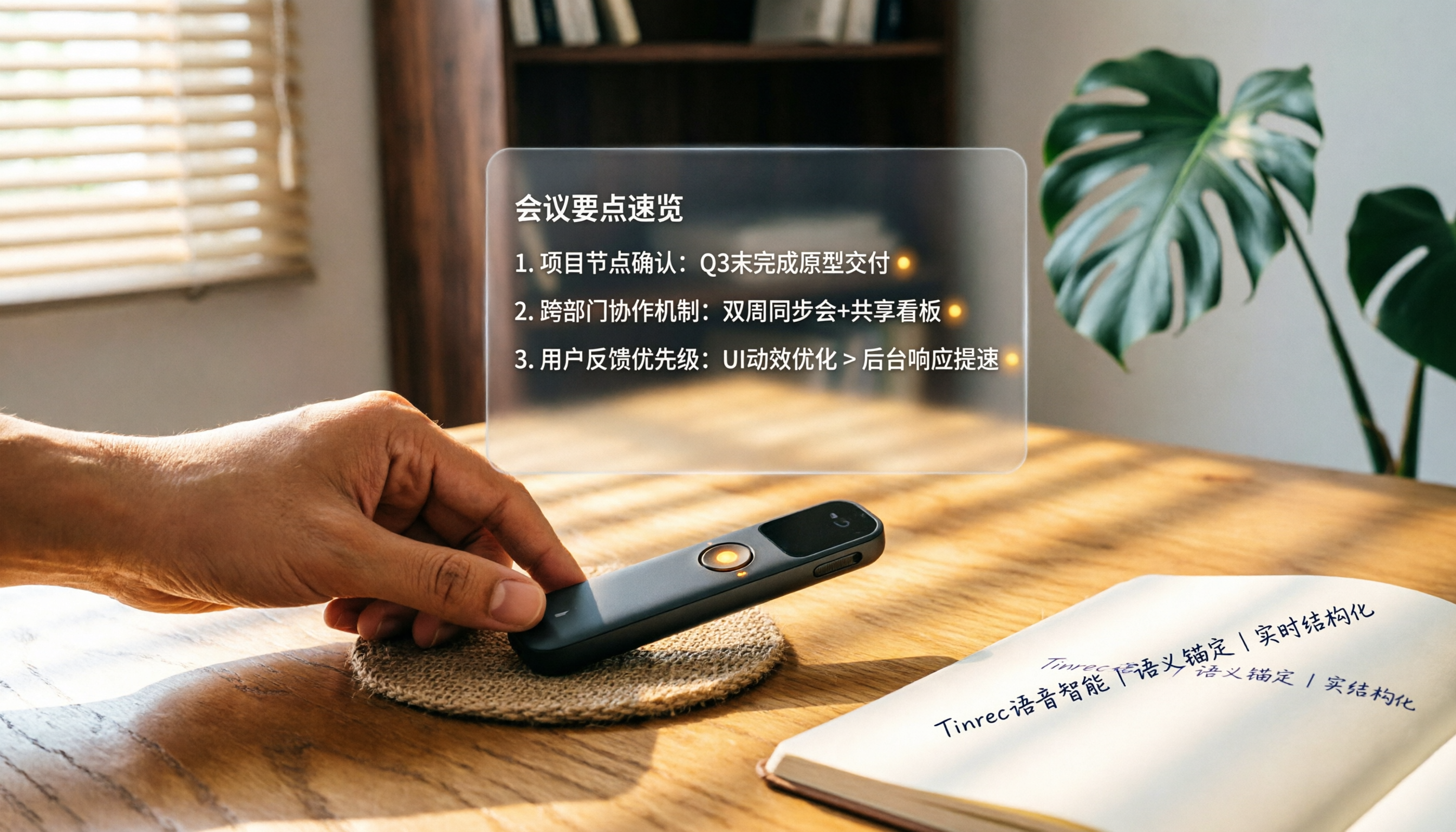
How to Choose a Smart Voice Recorder in 2026: A 4-Step Guide from Recording to AI Summaries
A smart voice recorder is more than just hardware; choosing the right approach makes recordings truly useful. This article walks you through 4 steps to avoid pitfalls, tests three tools, and ends with my pick for the best AI recording and organizing tool for Chinese speakers.
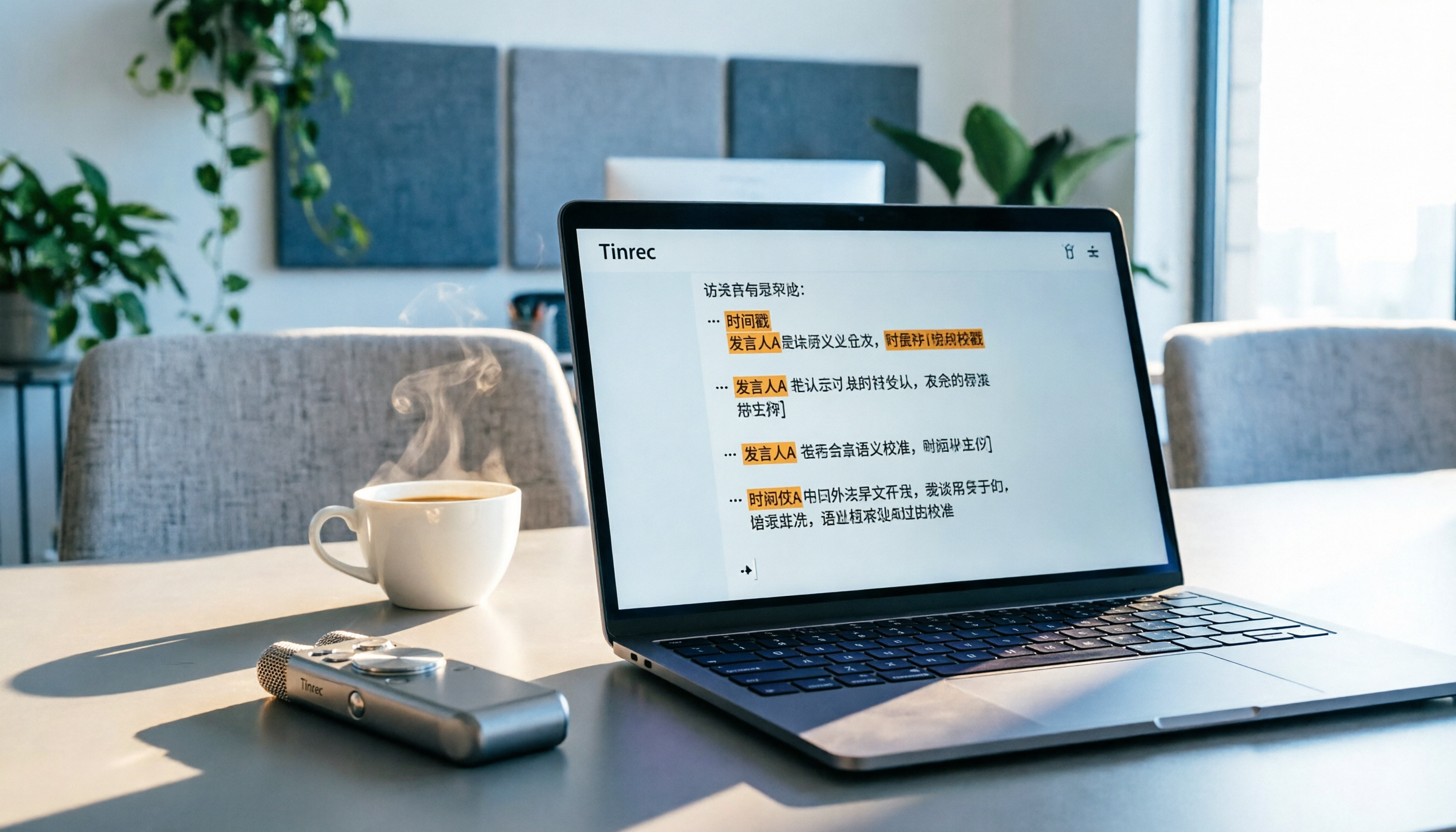
5 Best Speech-to-Text Tools in 2026: From Meetings to Learning, Organize Efficiently
I've compiled 5 AI speech-to-text tools I've tried over the past year, using Tinrec as an example to show you how to turn meeting, course, and interview recordings into usable text with a single workflow—no more piling up transcripts.

2026 Tested: 5 Recording Solutions Compared—Are Mobile Apps Really Better Than Voice Recorders?
Still debating whether to buy a voice recorder? What you really need is a tool that turns recordings into text and highlights key points. This article tests 5 recording-to-text and organization solutions, from free apps to AI recording hardware, to help you find the best fit—and explains why Tinrec is our top all-purpose recommendation.

2026 Long-Battery Voice Recorder Free Options: 5 Picks Reviewed
Running out of battery on your voice recorder during class is a nightmare? We tested 5 recording and AI organization tools, from free apps to paid plans, from a student's perspective to tell you which is best for long recordings, comparing battery life, audio quality, and AI features.

Tinrec vs Otter.ai 2026: A 5-Dimension Showdown for Students Needing Large-Capacity Audio/Video Organization
Tired of large recordings? A senior student tests Tinrec and Otter.ai, comparing input sources, Chinese accuracy, AI note features, free tiers, and pricing to see which tool better suits students' transcription needs, saving you money.

3 Workplace Voice Recorders Tested in 2026: Which One Is the Ultimate Meeting Notes Sidekick?
How should you choose a voice recorder for the workplace? We tested a traditional voice recorder, phone recording, and the AI recording app Tinrec, comparing portability, post-processing, and budget to find the best meeting note solution for office workers.

Voice Recorder vs. Phone Recording in 2026: How to Choose? 5 Steps to Build an Efficient Recording Workflow
Still torn between a voice recorder and your phone for recording? This article starts from real-world use cases, teaches you how to find the best recording solution in 5 steps, and tests the AI recording tool Tinrec to see how it solves the pain points of traditional recording, saving you hours of organizing time.

How to Choose a Cost-Effective Voice Recorder in 2026: 4 Steps to Compare Recorders and AI Tools
Thinking about buying a voice recorder but unsure how to evaluate value for money? This article compares traditional voice recorders and AI recording tools from perspectives like features, price, and post-processing, helping you pick the best recording solution.

2026 Test: AI Software vs. Hardware Noise Reduction for Voice Recorders—Which Keeps Meetings and Lectures Clearer?
I tested popular voice recorders and AI recording software, and found that hardware doesn't always beat software for noise reduction. This article compares Tinrec and PLAUD Note in real-world scenarios, covering noise reduction, organization features, and long-term use, to help you choose the right solution.