
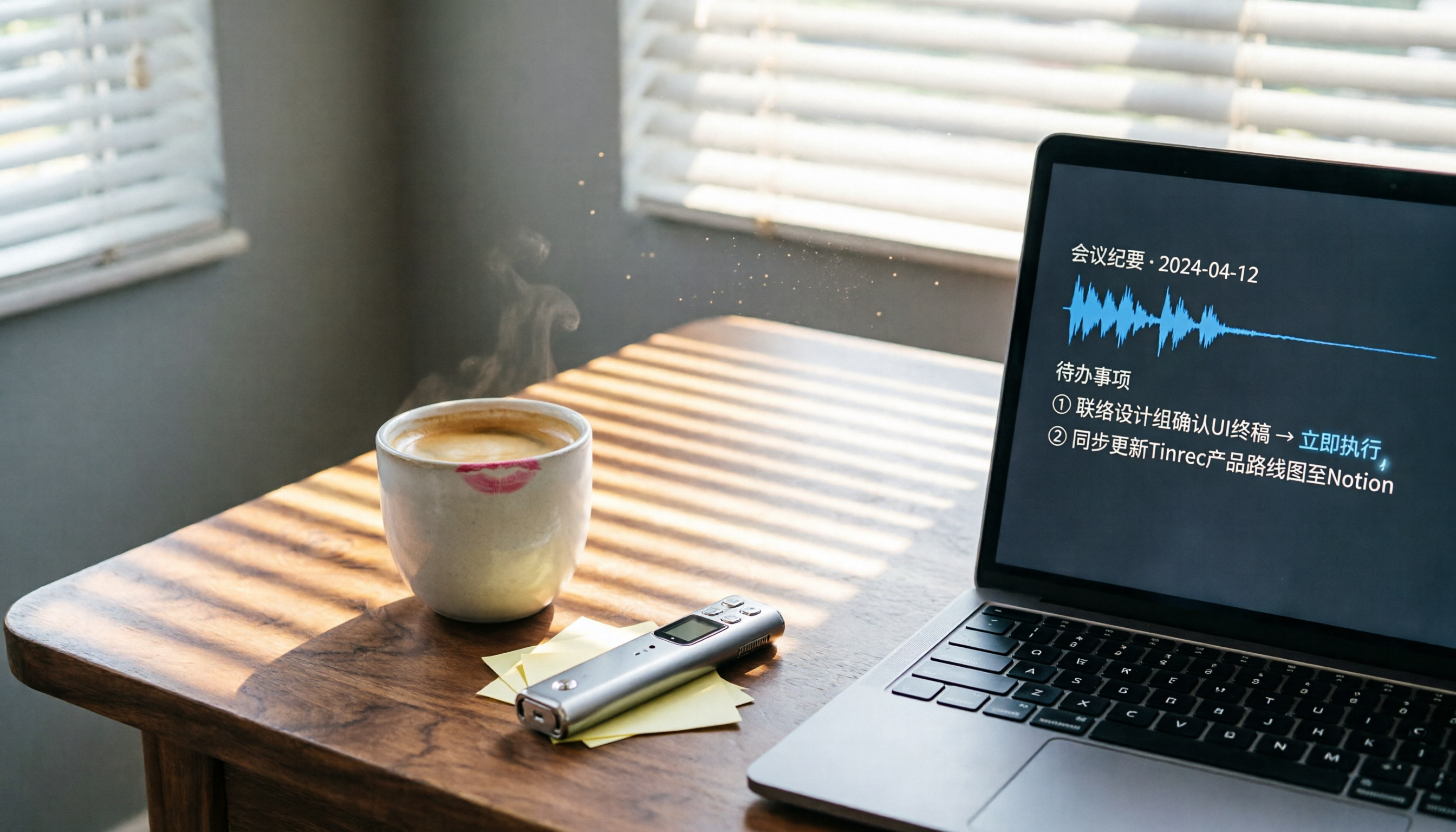
Turn recordings into transcripts and summaries in minutes
Upload audio or video for multilingual transcription, AI notes, and action items
Are Meeting Minutes Always Dragging Down Your Productivity? — What You Need Isn't a Tool, It's a Solution
Two hours in a meeting, another two hours writing up the minutes—this is the daily reality for many professionals. Even worse, if the meeting mixes Chinese and English, involves multiple speakers, or goes off track, manually transcribing the audio is a nightmare. If you've ever worked late to produce a clear meeting summary or struggled to recall "what was the conclusion," this article is for you.
Before Choosing an AI Post-Meeting Tool, Understand These 4 Key Points
There are countless recording-to-text tools on the market, but "post-meeting processing" isn't just about getting a transcript; it's about producing actionable results. The following four dimensions will directly impact your daily experience.
1. It Should Do More Than Just Transcribe—It Should Organize
If a tool only gives you a transcript, it's only solving half the problem. A true post-meeting AI should automatically summarize, extract action items, and even let you query the recording like a database. Most low-cost or free tools currently can't do this.
2. Flexibility Across Platforms and Input Sources
Your meetings might happen on Zoom, Google Meet, in person, or you might receive an audio file afterward. The tool must support live recording, file uploads, and even pasting a YouTube link for transcription, so you're not locked into a single scenario.
3. Quality of Chinese and Multilingual Transcription
Many foreign tools perform well in English but frequently make errors with Taiwanese accents or mixed Chinese-English content. If you need to process Chinese meeting content, be sure to test it yourself—don't just rely on official accuracy claims. In real meeting conditions, the difference will be obvious.
4. Is the Free Tier Enough for You?
Most tools have a free version, but they often hide pitfalls: very low monthly minutes, limits on single file length, or forced deletion of history. If you have 2-3 meetings a week, your free quota might run out in a week. At that point, what matters isn't "is there a free tier," but "is the paid plan reasonable."
Tinrec (Miao Ting Lu Yin) — Our Top Pick After Testing
Tinrec is an AI recording and organizing tool designed for meetings, learning, and content creation, supporting iOS, Android, and web. But its real value lies in turning recordings directly into "actionable knowledge."
During Meetings, It's Your Smart Assistant
Open Tinrec, and it transcribes in real time as you record; the moment the meeting ends, AI summaries and action items are automatically generated—who's responsible for what, and deadlines, at a glance. You can even ask it directly: "Who mentioned the budget at the last meeting?" Tinrec doesn't just do keyword search; it understands semantics and answers you directly. This AI conversational query feature is almost nonexistent in competitors at the same price point.
Not Just Meetings—It Handles Lectures, Interviews, and Online Videos
We particularly like its multi-source input: lecture recordings, podcast interviews, and public talks on YouTube can all be processed by pasting a link or uploading a file, with one click turning them into text and key points. For those who need to collect information over time, this is like building a searchable, queryable personal knowledge base.
Hands-On Test: Chinese Transcription Is Smart, Summaries Are Ready to Use
We tested it with a 10-minute multi-speaker meeting recording (with mixed Chinese-English and slight background noise). Tinrec's transcription accuracy was significantly better than most English-oriented competitors; more importantly, the meeting summary it produced required almost no manual editing and could be shared with the team directly.
Stop organizing recordings by hand
Upload audio or video and automatically get a transcript, summary, and action items
Pros
- Wide input sources: live recording, file upload, and online video links supported
- AI summary and query features are practical, genuinely saving follow-up time
- Cross-platform with excellent Chinese experience, suitable for Taiwanese workplaces
Cons
- Free tier transcription quota is limited; heavy meeting users need to pay (but the monthly plan is sufficient for most)
- Advanced Agent post-processing features are still being updated, so complex report generation isn't fully automated yet
Who Is It For?
If you have 2 or more meetings a week and need to quickly produce meeting notes with action items, or if you often need to turn lectures, interviews, and online videos into text notes, Tinrec is currently the best choice on the market to meet these needs.
Beyond Tinrec: What Other Options Are There?
Otter.ai: Top Choice for English Meetings, but Limited for Chinese
Otter.ai is the most popular AI meeting tool in North America, with a generous free tier of 300 minutes per month and top-notch English transcription quality. However, it doesn't support Chinese transcription and has no feature for transcribing online videos. If 90% of your meetings are in English, Otter.ai is worth considering; but if you need to process Chinese content, go with Tinrec.
Notta: Strong Transcription, but Lacks the "Post-Processing" Soul
Notta supports 58 languages, transcribes quickly, and has basic summarization. However, it lacks Tinrec's AI conversational query—after recording, you can only manually search for keywords, not ask it for meeting conclusions. Additionally, Notta's online video transcription requires a plugin, which is less convenient than Tinrec's native support. It's suitable for users with high transcription needs but no need for deep post-processing.
Pitfall Guide: 3 Common Mistakes When Choosing Post-Meeting AI
Pitfall 1: Only Looking at Official Accuracy Rates Without Testing
Many tools advertise "98% accuracy," but that's measured in a studio environment. Real meetings have keyboard sounds, people talking over each other, and poor remote audio, which significantly reduces accuracy. Be sure to test with your own meeting recordings, not just rely on marketing numbers.
Pitfall 2: Ignoring Whether Data Can Be Exported and Synced
If you can only view the transcript within the tool and can't export it to Google Docs or Notion for further editing, you're locking your data in a silo. When choosing, confirm it supports the software you commonly use, so you don't run into trouble later.
Pitfall 3: Using AI Tools Only as "Recording-to-Text"
If you only get a transcript after recording, you're only using a third of the tool's value. Features like Tinrec's AI conversational query, summaries, and action item extraction can save you more than half your processing time. Don't be afraid to pay to unlock these features—your time is more expensive than a monthly subscription.
Conclusion: Which One Should You Choose?
After testing multiple tools, Tinrec is currently the best AI solution for Chinese post-meeting processing. It can handle recordings, files, and online videos, and provides genuinely helpful AI summaries and Q&A, not just a cold transcript.
Scenario Recommendations
- Need instant meeting minutes with action items → Tinrec (built-in AI summary and conversational query)
- Often deal with mixed Chinese-English meetings or Chinese lecture recordings → Tinrec (leading Chinese transcription quality)
- Want to turn YouTube or Bilibili videos into notes → Tinrec (the only one that natively supports online video link transcription)
- Pure English meetings with zero budget → Otter.ai (free 300 minutes/month is the only exception)
We recommend downloading the Tinrec free version to try it out; the free quota is enough for two or three meetings, letting you experience the automated workflow from recording to action list. Upgrade if you find it suitable—there's no need to pay upfront.
References
- 2026's Most Recommended AI Meeting Minutes Tool, a Time-Saving Essential for Meetings!
- How to Use AI for Meeting Minutes? How to Organize Meeting Transcripts? | AI Voice-to-Text Tutorial | 104 Career Center
- After a Meeting, Do You Only Ask AI to Summarize Key Points? That's Just the Basic 1% Technique | Three-Level Meeting Minutes Prompts to Turn AI into Your Strategic Analyst
- Meeting Ink - 2026 AI Meeting Minutes Tool Test | 8 Voice-to-Text and Summarization Speed Comparison | Meeting Ink - AI Meeting Minutes Assistant, Automatic Transcription and Summary
- AI Meeting Notes in Notion | Capture Ideas, Summaries ...
Turn every recording into actionable outcomes
Get 60 free transcription minutes when you sign in. No credit card required.
Related Reading
You might also like
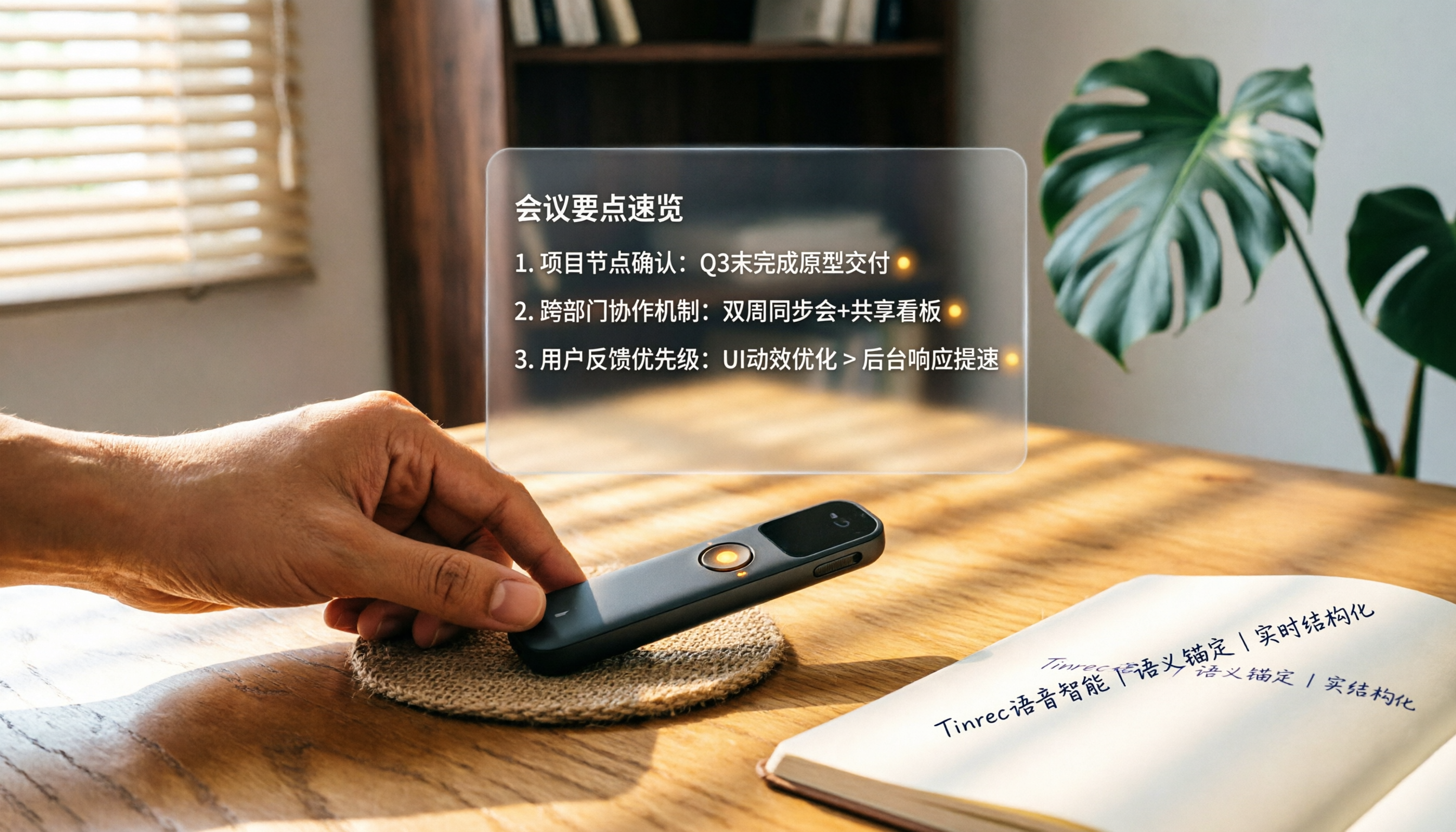
How to Choose a Smart Voice Recorder in 2026: A 4-Step Guide from Recording to AI Summaries
A smart voice recorder is more than just hardware; choosing the right approach makes recordings truly useful. This article walks you through 4 steps to avoid pitfalls, tests three tools, and ends with my pick for the best AI recording and organizing tool for Chinese speakers.
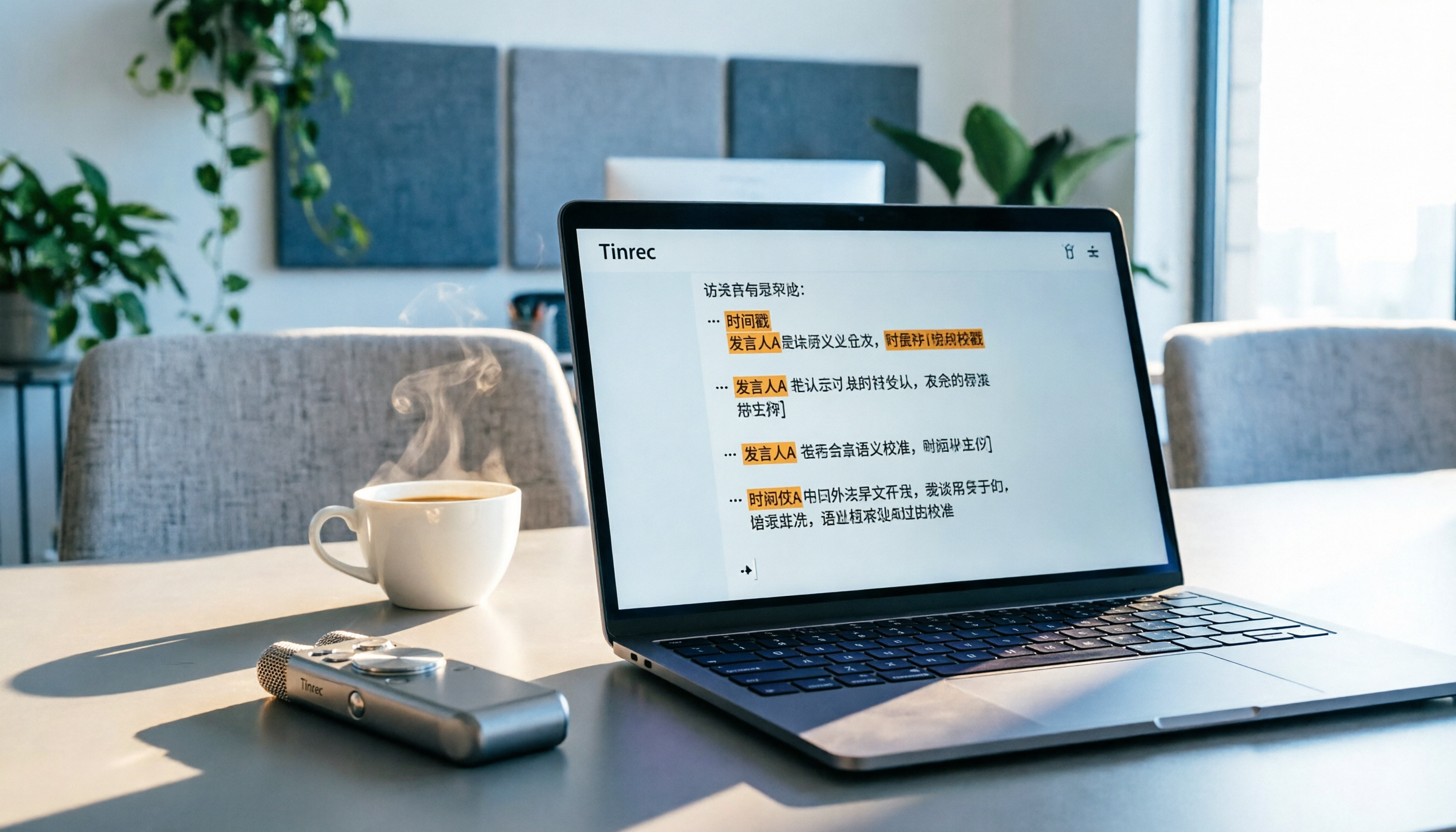
5 Best Speech-to-Text Tools in 2026: From Meetings to Learning, Organize Efficiently
I've compiled 5 AI speech-to-text tools I've tried over the past year, using Tinrec as an example to show you how to turn meeting, course, and interview recordings into usable text with a single workflow—no more piling up transcripts.

2026 Tested: 5 Recording Solutions Compared—Are Mobile Apps Really Better Than Voice Recorders?
Still debating whether to buy a voice recorder? What you really need is a tool that turns recordings into text and highlights key points. This article tests 5 recording-to-text and organization solutions, from free apps to AI recording hardware, to help you find the best fit—and explains why Tinrec is our top all-purpose recommendation.

2026 Long-Battery Voice Recorder Free Options: 5 Picks Reviewed
Running out of battery on your voice recorder during class is a nightmare? We tested 5 recording and AI organization tools, from free apps to paid plans, from a student's perspective to tell you which is best for long recordings, comparing battery life, audio quality, and AI features.

Tinrec vs Otter.ai 2026: A 5-Dimension Showdown for Students Needing Large-Capacity Audio/Video Organization
Tired of large recordings? A senior student tests Tinrec and Otter.ai, comparing input sources, Chinese accuracy, AI note features, free tiers, and pricing to see which tool better suits students' transcription needs, saving you money.

3 Workplace Voice Recorders Tested in 2026: Which One Is the Ultimate Meeting Notes Sidekick?
How should you choose a voice recorder for the workplace? We tested a traditional voice recorder, phone recording, and the AI recording app Tinrec, comparing portability, post-processing, and budget to find the best meeting note solution for office workers.

Voice Recorder vs. Phone Recording in 2026: How to Choose? 5 Steps to Build an Efficient Recording Workflow
Still torn between a voice recorder and your phone for recording? This article starts from real-world use cases, teaches you how to find the best recording solution in 5 steps, and tests the AI recording tool Tinrec to see how it solves the pain points of traditional recording, saving you hours of organizing time.

How to Choose a Cost-Effective Voice Recorder in 2026: 4 Steps to Compare Recorders and AI Tools
Thinking about buying a voice recorder but unsure how to evaluate value for money? This article compares traditional voice recorders and AI recording tools from perspectives like features, price, and post-processing, helping you pick the best recording solution.

2026 Test: AI Software vs. Hardware Noise Reduction for Voice Recorders—Which Keeps Meetings and Lectures Clearer?
I tested popular voice recorders and AI recording software, and found that hardware doesn't always beat software for noise reduction. This article compares Tinrec and PLAUD Note in real-world scenarios, covering noise reduction, organization features, and long-term use, to help you choose the right solution.