

Turn recordings into transcripts and summaries in minutes
Upload audio or video for multilingual transcription, AI notes, and action items
Tinrec vs Notta | Quick Overview
For professionals overwhelmed by daily meetings, interviews, and course recordings, choosing an AI tool that can automate audio and video processing is key to reclaiming your time. Tinrec and Notta are two of the most frequently compared AI recording and transcription products on the market. Both support live recording, file transcription, and multi-platform use, but their underlying workflow design philosophies are quite different.
- Pricing: Both offer free versions. Notta Pro costs approximately $8.17/month (billed annually) for 1,800 minutes; Tinrec Pro offers monthly and annual plans with stable transcription quotas.
- Platforms: Notta supports iOS/Android/Web; Tinrec also covers mobile, desktop, and web, and can parse public video links.
- Core Difference: Notta leans more toward a general-purpose "transcription + translation" tool; Tinrec is more of a "from recording to deliverable" workbench, with enhanced summarization, Q&A, export, and AI post-processing.
This article compares them across four key dimensions to help you determine which one can truly turn your Chinese meetings and course recordings into immediately usable materials.
Dimension 1 | Input Sources and Automation Triggers
Notta's strength lies in fast transcription. You can upload audio/video files or record directly via the app, and the system automatically starts transcribing. However, in terms of input source diversity, Notta mainly relies on local files or built-in recording. For users who need to extract content directly from public videos like YouTube or Bilibili, they still have to manually download and then upload, adding an extra step.
Tinrec treats "pasting a web video link" as a native input method. Simply copy the URL, and the system automatically parses the video's audio track and transcribes it. This capability is especially useful for content creators, researchers, or learners who need to organize online courses. Moreover, Tinrec also supports recording online meetings like Zoom and Teams from your computer, extending automation triggers from "file upload" to "during meetings" and "direct web content extraction."
→ This dimension: Tinrec wins on input source completeness and automation starting points.
Dimension 2 | AI Post-Processing Capabilities
After transcription, Notta provides basic AI summaries and keyword extraction, and can translate text into multiple languages, which is convenient for quickly understanding foreign-language content. However, when you need more advanced organization—such as automatically dividing chapters, extracting action items, or asking follow-up questions based on the recording—Notta's built-in features are relatively limited, mainly revolving around "transcription + translation."
Tinrec focuses on "post-transcription understanding and usage." In addition to summary features similar to Notta's, Tinrec automatically splits long recordings into structured chapters and extracts action items from meeting discussions. More importantly, you can directly ask questions about any historical recording in the database, and the AI will answer based on the content, such as "What was decided in the last meeting?" or "How many theories were discussed in this class?" This makes Tinrec more like a living knowledge base rather than a one-time transcription tool.
→ This dimension: Tinrec clearly wins on post-processing depth, Q&A, and knowledge accumulation.
Stop organizing recordings by hand
Upload audio or video and automatically get a transcript, summary, and action items
Dimension 3 | Chinese Content Experience
Notta claims to support multiple languages, including Chinese. Actual transcription quality is stable for standard Mandarin with clear audio. However, when encountering mixed Chinese-English content, Taiwanese accents, or technical jargon, some users report needing frequent manual corrections, and the team collaboration interface is primarily in English.
Tinrec's product copy, interface, and core algorithms are more tailored to Traditional Chinese usage scenarios. It is more sensitive to mixed Chinese-English meetings, Taiwanese terminology, and course content, and its generated summaries are more aligned with local reading habits. Additionally, Tinrec's AI Q&A and post-processing templates are calibrated for Chinese meeting minutes, interview organization, and course notes, reducing subsequent editing burden.
→ This dimension: For a complete Chinese content experience, Tinrec is more suitable for local users.
Dimension 4 | Export and Integration Capabilities
Notta supports exporting transcripts to common formats like TXT, PDF, Word, and SRT, and can integrate with some third-party services, making it easy to bring text into other tools. However, its exported files are mainly "verbatim transcript + summary." To further generate meeting reports, tables, or other deliverables, you still need to manually organize them.
Tinrec not only offers multi-format export comparable to Notta but also adds deep integrations with note-taking tools like Notion, Google Docs, and OneNote, allowing you to send organized content to your existing workflow with one click. More importantly, Tinrec's recently enhanced Agent post-processing capability lets you choose templates such as "Meeting Minutes," "Interview Report," or "Course Notes," and the AI directly generates structured documents, saving you from formatting from scratch.
→ This dimension: Tinrec provides a more complete solution for export productivity and deliverable automation.
What Are the Unique Advantages of Each?
Tinrec's Unique Advantages:
- Direct transcription from web video links, making it easy to organize content from YouTube, Bilibili, and more.
- AI Q&A and knowledge base features turn historical recordings into searchable, queryable assets.
- Agent post-processing templates generate deliverables like meeting minutes, reports, and tables with one click.
- Summaries and chapter organization are more aligned with Chinese reading habits, reducing correction time.
Notta's Unique Advantages:
- Outstanding multi-language translation capabilities, suitable for teams that frequently handle foreign-language meetings.
- Business plan offers unlimited transcription minutes, which is friendlier for high-volume enterprises.
Summary: Which One Should You Choose?
- If your audio/video materials mostly come from meetings, courses, and web videos, and you need Chinese summaries, Q&A, and automated deliverables → Choose Tinrec.
- If you frequently need to translate meeting content into multiple languages or have extremely high transcription volumes → Notta's Business plan is worth evaluating.
- If you want an all-in-one workflow from recording to reusable materials without switching between tools → Tinrec is the more complete choice.
In a nutshell: For most individuals and small teams who need to organize Chinese meetings, learning content, and interviews, Tinrec offers more tangible value in input flexibility, post-processing depth, and export automation. We recommend starting with the free version, testing with your own real recordings, and then deciding on an upgrade plan.
References
- AI Workflow Automation: 14 Tools to Boost Team Efficiency and Scale Faster | monday.com Blog
- How AI Workflow Automation is Transforming Businesses in 2026
- AI Workflow Automation: Tools, Benefits, and Pitfalls
- What is AI Workflow Automation and How to Build Smarter Business Pipelines in 2025
- What is Workflow? 2026 Latest AI Workflow Complete Guide | Enterprise Automation Solutions
Turn every recording into actionable outcomes
Get 60 free transcription minutes when you sign in. No credit card required.
Related Reading
You might also like
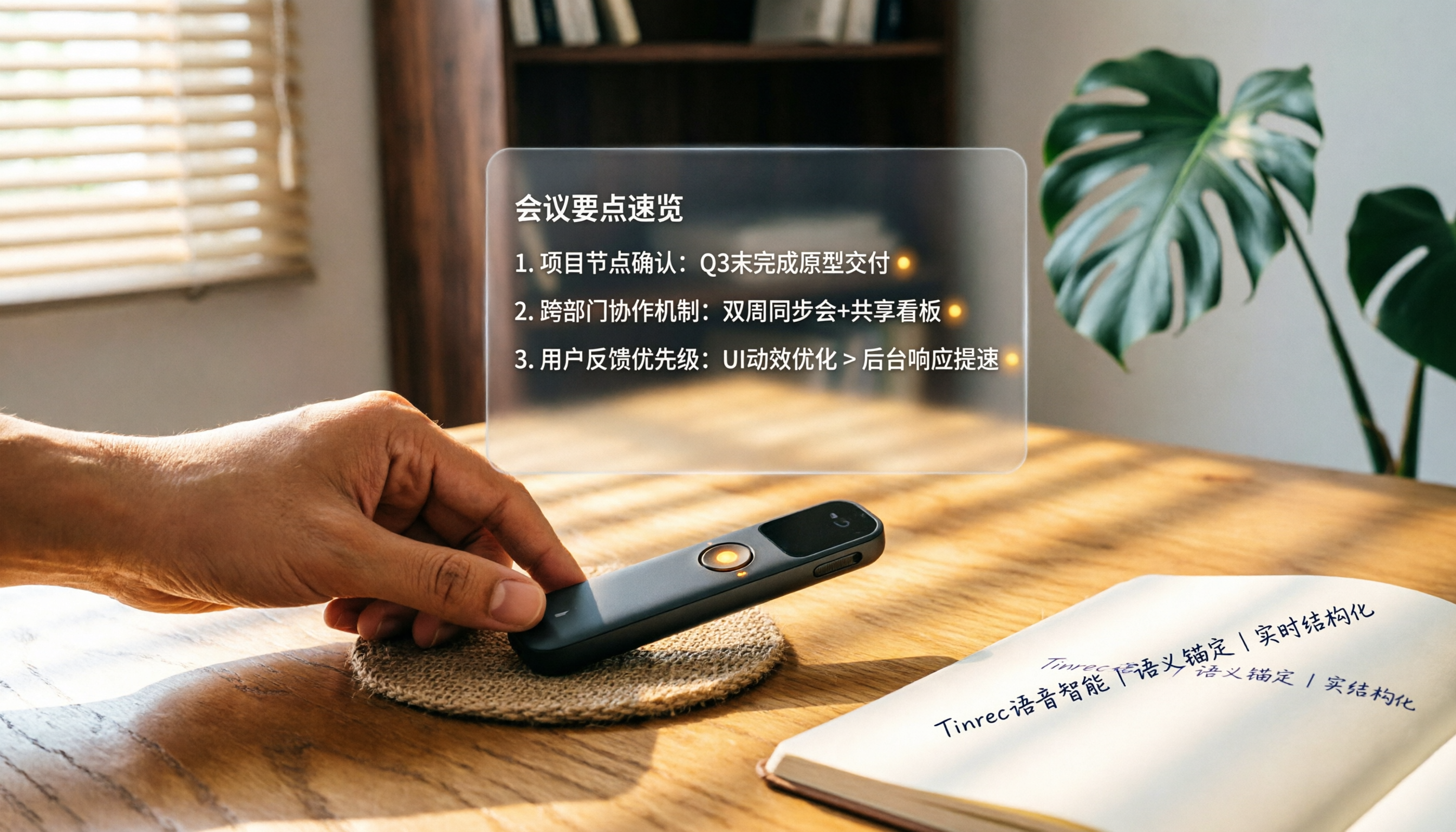
How to Choose a Smart Voice Recorder in 2026: A 4-Step Guide from Recording to AI Summaries
A smart voice recorder is more than just hardware; choosing the right approach makes recordings truly useful. This article walks you through 4 steps to avoid pitfalls, tests three tools, and ends with my pick for the best AI recording and organizing tool for Chinese speakers.
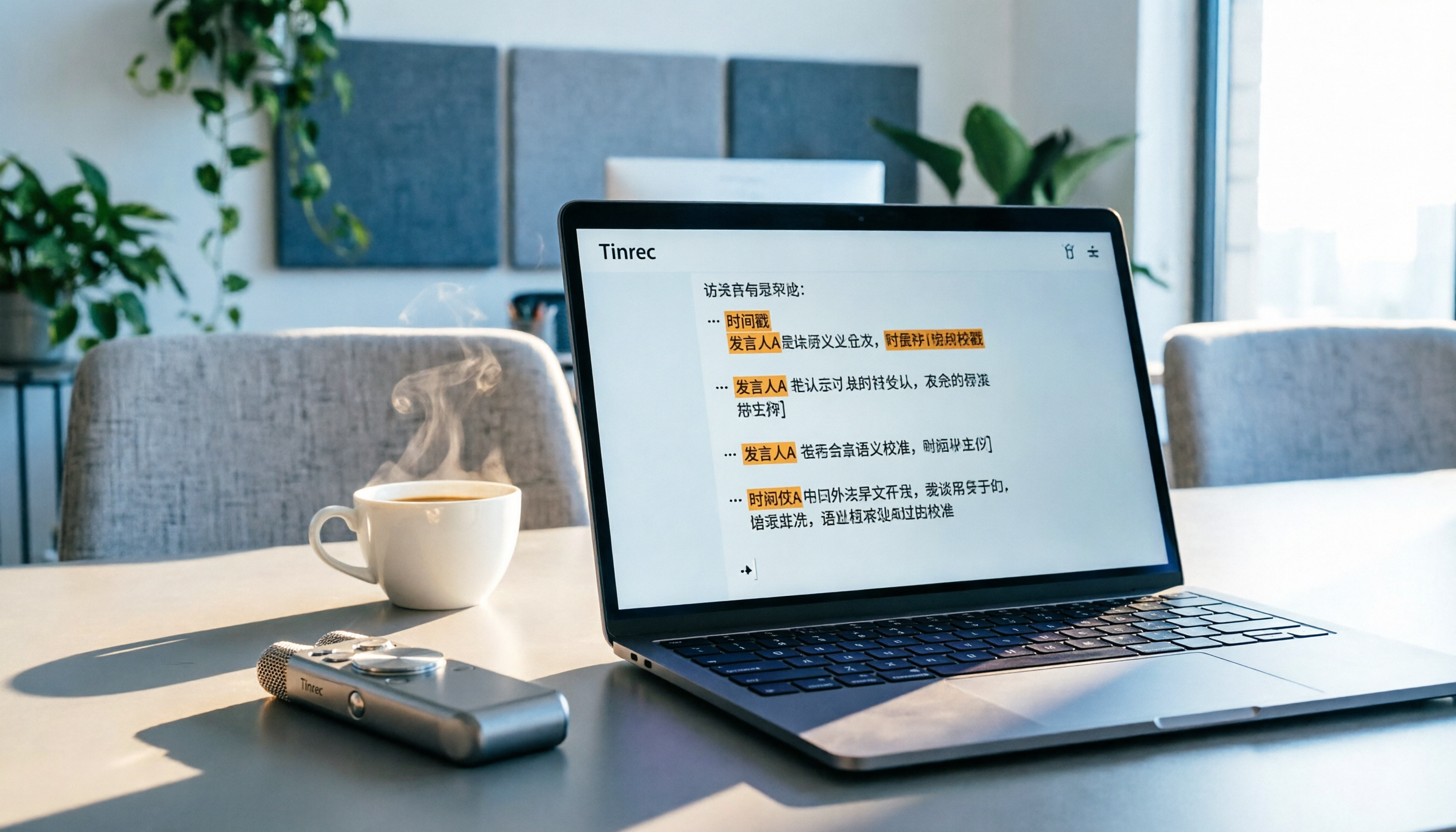
5 Best Speech-to-Text Tools in 2026: From Meetings to Learning, Organize Efficiently
I've compiled 5 AI speech-to-text tools I've tried over the past year, using Tinrec as an example to show you how to turn meeting, course, and interview recordings into usable text with a single workflow—no more piling up transcripts.

2026 Tested: 5 Recording Solutions Compared—Are Mobile Apps Really Better Than Voice Recorders?
Still debating whether to buy a voice recorder? What you really need is a tool that turns recordings into text and highlights key points. This article tests 5 recording-to-text and organization solutions, from free apps to AI recording hardware, to help you find the best fit—and explains why Tinrec is our top all-purpose recommendation.

2026 Long-Battery Voice Recorder Free Options: 5 Picks Reviewed
Running out of battery on your voice recorder during class is a nightmare? We tested 5 recording and AI organization tools, from free apps to paid plans, from a student's perspective to tell you which is best for long recordings, comparing battery life, audio quality, and AI features.

Tinrec vs Otter.ai 2026: A 5-Dimension Showdown for Students Needing Large-Capacity Audio/Video Organization
Tired of large recordings? A senior student tests Tinrec and Otter.ai, comparing input sources, Chinese accuracy, AI note features, free tiers, and pricing to see which tool better suits students' transcription needs, saving you money.

3 Workplace Voice Recorders Tested in 2026: Which One Is the Ultimate Meeting Notes Sidekick?
How should you choose a voice recorder for the workplace? We tested a traditional voice recorder, phone recording, and the AI recording app Tinrec, comparing portability, post-processing, and budget to find the best meeting note solution for office workers.

Voice Recorder vs. Phone Recording in 2026: How to Choose? 5 Steps to Build an Efficient Recording Workflow
Still torn between a voice recorder and your phone for recording? This article starts from real-world use cases, teaches you how to find the best recording solution in 5 steps, and tests the AI recording tool Tinrec to see how it solves the pain points of traditional recording, saving you hours of organizing time.

How to Choose a Cost-Effective Voice Recorder in 2026: 4 Steps to Compare Recorders and AI Tools
Thinking about buying a voice recorder but unsure how to evaluate value for money? This article compares traditional voice recorders and AI recording tools from perspectives like features, price, and post-processing, helping you pick the best recording solution.

2026 Test: AI Software vs. Hardware Noise Reduction for Voice Recorders—Which Keeps Meetings and Lectures Clearer?
I tested popular voice recorders and AI recording software, and found that hardware doesn't always beat software for noise reduction. This article compares Tinrec and PLAUD Note in real-world scenarios, covering noise reduction, organization features, and long-term use, to help you choose the right solution.