

Turn recordings into transcripts and summaries in minutes
Upload audio or video for multilingual transcription, AI notes, and action items
After a two-hour meeting, the most exhausting part isn't the meeting itself—it's the follow-up. You recorded the session, sure, but going back to listen, transcribe, and organize notes takes another two hours. This isn't just my pain point; it's a daily reality for many. Recently, I tested several AI transcription tools intensively, hoping to find a solution that genuinely saves time. What I discovered is that the key isn't transcription accuracy—it's what the AI can do after transcription. This article explores that angle through hands-on testing.
What You Need Isn't a Recorder—It's a Thinking Assistant
"Transcription to text" sounds basic, but most tools just hand you a verbatim transcript. The question is: do I need a transcript? No. I need key points, action items, conclusions, and even meeting minutes ready to use. So instead of spending time "choosing the tool with 1% higher accuracy," I care more about "who can truly turn recordings into usable data." For this test, I set three core requirements: 1. Not just transcription, but automatic summaries and action item extraction. 2. After transcription, I can ask questions directly like querying a database, without manual searching. 3. Ideally cross-platform, accessible anytime.
3 Key Points to Understand Before Buying
Accuracy: Don't Just Trust Official Numbers Many tools claim "98% accuracy," but that's measured in a quiet recording studio. In a real meeting room—with remote participants, overlapping speech, and air conditioning hum—accuracy drops noticeably. So I used the same 5-minute multi-person meeting recording (with background noise and mixed Chinese-English) to test, revealing the real differences.
AI Features: A Big Difference Transcription is just the first step. The ability to segment long recordings into chapters, auto-generate summaries and to-dos—that's where time savings begin. More importantly, "AI Q&A": you ask "Who was responsible for contacting the client in the last meeting?" and it should understand and answer, not just return keyword search results.
Cross-Platform and Export: Don't Get Trapped in One App You might record on your phone but need to organize on your computer. If the final output can't be exported to Notion, Google Docs, or shared with colleagues, its value diminishes.
Tinrec (Seconds Transcription) — My Top Pick After Testing
(Screenshot here: Tinrec main screen, arrows pointing to "Live Recording," "Upload File," and "Paste Link" entry points)
I first noticed Tinrec because it's not just positioned as "meeting notes"—it covers meetings, lectures, interviews, and even YouTube video links, closely matching what I've been looking for: a "multi-source audio organization hub."
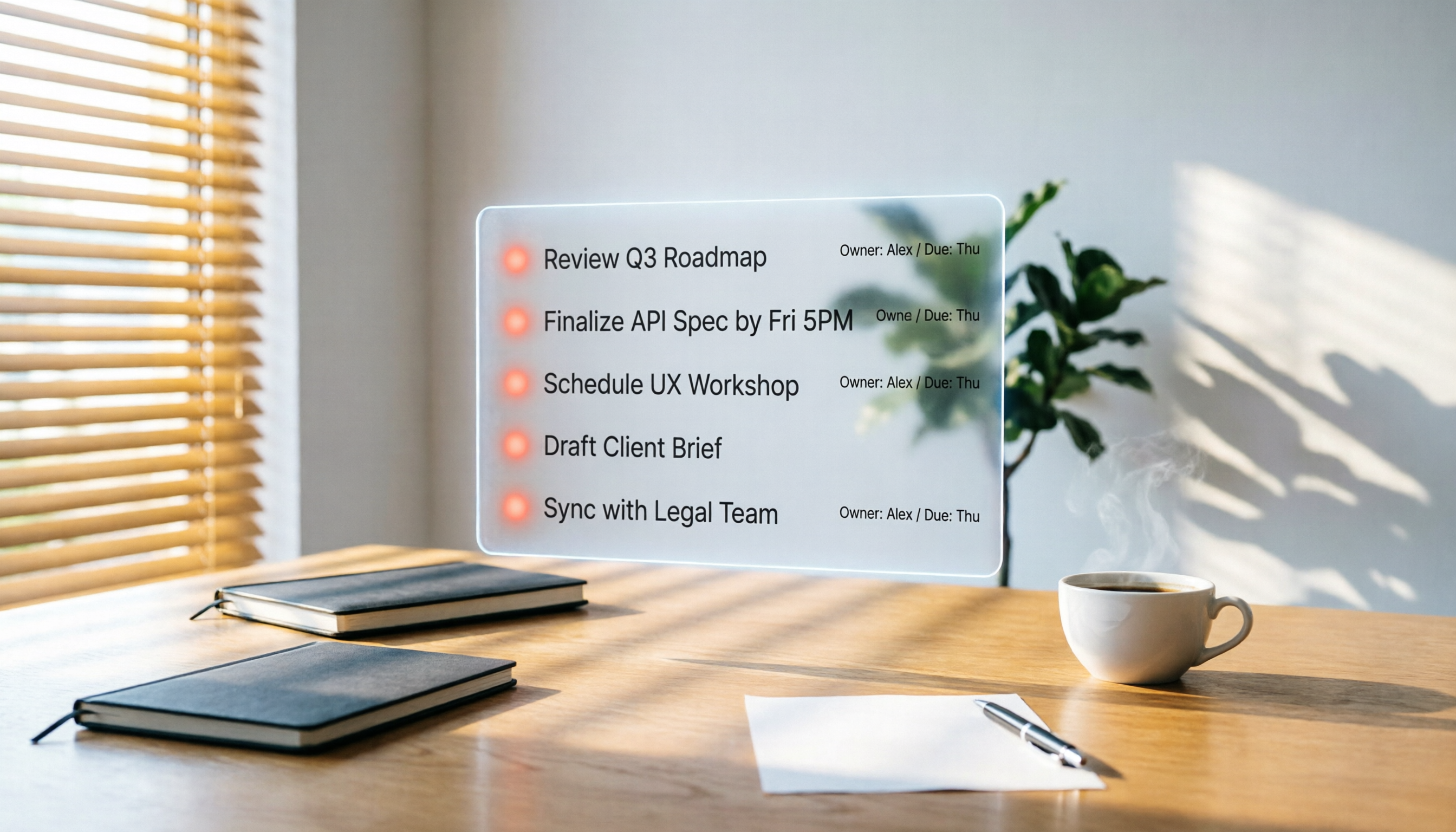
Test Scenario: A 30-Minute Project Meeting I started recording on my phone, watching it transcribe in real time. When the meeting ended, AI summaries and action items appeared almost simultaneously—who's responsible for what, with clear deadlines. (Screenshot here: Tinrec meeting summary page, arrow pointing to the "Action Items" section) This is what I want: not a wall of text to organize myself, but actionable next steps.
But What Really Impressed Me Was AI Q&A Previously, to find meeting highlights, I had to manually search the transcript for keywords, but names and pronouns often didn't match. Tinrec's AI conversation feature lets me ask directly: "Who mentioned budget shortfalls in the last meeting?" It understands semantics and provides answers with corresponding timestamps. (Screenshot here: AI Q&A dialog, input "Who mentioned budget shortfalls in the last meeting?" with a reply below) This feature is almost nonexistent in tools at this price point. You can even ask it to "list all decisions in a table" or "draft an email to the client," and it continues to work based on the recording content.
Stop organizing recordings by hand
Upload audio or video and automatically get a transcript, summary, and action items
Features I Found Useful - Multi-Source Input: Besides live phone recording, you can upload old audio files, paste Zoom/Google Meet cloud recording links, or even YouTube public video URLs to convert to text and summaries. This is handy for those who frequently organize interviews or online courses. - Cross-Platform: Works on iPhone, Android, and web, so you're not tied to one device. - Flexible Export: Summaries, action items, and transcripts can be exported as text files or synced directly to Notion and Google Docs, seamlessly integrating with your existing workflow.
Limitations, of Course The free plan offers 100 minutes per month, which isn't enough for daily meetings. But if you meet two or three times a week, try the free version first; upgrade if you find it useful—no pressure.
Who Is It For? If you don't just record meetings but also need to organize lectures, interviews, and online videos, or want to use AI to dig out key points after recording instead of manual organizing—Tinrec is currently the best fit for you.
Beyond Tinrec: Other Options
Otter.ai: Top Choice for English Meetings, but Weak in Traditional Chinese Otter is mature in English business scenarios, with a generous 300 minutes on the free plan. However, its Chinese transcription accuracy is noticeably lower, and it doesn't support Cantonese. If you primarily have English meetings, Otter is a more cost-effective choice than Tinrec—but if you need to organize Chinese content or use AI Q&A to extract key points, Otter currently can't match Tinrec's conversational querying.
Notta: Generous Transcription Minutes, but Lacks the "What's Next" Notta's transcription accuracy is decent, and monthly plans offer generous minutes. But after transcription, its AI summaries are basic, and there's no conversational query feature. I tried asking it for meeting conclusions, but I had to manually search keywords—essentially getting a polished transcript, with follow-up organization still on me. If you need bulk transcription, Notta is worth considering; but to truly turn recordings into usable data, Tinrec's post-processing is more complete.
PLAUD NotePin: Beautiful Hardware, but Often Left at Home PLAUD's recording hardware has great build quality and long battery life, suitable for those with a regular recording habit. But for someone like me who often forgets things, carrying an extra device is a hassle. Plus, its app transcription and AI features require a subscription, making the total cost higher. If you're willing to carry an extra device, PLAUD offers a good on-the-go recording experience; but if you want everything handled with just a phone and computer, Tinrec avoids extra hardware, offering better budget and flexibility.
Pitfall Guide: 3 Common Mistakes When Choosing Transcription Tools
Pitfall 1: Only Looking at Official Accuracy, Ignoring Real Environments Many tools measure 98% in a quiet studio, but in your meeting room, it might drop below 85%. I recommend testing with your own real recordings via free trials, not just ads.
Pitfall 2: Buying It Only as a Transcription Tool, Wasting AI Capabilities If you only use a transcription tool to "turn audio into text," you're using only a third of its potential. Tools like Tinrec's AI Q&A let you ask about meeting conclusions, action items, and disputes right after recording—much faster than manually flipping through a half-hour transcript.
Pitfall 3: Ignoring Cross-Platform Needs You record on your phone today, organize on your computer tomorrow. Without cross-platform sync, the experience is fragmented. Check supported devices and export options before choosing.
Summary: Which One Should You Choose?
Back to the initial pain point: we don't need a recorder; we need an assistant that turns recordings into usable knowledge. For organizing Chinese meetings, lectures, and interviews, Tinrec's AI summaries and Q&A made me feel like I was "actually saving time," not just learning another tool. Quick scenario recommendations: - Need to organize Chinese meetings, lectures, interviews, and ask follow-up questions after recording → Tinrec - Only English meetings, limited budget → Otter.ai - Bulk transcription for documents or subtitles, no AI Q&A needed → Notta - Prefer standalone recording hardware, don't mind carrying an extra device → PLAUD NotePin
Try It—No Need to Pay Initially Download Tinrec and record a meeting with the free version. Afterward, open the AI summary and ask it three questions: 1. What were the main conclusions of this meeting? 2. List all action items and responsible persons. 3. Were there any unresolved disputes? You'll likely find that organizing meeting notes goes from two hours to ten minutes. Test step by step, and you'll gradually master this method.
References
- Using AI Tools to Improve Office Automation: 5 Steps to Reduce Enterprise Costs - Strategic Advisor Academy
- Five Free AI Office Tools to Boost Work Efficiency and Automate Workflows | Tricuss
- AI Workflow Automation: 14 Tools to Skyrocket Team Efficiency and Scale Faster | monday.com Blog
- AI Automation | Microsoft Copilot
- Practical Office AI Tools: Essential Skills to Boost Work Efficiency
Turn every recording into actionable outcomes
Get 60 free transcription minutes when you sign in. No credit card required.
Related Reading
You might also like

2026 Hands-On Comparison of 2 AI Meeting Loop Tools: From Recording to To-Dos, Which One Closes the Loop Better?
A meeting loop isn't just about transcription—it should also auto-summarize, extract action items, and export to your favorite tools. This hands-on comparison of Tinrec and Otter.ai evaluates their meeting loop capabilities, Chinese language support, input versatility, and post-processing features to help you pick the best AI meeting assistant.

2026 AI Meeting Notes Tools: Tinrec vs Otter.ai Comparison and Selection Guide
An in-depth comparison of Tinrec and Otter.ai across input sources, Chinese language processing, AI Q&A, pricing, and more, to help you choose the best AI meeting notes tool.

3 AI Meeting Post-Processing Tools Tested in 2026: Which One Turns Recordings into To-Dos Most Effortlessly?
Tired of spending hours after meetings transcribing and organizing notes? We tested 3 AI meeting post-processing tools, comparing automatic transcription, summaries, to-dos, and cross-platform capabilities to find the most time-saving solution for you.

2026 Hands-On Comparison of 4 AI Meeting Action Item Tools: Which One Ensures No Action Items Are Missed?
Ever left a meeting and forgotten who was supposed to do what? This article tests 4 AI meeting action item tools, from recognition accuracy and Chinese language support to downstream integrations, to help you pick the best meeting tracking assistant.
Best One-Click Meeting PPT Generator? 2026 Test: Tinrec Turns Meeting Recordings into PPT Content Instantly
Looking for a one-click meeting PPT generator? Tinrec Voice Recorder may not be a traditional PPT generator, but it uses AI to turn meeting recordings into summaries, action items, and structured content, making it the perfect source material for your meeting slides. This article tests how Tinrec helps you quickly produce meeting PPT content.

2026 Meeting Minutes Automation Tools Compared: Tinrec vs Plaud Note – Which Offers Better Value?
How to choose a meeting minutes automation tool? We compared Tinrec and Plaud Note across five key dimensions: cost, input sources, Chinese transcription quality, AI post-processing, and cross-platform flexibility. This buying guide helps you find the best solution for your needs.

5 Best Meeting Minutes Automation Software Tested in 2026: Which AI Summarizer Saves You the Most Time?
We tested 5 meeting minutes tools, with Tinrec as the main focus, to show how meeting minutes automation software can save you 80% of your organizing time. From real-time transcripts to AI summaries and to-do lists, this guide covers key buying considerations and free plan differences.
2026 AI Workflow Automation: Tinrec Hands-On Review + 5 Tool Comparison
How can AI workflow automation boost efficiency? This article hands-on tests 5 transcription tools including Tinrec, offering buying tips and a full comparison to help you find the best AI recording assistant.
2026 Hands-On Comparison of 3 AI Meeting Workflow Tools: Beyond Transcription, Tinrec Turns Meetings into Action
Spending two hours in a meeting and another two hours writing up the notes? This article puts three AI meeting workflow tools—Tinrec, Otter.ai, and Fireflies.ai—to the test, comparing transcription accuracy, AI summaries, and post-meeting follow-up to reveal which one truly turns meeting discussions into an actionable to-do list.