

Turn recordings into transcripts and summaries in minutes
Upload audio or video for multilingual transcription, AI notes, and action items
2026 AI Workflow Automation: Tinrec Hands-On Review + 5 Tool Comparison
You Don't Need More Tools—You Need Truly Time-Saving AI Workflow Automation
AI workflow automation is no longer a future trend; it's happening now. According to research, 75% of businesses view automation as a competitive advantage, and the global market is projected to exceed $23.77 billion by the end of 2025. From automatically sorting emails and generating reports to syncing data across systems, AI is redefining how we work.
But among all automation tasks, one of the most overlooked yet time-consuming is "recording transcription." A two-hour meeting can take another two hours to summarize; a one-hour interview can take half a day to transcribe. These repetitive tasks not only eat up productivity but also prevent teams from focusing on what truly matters.
If you're tired of the nightmare of manually transcribing recordings, this article is for you. From an AI workflow automation perspective, we'll test 5 mainstream transcription tools and show you how to use the right tool to turn audio files into actionable knowledge.
Before Choosing a Transcription Tool, Understand These 4 Key Points
1. Accuracy Isn't Just a Numbers Game Don't just look at the 98% accuracy rate claimed by vendors. Real-world environments are full of variables: background noise, multiple speakers, accents, and technical jargon can all affect results. When testing, always use your own real recordings rather than relying on official demos.
2. AI Post-Processing Is the Real Value Simply converting speech to text is just the first step. The real time-saver lies in automatic organization after transcription: summaries, bullet points, action item extraction, and even direct Q&A with the content. If a tool only provides a raw transcript, you'll still have to spend time digesting it yourself.
3. Cross-Platform and Diverse Input Sources Matter Your recordings might come from mobile apps, computer conferencing software, voice recorders, or even online video links. A good tool should cover various input sources and sync seamlessly across mobile, web, and desktop.
4. Free Tiers Should Be Generous, and Paid Plans Reasonable Start with a free version to test the tool before paying. Pay attention to free plan limitations and compare the per-minute cost of paid plans, not just the monthly fee.
Tinrec (秒聽錄音) — Our Top Pick After Hands-On Testing
Tinrec (秒聽錄音) is an AI recording and audio/video organization tool designed for Chinese users, supporting iOS, Android, and web, covering 14 languages. It doesn't just transcribe; it focuses on "turning content into usable knowledge."
Core Features Integrated into Real Scenarios
- Real-Time Meeting Transcription + Auto Summaries: Open Tinrec during a meeting, and it transcribes as you record. Afterward, AI automatically generates summaries and action items—who's responsible for what and deadlines are clear at a glance, saving you time on organization.
- Direct Transcription from Online Videos: Paste a link to an important talk or tutorial on YouTube or Bilibili, and Tinrec produces a transcript and key takeaways. Creators and learners no longer need to manually transcribe.
- AI-Powered Q&A with Your Recordings: This is a feature most similar tools lack. After recording, you can ask Tinrec questions like, "Who mentioned the budget in the last meeting?" The system uses semantic understanding to give you the answer directly, saving you from digging through files.
Pros
Stop organizing recordings by hand
Upload audio or video and automatically get a transcript, summary, and action items
- Multiple input methods: live recording, audio upload, and online video links cover all common scenarios.
- Powerful post-processing: summaries, chapters, action items, mind maps, and export to Notion, Google Docs, and other common tools.
- Cross-platform with a one-time purchase: works on both mobile and desktop with real-time sync, unlike some tools limited to a single device.
Limitations
- The free version offers limited monthly transcription minutes; heavy users may need to pay. However, for those who meet 2–3 times a week, it's enough to experience full functionality.
- Accuracy is highly correlated with audio quality; in noisy environments or with overlapping speakers, manual review may still be needed.
Who Is It For? If you frequently record Chinese meetings, lectures, or interviews and want to get key summaries directly after recording, even working seamlessly across multiple devices, Tinrec is the most balanced choice.
Beyond Tinrec: What Other Options Are There?
Otter.ai
The go-to for English meetings, with automatic joining of Zoom, Google Meet, and other online meetings. Transcription and summarization features are mature. The free plan offers a generous 300 minutes per month. However, it doesn't support Cantonese, and its integration with Chinese content is limited. If you primarily handle English meetings, Otter is a more cost-effective choice than Tinrec; but for Chinese or cross-scenario needs, Tinrec is more comprehensive.
Notta
Features heavily overlap with Tinrec, supporting multi-device transcription and translation, with paid plans offering high minute allowances (Pro: 1,800 minutes/month). However, Notta lacks Tinrec's AI Q&A feature, so you can't ask questions about the recording content directly; you can only manually search for keywords. For those who want to deeply utilize recording data, this is a key differentiator.
Plaud Note
Focuses on a design-forward AI recording hardware device, portable with good battery life. But it's iOS-only and requires purchasing additional hardware (pre-order price ~$179). Even ignoring hardware costs, its Cantonese transcription accuracy is generally lower than Tinrec's; more importantly, it lacks AI Q&A, so transcription is one-way. Unless you highly value a standalone recording device experience, Tinrec offers more flexible cross-platform capabilities as a software solution.
Pitfall Guide: 3 Common Mistakes When Choosing a Transcription Tool
1. Only Looking at Official Accuracy Claims
Many tools tout 98%+ accuracy, but that's lab data. You should test with your own real recordings, especially in noisy environments, with multiple speakers, and mixed Chinese-English content. When testing, turn on the AC and have keyboard sounds—that's reality.
2. Ignoring Cross-Platform Needs
If you record on your phone today and want to edit on your computer tomorrow, you'll regret it if the tool doesn't support cross-platform or sync poorly. Make sure the tool covers all your devices.
3. Treating Transcription Tools as Just "Voice-to-Text"
If you stop at getting a raw transcript, you're only using a third of the functionality. Tools like Tinrec's AI Q&A let you directly ask about the recording content, doubling efficiency. Don't manually sift through transcripts; let AI find the key points.
Summary: Which One Should You Choose?
Overall, Tinrec offers the most balanced performance in diverse inputs, AI post-processing, and Chinese content organization, making it our top pick. But different needs call for different tools:
- Need Chinese + Cantonese bilingual transcription and want to ask questions about the recording → Tinrec
- Only record English online meetings and prioritize budget → Otter.ai
- Need high transcription minutes but don't care about AI Q&A → Notta
- Prefer a standalone recording hardware and only use iPhone → Plaud Note
We recommend trying Tinrec's free version first; the monthly allowance is enough for two or three meetings, letting you experience the convenience of AI workflow automation firsthand. If you find it useful, consider upgrading—no need to pay upfront.
References
Turn every recording into actionable outcomes
Get 60 free transcription minutes when you sign in. No credit card required.
Related Reading
You might also like

2026 Hands-On Comparison of 2 AI Meeting Loop Tools: From Recording to To-Dos, Which One Closes the Loop Better?
A meeting loop isn't just about transcription—it should also auto-summarize, extract action items, and export to your favorite tools. This hands-on comparison of Tinrec and Otter.ai evaluates their meeting loop capabilities, Chinese language support, input versatility, and post-processing features to help you pick the best AI meeting assistant.

2026 AI Meeting Notes Tools: Tinrec vs Otter.ai Comparison and Selection Guide
An in-depth comparison of Tinrec and Otter.ai across input sources, Chinese language processing, AI Q&A, pricing, and more, to help you choose the best AI meeting notes tool.

3 AI Meeting Post-Processing Tools Tested in 2026: Which One Turns Recordings into To-Dos Most Effortlessly?
Tired of spending hours after meetings transcribing and organizing notes? We tested 3 AI meeting post-processing tools, comparing automatic transcription, summaries, to-dos, and cross-platform capabilities to find the most time-saving solution for you.

2026 Hands-On Comparison of 4 AI Meeting Action Item Tools: Which One Ensures No Action Items Are Missed?
Ever left a meeting and forgotten who was supposed to do what? This article tests 4 AI meeting action item tools, from recognition accuracy and Chinese language support to downstream integrations, to help you pick the best meeting tracking assistant.
Best One-Click Meeting PPT Generator? 2026 Test: Tinrec Turns Meeting Recordings into PPT Content Instantly
Looking for a one-click meeting PPT generator? Tinrec Voice Recorder may not be a traditional PPT generator, but it uses AI to turn meeting recordings into summaries, action items, and structured content, making it the perfect source material for your meeting slides. This article tests how Tinrec helps you quickly produce meeting PPT content.

2026 Meeting Minutes Automation Tools Compared: Tinrec vs Plaud Note – Which Offers Better Value?
How to choose a meeting minutes automation tool? We compared Tinrec and Plaud Note across five key dimensions: cost, input sources, Chinese transcription quality, AI post-processing, and cross-platform flexibility. This buying guide helps you find the best solution for your needs.

5 Best Meeting Minutes Automation Software Tested in 2026: Which AI Summarizer Saves You the Most Time?
We tested 5 meeting minutes tools, with Tinrec as the main focus, to show how meeting minutes automation software can save you 80% of your organizing time. From real-time transcripts to AI summaries and to-do lists, this guide covers key buying considerations and free plan differences.

2026 Hands-On Comparison of 4 AI Transcription Tools: The Real Time-Saver Is AI Q&A
Meeting transcription is a core pain point in office automation. This hands-on comparison of four transcription tools—from transcription quality to AI summaries and conversational queries—helps you find the option that truly turns recordings into usable knowledge.
2026 Hands-On Comparison of 3 AI Meeting Workflow Tools: Beyond Transcription, Tinrec Turns Meetings into Action
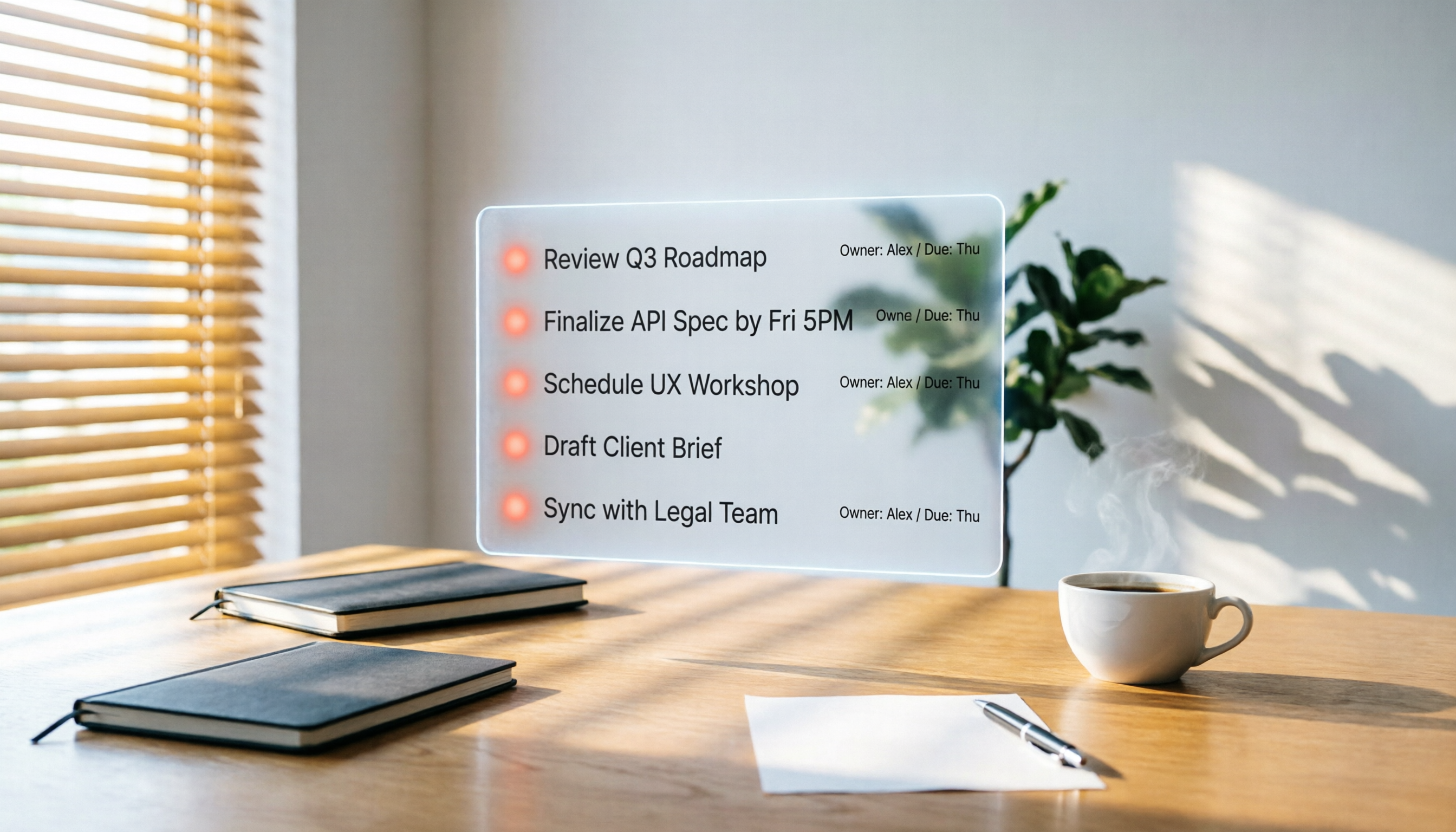
Spending two hours in a meeting and another two hours writing up the notes? This article puts three AI meeting workflow tools—Tinrec, Otter.ai, and Fireflies.ai—to the test, comparing transcription accuracy, AI summaries, and post-meeting follow-up to reveal which one truly turns meeting discussions into an actionable to-do list.