

Turn recordings into transcripts and summaries in minutes
Upload audio or video for multilingual transcription, AI notes, and action items
Tinrec is an AI recording and audio/video organization tool designed for meetings, learning, interviews, and content creation. It not only converts speech to text but also automatically generates summaries, extracts action items, and supports AI Q&A. Otter.ai is a well-known AI meeting notes tool, excelling in automatically joining online meetings, real-time transcription, and team collaboration. Both tools appear to have "meeting notes" features, but their underlying design philosophies are quite different.
This article compares Tinrec and Otter.ai across five key dimensions: input sources, Chinese language processing, AI conversation, output post-processing, and pricing plans. By the end, you'll be able to determine which one better fits your workflow.
Tinrec vs Otter.ai | Quick Overview
If you frequently need to organize meeting, course, or interview recordings, both tools can convert speech to text. However, Otter.ai leans more toward being a "meeting bot," automatically joining Zoom, Meet, and Teams to generate minutes. Tinrec, on the other hand, is more like an "audio/video data workbench." Beyond meetings, you can directly paste YouTube links, upload video files, record mobile audio, and then ask questions about the content or export it in various formats.
Quick comparison: Otter's free plan offers 300 transcription minutes per month, with Pro at approximately $8.33/month when billed annually. Tinrec offers free trial credits and flexible plans including weekly, monthly, and annual options. The following comparison will dive into five practical use cases to see which is more useful.
Dimension 1 | Input Source Richness
Otter.ai primarily records in real-time via browser or app, connects to online meeting platforms, and can upload audio files, but the supported formats and sources are relatively limited. It's handy for regular meetings, but it's more cumbersome when you want to organize content from a YouTube video or an old video file.
Tinrec supports a much wider range of input sources: real-time recording, mobile recording, audio files, video files, and even direct pasting of public web video links (YouTube, Bilibili, etc.). For those who need to handle meeting recordings, course videos, and interview materials simultaneously, one tool can do it all without switching between different apps.
→ This dimension: Tinrec clearly wins, with far more diverse input channels than Otter.
Dimension 2 | Chinese Content Processing
Although Otter.ai supports multiple languages, its core strength remains English meetings. In real-world tests, Chinese transcription accuracy can be affected by accents, code-switching between Chinese and English, and background noise, sometimes leading to misrecognition of key terms.
Tinrec, however, is deeply optimized for Chinese, supporting both Traditional and Simplified Chinese, and handles mixed Chinese-English content more stably. It's important to note that accuracy still varies with recording quality, but under the same conditions, Tinrec's Chinese transcription quality is generally more reliable than Otter's.
→ This dimension: Tinrec wins, being more user-friendly for Chinese speakers.
Dimension 3 | AI Q&A Query
Otter.ai includes an AI Chat feature that allows you to ask questions about a single meeting, such as "What key decisions were discussed in this meeting?" However, its functionality is limited to the transcript of that specific meeting; you cannot query across meetings or data sources.
Tinrec's AI Q&A is more flexible. You can not only ask questions about a single recording but also treat historical recordings and even transcribed web videos as a knowledge base for queries. For users who accumulate data over time, this is like having an audio/video database that's always available for reference.
→ This dimension: Tinrec has a slight edge, as its Q&A covers a broader scope, not limited to a single meeting.
Dimension 4 | Output and Post-Processing
Otter.ai can export transcripts, summaries, and share links with your team, with output centered around "meeting minutes."
Stop organizing recordings by hand
Upload audio or video and automatically get a transcript, summary, and action items
Tinrec offers much richer output options: besides verbatim transcripts, summaries, key points, and action items, it can automatically generate chapters, subtitles, mind maps, and even use Agents to further generate meeting reports, tables, or documents. Export formats also include popular tools like Notion and Google Docs, making downstream work smoother.
→ This dimension: Tinrec significantly leads in output diversity, better catering to various work scenarios.
Dimension 5 | Pricing Plans and Flexibility
Otter.ai's free plan includes 300 transcription minutes per month, Pro is $8.33/month billed annually, and Business is $19.99/month. The plans are geared toward long-term subscriptions, suitable for teams with consistent high meeting volumes.
Tinrec offers free trial credits and options like weekly cards, Pro monthly cards, and Pro annual cards. If you have a short-term intensive course or project meetings, the weekly card is cost-effective; long-term users can opt for the annual card for a lower monthly cost. This flexibility accommodates different usage frequencies without being locked into a long commitment.
→ This dimension: Both have sufficient free tiers, but Tinrec's "weekly card" adds more payment flexibility, giving it a slight edge.
What Unique Advantages Does Each Have?
Tinrec's Advantages
- Multi-source integration: Handle meetings, courses, videos, and historical files all in one place, no need to switch between tools.
- Chinese-friendly: Well-regarded transcription quality for Traditional Chinese and mixed Chinese-English content.
- Powerful output capabilities: From summaries, action items, and subtitles to AI-generated reports, you get final deliverables ready to use.
- AI Q&A database: Query across recordings, bringing historical data to life.
Otter.ai's Advantages
- Mature team collaboration: Share links, co-edit, and integrate with tools like Slack, ideal for team operations.
- Meeting automation: Automatically joins online meetings and identifies speakers, making pure meeting scenarios hassle-free.
Summary: Which One Should You Choose?
- If you need to organize not just meetings but also online videos, course recordings, and interview materials → Tinrec is more suitable.
- If you care about Chinese transcription quality and subsequent data utilization → Tinrec is clearly better.
- If you want flexible payment based on usage without committing to an annual plan → Tinrec's weekly card is worth trying.
- If your work involves heavy English online meetings and requires team collaboration and calendar integration → Otter.ai remains a strong option.
In a nutshell: For most people who need to process "multi-source Chinese audio/video," Tinrec is a more complete choice. We recommend starting with the free version and testing it with your own materials.
Frequently Asked Questions
Q: Which has better Chinese recognition, Tinrec or Otter.ai? A: Tinrec has deeper optimization for Chinese content, and its performance with Traditional Chinese, Simplified Chinese, and mixed Chinese-English is generally better than Otter's. However, accuracy still depends on the recording environment, so it's advisable to manually verify important content.
Q: Is the free version sufficient? A: Both offer free credits. If you only occasionally transcribe short recordings, the free version is a good starting point. For frequent use, Tinrec's weekly card or Pro monthly card may be more cost-effective.
Q: Can Tinrec automatically join Zoom? A: Tinrec currently focuses on recording system audio or importing files, and does not have a bot that automatically joins meetings like Otter. However, you can use your computer's recording feature to capture the meeting and then have Tinrec process it.
Q: Can Otter.ai process YouTube videos? A: Otter does not support directly pasting video links; you need to download the video and upload the audio file, which involves extra steps. Tinrec allows you to paste the URL directly for parsing, which is much more convenient.
Q: Do both support mobile? A: Both have iOS and Android apps, but Tinrec's mobile recording interface can record and transcribe simultaneously, and also supports uploading files and web links, making mobile work more complete.
Q: How should I choose? A: First, clarify your primary needs: if 80% of your time is spent in English online meetings, Otter's team integration is stronger; if you need to handle Chinese, videos, files, and other diverse materials, or want to leverage AI Q&A and post-processing, Tinrec is a better fit.
References
- Use AI to Organize Meeting Notes and Action Items | Prompts AI Command Library
- 6-Step AI Meeting Notes Organization: Turn Discussions into Clear Action Items with a Fixed Template – Featured Book Excerpt | Business Weekly
- Meeting.ai: Agent for Work - Google Play App
- AI Workflow Automation: 14 Tools to Boost Team Efficiency and Scale Faster | monday.com Blog
- Use AI in Meetings and Video Conferencing | Google Workspace
Turn every recording into actionable outcomes
Get 60 free transcription minutes when you sign in. No credit card required.
Related Reading
You might also like

Tinrec vs PLAUD NOTE: Turn Meeting Audio into Actionable To-Do Lists Without Buying New Hardware (2026 Guide)
Looking to streamline your AI meeting workflow? This article compares Tinrec and PLAUD NOTE across hardware requirements, input sources, Chinese transcription quality, AI Q&A, and pricing—showing why Tinrec is the better fit for organizing audio and video from multiple sources.
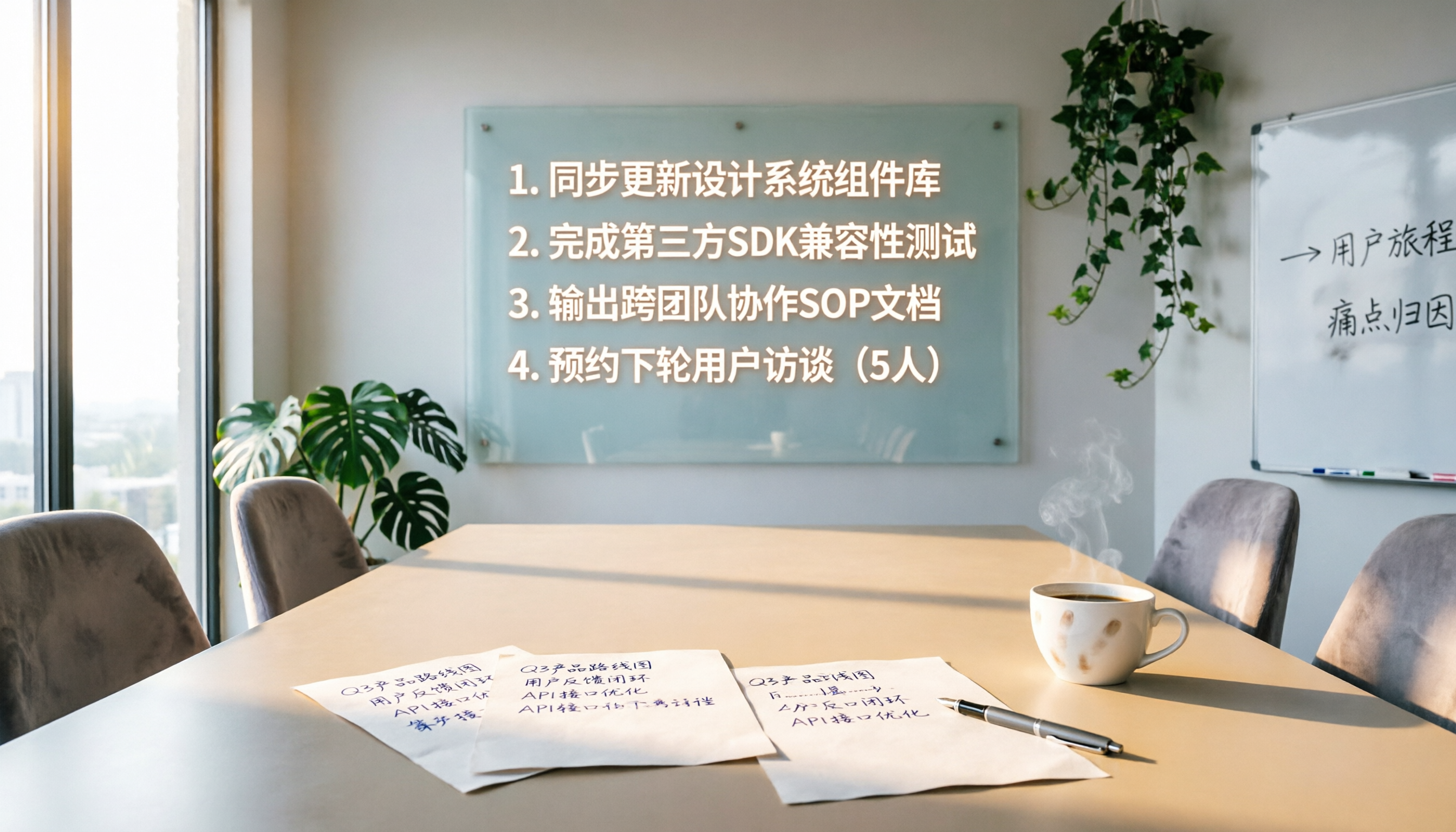
4 Meeting Follow-Up Automation Tools Tested in 2026: Which One Turns Decisions into To-Do Lists?
Meeting follow-ups often miss action items. This article tests 4 automation tools, covering transcription, action item extraction, and task sync, to help you find the best meeting follow-up solution.

Best AI Meeting Notes Tools: 2026 Hands-On Test of 2 Top Picks—Which One Fits More Scenarios?
A mid-level manager tests two AI meeting notes tools, Tinrec and PLAUD Note, comparing them across five dimensions to help busy professionals choose the right one.
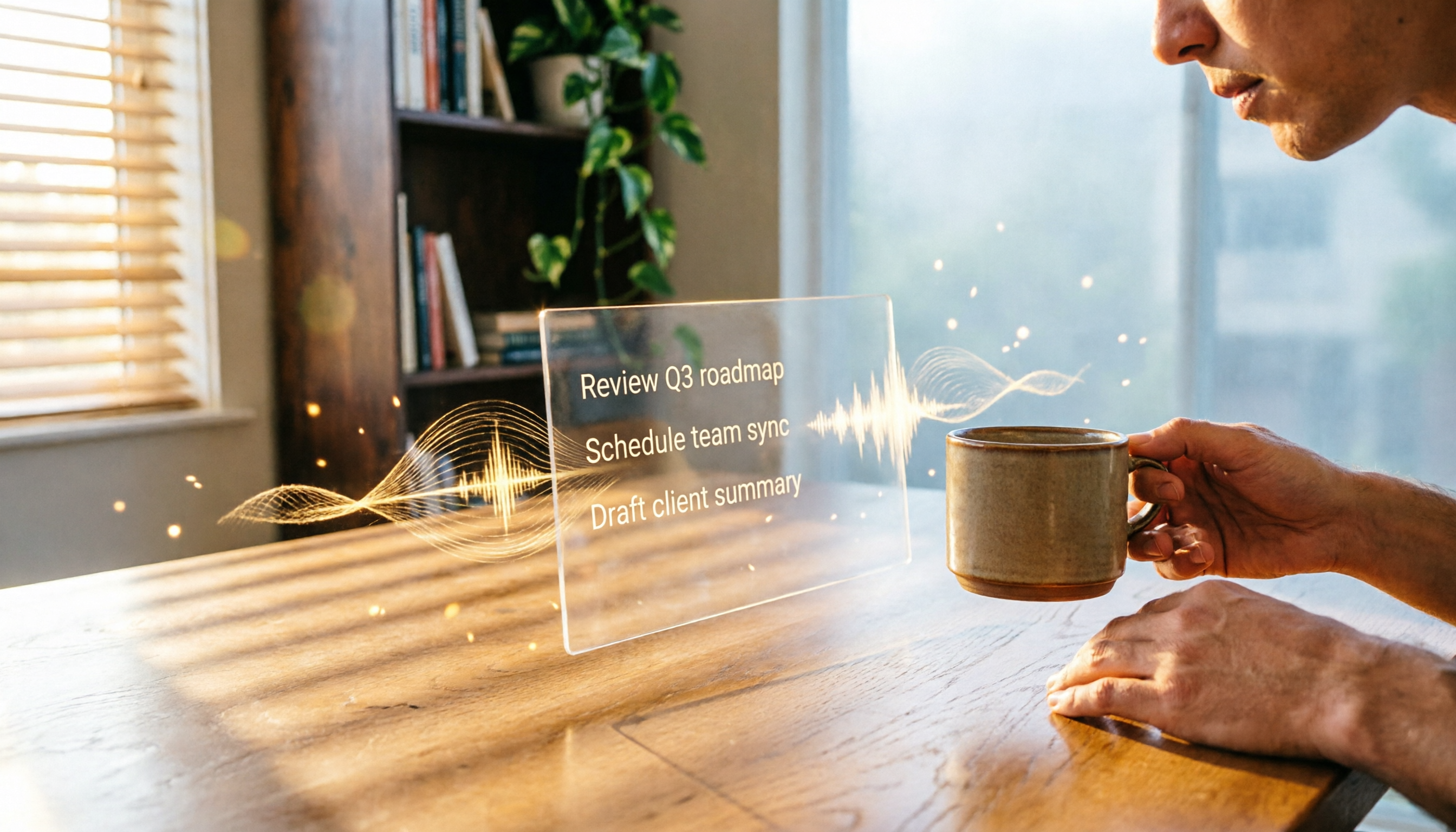
2026 AI Recording Tool Comparison: Tinrec Makes Office Automation More Efficient
Still using traditional methods to organize meeting recordings, course audio, or interview content? This article tests Tinrec, an AI recording tool that not only transcribes audio but also summarizes, extracts to-dos, and answers questions, helping you build an automated office workflow. Full unboxing tutorial and free plan limitations included.

2026 Hands-On Comparison of 4 AI Meeting Follow-Up Tools: Which One Is Best at Finding Key Points After Recording?
This article tests 4 AI meeting follow-up tools, including Tinrec, Otter.ai, Fireflies.ai, and Notta, covering real-time transcription, AI summaries, action item extraction, and post-meeting AI Q&A, to help you find the best choice for Chinese meeting scenarios.

2026 Hands-On Comparison of 2 AI Meeting Loop Tools: From Recording to To-Dos, Which One Closes the Loop Better?
A meeting loop isn't just about transcription—it should also auto-summarize, extract action items, and export to your favorite tools. This hands-on comparison of Tinrec and Otter.ai evaluates their meeting loop capabilities, Chinese language support, input versatility, and post-processing features to help you pick the best AI meeting assistant.

3 AI Meeting Post-Processing Tools Tested in 2026: Which One Turns Recordings into To-Dos Most Effortlessly?
Tired of spending hours after meetings transcribing and organizing notes? We tested 3 AI meeting post-processing tools, comparing automatic transcription, summaries, to-dos, and cross-platform capabilities to find the most time-saving solution for you.

2026 Hands-On Comparison of 4 AI Meeting Action Item Tools: Which One Ensures No Action Items Are Missed?
Ever left a meeting and forgotten who was supposed to do what? This article tests 4 AI meeting action item tools, from recognition accuracy and Chinese language support to downstream integrations, to help you pick the best meeting tracking assistant.
Best One-Click Meeting PPT Generator? 2026 Test: Tinrec Turns Meeting Recordings into PPT Content Instantly
Looking for a one-click meeting PPT generator? Tinrec Voice Recorder may not be a traditional PPT generator, but it uses AI to turn meeting recordings into summaries, action items, and structured content, making it the perfect source material for your meeting slides. This article tests how Tinrec helps you quickly produce meeting PPT content.