
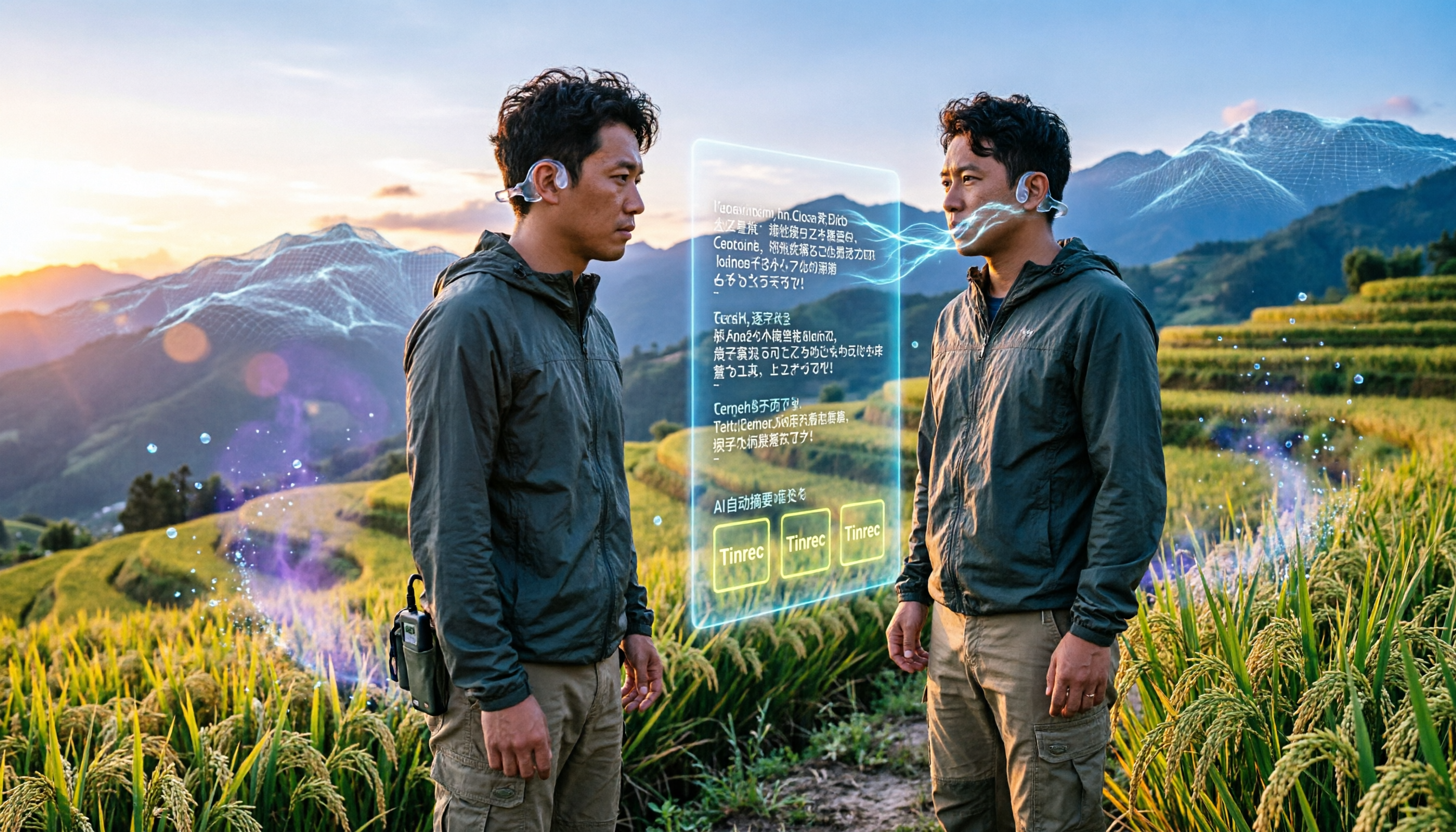
Turn recordings into transcripts and summaries in minutes
Upload audio or video for multilingual transcription, AI notes, and action items
2026 Field Research Audio-to-Text Tools: Online, No Installation, AI Summaries
Why You Need a Field Research Audio-to-Text Tool
Field research often accumulates a large number of interview recordings. Manually transcribing a 1-hour recording can take 4 to 6 hours, which is very time-consuming. Now, AI speech-to-text technology can quickly convert recordings into transcripts, with accuracy reaching over 90% in clear environments. This article compiles 5 online tools suitable for field workers. Some tools are free, require no installation, and can automatically generate summaries, paragraphs, and punctuation, allowing you to focus on analysis rather than typing.
Option 1 | Tinrec (Instant Recording) — The Most Comprehensive AI Recording Assistant
Tinrec is an AI tool that not only transcribes but also helps you "understand" recordings. It supports real-time transcription, uploading audio or video files, and even pasting YouTube or other online links to generate text. Most notably, after transcription, you can ask questions about the content, such as "What keywords did the interviewee mention?" or "Summarize into meeting minutes," and the AI will automatically extract key points. The free version provides basic monthly transcription hours, suitable for light use; the Pro paid plan unlocks more hours, longer files, and full features, ideal for long-term field workers.
If you often need to extract insights from numerous interviews, Tinrec's AI summary and Q&A features are very useful.
Ideal for: Researchers who need to organize meetings, interviews, courses, or online videos and want to further analyze the content.
Option 2 | MyEdit — Online Speech-to-Text with Support for 9 Languages
MyEdit is an online editor launched by CyberLink. Its AI speech-to-text tool requires no installation; you can upload MP3, WAV, and other files to convert them into transcripts. Daily login earns free transcription credits, suitable for occasional use; paid subscriptions provide fixed monthly credits, unlocking longer audio files and other AI audio tools. The operation is simple: after transcription, you can preview and export text files. It's sufficient for field workers who need transcription occasionally.
Ideal for: Light users who transcribe occasionally and need multi-language support (Chinese, English, Japanese, Korean, etc.).
Option 3 | cSubtitle — No Account Upload, Auto Punctuation and Paragraphing
cSubtitle focuses on "upload and start transcribing" without requiring registration, making it perfect for urgent needs. It supports various formats like MP4 and MP3, with a maximum upload of 4GB or 5 hours of audio. The AI not only transcribes but also automatically adds punctuation, segments, and generates subtitle files with timestamps, making it easy to locate specific parts of the recording. Although the free trial may have usage limits, it excels in speed and intuitiveness.
Ideal for: Users who don't need long-term data storage and just want a quick transcript.
Stop organizing recordings by hand
Upload audio or video and automatically get a transcript, summary, and action items
Option 4 | Good Tape — Recommended by Danish Media, Auto-Segmentation
Good Tape is an online transcription tool created by Danish media. Its interface is minimalist; after uploading, it automatically segments and lets you choose whether to include timestamps. It supports many languages, but currently Chinese transcription does not automatically add punctuation, and you cannot listen and correct within the tool. It's more suitable for draft transcripts where formatting is not critical. The free plan can handle short recordings, making it suitable for students or small-scale note-taking.
Ideal for: Those with limited budgets, field interviews primarily in English or European languages, and who can accept adding punctuation later.
Option 5 | Yating Transcript — Taiwan's Local Speech-to-Text
Yating Transcript is a free transcription service developed by a Taiwanese team, with good recognition for Taiwanese Mandarin and mixed Taiwanese. The interface is simple: upload a recording and it starts transcribing, with basic segmentation. It's completely free, but the features are basic, with no AI summaries or Q&A. It's suitable for scenarios where you only need Chinese transcripts.
Ideal for: Field researchers whose interviews are primarily in Taiwanese Mandarin and who don't need advanced organizational features.
With So Many Options, How Do You Choose?
• If you want deep analysis after transcription, such as auto-summaries, AI Q&A, and export to notes → Tinrec, as it's the only one that covers recordings, files, and online videos, and can help you summarize key points.
• If you need to handle multilingual interviews (Chinese, English, Taiwanese) and want local Chinese recognition → Yating Transcript or MyEdit; the former is free but basic, while the latter offers more formats and languages.
• For short-term field work, if you just want a segmented transcript quickly without learning a tool → cSubtitle, which works immediately without an account.
• If you have zero budget, occasionally transcribe short recordings, and don't mind adding punctuation yourself later → Good Tape, which is free and supports many languages.
• If you switch between phone and computer and need to continuously organize large amounts of interviews → Tinrec, with web and app sync, and long-term subscriptions are more cost-effective.
3 Things to Know Before Using Field Research Audio-to-Text Tools
- Recording quality determines transcription accuracy: Background noise, multiple people speaking simultaneously, and accents can affect AI recognition; during interviews, use a directional microphone and ask interviewees to speak clearly.
- Free plans have usage limits: Most tools have daily or monthly minute caps; check if they're sufficient before heavy use. For example, Tinrec's free version provides basic hours, and you can purchase weekly or monthly cards for more, which is more flexible than annual subscriptions.
- Privacy and sensitive content: Field interviews often involve research ethics; before uploading to the cloud, assess whether the tool offers local processing or obtain interviewee consent. Some tools (like cSubtitle) don't require an account, but files are still temporarily stored on servers; you can delete them after use.
Conclusion
For transcribing field research recordings, AI tools can save a lot of time. If you only need plain transcripts, free options like Yating or Good Tape can handle emergencies; if your routine involves interviews, classes, or meetings, Tinrec's organizational and Q&A features can turn recordings into a searchable, reusable knowledge base. Don't rush to buy equipment; these online tools can be used on your phone or computer. Start with the free versions to find the one that fits your workflow.
References
- Yating Transcript
- Online AI Speech, Video, Audio to Text - Free Trial - cSubtitle
- 2026 Recommended 6 Speech-to-Text Tools: Free Online Audio to Text!
- Online AI Speech-to-Text Tool, Free MP3 or Audio to Text Transcript - MyEdit
- Want to Convert Audio to Transcript for Free? 5 Must-Recommend "Transcript" Tools to Help You Quickly Finish
Turn every recording into actionable outcomes
Get 60 free transcription minutes when you sign in. No credit card required.
Related Reading
You might also like

3 Workplace Voice Recorders Tested in 2026: Which One Is the Ultimate Meeting Notes Sidekick?
How should you choose a voice recorder for the workplace? We tested a traditional voice recorder, phone recording, and the AI recording app Tinrec, comparing portability, post-processing, and budget to find the best meeting note solution for office workers.

Voice Recorder vs. Phone Recording in 2026: How to Choose? 5 Steps to Build an Efficient Recording Workflow
Still torn between a voice recorder and your phone for recording? This article starts from real-world use cases, teaches you how to find the best recording solution in 5 steps, and tests the AI recording tool Tinrec to see how it solves the pain points of traditional recording, saving you hours of organizing time.

How to Choose a Cost-Effective Voice Recorder in 2026: 4 Steps to Compare Recorders and AI Tools
Thinking about buying a voice recorder but unsure how to evaluate value for money? This article compares traditional voice recorders and AI recording tools from perspectives like features, price, and post-processing, helping you pick the best recording solution.

2026 Test: AI Software vs. Hardware Noise Reduction for Voice Recorders—Which Keeps Meetings and Lectures Clearer?
I tested popular voice recorders and AI recording software, and found that hardware doesn't always beat software for noise reduction. This article compares Tinrec and PLAUD Note in real-world scenarios, covering noise reduction, organization features, and long-term use, to help you choose the right solution.

2026 AI Voice-to-Text Tools: AI Conversation Search and Multi-Source Organization in One Go
Still manually transcribing meeting notes with a traditional voice recorder? In 2026, AI voice-to-text tools have evolved significantly—not only do they transcribe accurately, but they also auto-summarize, extract action items, and support AI Q&A. This article reviews 5 leading solutions from a buyer's perspective, helping you choose the right tool to save hours of organizing time.
Voice Recorder vs. Phone Recording: 2026 Hands-On Comparison of 3 Solutions, This AI Tool Is Most Practical
Still wondering whether to buy a voice recorder? This article compares phone recording, traditional voice recorders, and the AI recording tool Tinrec, showing you how to achieve professional recording and transcription with just a smartphone.

Tinrec Voice-to-Text App 2026 Review: AI Transcripts + Chapter Summaries, No Need to Buy a Voice Recorder
Still debating between a voice recorder and a mobile app for recording? This hands-on comparison of the Philips smart voice recorder and the Tinrec app covers recording quality, AI organization, cost, and convenience, explaining why more people in 2026 are choosing AI recording apps over traditional devices.
5 Best Voice Recorders Tested in 2025: AI Saves You Hours of Organizing Time
Tired of spending hours on meeting minutes and lecture notes? This article tests 5 voice recorders, from traditional hardware to AI software, revealing which has the most accurate speech-to-text, the most useful AI summaries, and how to preserve voice memories more intelligently.

2026 Tested: 4 Best Student Lecture Recorders Compared – Which AI Note-Taking Tool Wins?
Still using your phone to record lectures? We tested 4 tools, from hardware voice recorders to AI recording apps, to show you which one truly helps organize notes and save review time.