

Turn recordings into transcripts and summaries in minutes
Upload audio or video for multilingual transcription, AI notes, and action items
Why You Need an AI Voice-to-Text Tool
Have you ever been in this situation: a two-hour meeting where handwritten notes can't keep up with the discussion; a lecture where the professor is talking a mile a minute and you only manage to jot down a few key points; or after an interview, you spend three hours re-listening to the recording and typing out a verbatim transcript. Traditional voice recorders only "record"—they don't "organize"—and phone recordings are prone to interruptions and battery drain, leaving you to spend hours re-listening and marking key points later.
According to a survey by mybest's editorial team, over 80% of voice recorders now come with noise reduction, but for most professionals, the key isn't just about recording clearly—it's about whether the recording can quickly become usable material. This is why AI voice-to-text tools have risen in popularity: they don't just convert speech to text; they also auto-summarize, segment chapters, extract action items, and even let you search the recording via chat. This article compiles 5 different solutions, from software to hardware, so you're not just buying a tool—you're buying efficiency in knowledge management.
5 Key Points for Buying an AI Voice-to-Text Tool
Before recommending products, let's establish some selection criteria so you won't be swayed by marketing hype.
Transcription Accuracy and Language Support
Most tools achieve over 90% recognition accuracy with clear recordings, but performance varies when faced with multiple speakers, background noise, or technical jargon. If you're a Chinese speaker, make sure the tool supports Chinese (especially Traditional Chinese) well; some software supports multiple languages but has inconsistent Chinese quality. Also, test for dialects like Cantonese or Taiwanese Hokkien if needed.Not Just Transcription, but "Organization"
Getting a transcript is just the first step. Features that auto-generate summaries, segment chapters, highlight key points, and extract action items are what truly save you time. Some advanced tools also support AI Q&A, where you can ask "What was the conclusion of the last meeting?" without having to read through the entire transcript.Supported Input Sources
Apps that only record audio are no longer sufficient. Your recording sources might include meeting platforms (Zoom, Teams), local files, YouTube videos, podcasts, etc. If the tool can directly import these, you don't need to convert files or manually play and record—everything is organized in one go.Export and Collaboration
Can the organized data be seamlessly exported to Notion, Google Docs, OneNote, or Dropbox? Does it offer team collaboration? For business users, this affects the smoothness of downstream workflows.Pricing and Subscription Plans
Plans range from free trials to monthly and annual fees, with significant differences. Assess your usage frequency first: if you occasionally transcribe a recording, the free version might suffice; if you handle meetings or classes weekly, a monthly plan is more cost-effective; long-term knowledge workers might consider annual plans to spread out costs.
In-Depth Analysis of 5 Voice-to-Text Solutions
Solution 1: Tinrec (Miao Ting Lu Yin) — The Most Complete AI Audio/Video Organization Workbench, Score: 9.0/10
If you want a single tool to handle everything from recording, transcription, organization, to report generation, Tinrec is currently the most integrated option on the market. It positions "recording" as the starting point, then uses AI to turn content into a searchable, queryable knowledge base.
Key Highlights
- Multi-Source in One Go: Whether it's live recording, uploading audio/video files, or directly pasting links to online videos like YouTube or Bilibili, it can transcribe with one click. This means your meetings, classes, interviews, podcasts, and even public online content can all be funneled into the same organization workflow.
- Solid AI Post-Processing: After transcription, the system automatically generates summaries, chapters, key points, and action items. You can also summon the AI assistant anytime to ask questions about the recording, such as "What were the three requirements the client mentioned this time?" It finds answers from the recording, faster than manually scanning the transcript.
- More Than Just a Transcript: Tinrec's most unique feature is "Agent Post-Processing," where you can further ask the AI to generate meeting minutes, reports, or even organize content into tables, turning it directly into deliverable results.
- Multi-Device Sync: Available on iOS, Android, and web, with all data synced to the cloud, so you can continue working even away from your computer.
Pricing Plans
- Free Plan: Monthly basic transcription quota, allowing you to experience live recording, file import, and web parsing.
- Weekly Card: Suitable for short-term intensive use, like project sprints or exam weeks.
- Pro Monthly: Suitable for those with regular meeting or study needs.
- Pro Annual: Lower monthly average cost, ideal for long-term data organization and accumulation.
Who It's For Professionals, students, researchers, and content creators who regularly need to organize large volumes of audio/video material, especially those looking to build a personal voice knowledge base.
Stop organizing recordings by hand
Upload audio or video and automatically get a transcript, summary, and action items
Solution 2: Otter.ai — Top Choice for Online Meeting Notes, Score: 8.5/10
Otter.ai is synonymous with AI meeting notes for online meetings, especially in English-speaking business environments. It can automatically join platforms like Zoom and Google Meet, transcribe in real-time, and label different speakers. After the meeting, it auto-generates summaries and action items. The free version offers 300 minutes of transcription per month, enough for light use; the Pro plan costs about US$8.33 per month when billed annually, including 1,200 minutes.
Key Highlights
- Strong meeting integration with accurate speaker identification.
- Complete team collaboration features, including shared notes and timeline markers.
Who It's For Business professionals and cross-national teams primarily using English for online meetings.
Solution 3: Notta — Multilingual Transcription and Team Collaboration, Score: 8.0/10
Notta is another multi-device transcription tool with comprehensive solutions for meetings, translation, and subtitles. The free version offers 120 minutes per month, the Pro plan (annual billing) costs about US$8.17 per month for 1,800 minutes, and the Business plan offers unlimited transcription. It has good support for Chinese, Japanese, and Korean, and has received positive reviews from many Asian users.
Key Highlights
- Supports multilingual translation, generating bilingual subtitles during transcription.
- Mature team co-editing and annotation features.
Who It's For Small to medium-sized organizations that need bilingual transcription or team collaboration on meeting notes.
Solution 4: TurboScribe — High-Cost-Performance Batch Transcription, Score: 7.5/10
If you have a pile of old recordings or podcast archives that need to be transcribed at once, TurboScribe's "long-file batch processing" capability will be right up your alley. The free version allows 3 files per day (30 minutes each), and the paid plan (annual billing) costs about US$10 per month, supporting very large files and bulk uploads, along with subtitle and translation features.
Key Highlights
- Friendly to long files with fast transcription speed.
- Affordable pricing, ideal for one-time bulk transcription.
Who It's For Individuals or small teams with large volumes of historical recordings or videos that need digitization and archiving.
Solution 5: PLAUD NotePin — AI Recording Hardware, a Portable Recording Tool, Score: 7.8/10
If you prefer the physical feel of a "voice recorder," the PLAUD NotePin is a hardware option with AI transcription capabilities. This mini device, about 4 cm in size, can be clipped to your collar or slipped into a pocket. With one-touch recording, it uploads to the cloud via the app, which then provides transcripts and summaries. The pre-order price is around US$169, and the Pro plan (annual billing) costs about US$6.6 per month for 1,200 minutes of transcription per month.
Key Highlights
- Extremely lightweight, ready to record instantly, suitable for discreet or quick-start scenarios.
- Works with the app for AI summaries and Q&A.
Who It's For Those who need a standalone recording device, prefer not to use their phone for recording, or are journalists or private investigators seeking ultimate portability.
With So Many Options, How Do You Choose?
- Want the most complete AI features (transcription + AI conversation search + automatic meeting minutes generation) → Tinrec (the only solution with all these features)
- Need to handle mixed Chinese and English content, and want a single tool for meetings, classes, and online videos → Tinrec (broadest multi-source coverage)
- Meetings are all on Zoom/Teams and primarily in English → Otter.ai (strongest meeting bot integration)
- Large team needs with multi-user note collaboration and translation subtitles → Notta (complete team plans)
- Just want to transcribe a large number of old files cheaply and quickly → TurboScribe (best for one-time projects)
- Insist on a physical voice recorder and have a generous budget → PLAUD NotePin (great hardware experience)
Most users will find that Tinrec covers almost the entire workflow from recording to report generation, and the free version is available for a test drive. We recommend starting with Tinrec and then supplementing with other tools as needed.
3 Things to Know Before Using AI Voice-to-Text Tools
Recording Quality Determines Transcription Accuracy
Even with powerful AI, being too far from the sound source, excessive background noise, or multiple people talking over each other can reduce recognition accuracy. It's advisable to stay close to the sound source and use an external microphone. Tinrec's app includes digital noise reduction that filters some ambient noise, but physical limitations still need consideration.Free Plans Always Have Limits
Free versions of each tool are mainly for trial purposes, typically offering only a few hundred minutes per month. If you have high usage, it's better to subscribe to a monthly or annual plan after choosing one or two tools, so you don't run out of quota at critical moments.Privacy and Authorization for Sensitive Content
Recordings uploaded to the cloud are hosted on servers. For confidential meetings or interviews with high privacy concerns, it's advisable to check the service provider's data protection policies or consider offline transcription options. Additionally, when transcribing public online videos, respect copyright and platform terms.
Conclusion
In 2026, AI recording tools that can organize and converse are replacing traditional voice recorders, becoming standard equipment for efficient professionals and learners. Among the 5 solutions reviewed, Tinrec stands out as our top recommendation for a "voice-to-text workbench" due to its all-in-one design from recording to report generation, along with its unique AI Q&A feature. We suggest you start with the free version and let it handle your next meeting or class to experience the efficiency revolution of "recorded and organized in one go."
References
- [2026 Voice Recorder Recommendations] How to Protect Yourself with Sound? 7 Curated Voice Recorders Buying Guide Without Pitfalls
- Expert-Monitored Top 10 Voice Recorder Rankings | mybest
- [2026 Voice Recorder Recommendations] Missing This Point Will Make You Cry! 6 Dcard/PTT Hot Picks: SONY/u-ta/Evidence Collection Guide - Maple Sugar (@fanfansuger) | Dcard
- [2026 Voice Recorder Recommendations] Friction Sound Landmine! 6 Dcard/PTT Hot Picks! Evidence Collection/Meetings, SONY/u-ta - Yuan Yuan (@yuanyuan625) | Dcard
- [2026 Voice Recorder Recommendations] 6 Dcard/PTT Hot-Selling Student Lecture Recording Tools Review: Professors Mumbling/Phone Recording Drains Battery, Student Lectures/Meeting Notes
Turn every recording into actionable outcomes
Get 60 free transcription minutes when you sign in. No credit card required.
Related Reading
You might also like
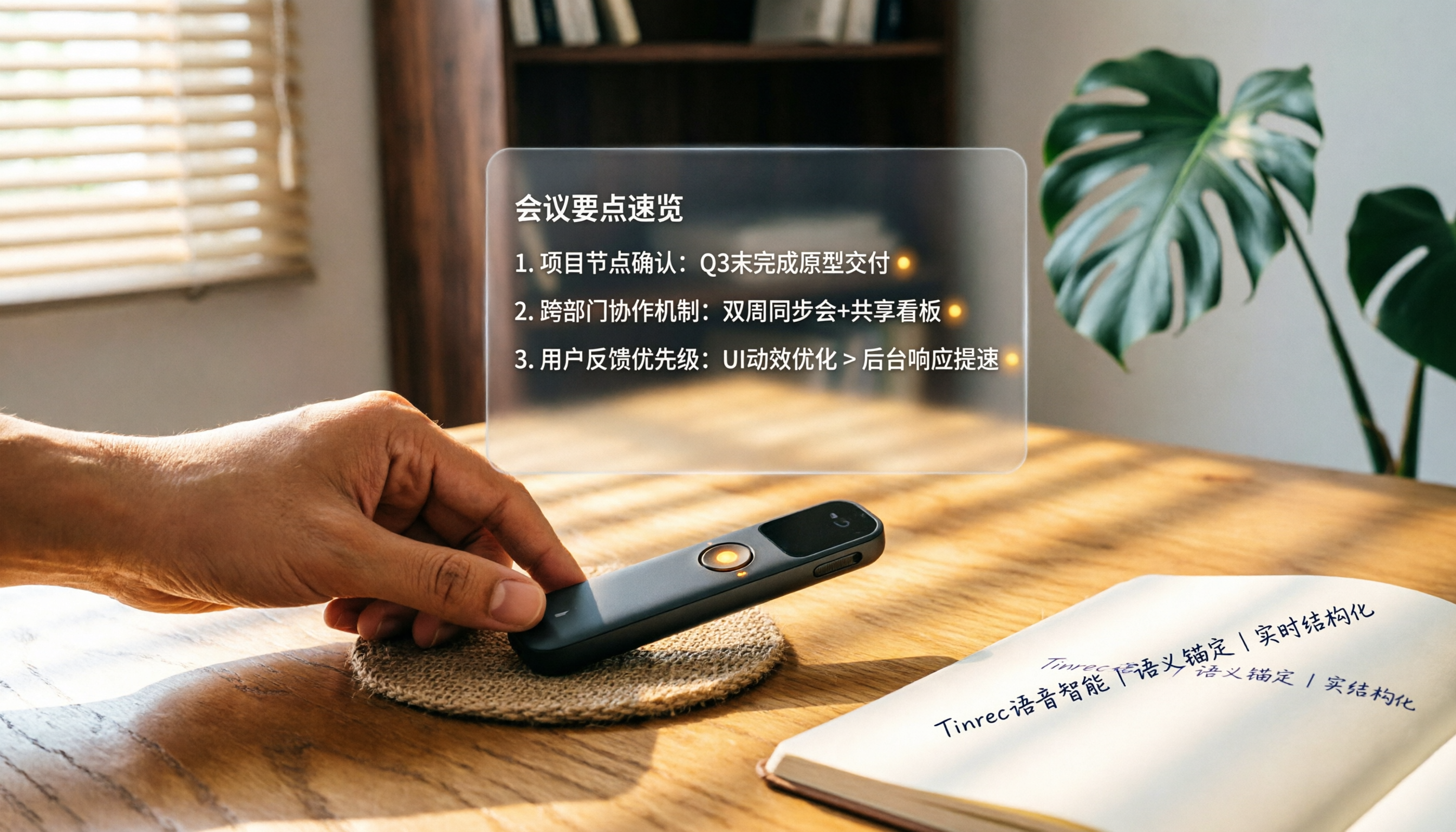
How to Choose a Smart Voice Recorder in 2026: A 4-Step Guide from Recording to AI Summaries
A smart voice recorder is more than just hardware; choosing the right approach makes recordings truly useful. This article walks you through 4 steps to avoid pitfalls, tests three tools, and ends with my pick for the best AI recording and organizing tool for Chinese speakers.
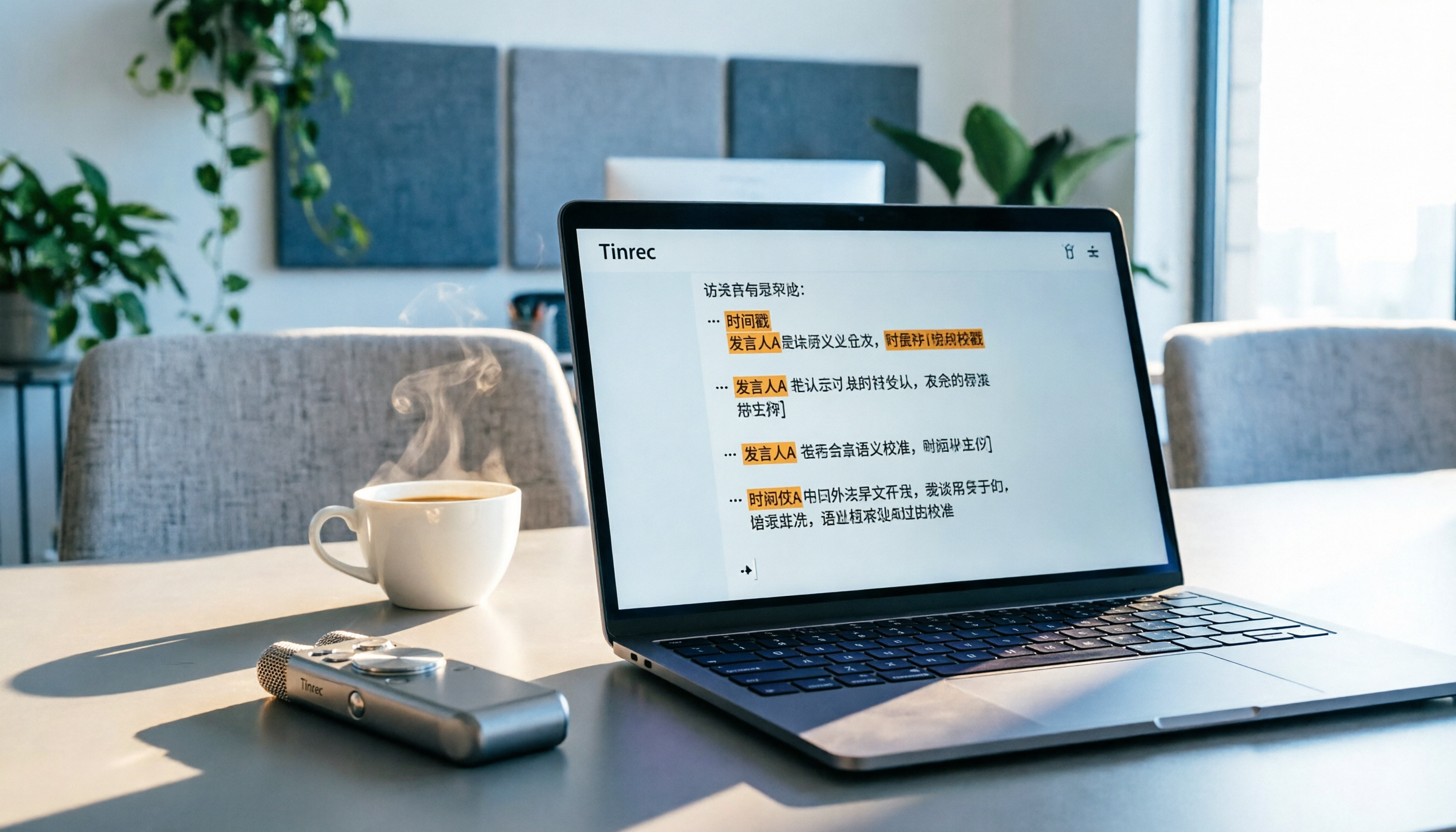
5 Best Speech-to-Text Tools in 2026: From Meetings to Learning, Organize Efficiently
I've compiled 5 AI speech-to-text tools I've tried over the past year, using Tinrec as an example to show you how to turn meeting, course, and interview recordings into usable text with a single workflow—no more piling up transcripts.
2026 Tested: 5 Recording Solutions Compared—Are Mobile Apps Really Better Than Voice Recorders?
Still debating whether to buy a voice recorder? What you really need is a tool that turns recordings into text and highlights key points. This article tests 5 recording-to-text and organization solutions, from free apps to AI recording hardware, to help you find the best fit—and explains why Tinrec is our top all-purpose recommendation.

2026 Long-Battery Voice Recorder Free Options: 5 Picks Reviewed
Running out of battery on your voice recorder during class is a nightmare? We tested 5 recording and AI organization tools, from free apps to paid plans, from a student's perspective to tell you which is best for long recordings, comparing battery life, audio quality, and AI features.

Tinrec vs Otter.ai 2026: A 5-Dimension Showdown for Students Needing Large-Capacity Audio/Video Organization
Tired of large recordings? A senior student tests Tinrec and Otter.ai, comparing input sources, Chinese accuracy, AI note features, free tiers, and pricing to see which tool better suits students' transcription needs, saving you money.

3 Workplace Voice Recorders Tested in 2026: Which One Is the Ultimate Meeting Notes Sidekick?
How should you choose a voice recorder for the workplace? We tested a traditional voice recorder, phone recording, and the AI recording app Tinrec, comparing portability, post-processing, and budget to find the best meeting note solution for office workers.

Voice Recorder vs. Phone Recording in 2026: How to Choose? 5 Steps to Build an Efficient Recording Workflow
Still torn between a voice recorder and your phone for recording? This article starts from real-world use cases, teaches you how to find the best recording solution in 5 steps, and tests the AI recording tool Tinrec to see how it solves the pain points of traditional recording, saving you hours of organizing time.

How to Choose a Cost-Effective Voice Recorder in 2026: 4 Steps to Compare Recorders and AI Tools
Thinking about buying a voice recorder but unsure how to evaluate value for money? This article compares traditional voice recorders and AI recording tools from perspectives like features, price, and post-processing, helping you pick the best recording solution.

2026 Test: AI Software vs. Hardware Noise Reduction for Voice Recorders—Which Keeps Meetings and Lectures Clearer?
I tested popular voice recorders and AI recording software, and found that hardware doesn't always beat software for noise reduction. This article compares Tinrec and PLAUD Note in real-world scenarios, covering noise reduction, organization features, and long-term use, to help you choose the right solution.