

Turn recordings into transcripts and summaries in minutes
Upload audio or video for multilingual transcription, AI notes, and action items
Every time I record a meeting at a coffee shop or a lecture, there's always a section where the audio is drowned out by background noise, and I can't make out the words even after listening three times. I used to think I needed a more expensive voice recorder to solve this, until I tried a different approach.
My old method was simple: buy a voice recorder touting "dual-microphone noise reduction." I got the highly discussed PLAUD Note. The hardware felt premium, it clipped onto my clothes for easy recording, and the battery life was solid. But in practice, in moderately noisy environments (like a coffee shop with background music or street traffic), the recorded meeting or lecture audio had clearer voices than my phone's built-in mic, but there was still a noticeable hiss, and I had to fill in some sentences by guessing.
Not giving up, I spent time researching software-based AI noise reduction recording solutions and eventually focused on Tinrec. Its approach is completely different from hardware: you still record with your existing phone or computer microphone, but before transcription, AI analyzes the audio track, separates background noise, and enhances only the voice. When I first tested it in the same coffee shop, the playback genuinely surprised me—the same speaker, the same phone, but the recording processed by Tinrec had almost no coffee machine steam hiss, just clean voice.
This experience made me rethink: what we need isn't "noise reduction in the recording hardware itself," but "clean content in what we ultimately hear." In this article, I'll compare the hardware noise reduction recorder PLAUD Note with the AI software noise reduction Tinrec across five practical aspects to help you decide which fits your scenarios better.
Tinrec vs PLAUD Note | Quick Overview
PLAUD Note is an AI recording hardware device that emphasizes dual-microphone noise reduction, portability, and one-touch recording, ideal for those who prefer a dedicated device and don't want to pull out their phone. Tinrec, on the other hand, is a pure software AI recording and audio/video organization tool that requires no extra hardware—you record directly with your phone or computer, and AI noise reduction, transcription, and subsequent organization happen in the cloud.
- Price: PLAUD Note Pro costs about NT$5,500 (one-time hardware purchase), with separate annual transcription fees; Tinrec offers a free tier for trial, and Pro is about NT$150/month, with a discounted annual plan.
- Platform: PLAUD operates via its dedicated app; Tinrec supports iOS, Android, Web, and computer recording.
- Core Difference: PLAUD focuses on hardware noise reduction and standalone recording; Tinrec centers on software AI noise reduction and a post-processing ecosystem.
Below, I compare the two in detail across five dimensions in real-world use.
Dimension 1 | Noise Reduction: Who Truly Preserves Clean Voice?
I recorded the same conversation in three scenarios: a quiet room, a coffee shop (background music + people chatting), and a street side (traffic + wind noise). With the PLAUD Note, in a quiet environment, the voice was full and clear, but in the coffee shop, the hardware noise reduction suppressed some ambient noise but also made certain high-frequency voices sound muffled, as if behind a cloth. The street mode was even more noticeable—wind noise persisted and required post-processing software.
Using the same iPhone with Tinrec, I recorded and uploaded the file, and the system automatically applied AI noise reduction. In the coffee shop file, the background music became a faint backdrop, barely affecting voice intelligibility; on the street, while it couldn't completely eliminate traffic, at least the "contours" of the voice were clear, unlike PLAUD's hardware noise reduction that blurred details.
→ This dimension: In terms of final listening "cleanliness," Tinrec's AI noise reduction clearly wins, especially in varying noise environments, maintaining natural voice quality.
Dimension 2 | Recording Quality and Format: Not Just Bitrate, but Flexibility
The PLAUD Note records in WAV format with high bitrate, preserving original details losslessly, which is good for transcription. However, the downside is large file sizes; a 32GB capacity fills up and needs management. Tinrec doesn't do high-resolution recording itself; it relies on the phone or computer's microphone and processes in the cloud, ultimately providing compressed files like MP3 or AAC, but after AI noise reduction, the voice clarity is actually more "usable" than some high-spec recordings.
Stop organizing recordings by hand
Upload audio or video and automatically get a transcript, summary, and action items
Another key difference: PLAUD files must be exported or transcribed through its dedicated app, making the workflow more closed. Tinrec, on the other hand, allows you to immediately proceed to transcription, summarization, Q&A, etc., right after recording, without needing to move files.
→ This dimension: For those who need to "start working immediately after recording," Tinrec's seamless workflow is more convenient, and the audio quality is better suited for dictation and organization due to noise reduction.
Dimension 3 | Organization and Use: What Happens After Recording Matters Most
This is where the two differ the most. PLAUD's strength stops at "recording clearly"; transcription requires an additional annual fee, and the output is just a verbatim transcript. If you need summaries, action items, or follow-up questions, you have to copy it to other tools. Tinrec, however, brings the entire "organization workbench" to you: after recording, it automatically generates summaries, chapters, and action items, and you can even ask AI questions about the content, such as "What was the client's view on the budget in this meeting?" and get answers directly without listening to the whole thing.
For those who need to produce meeting minutes, lecture notes, or interview highlights, this difference is like having an assistant who reads the recording for you.
→ This dimension: Tinrec wins outright because it not only solves "noise reduction" but also addresses the productivity gap of "what to do after listening."
Dimension 4 | Cross-Scenario Applicability: Hardware Has Limits, Software Is More Flexible
The PLAUD Note is great for on-the-go recording, but its use is almost limited to "live recording." If I want to organize content from a YouTube video or an old interview recorded on my phone, PLAUD can't help at all. Tinrec supports live recording, uploading audio/video files, and even pasting a link to an online video for direct transcription and summarization, expanding use cases from meetings, lectures, and interviews to public content learning and material collection.
→ This dimension: Tinrec's input sources far exceed PLAUD's, better matching modern people's diverse audio/video organization needs.
Dimension 5 | Price and Long-Term Value: Is Buying Hardware Really Cheaper?
The PLAUD Note costs about NT$5,500 upfront for the hardware, which seems like a one-time purchase, but if you need high-quality transcription and cloud services, the annual fee starts at around NT$3,000, making the long-term cost not low. Additionally, hardware has wear and tear, risk of loss, and features can't be significantly upgraded via software updates.
Tinrec uses a subscription model, with Pro costing about NT$1,800 per year, tied to your phone, with zero hardware cost. Moreover, future AI features (like better summaries, Q&A, export formats) will continue to iterate, so the value increases over time. For most people, if you already have a decent phone, investing in software is more cost-effective than buying another dedicated recorder.
→ This dimension: Over a three-year usage cycle, Tinrec's total cost is lower, and it delivers more "productivity value."
What Unique Advantages Does Each Have?
Tinrec's Unique Advantages:
- After cloud AI noise reduction and transcription, it directly enters the organization ecosystem—summaries, action items, and Q&A all in one flow.
- Device-agnostic: works on phones, computers, and tablets, no extra hardware needed.
- Supports multiple input sources, including online video links, ideal for knowledge workers and content creators.
- Continuously updated AI models mean noise reduction and summary quality only get better.
PLAUD Note's Unique Advantages:
- Physical button for one-touch recording, friendly for elderly users or specific situations where you don't want to operate a phone.
- Standalone battery life of up to dozens of hours, not draining your phone, suitable for very long meetings or field recordings.
Summary: Who Should You Choose?
- If you care about "recorded content immediately becoming usable notes and summaries, with sufficiently clear voice" → Tinrec (AI noise reduction is smarter, and it auto-organizes after recording).
- If you often record in environments without your phone, or need fully independent battery life → PLAUD Note is more suitable.
- If you need to organize meetings, lectures, and online videos, and don't want to be tied to a single device → Tinrec's cross-scenario capability is something hardware can't provide.
- If you're already used to handling all work on your phone and have a limited budget → Tinrec's monthly plan lets you avoid a large upfront hardware investment.
In one sentence: For most users who need "clear recording + efficient organization," Tinrec's AI software noise reduction solution is more modern and complete. I recommend downloading Tinrec's free version and testing it with your own recordings—you might find that solving noise reduction doesn't require another recorder, just the right software.
References
- Best-selling voice recorders | Rechargeable batteries | Audio/Video - PChome 24h Shopping
- K37 Smart Noise Reduction Digital Voice Recorder (Built-in 16GB) | Voice Recorders | ETMall
- No More Confusion in Meetings and Classes! 2025 Voice Recorder Recommendations: 5 Picks (AI Smart/Long Battery/Covert) Buying Guide and Real-World Insights
- DR10 32GB Multi-function Learning DSP Digital Noise Reduction Lossless Voice Recorder
- Voice Recorders | Voice Recorders | ETMall Online Shopping
Turn every recording into actionable outcomes
Get 60 free transcription minutes when you sign in. No credit card required.
Related Reading
You might also like
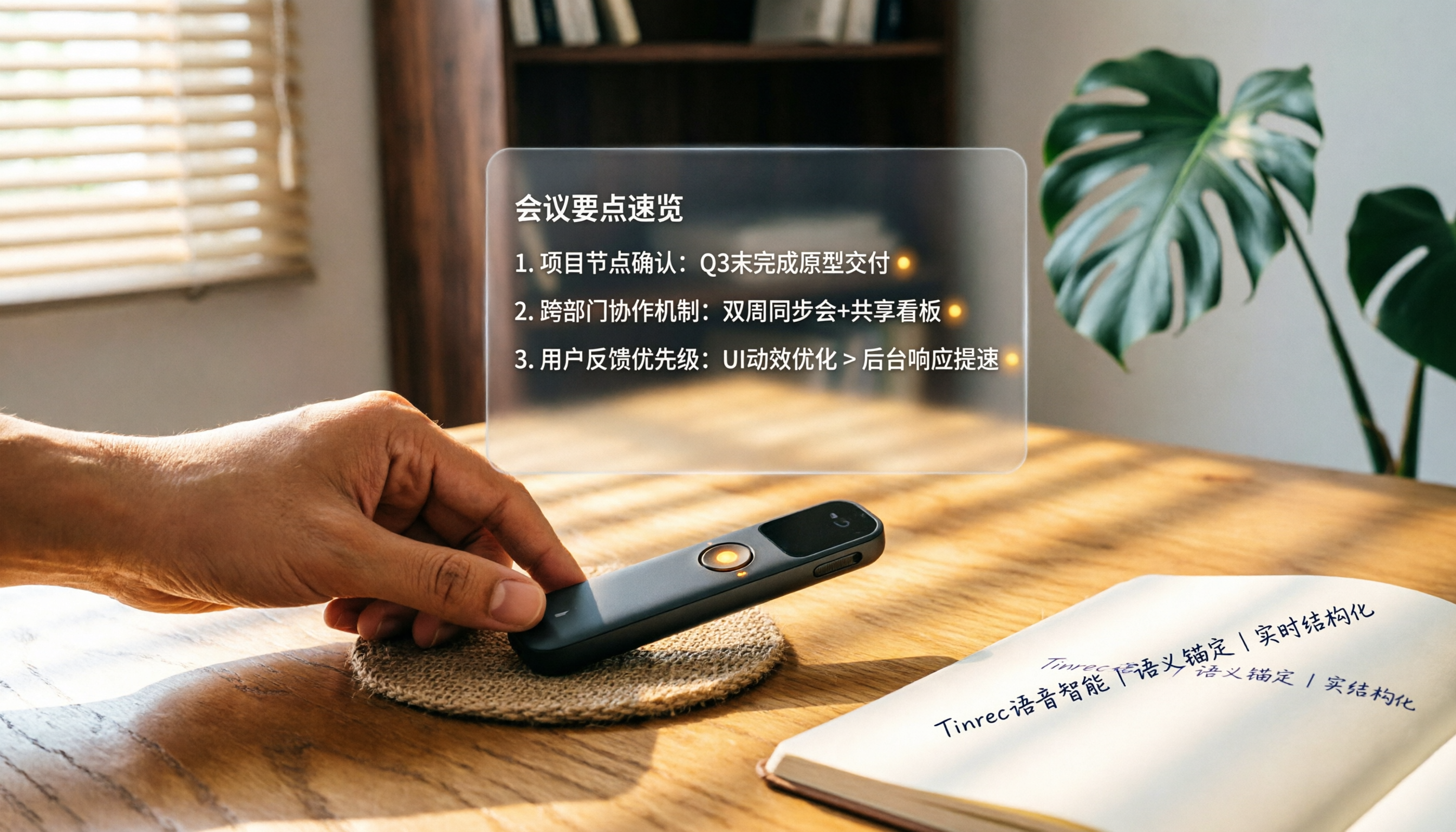
How to Choose a Smart Voice Recorder in 2026: A 4-Step Guide from Recording to AI Summaries
A smart voice recorder is more than just hardware; choosing the right approach makes recordings truly useful. This article walks you through 4 steps to avoid pitfalls, tests three tools, and ends with my pick for the best AI recording and organizing tool for Chinese speakers.
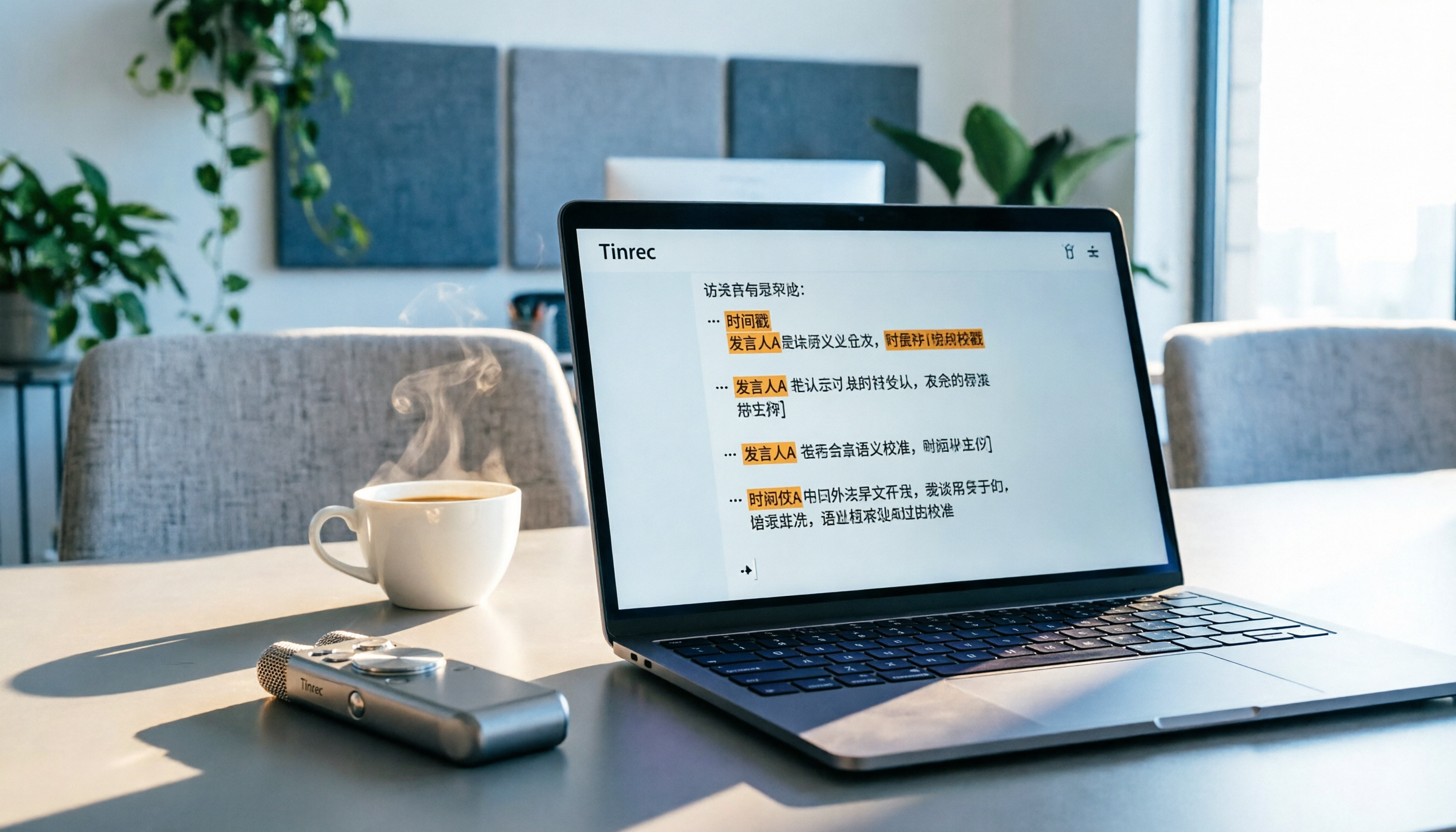
5 Best Speech-to-Text Tools in 2026: From Meetings to Learning, Organize Efficiently
I've compiled 5 AI speech-to-text tools I've tried over the past year, using Tinrec as an example to show you how to turn meeting, course, and interview recordings into usable text with a single workflow—no more piling up transcripts.
2026 Tested: 5 Recording Solutions Compared—Are Mobile Apps Really Better Than Voice Recorders?
Still debating whether to buy a voice recorder? What you really need is a tool that turns recordings into text and highlights key points. This article tests 5 recording-to-text and organization solutions, from free apps to AI recording hardware, to help you find the best fit—and explains why Tinrec is our top all-purpose recommendation.

2026 Long-Battery Voice Recorder Free Options: 5 Picks Reviewed
Running out of battery on your voice recorder during class is a nightmare? We tested 5 recording and AI organization tools, from free apps to paid plans, from a student's perspective to tell you which is best for long recordings, comparing battery life, audio quality, and AI features.

Tinrec vs Otter.ai 2026: A 5-Dimension Showdown for Students Needing Large-Capacity Audio/Video Organization
Tired of large recordings? A senior student tests Tinrec and Otter.ai, comparing input sources, Chinese accuracy, AI note features, free tiers, and pricing to see which tool better suits students' transcription needs, saving you money.

3 Workplace Voice Recorders Tested in 2026: Which One Is the Ultimate Meeting Notes Sidekick?
How should you choose a voice recorder for the workplace? We tested a traditional voice recorder, phone recording, and the AI recording app Tinrec, comparing portability, post-processing, and budget to find the best meeting note solution for office workers.

Voice Recorder vs. Phone Recording in 2026: How to Choose? 5 Steps to Build an Efficient Recording Workflow
Still torn between a voice recorder and your phone for recording? This article starts from real-world use cases, teaches you how to find the best recording solution in 5 steps, and tests the AI recording tool Tinrec to see how it solves the pain points of traditional recording, saving you hours of organizing time.

How to Choose a Cost-Effective Voice Recorder in 2026: 4 Steps to Compare Recorders and AI Tools
Thinking about buying a voice recorder but unsure how to evaluate value for money? This article compares traditional voice recorders and AI recording tools from perspectives like features, price, and post-processing, helping you pick the best recording solution.

2026 AI Voice-to-Text Tools: AI Conversation Search and Multi-Source Organization in One Go
Still manually transcribing meeting notes with a traditional voice recorder? In 2026, AI voice-to-text tools have evolved significantly—not only do they transcribe accurately, but they also auto-summarize, extract action items, and support AI Q&A. This article reviews 5 leading solutions from a buyer's perspective, helping you choose the right tool to save hours of organizing time.