

Turn recordings into transcripts and summaries in minutes
Upload audio or video for multilingual transcription, AI notes, and action items
Bought a Voice Recorder but Still Have to Manually Transcribe? You Need a Solution, Not Just a Tool
Many people buy a voice recorder, but after recording, they still spend hours transcribing and organizing, which isn't cost-effective. Especially after meetings or classes, when you need quick notes, a recorder that only records solves only half the problem. This article will teach you how to evaluate the value of recording tools and find a solution that truly saves time and effort.
Before Choosing a Recording Tool, Understand These 3 Key Points
1. Recording Quality vs. Post-Processing Capability: When buying a voice recorder, don't just look at recording clarity; more importantly, can it quickly convert audio to text and summaries? Traditional recorders only record; transcription requires extra fees or manual typing, which is time-consuming. Now, AI recording apps can transcribe in real-time and auto-generate summaries, offering far better value than a simple recorder.
2. Use Case: Are you using it for meetings, classes, or covert recording? Different scenarios require different types of tools. For recording and organizing, software-based AI tools are more flexible than hardware recorders and work across platforms.
3. Budget and Long-Term Costs: Entry-level recorders cost about $30–$60, but lack transcription. Better recorders with AI transcription services may have annual fees exceeding $100. Instead, choose an AI-powered recording app; free tiers let you try it, and paid plans offer more features.
Tinrec (秒听录音) – The Most Cost-Effective Recording and Organizing Tool After Real-World Testing
Tinrec is an AI recording and audio/video organizing tool that supports 14 languages, available on mobile, desktop, and web. It doesn't just convert speech to text; it turns recordings into searchable, summarizable, exportable knowledge.
Meeting Scenario: Open Tinrec and record; when the meeting ends, AI has already generated summaries, key points, and action items. You don't need to spend two hours re-listening; you can share with your team immediately.
Learning Scenario: Upload course audio, and AI automatically segments it into chapters for easy review. You can also ask questions about the content, like "What was the main point the teacher just said?" and AI will find the answer from the audio, like having a personal teaching assistant.
Creation Scenario: Paste a YouTube or Podcast link, and it instantly converts to text. Then you can manually mark highlights, and in minutes you have material for an article—several times faster than manual transcription.
Pros
- More than just transcripts: Besides text, it generates summaries, action items, mind maps, and supports export to Notion, Google Docs, etc., for easy editing.
- Cross-platform: Works on iOS, Android, and web; data syncs in real-time, so you can start on your phone and continue on your computer.
- High value: The free version offers monthly credits sufficient for light use. Heavy users can choose the Pro plan, which is more cost-effective than buying a recorder plus transcription services, and offers more features.
Stop organizing recordings by hand
Upload audio or video and automatically get a transcript, summary, and action items
Limitations: The free version has limited monthly credits; if you have frequent meetings or classes, you'll need to upgrade. Also, it's not as discreet as a pen recorder; you need to open the app to record. But if your goal is to organize content, this doesn't matter.
Who It's For: If you often have meetings, classes, interviews, or need to organize audio/video content, and hate manual transcription, Tinrec is currently the most cost-effective choice.
Beyond Tinrec: What Other Options Are There?
Otter.ai: The top choice for English meetings; the free plan offers 300 minutes per month, but it doesn't support Cantonese or other Chinese dialects. If you mainly handle English content, Otter.ai is more cost-effective than Tinrec; but if you need Chinese transcription and AI chat query features, Tinrec is more complete.
Notta: Similar features; free plan offers 120 minutes per month, with more minutes after paying. Notta excels in translation and subtitles, but Tinrec's integration of AI summaries, action item extraction, and mind maps is more intuitive, and it can directly paste online video links for transcription, while Notta requires downloading files first.
Traditional Budget Voice Recorders: Models priced around $30–$60 have long battery life and simple operation, but you can only manually organize after recording. If you need transcription, you'll have to buy additional services, making the total cost higher. If you just need simple recording without organizing, consider one; but if you want recordings to become usable notes, Tinrec offers superior value.
Pitfall Guide: 3 Common Mistakes When Choosing Recording Tools
Pitfall 1: Only Looking at Price, Ignoring Post-Processing Costs. A $45 recorder seems cheap, but if you spend an hour transcribing each meeting, the hourly cost is higher. Choosing a solution with AI organizing is truly money-saving.
Pitfall 2: Ignoring Cross-Platform Needs. If you record on your iPhone today and want to edit on your computer tomorrow, a tool that doesn't support cross-platform use is a pain. Tinrec's three-platform sync solves this.
Pitfall 3: Buying an AI-Powered Tool but Only Using Basic Recording. For example, Tinrec's AI Q&A feature lets you ask "What was the meeting conclusion?" and get an answer much faster than manually searching the transcript. Don't waste these smart features.
Summary: Which One Should You Choose?
If you want high value and want to get organized notes right after recording, not just an audio file, Tinrec is currently the best choice. Scenario recommendations:
- Meeting Notes → Tinrec: Auto-generates summaries and action items, saving time and effort.
- Course Review → Tinrec: Chapter organization and AI Q&A boost learning efficiency.
- Content Creation → Tinrec: Video-to-text, quickly capture inspiration.
- Covert Recording → Traditional pen recorder: If you only need recording without organizing, consider it; but if you need to organize later, Tinrec is still more cost-effective.
- English-Only Meetings → Otter.ai: Generous free minutes, but Chinese speakers still prefer Tinrec.
We recommend downloading the free version of Tinrec to try it out. With monthly credits, you can record an actual meeting or class, experience the convenience of AI organizing, and then decide whether to upgrade.
References
- Voice Recorders - momo Shopping - Top Picks - July 2026
- Expert-Reviewed Top 10 Voice Recorder Rankings | mybest
- Top 10 Voice Recorder Must-Buys July 2026 - Yahoo Shopping Daily
- [2026 Voice Recorder Recommendations] 6 Dcard/PTT Hot Student Lecture Recording Tools Reviewed: Professors with Unclear Speech/Phone Recording Drains Battery, for Student Lectures/Meeting Notes
- Top 5 Voice Recorder Recommendations for 2026, Suitable for Meetings, Classes, Speeches, and More! - Sound3C
Turn every recording into actionable outcomes
Get 60 free transcription minutes when you sign in. No credit card required.
Related Reading
You might also like
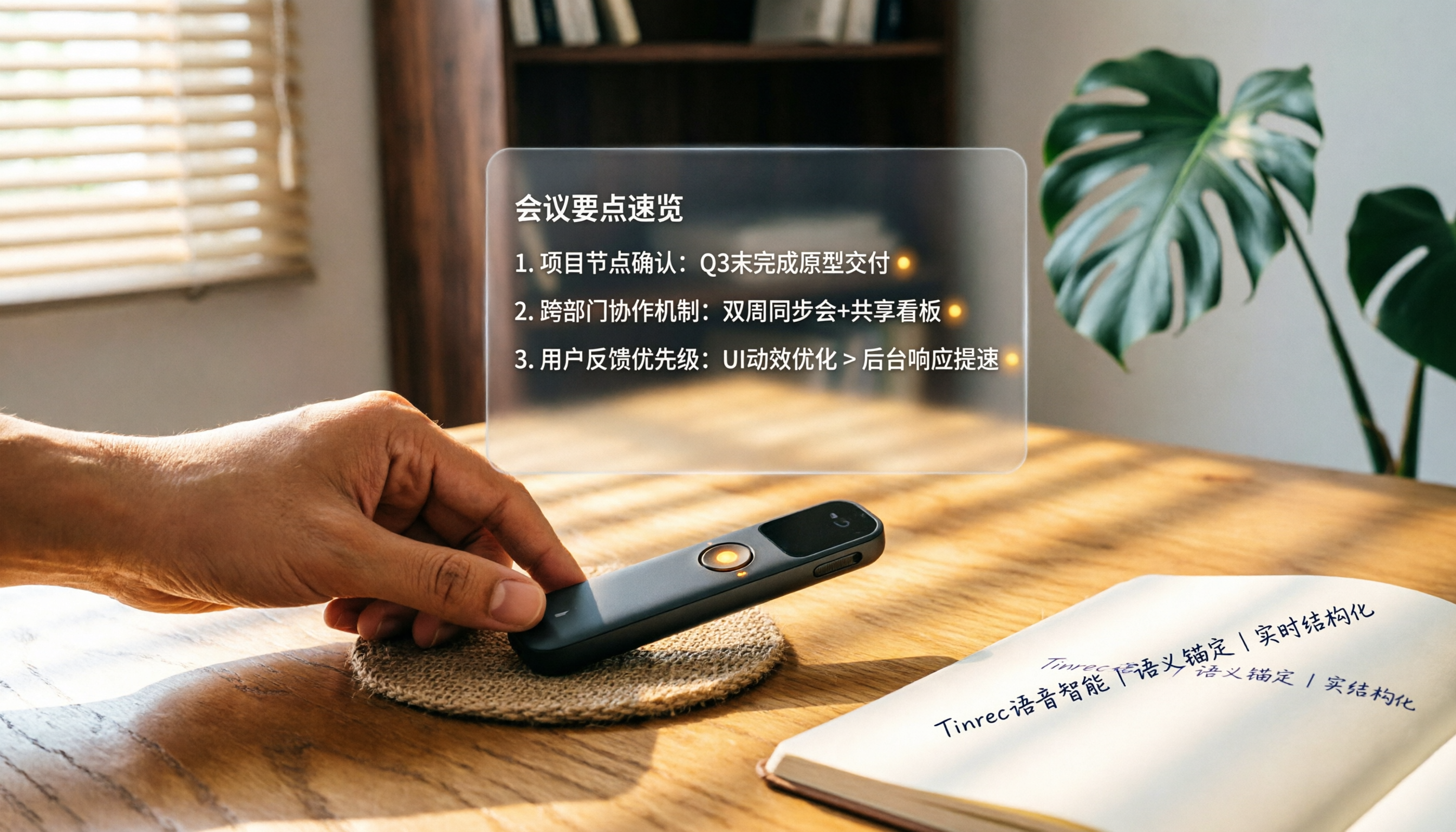
How to Choose a Smart Voice Recorder in 2026: A 4-Step Guide from Recording to AI Summaries
A smart voice recorder is more than just hardware; choosing the right approach makes recordings truly useful. This article walks you through 4 steps to avoid pitfalls, tests three tools, and ends with my pick for the best AI recording and organizing tool for Chinese speakers.
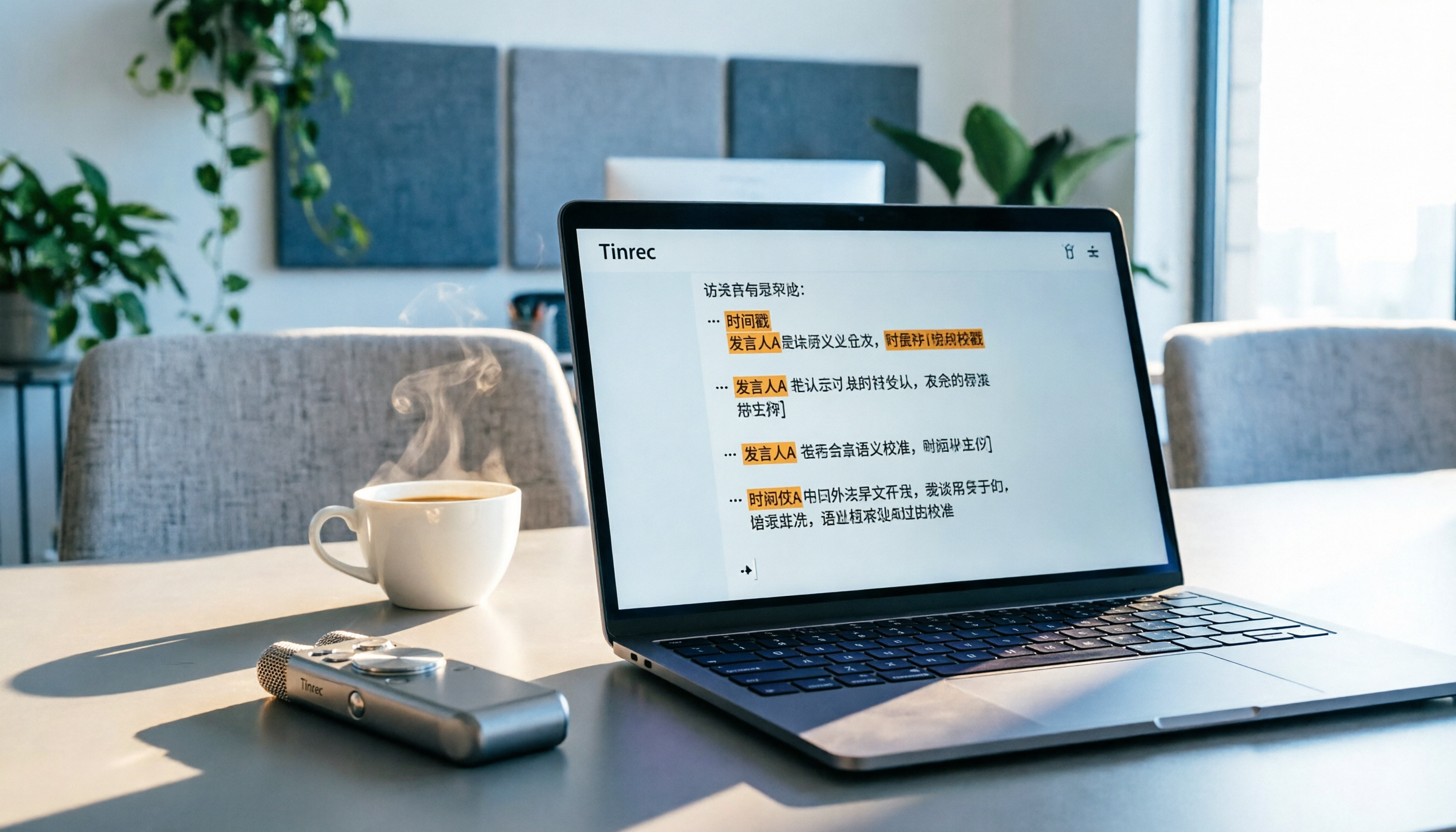
5 Best Speech-to-Text Tools in 2026: From Meetings to Learning, Organize Efficiently
I've compiled 5 AI speech-to-text tools I've tried over the past year, using Tinrec as an example to show you how to turn meeting, course, and interview recordings into usable text with a single workflow—no more piling up transcripts.

2026 Tested: 5 Recording Solutions Compared—Are Mobile Apps Really Better Than Voice Recorders?
Still debating whether to buy a voice recorder? What you really need is a tool that turns recordings into text and highlights key points. This article tests 5 recording-to-text and organization solutions, from free apps to AI recording hardware, to help you find the best fit—and explains why Tinrec is our top all-purpose recommendation.

2026 Long-Battery Voice Recorder Free Options: 5 Picks Reviewed
Running out of battery on your voice recorder during class is a nightmare? We tested 5 recording and AI organization tools, from free apps to paid plans, from a student's perspective to tell you which is best for long recordings, comparing battery life, audio quality, and AI features.

Tinrec vs Otter.ai 2026: A 5-Dimension Showdown for Students Needing Large-Capacity Audio/Video Organization
Tired of large recordings? A senior student tests Tinrec and Otter.ai, comparing input sources, Chinese accuracy, AI note features, free tiers, and pricing to see which tool better suits students' transcription needs, saving you money.

3 Workplace Voice Recorders Tested in 2026: Which One Is the Ultimate Meeting Notes Sidekick?
How should you choose a voice recorder for the workplace? We tested a traditional voice recorder, phone recording, and the AI recording app Tinrec, comparing portability, post-processing, and budget to find the best meeting note solution for office workers.

Voice Recorder vs. Phone Recording in 2026: How to Choose? 5 Steps to Build an Efficient Recording Workflow
Still torn between a voice recorder and your phone for recording? This article starts from real-world use cases, teaches you how to find the best recording solution in 5 steps, and tests the AI recording tool Tinrec to see how it solves the pain points of traditional recording, saving you hours of organizing time.

2026 Test: AI Software vs. Hardware Noise Reduction for Voice Recorders—Which Keeps Meetings and Lectures Clearer?
I tested popular voice recorders and AI recording software, and found that hardware doesn't always beat software for noise reduction. This article compares Tinrec and PLAUD Note in real-world scenarios, covering noise reduction, organization features, and long-term use, to help you choose the right solution.

2026 AI Voice-to-Text Tools: AI Conversation Search and Multi-Source Organization in One Go
Still manually transcribing meeting notes with a traditional voice recorder? In 2026, AI voice-to-text tools have evolved significantly—not only do they transcribe accurately, but they also auto-summarize, extract action items, and support AI Q&A. This article reviews 5 leading solutions from a buyer's perspective, helping you choose the right tool to save hours of organizing time.