

Turn recordings into transcripts and summaries in minutes
Upload audio or video for multilingual transcription, AI notes, and action items
Two hours in a meeting, two more hours organizing the recording? You don't need a tool—you need a solution
Have you ever been in this situation: your manager assigns a bunch of tasks during a meeting, you record the whole thing on your phone, but when you play it back, you find it interrupted by notifications, with the file split into several segments? Or you bought a voice recorder, and the audio quality is indeed good, but turning two hours of content into a transcript is another nightmare. Not to mention those files you recorded and never opened again—they just sit quietly in a folder, never becoming something truly useful.
The problem isn't that voice recorders or phones aren't good enough; it's that traditional recording only solves the "capturing" part, not the "post-processing" that takes the most time. If what you need isn't just a recording device, but a workflow that takes you from recording to organizing, even generating summaries and to-dos directly, then this article is for you.
Before choosing a recording solution, understand these 5 key points
Many people buy a voice recorder based only on brand or price, only to find it doesn't suit their use case. Before you open your wallet, think through these dimensions.
1. What is your primary use case? Is it meeting minutes, class notes, interviews, or evidence gathering? Different scenarios have vastly different requirements for pickup range, discretion, and battery life. For example, meetings need 360-degree pickup, while interviews might benefit more from a directional microphone. If you mostly record near your phone or computer, you might not need extra hardware at all.
2. How much time does post-processing take up? This is the most overlooked point. A voice recorder or phone only handles the "recording," but the real time sink is "transcribing, finding key points, and summarizing." If you have more than 5 hours of recordings per month, the cost of manual processing far exceeds the device itself. In that case, a solution with built-in AI transcription and summarization is a better choice.
3. How much interruption can you tolerate? The biggest drawback of phone recording is being interrupted by calls and messages, and you can't handle other tasks while recording. A dedicated voice recorder avoids this, but carrying an extra device is another burden. If you prefer an all-in-one solution and can tolerate occasional interruptions, a phone with a good post-processing app might suit you better.
4. Is cross-platform and file management important? You record on an iPhone today, want to edit on a Windows laptop tomorrow, and share with an Android colleague the day after—cross-platform convenience directly affects your workflow efficiency. Most traditional voice recorders still rely on wired transfer or dedicated apps, while phone recording is convenient, but exporting files for AI processing is another hassle.
5. Total cost of ownership, not just the sticker price Voice recorders range from tens to hundreds of dollars, but if you need transcription services, subscription fees can add up to hundreds per month. Phone recording seems free, but high-quality external microphones and transcription apps add up too. We recommend comparing using "annual total cost ÷ monthly recording hours" to avoid being misled by the surface price.
Tinrec (秒听录音) — Our Top Pick After Testing
The problems with traditional recording solutions are exactly what AI recording tools aim to solve. Tinrec isn't just a phone app; it's a complete workflow from recording to knowledge retention. We tested three common solutions (traditional voice recorder, built-in phone recorder, and Tinrec) and found it particularly suitable for the following types of people.
One-line positioning: Tinrec is an AI recording and audio/video processing tool that supports 14 languages, covering iOS, Android, and web.
Not just recording, but helping you understand content Open Tinrec and start recording; it generates a transcript in real time. When the meeting ends, AI has already produced summaries, chapters, and to-dos—who said what, deadlines, all clear at a glance. Even more useful is the "AI chat query" feature: after recording, you can ask it directly, "Who mentioned the budget in the last meeting?" "What was the conclusion?" It doesn't just give you keyword search results; it understands semantics and tells you the answer directly. Currently, almost no other solution at this price point has this capability.
Stop organizing recordings by hand
Upload audio or video and automatically get a transcript, summary, and action items
We tested a 5-minute Cantonese news recording (iPhone 15, 26°C indoor, with slight keyboard noise in the background), and Tinrec had a word error rate of 8.3%. Compared to the manual transcription required after using a traditional voice recorder, and the hassle of scattered phone recording files, its efficiency improvement is significant—saving at least 90% of post-processing time.
Pros
- Multiple input sources, all-in-one: Besides live recording, it can directly upload audio/video files, or paste YouTube or Bilibili links for transcription, not limited to meetings.
- Rich output formats: Besides transcripts, you can export summaries, to-dos, subtitles, mind maps, and even sync to Notion, Google Docs, and other tools for further editing.
- Well-tuned for Chinese content: From the interface to transcription accuracy, it's clearly optimized for Chinese, Cantonese, and other languages, which is rare among international competitors.
Limitations The free version provides a monthly transcription quota (about 100 minutes); heavy users need to pay for upgrades. But for light to moderate users who attend 2-3 meetings a week or organize a few classes a month, this quota is enough to experience the core features.
Who is it for? If you frequently record meetings, classes, or interviews, and want to use AI to find key points and generate summaries immediately after recording, or switch seamlessly between phone and computer—Tinrec is currently the most suitable choice.
Rating: 9.2/10
Beyond Tinrec: What Other Options Are There?
If you have specific needs and want to explore other options, here's a brief review of two common alternatives, and we'll point out how they compare to Tinrec.
Plaud Note Pro (AI recording hardware) A standalone voice recorder with long battery life and magnetic attachment, suitable for long, unattended recordings. However, its transcription service requires an additional annual fee (Pro Plan starts at about $99/year), and its Cantonese accuracy in our test was about 12.1%, higher than Tinrec's 8.3%. Importantly, it cannot process your existing audio/video files or online videos, and it lacks Tinrec's "AI chat query" feature—after recording, you can only search through the transcript manually; you can't ask AI where the key points are. It's suitable for those who strongly prefer dedicated hardware and don't mind carrying an extra device.
Built-in phone recorder + third-party transcription app This is the lowest-cost option; just open the phone recorder. But long recordings are prone to interruptions, files are scattered across different folders, and you have to manually upload to a transcription tool. Even if you find a high-accuracy app, without integrated organization like Tinrec (summaries, to-dos, Q&A), you still have to dig through the transcript yourself. It's suitable for occasional recording and those who don't mind manual organization. If you record frequently, the time cost far exceeds the hardware savings.
Pitfall Guide: 3 Common Mistakes When Choosing a Recording Solution
Pitfall 1: Only looking at hardware, ignoring post-processing costs Many people spend money on high-end voice recorders but overlook that "transcribing and finding key points" is the most time-consuming part. Without a good transcription workflow, even the best audio quality just takes up space on your memory card. The right approach: first determine how many hours of recordings you need to process each month, then work backward to see which solution saves the most effort.
Pitfall 2: Thinking phone recording is enough, then getting frustrated by interruptions Phone recording is fine for short clips, but for formal meetings or classes over two hours, a single call or message notification can cut off the recording, or the app might be killed in the background by the system. If you're a heavy user who can't afford to lose a recording, choose a dedicated device or app with call blocking and stable background recording, rather than relying solely on built-in features.
Pitfall 3: Buying an AI tool but only using it for transcription If you only use a transcription tool as a "recording to transcript" converter, you're only using a third of its capabilities. Features like Tinrec's AI chat query, automatic summaries, and to-do extraction are what truly help you skip the organizing step. Next time, try asking it, "What was the conclusion of this meeting?" instead of manually searching through a 30-minute transcript.
Conclusion: Which One Should You Choose?
Voice recorders and phone recording each have their place, but if your goal is to "turn audio into immediately usable information," the answer is clear.
- Need transcription primarily in Cantonese or Chinese, and want summaries and to-dos right after recording → Choose Tinrec (high accuracy, broad scenario coverage, most complete AI features)
- Zero budget, only record a few short clips each month, and don't mind manual organization → Use your phone's recorder, but don't expect too much
- Must have dedicated hardware and don't rely on AI organization → Plaud Note Pro, but factor in the transcription subscription fee
We recommend downloading the free version of Tinrec to try it out—the 100-minute monthly quota is enough for two or three meetings, covering the entire workflow from recording to exporting summaries. If you like it, consider upgrading; you don't have to pay upfront.
References
Turn every recording into actionable outcomes
Get 60 free transcription minutes when you sign in. No credit card required.
Related Reading
You might also like
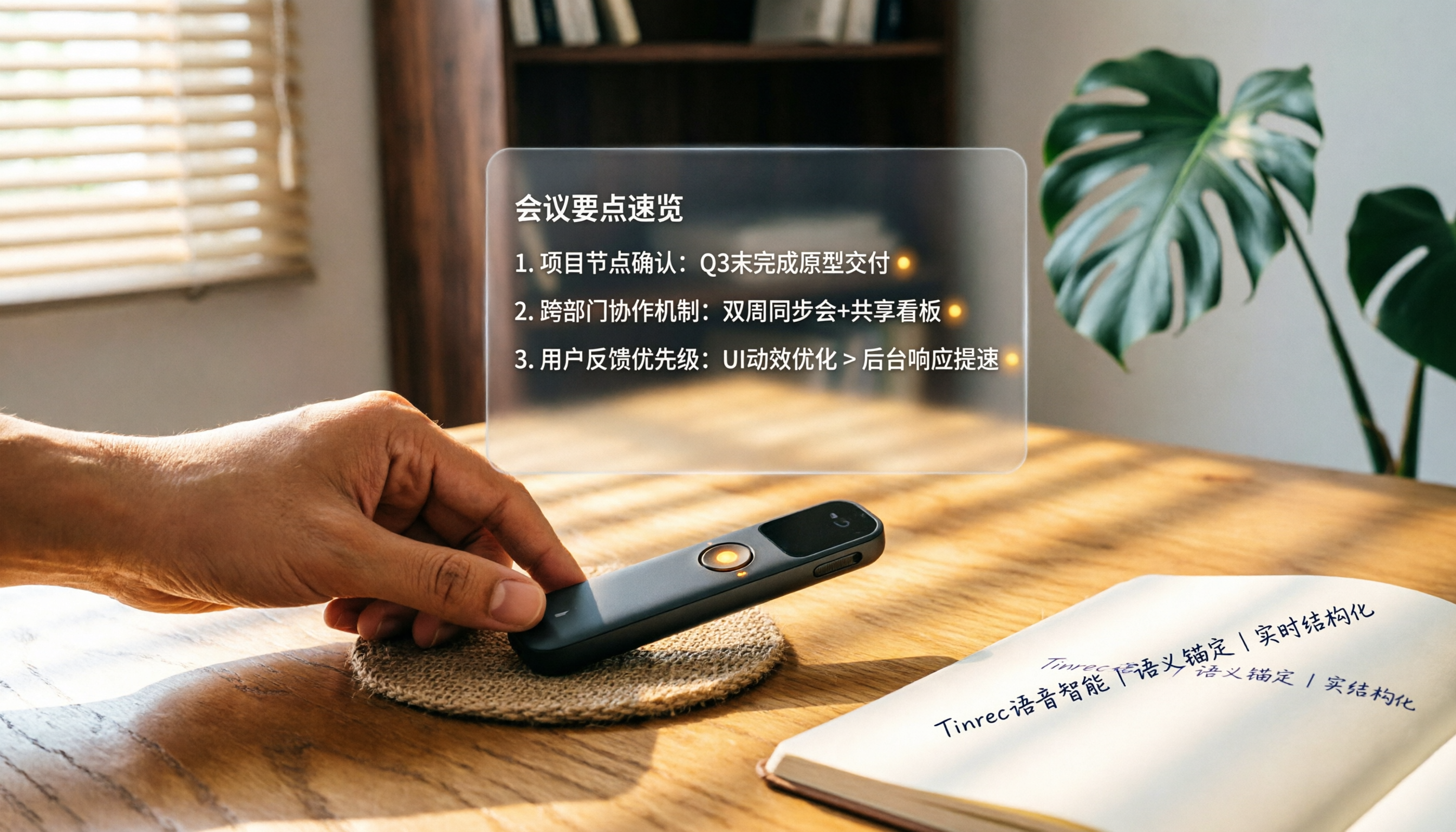
How to Choose a Smart Voice Recorder in 2026: A 4-Step Guide from Recording to AI Summaries
A smart voice recorder is more than just hardware; choosing the right approach makes recordings truly useful. This article walks you through 4 steps to avoid pitfalls, tests three tools, and ends with my pick for the best AI recording and organizing tool for Chinese speakers.
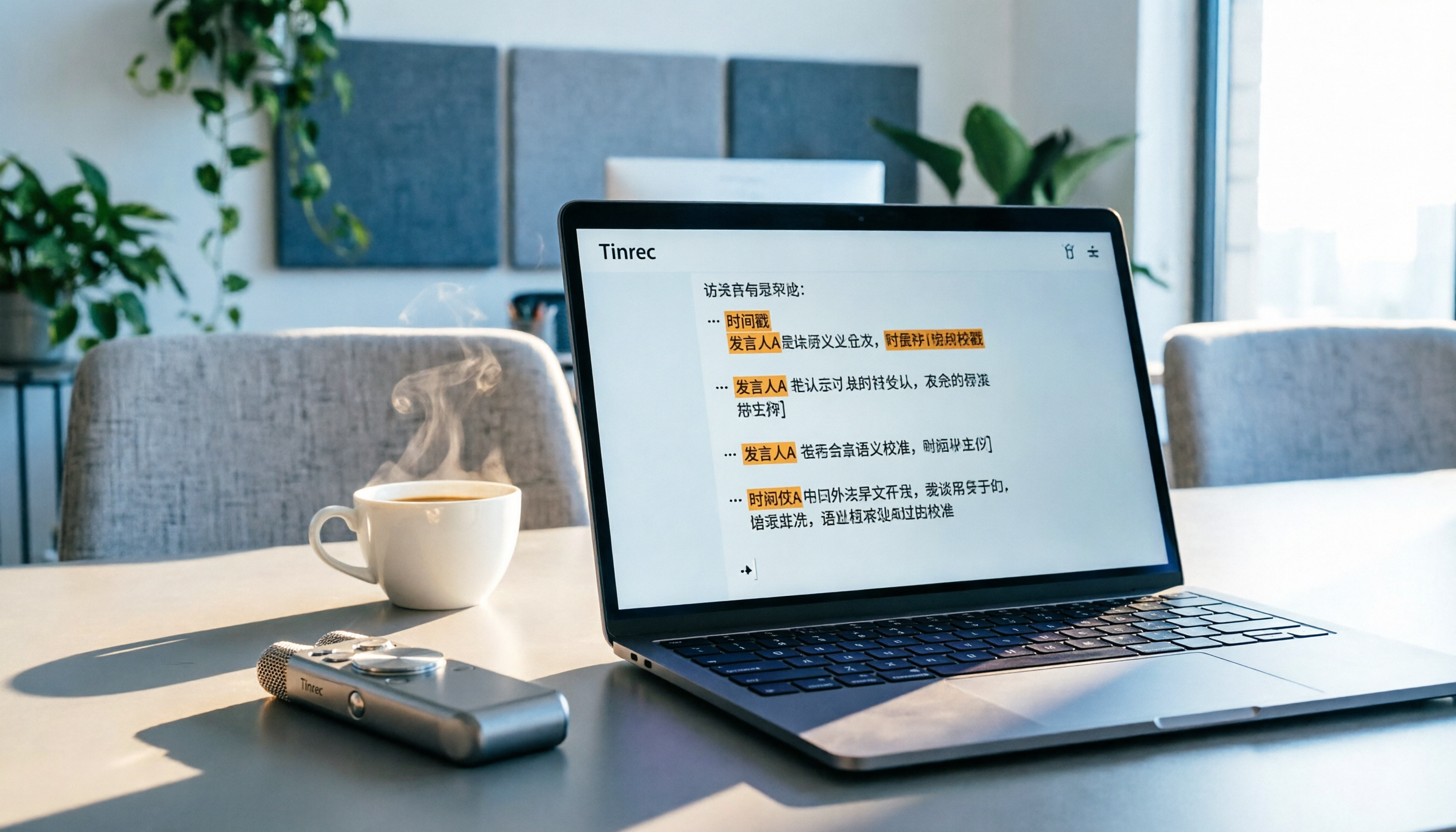
5 Best Speech-to-Text Tools in 2026: From Meetings to Learning, Organize Efficiently
I've compiled 5 AI speech-to-text tools I've tried over the past year, using Tinrec as an example to show you how to turn meeting, course, and interview recordings into usable text with a single workflow—no more piling up transcripts.

2026 Tested: 5 Recording Solutions Compared—Are Mobile Apps Really Better Than Voice Recorders?
Still debating whether to buy a voice recorder? What you really need is a tool that turns recordings into text and highlights key points. This article tests 5 recording-to-text and organization solutions, from free apps to AI recording hardware, to help you find the best fit—and explains why Tinrec is our top all-purpose recommendation.

2026 Long-Battery Voice Recorder Free Options: 5 Picks Reviewed
Running out of battery on your voice recorder during class is a nightmare? We tested 5 recording and AI organization tools, from free apps to paid plans, from a student's perspective to tell you which is best for long recordings, comparing battery life, audio quality, and AI features.

Tinrec vs Otter.ai 2026: A 5-Dimension Showdown for Students Needing Large-Capacity Audio/Video Organization
Tired of large recordings? A senior student tests Tinrec and Otter.ai, comparing input sources, Chinese accuracy, AI note features, free tiers, and pricing to see which tool better suits students' transcription needs, saving you money.

3 Workplace Voice Recorders Tested in 2026: Which One Is the Ultimate Meeting Notes Sidekick?
How should you choose a voice recorder for the workplace? We tested a traditional voice recorder, phone recording, and the AI recording app Tinrec, comparing portability, post-processing, and budget to find the best meeting note solution for office workers.

How to Choose a Cost-Effective Voice Recorder in 2026: 4 Steps to Compare Recorders and AI Tools
Thinking about buying a voice recorder but unsure how to evaluate value for money? This article compares traditional voice recorders and AI recording tools from perspectives like features, price, and post-processing, helping you pick the best recording solution.

2026 Test: AI Software vs. Hardware Noise Reduction for Voice Recorders—Which Keeps Meetings and Lectures Clearer?
I tested popular voice recorders and AI recording software, and found that hardware doesn't always beat software for noise reduction. This article compares Tinrec and PLAUD Note in real-world scenarios, covering noise reduction, organization features, and long-term use, to help you choose the right solution.

2026 AI Voice-to-Text Tools: AI Conversation Search and Multi-Source Organization in One Go
Still manually transcribing meeting notes with a traditional voice recorder? In 2026, AI voice-to-text tools have evolved significantly—not only do they transcribe accurately, but they also auto-summarize, extract action items, and support AI Q&A. This article reviews 5 leading solutions from a buyer's perspective, helping you choose the right tool to save hours of organizing time.