

Turn recordings into transcripts and summaries in minutes
Upload audio or video for multilingual transcription, AI notes, and action items
My Workplace Recording Journey: A Story of Trial and Error
I started an internship in my senior year of college and quickly realized how different the workplace is from school. The first time I was called into a small room for a "chat," my supervisor gave me a bunch of revision directions. I nodded enthusiastically, but when I walked out, my mind was a complete blank—I couldn't remember a thing he said. As soon as I got home, I searched online for "voice recorder workplace recommendations" and found out that many people had fallen into the same pitfalls.
I initially bought a traditional voice recorder, then switched to phone recording, and finally found a solution that truly works for the workplace. This article shares my hands-on experience with all three methods, hoping to help you if you also need to record conversations at work.
Contender 1: PHILIPS Voice Recorder
On PTT and Dcard, many users recommend Philips voice recorders, citing brand quality, good noise reduction, and free lifetime AI transcription. I was drawn to these features and bought an entry-level model, thinking I could easily get meeting transcripts in the future.
After two weeks of use, the pros were clear: the audio capture was indeed crisp, and the free lifetime transcription was appealing—no monthly fees. But the cons quickly surfaced: first, you have to remember to bring it! Several times, I walked into the meeting room only to realize the recorder was sitting on my desk at home, so I had to fall back on my phone. Second, transcription wasn't fast, and it required a computer connection. If I wanted the text right after a meeting, I had to wait until I got home and transfer files, which killed immediacy. For an intern like me, time is money.
Contender 2: Built-in Phone Recording App
This is probably the first "voice recorder" everyone uses. Yes, recording on your phone is super convenient and costs nothing. But here's the catch—the real hassle starts after recording.
After a one- or two-hour meeting, the audio file just sits in your phone. If you need to find a specific point your supervisor made, you have to listen from the beginning, and you might zone out before finding it. Plus, phone storage is limited; after a few recordings, it's full, and you have to manually transfer files to your computer, which is inefficient. Once, after a meeting, I spent half an hour replaying the recording to find a key sentence, only to discover that part was muffled because the phone was in my pocket and didn't pick up clearly.
Contender 3: Tinrec Recording App
Later, a senior recommended Tinrec, saying he used it in class for recording and transcription, and it even offers AI summaries. I was skeptical—could an app really replace a voice recorder? But after installing it, I realized this was exactly the workplace recording solution I needed.
Stop organizing recordings by hand
Upload audio or video and automatically get a transcript, summary, and action items
Tinrec transcribes speech to text in real time with less than a second delay. During meetings, I could watch the text appear as we spoke, so I never missed a key point. What really made it indispensable was the "AI conversation query" feature—after recording a one-hour meeting, I could simply ask, "What's the conclusion?" or "Who is responsible for what?" and it would extract answers from the context, saving me from scrolling through dozens of pages of transcript.
Moreover, it's not just about recording and transcribing; you can also paste a link to an online meeting recording, and it will generate a summary. For interns like me who need to compile meeting notes, this is a game-changer. The free version offers a basic monthly quota, so you can try it out first. If you need more, you can opt for a weekly card or Pro plan—the cost of a cup of bubble tea can save you hours.
Side-by-Side Comparison of the Three Options
| Option | Portability | Immediacy | Post-Processing | Budget Friendliness |
|---|---|---|---|---|
| PHILIPS Voice Recorder | Requires extra device; easy to forget | Transcription requires computer; not real-time | Manual organization after transcription | Higher hardware cost |
| Phone Recording | Always with you; zero burden | Easy to record, but no transcription | Completely self-service listening and typing | Free, but high time cost |
| Tinrec App | Uses your phone; no extra burden | Real-time transcription; see text as you record | AI summaries, Q&A, export in multiple formats | Free version available; Pro plan starts at a few dollars per month |
Conclusion: Who Should Use Tinrec?
If you're like me—new to the workforce, on a tight budget, but don't want to be overwhelmed by meeting notes—Tinrec is currently the highest value-for-money option I've found. You don't need to buy a separate recorder, and you don't have to spend time listening to recordings after every meeting; everything is automatically organized for you.
Of course, if you have specific needs for a hardware recorder or your meeting scenarios are unusual, traditional recorders still have their place. But for most office workers, I'd recommend trying Tinrec's free version first, testing it with your own meetings, and then deciding if a paid plan is worth it. The time you save is worth getting an extra half hour of sleep.
References
- [2026 Voice Recorder Recommendations] You'll Cry If You Miss This! 6 Dcard/PTT Hot Picks: SONY/u-ta/Evidence Collection Guide - Maple Sugar (@fanfansuger) | Dcard
- Top 10 Voice Recorder Must-Buys July 2026 - Yahoo Shopping Daily
- [2025 Selection] 5 Voice Recorder Recommendations! Long Recording Time, Large Capacity, Great for Meetings, Study, and Evidence Collection!
- 2026 Voice Recorder Recommendations: 7 Speech-to-Text and Evidence Collection Essentials! Students and Office Workers, Read This - Youyou (@u_u_blue) | Dcard
- Top 5 Voice Recorders of 2026: Perfect for Meetings, Classes, Lectures, and More! - Sound3C
Turn every recording into actionable outcomes
Get 60 free transcription minutes when you sign in. No credit card required.
Related Reading
You might also like
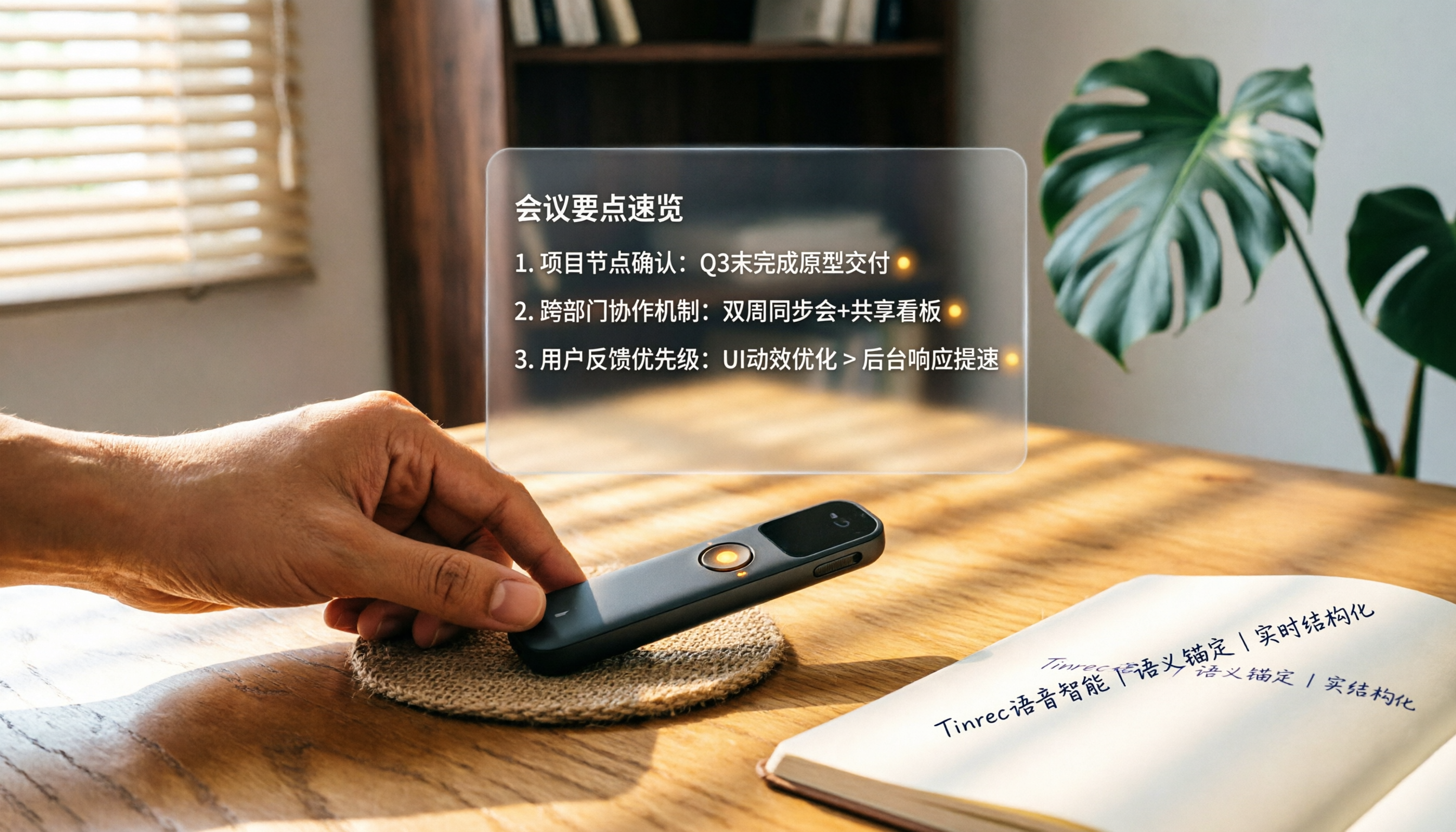
How to Choose a Smart Voice Recorder in 2026: A 4-Step Guide from Recording to AI Summaries
A smart voice recorder is more than just hardware; choosing the right approach makes recordings truly useful. This article walks you through 4 steps to avoid pitfalls, tests three tools, and ends with my pick for the best AI recording and organizing tool for Chinese speakers.
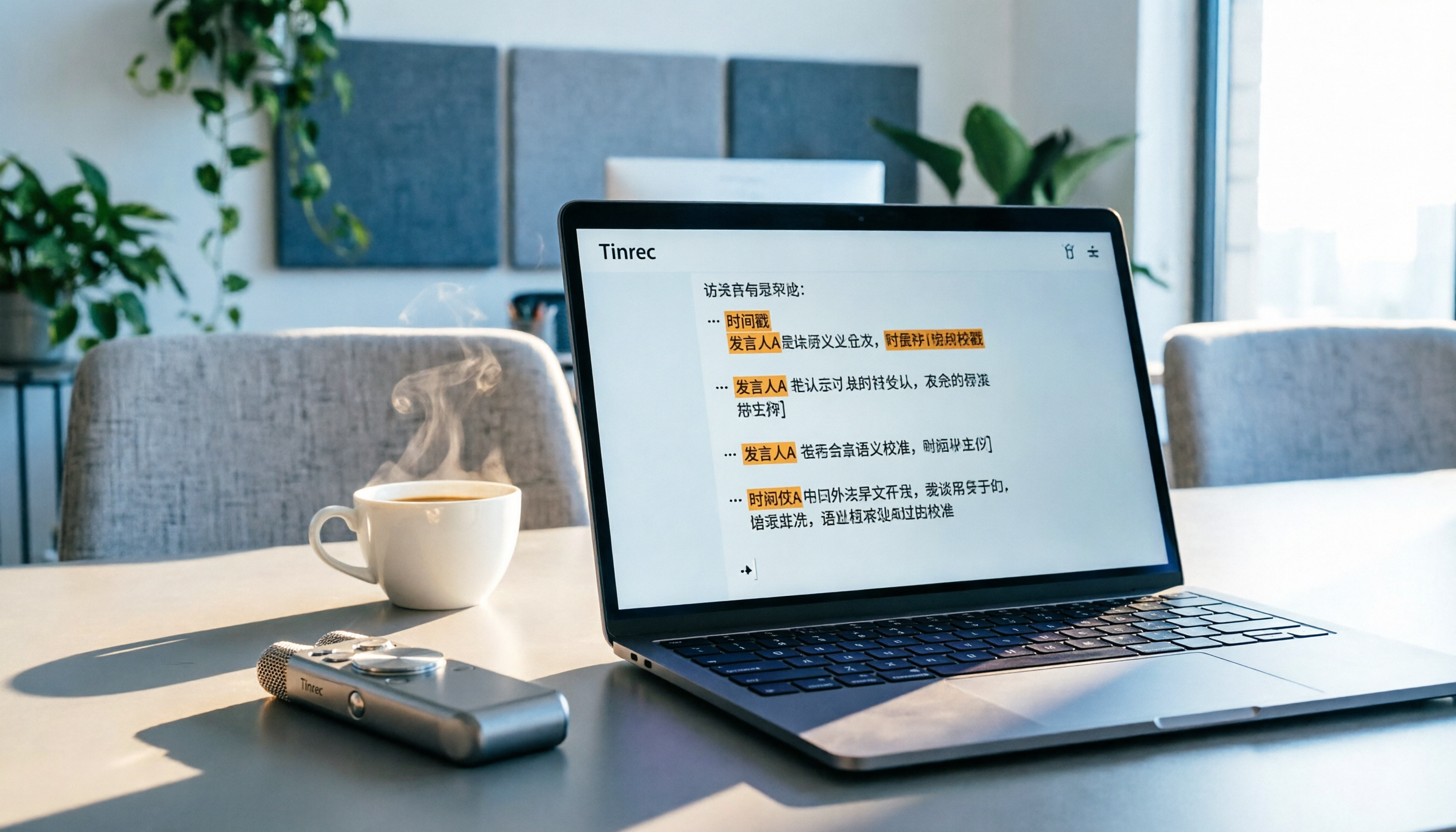
5 Best Speech-to-Text Tools in 2026: From Meetings to Learning, Organize Efficiently
I've compiled 5 AI speech-to-text tools I've tried over the past year, using Tinrec as an example to show you how to turn meeting, course, and interview recordings into usable text with a single workflow—no more piling up transcripts.
2026 Tested: 5 Recording Solutions Compared—Are Mobile Apps Really Better Than Voice Recorders?
Still debating whether to buy a voice recorder? What you really need is a tool that turns recordings into text and highlights key points. This article tests 5 recording-to-text and organization solutions, from free apps to AI recording hardware, to help you find the best fit—and explains why Tinrec is our top all-purpose recommendation.

2026 Long-Battery Voice Recorder Free Options: 5 Picks Reviewed
Running out of battery on your voice recorder during class is a nightmare? We tested 5 recording and AI organization tools, from free apps to paid plans, from a student's perspective to tell you which is best for long recordings, comparing battery life, audio quality, and AI features.

Tinrec vs Otter.ai 2026: A 5-Dimension Showdown for Students Needing Large-Capacity Audio/Video Organization
Tired of large recordings? A senior student tests Tinrec and Otter.ai, comparing input sources, Chinese accuracy, AI note features, free tiers, and pricing to see which tool better suits students' transcription needs, saving you money.

Voice Recorder vs. Phone Recording in 2026: How to Choose? 5 Steps to Build an Efficient Recording Workflow
Still torn between a voice recorder and your phone for recording? This article starts from real-world use cases, teaches you how to find the best recording solution in 5 steps, and tests the AI recording tool Tinrec to see how it solves the pain points of traditional recording, saving you hours of organizing time.

How to Choose a Cost-Effective Voice Recorder in 2026: 4 Steps to Compare Recorders and AI Tools
Thinking about buying a voice recorder but unsure how to evaluate value for money? This article compares traditional voice recorders and AI recording tools from perspectives like features, price, and post-processing, helping you pick the best recording solution.

2026 Test: AI Software vs. Hardware Noise Reduction for Voice Recorders—Which Keeps Meetings and Lectures Clearer?
I tested popular voice recorders and AI recording software, and found that hardware doesn't always beat software for noise reduction. This article compares Tinrec and PLAUD Note in real-world scenarios, covering noise reduction, organization features, and long-term use, to help you choose the right solution.

2026 AI Voice-to-Text Tools: AI Conversation Search and Multi-Source Organization in One Go
Still manually transcribing meeting notes with a traditional voice recorder? In 2026, AI voice-to-text tools have evolved significantly—not only do they transcribe accurately, but they also auto-summarize, extract action items, and support AI Q&A. This article reviews 5 leading solutions from a buyer's perspective, helping you choose the right tool to save hours of organizing time.