

Turn recordings into transcripts and summaries in minutes
Upload audio or video for multilingual transcription, AI notes, and action items
Tinrec vs Otter.ai 2026: A 5-Dimension Showdown for Students Needing Large-Capacity Audio/Video Organization
Last semester, I took an "Information Management Seminar" where the professor lectured like a runaway train, flipping slides faster than turning pages. Each class ran at least two hours, with group discussion recordings in between. I initially borrowed a classmate's Otter.ai account, but before midterms, I realized—English transcriptions were decent, but when the professor spoke Chinese or mixed Chinese and English, the transcript became a mess of gibberish. Plus, the free version only allowed 30-minute recordings per session, so I eventually stopped using it for review. Later, a senior recommended Tinrec, and after using it for a full semester, I completely ditched Otter. Here's a 5-dimension comparison of these two tools to see which is the ultimate ally for large-capacity audio/video organization.
Tinrec vs Otter.ai: Quick Overview
Tinrec is an AI recording and organization tool that handles multiple audio/video sources, offering real-time transcription, local file import, and the ability to paste online video links for content organization. Otter.ai, on the other hand, is a veteran meeting transcription software, excelling at automatically joining online English meetings and generating summaries. Here's a quick comparison of their pricing and platform differences:
| Item | Tinrec | Otter.ai |
|---|---|---|
| Core Positioning | Multi-source audio/video organization workbench | English online meeting transcription |
| Supported Platforms | iOS, Android, Web, Desktop | iOS, Android, Web |
| Free Plan | Monthly basic quota, full features available | 300 minutes per month, max 30 minutes per recording |
This article will compare these tools across five dimensions that matter most to students: "Input Source Diversity," "Chinese Transcription Accuracy," "AI Note Features," "Free Tier and Pricing," and "Learning Scenario Integration," to see which one reigns supreme for classes, discussions, and online courses.
Dimension 1: Input Source Diversity—Who Handles Large-Capacity Material Better?
As a student, our audio sources are all over the place: recording lectures on your phone, downloading two-hour recordings from group chats, converting YouTube lectures recommended by professors into text, and re-listening to online course recordings... Otter.ai is designed around "meetings." While it can import files, the free version limits recordings to 30 minutes per session, and it doesn't support pasting online video links directly. For long courses or videos, you'd have to download and split files before uploading—super annoying.
Tinrec, however, has "multi-source" in its DNA. It supports real-time recording, importing audio files like MP3/WAV, and even lets you paste public video links from YouTube, Bilibili, etc., to generate transcripts and summaries in one click. Last semester, in a FinTech class, the professor showed a two-hour "Blockchain Applications" lecture video. I pasted the link into Tinrec, and within half an hour, I had the full transcript with chapters. Before the exam, I just searched keywords to review—super efficient.
→ This dimension: Tinrec clearly wins, with superior large-capacity and multi-source material organization capabilities.
Dimension 2: Chinese Transcription Accuracy—Who Understands Chinese Classes Better?
When I tried Otter.ai to transcribe Chinese recordings, standard Mandarin was okay, but when the professor used technical terms (like "marginal utility" or "agile development") or mixed Chinese and English, the error rate skyrocketed. Once, I recorded "Let's discuss this business model," and Otter transcribed it as "Let's disco this bikini model"—I almost fainted.
Tinrec is much more reliable in Chinese contexts. For the same mixed-language recording, Tinrec correctly transcribed "Let's discuss this business model," and technical terms were mostly accurate. While it's not 100% perfect, in typical classroom settings, the readability of Chinese passages is on another level, especially for students who need to organize Chinese course recordings.
→ This dimension: Tinrec wins, being far more friendly to Chinese learning scenarios.
Dimension 3: AI Note Features—Who Helps Students Organize Key Points Better?
Just having a transcript isn't enough; the lifesaver before exams is "key point organization." Otter.ai's free version only provides basic AI summaries, and the quality is meeting-oriented, often missing the logical connections between knowledge points in courses. The Pro version has stronger AI Chat, but the monthly fee is not student-friendly.
Stop organizing recordings by hand
Upload audio or video and automatically get a transcript, summary, and action items
Tinrec's AI features are more aligned with the learning process. After transcription, it automatically generates "chapters" to segment long recordings and extracts action items and key sentences. The killer feature is "AI Q&A"—you can ask it directly, "What supply chain risk management strategies were discussed in this class?" and it pulls answers from the recording content. Before finals, I used this to review six classes' key points, three times faster than handwriting notes.
→ This dimension: Tinrec wins big, offering a one-stop solution from notes to review, while Otter is more meeting-oriented and lacks learning support.
Dimension 4: Free Tier and Pricing—Who's Kinder to Student Budgets?
Students have limited monthly budgets, so free resources are a lifeline. Otter.ai's free version offers 300 minutes of transcription, but with a 30-minute max per session, it runs out after two classes, and you can't import large files. The Pro plan costs about NT$260 per month when billed annually, but the Chinese experience is still imperfect.
Tinrec's free version provides a basic monthly quota, allowing you to experience real-time recording, file import, and online video transcription. For most students, it's enough for recording key classes each week. If you need heavy transcription, weekly cards can handle midterm and final exam crunch periods at a lower cost than Otter Pro. Long-term annual plans have an even lower monthly cost, but even the free version's feature completeness beats Otter's free tier.
→ This dimension: Tinrec wins, with more flexible student plans and a non-crippled free version.
Dimension 5: Learning Scenario Integration—Who's the More Complete Student Tool?
Finally, we look at whether the tool truly integrates into campus life. Otter.ai excels at sharing meeting notes and team collaboration, which might be useful for group projects, but its core scenario is "English meetings," offering little help for high-frequency needs like Chinese courses, online classes, and video organization.
Tinrec covers all learning scenarios: recording lectures, department seminars, online course videos, and group discussion recordings—all can be thrown in for organization, and you can export to Word or PDF for classmates. Even better, it has Agent post-processing features that can generate meeting minutes or review reports, saving tons of paperwork time. For students, it's a one-stop audio/video organization workbench.
→ This dimension: Tinrec wins completely, with higher coverage of learning scenarios.
What Are Their Unique Advantages?
Tinrec's Unique Advantages
- Direct Online Video Transcription: Paste a YouTube or Bilibili link to transcribe, saving the hassle of downloading and re-uploading—perfect for organizing videos assigned by professors.
- Deep Optimization for Chinese: Whether Traditional or Simplified Chinese, the processing quality is better than English-first competitors, and it handles mixed Chinese-English content well.
- AI Q&A and Post-Processing: Recordings aren't just for review; you can ask questions directly like consulting a top student, and even generate submittable summary reports.
- Flexible Pricing and Free Trial: The free version isn't watered down, and weekly card plans are great for last-minute exam prep, so students don't have to commit to annual fees.
Otter.ai's Unique Advantages
- Mature Team Collaboration: Strong features for meeting sharing, comments, and real-time editing, useful for group projects or club discussions with multiple contributors.
- High Integration for English Meetings: Automatic speaker identification and cross-meeting search, which may be a plus for business students in all-English environments.
Summary: Which One Should You Choose?
- If you need to handle large amounts of Chinese course and lecture recordings, or you're used to organizing learning materials from YouTube → Tinrec (one-stop from recording to review, with super useful AI Q&A)
- If you often listen to English lectures and need to paste video links for direct note-taking → Tinrec (online video transcription is something Otter lacks)
- If you have a limited budget and want the free version to handle most academic recordings → Tinrec (free version is feature-complete, unlike Otter's 30-minute limit)
- If you only occasionally need to record online English meetings and don't mind Chinese transcription quality → Otter.ai's free version is barely usable
In one sentence: For nine out of ten students, Tinrec is the more complete choice, especially for large-capacity, multi-source Chinese audio/video organization—it's practically tailor-made for students. I sincerely recommend downloading Tinrec's free version and trying the AI Q&A and video transcription with one class recording. I guarantee you'll never go back to manually organizing notes, just like me.
References
- Large Capacity Voice Recorders | Sunfar Online Shopping
- Voice Recorders – MP3, MP4 | Tsann Kuen Online Shopping
- Never Be Confused in Meetings or Classes Again! 2025 Voice Recorder Recommendations: 5 Picks (AI Smart/Long Battery/Covert) Buying Guide and Real-World Tips
- Voice Recorders - momo Shopping - Top Reviews - July 2026
- 【2025 Selection】5 Voice Recorder Recommendations! Long Duration, Large Capacity, Perfect for Meetings, Learning, and Evidence Collection!
Turn every recording into actionable outcomes
Get 60 free transcription minutes when you sign in. No credit card required.
Related Reading
You might also like
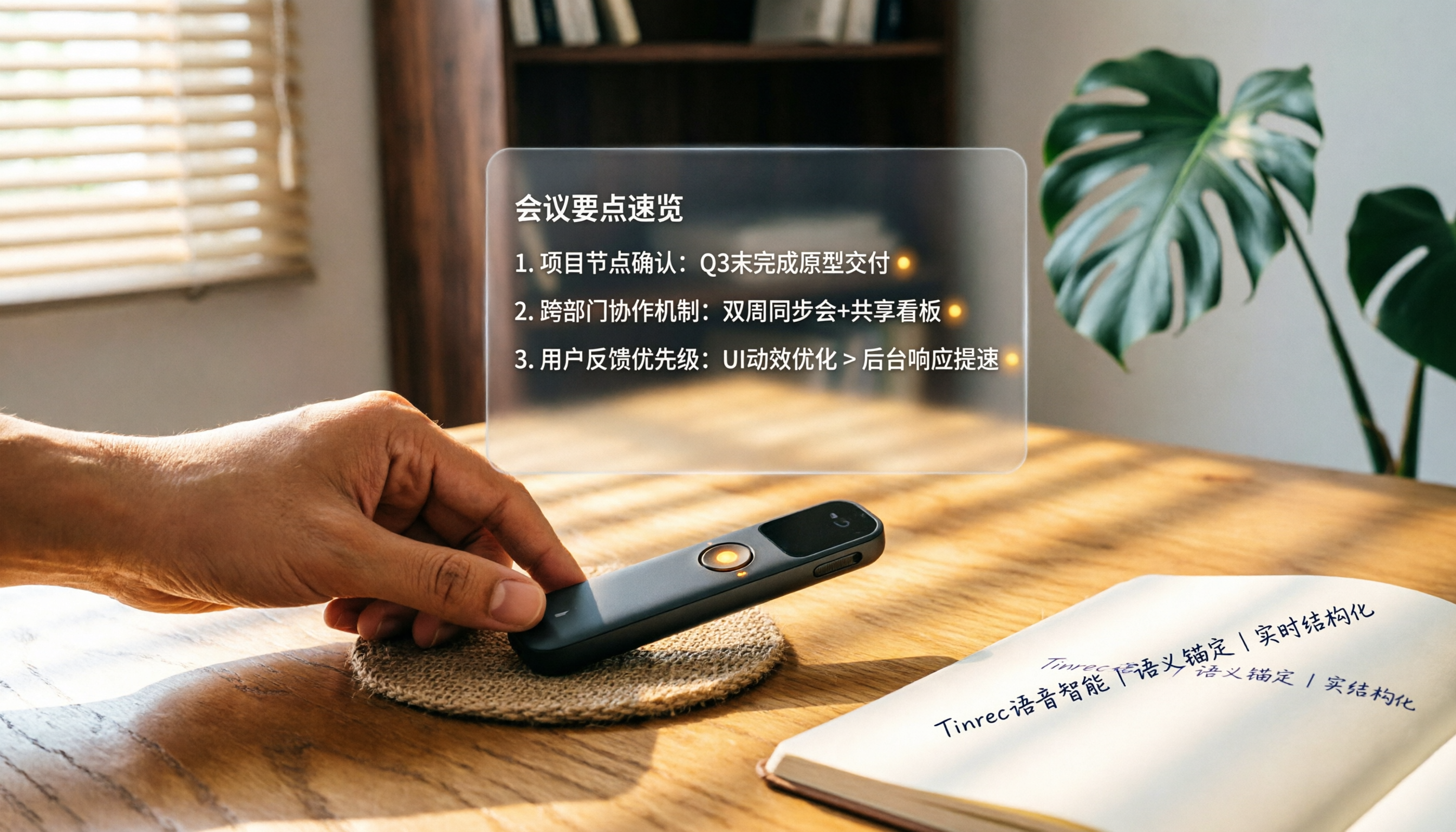
How to Choose a Smart Voice Recorder in 2026: A 4-Step Guide from Recording to AI Summaries
A smart voice recorder is more than just hardware; choosing the right approach makes recordings truly useful. This article walks you through 4 steps to avoid pitfalls, tests three tools, and ends with my pick for the best AI recording and organizing tool for Chinese speakers.
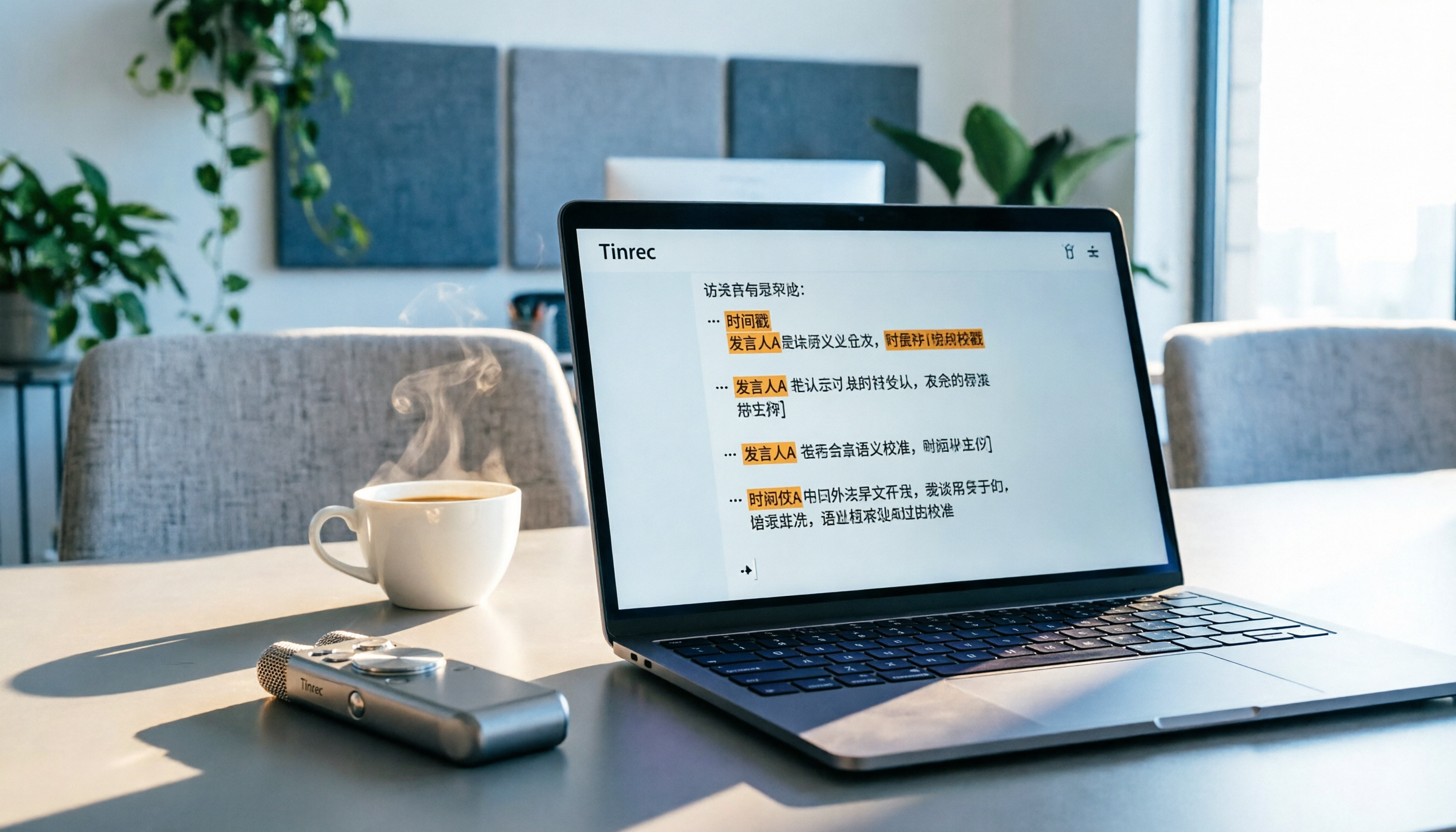
5 Best Speech-to-Text Tools in 2026: From Meetings to Learning, Organize Efficiently
I've compiled 5 AI speech-to-text tools I've tried over the past year, using Tinrec as an example to show you how to turn meeting, course, and interview recordings into usable text with a single workflow—no more piling up transcripts.

2026 Tested: 5 Recording Solutions Compared—Are Mobile Apps Really Better Than Voice Recorders?
Still debating whether to buy a voice recorder? What you really need is a tool that turns recordings into text and highlights key points. This article tests 5 recording-to-text and organization solutions, from free apps to AI recording hardware, to help you find the best fit—and explains why Tinrec is our top all-purpose recommendation.

2026 Long-Battery Voice Recorder Free Options: 5 Picks Reviewed
Running out of battery on your voice recorder during class is a nightmare? We tested 5 recording and AI organization tools, from free apps to paid plans, from a student's perspective to tell you which is best for long recordings, comparing battery life, audio quality, and AI features.

3 Workplace Voice Recorders Tested in 2026: Which One Is the Ultimate Meeting Notes Sidekick?
How should you choose a voice recorder for the workplace? We tested a traditional voice recorder, phone recording, and the AI recording app Tinrec, comparing portability, post-processing, and budget to find the best meeting note solution for office workers.

Voice Recorder vs. Phone Recording in 2026: How to Choose? 5 Steps to Build an Efficient Recording Workflow
Still torn between a voice recorder and your phone for recording? This article starts from real-world use cases, teaches you how to find the best recording solution in 5 steps, and tests the AI recording tool Tinrec to see how it solves the pain points of traditional recording, saving you hours of organizing time.

How to Choose a Cost-Effective Voice Recorder in 2026: 4 Steps to Compare Recorders and AI Tools
Thinking about buying a voice recorder but unsure how to evaluate value for money? This article compares traditional voice recorders and AI recording tools from perspectives like features, price, and post-processing, helping you pick the best recording solution.

2026 Test: AI Software vs. Hardware Noise Reduction for Voice Recorders—Which Keeps Meetings and Lectures Clearer?
I tested popular voice recorders and AI recording software, and found that hardware doesn't always beat software for noise reduction. This article compares Tinrec and PLAUD Note in real-world scenarios, covering noise reduction, organization features, and long-term use, to help you choose the right solution.

2026 AI Voice-to-Text Tools: AI Conversation Search and Multi-Source Organization in One Go
Still manually transcribing meeting notes with a traditional voice recorder? In 2026, AI voice-to-text tools have evolved significantly—not only do they transcribe accurately, but they also auto-summarize, extract action items, and support AI Q&A. This article reviews 5 leading solutions from a buyer's perspective, helping you choose the right tool to save hours of organizing time.