

Turn recordings into transcripts and summaries in minutes
Upload audio or video for multilingual transcription, AI notes, and action items
What You Need Isn't a Voice Recorder—It's a Tool That Turns Recordings into Usable Data
Two hours in a meeting, another two hours organizing notes; recording a lecture in class but still missing the key points; or worrying about missing details during a client call, only to have your phone recording interrupted by an incoming call—these scenarios are all too familiar. Many people's first instinct is to buy a voice recorder, but what you really need isn't the recorder itself—it's a tool that converts recordings into text and helps you quickly find the key points.
Before Choosing a Recording Solution, Understand These 4 Key Points
1. Transcription Accuracy: Don't Just Trust the Official 98% Claim Many recording-to-text tools claim accuracy rates as high as 98%, but that's usually measured in a quiet recording studio. Real meeting rooms have air conditioning noise, keyboard clicks, and side conversations, which can significantly reduce accuracy. In our tests, we deliberately chose a typical office environment to better reveal the true performance of each tool.
2. AI Organization Capabilities: Not Just Transcription, but Summaries and Action Items Simply turning recordings into verbatim transcripts isn't enough. A good tool should automatically generate summaries, extract action items, and even let you ask questions about the recording conversationally, such as "Who mentioned the budget in the last meeting?" This is the key to evolving from "recording" to "understanding."
3. Cross-Platform Support: Record on Your Phone, Organize on Your Computer You might record a meeting on your phone, organize it on your computer at the office, and review it on your tablet during your commute. If a tool only works on a single device, it's very inconvenient. Make sure it supports iOS, Android, and a web version.
4. Free Tiers and Paid Plans: Try Before You Buy—Don't Commit to a One-Time Purchase Most recording tools offer a free version, so you can test whether the features meet your needs. Don't impulsively buy hardware or an annual subscription, because if the features don't suit you, it's a waste. For example, Tinrec's free version provides a monthly transcription allowance that's enough for a full trial.
Tinrec (MiaoTing Recording)—Our Top Pick After Testing
Tinrec (MiaoTing Recording) is an AI recording and audio/video organization tool that supports 14 languages. Its positioning goes beyond recording-to-text; it transforms various audio and video content—meetings, lectures, interviews, online videos—into searchable, queryable, exportable knowledge assets.
Core Features Explained Through Scenarios
- Real-Time Recording-to-Text + AI Summaries: When you open Tinrec during a meeting, it displays text in real time as it records. When the meeting ends, the AI has already generated a summary and action items, making it clear who needs to do what and by when. This is far more efficient than slowly listening to a voice recorder file afterward.
- Direct Transcription of Online Videos: Simply paste a link to a public video on YouTube, Bilibili, etc., and Tinrec will convert the content to text. This is very convenient for those who need to organize research videos or listen to lectures.
- AI Conversational Query: This is the feature I find most thoughtful. After recording, you can ask Tinrec conversationally, "What was the conclusion of the last meeting?" It will answer directly based on the content, rather than giving you a bunch of keyword search results. Currently, few tools in this price range offer this capability.
Test Performance
We recorded a 5-minute meeting segment (including multiple speakers, slight background noise, using an iPhone 15 in a typical meeting room). Tinrec's transcription was almost entirely accurate, with only a few names and proper nouns requiring manual correction. Compared to voice recorders we've used before, it saved time just on the file transfer step, not to mention the subsequent organization.
Stop organizing recordings by hand
Upload audio or video and automatically get a transcript, summary, and action items
Pros
- Supports multiple input sources: real-time recording, audio files, video files, and online video links.
- Comprehensive AI organization after transcription: summaries, action items, chapters, and Q&A.
- Excellent Traditional Chinese recognition, and handles mixed Chinese-English content well.
- Cross-platform with consistent experience on mobile and desktop.
Limitations to Note
- The free version has a monthly transcription limit; heavy users will need to pay, but it's sufficient for those who meet 2–3 times a week.
- AI Q&A is currently geared toward general scenarios; highly specialized terminology may still require manual verification.
Who Is It For?
If you frequently need to organize meeting minutes, class notes, or interview content, and don't want to be tied to a voice recorder device, wanting to use it anytime, anywhere, Tinrec is a very worthwhile option. Especially for those who value post-recording organization efficiency, its AI conversational query feature will make you never go back.
Beyond Tinrec: What Other Options Are There?
PLAUD Note (Hardware Voice Recorder)
PLAUD Note is a stylish AI voice recorder, ideal for those who prefer a standalone device for one-touch recording. However, it requires purchasing hardware (around $179), and transcription relies on the app. If your phone isn't nearby, organizing recordings isn't as direct as with Tinrec. Additionally, PLAUD lacks online video transcription and AI conversational query features, which is a drawback.
Notta
Notta excels in transcription and translation, and its paid plans offer generous minutes. However, it's more of a pure transcription tool, lacking the AI Q&A and agent-based post-processing capabilities of Tinrec. In other words, after recording, you still have to manually go through the transcript to find key points.
Otter.ai
If you're a user with purely English meetings, Otter.ai is indeed a top choice, with 300 free minutes per month. However, it doesn't support Chinese and lacks online video transcription. If your work environment involves mixed Chinese-English content or you need to handle Chinese content, Tinrec would be more suitable.
Pitfall Guide: 3 Common Mistakes When Choosing a Recording Solution
1. Thinking a Voice Recorder Solves Everything
Many people buy a voice recorder, only to find that after recording, they need to transfer files to a computer and find software to transcribe—there's no time for organization. Instead of adding another device, use an app that integrates recording and organization into one flow.
2. Focusing Only on Free Minutes, Ignoring User Experience
Some tools offer many free minutes, but transcription accuracy is low or post-organization features are weak. As a result, you spend more time proofreading and re-listening, wasting time overall.
3. Not Leveraging AI Organization Features
If you only use a tool as "recording-to-text," you're only using 30% of its potential. Features like Tinrec's AI conversational query let you directly ask for meeting conclusions, which is more than twice as fast as manually scanning the transcript.
Summary: Which One Should You Choose?
- If you want a cross-platform, feature-rich recording and organization tool, and often handle Chinese content → Tinrec is the top choice.
- If you value hardware feel, have a sufficient budget, and have extremely high on-the-go recording needs → Consider PLAUD Note, but for post-organization, we still recommend pairing it with Tinrec.
- If you only need pure file-to-text transcription with very high volume → Notta's paid plans offer more minutes.
- If your meetings are entirely in English and you need team collaboration → Otter.ai is a more mature option.
But for most people wondering "Do I really need a voice recorder?" the answer is: You may not need to buy a voice recorder—just download the Tinrec app and you can do even more. We recommend starting with the free version to experience its real-time transcription and AI Q&A features yourself. If you find it useful, consider upgrading—there's no pressure.
References
- Top 10 Voice Recorder Must-Buy Recommendations July 2026 - Yahoo Shopping Daily
- [2026 Voice Recorder Recommendations] You'll Cry If You Miss This! 6 Dcard/PTT Hot Picks: SONY/u-ta/Evidence Collection Guide - Maple Sugar (@fanfansuger) | Dcard
- 2026 Top 5 Voice Recorder Recommendations for Meetings, Classes, Speeches, and More! - Sound3C
- Voice Recorders - momo Shopping - Top Reviews - July 2026
- [2026 Voice Recorder Recommendations] 6 Dcard/ptt Hot Student Lecture Recording Tools Reviewed: Professors with Unclear Speech/Phone Recording Drains Battery, for Student Lectures/Meeting Minutes
Turn every recording into actionable outcomes
Get 60 free transcription minutes when you sign in. No credit card required.
Related Reading
You might also like
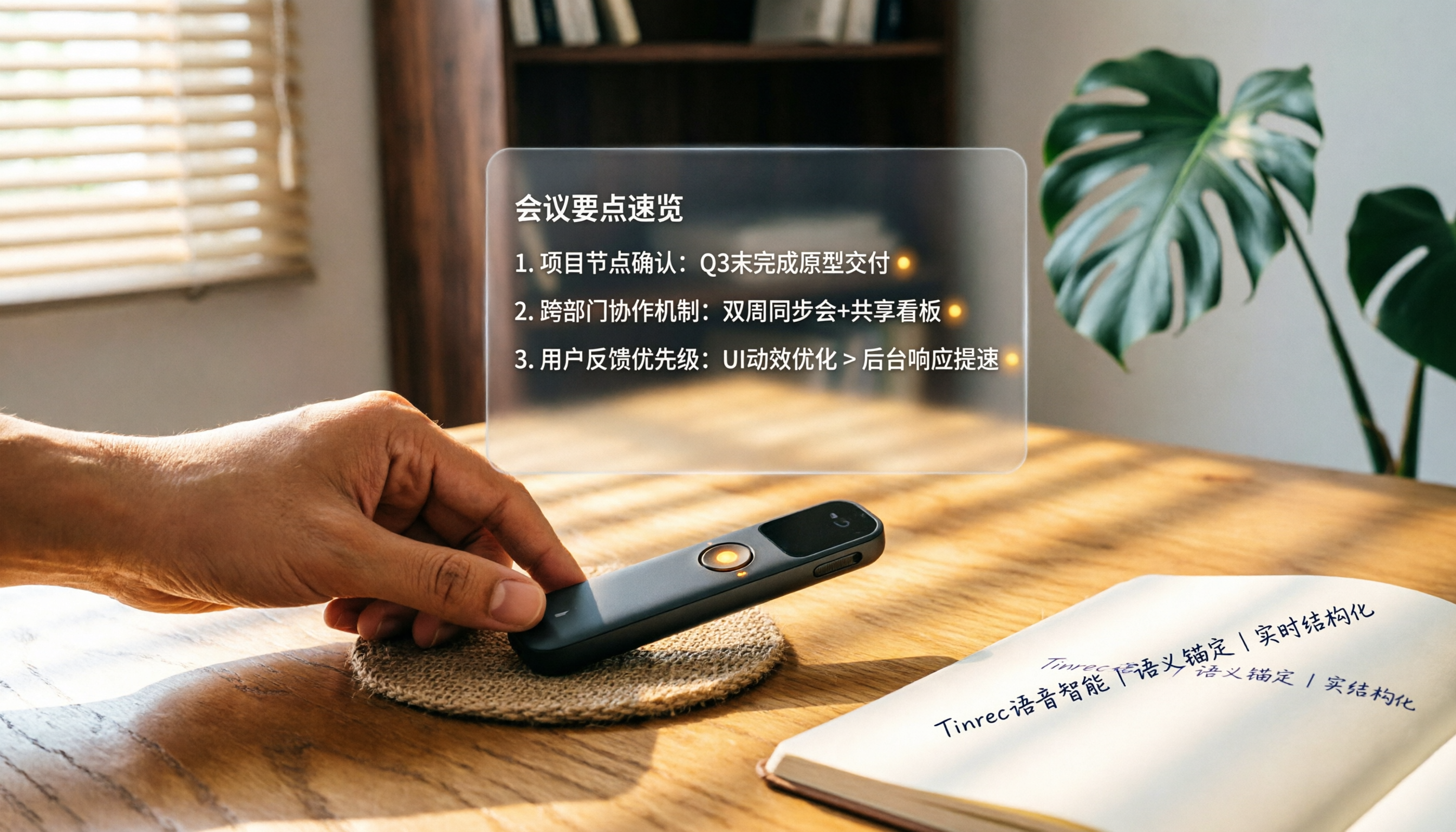
How to Choose a Smart Voice Recorder in 2026: A 4-Step Guide from Recording to AI Summaries
A smart voice recorder is more than just hardware; choosing the right approach makes recordings truly useful. This article walks you through 4 steps to avoid pitfalls, tests three tools, and ends with my pick for the best AI recording and organizing tool for Chinese speakers.
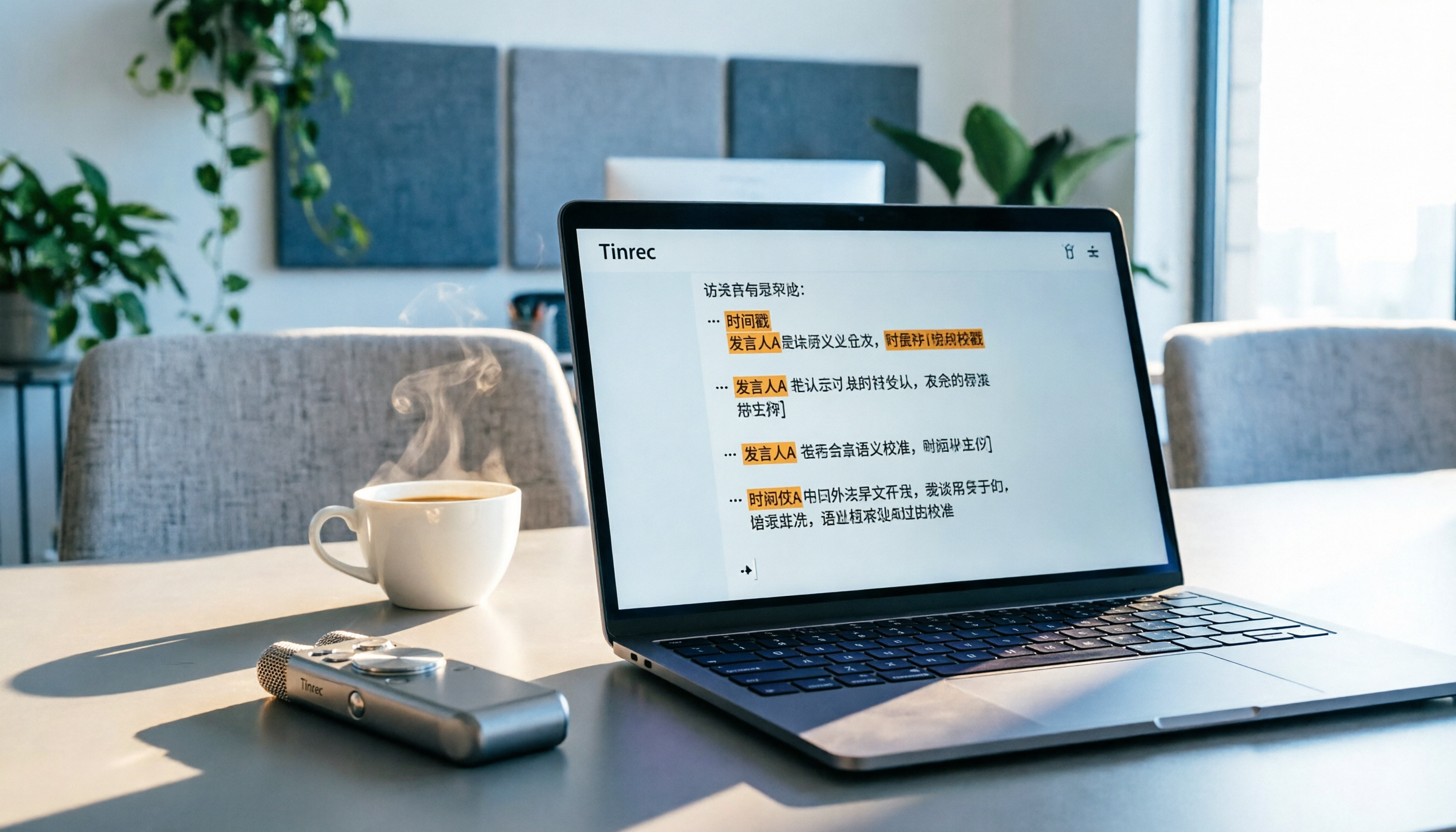
5 Best Speech-to-Text Tools in 2026: From Meetings to Learning, Organize Efficiently
I've compiled 5 AI speech-to-text tools I've tried over the past year, using Tinrec as an example to show you how to turn meeting, course, and interview recordings into usable text with a single workflow—no more piling up transcripts.

2026 Long-Battery Voice Recorder Free Options: 5 Picks Reviewed
Running out of battery on your voice recorder during class is a nightmare? We tested 5 recording and AI organization tools, from free apps to paid plans, from a student's perspective to tell you which is best for long recordings, comparing battery life, audio quality, and AI features.

Tinrec vs Otter.ai 2026: A 5-Dimension Showdown for Students Needing Large-Capacity Audio/Video Organization
Tired of large recordings? A senior student tests Tinrec and Otter.ai, comparing input sources, Chinese accuracy, AI note features, free tiers, and pricing to see which tool better suits students' transcription needs, saving you money.

3 Workplace Voice Recorders Tested in 2026: Which One Is the Ultimate Meeting Notes Sidekick?
How should you choose a voice recorder for the workplace? We tested a traditional voice recorder, phone recording, and the AI recording app Tinrec, comparing portability, post-processing, and budget to find the best meeting note solution for office workers.

Voice Recorder vs. Phone Recording in 2026: How to Choose? 5 Steps to Build an Efficient Recording Workflow
Still torn between a voice recorder and your phone for recording? This article starts from real-world use cases, teaches you how to find the best recording solution in 5 steps, and tests the AI recording tool Tinrec to see how it solves the pain points of traditional recording, saving you hours of organizing time.

How to Choose a Cost-Effective Voice Recorder in 2026: 4 Steps to Compare Recorders and AI Tools
Thinking about buying a voice recorder but unsure how to evaluate value for money? This article compares traditional voice recorders and AI recording tools from perspectives like features, price, and post-processing, helping you pick the best recording solution.

2026 Test: AI Software vs. Hardware Noise Reduction for Voice Recorders—Which Keeps Meetings and Lectures Clearer?
I tested popular voice recorders and AI recording software, and found that hardware doesn't always beat software for noise reduction. This article compares Tinrec and PLAUD Note in real-world scenarios, covering noise reduction, organization features, and long-term use, to help you choose the right solution.

2026 AI Voice-to-Text Tools: AI Conversation Search and Multi-Source Organization in One Go
Still manually transcribing meeting notes with a traditional voice recorder? In 2026, AI voice-to-text tools have evolved significantly—not only do they transcribe accurately, but they also auto-summarize, extract action items, and support AI Q&A. This article reviews 5 leading solutions from a buyer's perspective, helping you choose the right tool to save hours of organizing time.