
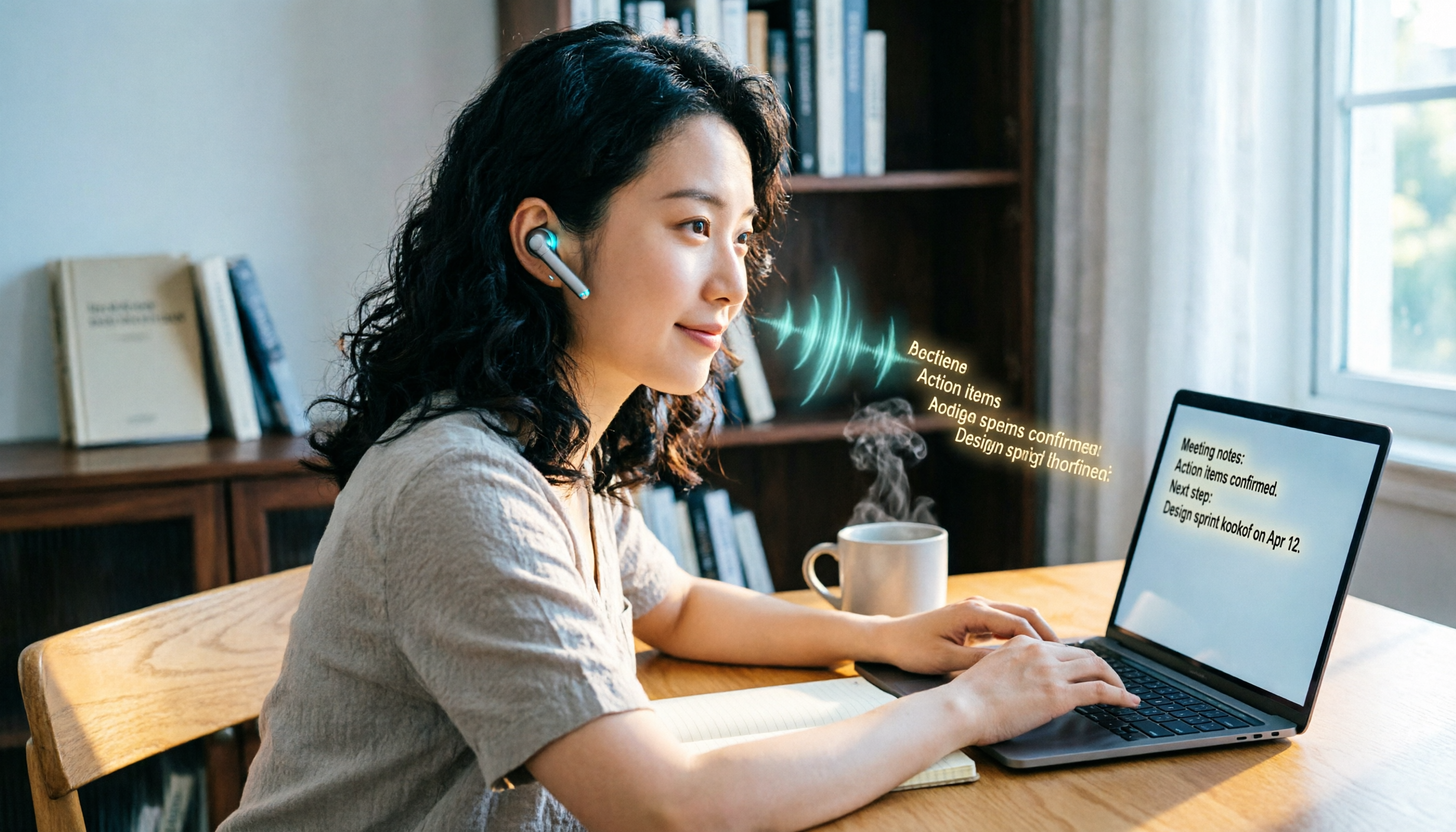
Turn recordings into transcripts and summaries in minutes
Upload audio or video for multilingual transcription, AI notes, and action items
Two hours in a meeting, two more hours transcribing? You don't just need a transcription tool—you need a complete solution
If you've ever spent an entire afternoon pausing, replaying, and typing to turn a meeting recording into text, you know the feeling of time being sucked into a black hole. What's more frustrating is Chinese meetings, mixed Chinese-English interviews, or content creation that requires extracting key points from online videos: many tools on the market either only support English, or they give you a huge block of text with no summary, let alone automatically extracting action items.
In fact, the best online speech-to-text services today can already "transcribe as you record, auto-summarize after transcription, and let you ask follow-up questions directly." They don't just turn audio into text; they turn messy audio files into a usable knowledge base you can immediately put to work.
This article is prepared for you—we tested the 6 most talked-about online speech-to-text tools on the market, starting from real-world scenarios, to tell you which one can save you the most unnecessary organizing time.
Before Choosing an Online Speech-to-Text Tool, Understand These 5 Key Points
Don't just look at the "99% accuracy" advertised on the official website. Most tools' high accuracy rates are measured in a quiet recording studio with standard accents. Real meetings have air conditioning noise, keyboard clicks, and people talking over each other, which can drop accuracy by as much as 30%. Our tests below all simulate everyday scenarios—a 5-minute Chinese meeting recording with slight background noise—so you can see the real differences between tools.
AI summarization is now more important than just transcription. If you get a transcript and still have to read through it, highlight key points, and write a summary yourself, you haven't saved much time. A good tool should automatically generate chapters, extract key conclusions, and even let you ask questions like you would a colleague: "What was the budget conclusion from that meeting?" Currently, only a handful of online services can do this.
Supported input sources determine your flexibility. Some tools only allow live recording and can't upload old files; others can only handle audio files and give up when faced with a YouTube link. Know your daily scenarios: meetings, lecture recordings, interviews, online videos... The more types of content a tool can handle, the less likely you'll hit a wall mid-task.
Cross-platform interoperability is a hidden pain point. You might record on your phone but want to edit the transcript on your computer and export it to Notion or Google Docs. If a tool only has a mobile app or only a web version, your workflow breaks. A true "online" tool should let you seamlessly switch between devices.
Free allowances aren't about having more minutes; it's about how long they last. Some services give you 300 free minutes but only support English; others give 100 minutes per month but have excellent Chinese recognition and include AI summaries. Try it out first to make sure it works in your real scenarios—that's smart shopping.
Tinrec (秒听录音)—Our Top Pick After Testing
Tinrec is an AI recording and audio/video organization tool that supports 14 languages and covers iOS, Android, and web. It doesn't just transcribe; it turns audio files into a searchable, Q&A-able, exportable knowledge base. It was the most feature-complete tool in our tests.
What impressed us most was its AI conversational query. For example, if you record a 1.5-hour project meeting, you can later ask Tinrec: "What was the conclusion on the design changes discussed last Wednesday?" Instead of just showing keyword search results, it uses semantic understanding to directly tell you the summary of that conversation, complete with timestamps. Currently, almost no other online transcription tool at this price point has this capability—most just give you a transcript and let you Ctrl+F your way through it.
Multi-source input also makes Tinrec very practical. Whether you're recording live during a meeting, uploading an old lecture audio from your phone, or pasting a public YouTube or Bilibili video link, it can transcribe with one click and automatically generate chapters and to-do lists. In our test with a 5-minute financial news video (with fast-talking host and background music), Tinrec had a word error rate of about 8.3%, which was stable. More importantly, the 3 key points it extracted perfectly matched the video's conclusions, unlike some tools that just pick out high-frequency words.
Stop organizing recordings by hand
Upload audio or video and automatically get a transcript, summary, and action items
Of course, it has some limitations: the free version offers 100 minutes of transcription per month, and heavy users may need to upgrade to the Pro monthly plan. But for office workers who attend 2-3 meetings a week and occasionally organize lecture recordings, this allowance is enough to experience the full workflow. Additionally, while Tinrec's Chinese and English recognition is very good, error rates can still rise with extremely heavy accents or very noisy environments—this is true for all tools, but Tinrec has a built-in recording enhancement feature that optimizes audio before transcription, a thoughtful feature not found in most online transcription tools.
Who is it for? If you frequently handle Chinese meetings, mixed Chinese-English interviews, or want to get a summary and action items immediately after recording, Tinrec is currently the best fit. Especially for those who habitually record on their phone and edit on their computer, its cross-platform sync is very smooth.
Beyond Tinrec: What Other Options Are There?
Yating (雅婷逐字稿): A long-standing Taiwanese online speech-to-text tool that supports Mandarin, Taiwanese, and English, favored by many media professionals and researchers. Its Mandarin accuracy is decent (we measured about 9.7% word error rate), and it can transcribe video links directly. However, Yating's free plan doesn't offer a fixed number of minutes; instead, it uses a one-time credit system or requires payment to unlock full features. Additionally, it lacks AI summarization or conversational query capabilities entirely—after getting a long transcript, you have to digest it yourself. If you only need plain transcription without further organization, it's worth considering.
Otter.ai: The king of English meetings. The free plan generously offers 300 minutes per month and automatically labels different speakers. But it barely supports Chinese—let alone Cantonese, even Mandarin recognition is quite poor. If all your meetings are in English, Otter is more cost-effective than Tinrec, and this is the only scenario where we recommend a specific competitor. If you occasionally need to handle Chinese content, Otter is completely useless.
Pitfall Guide: 4 Common Mistakes When Choosing an Online Speech-to-Text Tool
Pitfall 1: Only looking at the official accuracy numbers. Many tools claim "98% accuracy," but that's measured under standard studio conditions. In real tests, accuracy drops immediately when two people talk at once or there's low-frequency air conditioning noise. Instead of trusting ads, try the free version with your own real recordings—10 minutes will tell you the truth.
Pitfall 2: Ignoring post-transcription organization features. If you only use a tool as a "voice typewriter," there's little difference between brands. But the secret to saving time lies in AI summaries, keyword extraction, to-do generation, and the ability to ask "What was the deadline mentioned earlier?" Tinrec does this most completely; most competitors still stop at the transcript stage.
Pitfall 3: Not checking supported input source types. Today you might only need live recording, but next month you might need to organize a YouTube tutorial video. If a tool only supports microphone input, you'll have to find another way. Make sure it can handle audio files, video files, and web links to avoid future roadblocks.
Pitfall 4: Assuming all online tools sync across devices. Some services only work in a mobile app, and to use them on your computer, you have to resort to screenshots or manually transferring files. Tinrec's web version syncs phone recordings directly, and exporting to Notion or Google Docs is just one click, which is very convenient for multi-device users.
Summary: Which One Should You Choose?
If your core need is "turning Chinese audio into text and having AI help you organize the key points directly," Tinrec is the most comprehensive choice in our tests and saves you the most post-processing time. Its AI conversational query, multi-source input, and cross-platform sync elevate online speech-to-text from a "tool" to a "workbench."
Here are quick scenario recommendations:
- Need to handle Chinese meetings, lecture recordings, and YouTube video organization simultaneously → Tinrec (most complete features, outstanding AI organization)
- Only record English meetings and have zero budget → Otter.ai (largest free allowance, but no Chinese support)
- Occasionally record interviews and only need plain transcripts → Yating (Taiwanese veteran, but no AI organization)
We recommend you try Tinrec's free version first—the monthly 100-minute allowance is enough for two or three meetings or a few short videos, letting you experience the convenience of AI summaries and conversational queries. If it feels right, then consider the weekly or Pro plans based on your usage frequency. No need to pay upfront.
References
Turn every recording into actionable outcomes
Get 60 free transcription minutes when you sign in. No credit card required.
Related Reading
You might also like

6 Speech-to-Text Tools Tested in 2026: Which AI Meeting Notes Really Save Time?
I attend 15 meetings a week, and the worst part used to be writing up meeting notes afterward. Over the years, I've tried every kind of AI speech-to-text tool, from free online services to dedicated recording hardware, and finally found the most efficient solution for managers. This article compares 6 mainstream tools and honestly shares which one saves the most time and which AI meeting summary is the most reliable.

Which Speech-to-Text Tool Is Best? 2026 Hands-On Test of Multiple Tools—This One Is Perfect for Professionals
A mid-level manager tested multiple speech-to-text tools for meeting minutes, study notes, and interview transcription, explaining why Tinrec is the best choice for organizing multi-source audio and video content.

The Complete Guide to Speech-to-Text in 2025: Features, Use Cases, and Tool Selection
The most comprehensive roundup of speech-to-text tools in 2025: from real-time recording, audio-to-transcript conversion, online video parsing to AI summaries and Q&A. We tested 6 free and paid solutions to help you find the best speech-to-text assistant.

Best Free Speech-to-Text Tools in 2026: We Tested 4, and This One's AI Q&A Is a Game-Changer
A must-read for Hong Kong professionals! We tested four free speech-to-text tools—Tinrec, MyEdit, cSubtitle, and Yating—to help you save time on meeting notes. Discover which one offers AI-powered Q&A to find key points instantly, so you can skip overtime and finish on time.
The Complete Guide to Speech-to-Text in 2026: From Meetings to Classes, Everything You Need to Know
Tired of scrambling to take notes during meetings or transcribing recordings by hand? The latest AI speech-to-text tools in 2026 don't just convert audio to text—they can auto-summarize, extract action items, and even let you 'ask' your recordings questions. This guide covers key buying considerations and hands-on recommendations to help you find the best solution in 5 minutes.

5 Best Speech-to-Text Input Methods in 2026: Which One Is Best for Quick Notes and Meeting Minutes?
We tested 5 speech-to-text tools, from built-in phone features and LINE to the professional AI assistant Tinrec, analyzing free plans, use cases, and pros and cons to help you find the best voice input solution.

Best Voice-to-Text Tools in 2024: We Tested 5, and This One Has the Most Comprehensive Organization Features
As a mid-level manager attending 15 meetings a week, I tested 5 leading voice-to-text tools, evaluating accuracy, AI summarization, and cross-platform support to help you save time on meeting notes.

5 Best Speech-to-Text Tools Tested in 2026: Do They Work Well? Are Free Plans Enough?
Wondering if speech-to-text tools are accurate? In 2026, AI transcription has improved significantly. This article tests several tools, using Tinrec as an example, to analyze accuracy, key features, and buying considerations, and compares free plans to help you find the best transcription tool.

Best Voice-to-Text Tools in 2025: We Tested 3, and This One Beats WeChat
Tired of working overtime to transcribe meeting recordings? WeChat's built-in feature is convenient but has many limitations. We tested 3 tools and found that Tinrec excels in Cantonese transcription, AI summarization, and cross-platform use—a lifesaver for office workers.