
Turn recordings into transcripts and summaries in minutes
Upload audio or video for multilingual transcription, AI notes, and action items
What Can Speech-to-Text Do for You?
"Is speech-to-text accurate?" is a common question when choosing a tool. In 2026, AI transcription technology has matured enough to handle daily meetings, class notes, and interview transcripts.
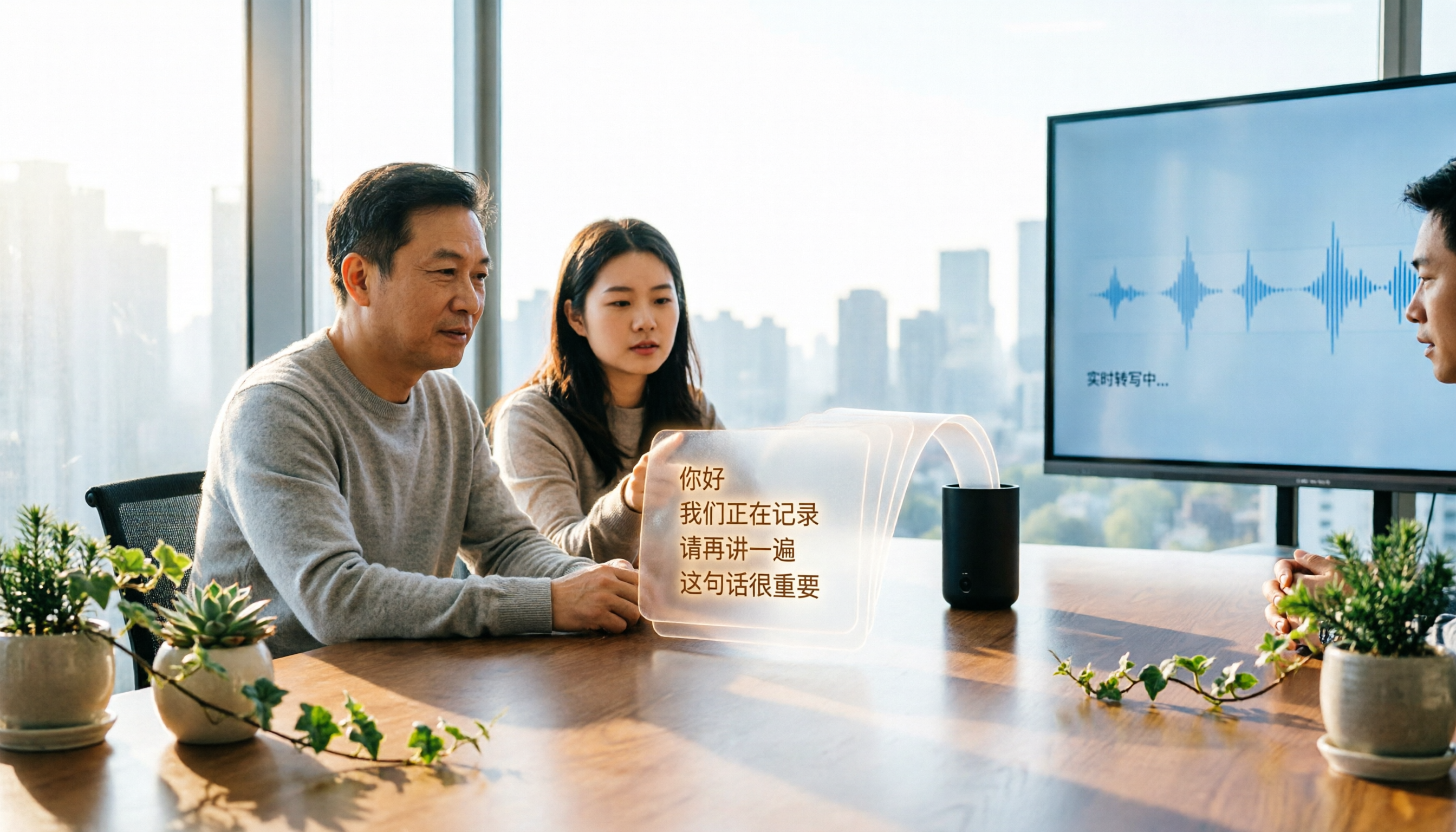
Based on our long-term testing, tools now not only convert recordings to text but also automatically segment, add punctuation, and even summarize key points. For example, Tinrec offers real-time transcription, allowing you to see text as you record in meetings or classes, without waiting until the end.
If you have weekly meetings or classes to organize, speech-to-text tools can save you hours of manual typing, letting you focus on important decisions or review.
What Are the Core Capabilities of Speech-to-Text?
Modern AI speech-to-text tools do much more than just "turn sound into text." Based on our testing, these four capabilities are most critical:
Real-Time Transcription Text appears as you record, not after. Tinrec's real-time transcription has low latency, so you can watch your phone screen during meetings to ensure you don't miss key points—especially useful for interviews or class notes.
AI Summaries and Key Point Extraction Raw transcripts are long and time-consuming to review. Tinrec not only provides transcripts but also generates structured summaries, meeting conclusions, and action items, and can break long content into chapters for quick browsing.
AI Chat Query This is a newer feature. After transcription, you can ask questions about the content, such as "What are the client's needs?" or "Who mentioned the budget?" Tinrec uses semantic understanding to find answers, saving you from listening to the entire recording.
Multi-Format Export Transcribed text can be exported as TXT, Word, SRT subtitles, or even synced to Notion, Google Docs, or Dropbox for further editing or archiving. This is useful for those who use various tools to organize information.
Practical Use Cases
Speech-to-text can be used in many scenarios. Here are four common ones and how Tinrec addresses them.
Meeting Minutes After meetings, creating minutes is often a hassle. With Tinrec, record the entire meeting, get the transcript and AI summary within seconds, and automatically extract action items with clear assignments and deadlines.
Class Notes During lectures, you might miss key points while taking notes. Tinrec records and transcribes in real time, allowing you to search keywords in the transcript after class. AI also segments the content into chapters for efficient review.
Interview Transcription For user interviews or journalist interviews, taking notes while asking questions is challenging. Tinrec not only provides full transcripts but also lets you use AI Q&A to find important viewpoints from interviewees, saving replay time.
Content Repurposing Many creators convert YouTube videos or podcast audio to text for blog posts or social media. Tinrec supports pasting video links directly to convert audio to text and summaries, much faster than manual transcription.
4 Things to Consider When Choosing a Speech-to-Text Tool
There are many tools, including free ones, but performance varies. Consider these four points:
Stop organizing recordings by hand
Upload audio or video and automatically get a transcript, summary, and action items
1. Actual Transcription Accuracy Don't rely solely on vendor claims; recording environment, background noise, and accents affect accuracy. Test with your own recordings. Our tests show Tinrec delivers stable Chinese transcription in quiet environments, while some tools see higher error rates with multiple speakers or mixed Chinese-English content.
2. Post-Transcription Organization Getting the transcript is just the first step; organizing it takes time. Tinrec's auto-summaries, action item extraction, and chapter segmentation save significant manual effort, which pure transcription tools lack.
3. Supported Languages and Input Sources If you handle mixed Chinese-English content or need to convert YouTube videos or podcasts, check tool support. Tinrec supports Chinese and mixed content, and allows pasting video links for transcription without downloading files.
4. Pricing and Usage Frequency Free plans often have minute or feature limits. Tinrec's free version offers a monthly allowance for real-time recording and file transcription, suitable for occasional use. If you have weekly meetings or classes, the Pro plan is more cost-effective. Start with the free version to test, then consider paid plans if it meets your needs.
FAQ
Can speech-to-text achieve 100% accuracy? No. No tool guarantees 100% accuracy due to recording quality, accents, background noise, and technical terms. However, in quiet environments with clear speech, mainstream tools are highly accurate for daily use. In our tests, Tinrec handled general meetings and class recordings well, but we recommend verifying important content.
Are free speech-to-text tools sufficient? It depends on usage. For occasional short recordings, free tools are usually enough. For multiple meetings or long courses weekly, free minute limits may run out quickly. Tinrec's free version is great for testing and experiencing AI summarization.
Will noisy or echoey recordings produce poor results? Yes. High background noise or echo increases error rates. Record close to the sound source and choose quiet environments. Some tools like Tinrec allow adjusting recording quality in the app to improve accuracy.
Are speech-to-text tools secure? Will recordings leak? Reputable tools implement privacy protections. Tinrec encrypts recordings and transcripts during transmission and storage, and you can delete cloud records anytime. Always review privacy policies before uploading sensitive recordings to unknown services.
Can I export to formats other than text? Yes. Most tools support plain text or Word export. Tinrec also exports SRT subtitles, convenient for video captioning. Some tools sync to Notion or Google Docs, integrating with your workflow.
Conclusion
In 2026, AI speech-to-text is mature, with improved accuracy and useful post-processing features. If you're considering using such tools, try a feature-rich one. Tinrec offers stable transcription quality and focuses on "helping you understand content" and "continuing to use content," ideal for meetings, learning, interviews, and content creators. Start with the free version to see how AI saves you time.
References
- Online AI Speech, Video, Audio to Text - Free Trial - cSubtitle
- SoundType AI - Accurate Transcript, Speech to Text, AI Dictation - Google Play
- 2026 Recommended 6 Speech-to-Text Tools: Free Online Audio to Text!
- 【AI Voice Notes】Top 5 AI Transcription Tools! Generate Transcripts and Meeting Minutes, Free vs Subscription, Pros and Cons | 104 Career
- 《Speech to Text: AI Transcript, Recording to Text, Voice Memo Instant Translator》App - App Store
Turn every recording into actionable outcomes
Get 60 free transcription minutes when you sign in. No credit card required.
Related Reading
You might also like
4 Notta Alternatives Tested for 2026: Which App Saves the Most Time on Chinese Meeting Notes?
Notta's free plan limits each recording to 3 minutes, so long meetings must be split into segments. This article compares four Notta alternatives—Tinrec, Otter.ai, Fireflies.ai, and Granola—from a practical decision-making perspective, covering free tier limits, meeting recording methods, post-meeting outputs, and team collaboration differences to help you choose the one that truly saves time.
4 AI Meeting Notes Tools Tested for 2026: Is Notta AI Any Good, and How Does It Compare to Tinrec?
What is Notta AI, is the free version enough, and how does it differ from Tinrec? Starting from real meeting scenarios, this article outlines 4 key points for choosing a tool and compares Notta AI, Tinrec, Otter.ai, and TurboScribe in terms of positioning, quotas, and post-meeting workflows to help you pick the right one for you.

2026 Free Audio-to-Subtitle Tools Buying Guide: 4 Hands-On Tests and Recommendations
From free quotas and subtitle file exports to post-meeting organization, we tested four audio-to-subtitle tools—Tinrec, cSubtitle, TurboScribe, and MyEdit—to help you choose a free yet capable solution.
Lynn Nottage: A Complete Guide to Her Life, Plays, and Two Pulitzer Prizes
Want to get to know American playwright Lynn Nottage but don't know where to start? This guide covers her background, three key plays—Intimate Apparel, Ruined, and Sweat—her two Pulitzer Prizes for Drama, four common misconceptions, and suggestions for further reading, so you can grasp the essentials quickly.

3 AI Meeting Transcription Solutions Compared in 2026: Read This Before Buying Notta Memo
Card-style AI voice recorder hardware, built-in meeting platform transcription, and AI meeting notes software—what's the real difference? This comparison breaks down capture methods, post-meeting organization, team collaboration, and pricing, and explains how Tinrec uses desktop system audio to record online meetings without bots, automatically generates summaries and action items, helping you clarify the real problem before checkout.

2026 Test of 3 Transcription Tools: Good Tape Security, Which Is Smoother for Chinese Meetings?
Many people choose transcription tools based only on accuracy, but in practice, data storage, post-meeting organization, and team handover are the real keys. This article starts with selection criteria, first explaining Good Tape's positioning, security design, and minor drawbacks mentioned in third-party reviews, then compares Tinrec, Notta, and Granola in Chinese meetings, bot-free recording, and post-meeting workflows, and finally offers scenario-based recommendations.
2026 Video Auto-Subtitle Software Comparison: Which Tool Saves the Most Time on Chinese Transcripts and Post-Meeting Organization?
We tested and compared five video auto-subtitle tools—Tinrec, cSubtitle, Kapwing, pyTranscriber, and Adobe Express—breaking down Chinese recognition, output formats, post-meeting organization, and team collaboration to help you decide whether you need a subtitle file generator or a searchable text database.

4 AI Meeting Note Tools Tested for 2026: Who Can Auto-Summarize After an All-Nighter?
Many people search for 'after nottata' because they've pulled an all-nighter in a meeting and need to turn the conversation into text the next day. This article starts with the most common post-meeting pitfalls, explains 4 key points for choosing an AI meeting notes tool, compares Tinrec, Otter.ai, Notta, and Granola, and lists the 4 biggest mistakes to avoid—so you can find a method that actually saves time after an all-nighter.

5 Best Pubs in Nottage (2026): From an 1858 Inn to Seaside Drinks
Nottage is a small village outside Porthcawl with a handful of pubs, each with its own character. This guide covers five local drinking spots including Farmers Arms, Rose & Crown, and The Sea Horse, detailing their dining style, opening hours, dog and child policies, and club status so you can pick the right one before you go.