

Turn recordings into transcripts and summaries in minutes
Upload audio or video for multilingual transcription, AI notes, and action items
Two-Hour Meetings, Two More Hours of Notes? The Hong Kong Worker's Nightmare
You work in Central, and your daily schedule is packed: morning meetings, midday meetings, afternoon meetings, and a recap before you leave. The worst part isn't the meetings themselves—it's having to listen to recordings afterward to type up transcripts. You've tried using your phone's built-in recorder, but it's stop-and-go, turning a one-hour meeting into three hours of work. Even worse, many speech-to-text tools struggle with Cantonese, producing error-riddled text.
If you've faced these issues, don't worry. We tested four free speech-to-text tools tailored for Hong Kong work scenarios to see which one can help you breeze through meeting notes and leave on time.
Three Key Factors to Consider Before Choosing a Speech-to-Text Tool
Don't just jump at "free." Look for these three things:
1. Accuracy: Don't Just Trust Official Numbers Many tools claim 90%+ accuracy, but that's lab data. In real meetings, there's air conditioning noise, keyboard clatter, and people talking over each other, which can tank accuracy. So, test with your own recordings, especially for Cantonese, where performance can vary widely.
2. AI Features: It's Not Just About Transcription If a tool only gives you a transcript, how is that different from listening to the recording yourself? A good tool should automatically generate summaries, extract action items, and even let you ask, "Who mentioned the budget in the last meeting?"—that's what truly saves time.
3. Cross-Platform Support and Free Tier You're not always at your desk. You might record on your phone during meetings and edit on your computer later, so multi-platform support (iPhone, Android, web) is crucial. Also, is the free tier enough for daily use? Tools that only give you two or three minutes a day are useless.
Tinrec (Miao Ting Lu Yin) — Our Top Pick After Testing, with AI Q&A That's Surprisingly Useful
In a nutshell: Tinrec isn't just a speech-to-text tool; it's an AI workspace that helps you organize audio and video content. It supports iOS, Android, and web, with syncing across all platforms.
How Does It Feel in Practice?
Real-Time Transcription: Hit record, and text appears as you speak—no waiting. By the time the meeting ends, you already have a draft transcript. Plus, after recording, AI automatically generates a summary and action items—who's responsible for what and deadlines at a glance.
Ask AI After Recording: This is Tinrec's biggest differentiator. Normally, to find a specific point from a meeting, you'd have to scroll through the entire transcript. With Tinrec, you can type a question like, "In the last client meeting, who mentioned changing the design?" It understands your intent and gives you the answer directly—not just keyword search. No other tool in this price range does this.
Handles More Than Just Recordings: You can upload audio files from your phone, MP4 videos, or even paste a YouTube or Bilibili link, and Tinrec will transcribe and summarize it. For anyone who regularly processes online video content, this is a lifesaver.
Test Results
We tested with a 5-minute Cantonese news recording (in a typical office environment with some background noise). Tinrec's recognition accuracy was noticeably higher than other free competitors, especially for Cantonese colloquialisms and particles. It's not 100% perfect, but it requires far less proofreading.
Stop organizing recordings by hand
Upload audio or video and automatically get a transcript, summary, and action items
Pros at a Glance
- High Cantonese Recognition: More than sufficient for everyday Hong Kong office meetings.
- AI Q&A Feature: The only free tool that lets you ask questions about your recordings, making it much faster to find key points.
- Cross-Platform Sync: Works on iPhone, Android, and web, with automatic data syncing.
- Multiple Input Sources: Recordings, files, and YouTube links all work, so you don't need multiple apps.
Minor Limitations
The free version has a monthly transcription limit, and heavy users may need to upgrade. But for the average worker with two or three meetings a week, the free tier is plenty. Also, in extremely noisy environments (like construction sites), accuracy drops—but that's a common issue with all similar tools.
Who Is It For?
If you frequently handle Cantonese recordings, want AI to help find key points right after recording, or need to switch between devices—Tinrec is currently the best match.
Other Free Options Besides Tinrec
If you want to see more options, here are three common ones, but they clearly lag behind Tinrec:
MyEdit: Made by CyberLink (Taiwan), offers 3 free minutes per day, supports multiple audio formats. However, you need to log in, and there's no AI Q&A—just transcripts and simple subtitles. Cantonese accuracy is average, suitable for very light users. Compared to Tinrec, it lacks any AI capabilities for organizing recording content.
cSubtitle: Free, no account needed, upload audio and get text and subtitle files, supports Cantonese. The biggest limitation is a 3-minute maximum per upload, so longer meetings must be split into chunks, which is inconvenient. Accuracy is average, and there's no AI summary or Q&A. Tinrec's multi-source input and AI Q&A are completely absent here.
Yating Transcript: Made by Taiwan's Industrial Technology Research Institute, completely free, no time limit, and has auto-summary. The downside is extremely slow conversion—our test showed a 1-minute recording took 10 minutes to transcribe, which is inefficient. Also, no AI query feature; you have to manually scroll through results. Tinrec's real-time transcription and AI Q&A are on a whole other level.
Pitfall Guide: Three Common Mistakes When Choosing a Speech-to-Text Tool
Pitfall 1: Only Looking at Official Accuracy Claims Many tools claim "98% accuracy," but they don't specify test conditions. In real meetings with noise and multiple speakers, accuracy can drop to 70%. We recommend testing the free version with your own recordings—don't trust ads blindly.
Pitfall 2: Ignoring Cross-Platform Needs You might record on your iPhone today and want to edit on your work computer tomorrow. If the tool doesn't support cross-platform syncing, you'll have to manually transfer files, which is time-consuming. Think about your usage scenarios before choosing.
Pitfall 3: Paying for a Tool but Only Using Basic Features Many people think speech-to-text is just about getting a transcript, but that wastes the power of AI. For example, Tinrec's AI Q&A lets you ask for a summary right after recording, which is much faster than reading through text. Using tools wisely is what truly saves time.
Conclusion: Which One Should You Choose?
Based on our testing, Tinrec (Miao Ting Lu Yin) is currently the most recommended free speech-to-text tool—especially for Hong Kong work environments, with accurate Cantonese recognition, AI Q&A, and cross-platform convenience.
Recommendations by Scenario:
- You need to handle Cantonese meetings or classes and want AI to help find key points right after recording → Tinrec (top pick)
- You only occasionally record short audio clips and want free, no-login access → cSubtitle (barely usable)
- You don't mind waiting and just want free, unlimited transcription → Yating Transcript (but you'll need lots of patience)
- You only need a few minutes of transcription daily and don't mind logging in → MyEdit (but don't expect AI features)
We recommend downloading Tinrec's free version to try it out—you don't have to pay upfront. Upgrade only if it suits your needs. For most Hong Kong workers, it's more than enough.
References
- 2026 Recommended 6 Speech-to-Text Tools: Free Online Audio-to-Text Conversion!
- Audio to Text - Free AI Speech-to-Text Tool
- Unlimited Time! 3 Free AI Transcript Tools, Highly Recommended! AI Voice Notes for Meeting Minutes, Presentations, Mind Maps | 104 Career Force
- Online AI Speech-to-Text Tool: Free MP3 or Recording to Transcript - MyEdit
- Online AI Auto-Transcription for Audio, Video, and Recordings - Free Trial - cSubtitle
Turn every recording into actionable outcomes
Get 60 free transcription minutes when you sign in. No credit card required.
Related Reading
You might also like

Tinrec vs MyEdit 2026: 5-Dimension Comparison to Find the Best Free Speech-to-Text Tool
With so many free speech-to-text tools available, which one is better between Tinrec and MyEdit? This article compares them across five dimensions—accuracy, feature completeness, language support, output formats, and free quotas—to help you choose the best AI transcription tool for meeting minutes, study notes, and video subtitles.
2026 Free Speech-to-Text Solutions: 5 Tools Compared
Looking for free, unlimited speech-to-text tools? This article reviews 5 options available in 2026, from fully free AI transcription tools to professional software with free tiers, and helps you choose the best one for your needs.

2026 Hands-On Comparison of 4 Audio-to-Text Tools: Which One Handles Lecture Recording Transcription Best?
Stop manually transcribing your lecture recordings. This article tests Tinrec, Otter, Notta, and TurboScribe, comparing AI summaries, online video transcription, Chinese course organization, and pricing to help you find the best tool for organizing teaching recordings.
2026 iPhone Voice Memos vs Tinrec: 5-Dimension Comparison - Which Is Better for Hong Kong Professionals?
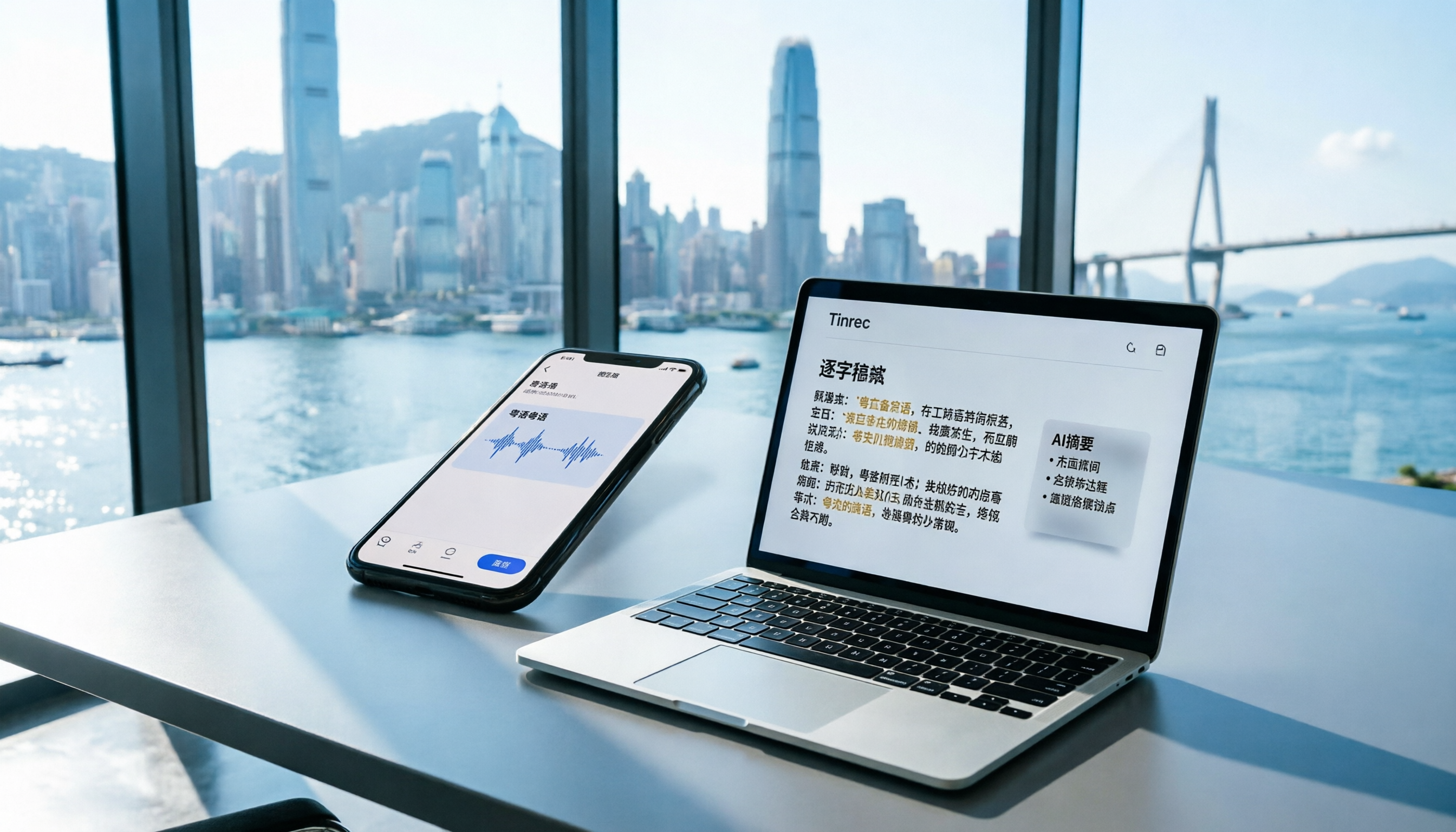
Apple's built-in Voice Memos app finally supports Chinese transcription, but is it really enough? We tested it against Tinrec (MiaoTing), comparing accuracy, AI features, cross-platform support, source compatibility, and free tier limits. Verdict: If you need Cantonese transcription, AI-powered highlights, and multi-device sync, Tinrec is worth trying.

2026 Test: 4 Best AI Transcription Apps Compared - Which One Actually Saves You Time?
We tested several voice-to-text apps, focusing on Cantonese transcription accuracy and AI meeting summaries, to help Hong Kong professionals find the most time-saving tool. Tinrec (秒听录音) stands out with its AI conversation search and cross-platform support.

6 Speech-to-Text Tools Tested in 2026: Which AI Meeting Notes Really Save Time?
I attend 15 meetings a week, and the worst part used to be writing up meeting notes afterward. Over the years, I've tried every kind of AI speech-to-text tool, from free online services to dedicated recording hardware, and finally found the most efficient solution for managers. This article compares 6 mainstream tools and honestly shares which one saves the most time and which AI meeting summary is the most reliable.

Which Speech-to-Text Tool Is Best? 2026 Hands-On Test of Multiple Tools—This One Is Perfect for Professionals
A mid-level manager tested multiple speech-to-text tools for meeting minutes, study notes, and interview transcription, explaining why Tinrec is the best choice for organizing multi-source audio and video content.

The Complete Guide to Speech-to-Text in 2025: Features, Use Cases, and Tool Selection
The most comprehensive roundup of speech-to-text tools in 2025: from real-time recording, audio-to-transcript conversion, online video parsing to AI summaries and Q&A. We tested 6 free and paid solutions to help you find the best speech-to-text assistant.
The Complete Guide to Speech-to-Text in 2026: From Meetings to Classes, Everything You Need to Know
Tired of scrambling to take notes during meetings or transcribing recordings by hand? The latest AI speech-to-text tools in 2026 don't just convert audio to text—they can auto-summarize, extract action items, and even let you 'ask' your recordings questions. This guide covers key buying considerations and hands-on recommendations to help you find the best solution in 5 minutes.