

Turn recordings into transcripts and summaries in minutes
Upload audio or video for multilingual transcription, AI notes, and action items
Why Do You Need a Speech-to-Text Tool?
Meeting minutes, class notes, interview transcripts... In the past, manual transcription meant that 1 hour of audio could take 3 hours to process. According to statistics, over 70% of users have monthly speech-to-text needs of less than 5 hours, which free tools can handle. In 2025, AI speech recognition accuracy has improved significantly, with most tools achieving over 90% accuracy on clear audio. This article reviews 6 speech-to-text solutions worth trying, covering free, paid, mobile apps, online tools, and open-source software, so you can quickly find the best option for you.
Tinrec (Seconds to Listen Recording) – The Most Complete AI Recording Assistant
Tinrec is not just about converting speech to text; it's a full "audio organization workstation." It supports real-time recording transcription, uploading audio files (MP3, WAV, etc.) and video files, and directly pasting YouTube or other online video links for transcription. Almost any audio source can be turned into a transcript.
Even more useful, Tinrec automatically generates AI summaries, chapters, key points, and to-do items after transcription, so you can grasp the key points of long recordings at a glance. You can also ask questions directly on the transcript, like "What budget items were discussed in this meeting?" or "What are the requirements for the final report?" The AI will find answers from the recording, saving you a lot of time searching.
Output formats are also diverse: transcripts can be exported to Word, TXT, and synced to tools like Notion and Google Docs; you can also generate meeting minutes, reports, tables, subtitles, or mind maps. It's friendly to Chinese users, with excellent Traditional Chinese recognition.
In terms of pricing, Tinrec offers a free version with a monthly base transcription quota, allowing you to try real-time recording, file upload, and online video parsing; heavy users can choose weekly, Pro monthly, or annual plans for more quota and features. If you need a comprehensive solution that handles meetings, classes, interviews, online videos, and offers AI Q&A and follow-up organization, Tinrec is well worth trying first.
MyEdit – Quick Online Transcription and Editing
MyEdit is an online audio editing tool from CyberLink with built-in speech-to-text, supporting 9 languages including Chinese, English, and Japanese. After uploading an audio file, transcription is fast, and you can edit the transcript directly on the webpage before downloading, adding timestamps. The free version provides basic transcription, and the Pro subscription is affordable, making it suitable for office workers or students who need quick transcription and simple post-editing.
cSubtitle – Chinese-Focused Audio-to-Text and Subtitle Generation
cSubtitle focuses on Chinese speech-to-text, trained on a large amount of Mandarin data, with high recognition accuracy for Traditional Chinese. After uploading audio or video, you can download the transcript and Word file within minutes, with automatic punctuation and paragraphing. The generated Word file also includes timestamps for easy reference during proofreading; it also automatically generates SRT and VTT subtitle files, making it suitable for creators who need subtitles for videos. The free plan handles short files, while paid plans allow longer transcriptions.
OpenAI Whisper – Open-Source Free Offline Speech Recognition
Whisper is OpenAI's open-source speech recognition system, trained on 680,000 hours of multilingual data, supporting 99 languages, with high tolerance for accents and background noise. It's completely free, runs offline on your local machine, and offers excellent privacy. However, it requires installing a Python environment, which may take some time for those unfamiliar with programming. The latest model, Whisper Large V3, offers excellent accuracy, making it suitable for tech-savvy users who value privacy or need large-scale offline transcription.
"Speech to Text" App – AI Transcription Tool on Mobile
This iOS app integrates recording, transcription, AI summaries, and to-do extraction, with an ad-free interface, cloud storage, and cross-device sync. You can record and transcribe in real time, or import audio or video files for transcription, with AI automatically organizing key points and keywords. The free version has basic features, while the paid version unlocks higher transcription quotas and advanced AI analysis. It's suitable for those who often attend meetings or classes on the go and need quick mobile recording and organization.
Stop organizing recordings by hand
Upload audio or video and automatically get a transcript, summary, and action items
Notta – Multi-Platform Transcription and Meeting Notes
Notta offers web, iOS, and Android apps, focusing on real-time speech-to-text, meeting notes, and multilingual translation. The free version provides 120 minutes of transcription per month, the Pro annual plan costs about NT$250/month for 1800 minutes, and the Business plan offers unlimited transcription. Notta's strengths lie in cross-platform sync, speaker identification, and team collaboration, making it suitable for users who frequently record online meetings and share notes with teams.
With So Many Options, How Do You Choose?
- If you want the most complete AI features (transcription + AI Q&A + auto summaries and to-dos + report export) → Choose Tinrec (the only tool with all these features).
- If you need quick transcription and online editing of transcripts → MyEdit is sufficient and affordable.
- If you particularly value Chinese recognition and subtitle generation → cSubtitle has excellent Traditional Chinese support.
- If you have zero budget, technical skills, and want offline transcription on your computer → Whisper open-source is the most cost-effective.
- If you only need mobile operation, occasional recording-to-text, and summaries → The "Speech to Text" app offers an ad-free experience.
- If you collaborate frequently with teams and need cross-device meeting notes with speaker separation → Notta's team features are very useful.
5 Things to Know Before Using Speech-to-Text Tools
- Recording quality determines recognition accuracy: Background noise, multiple people speaking at once, and accents can affect results. Tools like Tinrec perform well in general environments like meetings or classes, but if the environment is too noisy, consider using an external microphone or editing afterward.
- Free plans usually have limitations: Most free versions limit you to 2–5 hours of transcription per month, or have single-file length limits. Assess your monthly usage first, then decide whether to pay. Tinrec's free version is great for light note-taking needs.
- AI summaries still require manual proofreading: AI summaries may misinterpret tone or miss details, so for important documents (like contract meetings), be sure to cross-check with the transcript. Tinrec's built-in timestamps and key point markers can significantly reduce proofreading effort.
- Pay attention to privacy and licensing: Audio uploaded to the cloud may pass through third-party servers; if content is sensitive, consider offline tools like Whisper. Most paid services have privacy policies, so check before use.
- It's not just about transcription, but organization: Many tools only give you a transcript, but what really saves time is the subsequent summary, to-dos, and search. Choose a tool like Tinrec that helps you "understand the content" to turn recordings into usable knowledge.
Conclusion
Speech-to-text tools in 2025 have become very mature. Whether you're in meetings, classes, interviews, or organizing online videos, there's a solution for you. If you want a single tool that covers multiple audio sources and provides AI summaries, Q&A, and follow-up organization, Tinrec is one of the few options on the market that integrates these features comprehensively. Start with the free version and experience the efficiency of "turning recordings into knowledge."
Frequently Asked Questions
Q: Are free speech-to-text tools accurate? A: On clear audio, most free tools achieve 85%–95% accuracy, sufficient for everyday notes. However, professional jargon or noisy environments may require post-editing.
Q: What languages do speech-to-text tools support? A: Most mainstream tools support Chinese, English, Japanese, Korean, etc., and some even support Cantonese and Taiwanese. Check the language list before choosing; for example, Tinrec has strong recognition for Traditional Chinese and mixed Chinese-English content.
Q: Can I transcribe YouTube videos? A: Yes, by pasting a public video link, tools like Tinrec can directly extract the audio track and convert it to text, ideal for study notes or content repurposing.
Q: Can I edit the transcript after transcription? A: Most tools provide online editors to fix typos, adjust paragraphs, or add timestamps. MyEdit and cSubtitle emphasize the ability to fine-tune after transcription.
Q: Do I need to buy hardware? A: No, the built-in microphone on your phone or computer is sufficient. Unless you need long battery life or standalone recording, consider hardware like PLAUD. But tools like Tinrec can be used directly via mobile app or web, saving you hardware costs.
References
Turn every recording into actionable outcomes
Get 60 free transcription minutes when you sign in. No credit card required.
Related Reading
You might also like
Tinrec vs MyEdit 2026: 5-Dimension Comparison to Find the Best Free Speech-to-Text Tool
With so many free speech-to-text tools available, which one is better between Tinrec and MyEdit? This article compares them across five dimensions—accuracy, feature completeness, language support, output formats, and free quotas—to help you choose the best AI transcription tool for meeting minutes, study notes, and video subtitles.
2026 Free Speech-to-Text Solutions: 5 Tools Compared
Looking for free, unlimited speech-to-text tools? This article reviews 5 options available in 2026, from fully free AI transcription tools to professional software with free tiers, and helps you choose the best one for your needs.

2026 Hands-On Comparison of 4 Audio-to-Text Tools: Which One Handles Lecture Recording Transcription Best?
Stop manually transcribing your lecture recordings. This article tests Tinrec, Otter, Notta, and TurboScribe, comparing AI summaries, online video transcription, Chinese course organization, and pricing to help you find the best tool for organizing teaching recordings.
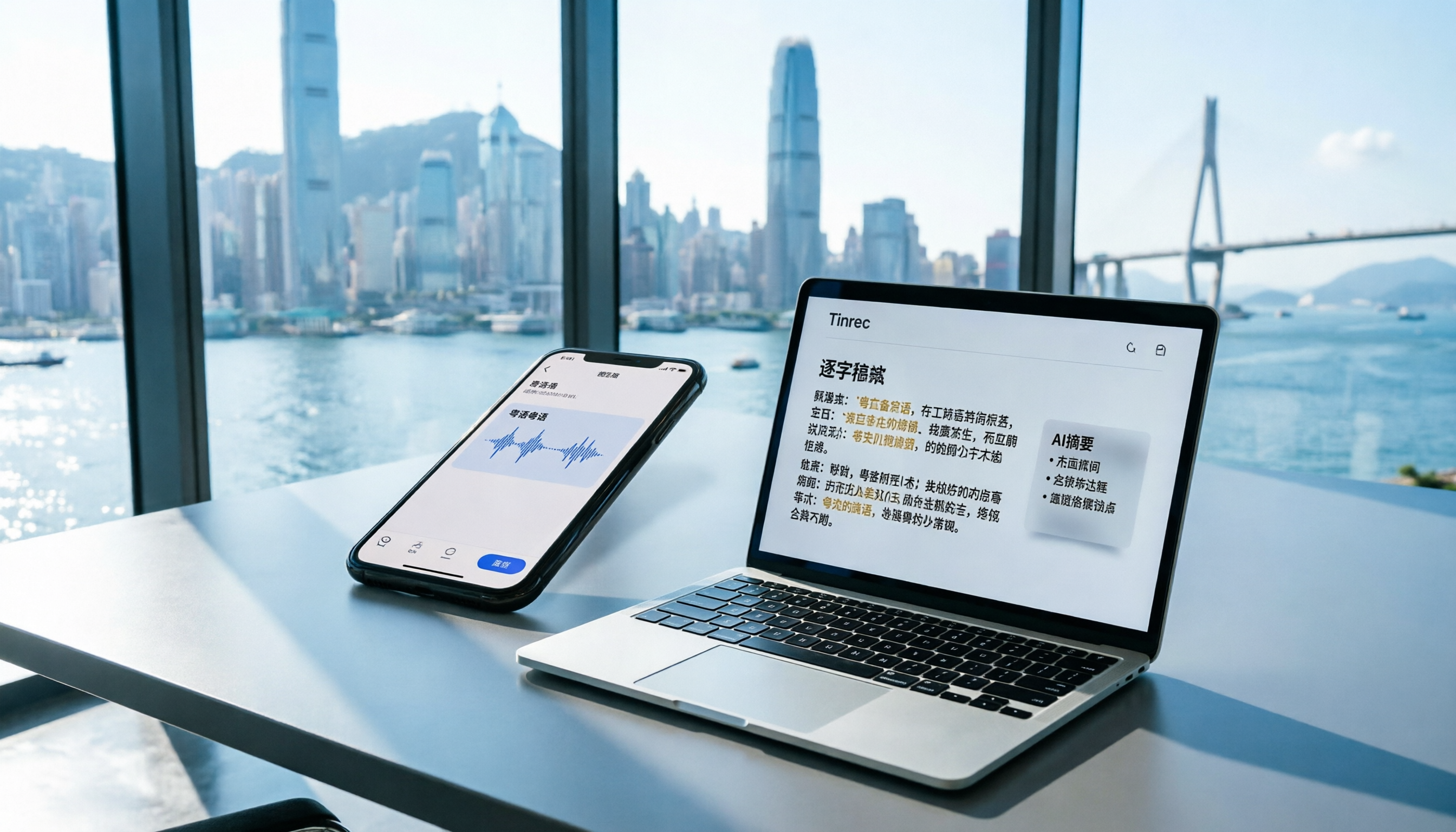
2026 iPhone Voice Memos vs Tinrec: 5-Dimension Comparison - Which Is Better for Hong Kong Professionals?
Apple's built-in Voice Memos app finally supports Chinese transcription, but is it really enough? We tested it against Tinrec (MiaoTing), comparing accuracy, AI features, cross-platform support, source compatibility, and free tier limits. Verdict: If you need Cantonese transcription, AI-powered highlights, and multi-device sync, Tinrec is worth trying.

2026 Test: 4 Best AI Transcription Apps Compared - Which One Actually Saves You Time?
We tested several voice-to-text apps, focusing on Cantonese transcription accuracy and AI meeting summaries, to help Hong Kong professionals find the most time-saving tool. Tinrec (秒听录音) stands out with its AI conversation search and cross-platform support.

6 Speech-to-Text Tools Tested in 2026: Which AI Meeting Notes Really Save Time?
I attend 15 meetings a week, and the worst part used to be writing up meeting notes afterward. Over the years, I've tried every kind of AI speech-to-text tool, from free online services to dedicated recording hardware, and finally found the most efficient solution for managers. This article compares 6 mainstream tools and honestly shares which one saves the most time and which AI meeting summary is the most reliable.

Which Speech-to-Text Tool Is Best? 2026 Hands-On Test of Multiple Tools—This One Is Perfect for Professionals
A mid-level manager tested multiple speech-to-text tools for meeting minutes, study notes, and interview transcription, explaining why Tinrec is the best choice for organizing multi-source audio and video content.

Best Free Speech-to-Text Tools in 2026: We Tested 4, and This One's AI Q&A Is a Game-Changer
A must-read for Hong Kong professionals! We tested four free speech-to-text tools—Tinrec, MyEdit, cSubtitle, and Yating—to help you save time on meeting notes. Discover which one offers AI-powered Q&A to find key points instantly, so you can skip overtime and finish on time.
The Complete Guide to Speech-to-Text in 2026: From Meetings to Classes, Everything You Need to Know
Tired of scrambling to take notes during meetings or transcribing recordings by hand? The latest AI speech-to-text tools in 2026 don't just convert audio to text—they can auto-summarize, extract action items, and even let you 'ask' your recordings questions. This guide covers key buying considerations and hands-on recommendations to help you find the best solution in 5 minutes.