

Turn recordings into transcripts and summaries in minutes
Upload audio or video for multilingual transcription, AI notes, and action items
Which Speech-to-Text Tool Is Best? 2026 Hands-On Test of Multiple Tools—This One Is Perfect for Professionals
I attend about 15 meetings a week. In the past, the most annoying part wasn't the meetings themselves—it was what came after. Meeting minutes, action items, and the boss asking about last time's conclusions—these tasks often ate up half my day. I tried handwritten notes (my hand couldn't keep up with my mouth), and I tried recording and listening back (a 1-hour meeting took 2 hours to review). Then I started using AI speech-to-text tools. I tested more than one on the market, and the one that stayed on my phone is Tinrec. It doesn't just convert recordings to text; it helps me turn messy audio and video data into something searchable, queryable, and directly usable.
What Can Speech-to-Text Do for You?
For professionals, speech-to-text isn't just a tech gimmick—it's a time-saver. Using Tinrec as an example, I use it in three main scenarios:
Scenario 1: Get Meeting Minutes Ready 5 Minutes After the Meeting Ends
Previously, after a two-hour project meeting, I had to piece together conclusions from memory and scattered notes, often missing someone's commitments. Now, I record with Tinrec during the meeting, and by the time it ends, the AI has already generated a summary and action items, showing who is responsible for what and deadlines at a glance. When the boss asks about last meeting's conclusions, I search for keywords in Tinrec and pull it up in ten seconds.
Scenario 2: Turn Online Videos into Readable Material
I often need to research competitors or industry trends. Previously, I had to fast-forward through hour-long YouTube interviews. Now, I paste the link into Tinrec, and within five minutes I get a full transcript and key summary, and I can export the content as a document to share with my team.
Scenario 3: Turn Casual Recordings into Traceable Records
When I verbally assign tasks to colleagues, I worry they'll say "I forgot." Now, for important one-on-one conversations, I just hit record, and Tinrec automatically transcribes. Next time I follow up, I have evidence, no need to rely on memory.
What Are the Core Capabilities of Speech-to-Text Tools?
Not all speech-to-text tools are the same; some just give you a pile of unorganized transcripts, which isn't useful. Tinrec's core capabilities go beyond transcription to include post-processing:
- Real-time Transcription: Text appears as you speak, with less than 1 second delay. During meetings, I can check if I missed any key points.
- AI-Structured Summaries: Instead of condensing everything into one paragraph, it breaks it down into meeting topics, conclusions, and action items, listed separately for clarity.
- AI Q&A: After transcription, I can ask Tinrec questions like "Who mentioned budget adjustments in the last meeting?" or "What was the client's feedback on the new feature?" It answers based on content understanding, so I don't have to search through the transcript manually.
- Multi-format Export: After organizing, I can export with one click to Notion or Google Docs, integrating directly into my workflow and saving copy-paste time.
Practical Use Cases
Meeting Minutes: From Recording to Action List
As a manager, follow-up after meetings is more important than the meeting itself. Tinrec can record online meetings (Zoom, Google Meet, Teams) and also use your phone for in-person meetings. The automatically generated action items save me from manually compiling to-do lists.
Stop organizing recordings by hand
Upload audio or video and automatically get a transcript, summary, and action items
Study Notes: Turn Courses into Your Own Database
Recently, I took an online management course. I used Tinrec to transcribe the two-hour video, and the AI helped me divide it into chapters and highlight key points. When reviewing, I search for key concepts directly—much more efficient than watching the video again.
Interview Transcription: From Raw Recording to Quotable Material
When conducting user interviews, I record on my phone and upload to Tinrec. Within minutes, I get a transcript, and I can use the Q&A feature to quickly find pain points and suggestions mentioned by interviewees, which I can directly quote in reports.
Content Creation: A Post-Production Tool for Videos and Podcasts
A colleague who runs a YouTube channel uses Tinrec to convert video audio into subtitles, then uses AI summaries to write video descriptions, significantly boosting productivity.
4 Things to Consider When Choosing a Speech-to-Text Tool
After many trial-and-error experiences, I've learned that you should look beyond transcription speed and focus on organization capabilities:
- Not Just Transcription, but Organization: Many tools stop after producing a transcript, but Tinrec's summary, Q&A, and export features make the follow-up work truly easy.
- Language Support and Chinese Experience: If you mainly handle Chinese content like me, Tinrec's Chinese transcription quality is stable, and it supports mixed Chinese-English scenarios without errors.
- Cross-Platform and Multi-Source: Tinrec has iOS, Android, and web versions, and supports recording, files, online videos, and more, so you don't need to switch tools for different scenarios.
- Is the Free Tier Enough?: Tinrec's free version provides a monthly base transcription quota, which was more than enough for my initial trial meetings. If you have as many meetings as I do, the Pro monthly plan costs less than a daily cup of coffee, and the time saved is worth far more than the price.
Frequently Asked Questions
Q: How accurate is speech-to-text? A: It depends on recording quality. In quiet meeting environments with clear speech, Tinrec's transcription accuracy is high enough for work needs. However, if multiple people speak at once or there's background noise, it's advisable to cross-check with the original audio.
Q: Is the free version sufficient? A: If you have only 2-3 meetings a week, the free quota is enough to try. For heavy users, upgrading to Pro is more cost-effective in the long run.
Q: What's the difference between Tinrec and meeting bots? A: Meeting bots excel at automatically joining online meetings, but Tinrec does more than meetings—it handles courses, interviews, online videos, etc., acting more like your personal audio-video database.
Q: Is there privacy protection for recordings? A: Tinrec uses cloud processing with encrypted data transmission. You can manually delete recordings after use, meeting general business privacy needs.
Conclusion
Speech-to-text tools are no longer futuristic technology; they are practical tools that can save you a significant amount of time right now. If you're like me, overwhelmed by meetings, interviews, and video content daily, instead of struggling on, let AI help carry some of the load. Download the Tinrec free version, which includes a monthly base transcription quota, and try feeding your next meeting to it—you'll find that organizing documents can be this easy.
References
- 2026 Recommended 6 Speech-to-Text Tools: Free Online Audio-to-Text Conversion!
- [AI Voice Notes] 5 Highly Recommended AI Transcription Tools! Generate Transcripts and Meeting Minutes, Free vs. Subscription, Pros and Cons | 104 Career Force
- AI Speech-to-Text Tool Recommendations: 8 Comparisons, Which Is Best for Meeting Minutes, Transcripts, and Voice Input? — Leading Era
- Want to Convert Audio Files to Transcripts for Free? 5 Must-Recommend "Transcript" Tools to Get It Done Quickly
- Meeting Ink - 2026 AI Meeting Minutes Tool Test: 8 Speech-to-Text and Summary Speed Showdown | Meeting Ink - AI Meeting Assistant for Automatic Transcription and Summarization
Turn every recording into actionable outcomes
Get 60 free transcription minutes when you sign in. No credit card required.
Related Reading
You might also like

2026 AI Voice Tools Comparison: Tinrec vs PLAUD Note for Meeting Notes
People searching for 'AI voice generation' often need to turn meeting audio into searchable, actionable text. This article compares Tinrec and PLAUD Note across six dimensions: meeting capture, Chinese transcription, post-meeting organization, cross-platform import, team governance, and cost structure, with recommendations.
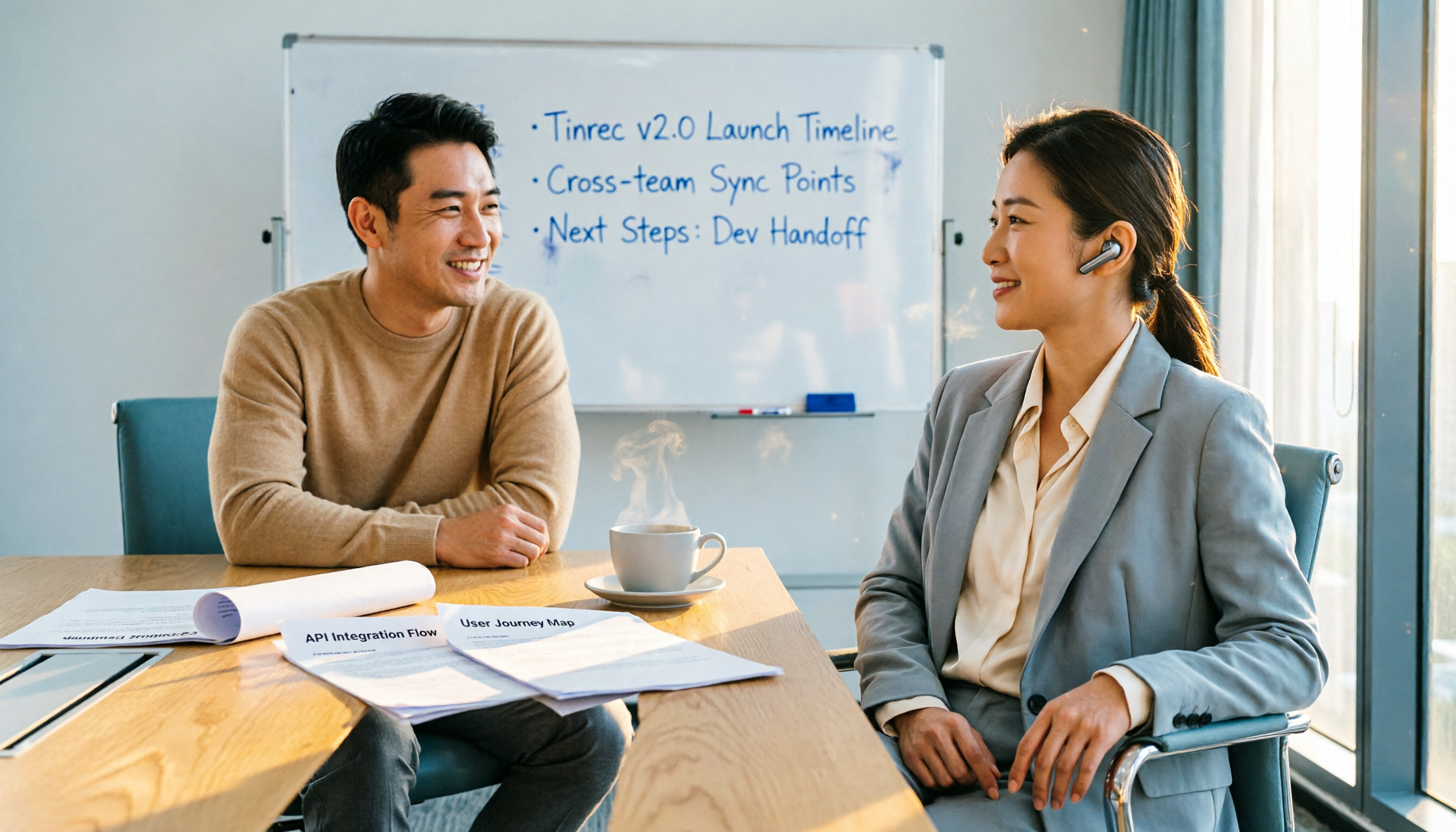
2026 Top 4 Online Speech-to-Text Tools Compared: Which One Actually Saves You Post-Meeting Cleanup Time?
With over a dozen meetings a week, the real nightmare is post-meeting organization. From a mid-level manager's hands-on perspective, this article breaks down 4 key factors for choosing an online speech-to-text tool, compares Tinrec, MyEdit, cSubtitle, and Otter.ai, and offers common pitfalls to avoid plus scenario-based selection advice.

2026年5款文字转语音软件实测对比:免费版够用吗?会议逐字稿又该怎么办?
很多人搜索文字转语音软件,其实同时卡在两种需求:把文字念成音频,以及把会议录音变成可用的逐字稿。本文实测 Luvvoice、TTSMaker、Ondoku、Windows 文字转语音 App,并实测 Tinrec(秒听录音)在中文会议记录、AI 问答与团队资料沉淀上的表现,免费额度与限制一次讲清楚。

Tinrec vs CatchV 2026: 5-Dimension Comparison — Which Is More Useful After Downloading a Video Link?
Downloading a video from a link is easy; the hard part is what you do with it afterward. This article compares Tinrec and CatchV across five dimensions—supported sites, streaming formats, free quotas, and post-meeting organization—to help you decide whether you need the file or the content.

6 Best Audio-to-Meeting-Minutes Tools in 2026: Free vs Paid Comparison
After every meeting, the most time-consuming part isn't the meeting itself—it's turning the recording into a transcript and meeting minutes. This article compares 6 audio-to-meeting-minutes tools in 2026, including Tinrec, Otter.ai, Fireflies.ai, Notta, Granola, and TurboScribe. We cover Chinese recognition, bot-free recording, AI summary Q&A, free tiers, and team collaboration to help you decide which tool best fits your meeting style.

2026 Comparison of 2 Audio-to-Meeting-Minutes Tools: From Transcript to Post-Meeting Organization
The challenge of converting recordings to meeting minutes isn't accuracy—it's how to organize and hand off after transcription. This article compares Tinrec and Notta across five dimensions: online meeting recording methods, post-transcript organization depth, team governance, Chinese and multilingual experience, and post-meeting outputs and exports. It also includes pricing and FAQs to help you decide which tool to choose.

4 Video-to-Text Tools Tested: Which Saves the Most Time on Chinese Transcripts and Meeting Follow-Ups?
When choosing a video-to-text tool, the first thing to decide isn't the price—it's where the transcribed text will go next. This article starts with the decision-making focus, covering 4 key points to consider before choosing, then compares Tinrec, Otter.ai, Notta, and Granola in real tests on Chinese meetings, bot-free recording, AI Q&A, and post-meeting organization. It ends with a pitfalls guide and a 6-step quick start checklist.

How to Turn a Video into a Link in 2026: 5-Step Online Tutorial
Turning a video into a shareable link online isn't just about where you host it—it's about whether the content inside can be reused afterward. This guide walks you through 5 steps to convert a video into a link, then compares an online video-to-link tool (using FlexClip as an example) with Tinrec across 5 dimensions to help you decide which path fits your needs.
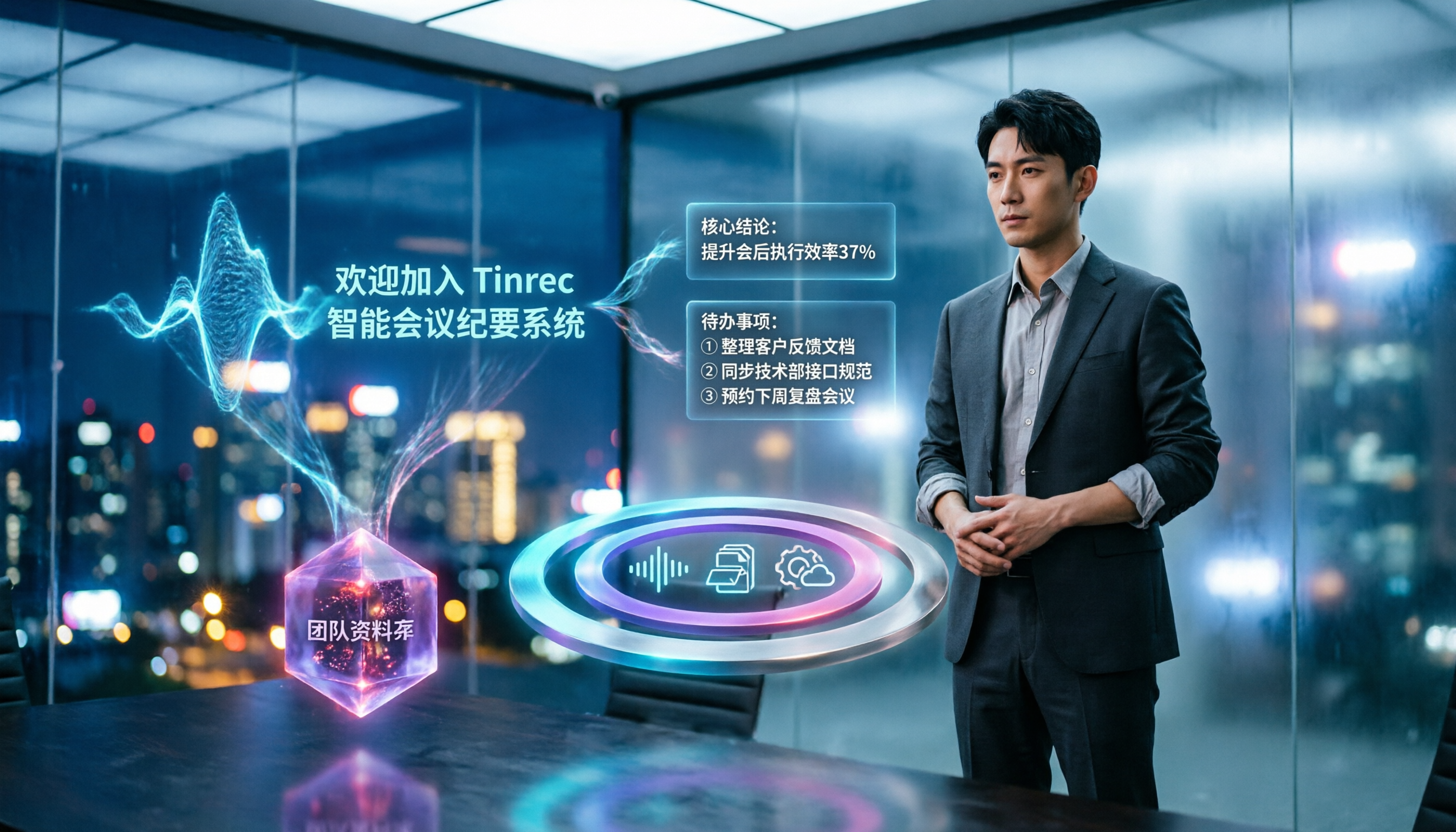
5 Best Speech-to-Text Tools in 2026: Which Saves the Most Time on Chinese Meeting Notes and Transcripts?
Writing up meeting minutes after the meeting often takes longer than the meeting itself. This article covers 5 key factors for choosing a speech-to-text tool and compares Tinrec, Otter.ai, Granola, and Notta to help you find a solution that handles Chinese meeting notes, AI summaries, action item extraction, and team knowledge retention.