

Turn recordings into transcripts and summaries in minutes
Upload audio or video for multilingual transcription, AI notes, and action items
2026年5款文字转语音软件实测对比:免费版够用吗?会议逐字稿又该怎么办?
找文字转语音软件的人,最后常常卡在另一件事
先讲我常遇到的情况。演示文稿要配音、视频旁白今天就要上线、在线课程想把讲稿变成音频——自己念要重录好几次,找配音员一支报价又不便宜,于是开始搜索「文字转语音软件」。
另一种人遇到的问题刚好相反。开完两个小时的会,谁答应了什么全留在录音文件里,要写成会议记录还得再花一个小时重听。访谈、课程录音也一样,听打的时间常常比访谈本身还长。
这两个需求看起来很像,其实是两种不同工具:一种把文字念出来(文字转语音,TTS),一种把声音变成可以用的文字(语音转文字)。方向挑错,再怎么试都觉得卡。
这篇我把两种工具一起测,免费额度、限制和价格都如实写出来,你可以直接看自己属于哪一种。
挑语音工具之前,先搞懂这 5 个关键点
1. 先确认方向。 你要的是「文字变成声音」,还是「声音变成文字」?前者是视频配音、有声书、演示文稿旁白;后者是会议记录、逐字稿、访谈整理。这两类工具目前几乎不能互相取代,先想清楚再开始试,可以省下很多注册和比较的时间。
2. 中文念起来自不自然。 语言数和声音数只是参考值,真正影响体验的是中文断句、语气和专有名词的处理。建议直接拿你自己的工作稿去试听,不要只听官方示范音频。
3. 免费额度的真实限制。 免费方案通常有单次字数、单日次数或单档长度上限,有些还会限制下载。先用自己最长的那份文档测一次,就知道够不够用。
4. 输出格式与商业授权。 能不能下载 MP3、能不能用在有营收的项目,是两件不同的事。很多工具的商业使用权绑在付费方案里,这点我会建议先看清楚再投入时间。
5. 数据能不能留下来重用。 这一项在会议场景差别最大。只给你逐字稿的工具,和能同时给你摘要、待办、问答的工具,会后要花的时间差很多。
Tinrec(秒听录音)——录音这一端,我实测后的首选
Tinrec(秒听录音)是一款面向个人与团队的 AI 会议记录与协作工具,支持 iOS、Android、网页版与桌面版,方向是把声音变成可搜索、可追问、可以继续加工使用的数据。
先说清楚一件事:Tinrec 不做文字转语音,它处理的是相反的方向。如果你只是要把写好的稿子念成音频,可以直接看下一段。
实际用下来,我认为它有三个地方特别值得提。
不用会议机器人,也能记录在线会议。 桌面版直接采集电脑的系统声音,Zoom、Google Meet、Microsoft Teams、Webex 都适用,不需要额外邀请一个机器人进会议室。会议进行的同时,逐字稿会同步长出来,结束后不用再从头听一遍。
会后不用重听,摘要、章节和待办都整理好了。 AI 会自动生成摘要与章节,把长会议拆成好读的段落,并从讨论里抓出待办事项。谁负责什么、期限是什么,打开就能看到,这对每周固定开周会的人帮助最明显。
录完之后可以继续问它。 这是我最有感的一点。你可以直接对会议内容提问,例如「上次会议谁提到预算」,它会依语义给你答案,而不是丢一串关键词搜索结果。输出的部分除了逐字稿,还能导出到 Notion、Google Docs、OneNote、Dropbox 等工具继续加工,也能用 Agent 后处理生成报告、表格和会议文档。
要注意的是,转写质量会受录音质量、背景噪音、口音、多人重叠发言和专业术语影响,重要内容建议搭配逐字稿的时间点和录音回放核对。方案部分分成免费版、周卡、Pro 月卡和 Pro 年卡,免费版提供基础额度,偶尔整理一段录音足够用;短期有大量会议或访谈可以考虑周卡,每周都有稳定需求就往 Pro 走,需要长期沉淀录音数据的人再考虑年卡。实际价格以正式购买页面为准。
Stop organizing recordings by hand
Upload audio or video and automatically get a transcript, summary, and action items
如果是团队要一起用,团队版是独立的团队空间,不是多人共用一个个人账号。可以创建多个团队、用加入链接邀请成员、设置所有者/管理员/一般成员,并区分「角色」和「席位」——角色决定谁能管理团队、成员和团队设置,席位则决定谁能录音、上传、编辑和导出;有效但没有席位的成员,仍然可以查看、播放和阅读团队数据。团队月付是 USD 29.80/付费席位/月,年付 USD 199/付费席位/年(约 USD 16.58/月),每个付费席位每月有 2,000 分钟团队共享导入额度;首次符合资格的团队另有 7 天试用、1 个免费席位和 300 分钟共享导入额度。成员离开或失去席位时,负责的团队资源可以交接给其他成员,数据不会跟着人走。
适合谁:需要中文会议记录、希望录完能直接用 AI 找重点、会在手机和电脑之间切换使用的人。如果是部门或项目团队要一起沉淀会议数据,直接看团队版会比较实际。
除了 Tinrec,还有哪些选择?
如果你要的是「文字转语音」这个方向,以下几款是这次测下来比较顺手的。
Luvvoice: 免费的在线文字转语音工具,支持超过 70 种语言、约 200 种声音,不用注册就能把文字转成 MP3 下载,商业使用权要看订阅方案,适合社群视频配音和语言学习。要注意的是它只负责把字念出来,不会帮你留下会议逐字稿,也没有 AI 问答或团队数据空间。
TTSMaker: 多功能 AI 语音生成器,选好语言和声音风格后,可以调整语速、音量再下载音频,生成的音频可用在 YouTube、TikTok 等平台,标注来源并非强制。长文字转换需要等比较久。它的定位偏配音,会后的摘要、待办和团队共享不在它的守备范围。
Ondoku: 网页界面很单纯,把文章贴进文本框就能转成语音收听,也可以下载成 MP3,适合临时想把公告或文章念出来听的人。功能相对单一,没有逐字稿、摘要和团队协作能力。
Windows 的「文字转语音」App: 在微软商店就能下载,支持超过 100 种语言、数百种声音与多种情绪效果,可一键导出 MP3,适合本来就在 Windows 环境工作的人。它同样是单向的配音工具,会议记录还是得靠别的软件处理。
另外,如果你比的是会议记录类工具:Notta 免费版每月 120 分钟、单次内容上限 3 分钟;Otter.ai 免费版每月 300 分钟,在英文商务会议上相当成熟。这两款和 Tinrec 的着力点不同,挑选前先想清楚自己最常录的是哪一种会议。
避坑指南:挑语音工具最容易犯的 3 个错误
坑 1:把两个方向搞混。 想找会议逐字稿,却一直在试配音工具,试了五款都觉得不对,其实是需求根本不同。先确定你要的是文字变声音,还是声音变文字,再开始比较。
坑 2:只看「免费」两个字。 免费版常有单次字数、每日次数或单档长度限制,商业使用权也常绑在付费方案。Luvvoice 的商业使用权在进阶方案里;TTSMaker 则说明生成音频可用于 YouTube、TikTok,来源标注不是强制。免费能用不等于能商用,先确认比较安心。
坑 3:只把转写工具当逐字稿用。 这样等于只用了它三分之一的能力。像 Tinrec 录完可以直接问它「这次会议的结论是什么」,比自己翻 30 分钟的逐字稿快太多。会后整理才是真正省时间的地方。
总结:你到底该选哪一款?
简单来说:要配音,选文字转语音工具;要处理会议和访谈,选 Tinrec。
- 会议、访谈、课程录音要变成逐字稿加摘要加待办 → Tinrec
- 录完想直接问 AI「上次谁提到预算」 → Tinrec(AI 问答是它最有感的差异点)
- 手机录音、电脑整理,还要跟团队共享数据 → Tinrec(多端使用加团队空间)
- 视频旁白、有声书、演示文稿配音 → Luvvoice 或 TTSMaker
- 手上已经有一堆 MP3 想整理成文字 → 上传到 Tinrec 转写
建议先从免费版试起,Tinrec 的免费额度够你开两三次会体验效果,觉得顺手再考虑周卡或 Pro。团队要一起用的话,先申请团队试用,把实际的会议流程跑过一遍,再决定要买几个席位,不用一上来就付钱。
参考来源
Turn every recording into actionable outcomes
Get 60 free transcription minutes when you sign in. No credit card required.
Related Reading
You might also like
Tinrec vs Free Audio-to-Text Tools in 2026: 5-Dimension Comparison for Students
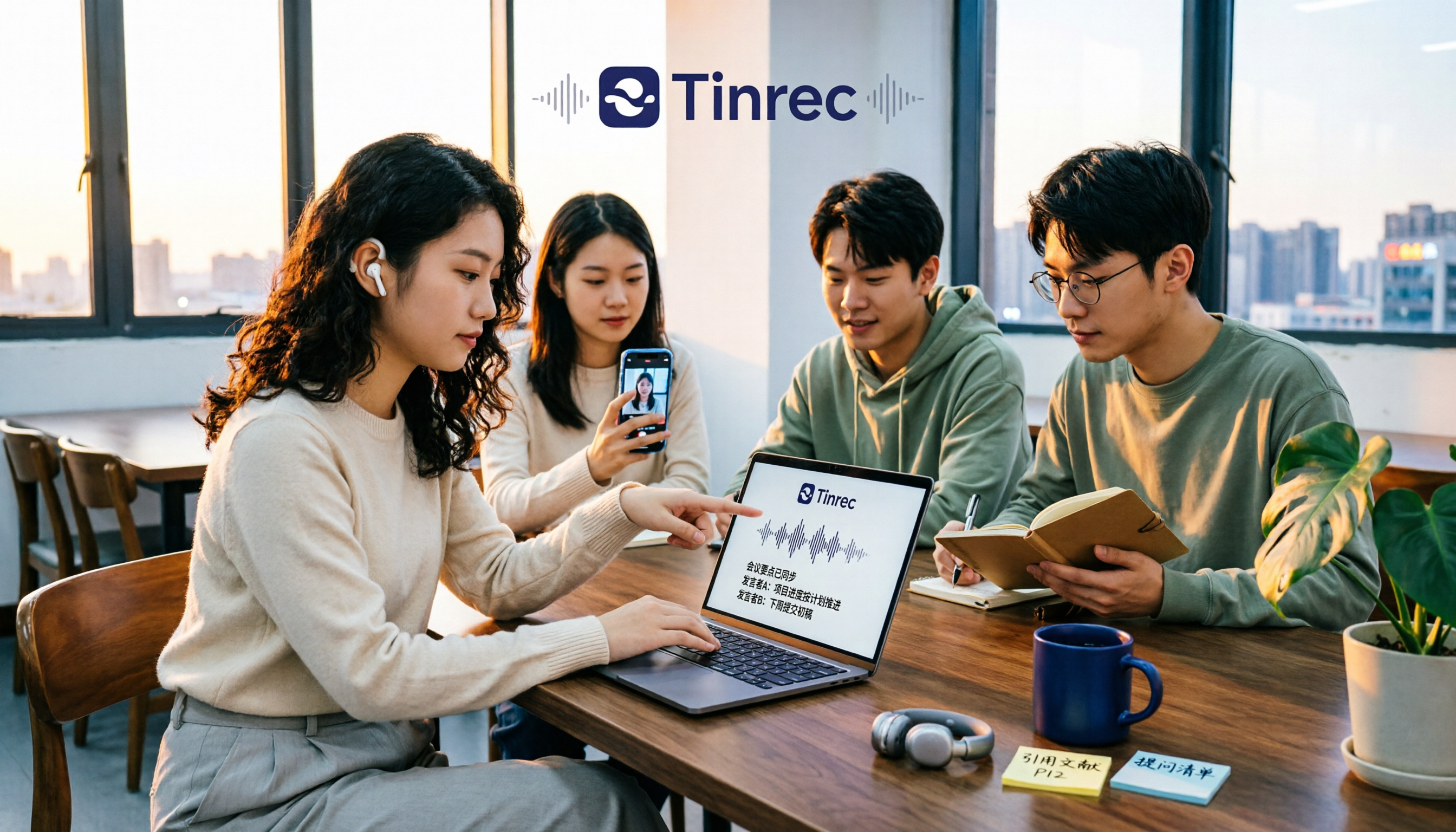
When students look for free audio-to-text tools, the real question isn't which one is free, but whether the free quota can keep up with usage frequency and whether the transcribed data can be used directly. This article uses Tinrec as an example, breaking down 5 dimensions: free quota, online class recording, Chinese recognition, post-transcription organization, and group collaboration, plus FAQs students ask most.

How to Transcribe Graduate Student Interview Recordings in 2026: 5 Steps from Audio to Analyzable Transcript
The most time-consuming part of organizing interview recordings isn't typing—it's the lack of a designed workflow. This article uses Tinrec to demonstrate 5 steps: from checking recording quality, uploading for transcription, using AI summaries to grasp the main points, to verbatim proofreading and exporting for coding. It also covers the 5 most common pitfalls graduate students face when choosing transcription tools.

2026 Short Video Learning Summary Tools Comparison: Tinrec vs Notta vs Otter – Which Is Best for Organizing Course Notes?
Organizing course notes and recordings is a pain point when learning short video production. This article tests Tinrec, Notta, and Otter, focusing on course recording transcription, AI summaries, Q&A, and team collaboration to help you find the most time-saving learning summary solution.

2026 Real-Time Video Summarization Tools Compared: Tinrec vs Granola in 5 Key Dimensions
Looking for a real-time video summarization tool? This hands-on comparison examines Tinrec and Granola across five dimensions: bot-free recording, Chinese real-time summarization, post-meeting AI Q&A, audio retention, and team governance. We also break down pricing, free tiers, and ideal use cases to help you decide which tool better fits Chinese-language meetings and team collaboration.

Best Video Summarizer Apps in 2026: We Tested 4, and This One Is the Most Time-Saving for Chinese Videos
A 2026 comparison of 4 video summarizer apps, breaking down input sources, summary and action item output, Chinese recognition, and team collaboration. We explain why Tinrec is the top choice for Chinese videos and meeting notes, plus buying advice and pitfalls to avoid for different scenarios.

2026 AI Voice Tools Comparison: Tinrec vs PLAUD Note for Meeting Notes
People searching for 'AI voice generation' often need to turn meeting audio into searchable, actionable text. This article compares Tinrec and PLAUD Note across six dimensions: meeting capture, Chinese transcription, post-meeting organization, cross-platform import, team governance, and cost structure, with recommendations.
2026 Top 4 Online Speech-to-Text Tools Compared: Which One Actually Saves You Post-Meeting Cleanup Time?
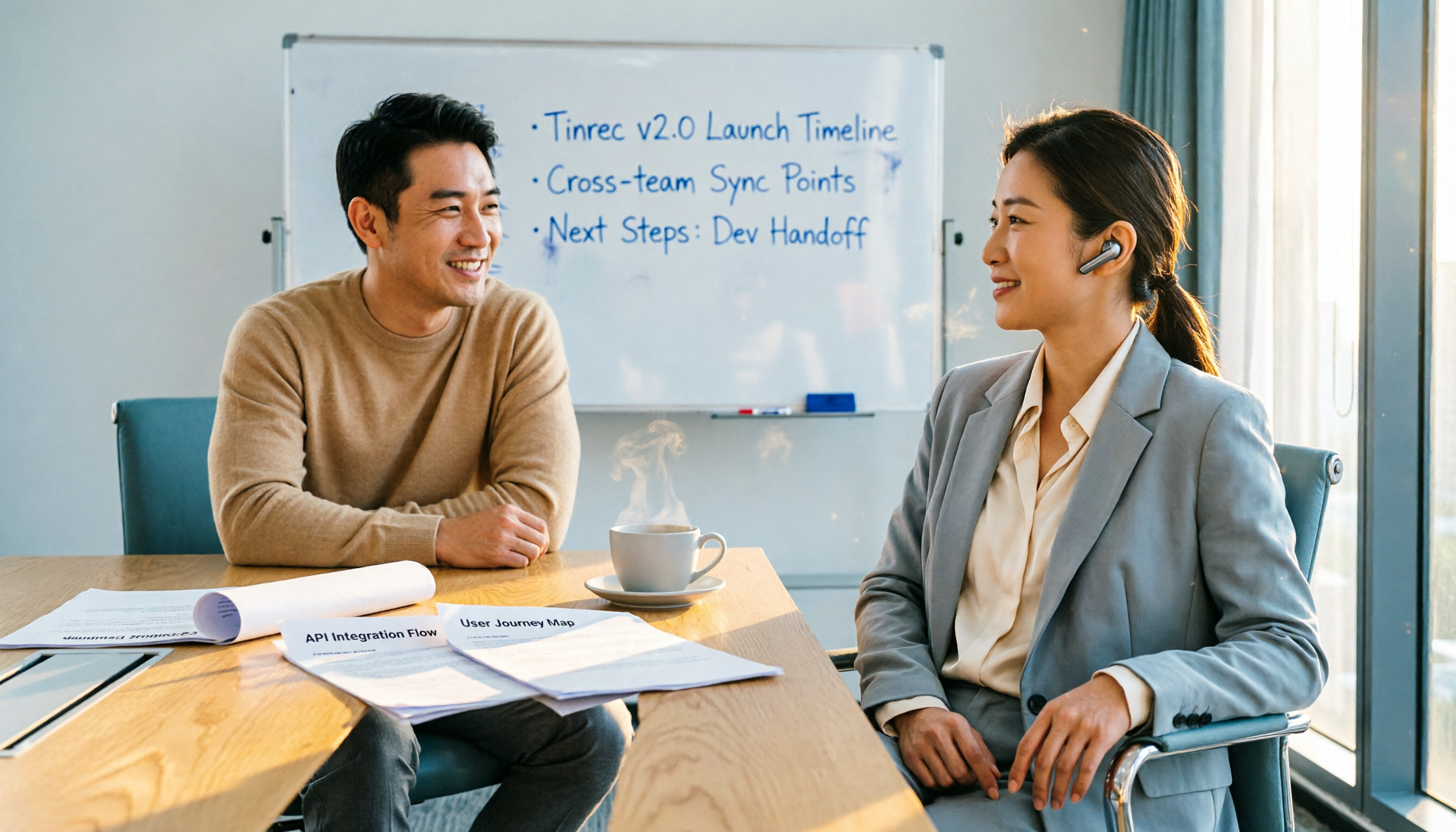
With over a dozen meetings a week, the real nightmare is post-meeting organization. From a mid-level manager's hands-on perspective, this article breaks down 4 key factors for choosing an online speech-to-text tool, compares Tinrec, MyEdit, cSubtitle, and Otter.ai, and offers common pitfalls to avoid plus scenario-based selection advice.

Tinrec vs CatchV 2026: 5-Dimension Comparison — Which Is More Useful After Downloading a Video Link?
Downloading a video from a link is easy; the hard part is what you do with it afterward. This article compares Tinrec and CatchV across five dimensions—supported sites, streaming formats, free quotas, and post-meeting organization—to help you decide whether you need the file or the content.

6 Best Audio-to-Meeting-Minutes Tools in 2026: Free vs Paid Comparison
After every meeting, the most time-consuming part isn't the meeting itself—it's turning the recording into a transcript and meeting minutes. This article compares 6 audio-to-meeting-minutes tools in 2026, including Tinrec, Otter.ai, Fireflies.ai, Notta, Granola, and TurboScribe. We cover Chinese recognition, bot-free recording, AI summary Q&A, free tiers, and team collaboration to help you decide which tool best fits your meeting style.