

Turn recordings into transcripts and summaries in minutes
Upload audio or video for multilingual transcription, AI notes, and action items
Best Video Summarizer Apps in 2026: We Tested 4, and This One Is the Most Time-Saving for Chinese Videos
Can't Finish Videos or Find the Key Points? You Don't Need a Player—You Need an Organizing Tool
You bought a dozen online courses but barely finished any. You recorded a two-hour client interview, and listening to it again takes another two hours. There's a 40-minute industry analysis on YouTube, and you just want to know its three main conclusions.
The common thread in these scenarios: the content is in the video, but what you really want is the key points, not the playback time. Many people's first reaction is to watch at 2x speed, only to remember scattered fragments. Worse, the numbers, conclusions, and action items are all scattered along the timeline. When you want to find a specific sentence later, you have to drag the progress bar from the beginning again.
If you've been in this situation, this article is for you. Below, we compare 4 apps that can handle video content, from whether they can handle your videos to whether the organized output is directly usable.
Before Choosing a Video Summarizer App, Understand These 4 Key Points
1. Can It Handle the Type of Video You Have?
Video sources generally fall into three types: pre-recorded audio/video files, public video links, and ongoing online meetings. Some tools only do live recording, so you can't throw in old files. Some only do file uploads, so they're useless for online meetings. First confirm which type you mainly need to handle, so you don't buy one and find it's missing a piece. For example, Tinrec treats both file upload and desktop bot-free recording of online meetings as core capabilities, with web link import as a supplementary feature.
2. Does It Output a Transcript, or Something You Can Use Directly?
A transcript is just raw material. Summaries, chapters, and action items are the finished product. If a tool stops after transcription, you still have to dig through thousands of words yourself. When choosing, check whether it segments long content, automatically extracts action items, and whether you can continue asking questions about the material.
3. Chinese and Mixed Chinese-English Recognition
Many tools perform well in English but drop a level with Chinese or mixed Chinese-English, and technical terms get spelled strangely. The way to judge is simple: test with your own material, don't just look at the official "supports multiple languages" claim. Also, whether you can customize team-specific terms (hotwords) makes a big difference for product names and proper nouns.
4. Where Does the Organized Data End Up?
For personal use, cross-device sync is enough. For team use, you need to think one level deeper: who owns the data, who can edit it, and how to hand over data when a member leaves. If multiple people just share one account, data is lost when someone leaves.
Tinrec—Our Top Pick After Testing
Tinrec is an AI meeting notes and collaboration tool for individuals and teams, available on iOS, Android, and web, with a desktop version that can directly capture computer system audio. Its approach to video is intuitive: throw in your audio or video files, or record directly during an online meeting, and let it handle the organization.
For video summarization, Tinrec's most practical feature is that it doesn't just give you a transcript. After uploading a video, you get a transcript, AI summary, chapter segmentation, and key points. A 40-minute piece is broken into a skippable structure, not a wall of text. This is especially useful for course videos or interview records—you don't need to listen from start to finish; scanning the chapters lets you decide which parts are worth a closer look.
More importantly, there's AI Q&A. After organizing, you can directly ask questions about the material, such as "What is the cost structure mentioned in this video?" or "What did the client commit to in the interview?" It returns answers based on content understanding, not keyword search results, and you can ask across multiple documents. Most tools in the same price range stop at giving you a transcript plus summary; few can continue with follow-up questions.
The organized results can also be taken directly: export to Notion, Google Docs, OneNote, Dropbox, and more. You can also use Agent to further generate reports, tables, or documents, saving copy-paste time. If the video source is an online meeting (Zoom, Google Meet, Microsoft Teams, Webex), Tinrec's desktop version doesn't need to invite a meeting bot; it records directly from system audio, produces a transcript in real time, and can translate live, with original/translation/bilingual views.
Its three main advantages:
- One tool handles both pre-recorded files and ongoing online meetings, so you don't need two sets for different sources.
- From transcript to summary, action items, Q&A, and export—a complete workflow, not a single feature.
- The team version keeps data in a team space, where members can view and reuse historical content.
Stop organizing recordings by hand
Upload audio or video and automatically get a transcript, summary, and action items
Things to note:
- The free version offers basic quota; long-term heavy use requires payment. Web link import is currently a supplementary feature; some public videos can be processed, but it's not the main focus.
- Actual recognition performance is affected by recording quality, accent, background noise, multiple people talking over each other, and technical terms. For important content, it's recommended to cross-check with transcript timestamps and original audio.
Who it's for: If you need to organize Chinese or mixed Chinese-English videos and meetings, want to ask follow-up questions directly after organizing, or need a place for your team to accumulate data, Tinrec is currently the smoothest choice.
If you're using it as a team, the team version is a separate team space, not multiple people sharing one account. Data belongs to the team. Admins can manage member roles and seats, view usage trends and details, query and export audit logs, and hand over resources when members leave. Currently, eligible teams can try it for 7 days, including 1 free seat and 300 minutes of shared import quota. Paid seats are USD 29.80 per month, or USD 199 per year (about USD 16.58/month). Each paid seat provides 2,000 minutes of team shared import quota per month. Under an active team plan and seat, live recording currently does not deduct minutes. Actual prices and benefits are subject to the official purchase page.
Besides Tinrec, What Other Options Are There?
Notta
Notta overlaps significantly with Tinrec, also covering multi-platform transcription, meeting notes, file import, translation, and team plans. The official free version offers 120 minutes per month, max 3 minutes per session; Pro annual is about USD 8.17/month, with 1,800 minutes per month. If you just need to convert files to text, it's sufficient. The difference is after the transcript: Notta mainly produces subtitles, translation, and summaries, while Tinrec adds action item extraction, AI Q&A, and Agent post-processing.
TurboScribe
TurboScribe is more of a cost-effective file transcription tool, focusing on long files, batch upload, subtitles, and translation. The free version allows 3 files per day, max 30 minutes per file; Unlimited annual is USD 120 (about USD 10/month). The paid version supports files up to 10 hours or 5 GB, and up to 50 files at once. If you have a batch of long videos to transcribe into subtitles, it's indeed a good deal. But it's a "transcribe and go" type, with no live meeting recording, post-meeting Q&A, action item organization, or team database—which are exactly Tinrec's strengths.
Granola
Granola is a bot-free AI meeting notes tool that transcribes in real time via desktop system audio and microphone, then combines with user-written notes to generate meeting content. Basic is free, Business is USD 14/user/month. Both emphasize no meeting bot, but Granola doesn't support uploading existing audio or video files, and doesn't retain meeting audio—so if you need to organize already-recorded videos, it's useless. Tinrec supports file import, retains recordings, live translation, and team data management.
Pitfall Guide: The 4 Most Common Mistakes When Choosing a Video Summarizer App
Mistake 1: Seeing "free" and thinking it costs nothing. Free versions usually have limits on session length and monthly minutes. For example, Notta's free version maxes out at 3 minutes per session, and TurboScribe's free version allows 30 minutes per file. Long videos get stuck. Check the limits first, then test with your longest video.
Mistake 2: Thinking "can transcribe" equals "can summarize." A transcript is just raw material. What really saves time is summaries, chapters, action items, and whether you can ask follow-up questions. Using a transcription tool as just a typewriter means using only a third of its capability.
Mistake 3: Ignoring Chinese and mixed Chinese-English. Many tools are strong in English but clearly fall short with Chinese or mixed Chinese-English, and technical terms are spelled literally. When choosing, be sure to test with your own material, not just look at how many languages the official claim supports.
Mistake 4: Forgetting where the data ultimately goes. For personal use, it's not a big issue. For team sharing, you need to consider data ownership, permissions, and member changes. Multiple people sharing one account seems to save money, but data is lost when someone leaves. For example, Tinrec's team version is based on team spaces, managing usage permissions with roles and seats, and handing over resources to others when members leave—this is the biggest difference from the personal version.
Conclusion: Which One Should You Choose?
If you can only pick one, Tinrec is our top pick from this comparison, especially if you need to organize Chinese videos and want to continue asking questions, export, and let your team take over after organizing. Here's how actual scenarios map:
| Your Situation | Recommendation |
|---|---|
| Mainly Chinese or mixed Chinese-English videos and meetings | Tinrec |
| Want to directly ask "What's the conclusion?" after organizing | Tinrec |
| Need to use on phone, computer, and web | Tinrec |
| Team needs to share data, manage members and usage | Tinrec Team Version |
| Have a batch of long videos and just want quick subtitles | TurboScribe |
One final reminder: when recording and transcribing, please follow local regulations and obtain consent from participants when necessary. We suggest starting with the free version, throwing in your longest video, and seeing if the key points it captures match what you had in mind before deciding whether to upgrade.
References
- Using GPT to Summarize YouTube: Free Online Video Summary Tool
- The 7 Best Short Video Editing Apps of 2026: Edit on Phone or iPad! - Self-Media Handbook
- Top 10 Best AI YouTube Video Summarizer Tools
- AI Video Summary: Quickly Summarize YouTube Video Highlights with AI - JJTECHSHOW
- 5 Easy Travel Video Editing Apps to Create Beautiful Travel Memories
Turn every recording into actionable outcomes
Get 60 free transcription minutes when you sign in. No credit card required.
Related Reading
You might also like

4 College Meeting Note Apps Tested for 2026: Which Free Tier and AI Summary Actually Deliver?
Group project meeting ends and no one remembers who's doing what? You don't want to re-listen to a 90-minute class recording? This article uses real college student scenarios to break down 5 key factors for choosing a meeting notes app, tests Tinrec, Notta, Otter.ai, and PLAUD Note, and includes a pitfalls guide plus recommendations based on budget and situation.

2026 Complete Guide to Phone Conference Recording Transcription: From Transcript to Meeting Minutes
Getting only a transcript after a phone conference is essentially no organization at all. Based on a student's hands-on experience, this guide explains what phone conference recording transcription can do for you, its core capabilities, how to use it for online courses and group projects, and includes 5 key points to consider when choosing a tool plus common FAQs. It helps you distinguish between 'just turning audio into text' and 'actually helping you organize meetings.'
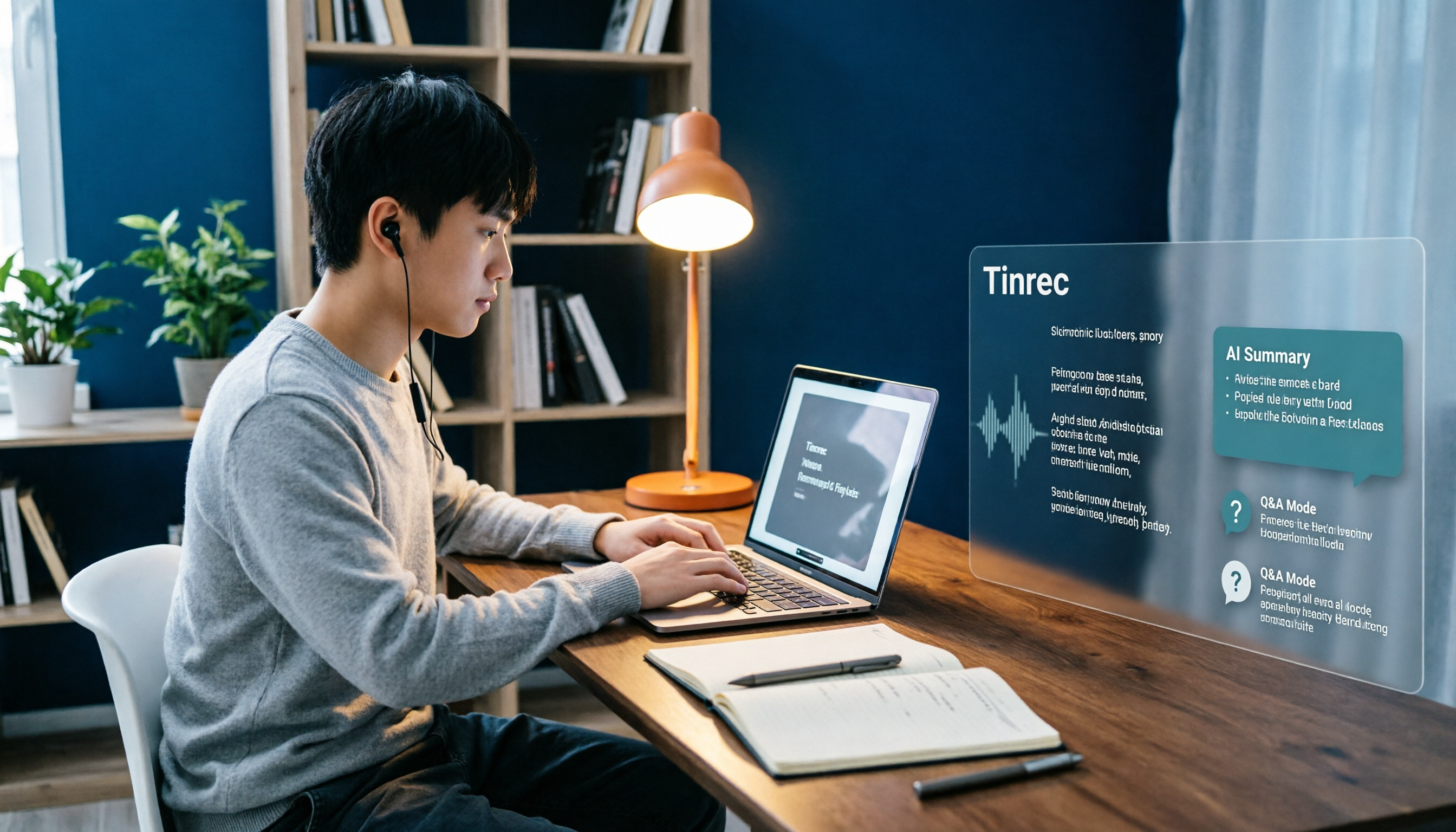
Best Note-Taking Apps for Online Classes in 2026: 7 Tools + Auto Transcription
Struggling to keep up with fast-paced online lectures and too lazy to rewatch recordings? This guide reviews 7 note-taking apps for online classes, from Tinrec's recording-to-transcript, AI summaries, and Q&A, to Notion, OneNote, GoodNotes, Notability, Obsidian, and Google Keep. Includes selection tips and 4 must-knows to help you build a note-taking workflow that works for you.

Best Audio-to-Text Tools in 2026: We Tested 5, and This One Handles Chinese Meetings Best
Tired of spending twice as long replaying and organizing meetings? We tested 5 audio-to-text tools, comparing Chinese recognition, online meeting recording methods, AI summaries, post-meeting Q&A, and free tiers. We also highlight 4 common pitfalls to help you find the one that truly saves time.

4 Meeting Transcription Tools Tested for 2026: Which AI Meeting Notes Actually Save You from Overtime?
Spending an extra hour after a meeting to write up notes is a daily reality for most professionals. This article breaks down the 4 key factors for choosing a meeting transcription tool based on real workflows, takes a deep dive into Tinrec's bot-free recording, AI Q&A, and team spaces, briefly reviews Otter.ai, Notta, and Granola for different use cases, and offers clear recommendations based on budget and needs.
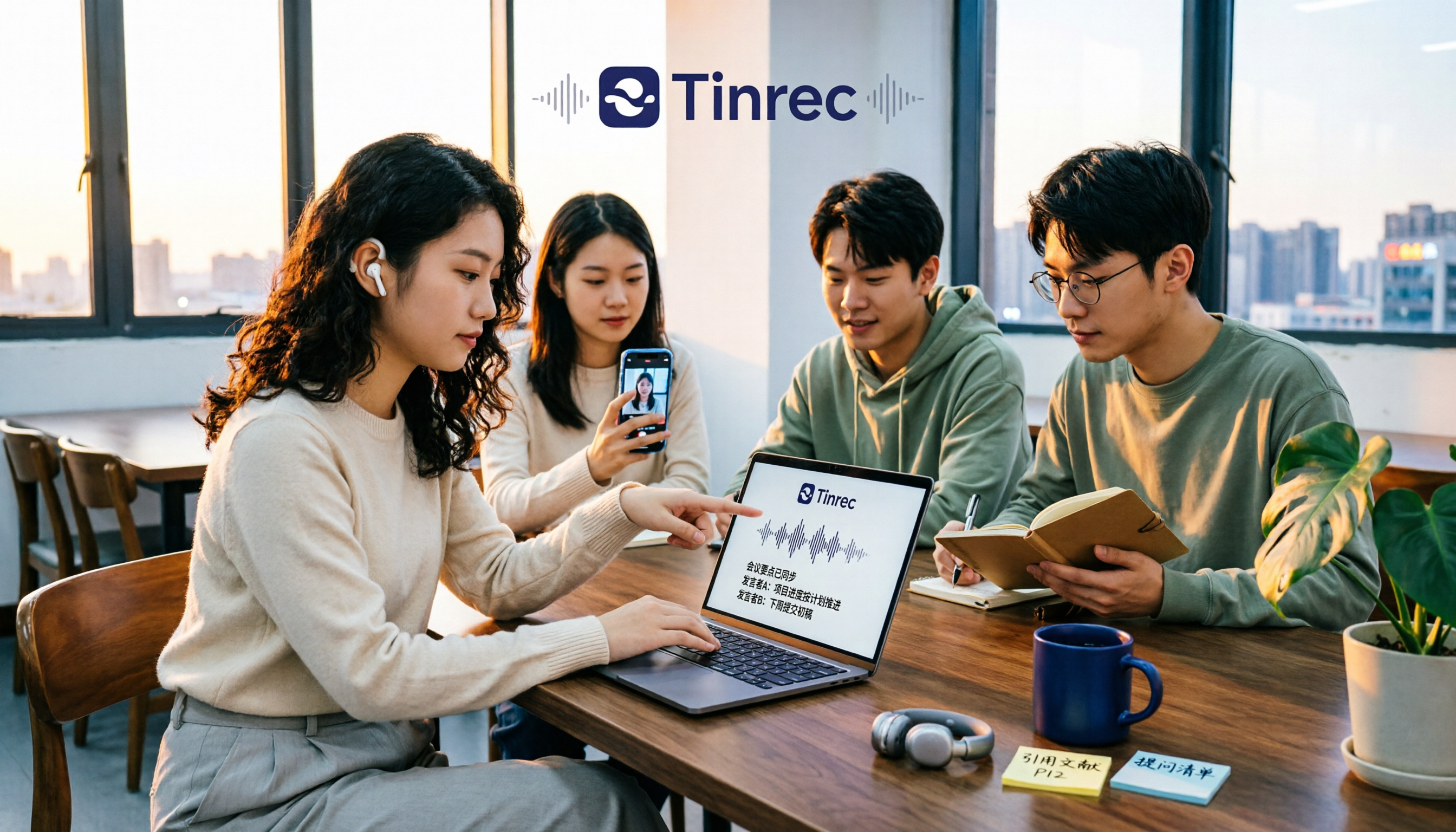
Tinrec vs Free Audio-to-Text Tools in 2026: 5-Dimension Comparison for Students
When students look for free audio-to-text tools, the real question isn't which one is free, but whether the free quota can keep up with usage frequency and whether the transcribed data can be used directly. This article uses Tinrec as an example, breaking down 5 dimensions: free quota, online class recording, Chinese recognition, post-transcription organization, and group collaboration, plus FAQs students ask most.

How to Transcribe Graduate Student Interview Recordings in 2026: 5 Steps from Audio to Analyzable Transcript
The most time-consuming part of organizing interview recordings isn't typing—it's the lack of a designed workflow. This article uses Tinrec to demonstrate 5 steps: from checking recording quality, uploading for transcription, using AI summaries to grasp the main points, to verbatim proofreading and exporting for coding. It also covers the 5 most common pitfalls graduate students face when choosing transcription tools.

2026 Short Video Learning Summary Tools Comparison: Tinrec vs Notta vs Otter – Which Is Best for Organizing Course Notes?
Organizing course notes and recordings is a pain point when learning short video production. This article tests Tinrec, Notta, and Otter, focusing on course recording transcription, AI summaries, Q&A, and team collaboration to help you find the most time-saving learning summary solution.

2026 Real-Time Video Summarization Tools Compared: Tinrec vs Granola in 5 Key Dimensions
Looking for a real-time video summarization tool? This hands-on comparison examines Tinrec and Granola across five dimensions: bot-free recording, Chinese real-time summarization, post-meeting AI Q&A, audio retention, and team governance. We also break down pricing, free tiers, and ideal use cases to help you decide which tool better fits Chinese-language meetings and team collaboration.