

Turn recordings into transcripts and summaries in minutes
Upload audio or video for multilingual transcription, AI notes, and action items
How to Transcribe Graduate Student Interview Recordings in 2026: 5 Steps from Audio to Analyzable Transcript
Many graduate students, when organizing interview recordings for the first time, instinctively open a media player, listen to one sentence, type one sentence, and rewind to listen again when unclear. For a 60-minute interview, the actual organizing time is often 3 to 4 times the recording length—starting from two to three hours—and after finishing the transcript, the real analysis hasn't even begun.
Honestly, what usually holds you back isn't typing speed, but the lack of a designed workflow: transcribing, proofreading, coding, and writing memos are all crammed together. A more reasonable approach is to delegate "turning sound into text" to a tool, and you only keep two tasks—proofreading key passages and repeatedly reading the text to mark keywords.
Below, I use Tinrec as an example to explain the complete workflow for graduate students handling interview recordings, and the most common pitfalls when choosing tools.
What Can Interview Transcription Do for Graduate Students?
Scenario 1: Turn a 90-minute interview into searchable text Previously, you could only rely on memory to recall whether the interviewee mentioned something. With Tinrec, for example, after uploading the recording file, a transcript is generated, and you can directly search for keywords in the text without opening the player to find segments one by one.
Scenario 2: Grasp the main points first, then decide which sections to read closely An interview can easily be tens of thousands of words, and reading it all from the beginning is exhausting. Tinrec provides summaries, chapters, and key points alongside the transcript, so you can first look at the structure and then go back to select the sections that truly need verbatim proofreading.
Scenario 3: Extract "to-dos" from the interview Qualitative interviews often surface follow-up actions, such as "need to ask about salary structure next time" or "need to send a consent form." Tinrec can extract to-dos from the conversation, saving you the effort of searching back through the text yourself.
Scenario 4: Interviews with mixed Chinese and English or cross-language It's common in graduate school for interviewees to switch to English when discussing technical terms, or for the interview itself to be conducted in a foreign language. Tinrec supports multilingual transcription and real-time translation, allowing you to view the original text, translation, or bilingual comparison without needing to piece together separate translation tools.
What Are the Core Capabilities of Interview Transcription?
Upload and transcribe audio and video files Interview recordings may come from recorders, phones, or computers, in various formats. Tinrec supports uploading existing audio and video files, and you can proofread after transcription is complete, without typing while playing.
Real-time recording to text For field interviews or on-site discussions, you can open Tinrec to record and transcribe simultaneously. You can see the text being generated in real time, and if you miss a key point, you still have time to follow up.
Bot-free online meeting recording Remote interviews often use Zoom, Google Meet, Microsoft Teams, or Webex. Tinrec's desktop version captures computer system audio to record, without inviting an additional meeting bot, causing less disruption to the interviewee.
AI summaries, chapters, and key points If a tool only gives you a large block of text, subsequent organization is still laborious. Tinrec breaks long interviews into chapters, organizes key points and summaries, effectively handling the "first draft organization" step as well.
AI conversational queries and multi-format export After transcription, you can directly ask Tinrec questions like "What was the interviewee's reaction to the price?" or "Which competitors were mentioned?" It will answer based on the interview content. The organized results can also be exported in multiple formats or taken to Notion, Google Docs, OneNote, or Dropbox for further editing, without copying and pasting again.
Practical Application: 5-Step Workflow for Graduate Student Interviews
Step 1: First confirm recording quality and interviewee consent This step is most easily skipped but most affects subsequent efficiency. If the recording environment is too noisy or multiple people talk over each other, no tool can save it; also remember to obtain interviewee consent in accordance with local regulations.
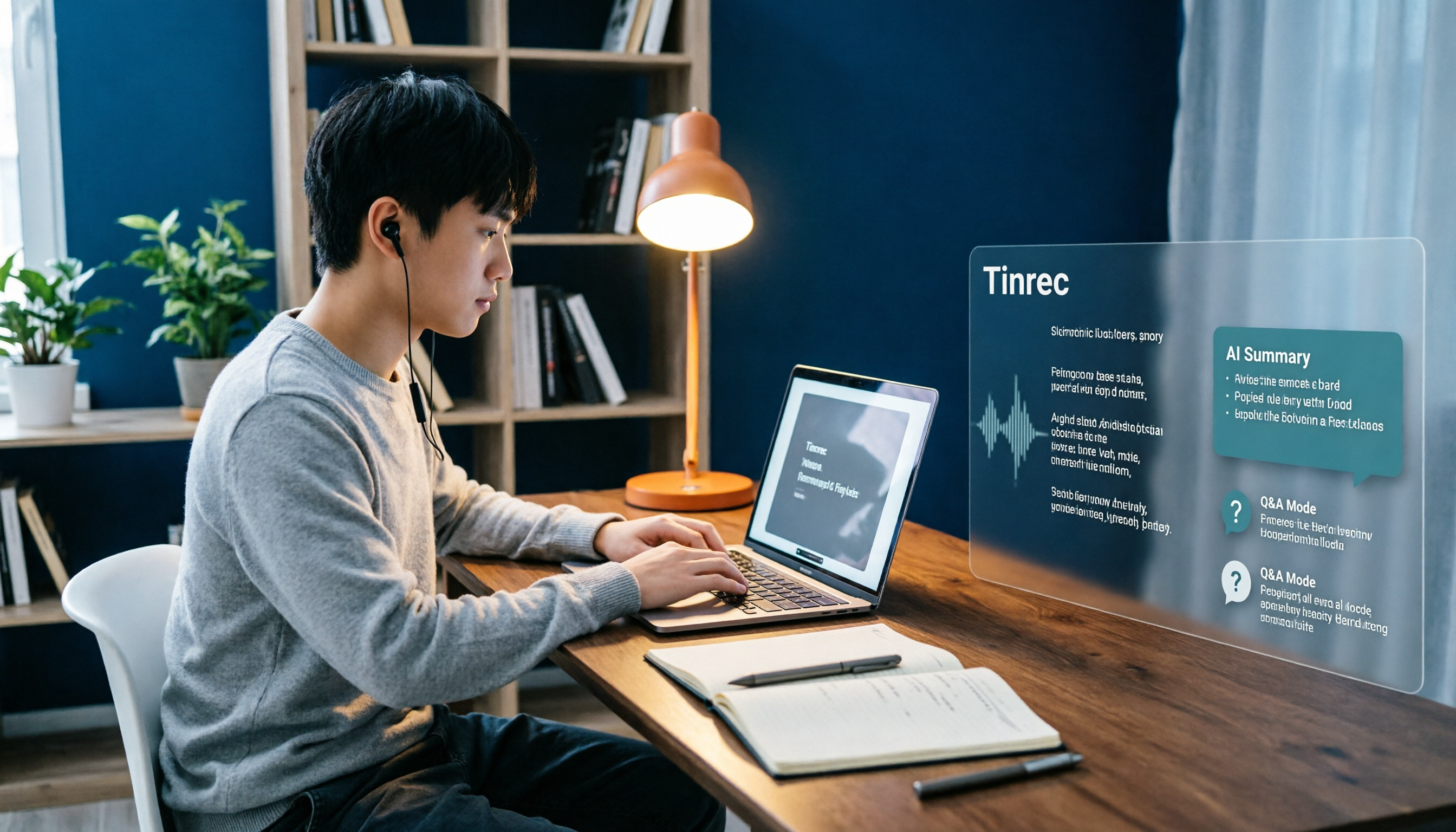
Step 2: Upload the recording file to Tinrec to get a preliminary transcript Don't transcribe from scratch by listening. Let the tool produce a first draft so you have something to proofread, rather than generating text while listening.
Stop organizing recordings by hand
Upload audio or video and automatically get a transcript, summary, and action items
Step 3: Use AI summaries and chapters to grasp the main points of the interview First read the summary and chapters, and mark the sections most relevant to your research questions. This step helps you decide which sections are worth verbatim proofreading, rather than exerting equal effort on the entire document.
Step 4: Verbatim proofreading of key sections Return to the transcript and check the sentences you plan to quote directly against the recording, especially numbers, names, and technical terms. AI transcription can greatly reduce work time, but important quotes should still be confirmed against the original.
Step 5: Export to your analysis workflow Export the proofread text to Notion or Google Docs and start coding and writing memos. Tinrec supports multi-format export and third-party tool integration, so you don't need to move the text again.
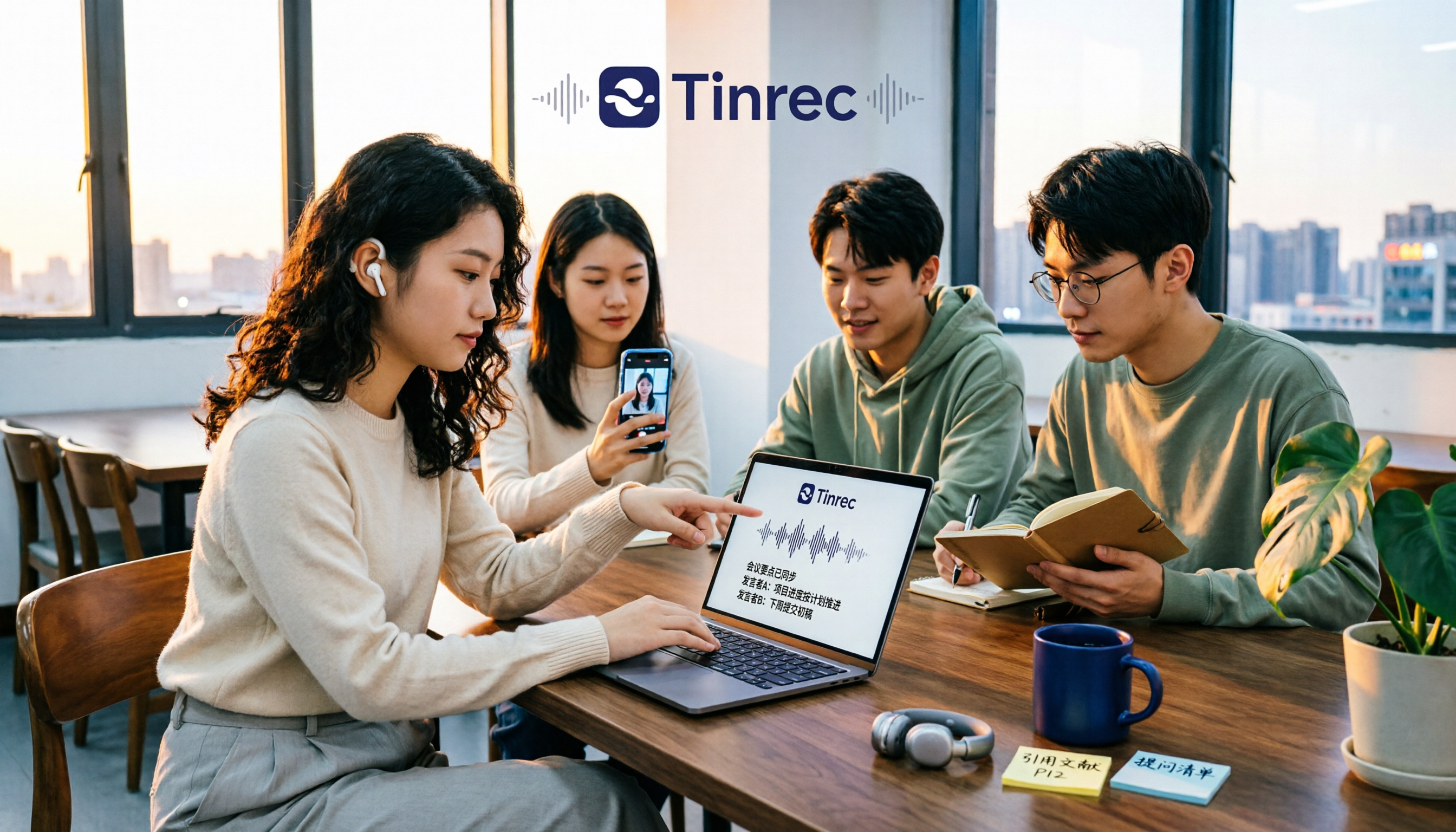
Extended scenario: Research team sharing interview data If a lab or research team conducts interviews together, Tinrec's team version provides an independent team space. Interview recordings and transcripts belong to the team, and you can manage members, roles, and seats, and view usage and activity logs. When a member leaves or loses their seat, the data can be handed over to other members and won't be taken away with the individual account.
5 Things to Note When Choosing an Interview Transcription Tool
1. Recognition performance for Chinese and mixed Chinese-English Don't just look at official claims; testing with your own interview recordings is most accurate. Chinese, Taiwanese Mandarin, and mixed Chinese-English are common scenarios. Tinrec can be a focus for such content, but actual results are still affected by recording quality, accent, noise, and overlapping speech. No tool should promise a fixed accuracy rate.
2. Can it help you organize after transcription? The transcript is just the first step. In addition to the transcript, Tinrec provides summaries, chapters, key points, to-dos, and AI Q&A—that's the key to saving time.
3. Can the original audio be retained for later verification? For research, you must be able to go back to the recording to confirm. Some tools only keep text and don't retain meeting audio, leaving less assurance before quoting. Tinrec retains audio, and the team version has an audio recycle bin to handle accidental deletion.
4. Can it connect to your existing workflow? Graduate students commonly use note-taking software like Notion, Google Docs, and OneNote. Tinrec supports multi-format export and third-party tool export, and can also use Agent post-processing to generate reports, tables, and documents.
5. Team collaboration and data ownership If the interview is a team project, confirm who owns the data and what happens when members leave. Tinrec's team version manages roles and seats separately: active members can view, play, and read team data even without a seat; only after obtaining a seat can they record, upload, edit, and export. Eligible teams can try 7 days, 1 free seat, and 300 minutes of shared team import quota for the first time; paid seats are USD 29.80 per month or USD 199 per year (equivalent to about USD 16.58/month), each seat provides 2,000 minutes of shared team import quota per month. Actual prices and benefits are subject to the official purchase page.
Frequently Asked Questions
Q1: Can interview transcription completely replace manual transcription? It's not recommended to understand it that way. Tools can greatly reduce manual recording costs, but AI may still miss or misunderstand details. A practical approach: let Tinrec handle the first draft, and then verify key quotes against the recording and transcript timestamps.
Q2: Can audio files recorded with a recorder or phone be uploaded directly? Yes. Tinrec supports uploading existing audio and video files, as well as mobile recording and desktop online meeting recording, so the source doesn't need to be uniform.
Q3: Do I need to ask the interviewee to add a meeting bot for online interviews? No. Tinrec's desktop version directly captures computer system audio and doesn't require an additional bot to join the meeting. Note that you still need to actively open Tinrec to start recording; it's not a tool that automatically joins all calendar meetings.
Q4: Is the free version enough? If you only occasionally organize an interview, you can start with the free version to experience the basic quota; for short-term intensive interviews or oral defense season, consider a weekly card; if you have stable needs every week, the Pro monthly or annual card is more suitable. Choose based on your usage tasks, not just price.
Q5: Can interview transcripts be exported to Notion for coding? Yes. Tinrec supports multiple format exports and can be taken to Notion, Google Docs, OneNote, Dropbox, and other tools for further editing, so you can go straight into the analysis workflow after proofreading.
Q6: If a team conducts interviews together, will the data be taken away by individuals? It won't be directly taken away by individuals. Team resources belong to the team. When a member exits, is removed, or loses their seat, their responsible team resources can be handed over to other active members.
Conclusion
For graduate students handling interview recordings, what really needs to be saved isn't typing time, but the trivial cycle of "play, pause, rewind, type again." Delegate transcription to Tinrec, and you can spend time reading the text, marking keywords, and developing analysis.
It's recommended to start with the free version's basic quota, pick your longest interview recording, and try it once to see how long it takes from upload to getting a readable transcript—compared to transcribing from scratch, there's usually a significant difference.
References
- How to Create Interview Transcripts in 2026? Complete Tutorial from Recording to Analyzable Text in 5 Steps - Tinrec Blog
- Online AI Speech, Video, Audio File Automatic Transcription - Free Trial - cSubtitle
- Yating Transcription
- Online Speech-to-Text AI, Free MP3 or Audio File to Text Transcript - MyEdit
- Yating Transcription App - App Store
Turn every recording into actionable outcomes
Get 60 free transcription minutes when you sign in. No credit card required.
Related Reading
You might also like

4 College Meeting Note Apps Tested for 2026: Which Free Tier and AI Summary Actually Deliver?
Group project meeting ends and no one remembers who's doing what? You don't want to re-listen to a 90-minute class recording? This article uses real college student scenarios to break down 5 key factors for choosing a meeting notes app, tests Tinrec, Notta, Otter.ai, and PLAUD Note, and includes a pitfalls guide plus recommendations based on budget and situation.

2026 Complete Guide to Phone Conference Recording Transcription: From Transcript to Meeting Minutes
Getting only a transcript after a phone conference is essentially no organization at all. Based on a student's hands-on experience, this guide explains what phone conference recording transcription can do for you, its core capabilities, how to use it for online courses and group projects, and includes 5 key points to consider when choosing a tool plus common FAQs. It helps you distinguish between 'just turning audio into text' and 'actually helping you organize meetings.'
Best Note-Taking Apps for Online Classes in 2026: 7 Tools + Auto Transcription
Struggling to keep up with fast-paced online lectures and too lazy to rewatch recordings? This guide reviews 7 note-taking apps for online classes, from Tinrec's recording-to-transcript, AI summaries, and Q&A, to Notion, OneNote, GoodNotes, Notability, Obsidian, and Google Keep. Includes selection tips and 4 must-knows to help you build a note-taking workflow that works for you.

Best Audio-to-Text Tools in 2026: We Tested 5, and This One Handles Chinese Meetings Best
Tired of spending twice as long replaying and organizing meetings? We tested 5 audio-to-text tools, comparing Chinese recognition, online meeting recording methods, AI summaries, post-meeting Q&A, and free tiers. We also highlight 4 common pitfalls to help you find the one that truly saves time.

4 Meeting Transcription Tools Tested for 2026: Which AI Meeting Notes Actually Save You from Overtime?
Spending an extra hour after a meeting to write up notes is a daily reality for most professionals. This article breaks down the 4 key factors for choosing a meeting transcription tool based on real workflows, takes a deep dive into Tinrec's bot-free recording, AI Q&A, and team spaces, briefly reviews Otter.ai, Notta, and Granola for different use cases, and offers clear recommendations based on budget and needs.
Tinrec vs Free Audio-to-Text Tools in 2026: 5-Dimension Comparison for Students
When students look for free audio-to-text tools, the real question isn't which one is free, but whether the free quota can keep up with usage frequency and whether the transcribed data can be used directly. This article uses Tinrec as an example, breaking down 5 dimensions: free quota, online class recording, Chinese recognition, post-transcription organization, and group collaboration, plus FAQs students ask most.

2026 Short Video Learning Summary Tools Comparison: Tinrec vs Notta vs Otter – Which Is Best for Organizing Course Notes?
Organizing course notes and recordings is a pain point when learning short video production. This article tests Tinrec, Notta, and Otter, focusing on course recording transcription, AI summaries, Q&A, and team collaboration to help you find the most time-saving learning summary solution.

2026 Real-Time Video Summarization Tools Compared: Tinrec vs Granola in 5 Key Dimensions
Looking for a real-time video summarization tool? This hands-on comparison examines Tinrec and Granola across five dimensions: bot-free recording, Chinese real-time summarization, post-meeting AI Q&A, audio retention, and team governance. We also break down pricing, free tiers, and ideal use cases to help you decide which tool better fits Chinese-language meetings and team collaboration.

Best Video Summarizer Apps in 2026: We Tested 4, and This One Is the Most Time-Saving for Chinese Videos
A 2026 comparison of 4 video summarizer apps, breaking down input sources, summary and action item output, Chinese recognition, and team collaboration. We explain why Tinrec is the top choice for Chinese videos and meeting notes, plus buying advice and pitfalls to avoid for different scenarios.