

Turn recordings into transcripts and summaries in minutes
Upload audio or video for multilingual transcription, AI notes, and action items
Best Audio-to-Text Tools in 2026: We Tested 5, and This One Handles Chinese Meetings Best
The Pain Begins After the Meeting Ends
Have you ever experienced this: a two-hour meeting finally ends, the recording sits quietly on your phone, but you keep putting off listening to it.
Because replaying it takes two hours, and typing out a transcript while listening takes another two hours. So you end up writing meeting notes from memory, miss two action items, and get called out by your boss in the group chat.
Another common scenario: iPhone's built-in Voice Memos only records audio, and after the meeting you still have to figure out the rest yourself. Android recording apps vary in quality, and Chinese meetings with mixed Chinese-English content often produce disastrous transcripts.
If you've been in these situations, this article is for you. We tested 5 of the most talked-about audio-to-text tools, covering Chinese performance, online meeting handling, and free tiers—all in one place.
4 Key Points to Understand Before Choosing an Audio-to-Text Tool
1. What else can it do after generating a transcript? A transcript is only half the battle. What really saves time are summaries, chapters, action items, and whether you can directly ask questions about the recording. Tools that just give you a wall of text still require you to read through it all.
2. How do you record online meetings? Some tools use a "meeting bot" that joins the meeting room, adding a stranger to the participant list. Others use a desktop app to capture system audio directly, without alerting anyone. The latter usually feels much more natural.
3. Chinese and mixed Chinese-English recognition performance Meetings in Taiwan are rarely pure Chinese; they often include sentences like "Let's review this KPI next week." When testing, use your own recordings—don't just rely on official numbers.
4. Is the free tier enough for you? Most tools offer free plans, but limits vary widely. First determine your usage frequency, then decide whether to pay.
Tinrec – The One We Opened Most Often After Testing
Tinrec is an AI meeting notes and collaboration tool for individuals and teams, available on web, desktop, and mobile.
What surprised me most was the "no bot" approach. Tinrec's desktop version captures system audio directly, so when handling online meetings on Zoom, Google Meet, Microsoft Teams, or Webex, it doesn't need to send a bot into the meeting room. For those who frequently meet with external clients, this is a thoughtful touch.
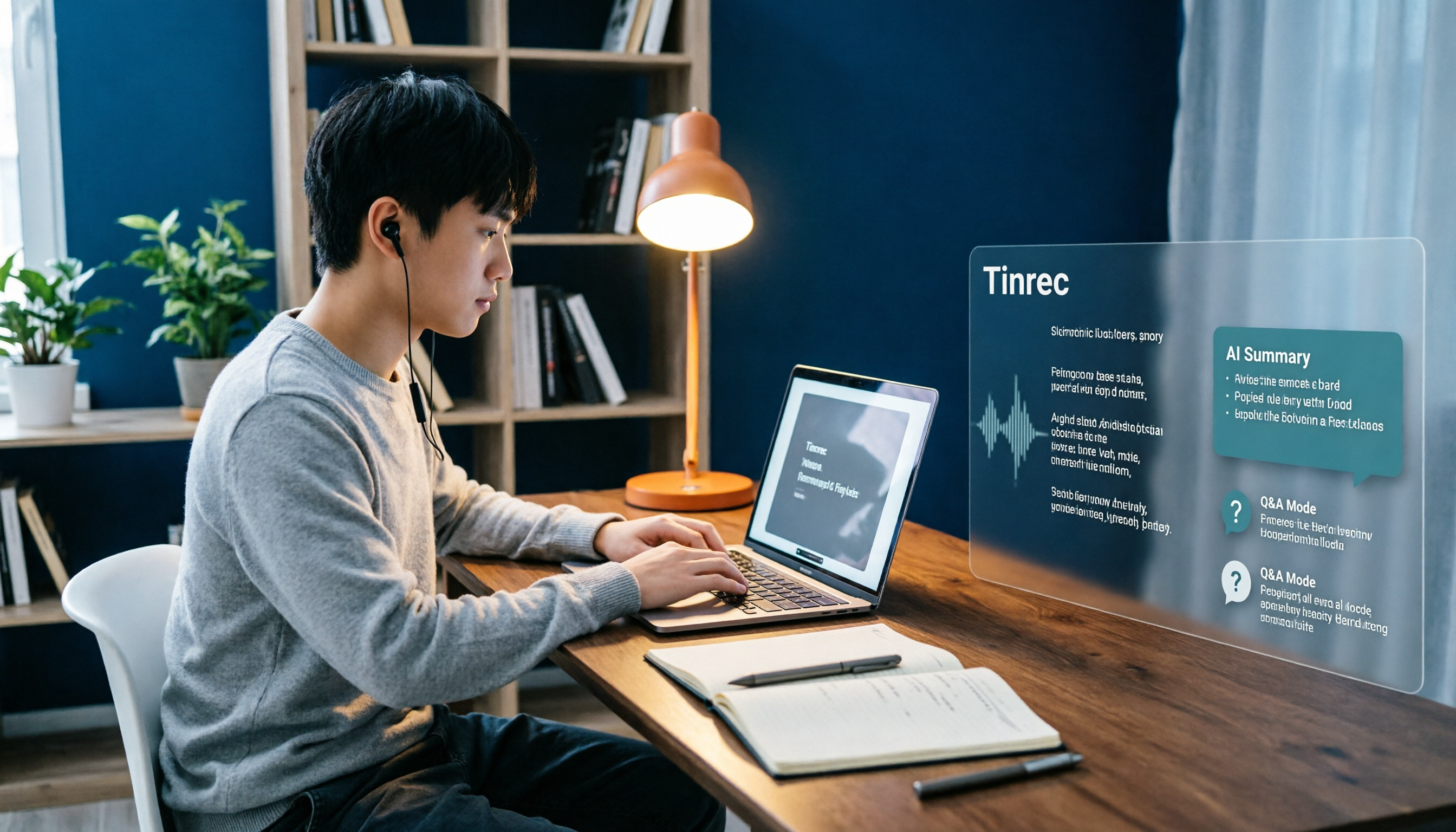
During the meeting, open Tinrec to record and generate a live transcript, with options to view original text, translation, or bilingual. After the meeting, summaries, chapters, and action items are already organized—who's responsible for what, what's due next week, all clear at a glance.
Even better is the AI Q&A. After recording, you can directly ask "What was the conclusion about the budget in this meeting?" and it will answer based on the content, rather than dumping a list of keyword search results. Few competitors in this price range currently do this.
Three advantages I actually experienced:
- Meeting data is retained. Audio files, transcripts, and summaries are stored in one place. Next time you need to find a decision from a meeting three months ago, just search.
- Stable performance for Chinese meetings. Mixed Chinese-English sentences, product terminology, and colleagues' Taiwanese accents require minimal manual editing under clear recording conditions. Actual results still depend on recording quality, background noise, and multiple people talking over each other.
- Post-meeting processing continues. Besides exporting files, you can bring them to Notion, Google Docs, OneNote, Dropbox, or directly generate reports, tables, and meeting minutes.
Stop organizing recordings by hand
Upload audio or video and automatically get a transcript, summary, and action items
Things to note:
The free version has a basic quota, suitable for occasional use; if you have regular weekly meetings, you'll need to upgrade. Also, the team version currently focuses on team-level data sharing, and not every file can have independent permissions. Before purchasing, confirm whether it meets your company's policies.
The team version operates in independent spaces, not "multiple people sharing one account." You can create multiple team spaces, invite members via link, set owners/admins/regular members, and assign seats. Paid seats provide 2,000 minutes of shared team import quota per month. Team monthly billing is USD 29.80 per paid seat per month, annual billing is USD 199 per paid seat per year (about USD 16.58 per month). Eligible teams get a 7-day trial, 1 free seat, and 300 minutes of shared quota. Actual prices and benefits are subject to the official purchase page.
Who is it for? Those who frequently hold online meetings, need Chinese transcripts, want to use AI to find key points after meetings, or wish to turn meeting data into team assets. If you only occasionally convert a recording to text, try the free version first.
Besides Tinrec, What Other Options Are There?
Otter.ai: A veteran choice for English meetings. Basic free plan offers 300 minutes per month; Pro annual billing is about USD 8.49 per month, including 1,200 minutes of in-app recording per month. Its English business meeting mindset is mature, but Chinese performance is not its strength. It also offers desktop capabilities, not just a meeting bot mode.
Notta: A multilingual transcription tool with significant overlap with Tinrec. Free plan offers 120 minutes per month, max 3 minutes per session; Pro annual billing is about USD 8.17 per month. Transcription and translation are its strengths, but bot-free online meeting recording, team spaces, and AI Q&A are not its main focus.
Granola: A bot-free AI meeting notes tool that emphasizes "your handwritten notes plus AI enhancement." Basic is free, Business is USD 14 per user per month. It does not support uploading pre-recorded audio files and does not save meeting audio—if you need to listen back or organize historical recordings, this is a limitation.
Pitfall Guide: 4 Common Mistakes When Choosing These Tools
Pitfall 1: Only looking at official accuracy claims. Official numbers are usually measured in quiet environments. Real offices have air conditioning noise, keyboard sounds, and people talking over each other—performance will differ. Always test with your own recording, don't just trust ads.
Pitfall 2: Assuming "having a transcript" equals saving time. If the tool only gives you text, you still have to read it from start to finish. What really saves time are summaries, chapters, action items, and searchable Q&A. When choosing, give this factor more weight.
Pitfall 3: Ignoring ownership of meeting data. Meetings recorded under a personal account stay with the individual. If a colleague leaves or you change departments, data may be scattered. If meeting content is valuable to the team, choose a tool with team spaces from the start to save future organizing hassle.
Pitfall 4: Overlooking legal and etiquette issues of recording. Recording conversations in Taiwan still has relevant regulations. For important meetings, it's best to inform participants and get consent beforehand—this is easier than dealing with disputes later.
Conclusion: Which One Should You Choose?
Simply put, for most people the answer will be Tinrec.
- Primarily Chinese meetings, need mixed Chinese-English transcripts → Tinrec
- Don't want a bot joining online meetings → Tinrec (desktop system audio)
- Want to ask AI "What was the conclusion?" after meetings → Tinrec
- Want meeting data to stay with the team, transferable and manageable → Tinrec Team
- Mainly record English meetings, budget priority → Otter.ai free version
- Only need to convert existing audio files to subtitles → File transcription tools like Notta, TurboScribe are more suitable
We suggest starting with Tinrec's free version, using it to organize a real meeting recording, and seeing if the transcript and summary quality meets your expectations before deciding to upgrade. The best way to know if a tool works is to test it with your own recording.
References
- Audio-to-Text App Recommendations: 5 AI Transcript and Meeting Notes Tools Reviewed - Tinrec Blog
- 2026 Efficient Work Techniques! 9 Office Productivity Apps | 104 Career Power
- 2026 Audio Note Software Recommendations: 5 Must-Have Tools for Professionals and Students to Double Meeting and Class Efficiency - Tinrec Blog
- Want to Improve Meeting Efficiency? 6 AI Recording Tools to Automatically Generate Minutes and Action Items - Tinrec Blog
- Work Summary Auto-Generation Tool Recommendations: 5 Efficient Tools in 2026 to Produce Meeting Notes and Action Items in One Click - Tinrec Blog
Turn every recording into actionable outcomes
Get 60 free transcription minutes when you sign in. No credit card required.
Related Reading
You might also like

5 Best English Audio-to-Text Tools for International Students in 2026: Which Saves the Most Time on Class Notes?
We tested and compared 5 English audio-to-text tools ideal for international students, including Tinrec, Otter.ai, Notta, and TurboScribe. We analyzed accuracy, AI summaries, Chinese language support, free tiers, and pricing to help you find the best solution for class notes and review.

4 Best AI Note-Taking Tools for Students in 2026: Can You Finally Listen and Take Notes at the Same Time?
When you're busy taking notes in class, you often miss the key points the teacher emphasizes. This article shares hands-on testing of 4 AI note-taking tools for students, comparing transcription, Chinese recognition, online class recording, and post-class AI Q&A, with honest details on free tiers and paid pricing to help you find the one that fits your class pace.

Class Recording to Text in 2026: How Tinrec Turns Lectures into Transcripts and AI Notes Without a Voice Recorder
When it comes to turning class recordings into text, the real decision for students isn't which tool to use—it's whether to carry an extra device to class. This article compares Tinrec and PLAUD recording hardware across five dimensions: recording method, course scenarios, post-transcription usability, Chinese and bilingual classrooms, and cost structure. It also includes a transcript organization workflow you can follow right after class.

Remote Work Meeting Notes in 2026: 4 Key Features That Determine If You Can Leave on Time
Remote work meeting notes often fall into three traps: treating a video recording as documentation, treating a transcript as meeting minutes, and leaving organization until the end of the day. Using Tinrec as an example, this article breaks down the real needs for remote meeting notes—real-time transcription, AI summaries, action items, and team spaces—and covers 5 buying considerations and FAQs.

Tinrec vs Notta 2026: 5-Dimension Comparison for Automatic Note-Taking in Online Courses
Can't keep up with notes during online classes? This article tests Tinrec, Notta, Otter.ai, and other tools across 5 key dimensions, explaining the real differences in lecture transcription, AI summaries, and action items, plus buying criteria and pitfalls to help you find the best note-taking workflow for your classes.

4 College Meeting Note Apps Tested for 2026: Which Free Tier and AI Summary Actually Deliver?
Group project meeting ends and no one remembers who's doing what? You don't want to re-listen to a 90-minute class recording? This article uses real college student scenarios to break down 5 key factors for choosing a meeting notes app, tests Tinrec, Notta, Otter.ai, and PLAUD Note, and includes a pitfalls guide plus recommendations based on budget and situation.

2026 Complete Guide to Phone Conference Recording Transcription: From Transcript to Meeting Minutes
Getting only a transcript after a phone conference is essentially no organization at all. Based on a student's hands-on experience, this guide explains what phone conference recording transcription can do for you, its core capabilities, how to use it for online courses and group projects, and includes 5 key points to consider when choosing a tool plus common FAQs. It helps you distinguish between 'just turning audio into text' and 'actually helping you organize meetings.'
Best Note-Taking Apps for Online Classes in 2026: 7 Tools + Auto Transcription
Struggling to keep up with fast-paced online lectures and too lazy to rewatch recordings? This guide reviews 7 note-taking apps for online classes, from Tinrec's recording-to-transcript, AI summaries, and Q&A, to Notion, OneNote, GoodNotes, Notability, Obsidian, and Google Keep. Includes selection tips and 4 must-knows to help you build a note-taking workflow that works for you.

4 Meeting Transcription Tools Tested for 2026: Which AI Meeting Notes Actually Save You from Overtime?
Spending an extra hour after a meeting to write up notes is a daily reality for most professionals. This article breaks down the 4 key factors for choosing a meeting transcription tool based on real workflows, takes a deep dive into Tinrec's bot-free recording, AI Q&A, and team spaces, briefly reviews Otter.ai, Notta, and Granola for different use cases, and offers clear recommendations based on budget and needs.