

Turn recordings into transcripts and summaries in minutes
Upload audio or video for multilingual transcription, AI notes, and action items
After the meeting ends, everyone returns to their desks. You open your notebook and start trying to remember who said what—the meeting lasted 90 minutes, and turning the key points into a shareable summary is another hour of work. More often than not, online meetings are recorded, but the file sits in the cloud and no one ever watches it again. Or the meeting notes only exist on someone's computer, and when they leave, the decision trail from the past six months disappears with them.
This article isn't about how amazing AI is. It goes back to the most practical question for workplace procurement: How do you actually choose a meeting transcription tool? Which features will you really use every day, and which are just impressive numbers on a spec sheet? Below, we break it down by workflow and compare Tinrec with a few common alternatives.
Before Choosing a Meeting Transcription Tool, Understand These 4 Key Points
1. How does the audio get in? For online meetings, there are roughly two approaches: one is to send a "meeting bot" to join as a participant; the other is to capture system audio directly from your own computer. The former is convenient, but having an unfamiliar account in a client meeting can be awkward. The latter is the method used by Tinrec's desktop app—no extra participants, and you initiate the recording yourself. Before choosing a tool, think about whether your meetings are mostly internal or external.
2. After transcription, what does the tool give you? A tool that only provides a transcript is just handing the tedious work of "organizing" right back to you. The real difference lies in whether it offers automatic summaries, chapters, action item extraction, and the ability to ask questions directly about the meeting content. This is where products at the same price point separate themselves.
3. Who ultimately holds the meeting data? Personal accounts are convenient, but the data belongs to the individual. Team spaces mean the data belongs to the team, and members coming and going don't affect ownership of assets. If your meetings involve decisions and handovers, this matters far more than the number of features.
4. How are quotas and costs calculated? Free versions usually have monthly minute limits or single-session length caps. For paid plans, look at whether "minutes are per-person or shared across the team." When purchasing, don't just compare monthly fees—compare "how many minutes of meeting recordings your team actually generates per week."
Tinrec—The One That Worked Best for Us in Practice
Tinrec is an AI meeting notes and collaboration tool for individuals and teams. It supports iOS, Android, and web, while the desktop version handles online meetings on your computer.
No extra bot for online meetings. The desktop version captures system audio directly, so it can handle meeting audio played on your computer from Zoom, Google Meet, Microsoft Teams, and Webex. No unfamiliar account suddenly appears in the meeting room. Note that this is not "automatically join all meetings on your calendar"—the user actively opens Tinrec to start recording.
Live transcript as you record, action items right after. The transcript is generated in real time during the meeting. Afterward, it automatically organizes summaries, chapters, and key points, and extracts action items from the discussion—who is responsible for what, what's next—so you don't have to listen to the recording again. For cross-language meetings, you can enable real-time translation and read in original text, translated text, or bilingual side-by-side.
After recording, you can "ask" it questions. This is where Tinrec stands out most from ordinary transcription tools: you can ask questions directly about the meeting content, such as "Who mentioned the budget in the last meeting?" or "What concerns did the client have about the delivery date?" It answers based on meaning, rather than dumping a list of keywords for you to sift through. You can also generate reports, tables, and meeting minutes from the same data, and export to existing workflows like Notion, Google Docs, OneNote, and Dropbox.
Stop organizing recordings by hand
Upload audio or video and automatically get a transcript, summary, and action items
For multi-person collaboration, go to the Team version. The Team version is not "multiple people sharing one personal account"—it's a separate team space: audio files, folders, and action items are stored centrally in the team. New members can see historical meeting data after joining. When a member leaves or is removed, their team resources can be handed over to other active members, so data isn't taken away. Admins can manage roles and seats, view usage trends and member rankings, query and export audit logs, and maintain company terminology with team hotwords. Currently, the team free trial offers 7 days, 1 free seat, and 300 minutes of shared team import quota. Team monthly billing is USD 29.80 per paid seat per month; annual billing is USD 199 per paid seat per year (about USD 16.58 per month). Each paid seat provides 2,000 minutes of shared team import quota per month. Real-time recording is currently not deducted by minutes under an active team plan and active seat. Actual prices, currencies, and promotions are subject to the official purchase page.
Limitations should also be clear. Accuracy can be affected by recording quality, air conditioning noise, accents, people talking over each other, and technical jargon—no fixed percentage should be given. For important decisions, it's recommended to cross-check with transcript timestamps and recording playback. Also, if your need is "upload dozens of long audio files at once for batch subtitles," that's not Tinrec's strong suit.
Who it's for. Professionals who often have Chinese or mixed Chinese-English meetings, don't want a meeting bot appearing in front of clients, want to find key points directly through Q&A after the meeting, and need to turn meeting notes into team assets.
Besides Tinrec, What Other Options Are There?
Otter.ai: A long-standing choice for English business meetings. The Basic free version offers 300 minutes per month; Pro annual billing is about USD 8.49 per user per month. Its English meeting experience is mature and integrations are complete. But if you mainly record Chinese or mixed Chinese-English meetings, Tinrec is more aligned with your needs in Chinese content, real-time translation, and team data retention. The Agent post-processing after bot-free recording is also something Tinrec emphasizes more.
Notta: The direct competitor with the most overlap with Tinrec, offering multi-platform transcription, translation, and team plans. The free version offers 120 minutes per month, with a maximum of 3 minutes per session. Pro annual billing is about USD 8.17 per month, with 1,800 minutes per month. Its strength is in transcription and translation itself; Tinrec emphasizes bot-free online meeting recording, AI Q&A, and team space governance capabilities like roles, seats, usage, and auditing.
Granola: Also uses a bot-free approach to capture device audio, focusing on "your handwritten notes + AI enhancement." Business is USD 14 per user per month; Enterprise is USD 35 per user per month. Note that it does not support uploading pre-recorded audio files and does not save meeting audio. If you need to keep recordings, import existing audio files, have a Chinese experience, or manage team data, Tinrec is more suitable.
Pitfall Guide: The 3 Most Common Mistakes When Choosing a Meeting Transcription Tool
Pitfall 1: Only looking at the word "free." Free versions usually have single-session length or monthly minute limits. Many people download one only to find that their longest meeting can't be fully recorded. We suggest testing directly with your longest meeting recording, not a three-minute test file.
Pitfall 2: Treating "auto-join meetings" as a must-have. Most people think a meeting bot is required for automation, but then an unfamiliar account shows up in a client meeting, and you have to spend time explaining it. First confirm whether your meetings are internal or external, then decide which capture method to use.
Pitfall 3: Only using the tool as "audio-to-text." If you only use it to get transcripts, you're only using one-third of its features. Summaries, action items, AI Q&A, and exporting to existing workflows are where you truly save overtime hours. Also don't forget: you should inform participants and get consent before recording, and comply with local regulations.
Conclusion: Which One Should You Actually Choose?
- Chinese or mixed Chinese-English meetings, don't want an extra bot, want to ask key points directly after the meeting → Tinrec
- Need to keep recordings, import historical audio files, use across phone and computer → Tinrec
- Need team-shared meeting data, member and seat management, usage and audit logs → Tinrec Team version
- Pure English meetings, zero budget → Otter.ai free version (300 minutes per month)
- Main need is batch transcription of long audio files into subtitles → That's a strength of document transcription tools, not the main scenario here
Before purchasing, we suggest starting with Tinrec's free version and running a complete workflow with a real internal meeting—from recording, transcript, summary, to action items—to see if it can really save you that hour after the meeting. Whether the quota is enough and whether your team needs to upgrade to the Team version can be decided after actual use.
References
- AI Meeting Notes Software Recommendations: 5 App Reviews, Automatic Transcription Makes Meetings Easy!
- No Time Limit! 3 Free AI Transcription Tools, Highly Recommended! AI Voice Notes Generate Meeting Minutes, Presentations, Mind Maps | 104 Workplace
- Organizing Meeting Minutes Is Painful? 5 NotebookLM AI Note Transformation Techniques, Accurate Translation Even with Mixed Chinese-English and Technical Terms | BusinessNext
- AI Meeting Notes Tool | Real-time Recording, Summary Organization! 3 Tools Let You Focus on the Meeting
- AI Meeting Notes Generator
Turn every recording into actionable outcomes
Get 60 free transcription minutes when you sign in. No credit card required.
Related Reading
You might also like

5 Best English Audio-to-Text Tools for International Students in 2026: Which Saves the Most Time on Class Notes?
We tested and compared 5 English audio-to-text tools ideal for international students, including Tinrec, Otter.ai, Notta, and TurboScribe. We analyzed accuracy, AI summaries, Chinese language support, free tiers, and pricing to help you find the best solution for class notes and review.

4 Best AI Note-Taking Tools for Students in 2026: Can You Finally Listen and Take Notes at the Same Time?
When you're busy taking notes in class, you often miss the key points the teacher emphasizes. This article shares hands-on testing of 4 AI note-taking tools for students, comparing transcription, Chinese recognition, online class recording, and post-class AI Q&A, with honest details on free tiers and paid pricing to help you find the one that fits your class pace.

Class Recording to Text in 2026: How Tinrec Turns Lectures into Transcripts and AI Notes Without a Voice Recorder
When it comes to turning class recordings into text, the real decision for students isn't which tool to use—it's whether to carry an extra device to class. This article compares Tinrec and PLAUD recording hardware across five dimensions: recording method, course scenarios, post-transcription usability, Chinese and bilingual classrooms, and cost structure. It also includes a transcript organization workflow you can follow right after class.

Remote Work Meeting Notes in 2026: 4 Key Features That Determine If You Can Leave on Time
Remote work meeting notes often fall into three traps: treating a video recording as documentation, treating a transcript as meeting minutes, and leaving organization until the end of the day. Using Tinrec as an example, this article breaks down the real needs for remote meeting notes—real-time transcription, AI summaries, action items, and team spaces—and covers 5 buying considerations and FAQs.

Tinrec vs Notta 2026: 5-Dimension Comparison for Automatic Note-Taking in Online Courses
Can't keep up with notes during online classes? This article tests Tinrec, Notta, Otter.ai, and other tools across 5 key dimensions, explaining the real differences in lecture transcription, AI summaries, and action items, plus buying criteria and pitfalls to help you find the best note-taking workflow for your classes.

4 College Meeting Note Apps Tested for 2026: Which Free Tier and AI Summary Actually Deliver?
Group project meeting ends and no one remembers who's doing what? You don't want to re-listen to a 90-minute class recording? This article uses real college student scenarios to break down 5 key factors for choosing a meeting notes app, tests Tinrec, Notta, Otter.ai, and PLAUD Note, and includes a pitfalls guide plus recommendations based on budget and situation.

2026 Complete Guide to Phone Conference Recording Transcription: From Transcript to Meeting Minutes
Getting only a transcript after a phone conference is essentially no organization at all. Based on a student's hands-on experience, this guide explains what phone conference recording transcription can do for you, its core capabilities, how to use it for online courses and group projects, and includes 5 key points to consider when choosing a tool plus common FAQs. It helps you distinguish between 'just turning audio into text' and 'actually helping you organize meetings.'
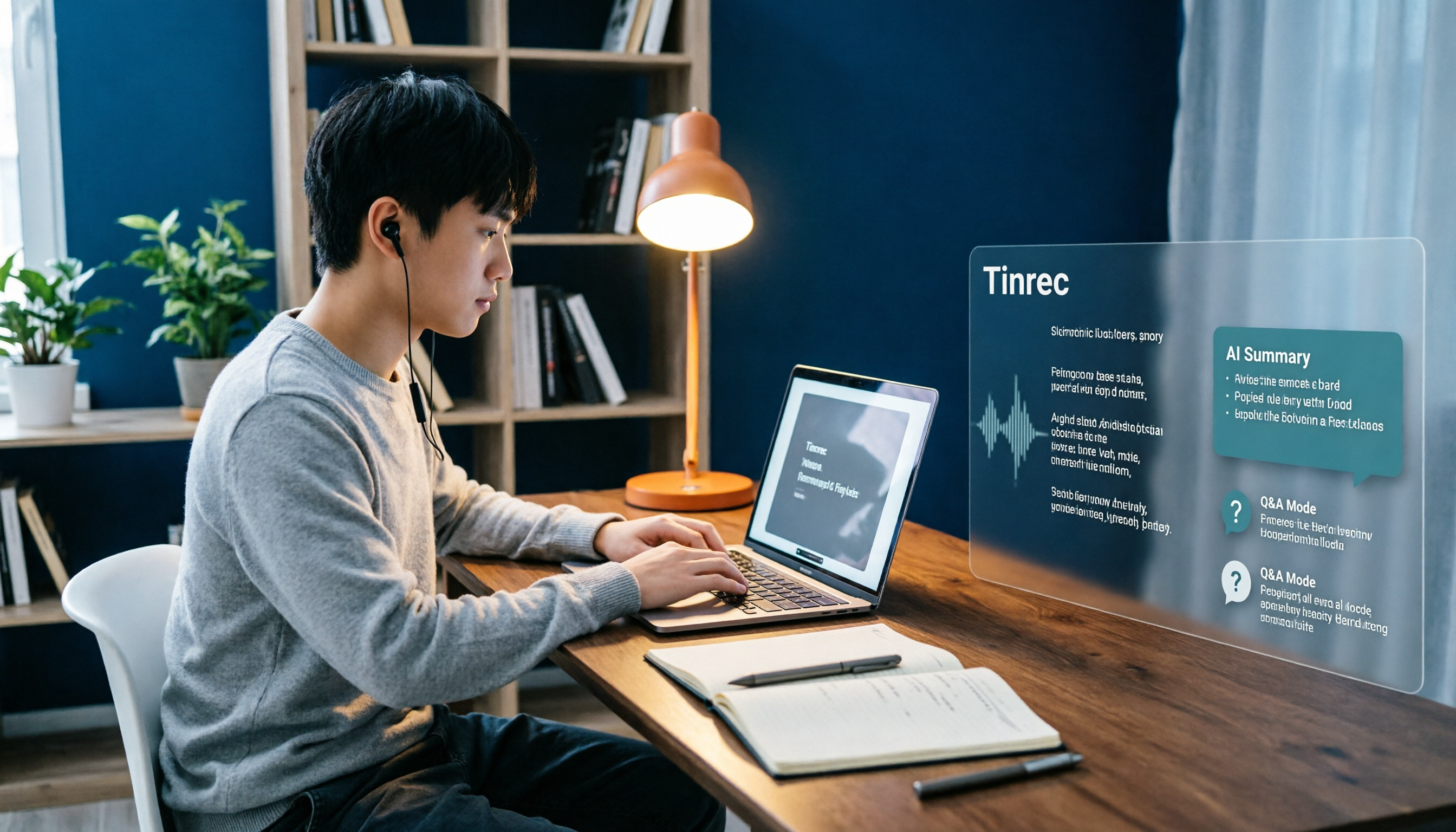
Best Note-Taking Apps for Online Classes in 2026: 7 Tools + Auto Transcription
Struggling to keep up with fast-paced online lectures and too lazy to rewatch recordings? This guide reviews 7 note-taking apps for online classes, from Tinrec's recording-to-transcript, AI summaries, and Q&A, to Notion, OneNote, GoodNotes, Notability, Obsidian, and Google Keep. Includes selection tips and 4 must-knows to help you build a note-taking workflow that works for you.
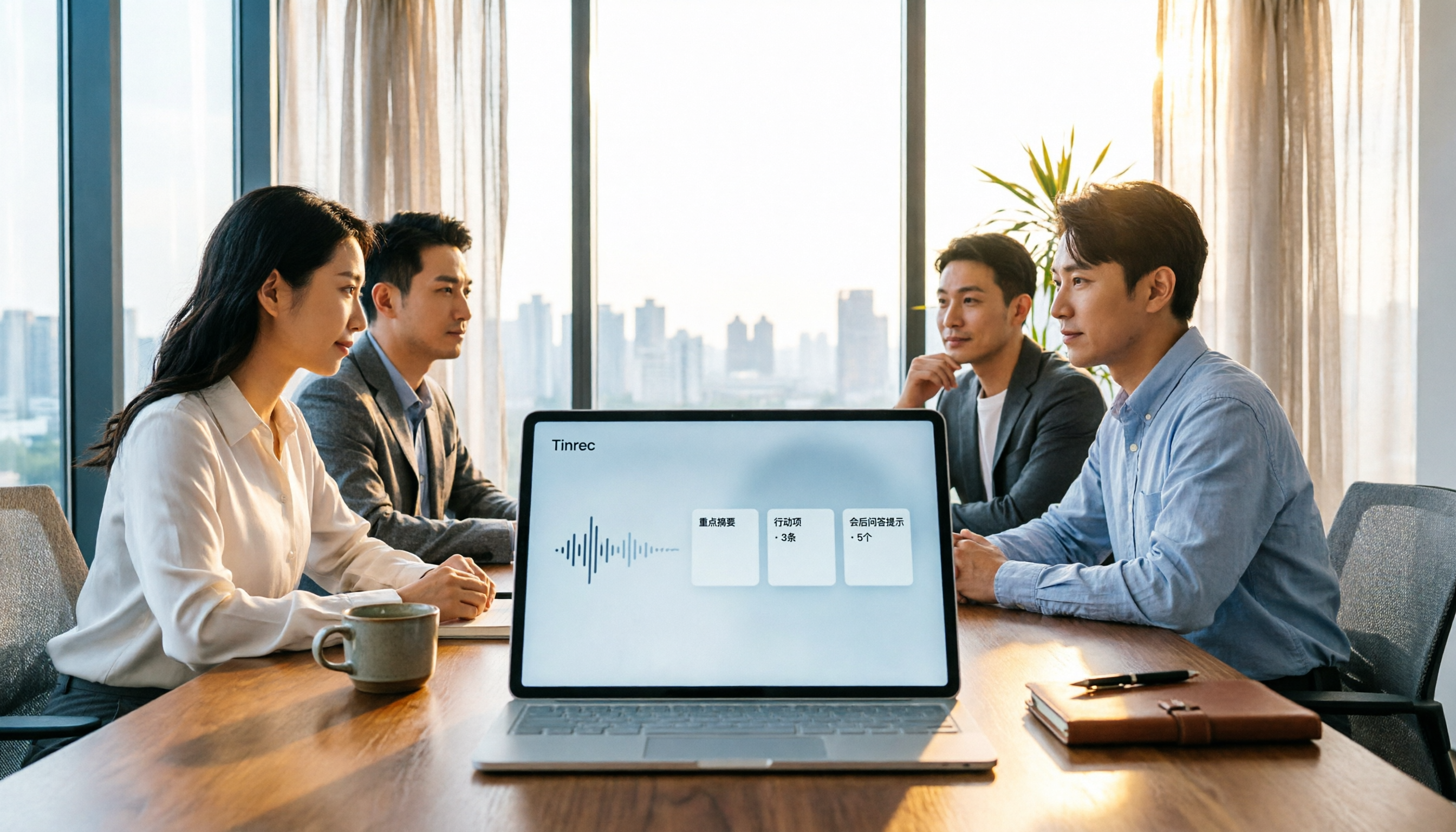
Best Audio-to-Text Tools in 2026: We Tested 5, and This One Handles Chinese Meetings Best
Tired of spending twice as long replaying and organizing meetings? We tested 5 audio-to-text tools, comparing Chinese recognition, online meeting recording methods, AI summaries, post-meeting Q&A, and free tiers. We also highlight 4 common pitfalls to help you find the one that truly saves time.