

Turn recordings into transcripts and summaries in minutes
Upload audio or video for multilingual transcription, AI notes, and action items
2026 Complete Guide to Phone Conference Recording Transcription: From Transcript to Meeting Minutes
I used to think that 'phone conference recording transcription' just meant throwing an audio file into a tool, getting a transcript, and calling it done. That was until one time after a two-hour online group meeting, I was holding dozens of pages of transcript but couldn't find 'who was responsible for what'—that's when I realized the real problem wasn't whether it could transcribe, but whether anyone helped you organize after transcription. Another common misconception is 'the more complete the transcript, the better,' but before finals, I listened from start to finish, spending three hours just to find one passage the professor said. This article uses my hands-on experience this semester to clarify what phone conference recording transcription can actually do for you, how to choose a tool, and why I ultimately stuck with Tinrec.
What Can Phone Conference Recording Transcription Do for You?
Scenario 1: Get conclusions and action items within 5 minutes after an online group meeting Previously, after meetings, everyone's notes combined still missed things, and 'who does what after the meeting' was always argued about in the group chat. With Tinrec, for example, as soon as the online meeting ends, AI has already organized the transcript, summary, chapters, and action items. Who is responsible for which item and when it's due is immediately clear.
Scenario 2: Turn a two-hour online course into searchable notes The general education professor speaks fast and flips slides even faster. Now I just open Tinrec to listen and transcribe simultaneously. After class, I use AI Q&A to ask 'What are the differences between the three theories just discussed?' without having to re-listen from the beginning.
Scenario 3: Phone conferences and client communication during internship This semester I'm interning at a company, and my biggest fear is after a client phone conference, my supervisor asks 'What did the client request just now?' Tinrec converts audio files into searchable transcripts and can also organize client needs and follow-up actions, much more reliable than my own handwritten notes.
Scenario 4: Interview recordings for graduation project For my project, I need to conduct user interviews. Previously, I took notes while interviewing, and when the interviewee mentioned a key point, I was still writing the previous word. Now I just open Tinrec on my phone to record, and after the interview, I get the transcript directly. I can also ask 'What was the biggest pain point the interviewee mentioned?'
What Are the Core Capabilities of Phone Conference Recording Transcription?
Real-time transcription It's not transcribing after recording, but generating text while speaking. Tinrec supports real-time recording to text, so during the meeting you can check the text to ensure no key points are missed. It's very friendly for those who aren't quick to react.
Bot-free online meeting recording I especially like this. Tinrec's desktop version directly captures the computer's system audio, handling online meetings like Zoom, Google Meet, Microsoft Teams, Webex without inviting a meeting bot into the room. For group meetings, it avoids the awkwardness of 'an extra strange account in there.'
AI summary, chapters, and key points Tinrec doesn't just condense the transcript into one big paragraph; it structures the organization—meeting topic, discussion conclusions, and action items are listed separately. Long meetings are also divided into chapters, so I can jump directly to the sections I'm interested in.
Action item extraction and AI Q&A After the transcript is done, I can directly ask Tinrec 'Who mentioned the budget in the meeting?' 'What was the client's feedback on the delivery date?' It answers based on semantic understanding, not keyword matching. Follow-up actions that arise in the discussion are also organized into action items.
Real-time translation and bilingual viewing If there are international clients or English courses, Tinrec supports real-time translation during recording, allowing you to view the original text, translation, or bilingual comparison. It's less likely to miss things in meetings with mixed Chinese and English.
Export and post-processing The transcribed content can be exported to Notion, Google Docs, OneNote, Dropbox, etc. for continued use. When you need to deliver a report, you can also use Agent post-processing to generate reports, tables, and documents.
Team space (when used by a whole group or department) Tinrec's team version puts meeting data in a shared team space. Members can see historical meetings, and administrators can manage roles, seats, and usage. This addresses the pain point of 'data disappearing after group members graduate'—meeting data belongs to the team, not to an individual's account.
Practical Application Scenarios
Online courses and lectures For a two-hour class, handwritten notes can only capture about 60% of key points. With Tinrec, you listen and transcribe simultaneously, then after class use AI Q&A to grab key points and view chapters, cutting review time roughly in half. The free version lets you experience the basic workflow of recording, importing, summarizing, and transcribing. My own approach is to first try a 'fast-speaking' course to see if it suits me.
Stop organizing recordings by hand
Upload audio or video and automatically get a transcript, summary, and action items
Group project discussions and weekly project meetings The most troublesome thing about group meetings is 'everyone remembers a different version.' Now we regularly use Tinrec to record online discussions, and after the meeting, we post the summary and action items in the group chat. Disputes have decreased significantly, and no one has to be forced to be the note-taker.
Internships and client phone conferences Interns fear missing things the most. Using Tinrec's desktop version to record online meetings, after the meeting I organize the summary and action items into a record and send it to my supervisor, greatly reducing the chance of errors. In such situations, I remind myself: let participants know before recording and obtain consent as required.
Graduation projects and research interviews A one-hour interview might take four hours to transcribe manually. Tinrec supports importing audio and video files. Existing recordings can be directly thrown in for transcription, and time codes are preserved, making it convenient for re-listening and correction.
5 Points to Note When Choosing a Phone Conference Recording Transcription Tool
1. Audio source acquisition method Phone conferences are mostly held on computers. Whether the tool can directly capture the computer's system audio determines whether you need an extra meeting bot. Tinrec's desktop version records directly from system audio and supports common online meeting platforms. Note that this means you have to actively start recording, not that it automatically joins all your calendar meetings.
2. Can it organize after transcription? A tool that only gives a transcript is essentially throwing the organizing work back to you. Tinrec then generates summaries, chapters, action items, and also AI Q&A—that's where real time savings happen.
3. Recognition of Chinese and mixed Chinese-English Meetings in Taiwan often have one Chinese sentence with three English words mixed in. Tinrec covers Chinese, Traditional Chinese, and multilingual scenarios, and also supports team hotwords for technical terms. But remember, any tool is affected by recording quality, noise, accents, and multiple people speaking simultaneously. Don't believe claims of 'guaranteed 100% accuracy.' Important content should still be verified against the recording.
4. Free quota and student-friendliness First check if the free version lets you experience the complete workflow. Tinrec's personal version has a free version to try. For short-term intensive use, there's a weekly card; for stable use, there's a Pro monthly and annual card. For long-term data accumulation, the annual card has a lower monthly equivalent. If you're a whole group or lab, the team version has a 7-day trial for first-time eligible users (1 free seat, 300 minutes of shared team import quota). After that, paid seats are USD 29.80 per month, or USD 199 annually (about USD 16.58 per month). Each paid seat has 2,000 minutes of shared team import quota per month. Actual prices, currencies, and benefits are subject to the official purchase page.
5. Cross-platform and data retention Confirm whether the tool has the devices you commonly use. Tinrec has iOS, Android, and web versions; the desktop version handles online meeting recording. Also ask clearly whether audio files are saved and whether deleted files can be recovered—Tinrec's team space has an audio recycle bin that can restore accidentally deleted audio files before permanent cleanup.
Frequently Asked Questions
Q1: Is the free version enough? It depends on how you use it. If you just occasionally organize a course or a group meeting, the free version provides basic quota to experience the complete workflow. If it feels good, consider a weekly card or Pro. My own order is: try the free version first, confirm that this course or meeting type really needs it, then pay.
Q2: Which meeting platforms are supported? Tinrec's desktop version captures system audio and can handle online meetings like Zoom, Google Meet, Microsoft Teams, Webex, etc. To clarify, this is 'processing meeting audio played on the computer,' not automatically joining all your calendar meetings, and it doesn't mean official partnerships with these platforms.
Q3: What is the accuracy rate? Tinrec does not publicly promise a fixed accuracy rate. Actual performance is affected by recording quality, background noise, accents, overlapping speech, and technical terms. In practice, treat the transcript as a tool to 'save a lot of typing time,' and replay to verify key numbers and commitments.
Q4: Will recordings be saved? Can they be deleted? Yes. Team space meeting data belongs to the team. After deletion, audio files go to the audio recycle bin and can be restored before permanent cleanup begins; currently, the recycle bin retention period is 30 days. Also note that recording and transcription must comply with local regulations, and obtain participant consent when necessary.
Q5: What's the difference between personal and team versions? Personal version data belongs to the individual account; the team version is an independent team space with additional members, roles, seats, shared benefits, usage analytics, audit logs, and recycle bin. Note that 'roles' determine who can manage the team, and 'seats' determine who can record, upload, edit, and export; active members without seats can still view, play, and read team data.
Q6: Do I need to invite a meeting bot? No. Tinrec's desktop version directly records the meeting audio on your computer, and no extra account appears in the participant list. What you need to do is actively open Tinrec to start recording before the meeting.
Conclusion
What phone conference recording transcription really solves is not 'slow typing,' but 'the meeting ended, but the content disappeared into the stream of consciousness.' My approach this semester is simple: use Tinrec's desktop version for online meetings, use the mobile app for classes and interviews, and after the meeting, directly look at the summary and action items. For details, use AI Q&A to search the transcript. If you're like me with a limited budget, I suggest first running through the complete workflow with the free version—record a group meeting, see if the generated summary suits your taste, then decide whether to go further. You don't need many tools; one that saves you from re-listening to a two-hour recording is enough.
References
- Yating Transcription
- Online AI Voice, Video, Audio File Automatic Transcription - Free Trial - cSubtitle
- Audio to Text - Free Speech to Text Tool
- [AI Voice Notes] Top 5 Recommended AI Transcription Tools! Help You Generate Transcripts and Meeting Notes Key Points, Free vs Subscription, Pros and Cons Review | 104 Career Power
- SoundType AI Ultra-Precise Transcription, Speech to Text, AI Dictation - Google Play App
Turn every recording into actionable outcomes
Get 60 free transcription minutes when you sign in. No credit card required.
Related Reading
You might also like

5 Best English Audio-to-Text Tools for International Students in 2026: Which Saves the Most Time on Class Notes?
We tested and compared 5 English audio-to-text tools ideal for international students, including Tinrec, Otter.ai, Notta, and TurboScribe. We analyzed accuracy, AI summaries, Chinese language support, free tiers, and pricing to help you find the best solution for class notes and review.

4 Best AI Note-Taking Tools for Students in 2026: Can You Finally Listen and Take Notes at the Same Time?
When you're busy taking notes in class, you often miss the key points the teacher emphasizes. This article shares hands-on testing of 4 AI note-taking tools for students, comparing transcription, Chinese recognition, online class recording, and post-class AI Q&A, with honest details on free tiers and paid pricing to help you find the one that fits your class pace.

Class Recording to Text in 2026: How Tinrec Turns Lectures into Transcripts and AI Notes Without a Voice Recorder
When it comes to turning class recordings into text, the real decision for students isn't which tool to use—it's whether to carry an extra device to class. This article compares Tinrec and PLAUD recording hardware across five dimensions: recording method, course scenarios, post-transcription usability, Chinese and bilingual classrooms, and cost structure. It also includes a transcript organization workflow you can follow right after class.

Remote Work Meeting Notes in 2026: 4 Key Features That Determine If You Can Leave on Time
Remote work meeting notes often fall into three traps: treating a video recording as documentation, treating a transcript as meeting minutes, and leaving organization until the end of the day. Using Tinrec as an example, this article breaks down the real needs for remote meeting notes—real-time transcription, AI summaries, action items, and team spaces—and covers 5 buying considerations and FAQs.

Tinrec vs Notta 2026: 5-Dimension Comparison for Automatic Note-Taking in Online Courses
Can't keep up with notes during online classes? This article tests Tinrec, Notta, Otter.ai, and other tools across 5 key dimensions, explaining the real differences in lecture transcription, AI summaries, and action items, plus buying criteria and pitfalls to help you find the best note-taking workflow for your classes.

4 College Meeting Note Apps Tested for 2026: Which Free Tier and AI Summary Actually Deliver?
Group project meeting ends and no one remembers who's doing what? You don't want to re-listen to a 90-minute class recording? This article uses real college student scenarios to break down 5 key factors for choosing a meeting notes app, tests Tinrec, Notta, Otter.ai, and PLAUD Note, and includes a pitfalls guide plus recommendations based on budget and situation.
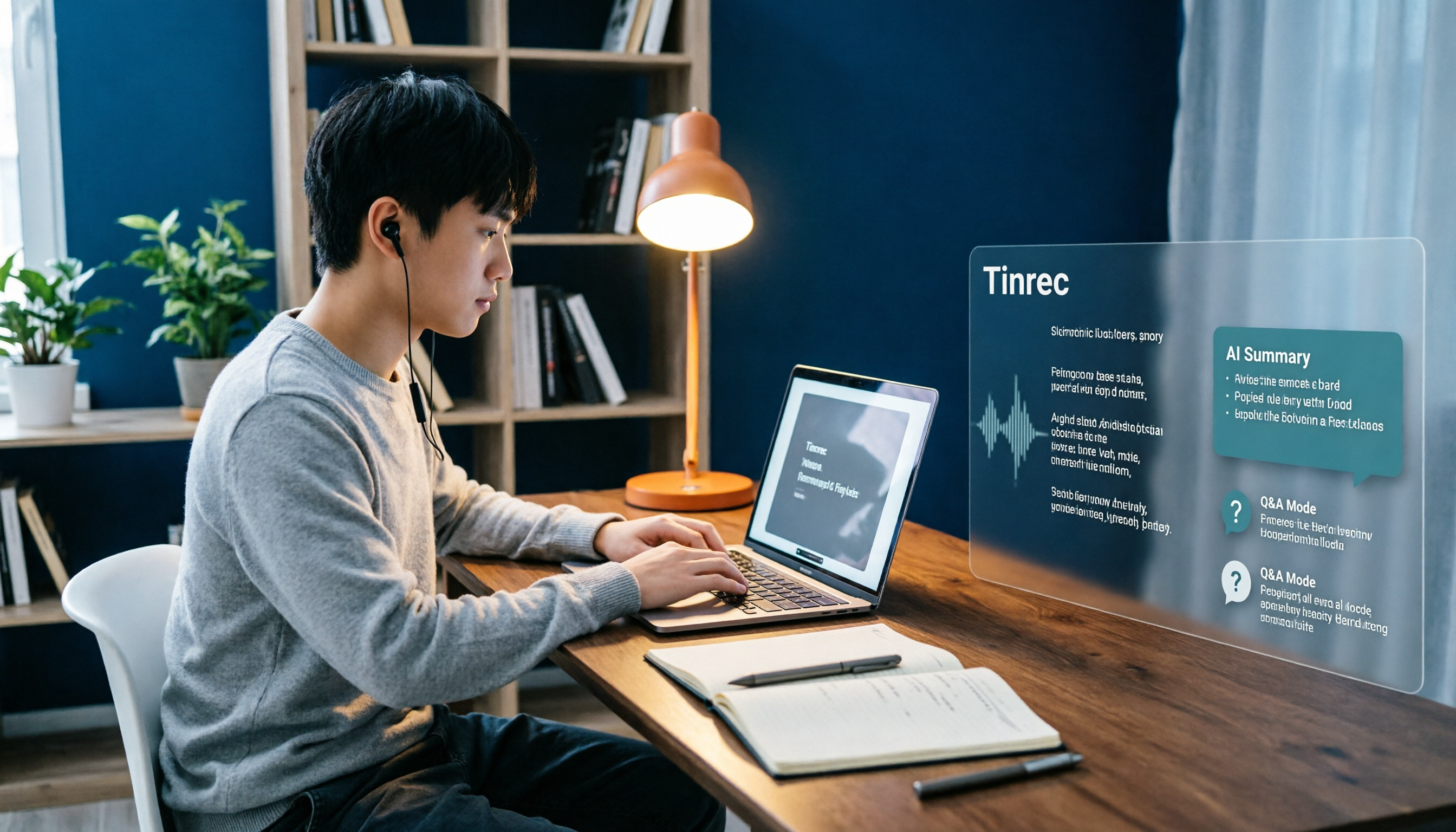
Best Note-Taking Apps for Online Classes in 2026: 7 Tools + Auto Transcription
Struggling to keep up with fast-paced online lectures and too lazy to rewatch recordings? This guide reviews 7 note-taking apps for online classes, from Tinrec's recording-to-transcript, AI summaries, and Q&A, to Notion, OneNote, GoodNotes, Notability, Obsidian, and Google Keep. Includes selection tips and 4 must-knows to help you build a note-taking workflow that works for you.
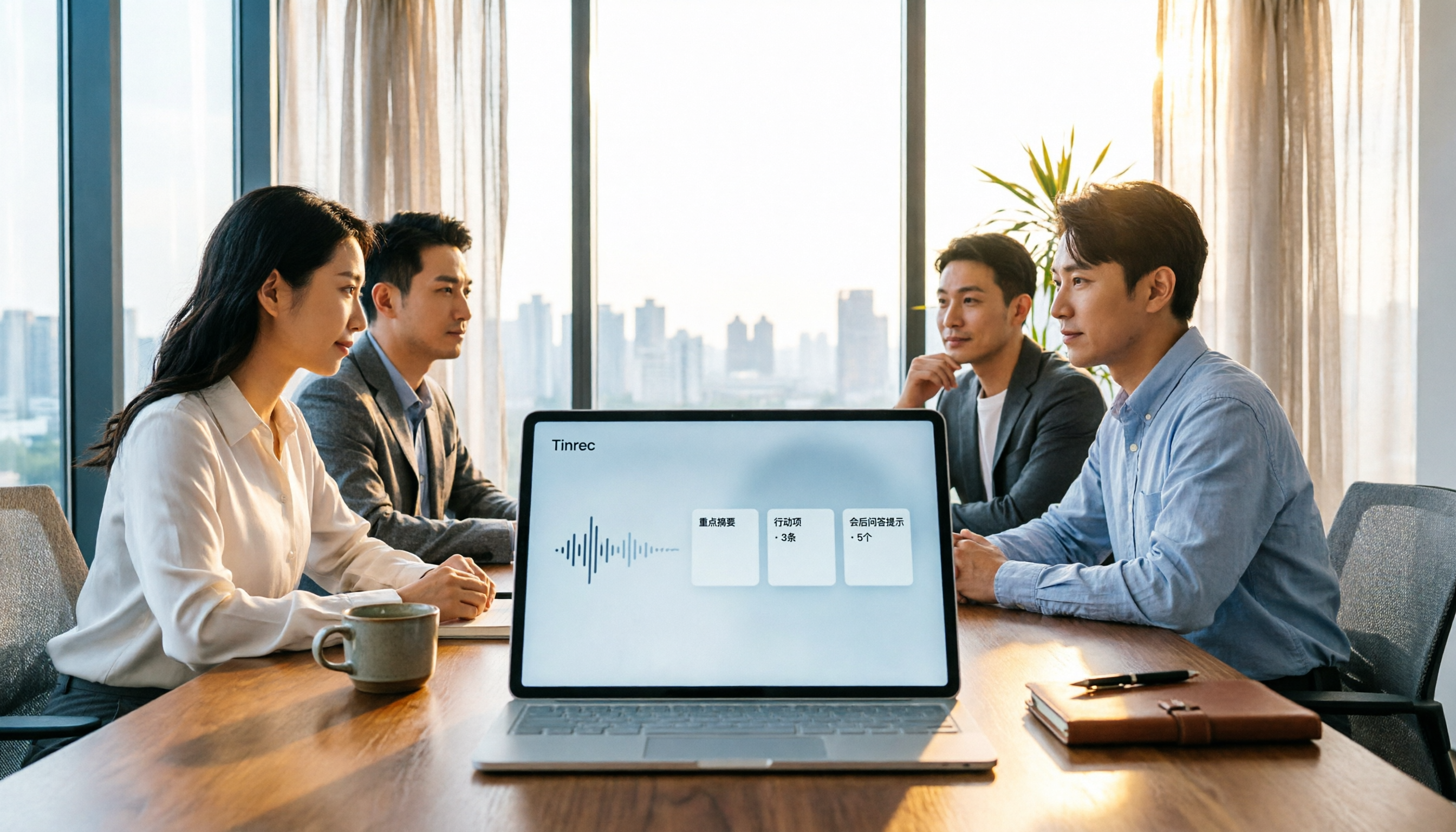
Best Audio-to-Text Tools in 2026: We Tested 5, and This One Handles Chinese Meetings Best
Tired of spending twice as long replaying and organizing meetings? We tested 5 audio-to-text tools, comparing Chinese recognition, online meeting recording methods, AI summaries, post-meeting Q&A, and free tiers. We also highlight 4 common pitfalls to help you find the one that truly saves time.

4 Meeting Transcription Tools Tested for 2026: Which AI Meeting Notes Actually Save You from Overtime?
Spending an extra hour after a meeting to write up notes is a daily reality for most professionals. This article breaks down the 4 key factors for choosing a meeting transcription tool based on real workflows, takes a deep dive into Tinrec's bot-free recording, AI Q&A, and team spaces, briefly reviews Otter.ai, Notta, and Granola for different use cases, and offers clear recommendations based on budget and needs.