
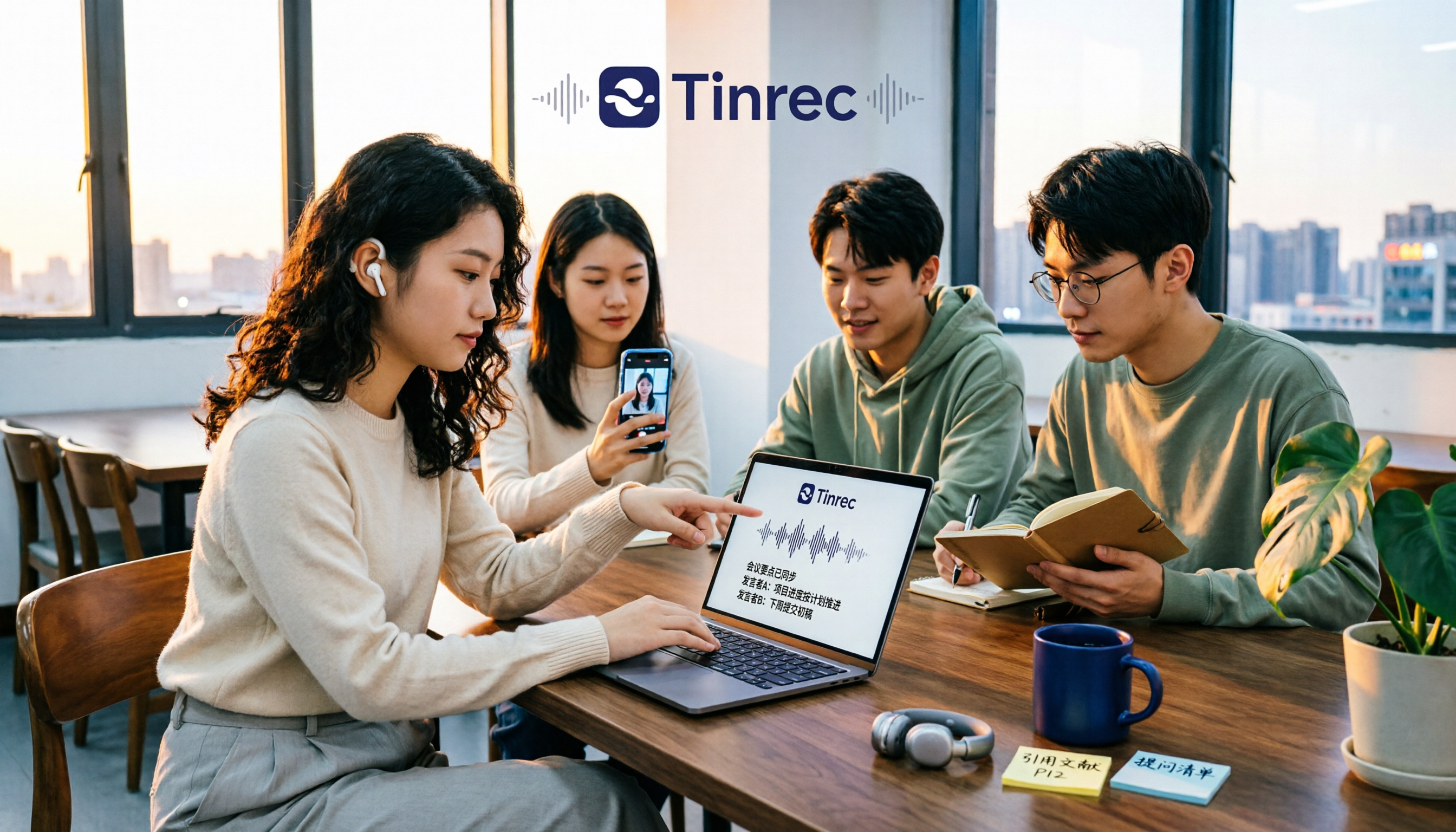
Turn recordings into transcripts and summaries in minutes
Upload audio or video for multilingual transcription, AI notes, and action items
When students look for free audio-to-text tools, the first thing to consider usually isn't 'which one is free,' but 'can I get a directly readable set of notes before the free quota runs out?'
Because most tools' free plans give you a transcript, and then you still have to organize key points, identify test topics, and write reflections yourself.
This article uses Tinrec as an example to break down the 5 most common sticking points for students.
What can Tinrec audio-to-text do for students?
Scenario 1: Classroom and lectures, text appears as you listen
In the past, you had to listen and take notes simultaneously in class, and handwriting speed could never keep up with the teacher's speaking speed. With Tinrec, real-time audio-to-text can transcribe while recording, so by the end of class the transcript is already there; you just need to add your own understanding.
Scenario 2: Online courses and distance learning
Online courses usually don't let you download videos. Tinrec desktop version directly captures the computer's system audio, handling course or meeting audio played from platforms like Zoom, Google Meet, Microsoft Teams, Webex, etc., without adding an extra meeting bot to the classroom.
Scenario 3: Group discussions and project interviews
The biggest fear in group reports is that no one remembers the conclusions after discussion. Tinrec extracts summaries, chapters, and to-dos from the content, so who is responsible for which part and when the next submission is due all stay in the same document.
Scenario 4: Final review, asking is faster than searching
During review, you don't need to re-listen to a two-hour recording. Tinrec's AI Q&A lets you directly ask questions about course or meeting content, for example, 'What did the teacher say is the scope of the final exam?' It will answer based on the semantic content.
What are Tinrec's core capabilities for audio-to-text?
Real-time audio-to-text: Not processed after recording, but text appears while recording, suitable for classes, lectures, and on-site interviews. The audio file itself is retained, and you can replay it alongside the transcript for verification.
Bot-free online meeting recording: Tinrec desktop version records online meetings by capturing system audio, without inviting a bot to join the meeting. Note that this means you need to initiate recording yourself on your computer; currently it's not a mode that automatically joins every class on your calendar.
AI summary and chapters: The most troublesome part of long lectures is finding the key points. Tinrec organizes content into summaries and chapters, so for a two-hour class you can first look at the structure, then decide which part to read in detail.
To-do extraction and AI Q&A: Discussion-based classes and group meetings often produce a bunch of 'what to do next time.' Tinrec extracts action items, and you can also continue to ask follow-up questions about the content.
Multi-format export and post-processing: Transcripts can be exported to common file formats and taken to tools like Notion, Google Docs, OneNote, Dropbox for further use; when you need to submit a report, you can also use Agent post-processing to generate reports, tables, and documents.
Team space (for group projects): Tinrec team version puts data in an independent team space, rather than 'multiple people sharing one personal account.' Groups can create teams, invite members via join links, set owners and regular members, data belongs to the team, and when members graduate or leave, resources can be handed over to others.
Practical application scenarios
Two-hour general education lecture: Start Tinrec real-time recording on your phone, after class first look at AI summary and chapters to grasp three main themes, then go back to the transcript for details, saving the time of re-listening to the entire recording.
Remote online course: Open Tinrec desktop version on your desktop, capture system audio to record course content. If the course has mixed Chinese-English technical terms, you can maintain common vocabulary through team hotwords, and also view original text, translation, or bilingual content while recording.
Stop organizing recordings by hand
Upload audio or video and automatically get a transcript, summary, and action items
Graduation project and research interviews: Import interview recordings into Tinrec to transcribe, then use AI Q&A to find key statements mentioned by interviewees; summaries can directly serve as a draft for subsequent organization materials.
Group report meetings: After creating a team space, group members share the same meeting data. Effective members can view, play, and read data even without a seat; only after getting a seat can they record, upload, edit, and export.
When choosing a free audio-to-text tool, pay attention to these 5 points
1. How is the free quota calculated, and what happens when it runs out: The key is whether you can't use it at all after the quota runs out, or whether you can continue with other plans. Tinrec free version provides a basic quota, allowing you to experience recording, import, summary, and transcription; for occasional organization of a recording, the free version is enough; for short-term intensive courses or interviews, consider a weekly card; for long-term data accumulation, Pro monthly or annual card is more suitable.
2. Can it handle 'online class audio': Some tools only support file upload, so for online courses you have to figure out how to record the audio yourself. Tinrec desktop version can directly capture system audio to handle online meetings, and does not require a bot to join.
3. Chinese and mixed Chinese-English recognition experience: University courses often have mixed Chinese-English technical terms. Tinrec covers Chinese, Traditional Chinese, and multilingual meeting scenarios, and supports team hotwords. Note that actual performance is affected by recording quality, noise, accent, multiple simultaneous speakers, and technical terms; it's recommended to test with your own recordings.
4. Can it help you organize after transcription: Transcript is only the first step. In addition to transcripts, Tinrec also produces summaries, chapters, key points, to-dos, and mind maps, and supports AI Q&A; for time-limited students, this is where the value lies.
5. Cross-device and export, can it connect to your existing workflow: Confirm the tool supports your commonly used devices. Tinrec has iOS, Android, and web versions; transcripts can be exported to common formats and taken to Notion, Google Docs, OneNote, Dropbox for further editing.
Frequently Asked Questions
Q1: Is Tinrec free version enough for students?
It depends on your usage frequency. Tinrec free version provides a basic quota, allowing you to experience recording, import, summary, and transcription; it's enough for occasional organization of a class recording, but if you have several classes to organize every week, you'll usually need a higher-frequency plan.
Q2: Does Tinrec need a meeting bot to record online courses?
No. Tinrec desktop version records online meetings and courses by capturing computer system audio, without an extra bot joining. However, you need to initiate recording yourself; currently it's not a mode that automatically joins all calendar meetings.
Q3: How accurate is audio-to-text?
It's not recommended to judge by a single number. Actual results are affected by recording quality, noise, accent, overlapping speakers, and technical terms. It performs well with clear audio and common scenarios; for important content, it's recommended to verify with transcript timestamps and audio playback.
Q4: Can it translate while recording?
Yes. Tinrec supports real-time translation; during recording you can view original text, translation, or bilingual content, especially useful for original textbooks or foreign teachers' classes.
Q5: How to share data for group projects?
Use the team version. The team version is an independent team space, allowing you to create and switch between multiple teams, invite members via join links, set owners and regular members, and provides usage analytics, audit logs, and audio recycle bin. The first eligible team trial is 7 days, 1 free seat, 300 minutes of team shared import quota; team monthly payment is USD 29.80 per paid seat per month, annual payment is USD 199 per paid seat per year (equivalent to about USD 16.58 per month), each paid seat provides 2,000 minutes of team shared import quota per month. Prices and benefits are subject to the official purchase page.
Q6: Are there legal issues with recording?
Before recording and transcribing, please comply with local laws and obtain consent from teachers, speakers, or interviewees when necessary.
Conclusion
Back to the question students ask most: 'Is free audio-to-text enough?'
The judgment point is actually simple: whether the free quota can keep up with your actual usage frequency, and whether you can directly use the transcribed data. Tinrec free version provides a basic quota; you can first try a class or interview recording to experience the complete process from recording to summary, chapters, and Q&A, then decide whether to go for a weekly card or Pro. If you need to share data with group members, the team version is another level of choice.
References
- Audio to Text - Free Speech to Text Tool
- Yating Transcript
- No Time Limit! 3 Free AI Transcript Tools, Highly Recommended! AI Voice Notes Generate Meeting Minutes, Presentations, Mind Maps | 104 Workplace Power
- Online AI Speech, Video, Audio File Auto Transcription - Free Trial - cSubtitle
- Online Speech to Text AI, Free MP3 or Audio File to Text Transcript - MyEdit
Turn every recording into actionable outcomes
Get 60 free transcription minutes when you sign in. No credit card required.
Related Reading
You might also like

4 College Meeting Note Apps Tested for 2026: Which Free Tier and AI Summary Actually Deliver?
Group project meeting ends and no one remembers who's doing what? You don't want to re-listen to a 90-minute class recording? This article uses real college student scenarios to break down 5 key factors for choosing a meeting notes app, tests Tinrec, Notta, Otter.ai, and PLAUD Note, and includes a pitfalls guide plus recommendations based on budget and situation.

2026 Complete Guide to Phone Conference Recording Transcription: From Transcript to Meeting Minutes
Getting only a transcript after a phone conference is essentially no organization at all. Based on a student's hands-on experience, this guide explains what phone conference recording transcription can do for you, its core capabilities, how to use it for online courses and group projects, and includes 5 key points to consider when choosing a tool plus common FAQs. It helps you distinguish between 'just turning audio into text' and 'actually helping you organize meetings.'
Best Note-Taking Apps for Online Classes in 2026: 7 Tools + Auto Transcription
Struggling to keep up with fast-paced online lectures and too lazy to rewatch recordings? This guide reviews 7 note-taking apps for online classes, from Tinrec's recording-to-transcript, AI summaries, and Q&A, to Notion, OneNote, GoodNotes, Notability, Obsidian, and Google Keep. Includes selection tips and 4 must-knows to help you build a note-taking workflow that works for you.

Best Audio-to-Text Tools in 2026: We Tested 5, and This One Handles Chinese Meetings Best
Tired of spending twice as long replaying and organizing meetings? We tested 5 audio-to-text tools, comparing Chinese recognition, online meeting recording methods, AI summaries, post-meeting Q&A, and free tiers. We also highlight 4 common pitfalls to help you find the one that truly saves time.

4 Meeting Transcription Tools Tested for 2026: Which AI Meeting Notes Actually Save You from Overtime?
Spending an extra hour after a meeting to write up notes is a daily reality for most professionals. This article breaks down the 4 key factors for choosing a meeting transcription tool based on real workflows, takes a deep dive into Tinrec's bot-free recording, AI Q&A, and team spaces, briefly reviews Otter.ai, Notta, and Granola for different use cases, and offers clear recommendations based on budget and needs.

How to Transcribe Graduate Student Interview Recordings in 2026: 5 Steps from Audio to Analyzable Transcript
The most time-consuming part of organizing interview recordings isn't typing—it's the lack of a designed workflow. This article uses Tinrec to demonstrate 5 steps: from checking recording quality, uploading for transcription, using AI summaries to grasp the main points, to verbatim proofreading and exporting for coding. It also covers the 5 most common pitfalls graduate students face when choosing transcription tools.

2026 Short Video Learning Summary Tools Comparison: Tinrec vs Notta vs Otter – Which Is Best for Organizing Course Notes?
Organizing course notes and recordings is a pain point when learning short video production. This article tests Tinrec, Notta, and Otter, focusing on course recording transcription, AI summaries, Q&A, and team collaboration to help you find the most time-saving learning summary solution.

2026 Real-Time Video Summarization Tools Compared: Tinrec vs Granola in 5 Key Dimensions
Looking for a real-time video summarization tool? This hands-on comparison examines Tinrec and Granola across five dimensions: bot-free recording, Chinese real-time summarization, post-meeting AI Q&A, audio retention, and team governance. We also break down pricing, free tiers, and ideal use cases to help you decide which tool better fits Chinese-language meetings and team collaboration.

Best Video Summarizer Apps in 2026: We Tested 4, and This One Is the Most Time-Saving for Chinese Videos
A 2026 comparison of 4 video summarizer apps, breaking down input sources, summary and action item output, Chinese recognition, and team collaboration. We explain why Tinrec is the top choice for Chinese videos and meeting notes, plus buying advice and pitfalls to avoid for different scenarios.