

Turn recordings into transcripts and summaries in minutes
Upload audio or video for multilingual transcription, AI notes, and action items
Spending the Most Time on Subtitles After Editing? You Don't Need Another Subtitle Tool
Editing a video might take just half an hour, but adding subtitles, proofreading typos, and adjusting the timeline often takes over two hours.
What's worse, many subtitle tools only convert speech to text, leaving you to manually scan line by line for key points and quotable moments. If your video is an interview or a course, organizing tens of minutes of content can be overwhelming.
If you've faced these issues, this article is written for you.
Before Choosing an AI Video Subtitle Tool, Understand These 4 Key Points
1. Supported Video Sources
Some tools only accept videos recorded on your phone, while others can handle online video links (e.g., YouTube, Xiaohongshu). If your content spans multiple platforms, make sure the tool can directly parse a URL.
2. Traditional Chinese Recognition Accuracy
Many AI subtitle tools developed overseas handle Mandarin Chinese well, but they struggle with Taiwanese accents, mixed Taiwanese dialect, or multiple speakers, producing garbled text. Currently, models dedicated to Traditional Chinese are still scarce, so real-world performance matters more than official claims.
3. What Else Can You Do After Subtitling?
Pure subtitle tools simply convert speech to text and export a subtitle file. But if you want to generate video summaries, extract key timestamps, or even ask questions like "What are the main points of this video?" as you would with ChatGPT, you need a tool with AI post-processing capabilities.
4. Is the Free Plan Sufficient?
Most tools offer free trials, but with limitations on duration, quality, or watermarks. Assess your usage frequency first, then decide whether to start with the free version or go straight to a cost-effective paid plan.
Tinrec (秒听录音) — The Most Comprehensive Tool for Video Subtitles and Content Organization After Testing
Tinrec is an AI recording and audio/video organization tool available on iOS, Android, and web, supporting 14 languages. Although its name sounds like a recording app, it's actually more powerful than a simple subtitle generator for video captioning and subsequent content organization.
More Than a Subtitle Machine: It's a Video Knowledge Base
We tested it with a 10-minute YouTube interview video. After pasting the link into Tinrec, it not only generated Traditional Chinese subtitles within seconds but also automatically produced an organized result with chapters, a summary, and action items. For example, it highlighted "the moment the guest mentioned budget constraints" and "the three main directions of the host's questions"—things you'd normally have to scrub through the timeline to find in pure subtitle tools.
Even more useful is the "AI Chat Query" feature. If you want to find a specific detail after watching, you can ask Tinrec, "Who said we should change the meeting time?" and it will find the relevant segment based on semantics, not just keyword search. This feature is almost nonexistent in other video subtitle tools.
Cross-Source Integration: No Need to Install Multiple Apps
Besides pasting video links, Tinrec can also transcribe live recordings, upload audio files, or record computer meetings directly. This is convenient for those who handle meeting minutes, course notes, and social media videos simultaneously—all your materials are organized in one place, eliminating the need to switch between tools.
Stop organizing recordings by hand
Upload audio or video and automatically get a transcript, summary, and action items
Tested Pros and Cons
Pros:
- Supports Traditional Chinese; transcription quality is stable with clear speech
- Automatically generates chapters and summaries, saving significant manual annotation time
- AI Q&A can search for relevant segments like querying a database
- Multiple export formats, including SRT subtitle files, Word, Notion, etc.
Cons:
- The free version has a monthly transcription limit (sufficient for one or two short videos per week for typical usage)
- Subtitle style editing is less detailed than professional editing software, but proofreading and adjusting timestamps is fine
Best for: Content creators, educators, or anyone who needs to handle subtitles, summaries, and follow-up organization in one go, or wants to build a video knowledge base.
Beyond Tinrec: Other Options
AI Subtitle Generator (Android App)
This app on Google Play focuses on quick subtitle generation and translation with a simple interface. However, it can only process videos stored on your phone and cannot directly paste online video links. If your content is all on your phone, it's a lightweight alternative; but for cross-platform use or AI organization features, Tinrec offers broader coverage.
Captune
Captune offers over 50 subtitle templates and claims 99%+ accuracy, making it practical for quickly creating stylish social media short videos. However, our testing found that its AI capabilities stop at captioning, with no summary or Q&A features. If you need more than just subtitles and want to extract key points from videos, Tinrec's automatic organization is more efficient.
Avoid These 3 Common Mistakes with AI Video Subtitle Tools
Mistake 1: Relying Only on Official Accuracy Claims
Many tools advertise "99% accuracy," but that's based on tests in quiet recording studios with standard accents. Real-world videos often have background noise, colloquialisms, and multiple speakers—that's where the differences show. Test with your actual video clips before committing, rather than just looking at numbers.
Mistake 2: Assuming Subtitling Is the End of the Job
If you only get a transcript from a 30-minute interview, finding a specific quote later is like searching for a needle in a haystack. When choosing a tool, look for one with "automatic chapters" or "AI Q&A" features—it's like having an extra assistant for summarization.
Mistake 3: Ignoring the Diversity of File Sources
Some people record on phones, others on computers, and some provide YouTube links directly. If your tool only supports one type, you'll end up manually transferring files. Make sure the tool can handle "local videos + online links + live recordings" to save yourself a lot of hassle.
Conclusion: Which One Should You Choose?
If you only need to add subtitles to short videos occasionally, an app-based subtitle generator is sufficient. But if you're dealing with meetings, courses, and interview videos simultaneously, and you want automatic key point organization and even the ability to ask questions to find answers, Tinrec is the most feature-complete tool we've tested.
- Quick subtitles with multiple templates → Captune offers rich templates
- Lightweight processing for phone videos → AI Subtitle Generator app is simple enough
- Paste a link for subtitles, plus automatic summaries and AI query → Tinrec is the best fit
- Zero budget, only English videos → Otter.ai's free tier is generous (but doesn't support Chinese)
We recommend starting with Tinrec's free version, which includes a basic monthly quota, so you can experience the "paste link → generate subtitles → ask questions" workflow. If it suits your habits, consider upgrading.
References
- AI Subtitle Generator - Video Teleprompter - Google Play App
- Video Translation Subtitles | Video Subtitles – Auto Captions - Google Play App
- ViiTor Real-time Translation - AI Translation & Real-time Bilingual Subtitles & Free - Chrome Web Store
- 2026 Latest AI Subtitle Recommendations, 7 Subtitle Generator Tests, Video Subtitles Made Easy! — Leading Era
- Edimakor AI Video Translation and AI Dubbing - Translate Videos, Audio, and Subtitles
Turn every recording into actionable outcomes
Get 60 free transcription minutes when you sign in. No credit card required.
Related Reading
You might also like

Is Notta Worth It in 2026? 5 Key Tests and a More Comprehensive Alternative
Notta is an AI meeting notes tool that supports 58 languages. This article tests its language support, AI summaries, meeting integrations, free plan limitations, and user reviews, and introduces Tinrec as a more comprehensive alternative to help you decide which one suits you better.

2026 Hands-On Comparison of 3 AI Speech-to-Text Tools: Notta Online vs Tinrec – Which Is Better for Chinese Speakers?
This article compares three popular AI speech-to-text tools – Notta Online, Tinrec, and Otter.ai – based on hands-on testing. It evaluates features, pricing, Chinese language support, and real-world use cases to help you find the best option for transcribing meetings, lectures, and interviews.

4 Best Speech-to-Text Tools in 2026 Compared: From Notta to Tinrec—Which One Suits Taiwan Users Best?
Struggling to turn meeting recordings and course audio into text quickly? This article tests four tools—Notta, Tinrec, Otter, and TurboScribe—covering free quotas, Chinese accuracy, AI post-processing features, and cross-platform support to help you find the best speech-to-text solution.
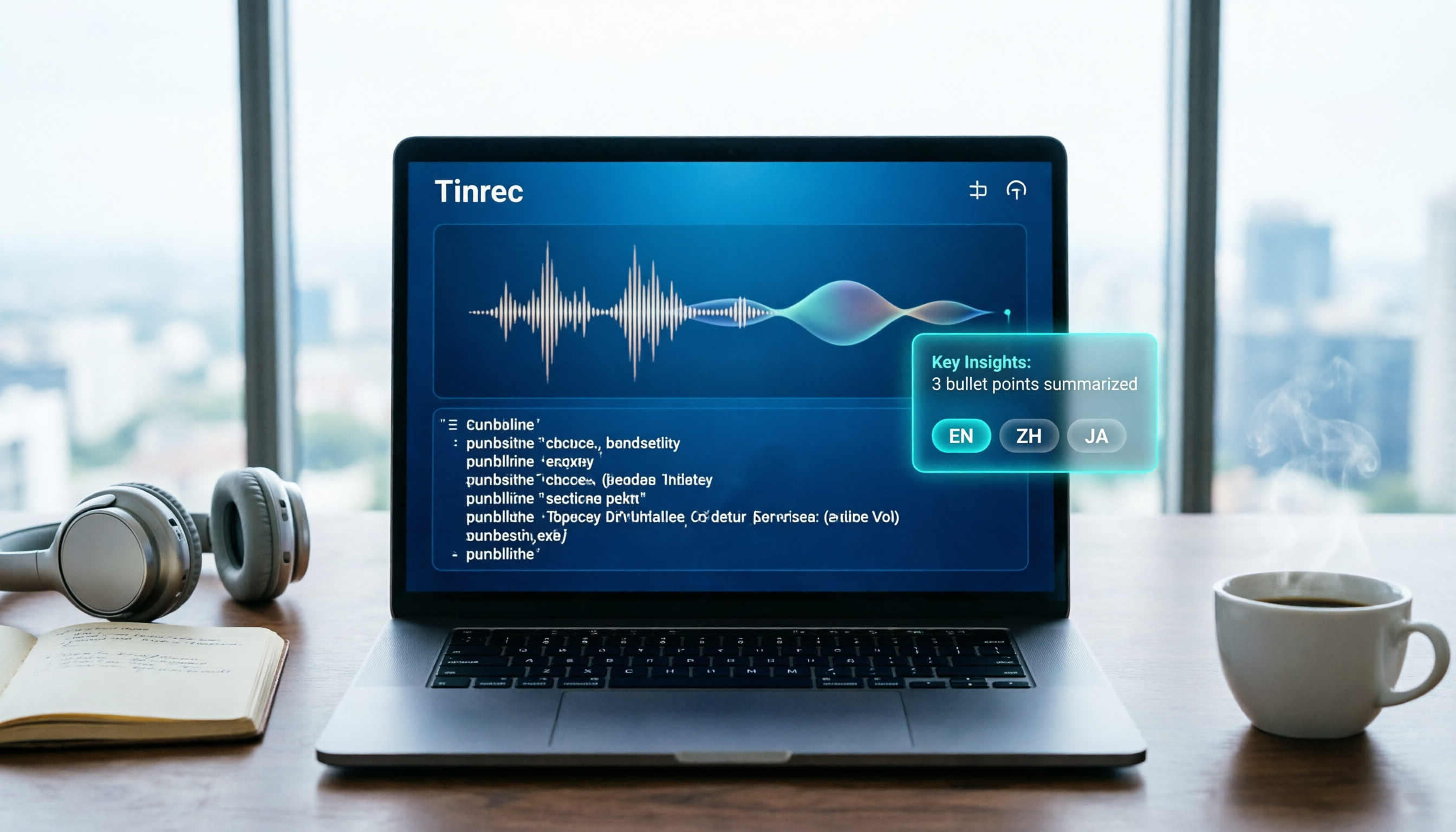
Notta 2026 Tutorial: Recording to Text + AI Summaries and Multilingual Support
This article teaches you how to use Notta for recording, uploading files, and AI summaries, covering real-time transcription, multilingual translation, meeting organization, and pricing plans, with recommendations for suitable users and purchasing advice.
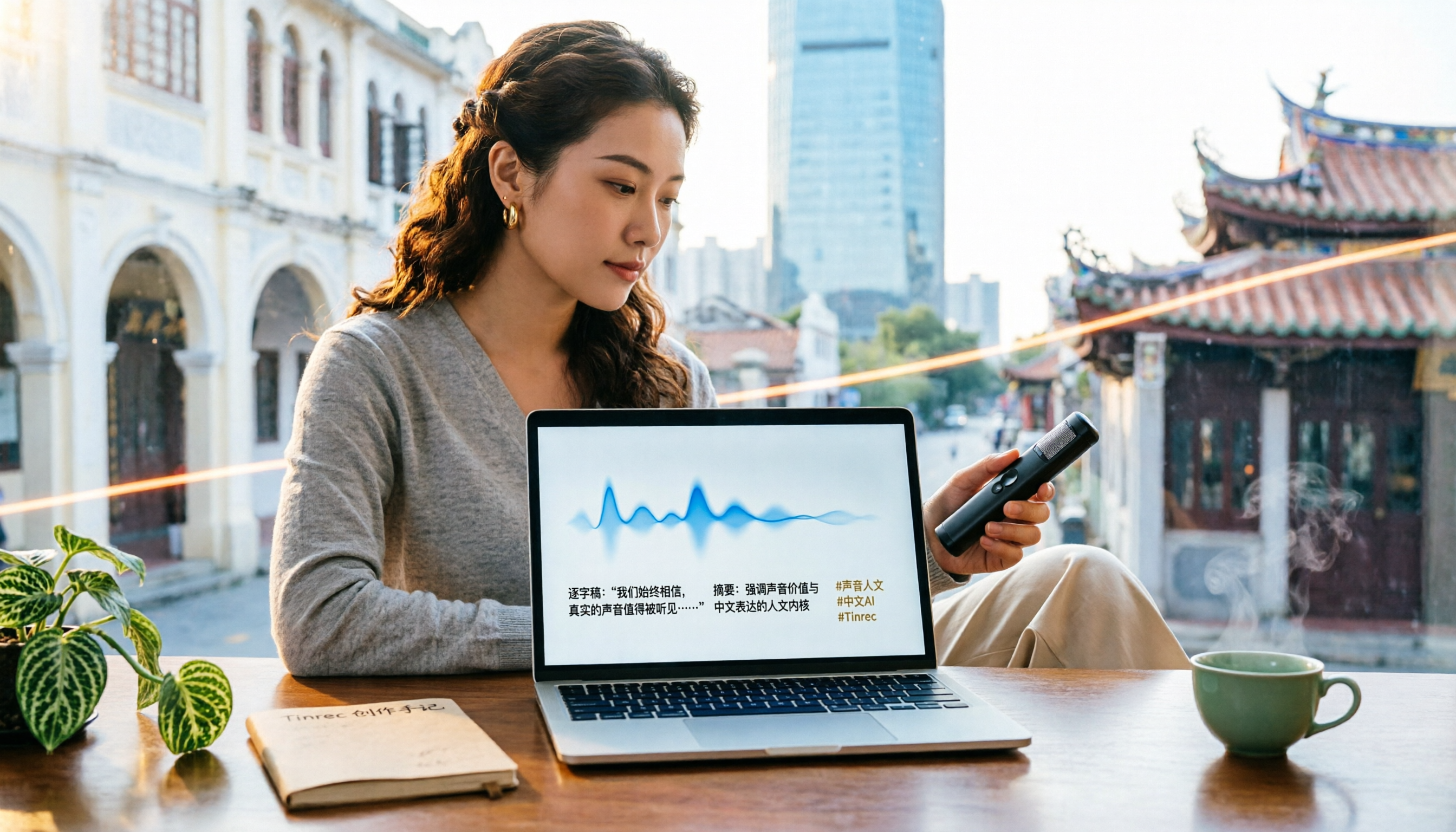
Which Country Is Notta in 2026? 5 Steps to Choose a Better AI Recording Tool
Notta was founded by a Chinese team, with headquarters in Singapore, R&D center in Shenzhen, and an office in Japan. This article provides 5 steps to help you choose Tinrec, an AI audio-video organization tool better suited for Chinese users.

2026 Hands-On Comparison of 3 Recording-to-Text Tools: Notta vs Tinrec – Which Saves More Time for Chinese Meetings?
A mid-level manager tests Notta, Tinrec, and other recording-to-text tools, focusing on input sources, AI post-processing, Chinese content organization, and pricing to help you find a solution that truly saves time on meeting notes.

How to Choose a Recording-to-Text Tool in 2026? Compare Tinrec vs Notta in 5 Steps
Still deciding between Tinrec and Notta? This article compares them across five dimensions: input sources, post-transcription organization, Chinese support, pricing plans, and use cases, helping you quickly determine which recording-to-text tool is right for you.
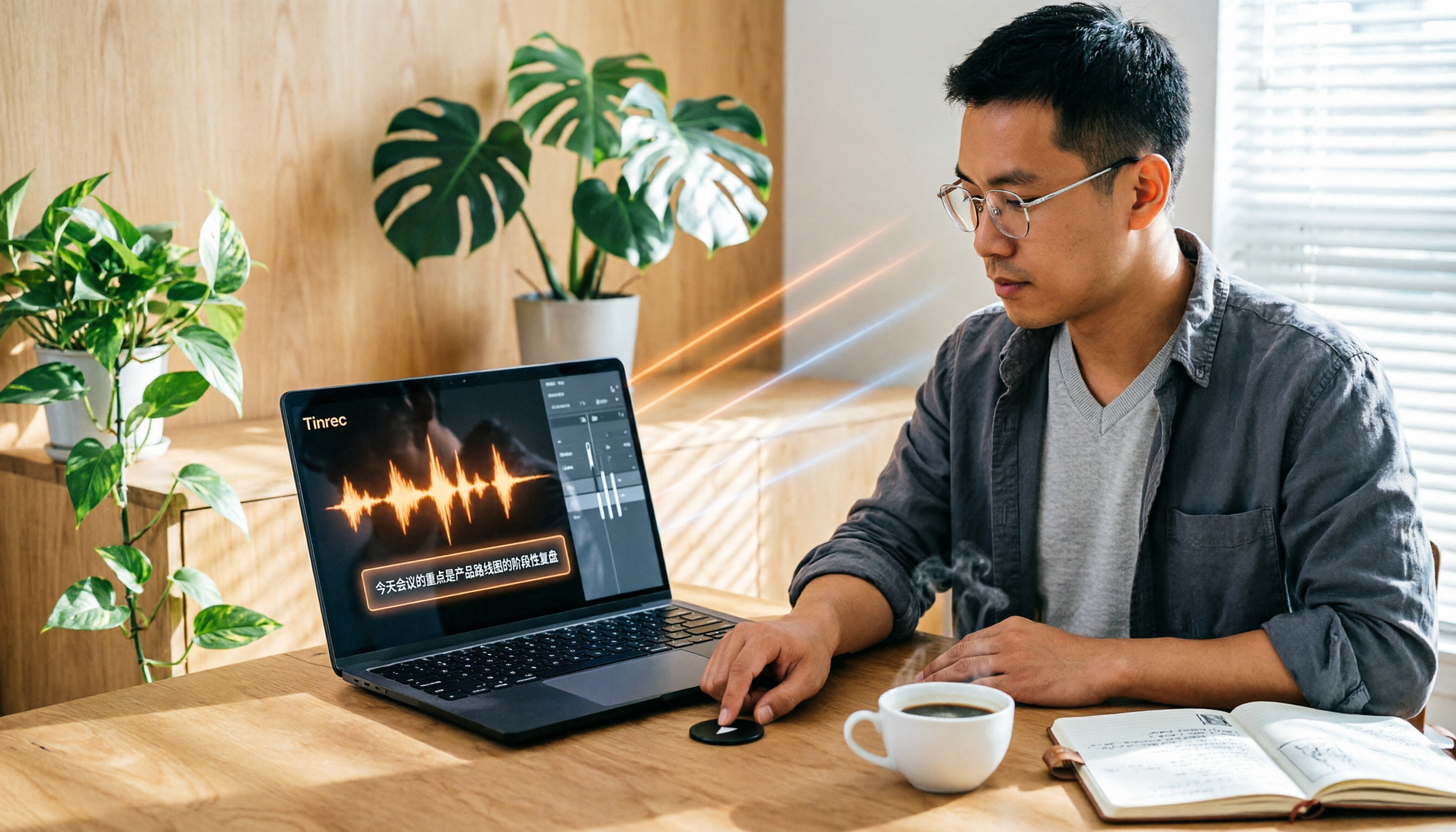
Tinrec vs Otter 2026: 5-Dimension Comparison for Chinese Audio/Video Transcription
Looking for a Notta tutorial? The differences between Tinrec and Otter are also crucial. This article compares 5 dimensions—input sources, post-processing, Chinese support, AI Q&A, and pricing flexibility—to help you decide which AI transcription tool suits Chinese users better.

2026 Review of 5 Audio-to-Text Tools: Which Is Best for Meetings, Courses, and Online Videos?
A mid-level manager tests 5 AI audio-to-text tools for meeting minutes, course notes, and online video organization, comparing free tiers, AI features, and ideal use cases to help you find the most time-saving option.