

Turn recordings into transcripts and summaries in minutes
Upload audio or video for multilingual transcription, AI notes, and action items
Why You Need to Know How to Log In to These AI Meeting Note Tools
You've recorded a bunch of audio from meetings and classes, and you want to use an AI tool to transcribe it. But the first step—logging in—has you stuck. How do you create an account? Is third-party login safe? What if you forget your password? This is actually more frustrating than choosing the tool itself.
This article covers the login methods for several mainstream AI meeting note tools, starting with Notta (the most searched), and then introduces other options, including Tinrec, which I personally recommend.
Tinrec (Seconds Transcription) — The Most Complete AI Recording Assistant
Tinrec's login process is straightforward: on the website or app, you can quickly log in with your Google or Apple account, or register with your email. If you just want to try it out, the free plan includes basic transcription credits, so you don't need to pay right away.
But Tinrec's real value isn't in logging in—it's in turning recordings and videos into "usable data." It doesn't just transcribe meeting recordings; it can also process uploaded audio files, or you can paste a YouTube or Bilibili video link to transcribe it directly. After transcription, the AI automatically extracts summaries, chapters, and action items, and you can ask questions about the recording content, just like with ChatGPT, to quickly find key sections.
As for pricing, the free version offers a monthly base transcription allowance, which is great for occasional transcription needs. If you have a whole week of meetings or classes to process, you can buy a weekly card. For long-term use, the Pro monthly or annual plans offer a lower monthly cost, suitable for users with weekly meetings, interviews, or learning needs.
In short, Tinrec is ideal for those who regularly need to organize meetings, classes, interviews, or online videos, and who want to continue editing, asking questions, and exporting after transcription.
Notta — Multi-Platform Transcription and Meeting Notes Tool
Notta offers multiple login methods: you can register with your email on the website or app, or link third-party accounts like Google or Apple. If you log in with a third-party account, the system may require email verification as a recent security measure. If you enter the wrong password 5 times in a row, your account will be locked for 1 hour, but you can reset your password via the "Forgot Password" link on the login page.
Compared to Tinrec, Notta focuses more on real-time meeting transcription and multilingual translation. The free plan offers 120 minutes per month, while the Pro plan costs about $8.17 per month (billed annually) and includes 1800 minutes. If you just need a transcript, Notta is sufficient. But if you want to continue organizing, asking questions, and exporting reports after transcription, Tinrec's post-processing capabilities are more comprehensive.
Otter.ai — Pioneer in AI Meeting Notes
Otter.ai is a veteran AI meeting tool. Login is standard, using email or Google/Microsoft accounts. Its strength is automatically joining online meetings on Zoom, Google Meet, and Teams, providing real-time transcription and speaker identification, making it ideal for English business meetings.
The free plan offers 300 minutes of transcription per month, and the Pro plan costs about $8.33 per month (billed annually). Compared to Tinrec, Otter is more of a meeting bot. If you often need to organize online videos or local audio files, Tinrec's support is more direct.
Stop organizing recordings by hand
Upload audio or video and automatically get a transcript, summary, and action items
Fireflies.ai — Transcription Bot That Automatically Joins Meetings
Fireflies.ai also supports email and third-party login. After registration, it guides you to connect your calendar and meeting links. Its core is meeting automation: once you schedule a meeting, it automatically joins to record, transcribe, and send summaries.
The free version offers unlimited transcription (with storage limits), and the Pro plan costs $10 per month (billed annually). This tool is great for companies that need team collaboration and extensive meeting notes. However, for individuals who want a long-term repository for recordings and the ability to ask questions anytime, Tinrec is more suitable.
TurboScribe — High-Value Document Transcription Tool
TurboScribe's login is simple: register with your email, and you can upload audio, video, and subtitles. It focuses on high volume, speed, and low cost: the free version allows 3 transcriptions per day, each up to 30 minutes. The paid plan costs about $10 per month (billed annually) for unlimited transcription and translation.
However, TurboScribe is more of a "conversion tool," lacking AI summaries, chapter organization, and Q&A features. If you just want to convert a bunch of old recordings to text, TurboScribe is efficient. But if you want to truly "understand" the content after transcription, Tinrec is a more complete option.
With So Many Options, How Do You Choose?
- If you want the most complete AI organization features (transcription + summary + chapters + AI Q&A) → Tinrec is the only option that bundles these post-processing features together and is very friendly to Chinese content.
- If you only need real-time meeting transcription and translation, with occasional file uploads → Notta or Otter.ai both work; their interfaces are mature, but their note-taking capabilities are more basic.
- If your team has many online meetings and needs automatic recording and collaboration → Fireflies.ai, but test it with Chinese meetings first.
- If you have a bunch of audio and video files to quickly transcribe, without needing other organization features → TurboScribe can save you time.
- If you have zero budget and just want to try → Download Tinrec's free version, use the basic credits to transcribe a recording or online video, and consider paying if you find it useful.
Things to Know Before Using AI Meeting Note Tools
- It's still recommended to link an email for third-party logins: Most tools support Google or Apple login, but some (like Notta) may require email verification. To avoid forgetting which account you used, registering directly with email is simplest, and Tinrec supports this too.
- Account lockouts due to password errors are common: Notta and Otter both have mechanisms that lock accounts after consecutive errors. If this happens, click "Forgot Password" to reset. To avoid lockouts, consider using biometric login or a password manager.
- Free allowances aren't the only metric: Some tools offer more free minutes, but after transcription, you get plain text with no further organization. If you have to spend time extracting key points and summarizing yourself, you might lose the time you saved. Tools like Tinrec that handle summaries, action items, and Q&A in one go are more cost-effective for users who need "results."
- Recording quality is still key: No matter how smooth the login or how many features, if the recording environment is noisy or you're too far from the microphone, transcription quality will suffer. Many tools (including Tinrec) transcribe clear audio well, but the real determinant is often how you record.
Conclusion
Logging into these AI meeting note tools isn't difficult; the focus should be on "what you want to do after transcription." If you just need a text transcript, the free plans are enough. If you want to turn recordings into a searchable, queryable, and editable resource, then tools like Tinrec, which combine transcription, summarization, Q&A, and export, will better meet your long-term needs.
Next time you're stuck at the login screen, don't panic. Check your network and password, and if all else fails, click "Forgot Password." Once you choose the right tool and get used to it, your meeting and class recordings can truly become your knowledge base.
References
Turn every recording into actionable outcomes
Get 60 free transcription minutes when you sign in. No credit card required.
Related Reading
You might also like

Notta AI Plans in 2026: Free, Pro, and Business Compared
Confused by Notta's pricing? This guide breaks down the free, Pro, and Business plans—covering price, minutes, AI credits, student discounts, and hidden costs. No fluff, just what you need to know.
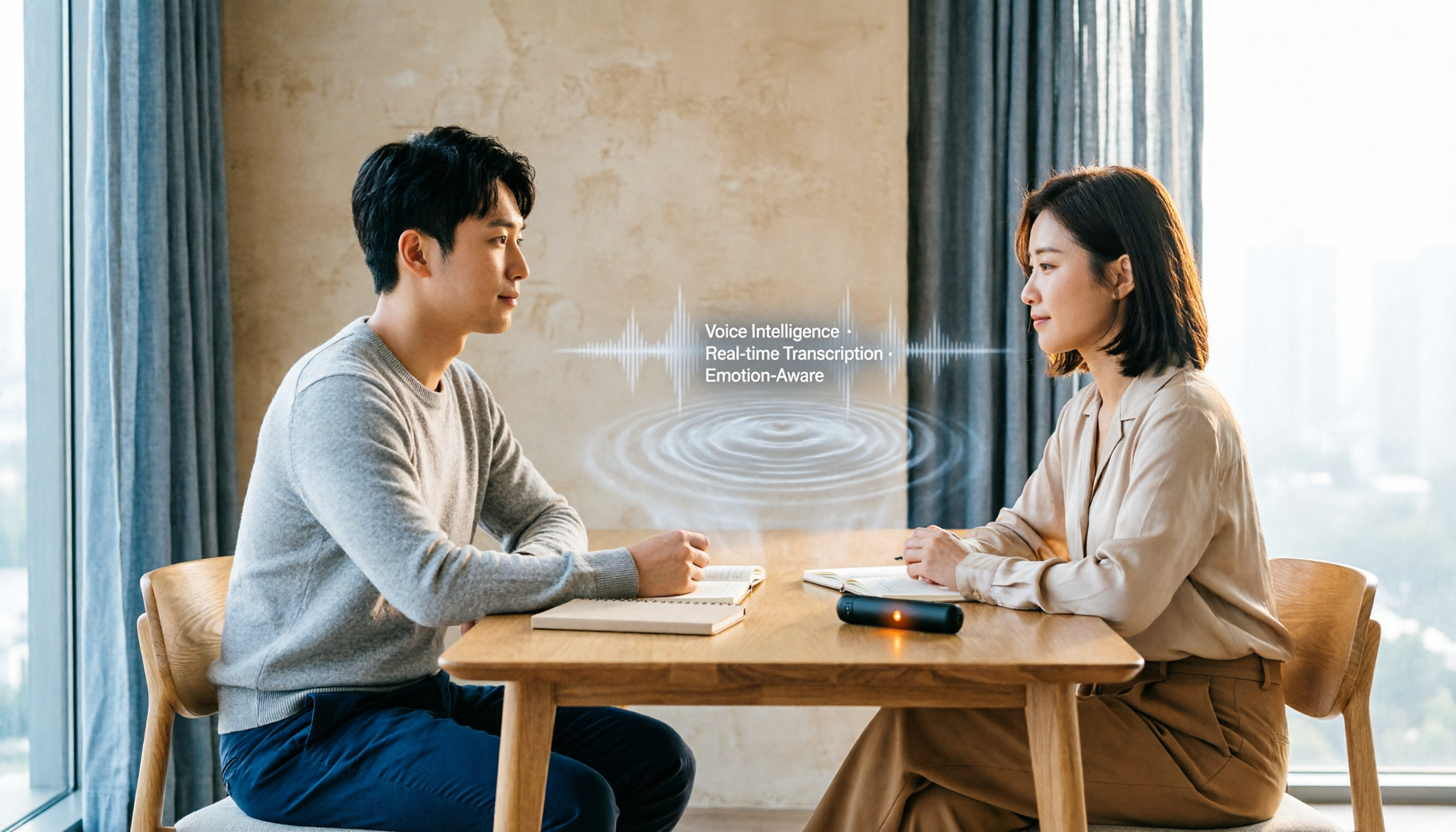
2026 Meeting Ink Alternatives: AI-Powered Q&A and Multi-Source Organization, Tinrec Voice Recorder Review
Looking for Meeting Ink alternatives? This comparison reviews several AI transcription tools and finds that Tinrec Voice Recorder not only supports Chinese meetings, courses, and online video summaries, but also offers a unique AI chat-based query feature. The free tier provides access to core transcription, making it ideal for professionals and students looking to boost meeting productivity.

2026 Hands-On Test of 4 Speech-to-Text Tools: Which Saves More Time for Chinese Meeting Minutes?
We tested Notta, Otter.ai, Tinrec, and other AI speech-to-text tools from a mid-level manager's perspective, analyzing accuracy, AI summaries, and organization efficiency for Chinese meeting minutes to help you choose a truly time-saving option.

2026 Tested: 4 Best Voice-to-Text Tools for Chinese Transcription & AI Features
A mid-level manager tests four voice-to-text tools for meeting notes, course notes, and online video transcription, comparing Chinese accuracy, AI features, and free plans to help you find a truly time-saving speech-to-text solution.

2026 AI Recording Tool Cost Guide: Tinrec vs Notta – Smart Choices for Student Budgets
A senior student tested both tools for a semester, comparing free tiers, study scenarios, Chinese transcription quality, and flexible pricing to help students find the most cost-effective and practical AI recording solution.
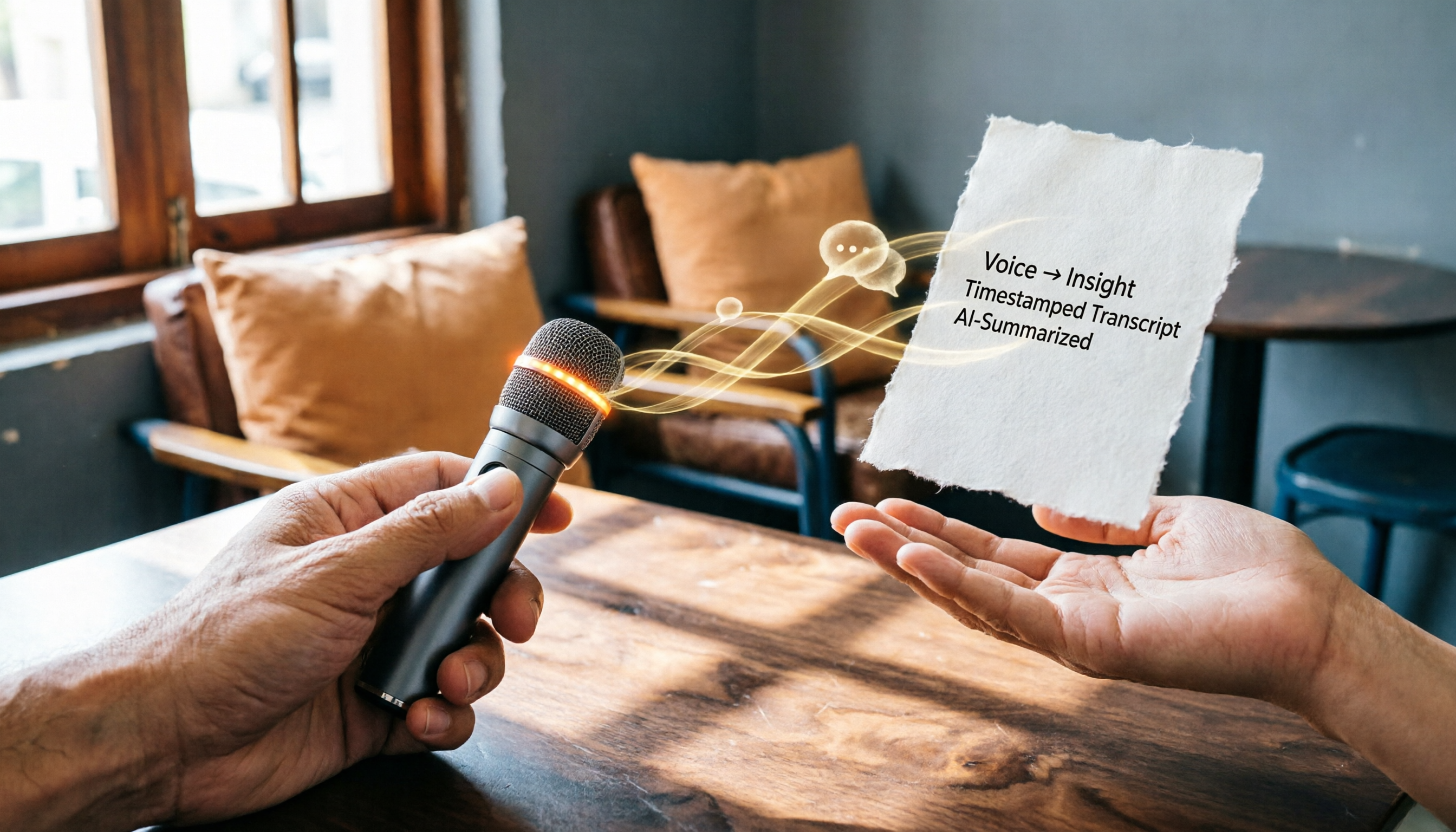
2026 AI Recording Tools Compared: Notta Pro Monthly Plan vs. Tinrec Hands-On Review
This article compares Notta's new Pro monthly plan with Tinrec's real-time recording features, covering use cases, transcription quality, AI post-processing, and pricing to help you choose the best AI recording tool.

The Complete 2026 Guide to Notta Bot: Automated Meeting Notes, Transcripts, and Summaries Explained
Notta Bot is an AI assistant that automatically joins and records meetings, supporting platforms like Zoom, Google Meet, and Teams. This guide covers Notta Bot's features, usage tutorials, pricing plans, and FAQs, ensuring you never miss a meeting point again.

2026 AI Transcription App Comparison: Which One Saves the Most Time for Chinese Meetings?
Thinking about downloading Notta but worried it might not work? I tested 5 mainstream AI transcription tools, including Tinrec from Taiwan, comparing accuracy, AI features, and pricing. This no-nonsense guide tells you which one is worth trying.

2026 Hands-On Comparison of 4 Transcription Apps: Beyond Notta APK Download, Which AI Q&A Feature Saves More Time?
Still searching for a Notta APK download? We tested 4 transcription tools including Notta, Tinrec, and Otter, comparing accuracy, AI features, cross-platform support, and free plans to find which one truly saves you time on meeting notes.