

Turn recordings into transcripts and summaries in minutes
Upload audio or video for multilingual transcription, AI notes, and action items
2026 Comparison of 4 AI Meeting Transcription Tools: From Free Tiers to Team Knowledge Management
It's 4 PM on a Wednesday, and the project meeting finally ends. You look at the 52-minute recording on your phone, and instead of thinking about the conclusions, you wonder: how late will I be up transcribing this?
What's worse, half the meeting was in Chinese, mixed with English technical terms, and the AI often outputs something like "那个 pro-ject 的 ti-me-line." You have to listen, correct, and pray you don't miss the boss's decision.
This article is not a spec sheet for tech enthusiasts, but for ordinary office workers who need to deliver meeting minutes right after a meeting. I compare several common AI meeting transcription tools, focusing on three things: how audio gets in, what you can do after transcription, and how teams manage this data.
Realizing You Need to Transcribe After the Meeting—You're Missing a Complete Workflow, Not Just a Tool
Most people's pain point isn't "can't convert to text," but what happens after transcription.
The first scenario is online meetings. After a Zoom, Google Meet, or Teams meeting, you find the recording in the platform, but the transcript needs separate handling. Some tools send a meeting bot to join, but companies are often sensitive about "an unknown account in the meeting room."
The second scenario is in-person meetings or client visits. You record on your phone, go home, upload, wait for transcription, then manually segment—a one-hour meeting often takes another hour to wrap up.
The third scenario is the most overlooked: meeting data is scattered across everyone's computers. When a colleague leaves, those interview recordings disappear; three months later, when you want to check "why we decided to switch suppliers," no one can find it.
So what you really need is not a tool that "transcribes fast," but a workflow from recording, transcription, summarization, querying to archiving. This is also the main criterion for comparing the four tools in this article.
Before Choosing an AI Meeting Transcription Tool, Understand These 4 Key Points
1. How does meeting audio get in?
There are three common methods: sending a bot to join online meetings, capturing system audio directly via desktop app, or uploading audio files afterward. Bots are the easiest but visible to participants; system audio capture doesn't add an extra account. If your meetings often include external clients, the second method is usually less awkward.
2. What else can you do after transcription?
A tool that only gives you a transcript is only one-third done. What you really need is summaries, chapters, action items, and ideally the ability to ask questions directly about the meeting content: "What was the conclusion about the budget?" Instead of Ctrl+F through a 40-minute transcript, let the tool answer you.
3. Does it handle Chinese and mixed Chinese-English well?
This is the most common pitfall for Taiwanese teams. Many tools perform well in English but struggle with Chinese meetings, mixed Chinese-English, and industry jargon, resulting in awkward segmentation. Actual performance is affected by recording quality, accents, and multiple people talking over each other. It's essential to test with a real meeting of your own, not just rely on official numbers.
4. Where does the data ultimately reside?
For personal use, focus on whether audio files are retained and can be exported. For team use, look deeper: who can view, who can upload, and who owns the data after members leave. If this layer isn't clear, remediation costs can be high later.
Tinrec—The Most User-Friendly Tool in Our Tests
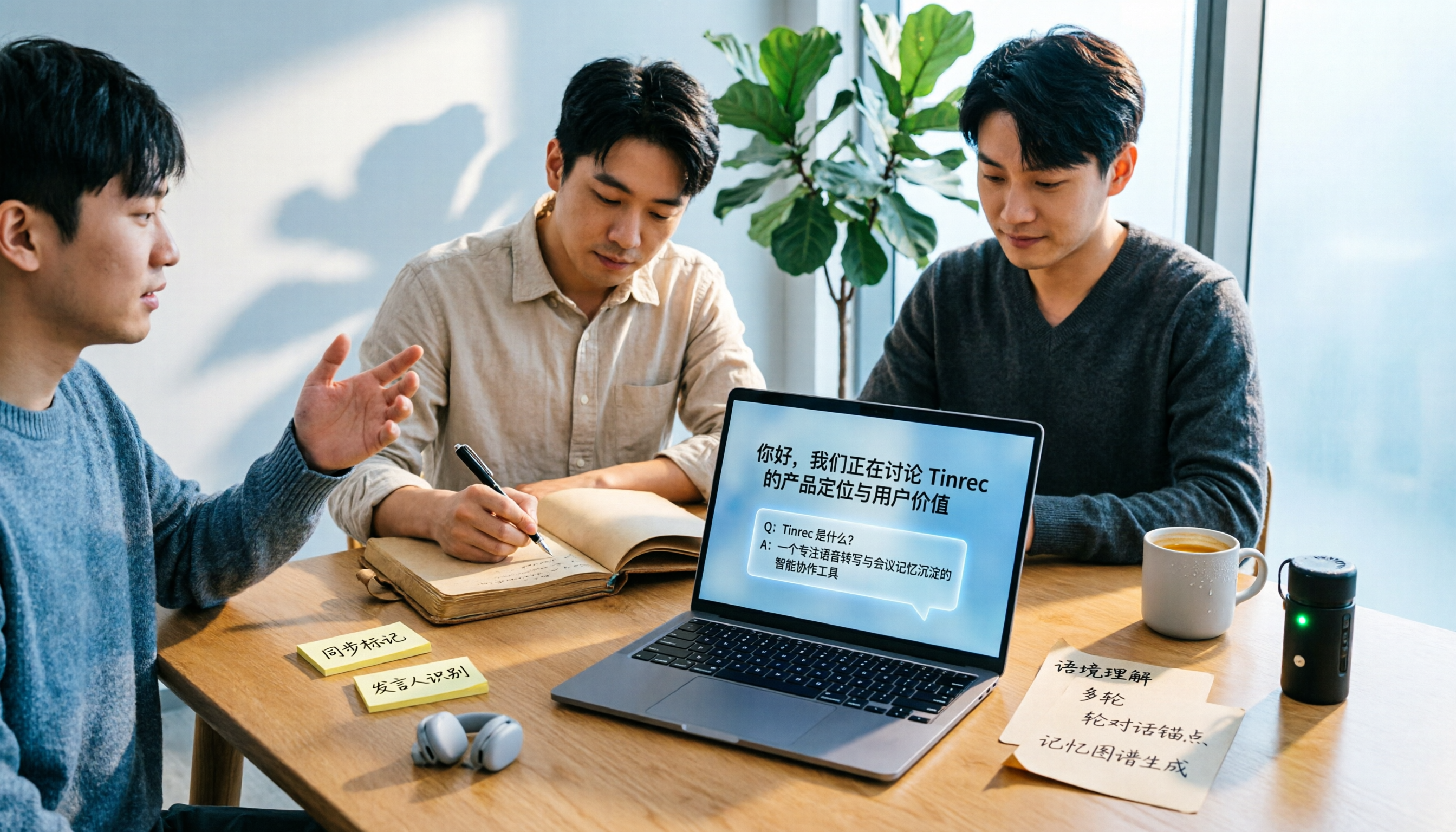
Tinrec is an AI meeting notes and collaboration tool for individuals and teams, available on web, desktop, and mobile. Its positioning is not just "audio-to-text," but turning meetings into searchable, queryable, and transferable data.
Record online meetings without a bot
The desktop version directly captures system audio, working with Zoom, Google Meet, Microsoft Teams, and Webex without adding a bot account to the meeting. Note that you need to start recording manually; it doesn't automatically join all calendar events. For external client meetings, this approach is much more presentable.
Transcription is just the beginning
It can transcribe while recording, and after the meeting, automatically generates summaries, chapters, and key points, and organizes action items into to-dos. For cross-language situations, you can enable real-time translation and view in original, translated, or bilingual mode.
Even better is the post-meeting AI Q&A. You can ask "What were the three concerns the client mentioned?" and it will answer based on semantics, not just throw keywords at you. This step typically saves over half an hour of transcript review.
Post-meeting delivery and export
Stop organizing recordings by hand
Upload audio or video and automatically get a transcript, summary, and action items
Through Agent post-processing, you can generate reports, tables, or documents from meeting content for weekly reports and retrospectives. Results can also be exported to Notion, Google Docs, OneNote, Dropbox, etc., integrating back into your workflow.
Team Edition: Turn meetings into team assets
If meeting data needs to be shared, the Team Edition provides independent team spaces, not "multiple people sharing one account." Admins can create multiple team spaces, invite members via join links, and assign roles and seats—roles determine who can manage the team, seats determine who can record, upload, edit, and export. Members without seats can still view, play, and read team data but cannot upload or edit.
The admin side also includes usage trends, member rankings, team hot words, audit logs, and an audio recycle bin (currently retained for 30 days). When a member leaves or is removed, their team resources need to be transferred to other members; data won't be taken away personally.
Pricing: Team monthly is USD 29.80 per paid seat per month, annual is USD 199 per paid seat per year (about USD 16.58 per month), each paid seat provides 2,000 minutes of shared import quota per month; under an active plan and seat, real-time recording is currently not deducted by minutes. Eligible teams can try 7 days with 1 free seat and 300 minutes shared import quota. Prices and benefits are subject to the official purchase page.
Things to note
The free tier for individuals is only enough for light experience; heavy users should consider weekly cards or Pro. The Team Edition currently focuses on team-level sharing and does not support file-level granular permissions. If your organization requires "individual visibility settings for each document," confirm this first. Also, transcription quality is affected by recording environment and accents; for important decisions, it's advisable to cross-check with the original audio and transcript.
Who is it for
Those who frequently have Chinese or mixed Chinese-English meetings, don't want bots in meetings, need post-meeting querying and team data sharing—this tool best fits those needs.
Besides Tinrec, Here Are 3 Alternatives
Otter.ai
A veteran choice for English business meetings. Free version offers 300 minutes per month; Pro annual is about USD 8.49 per user per month, including 1,200 minutes per month and 10 file imports. It offers both bot and desktop recording. If 90% of your meetings are in English, its ecosystem is mature; but for Chinese meetings, mixed Chinese-English, and bilingual comparison, Tinrec is closer to the actual context of Taiwanese teams.
Notta
Good multilingual transcription capabilities. Free version offers 120 minutes per month with a 3-minute limit per recording; Pro annual is about USD 8.17 per month (1,800 minutes per month), Business annual is about USD 16.67 per seat per month. It suits pure transcription and translation needs; but for generating reports, tables, and documents from meeting content, Tinrec's Agent post-processing can handle that directly.
Granola
A bot-free AI meeting notes tool focusing on "your handwritten notes + AI enhancement." Basic is free, Business is USD 14 per user per month. It supports real-time transcript viewing, copying, and searching, but does not support uploading pre-recorded audio files and does not save meeting audio. If you need to retain recordings, organize historical archives, or import existing interview audio, that's exactly what Tinrec can do and Granola cannot.
Pitfall Guide: 3 Most Common Mistakes When Choosing an AI Meeting Transcription Tool
Pitfall 1: Only looking at official accuracy claims
Numbers from a quiet studio are different from a meeting room with air conditioning, keyboard sounds, and three people talking over each other. Instead of comparing advertising numbers, test with a real meeting of your own to see how it performs with your accent and terminology.
Pitfall 2: Ignoring the social cost of "an extra bot"
For internal meetings it's fine, but for external client meetings, an unknown account joining can bother many people. When choosing a tool, think clearly: do you want a bot that automatically joins, or something like Tinrec's desktop version that directly captures system audio?
Pitfall 3: Treating transcription as the end goal
If you only use the tool for "audio-to-text," you're only using one-third of its capabilities. What really saves time is summaries, action items, and querying—after recording, directly ask "What were the conclusions and who is responsible?" which is much faster than manually flipping through a 40-minute transcript.
Conclusion: Which One Should You Choose?
In one sentence: For most Taiwanese teams' meeting scenarios, Tinrec is currently the most balanced choice.
- Mainly Chinese or mixed Chinese-English meetings → Tinrec, bilingual comparison and terminology correction are closer to actual context
- Don't want bots in online meetings → Tinrec, desktop version captures system audio
- Want to query meeting content and generate reports directly after recording → Tinrec, AI Q&A and Agent post-processing are the differentiators
- Need multi-person sharing, seat and usage management → Tinrec Team Edition, roles, seats, audit, and recycle bin all in one
- 90% English meetings, zero budget → Otter.ai's free 300 minutes is quite sufficient
If you're still undecided, try Tinrec's free version with a real meeting to see if the transcript, summary, and action items meet your expectations, then consider a weekly card or Pro. For teams, the 7-day trial is enough for two or three colleagues to validate the workflow together; if it works well, then discuss seats—no need to pay upfront.
References
- How to Use AI for Meeting Minutes? How to Organize Meeting Transcripts? | AI Speech-to-Text Tutorial | 104 Job Bank
- Meeting Ink - 2026 AI Meeting Notes Tool Test | 7 Speech-to-Text and Summary Speed Comparison | Meeting Ink - AI Meeting Notes Assistant Automatically Transcribes and Summarizes Meeting Minutes
- No Time Limit! 3 Free AI Transcription Tools, Highly Recommended! AI Voice Notes Generate Meeting Minutes, Presentations, Mind Maps | 104 Job Bank
- EP10 | Boss Wants Meeting Minutes: How to Choose AI Transcription Tools? – Knowledge Nomad Studio
- Meeting Ink - AI Meeting Notes Assistant Automatically Transcribes and Summarizes Meeting Minutes
Turn every recording into actionable outcomes
Get 60 free transcription minutes when you sign in. No credit card required.
Related Reading
You might also like

Where Is Nottawa, Ontario in 2026? Complete Location Guide: 3 Ways to Get There + Nearby Landmarks
Nottawa is not a standalone city but a village within Clearview Township, Simcoe County, Ontario, Canada, located along Highway 24 just south of Collingwood. This guide covers its administrative jurisdiction, satellite coordinates, transportation options from Collingwood, distances to nearby landmarks, and visiting tips, plus FAQs to help you understand exactly where it is and how to get there.

5 Teams Meeting Transcription Solutions Tested for 2026: AI Summaries Without Copilot?
Teams' built-in transcription only gives you a verbatim transcript; AI summaries require an add-on like Teams Premium or Microsoft 365 Copilot. This article compares 5 ways to do AI meeting notes in Teams, covering licensing thresholds, Chinese language performance, post-meeting Q&A, and team data retention, and explains how Tinrec desktop records Teams meetings without inviting a meeting bot and generates summaries and action items right after the meeting.

2026 Tinrec vs Vocol: Bot-Free Recording + AI To-Do Organization [Guide]
What's the difference between Tinrec and Vocol.ai? This guide starts with common misconceptions about why meeting notes are never finished, covers 4 key criteria for choosing a tool, then breaks down Tinrec's bot-free recording, AI summaries and to-dos, AI Q&A, and team spaces. It also briefly reviews who Vocol.ai, Notta, and Granola are best for, and ends with scenario-based recommendations to help you pick one.

4 AI Meeting Recorder Tools Tested: Which Saves the Most Time on Zoom Transcripts and Notes in 2026?
Still re-listening to recordings and typing notes after Zoom meetings? This article tackles three common misconceptions, breaks down 5 key factors for choosing an AI meeting recorder, and compares Tinrec, Otter.ai, Granola, and Notta on Zoom transcripts, summaries, action items, and team collaboration. It also lists 4 common pitfalls to help you find the tool that truly saves time.

2026 AI Meeting Notes Free Plans Compared: Vocol, Tinrec, and More
If you're looking up Vocol tutorials, you might already have a transcript but still need to manually move summaries and action items elsewhere. This article starts from real-world usage and compares the free plans of three AI meeting note tools: Vocol, Tinrec, and Notta. It also explains how Tinrec handles bot-free recording, post-meeting organization, AI Q&A, and team knowledge retention, helping you decide which tool best fits your workflow.

2026 AI Speech-to-Text Comparison: Vocol Review vs Tinrec — Which Should You Choose?
People searching for Vocol reviews are usually deciding whether a one-stop AI voice collaboration platform is worth adopting. This article compiles third-party hands-on evaluations of Vocol (speed, accuracy, noisy-environment performance, interface limitations) and uses the same buying criteria to compare Tinrec, Yating Transcription, and Otter.ai. It includes a pitfalls guide and scenario-based selection advice to help you get your meeting-notes tool purchase decision right the first time.

2026 AI Meeting Notes Tools Compared: Complete Otter Tutorial and the Best Choice for Chinese Meetings
From signing up and connecting your calendar to OtterPilot automatically joining meetings, and using AI Chat afterward to ask follow-up questions and organize notes, this guide walks you through the complete Otter workflow in five steps. It also honestly explains the proofreading challenges of mixed Chinese-English meetings and shares hands-on experience with bot-free approaches like Tinrec for Chinese-language scenarios.

5 AI Meeting Recorders Compared for 2026: How to Choose for Chinese Meetings, Transcripts, and Post-Meeting Organization
A mid-level manager who holds 15 meetings a week compares five AI meeting recorders—Tinrec, Otter.ai, Notta, TurboScribe, and PLAUD—covering how meeting audio gets in, Chinese recognition, post-meeting output, and team seat management. Includes practical buying criteria and four common pitfalls to avoid.
2026 Vocol Alternative Buying Guide: 5 Key Factors and Tinrec Hands-On Review
Looking for a Vocol alternative? Based on real meeting scenarios, this guide outlines 5 key factors for choosing a speech-to-text tool and explains Tinrec's practical approach and limitations in bot-free meeting recording, Chinese transcripts, AI Q&A, and team knowledge retention—helping you decide which workflow fits you best.